 Angles Of Dice
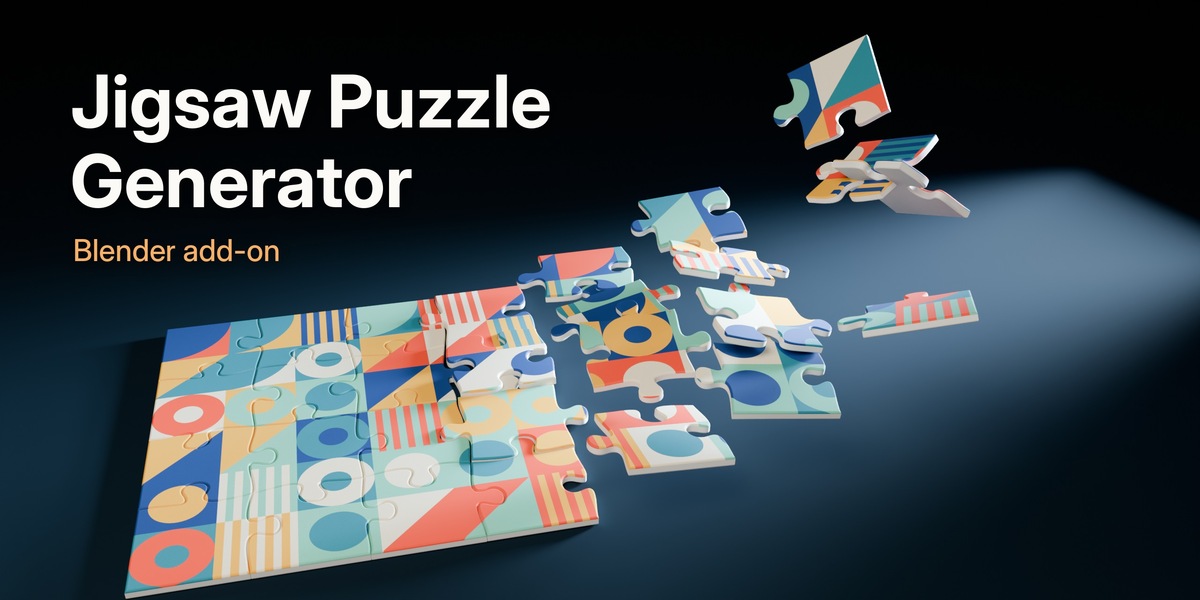
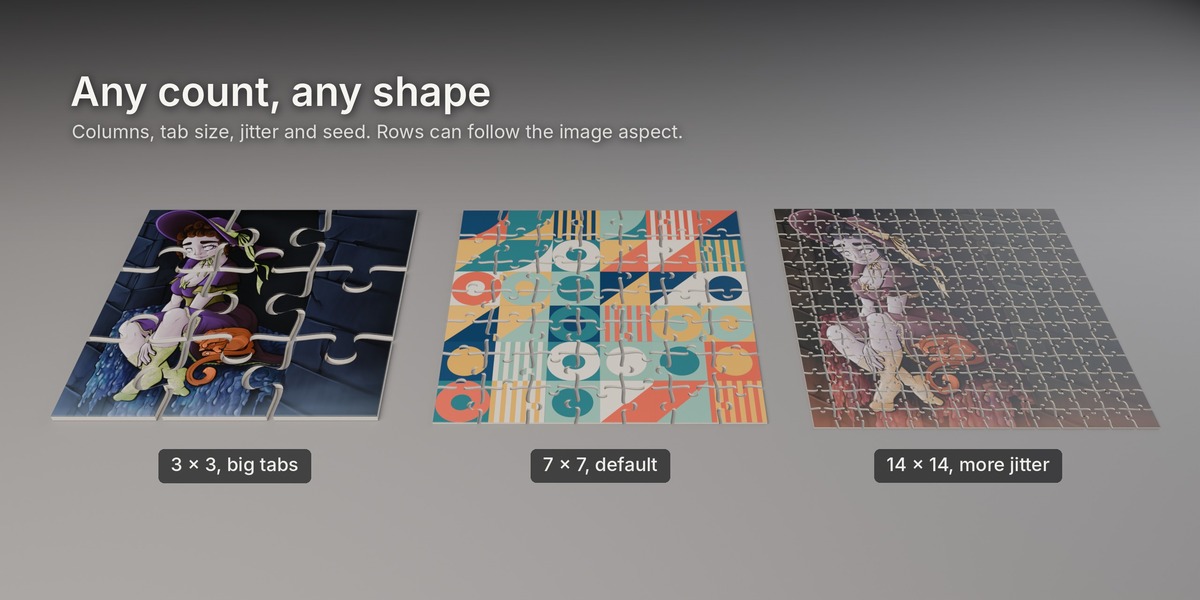
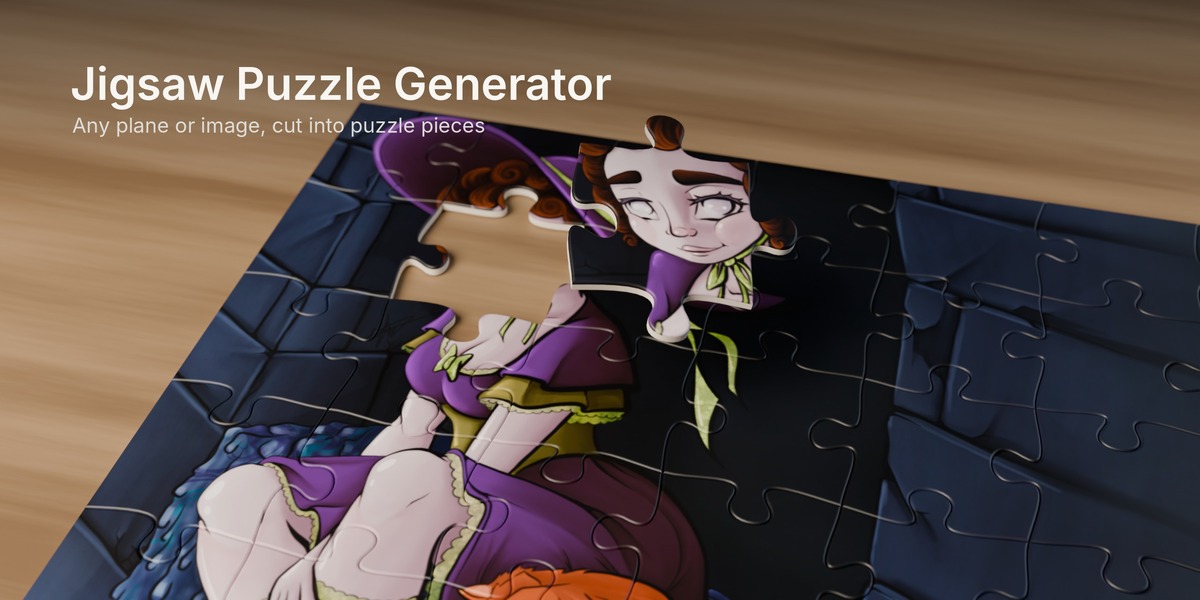
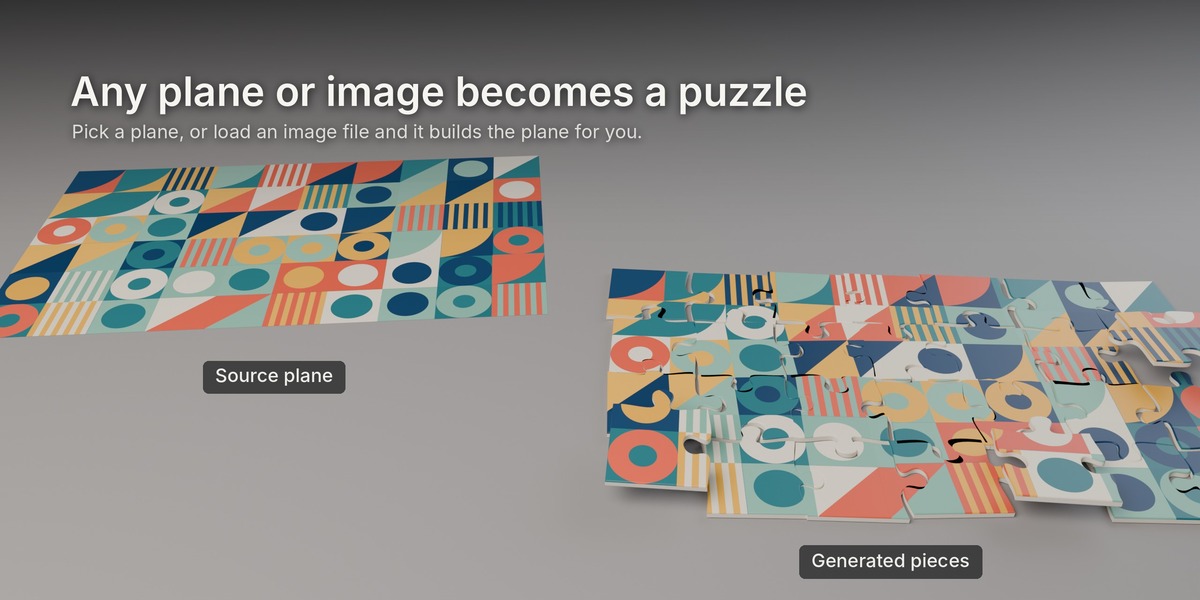
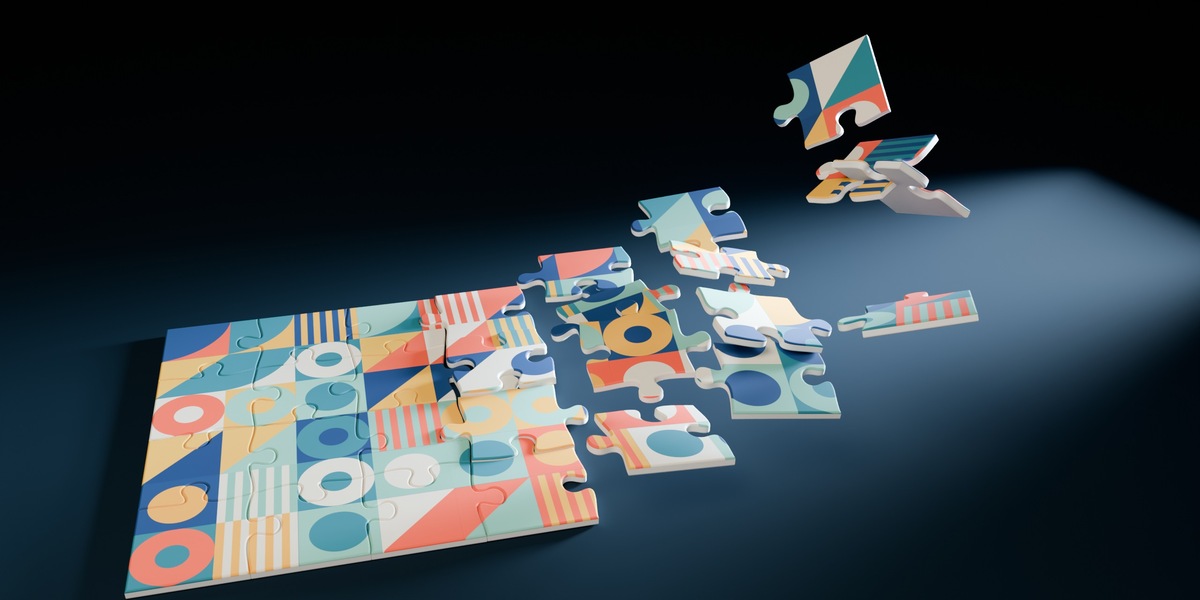
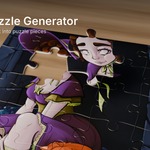
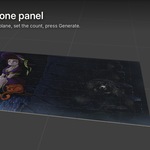
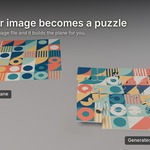
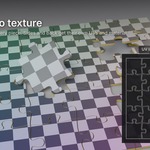
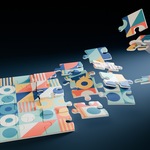
Pick a plane, press Generate, and it's cut into jigsaw puzzle pieces. Every piece is its own object with thickness, a rounded bevel and UVs, so it looks right in close-ups and holds up in a render.
We made it for our own renders and game work because we kept needing puzzles and kept building them by hand. Now it takes one click.
How it works
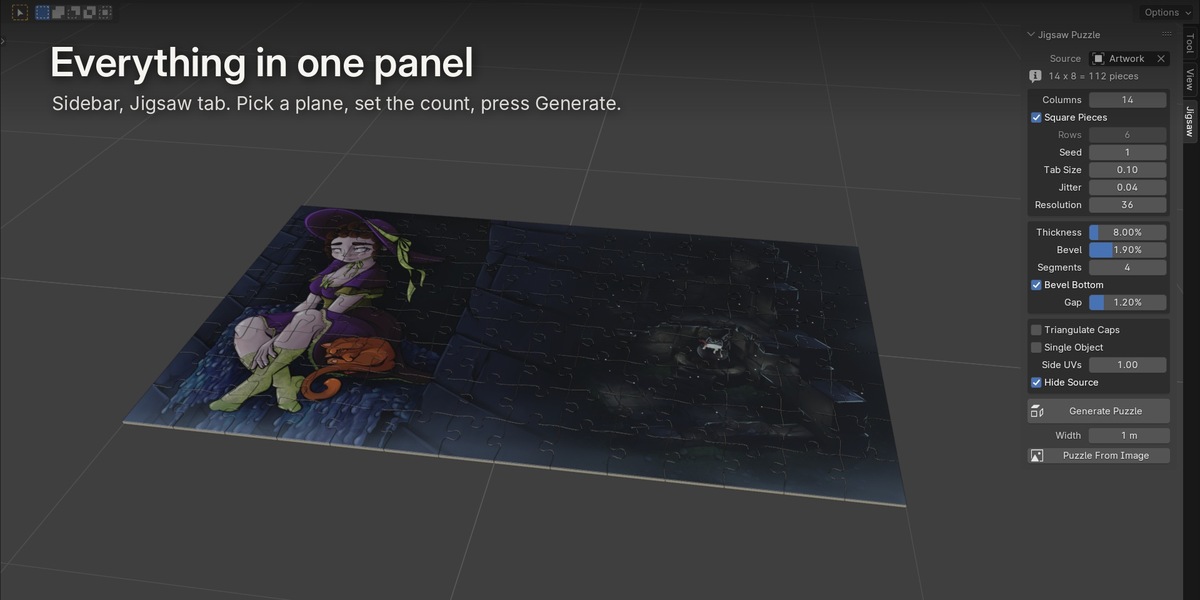
- Select a plane, or press Puzzle From Image and pick a file. It makes a plane with the right proportions and an image material for you.
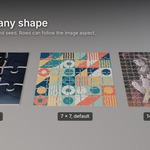
- Set the number of columns. Rows follow the image shape automatically, or you can set them yourself.
- Press Generate Puzzle. Changed your mind? Change a setting and press it again. The old pieces get replaced.
Everything is in the sidebar (N panel), under the Jigsaw tab.
What you get
- Proper jigsaw shapes. Classic tabs and sockets with a bit of random variation. Neighbouring pieces share the exact same edge, so they fit together.
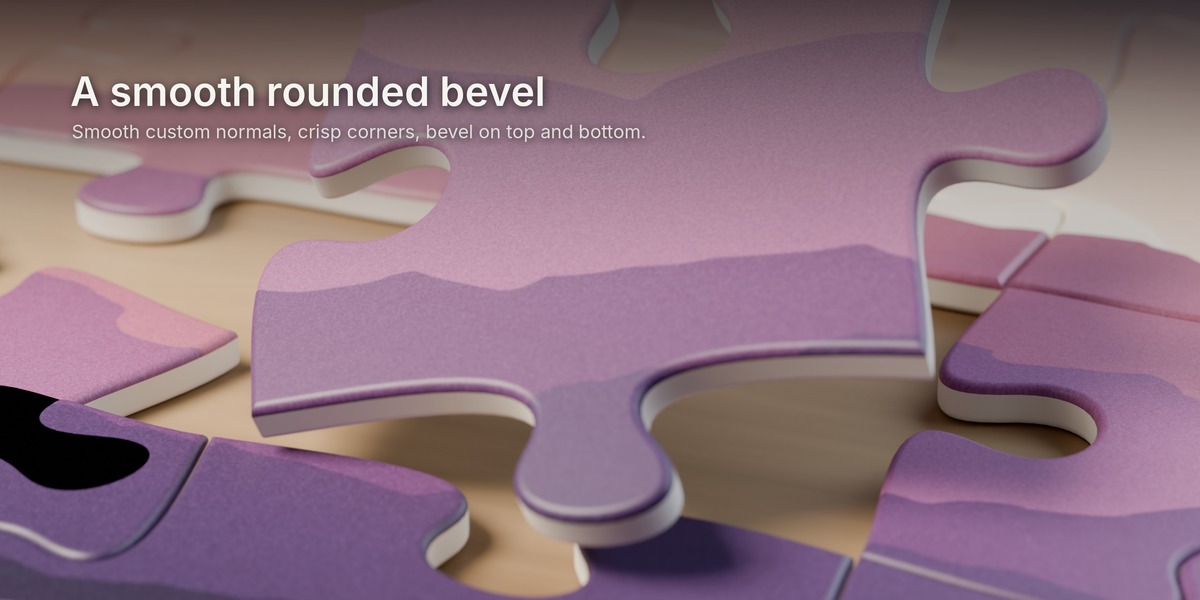
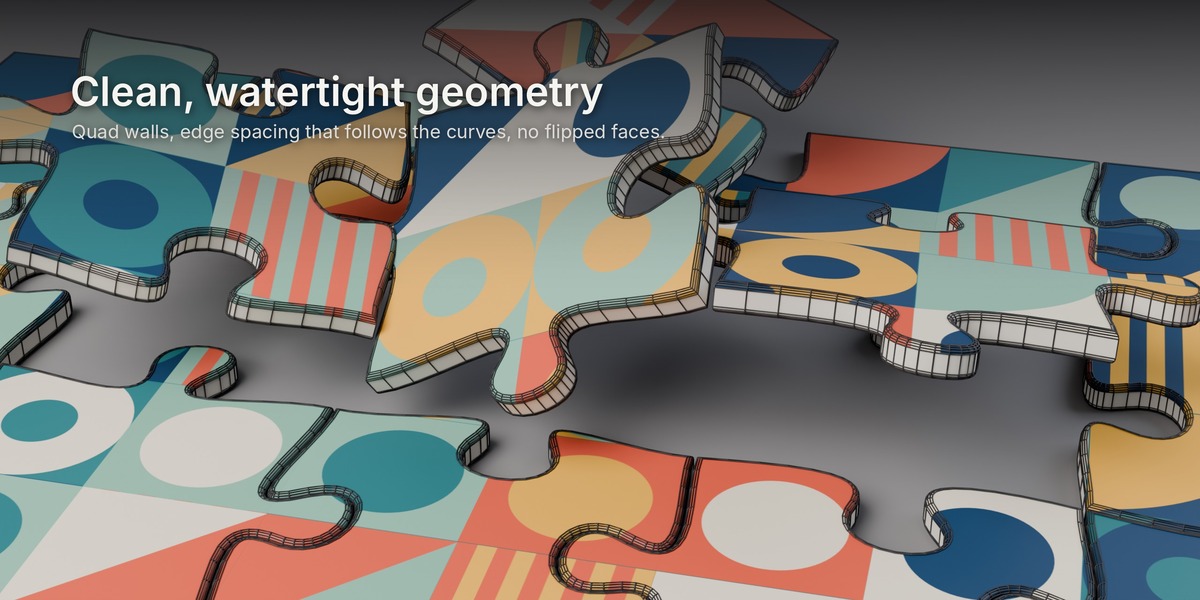
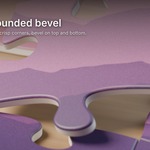
- Rounded bevels. A smooth rounded edge on the top and, if you want, on the bottom too. Bevel size and segments are adjustable.
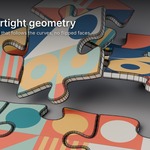
- Clean geometry. Quad walls and quad bevels, watertight pieces, no flipped faces. Edge points are packed tighter on the curves and spread out on the straight parts, so you get smooth tabs without wasting polygons.
- Proper shading. Custom normals keep the bevels smooth and the four corners sharp. No shading artifacts on the caps.
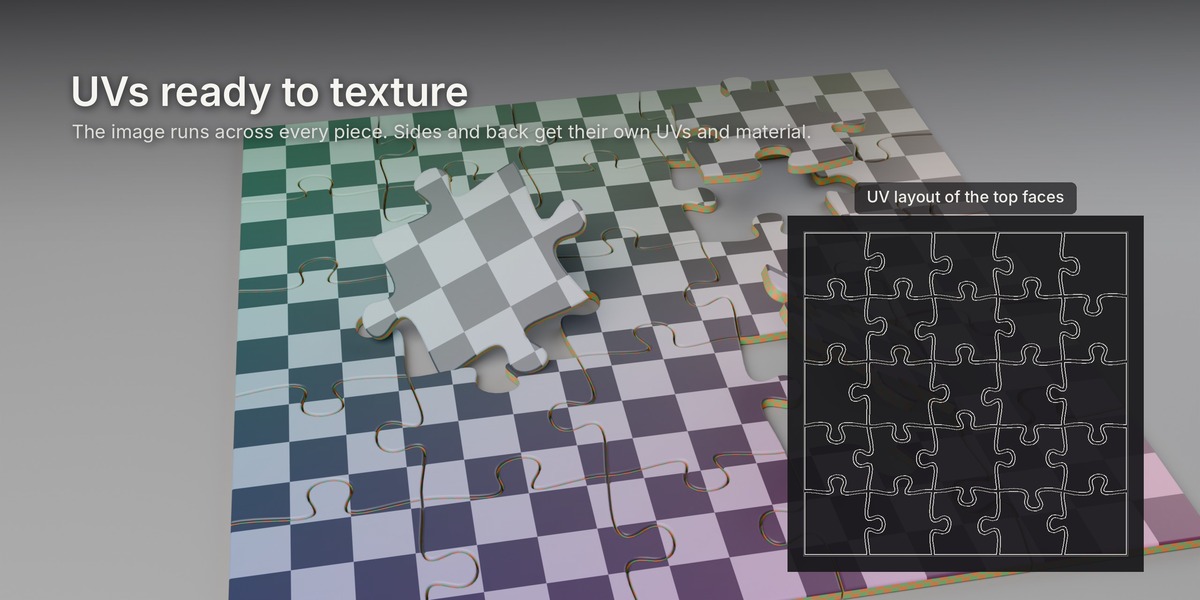
- UVs ready to use. The top and bevel use the image layout, so your picture runs across the whole puzzle. The sides get their own UV strip for a cardboard or wood texture.
- Three materials. Top (it reuses your plane's material), sides and back. Easy to swap.
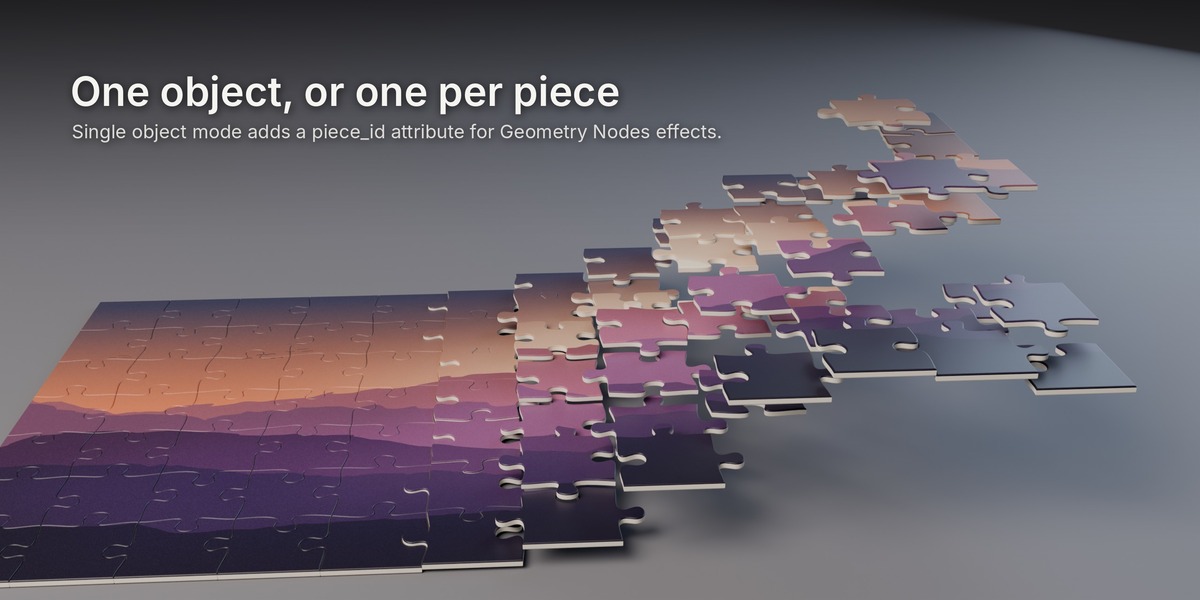
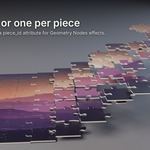
- Pieces you can animate. One object per piece, named by row and column, with the origin in the middle of the piece, all parented to one empty. Or switch on Single Object to get one mesh with a piece_id attribute for Geometry Nodes.
- Gap control. Add a little space between pieces for a cut look, or leave them tight.
Settings
Columns, rows, seed, tab size, jitter, edge resolution, thickness, bevel, bevel segments, bevel bottom, gap, triangulated caps, single object, side UV scale.
Size settings are a percentage of the piece size, so the defaults look right whether your plane is 10 cm or 10 m.
Good for
- Product shots and box art for puzzles
- Motion graphics: pieces flying in, assembling, falling apart
- Game props and puzzle mechanics
- Stylised renders and illustrations
Good to know
- Works with Blender 4.2 and newer. Install it as an extension (drag the zip into Blender, or Preferences > Get Extensions > Install from Disk).
- The source should be a flat plane. The puzzle is cut in the plane's local X and Y, and its rotation and scale are respected.
- Very tight tabs limit how big the bevel can get. If you push it too far, the add-on scales the bevel back and tells you, rather than making broken geometry.
- It makes the pieces. Physics and animation are up to you.
Questions or ideas for the next update? Message us here on Superhive.
