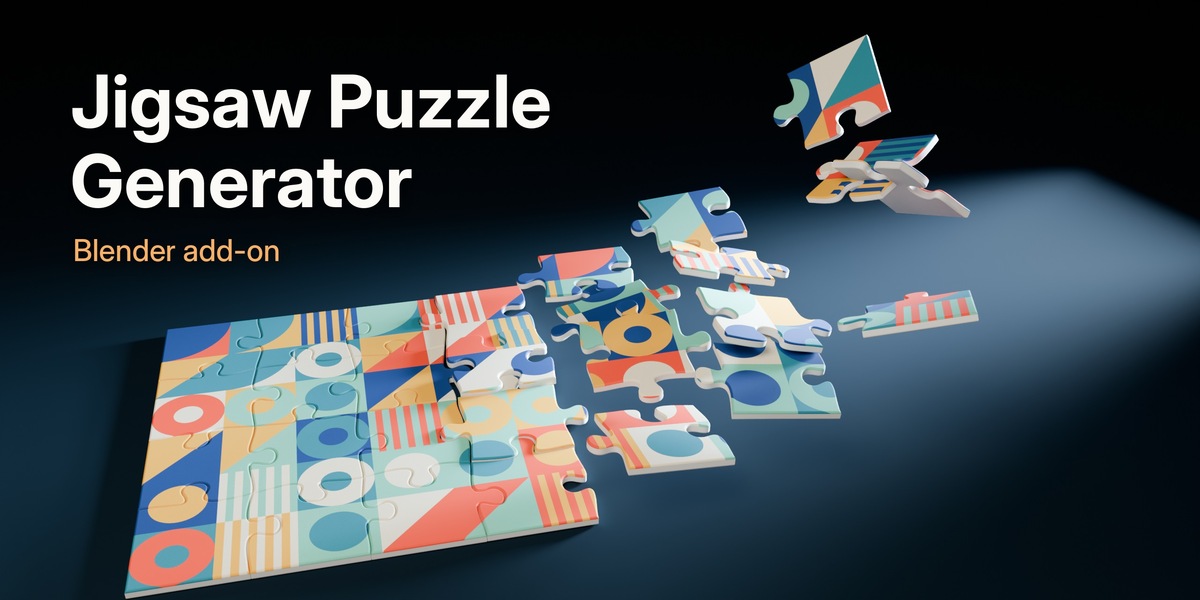
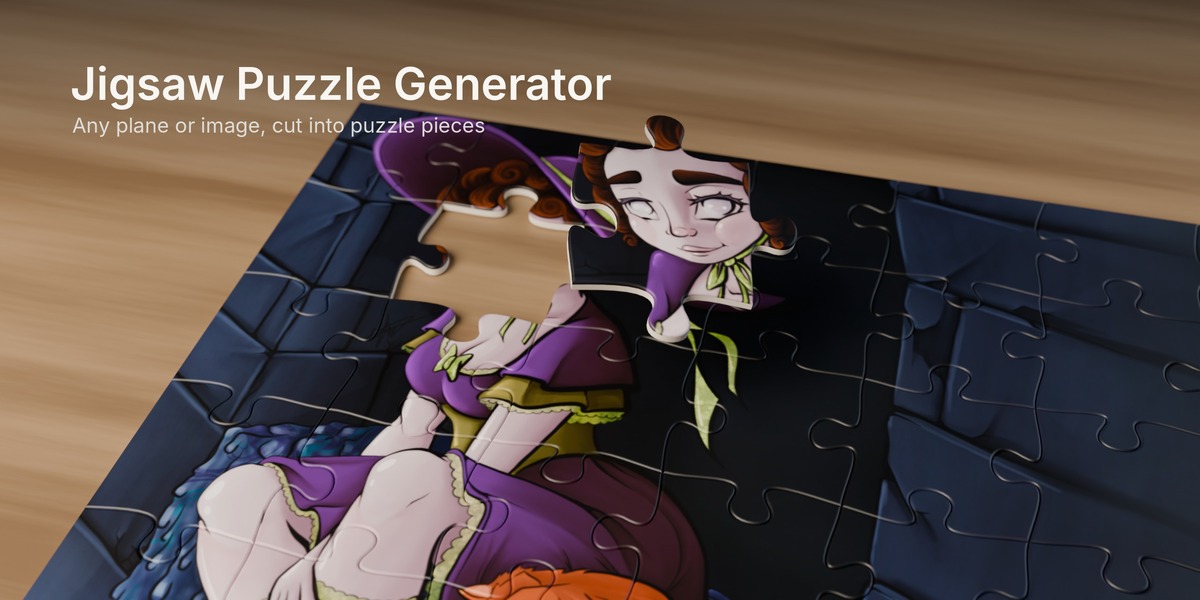
Jigsaw Puzzle Generator
 Angles Of Dice
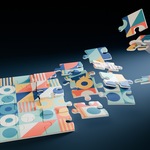
Installation
- Download the zip. Don't unzip it.
- In Blender go to Edit > Preferences > Get Extensions, open the menu in the top right and choose Install from Disk. Pick the zip. You can also just drag the zip into the Blender window.
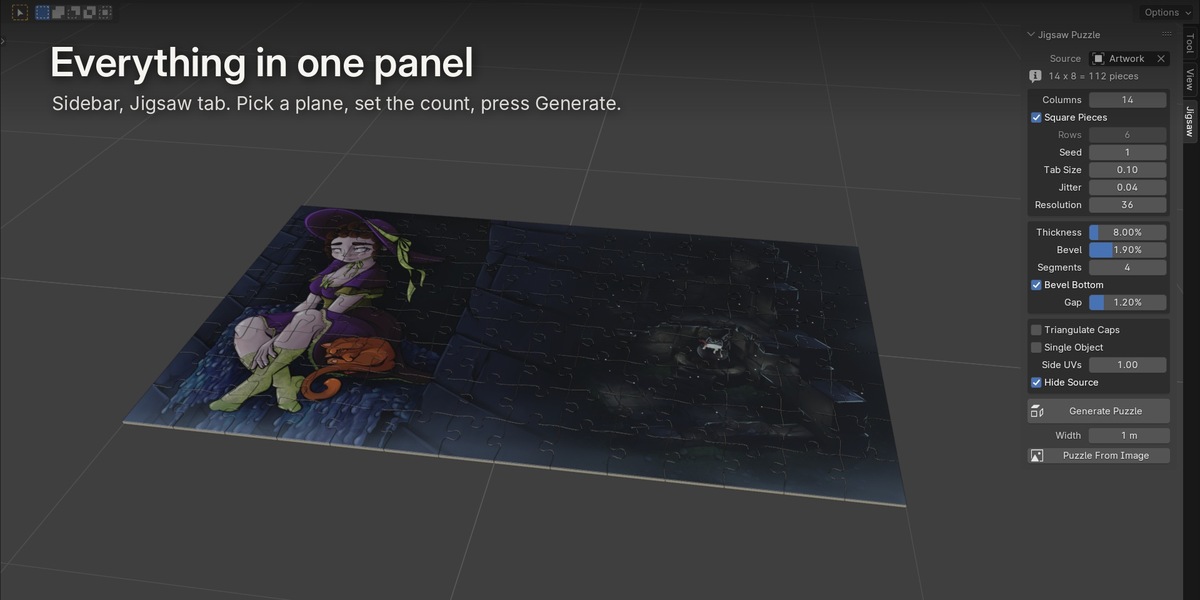
- Press N in the 3D viewport and open the Jigsaw tab.
Needs Blender 4.2 or newer.
Quick start
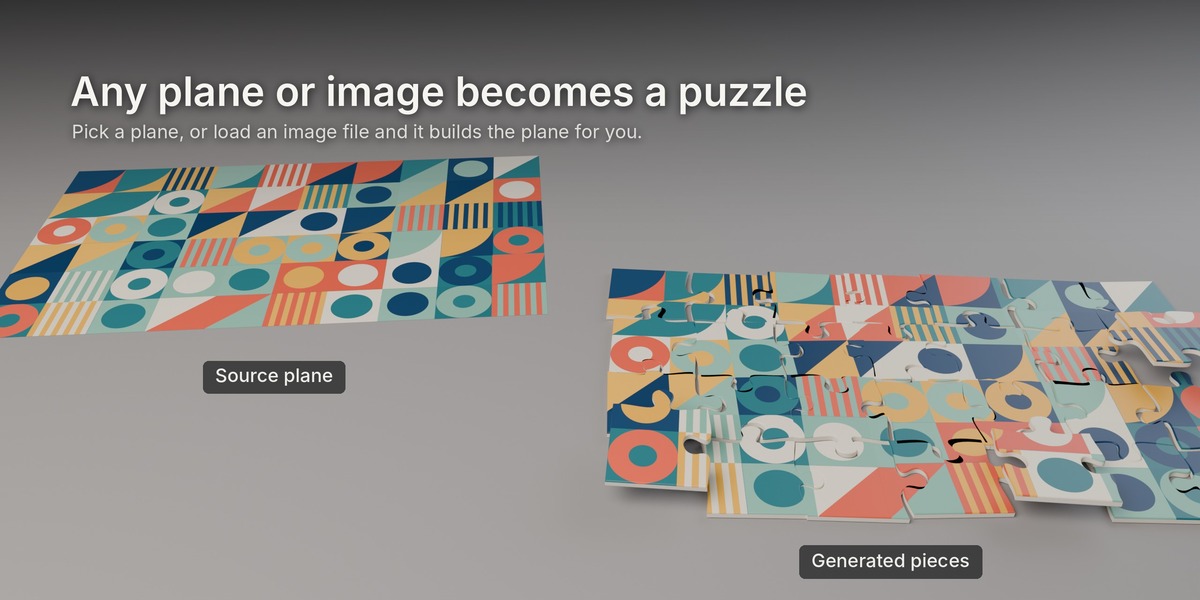
From a plane in your scene
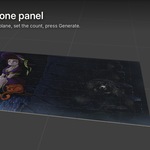
- Select a plane (or pick it in the Source field).
- Set Columns.
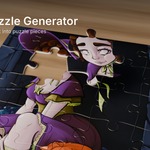
- Press Generate Puzzle.
From an image file
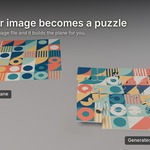
- Set Width to how wide you want the puzzle.
- Press Puzzle From Image and pick the file.
It makes a plane with the image's proportions and an image material, then cuts it. Transparent parts of the image come out white, like printed card.
Want something different? Change any setting and press Generate again. The previous pieces for that source are replaced, nothing piles up.
Settings
Source: the plane to cut. Leave it empty to use the active object.
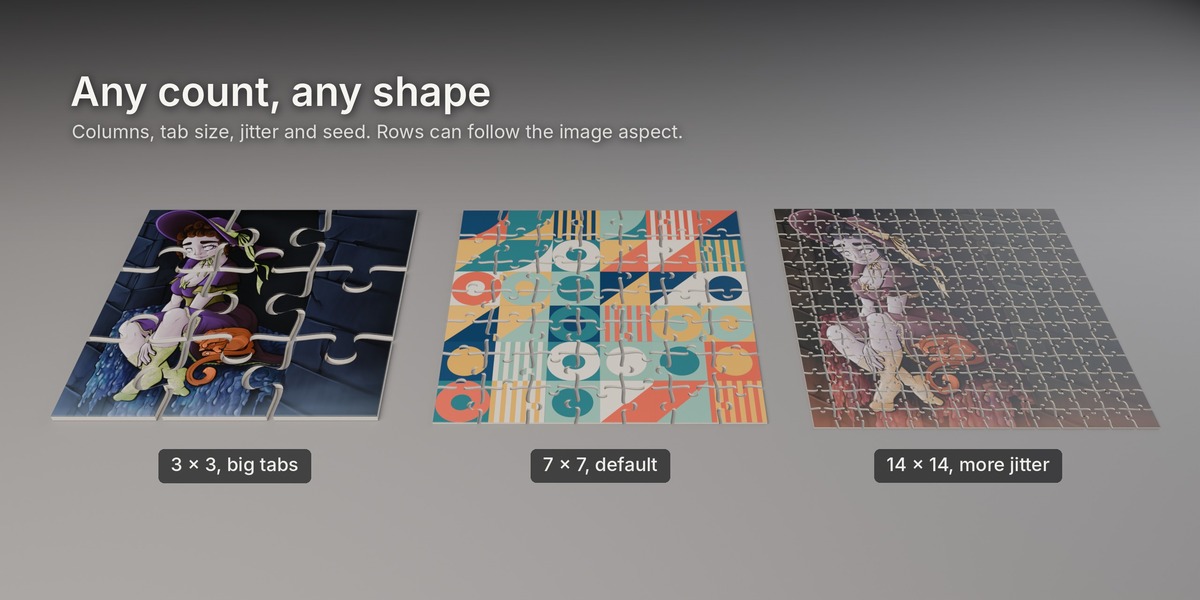
Columns: pieces across.
Square Pieces: picks the row count for you so pieces come out close to square. Turn it off to set Rows yourself.
Seed: a different random variation of the same layout.
Tab Size: how big the knobs are (0.05 to 0.14).
Jitter: how much each tab differs from the others. 0 gives very regular pieces.
Resolution: points per edge. Points are packed tighter on the curves, so the default is smooth for most shots. Increase it for extreme close-ups.
Thickness: piece thickness, as a percentage of piece size.
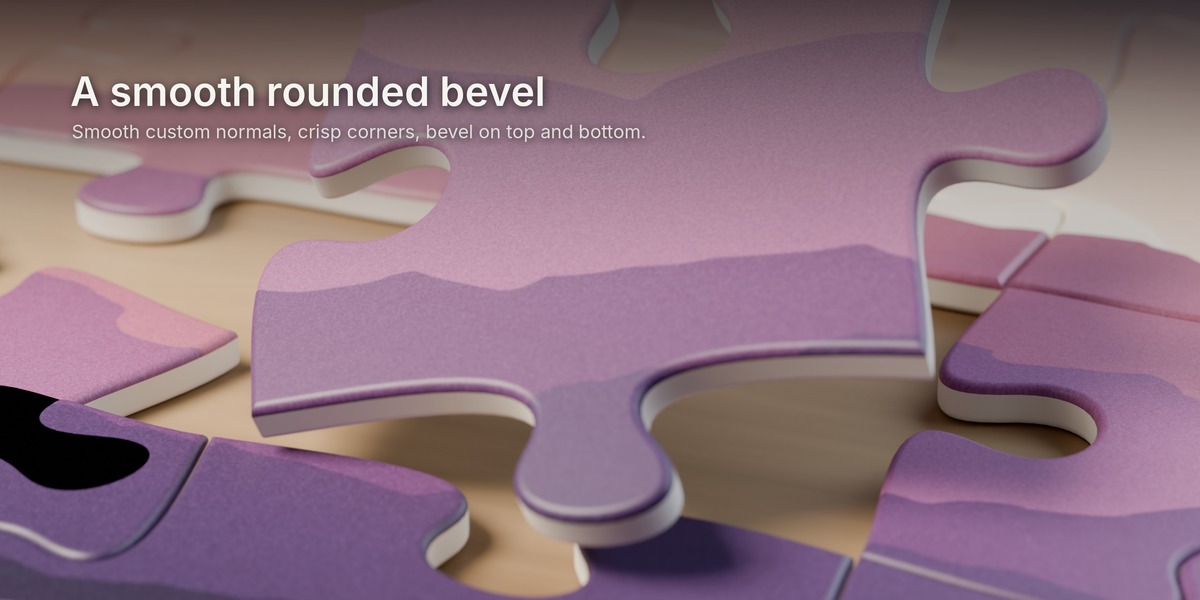
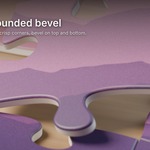
Bevel: radius of the rounded edge, as a percentage of piece size.
Segments: how many segments the bevel has.
Bevel Bottom: round the bottom edge too. Off gives a flat bottom with a sharp edge.
Gap: space between pieces, as a percentage of piece size. 0 means they fit tightly.
Triangulate Caps: turns the top and bottom faces into clean triangles instead of n-gons. Useful for game engines and some exporters.
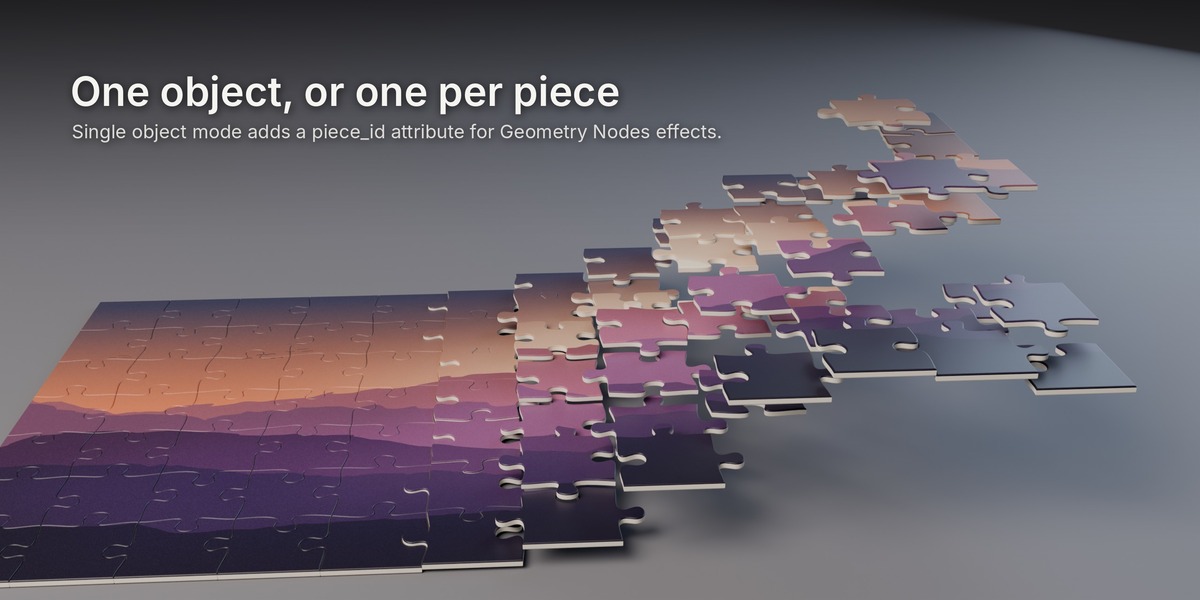
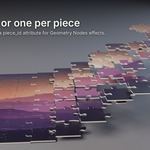
Single Object: one mesh for the whole puzzle instead of one object per piece. Each face gets a piece_id attribute you can use in Geometry Nodes or shaders.
Side UVs: scale of the UVs on the piece sides.
Hide Source: hides the original plane after generating.
What gets created
- A collection named Jigsaw_ plus your source name.
- An empty (..._Root) placed and rotated like your plane. All pieces are parented to it, so you can move the whole puzzle at once.
- Pieces named Piece_r00_c00, Piece_r00_c01 and so on (row and column, starting bottom left). The origin is in the middle of each piece. Each piece also has row and col custom properties.
- In Single Object mode, one object named ..._Pieces with the piece_id attribute.
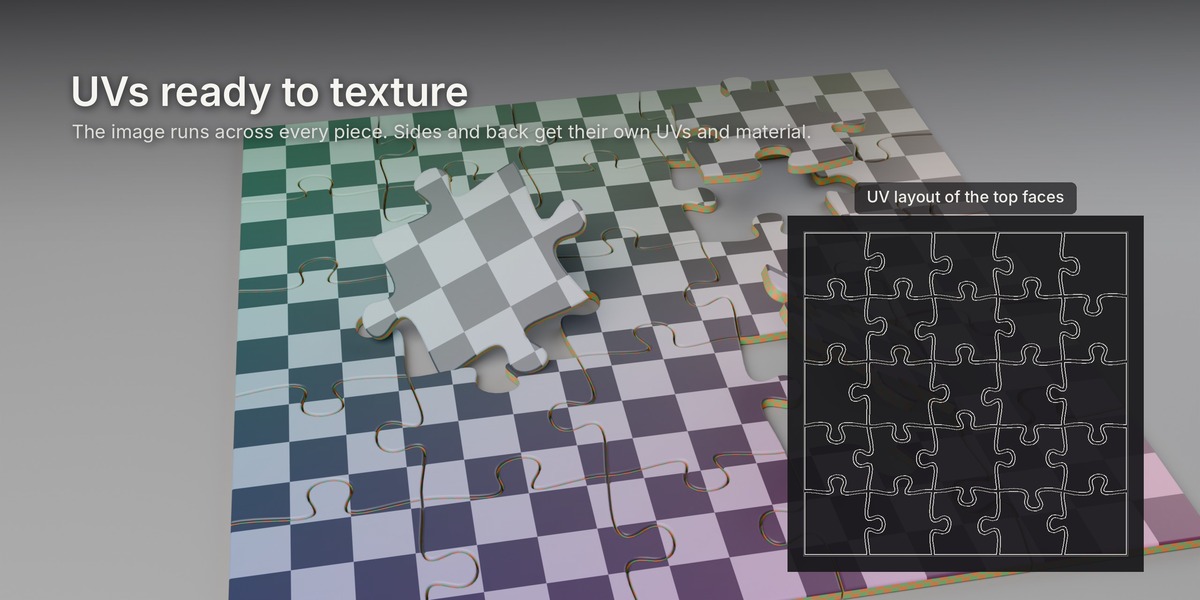
UVs and materials
Each piece has one UV map (UVMap) and three material slots:
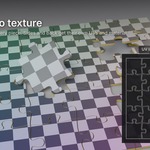
- Top (top face and bevel): uses your plane's material. The UVs follow the full puzzle layout, so the image continues across all pieces and wraps over the bevel. If the plane has no material, a plain one is added.
- Side: the walls. They get a continuous UV strip, good for a cardboard or wood texture. Scale it with Side UVs.
- Back: the bottom face, which uses the same layout as the top.
Geometry
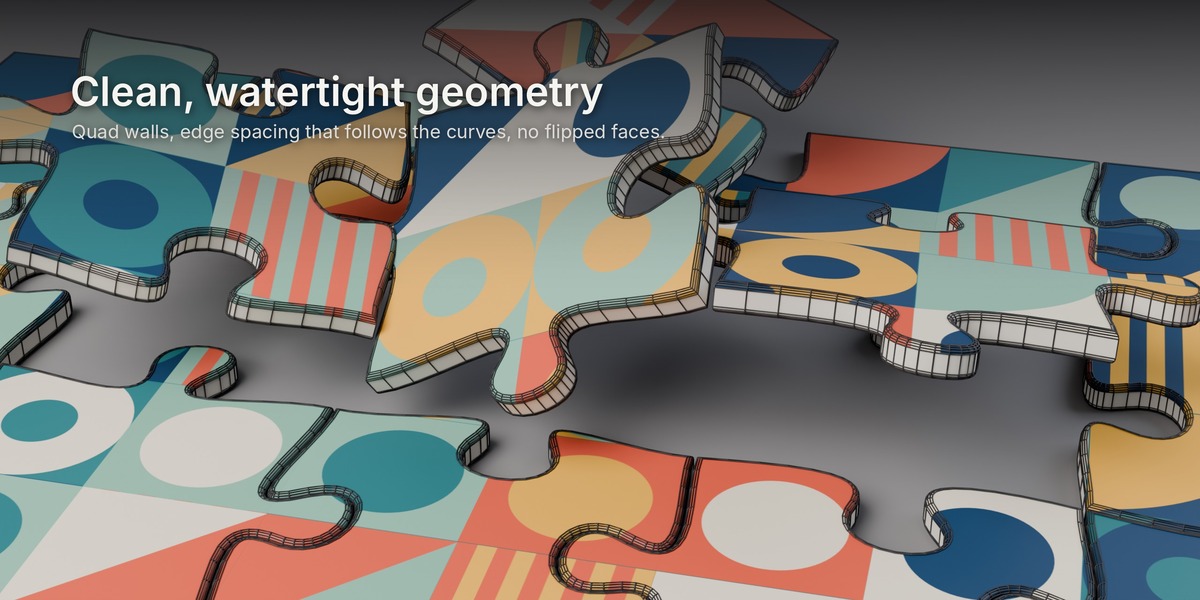
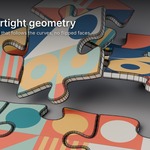
- Every piece is closed (watertight) with outward-facing normals.
- Walls and bevels are quads. Top and bottom caps are n-gons, or triangles with Triangulate Caps on.
- Custom normals keep the bevel smooth and the four corners sharp, so there's no shading wobble on the flat caps.
- Neighbouring pieces share the exact same cut line, so they fit together.
Limits worth knowing
- The source should be a flat plane. The puzzle is cut in the plane's local X and Y. Its location, rotation and scale are respected.
- Bevel plus half the gap can't go past the tightest curve of the tabs, which is roughly 2% of piece size with default tab settings. If you push it further, the add-on scales the bevel and gap down to the largest safe value and shows a message, rather than making broken geometry. Higher jitter makes some curves tighter, which lowers that limit a little.
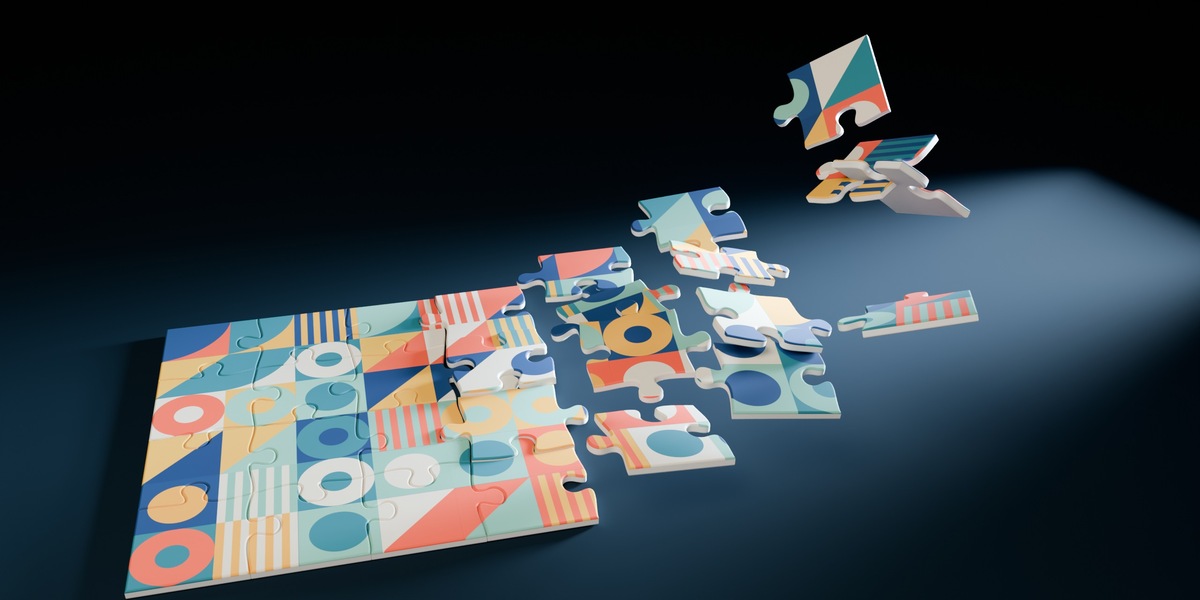
- The add-on creates the pieces. Animation, physics and scattering are up to you, and since each piece is its own object it works with all of them.
 Included
Includes 12 months of
- Support from Angles Of Dice
- Product updates
Extend this product’s Support Period +12 months: 50% of product price
Have questions before purchasing?
Login to message
| Blender Extension Compatible | Yes |
| Published | 5 days ago |
| Blender Version | 4.2 - 5.2 |
| Extension Type | Add-on |
| Render Engine Used | Blender-Internal, Blender-Game-Engine, Cycles, Eevee |
| License | GPL |
Discover more products like this
Generator motion graphics procedural pieces puzzle jigsaw product-visualization puzzle generator uv jigsaw puzzle game assets bevel