 JoJuice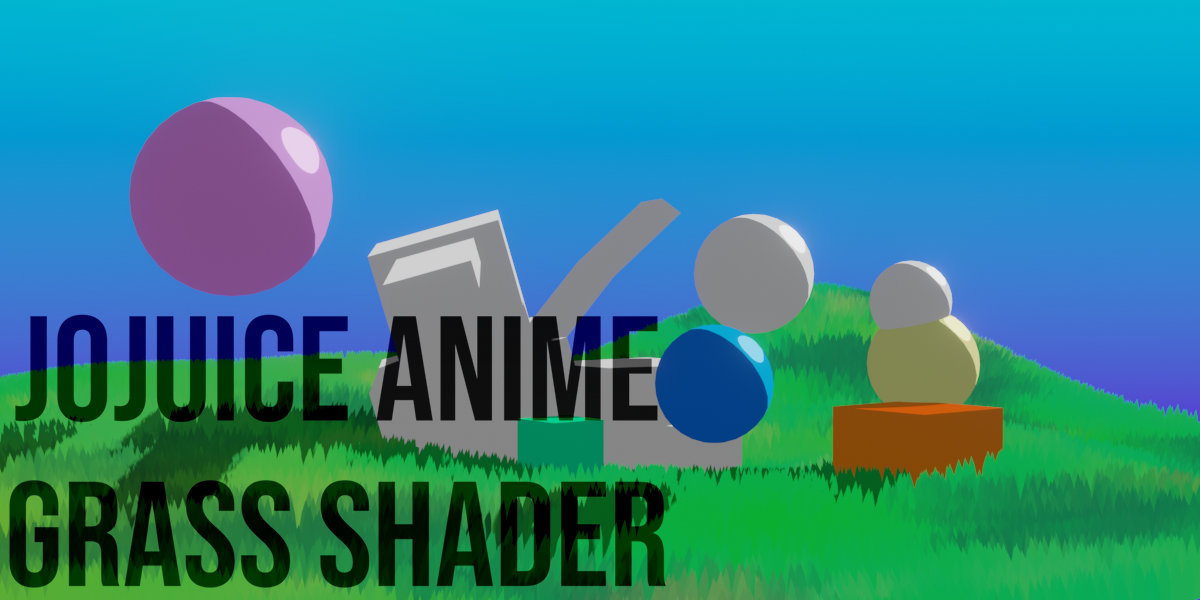
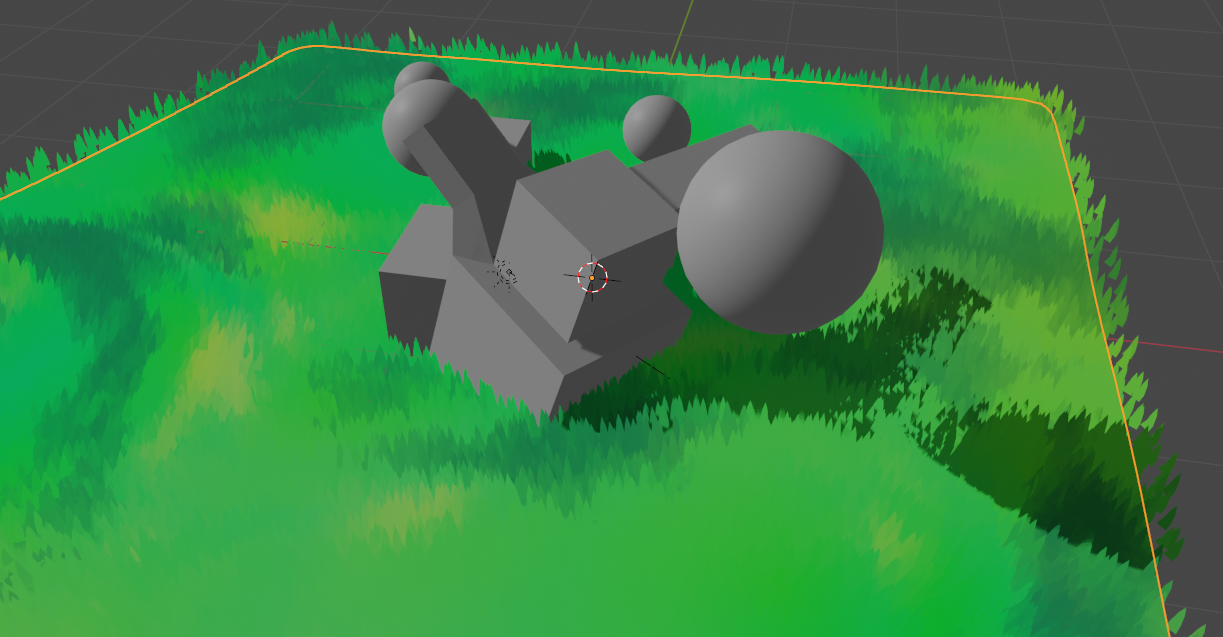
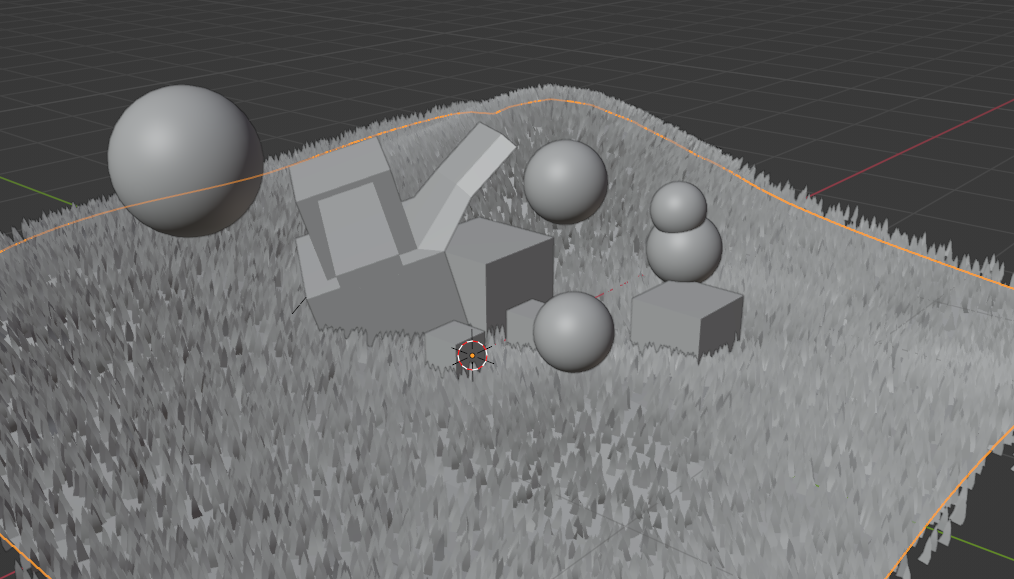
How to add the shader and particle to your project:
Step 1. Click file, and choose append.

Step 2. Locate the purchased file "Anime Grass Shader.blend", double click it.
Step 3. Locate the folder Materials folder, double click it.

Step 4. Click "Anime grass Shader" and hit append.

Step 5. Now repeat steps 1 and 2.
Step 6. Choose and double click the folder "ParticleSettings".
Step 7. Choose the file "Anime Grass Particle" and append it.

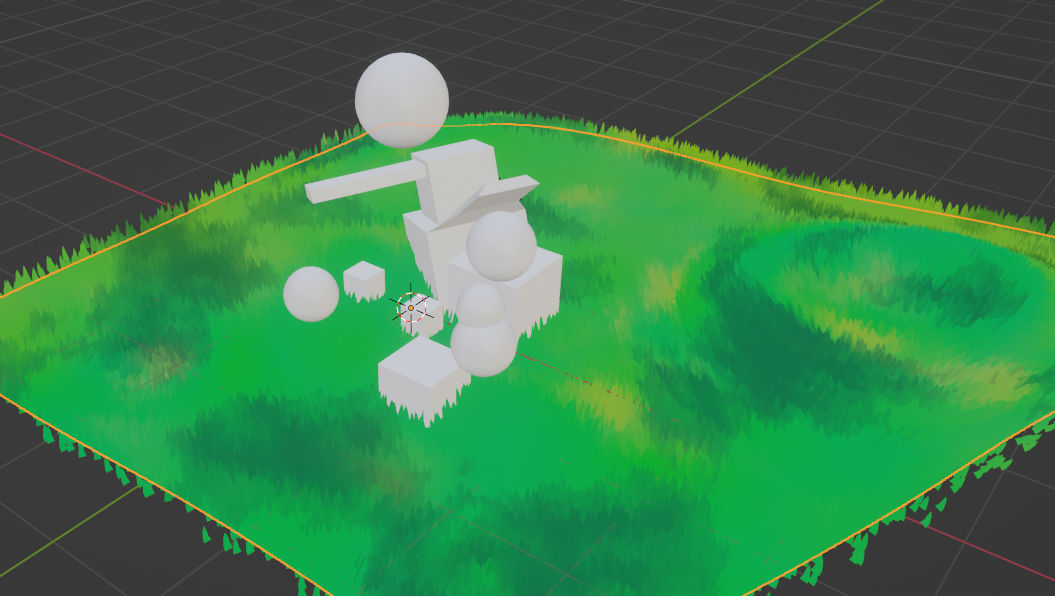
Step 8. Choose you object, then head over to the particle tab, hit the plus, then choose from the dropdown the appended particle system.

Step 9. Last step, change Render Properties tab, change the curve type to "Strip" and go off and edit the shader to you liking, and edit the particle system to your liking.
<3
Have questions about this product?
Login to message
| Sales | 20+ |
| Dev Fund Contributor | |
| Published | over 3 years ago |
| Blender Version | 2.8, 2.81, 2.82, 2.83, 2.9, 2.91, 2.92, 2.93, 3.0, 3.1, 3.2, 3.3, 3.4, 3.5, 3.6, 4.0 |
| License | Royalty Free |

Discover more products like this
anime 3d grass blender 3d shader bfcm24 NPR summer23 Advanced Shader hair particle summer24 bnpr NPR Shader Cartoon Anime Cell-Look Material Utility 3d-grass spring23 juice spring24 studio ghibli loveblender ghibli jojuice 3d grass for blender blender grass bfcm23 winter24