 Rahul
Rahul

Terrascape
about 6 years ago
Thanks, Rahul!
 Terrascape
in Plants
Terrascape
in Plants

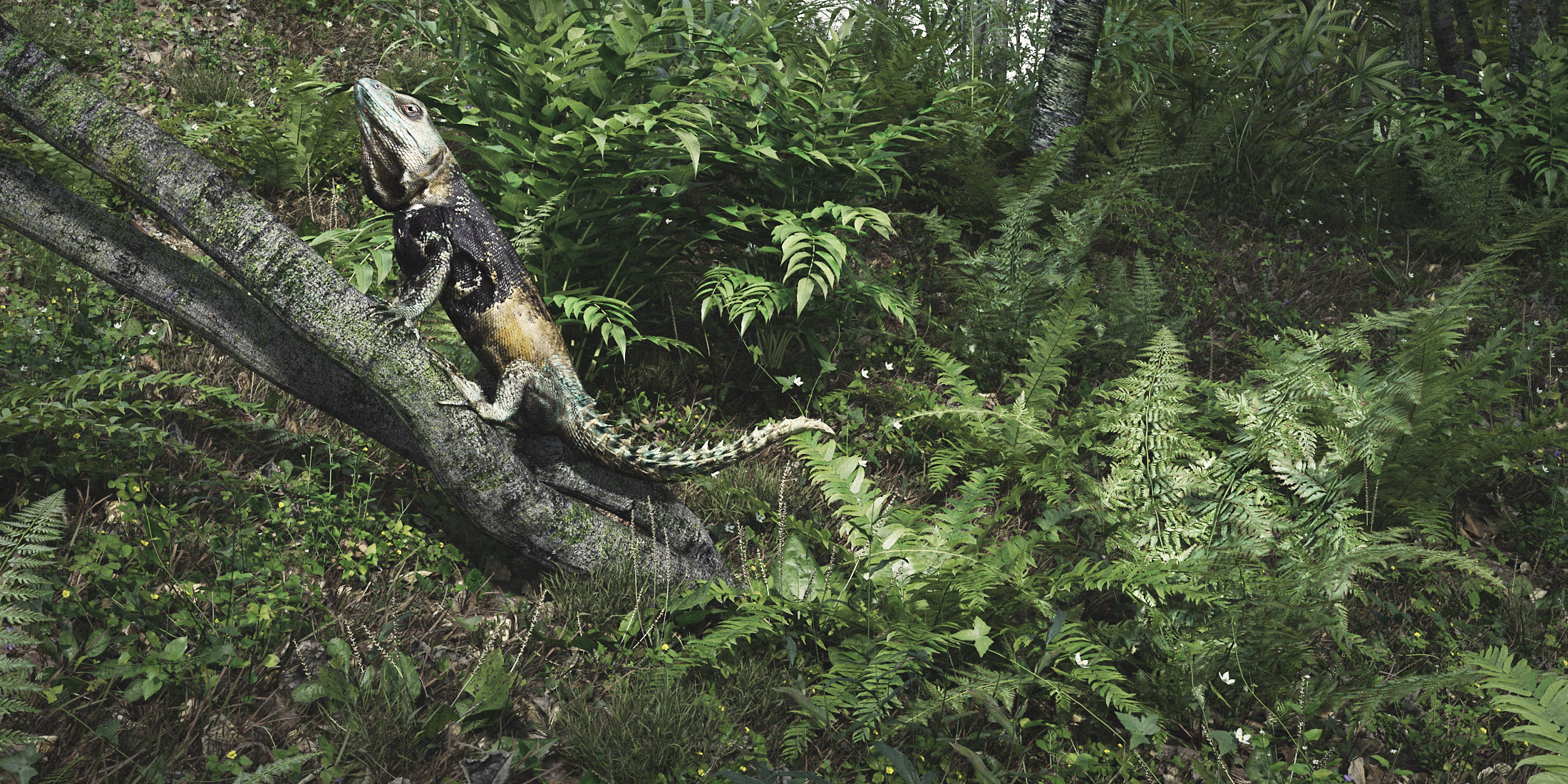
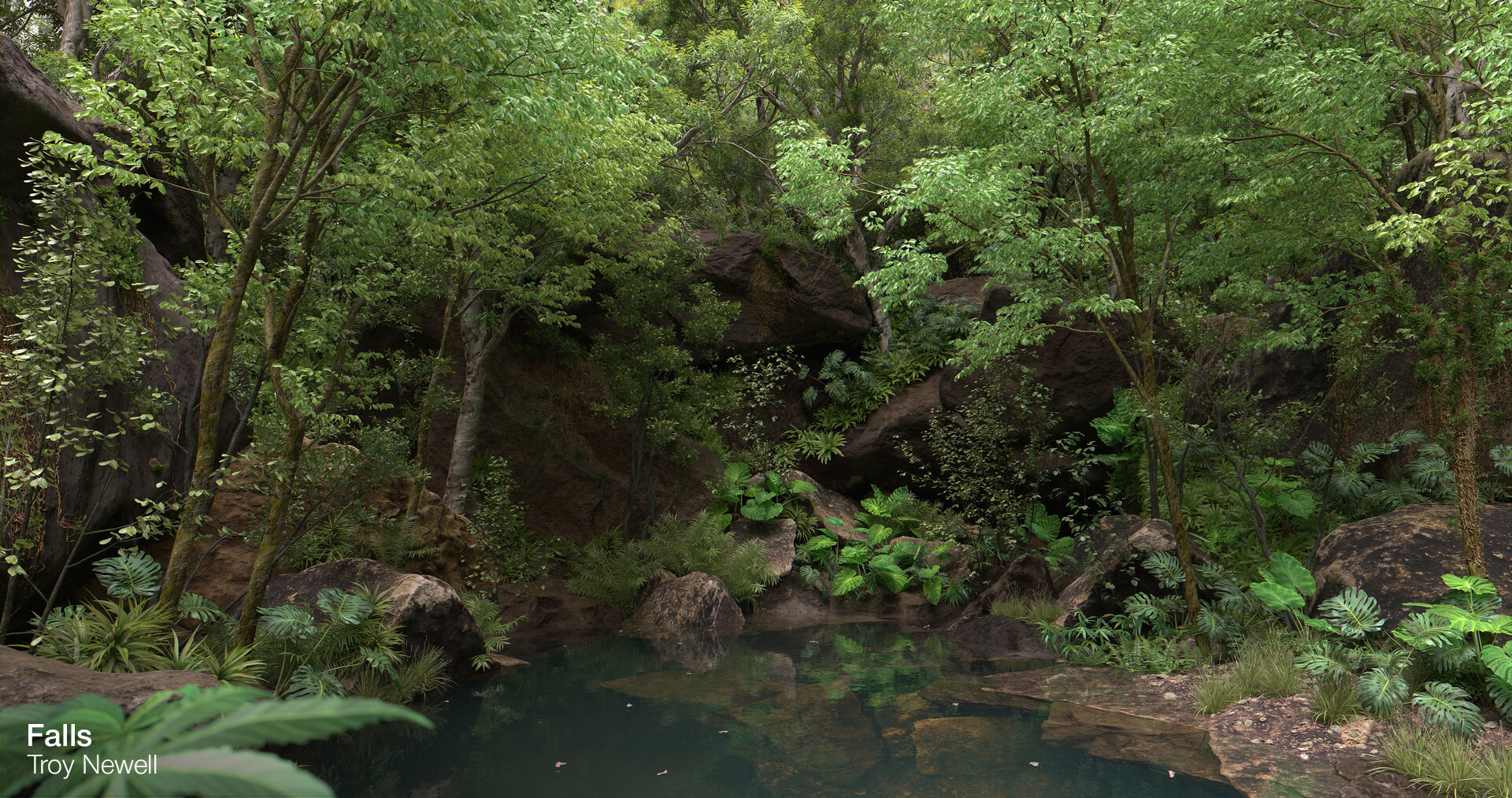
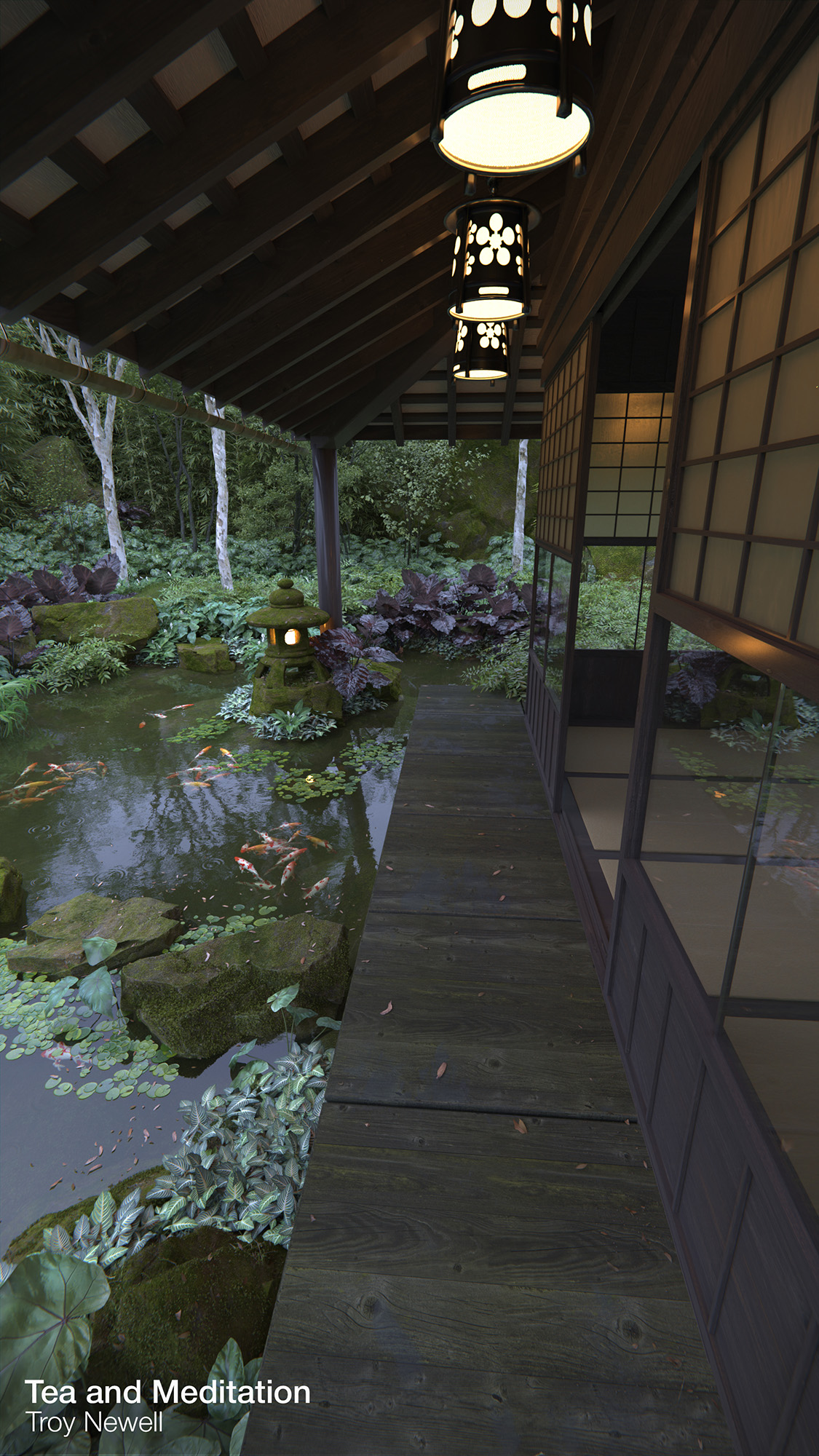
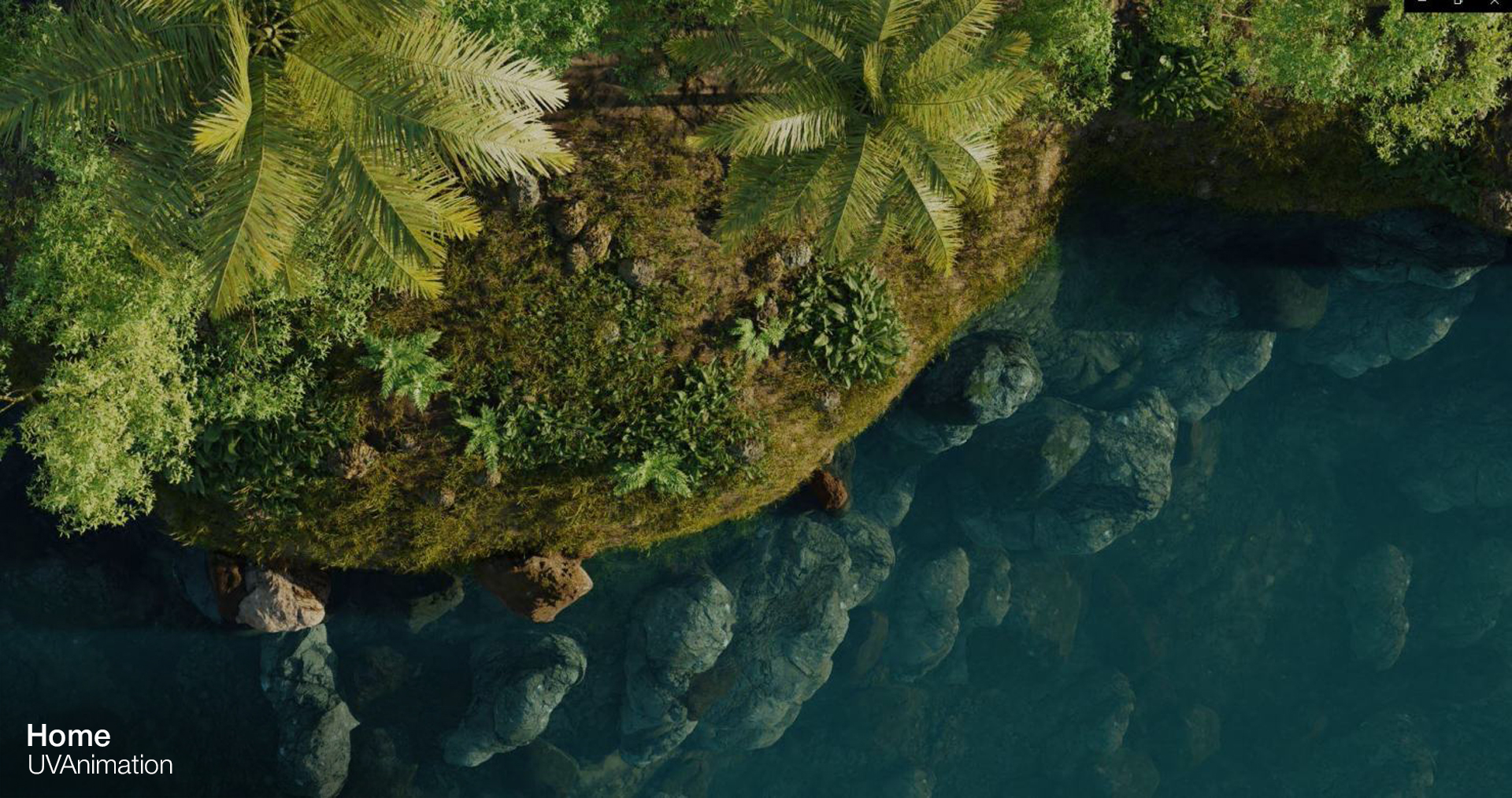
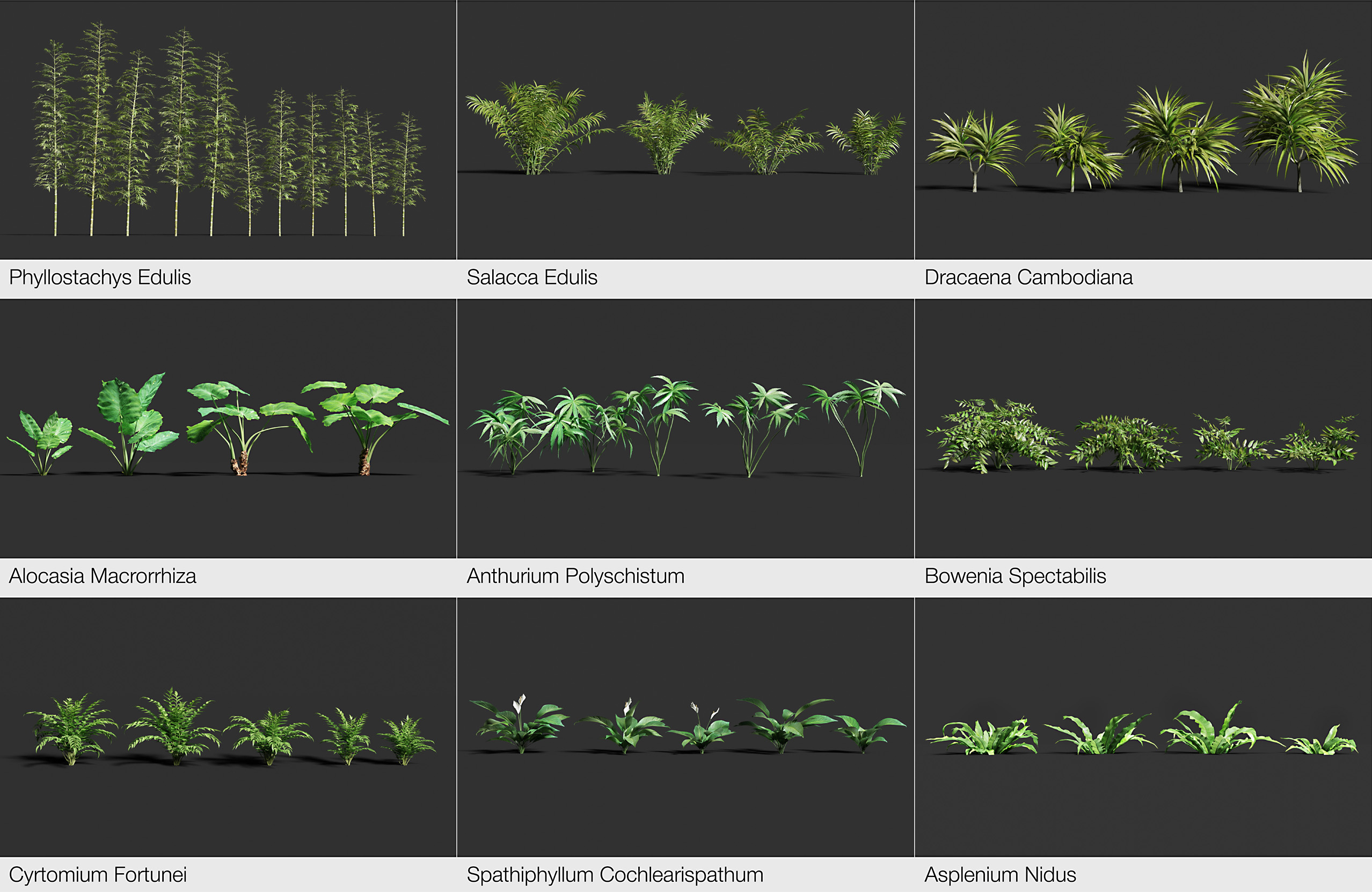
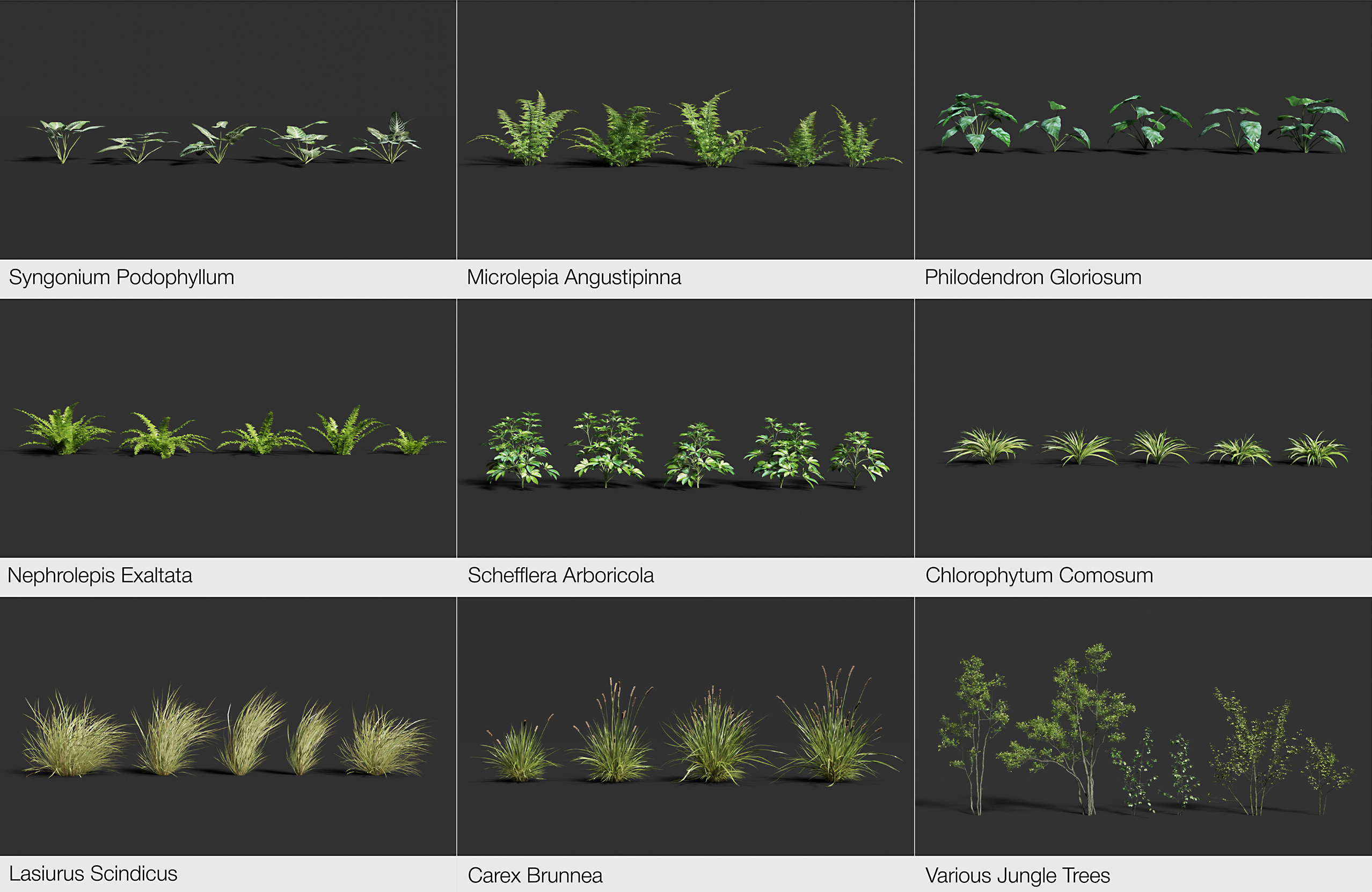
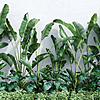
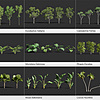
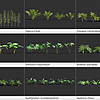
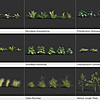
This item has an average rating of 5 from 17 ratings by the community.
Purchase this item to leave a review!
Terrascape
about 6 years ago
Thanks, Rahul!
Terrascape
about 6 years ago
Thanks, Victor Hugo Lopez Rivas for your review. "How-to-do" gif references come along with the pack. But I must say using TS assets is easier than ever ;)
Terrascape
over 6 years ago
Hi Till, thanks for your feedback. Here is the answer:
1. In the mean time it's impossible to implement this feature in the asset manager, however there are GIF-animation previews (stored in the "wind_animation_previews" folder), just use any image viewer-app that supports the .gif extension to open the files.
2. For animation frames exceeding you need to re-apply "Mesh Cache" modifier to the plant models and set the frame number in the modifier settings this way: 1-150-300-450-600... or 1-170-340-510-680... so you will be able to increase animation timeline.
Please follow the instructions below:
https://imgur.com/a/d7xYg0Q
Currently we're working on asset updates and we will include this settings by default. Once the work is complete, everything will be published.
Good luck!
Terrascape
about 6 years ago
Thanks, troy! We've updated the entire animation data to make it even more realistic.
Terrascape
over 6 years ago
Hi Michael,
All .pc2 files should be located in the folder: "wind_animation" without subfolders. Seems you missed the guide inside the zip file. Anyway move the rest parts (2/3/4 into the first folder).
Bests.
Terrascape
over 5 years ago
Hi, this is not an issue, but Blender's limitation, since you can't apply modifier to multiple objects at once as each JS plant includes different geometry levels - full mesh, low-poly and proxy versions. For applying, just delete all LOD levels (Object Data Properties > Level of Detail > click on "-" one by one) of the object and you're ready to go.
P.S. first make sure you have installed the LODify addon as well.
Have questions about this product?
Login to message
| Sales | 1800+ |
| Rating | 17 ratings |
| Published | over 6 years ago |
| Blender Version | 3.5 - 5.0 |
| Render Engine Used | Cycles, Eevee |
| License | Royalty Free |
#nature ivy spring24 ocean grass scatter hill winter24 spring23 rainforest seed rig Trunk foliage particle system tree flowers ornamental pack wind particles Rigged mountain point-cache monstera plant loveblender vegetation wildlife Ornamental gardening grass pack moss weed terrascape tropical shrubs palms island jungle pack of plants garden weeds geography summer23 forest vine greenery meadow summer22 summer24
 Victor Hugo Lopez Rivas
 Till Dumke
 troy
troy
 Michael
 Festo
Festo
 Stefan Rademakers
