Jusu Toon Shader Pack
 JoJuice
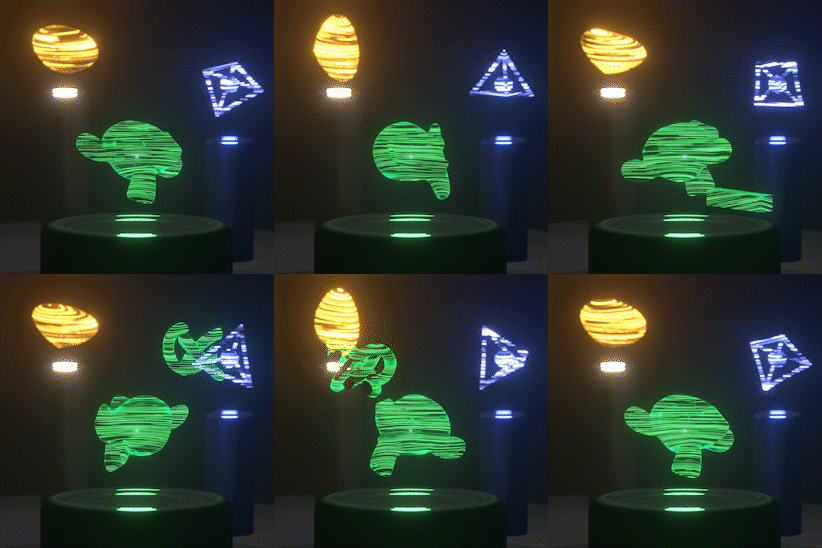
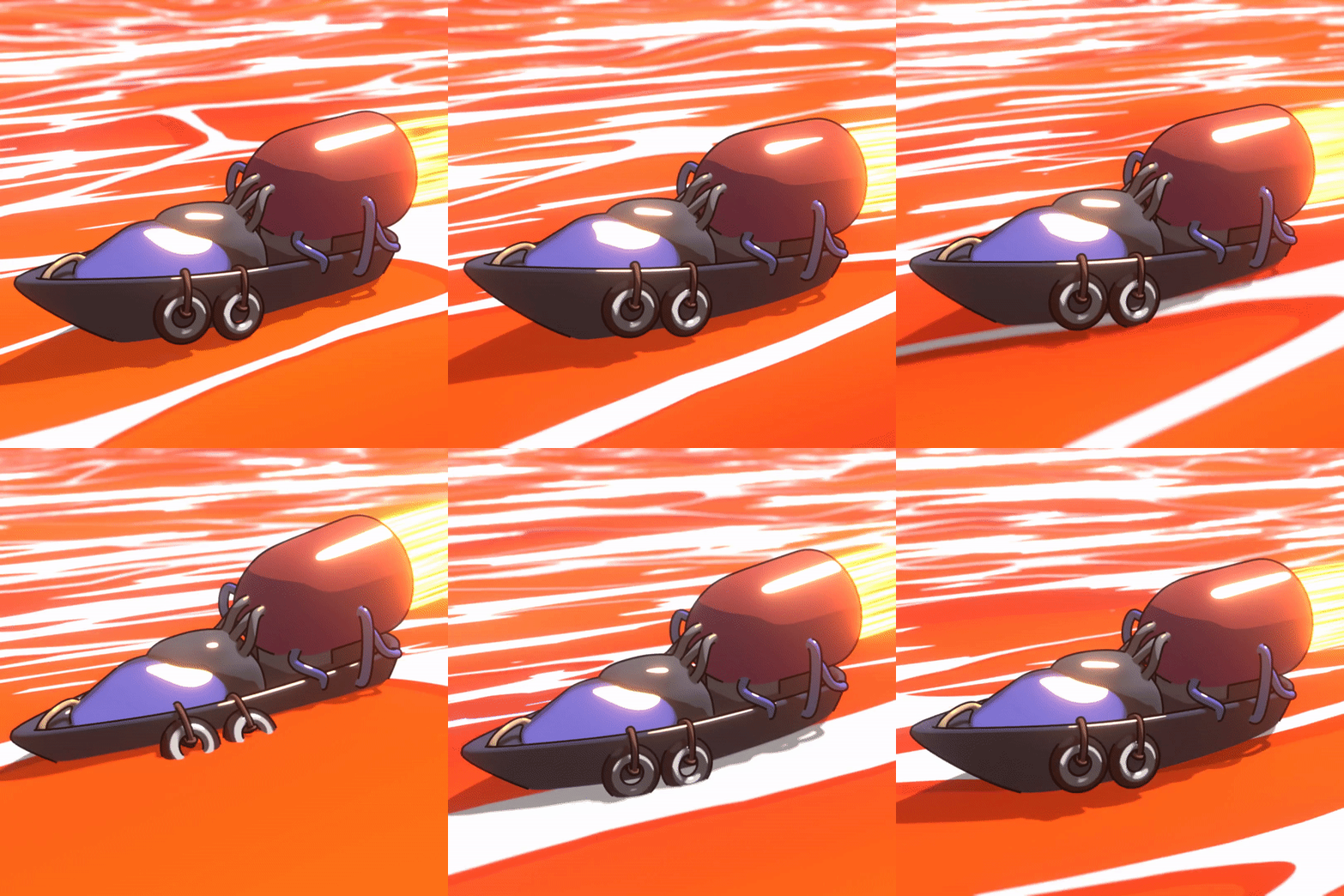
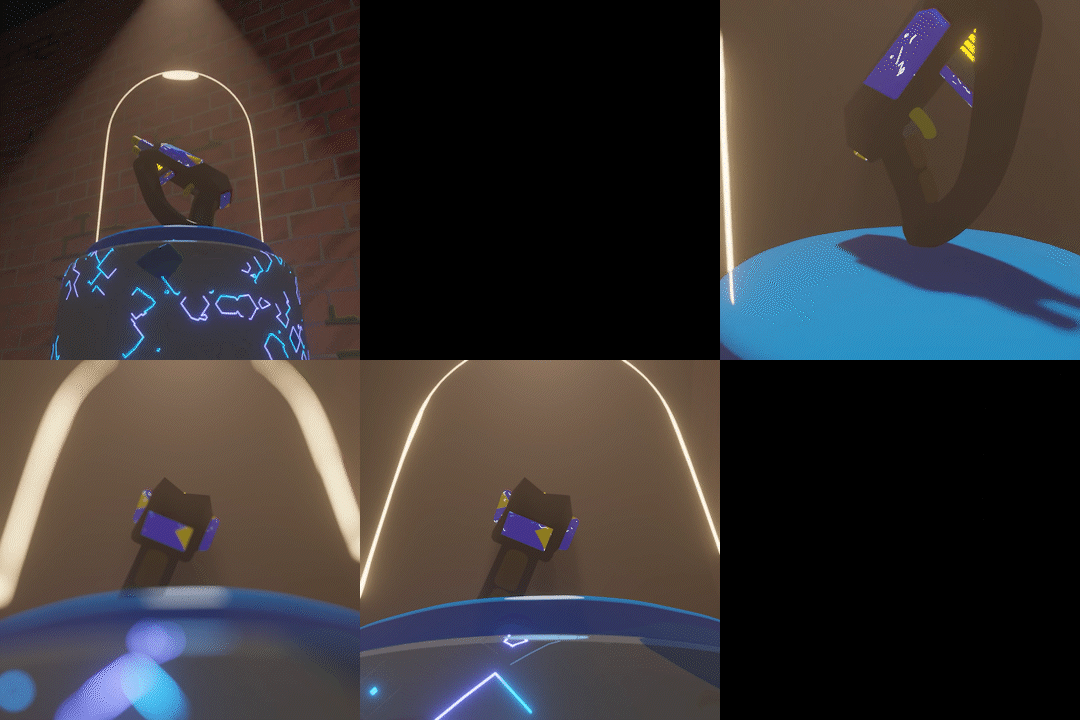
How to use the shaders?
You have to add them to your asset library, this will let you use them in any blender project.
- In your blender project/file, in the top left corner, press Edit, then in the options that show up, press Preferences.
- In the new window that opened, choose file paths.

- Now press this plus icon.

- Locate the folder where the Jusu Shader Pack resides, and choose that.
- Enjoy the shaders and start creating!
Manga Modules(MM)
To use MM its the same as above, all nodes, and one example material. There is just some extra info to understand.
There are 3 Layer manga nodes, 1, 2, and 3. These can add different levels of detail when adding patterns.
Here is an empty 1 Layer Manga Node. (The pattern node goes where the red color is.) Here is an example 1 Layer Manga Node with a pattern.
Here is an empty 1 Layer Manga Node. (The pattern node goes where the red color is.)

Here is an example 1 Layer Manga Node with a pattern.


Have questions about this product?
Login to message
| Sales | 90+ |
| Published | about 4 years ago |
| Blender Version | 4.1, 4.0, 3.6, 3.5 |
| Render Engine Used | Eevee, Freestyle |
| License | Royalty Free |

Discover more products like this
manga #procedural shaders Manga shader bfcm23 3d asset library NPR nodegroup summer23 anime blender fire eevee winter24 walls asset browsers cyberpunk eevee #Anime & Manga summer24 Non Photorealistic Rendering bfcm24 patterns dots group toon shader 3d shader fire shader Blender Asset Browser blender eevee modules mangaka sale loveblender bnpr animated browser spring23 summer2022 assetbrowser spring24 asset-browser