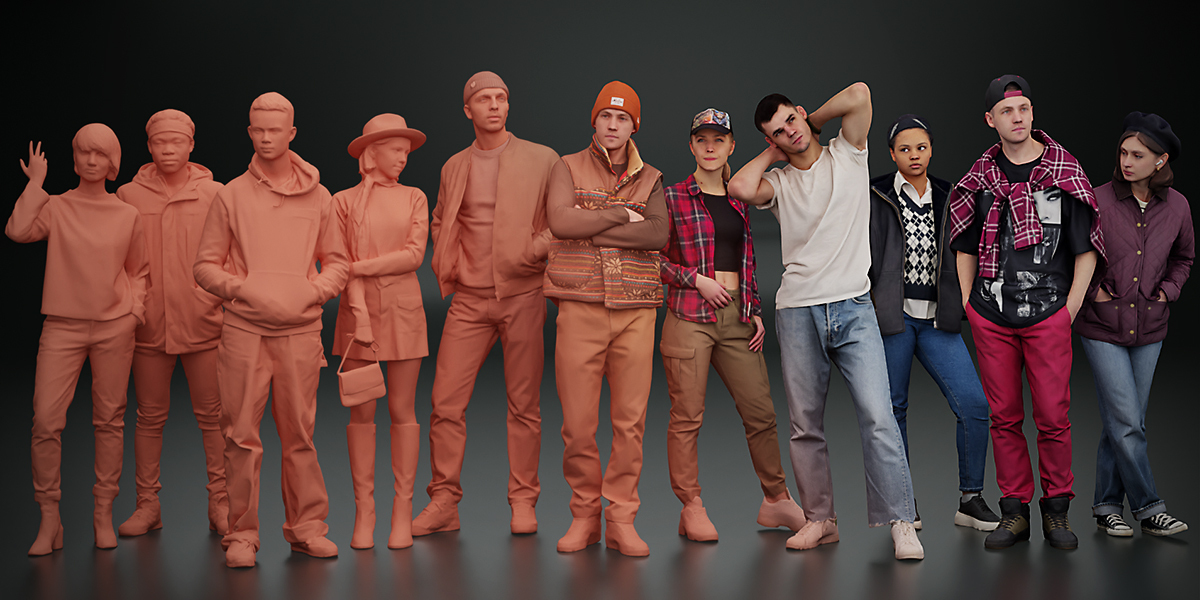
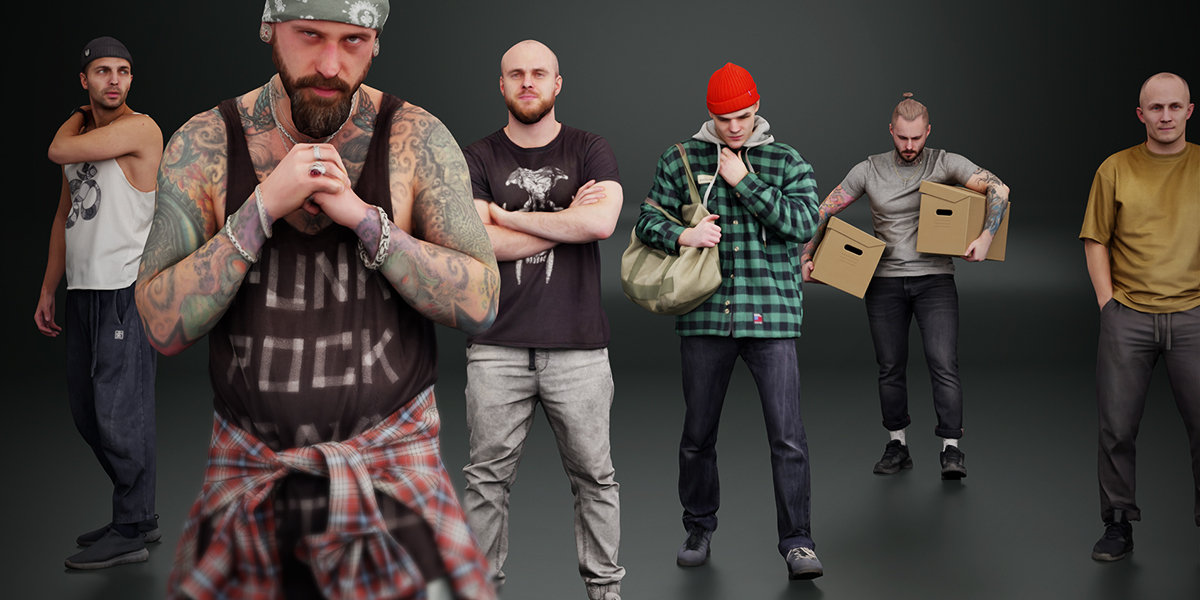
Kanistra People Asset Library
 Kanistra Studio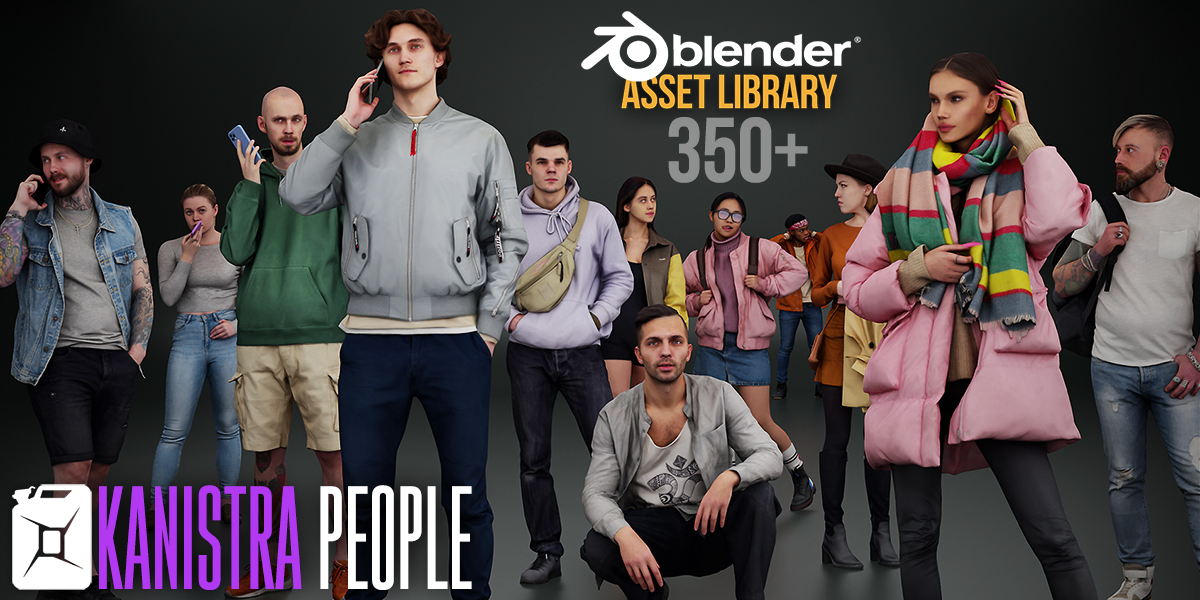


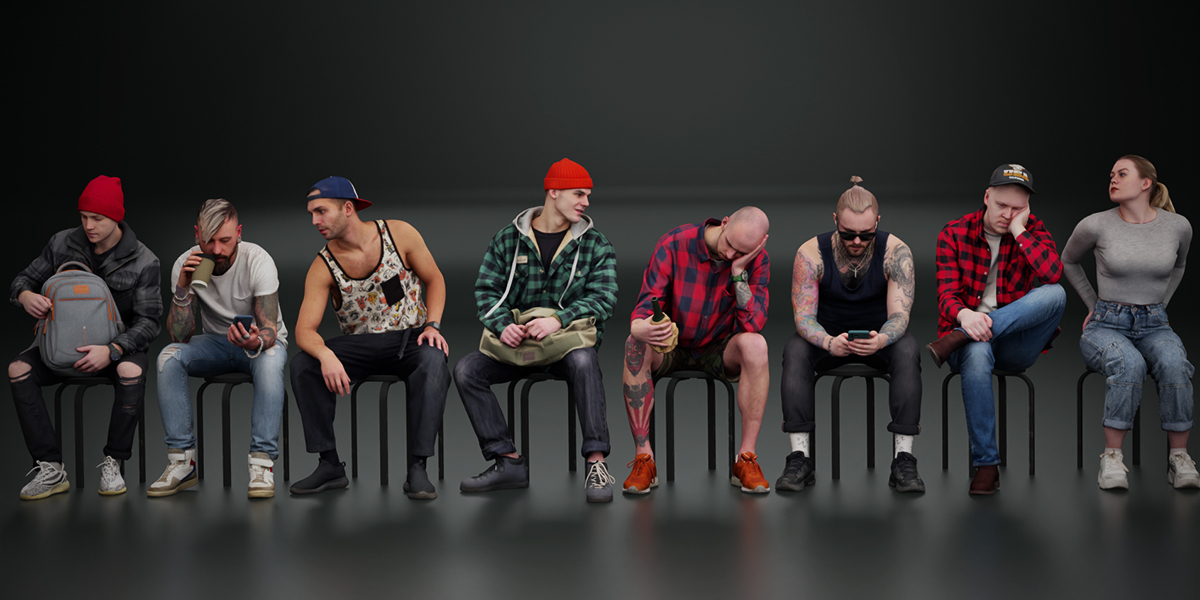


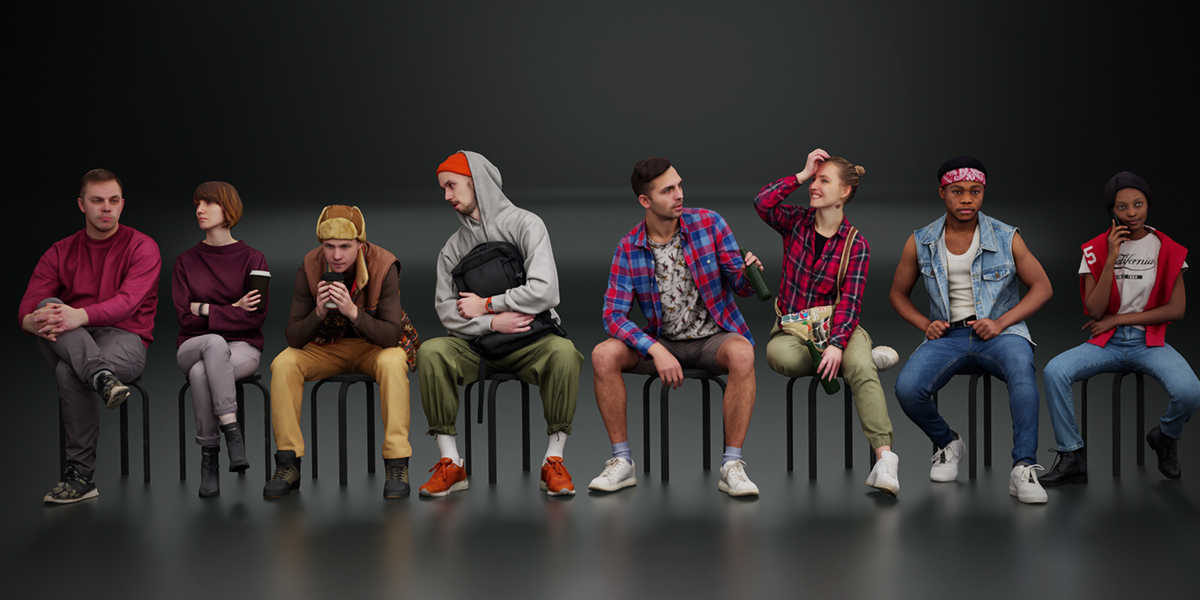

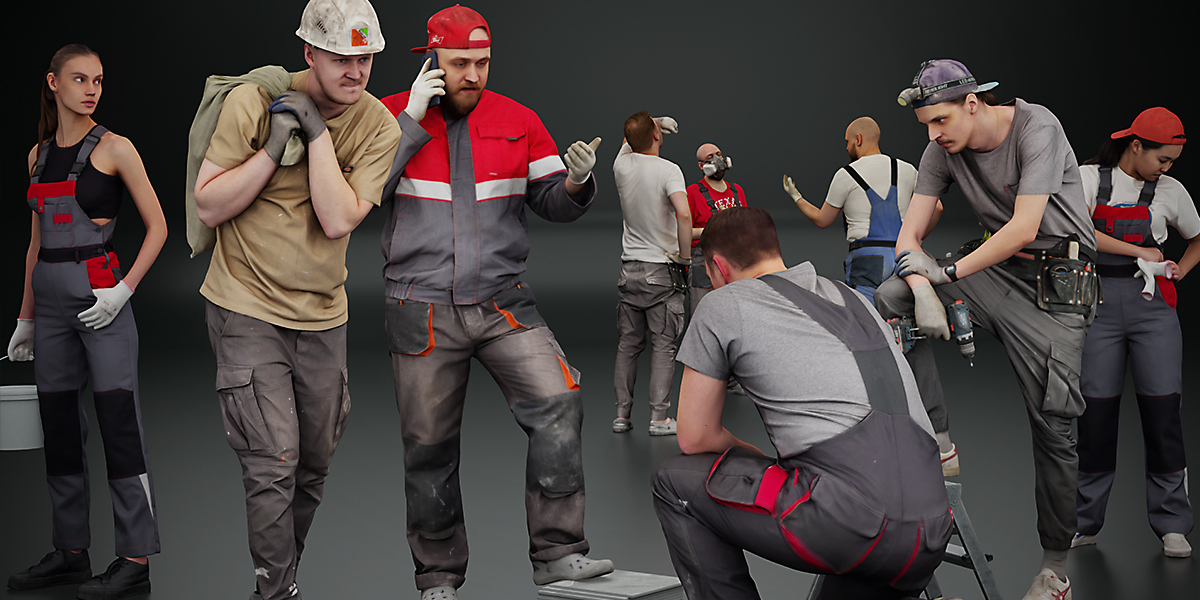
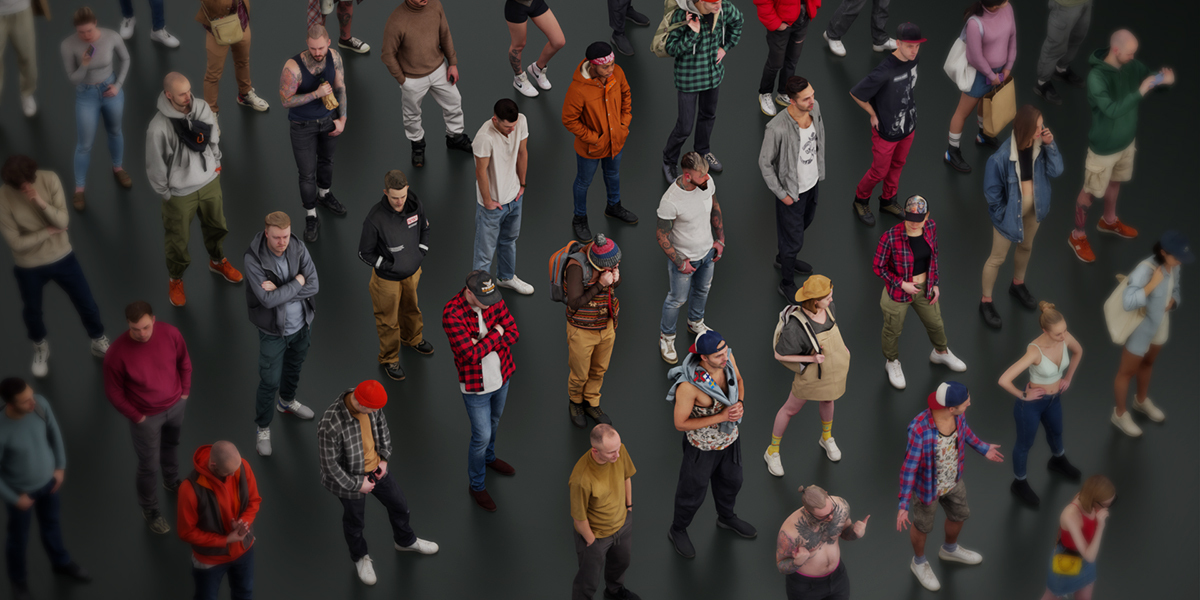


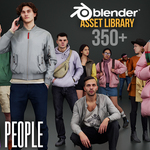
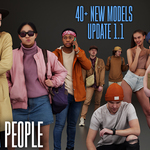
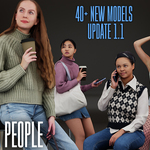
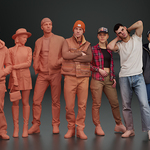







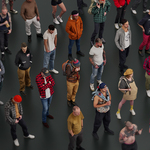


-
RequirementsInstallation Guide for Kanistra People Asset Library
- Blender 4.0 or later
- ~4 GB free disk space
- Download and unzip files to a permanent folder (e.g., C:\Kanistra People).
-
Mark as Asset Library in Blender:
- Open Blender and go to Edit > Preferences > File Paths.
- Under Asset Libraries, click the + icon to add a new library.
- Set the path to your unzipped folder (e.g., C:\Kanistra People).
- Name it "Kanistra People" for easy reference.
- Click Save Preferences.
-
Access in Asset Browser:
- In the 3D Viewport, switch to the Asset Browser editor type (or add it via the editor menu).
- In the Asset Browser sidebar, select "Kanistra People" from the library dropdown.
- Filter by "Characters" or search for specific models. Drag assets into your scene to use them.
- Ensure the folder structure is intact (includes .blend files with thumbnails and tags).
- If assets don't appear, restart Blender and check the console for errors (Window > Toggle System Console).
Have questions about this product?
Login to message
| Published | over 1 year ago |
| Blender Version | 4.3, 4.2, 4.1, 4.0 |
| Render Engine Used | Cycles, Eevee |
| Misc Data | Uvs-Unwrapped, Normal-Mapped, Textured |
| License | Royalty Free |