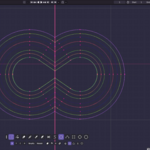
Draw bezier curves, edit them with the operations CAD users take for granted and Blender never had.
01 / CAD
Smart Tangents
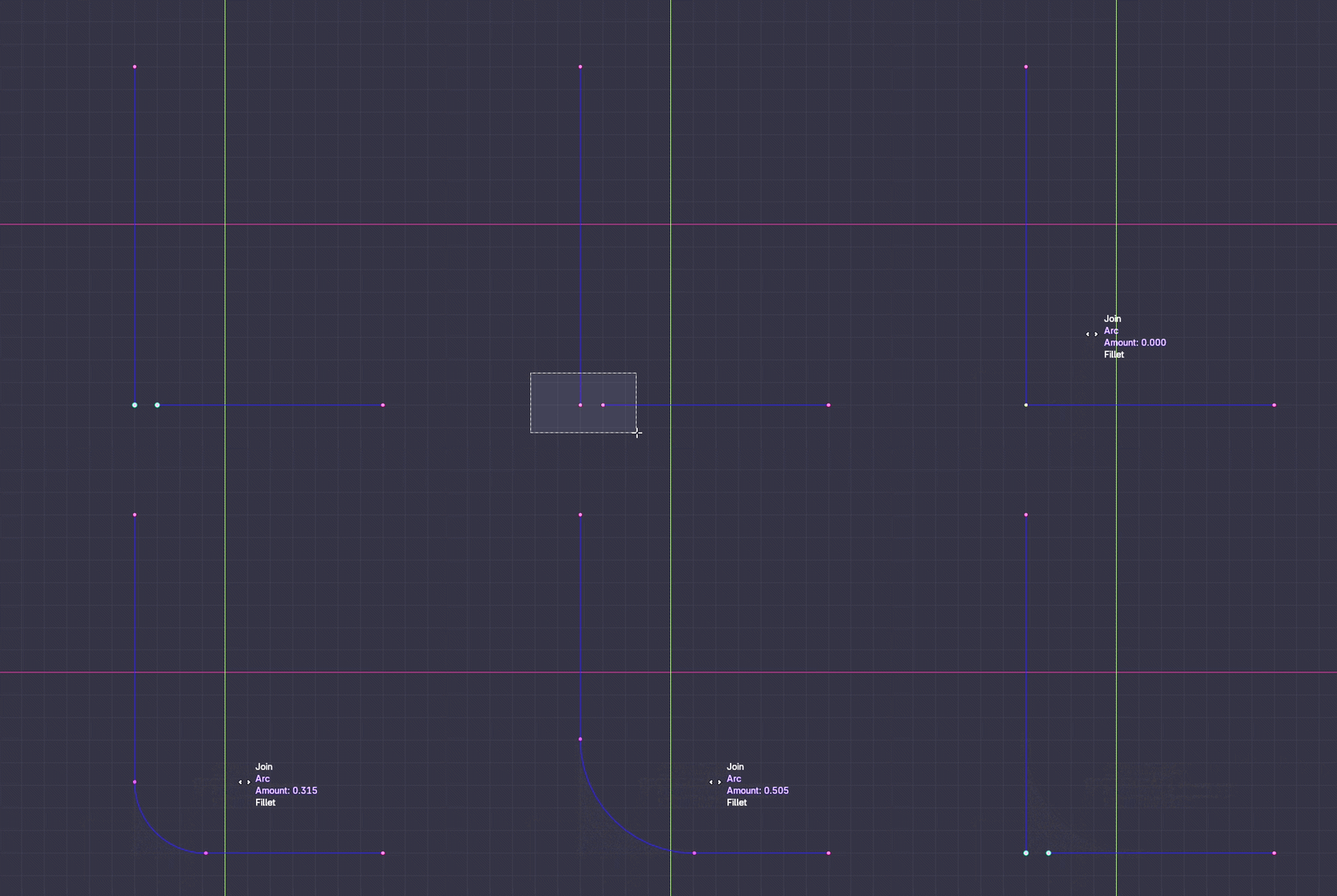
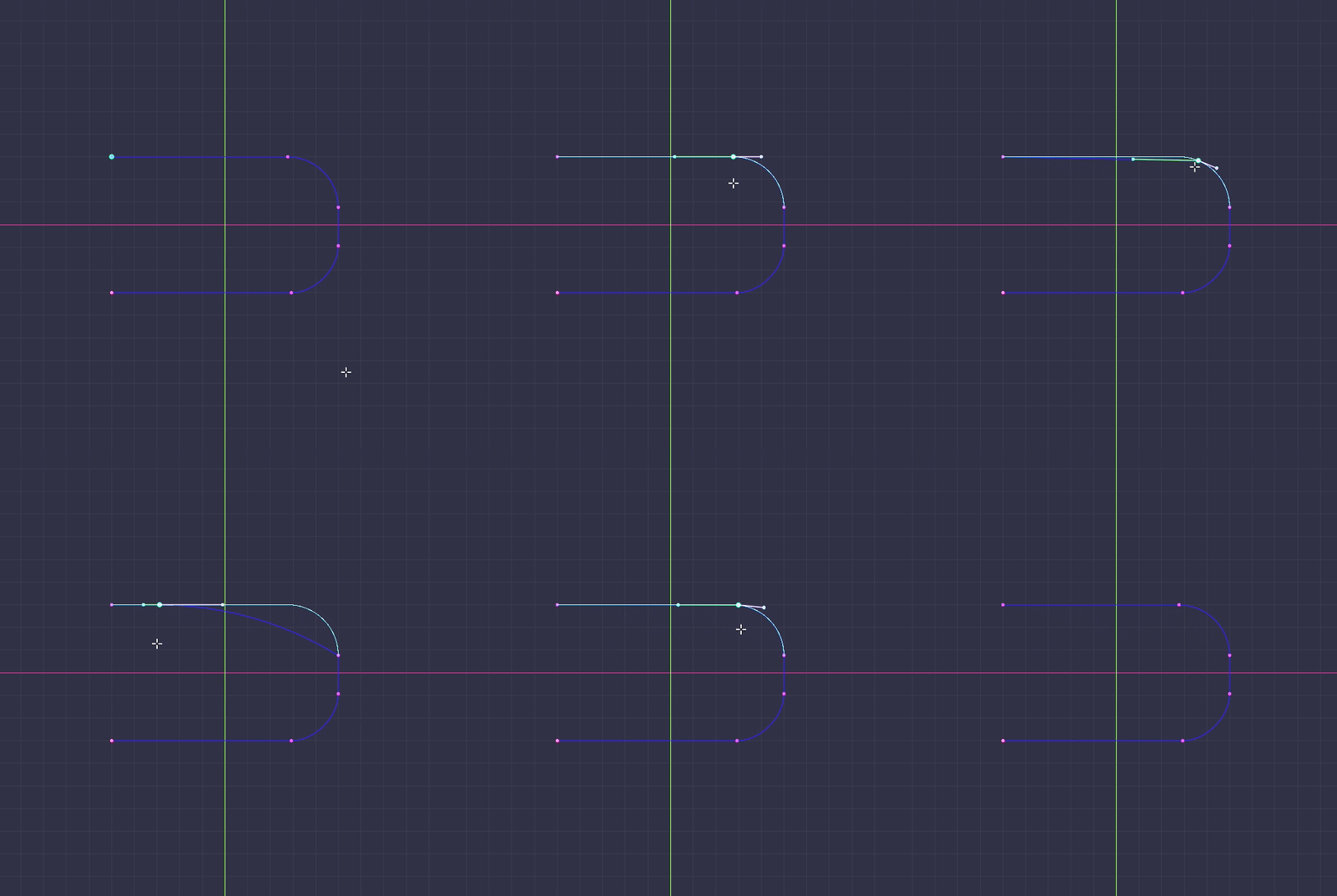
Move a point or rotate a straight line, and every fillet touching it is rebuilt live as an exact arc, still tangent to both lines.
02 / CAD
Match Curve End
Bring one curve's end onto another's with the continuity you ask for: position, tangency or curvature.
03 / CAD
Fillet Curves
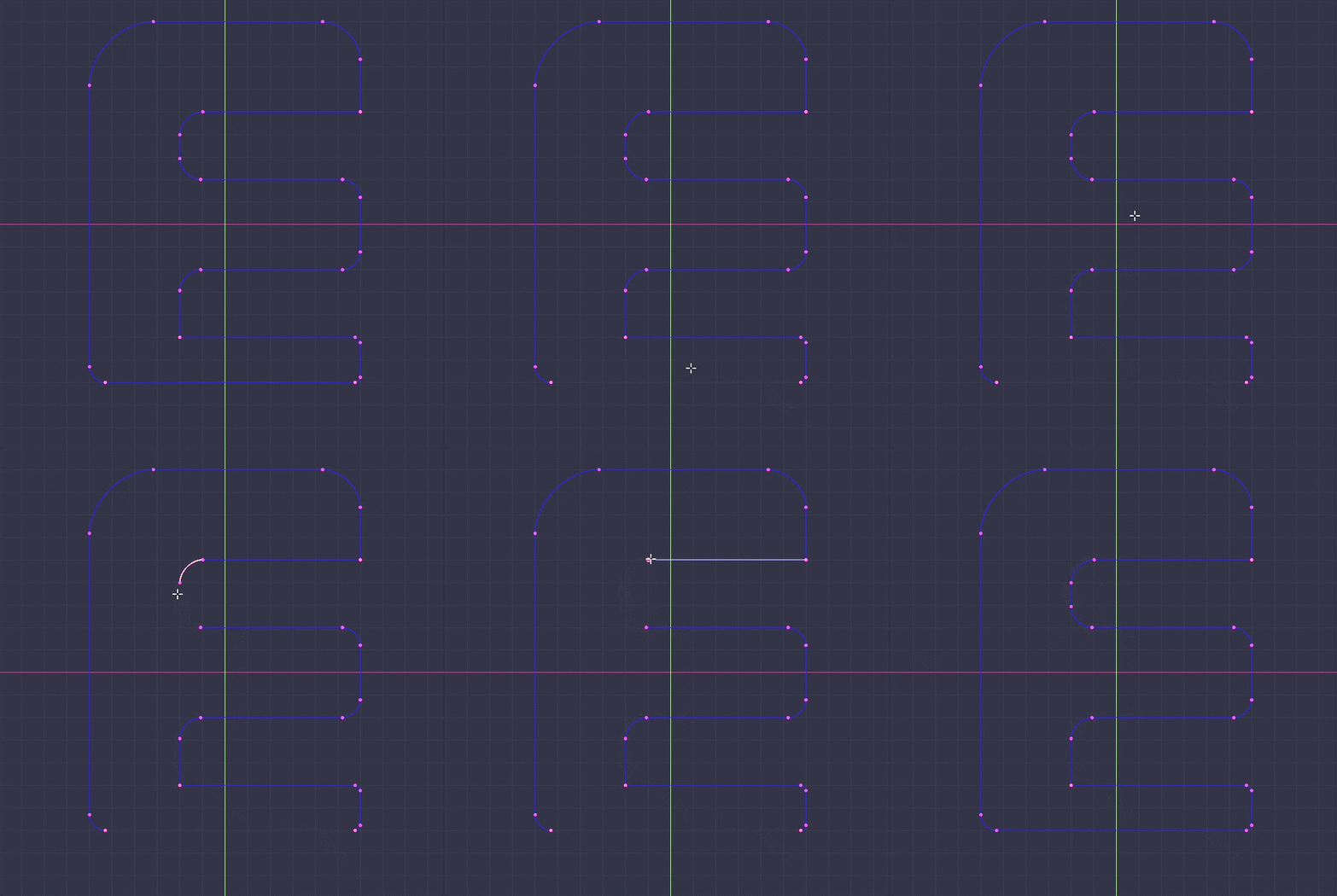
Build a true round or chamfer where two curves meet. The arc is constructed, then trimmed into both sides. Each fillet keeps an exact geometric signature, so selecting it later gives you back one corner, not the six points it is made of.
04 / CAD
Extend Curve
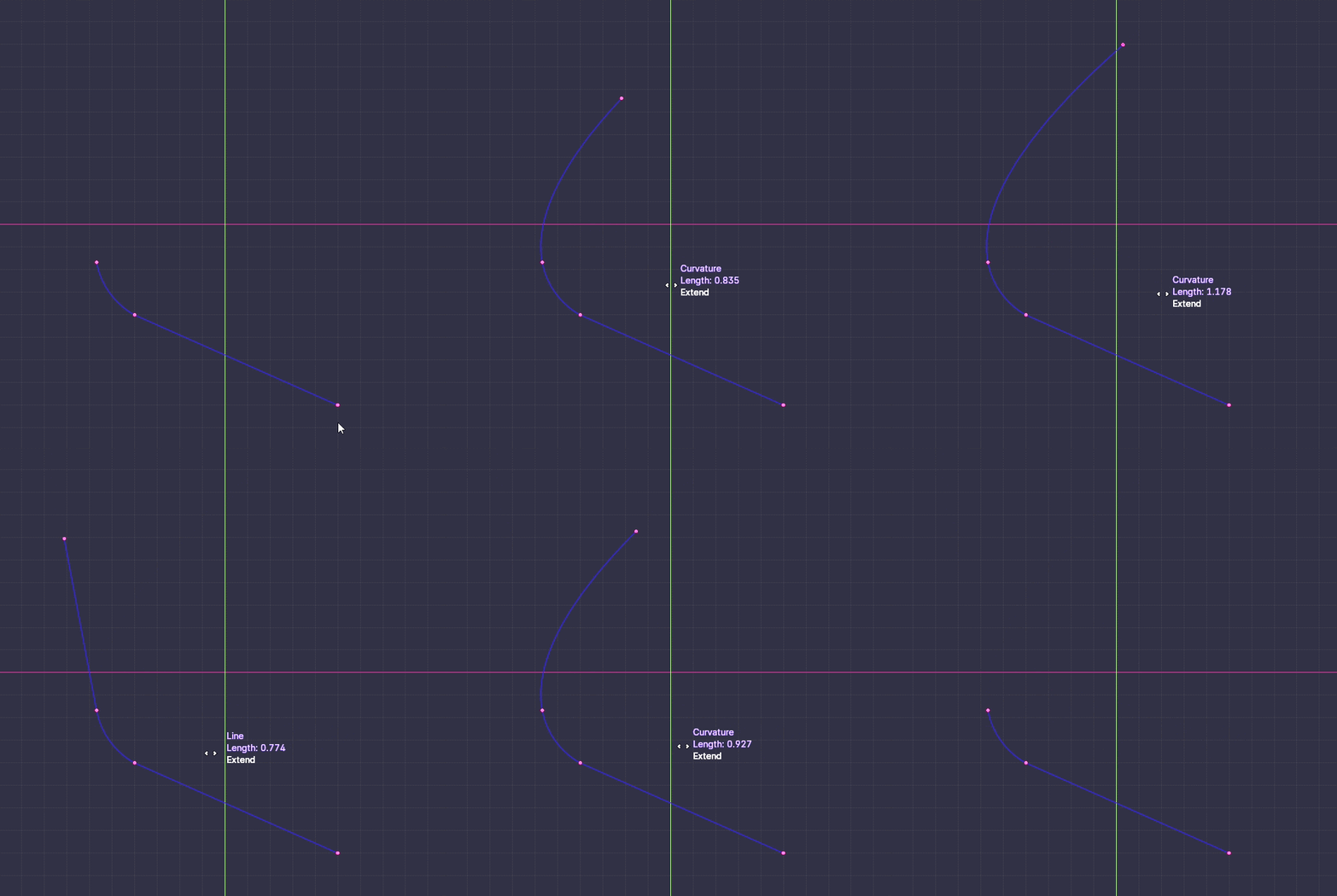
Push an open end forward along its own tangent until it reaches what it has to reach.
05 / CAD
Curve Boolean
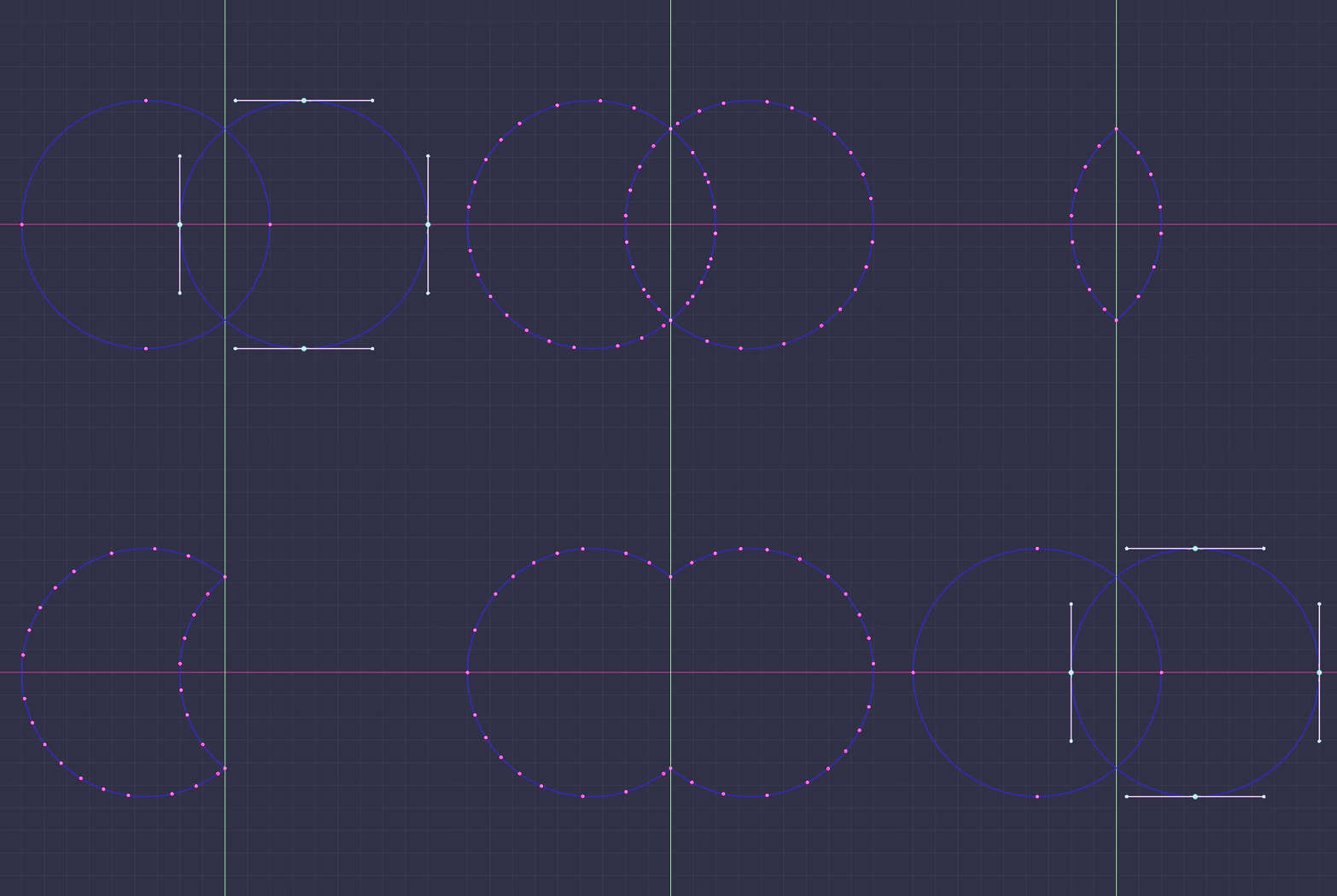
Union, cut and intersect between curve shapes, resolved in the curve domain.
06 / CAD
Bevel Corners
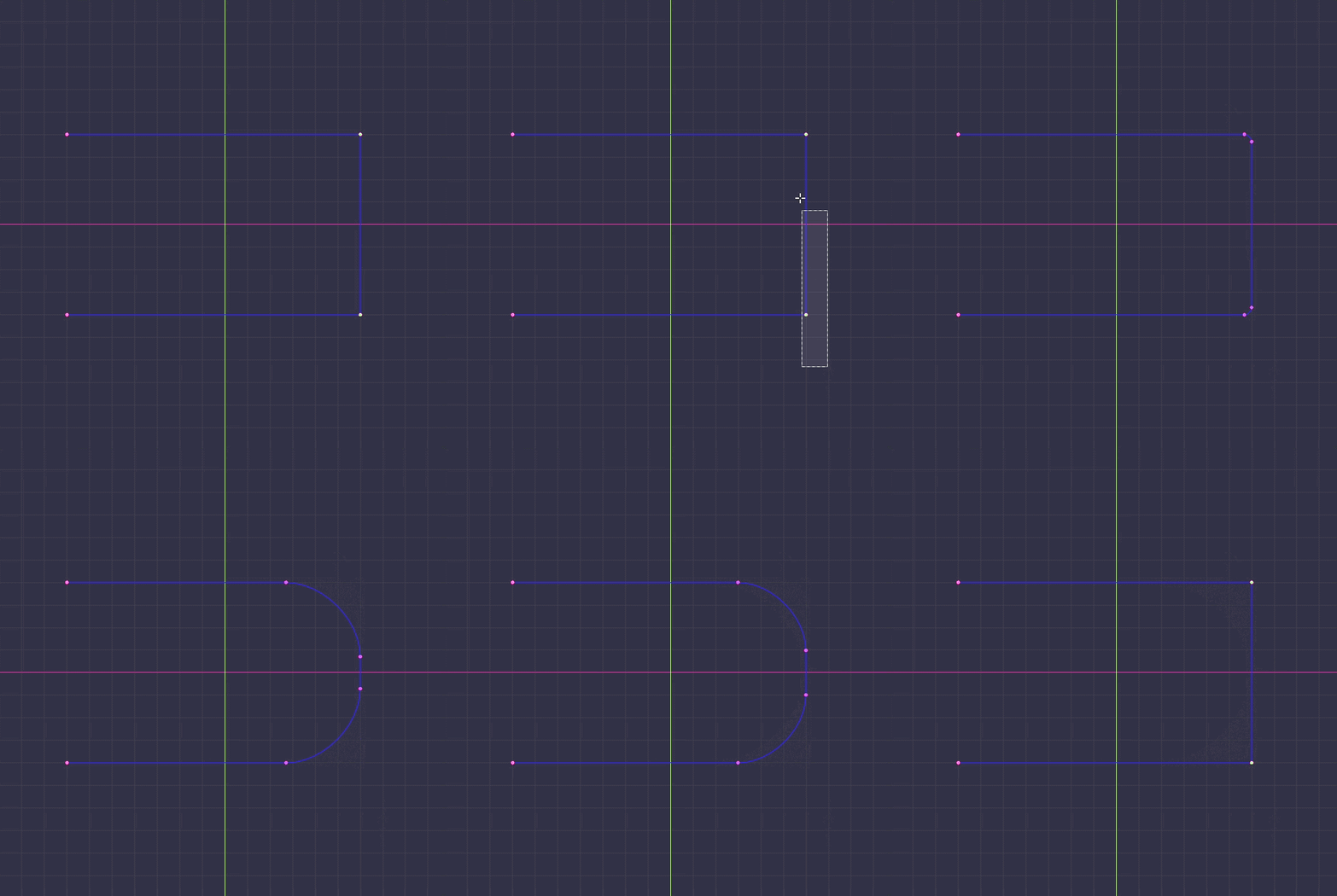
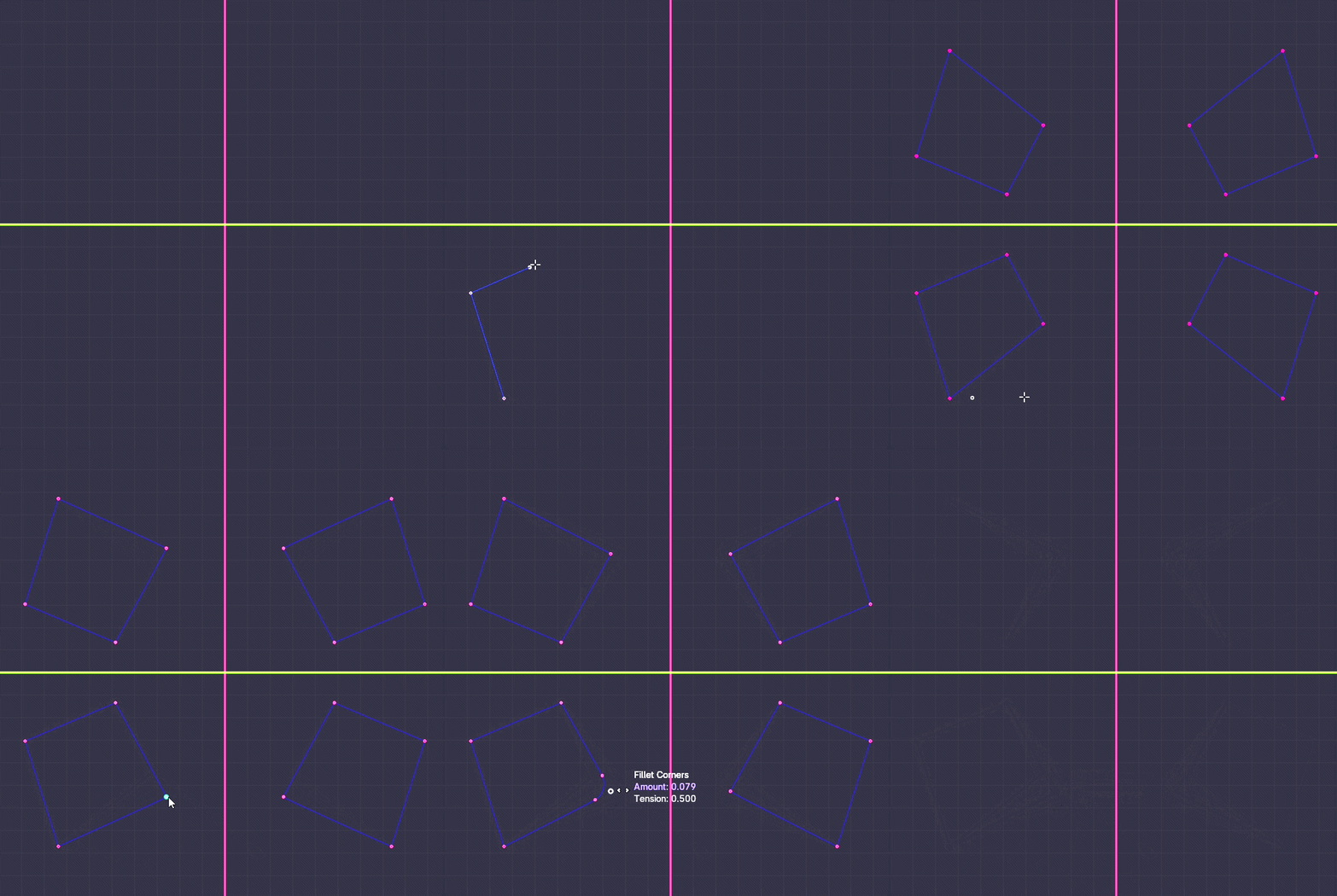
Fillet or chamfer the corners of one curve, interactively. A circular-arc tension table does the work, so the round really is an arc, not a handle pulled until it looked close.
07 / CAD
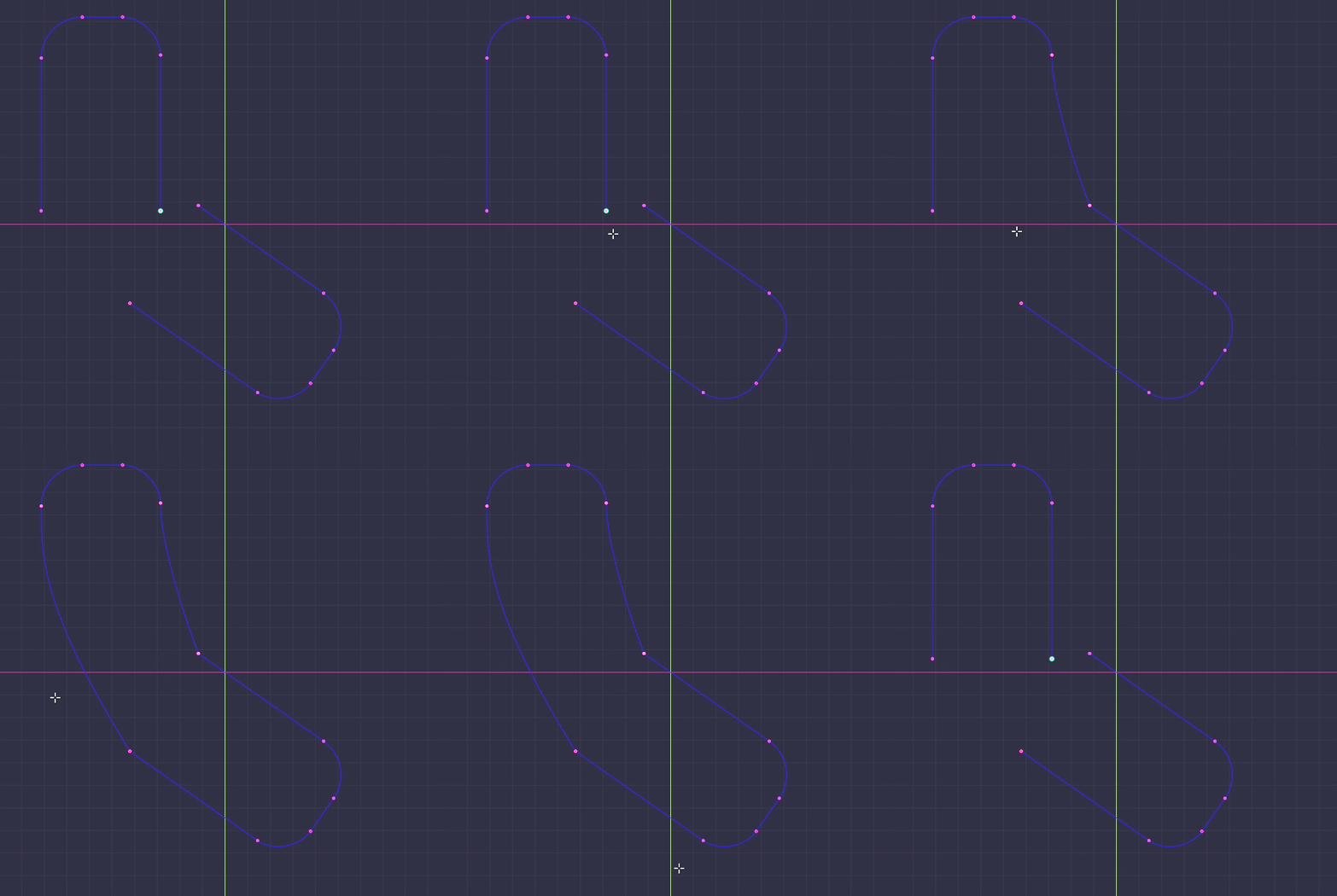
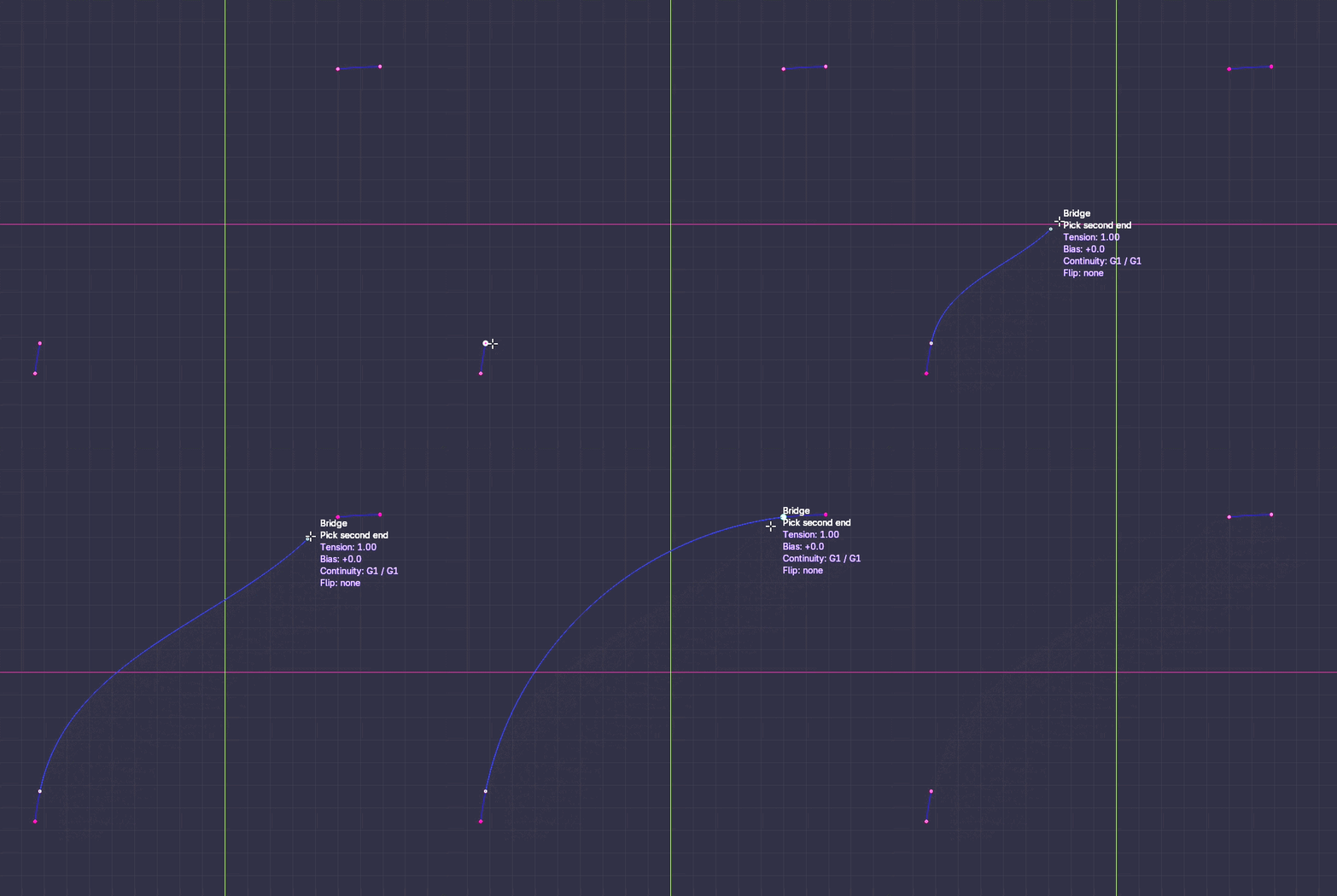
Bridge
Join two open ends and set the continuity on each side: G0, G1 or G2. Tension and flip are also set per end.
08 / CAD
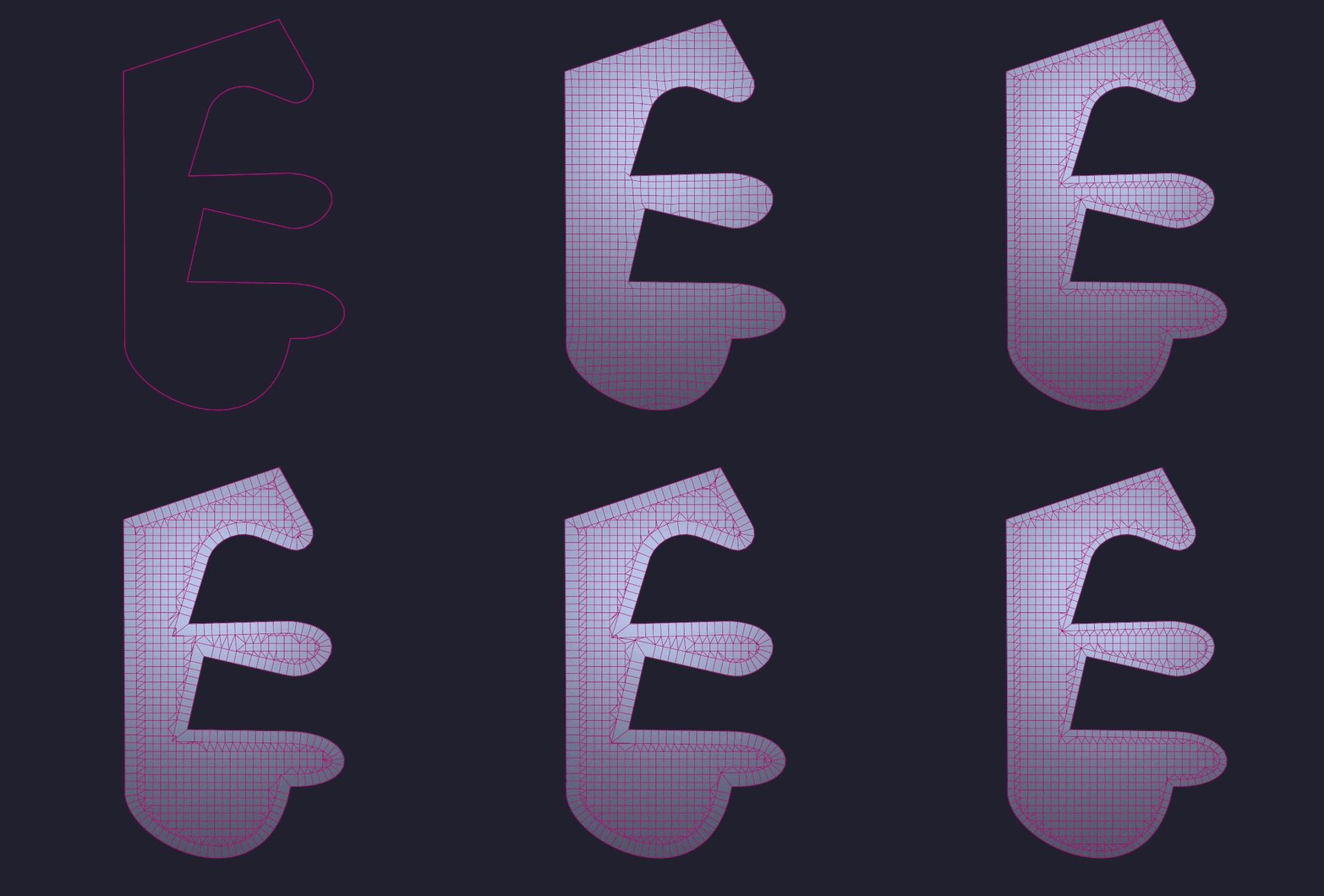
To Mesh, Quad Fill
Turn a closed curve into an all‑quad panel in one command, ready for subdivision.
09 / DRAW
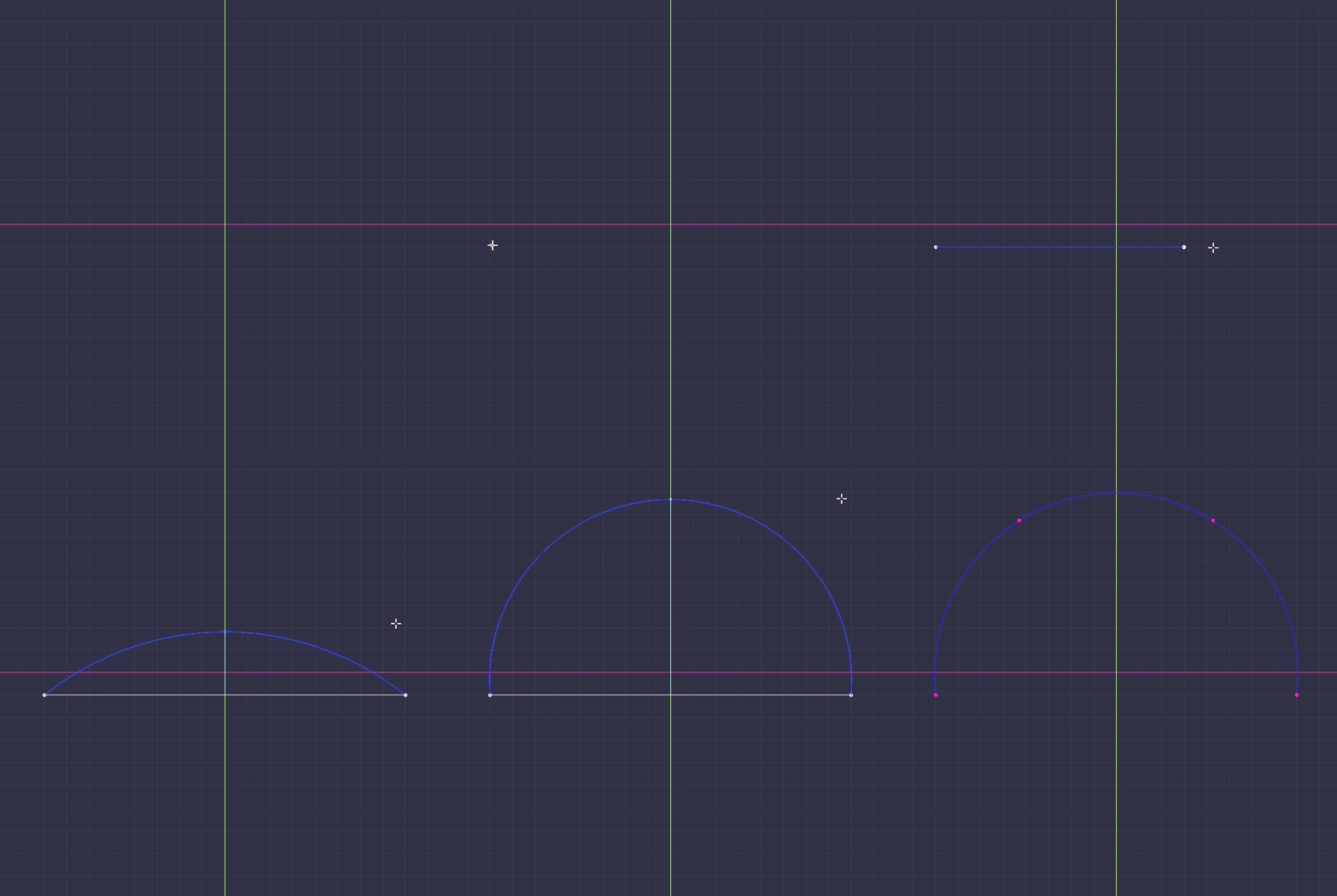
Arc Tool
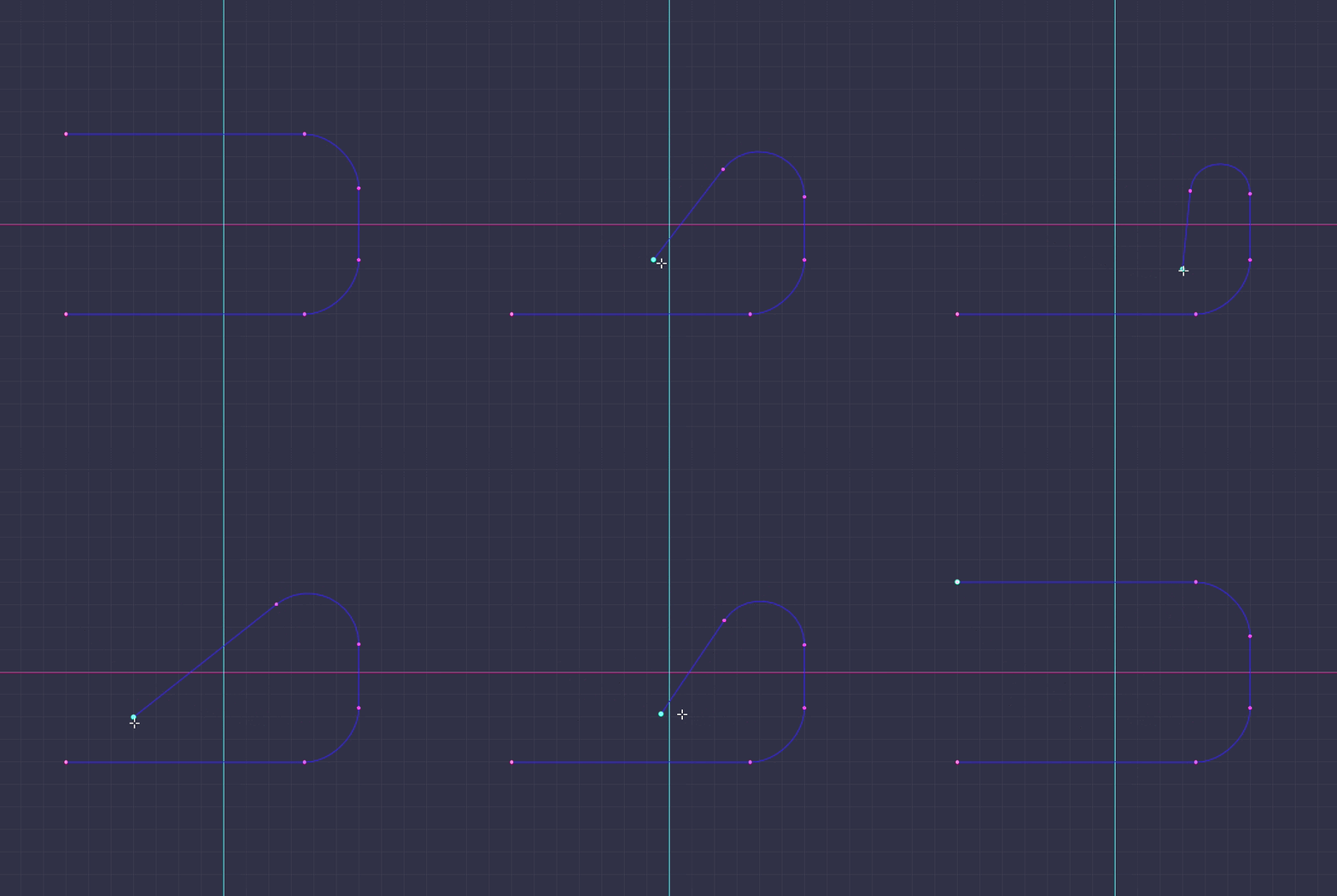
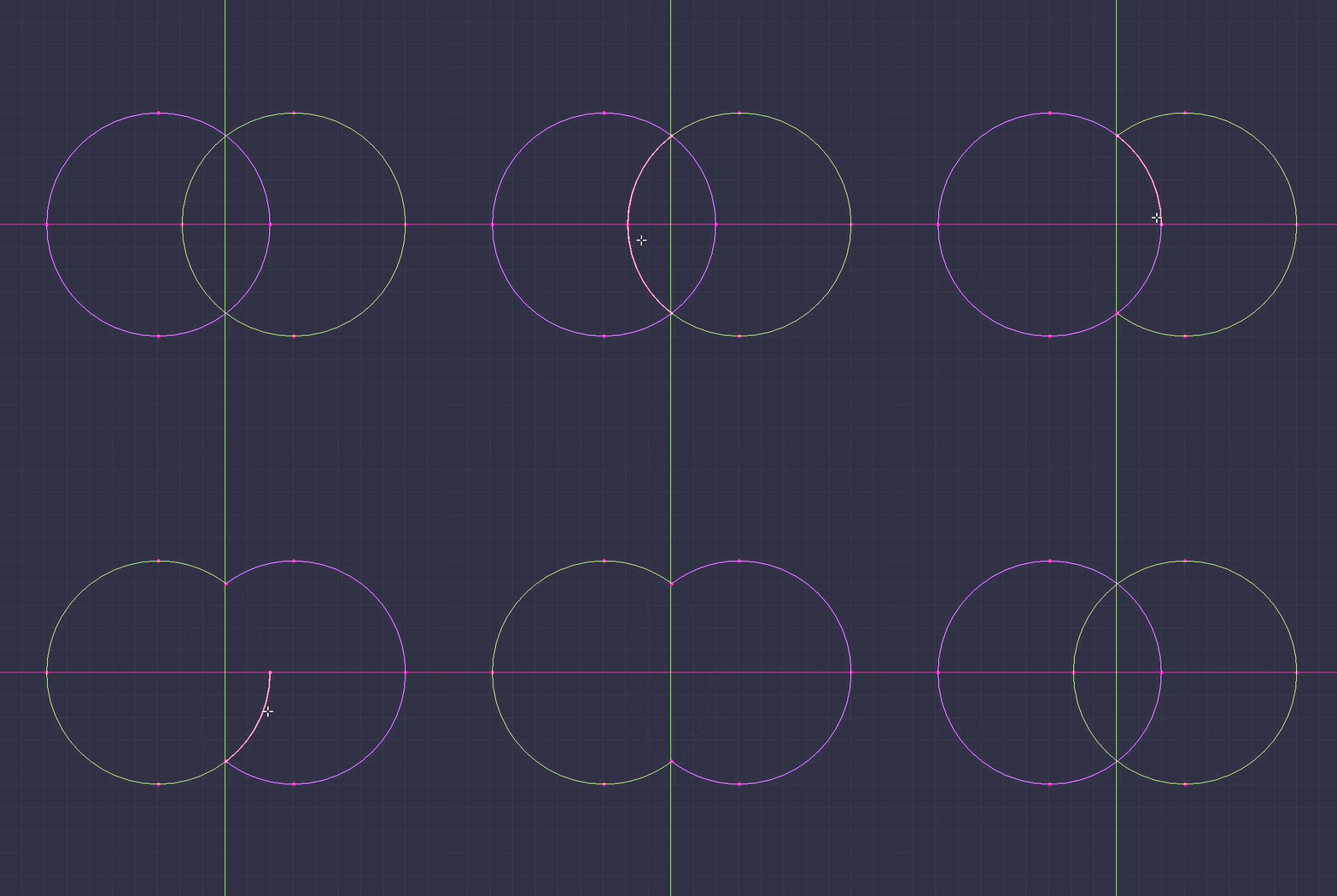
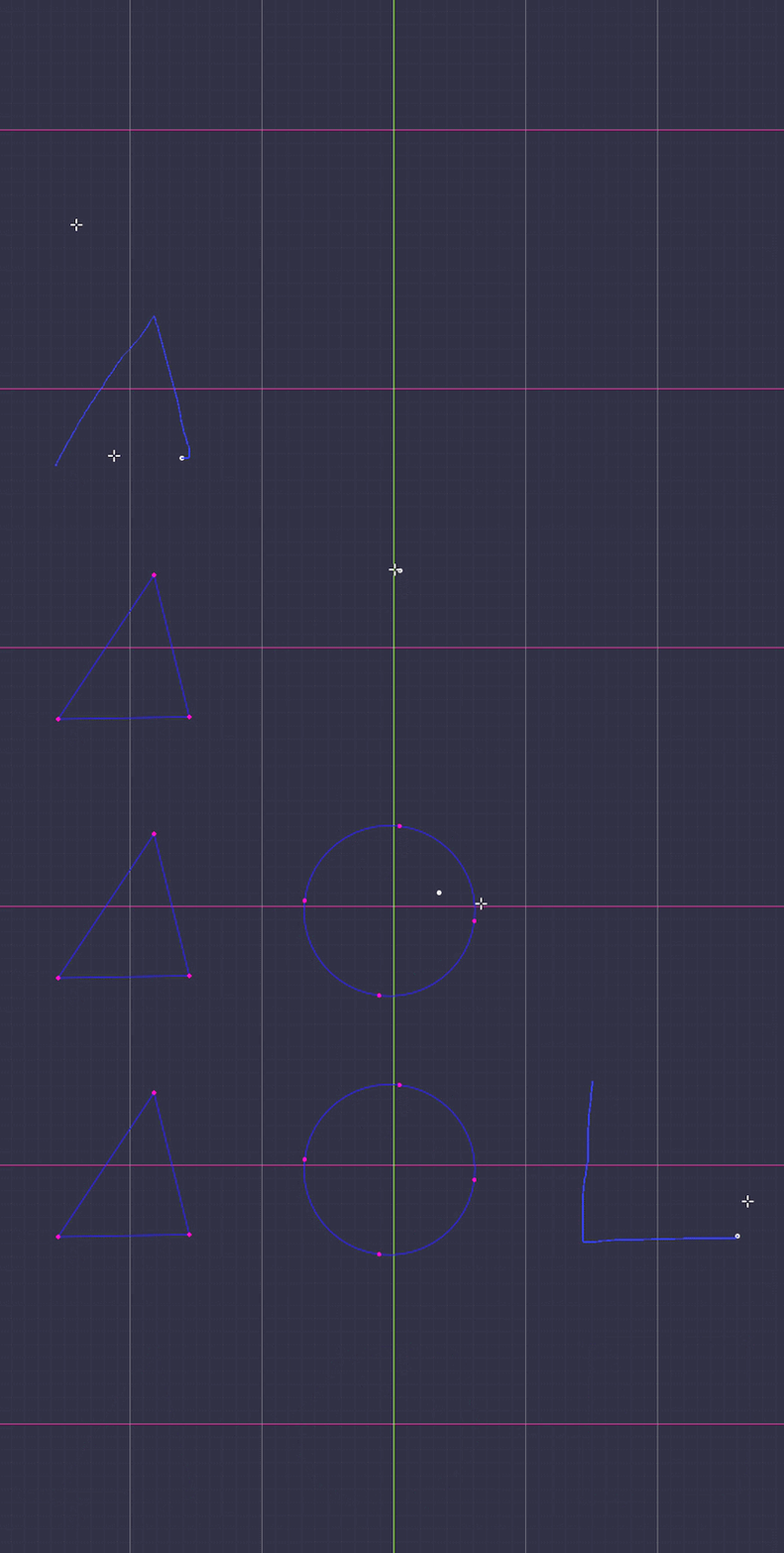
Click the start, click the end, move to bulge, click to confirm: a true circular arc, laid down as clean bezier. Flip between the minor and major arc with one key, snap the sweep angle with the wheel.
10 / DRAW
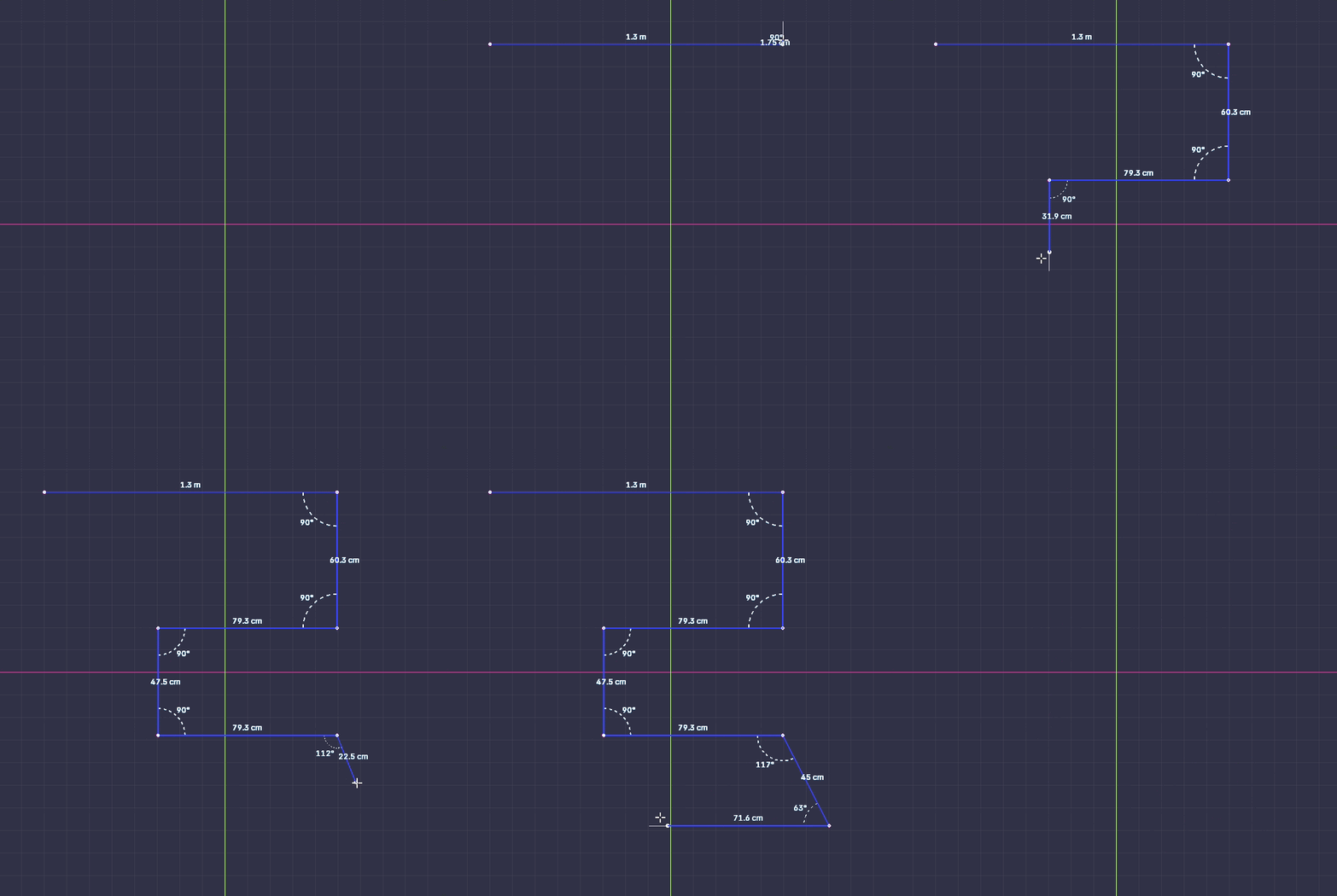
Precision Mode
Turn it on and the Pen snaps the angle of every segment: horizontal, vertical, 45°, or any step from 5° to 45° with Ctrl+Wheel. It also locks parallel or perpendicular to existing segments, or tangent to the last one. Hover a curve to pick up its tangent, and read length and angle live as you draw.
11 / EDIT
Trim
Click a piece of curve and it is cut back to the nearest intersections on either side, with another spline or with itself. With no intersection on one side, the cut runs to the end. A live preview shows what will go before you click.
12 / EDIT
Delete
Hold X and hover, and the target lights up red. Click a point to remove it, or click a segment to remove only that link. A closed curve opens there, an open one splits in two. Keep X held to chain deletions.
13 / EDIT
Offset
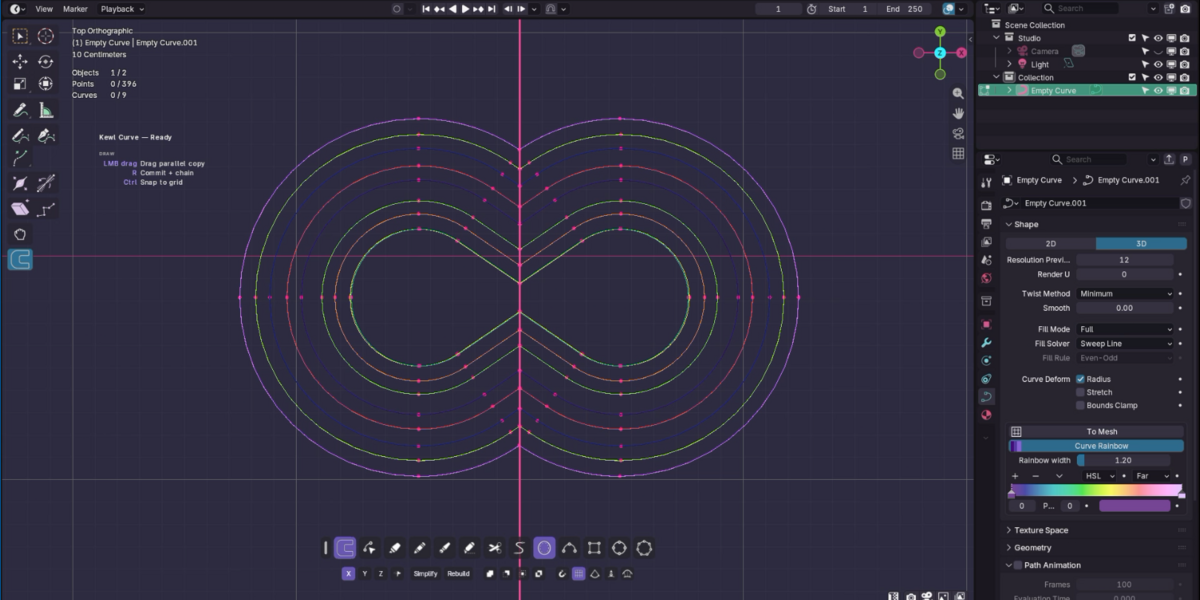
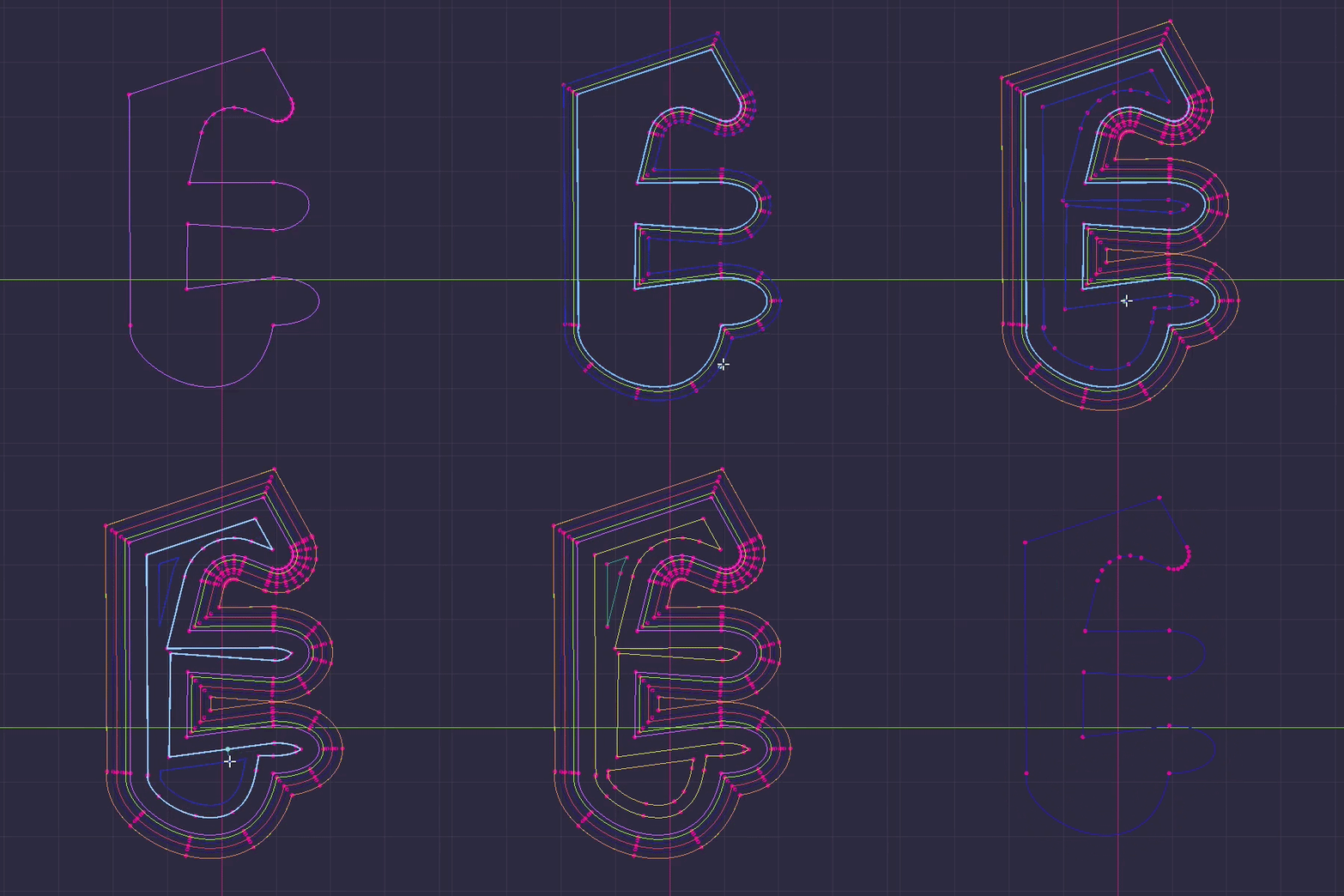
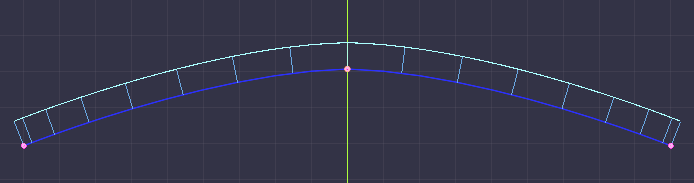
Offset a bezier as a bezier: the source control points are shifted, not resampled. Arcs offset as exact arcs, lines stay lines, corners get a mitre or a round, and self-intersections are cut out automatically.
14 / EDIT
Symmetry
Draw with X, Y or Z symmetry on. A stroke that crosses the axis is clipped there and welded to its reflection: one continuous curve. Cross it twice and you get a closed loop. A stroke that stays on one side is mirrored as its own spline.
15 / EDIT
Slide
Press G twice and the selected points glide along the curve itself, not along the chord. The side they leave keeps its exact shape, the side they join is refitted, tangents untouched. Clamp at the neighbours with C, step by 10% with snap.
 KewlSheet