 KewlSheet




DOCUMENTATION • VERSION 1.0
KEwlCurve
Install
Drop the zip onto Blender, or Edit › Preferences › Get Extensions › Install from Disk. To update, install the new zip and restart Blender.
Start
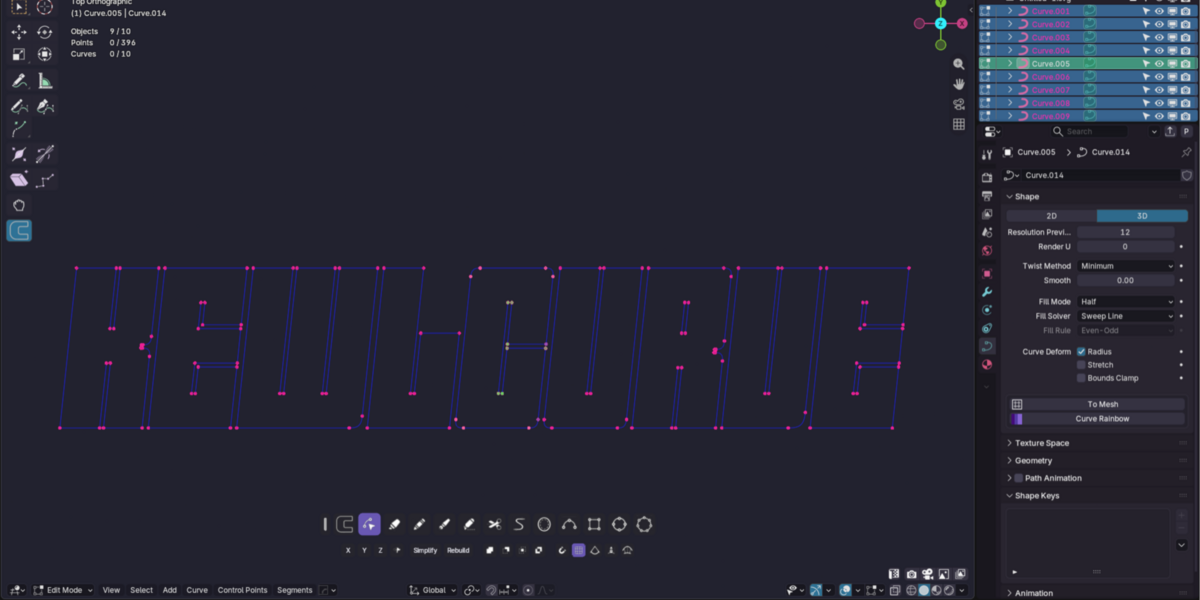
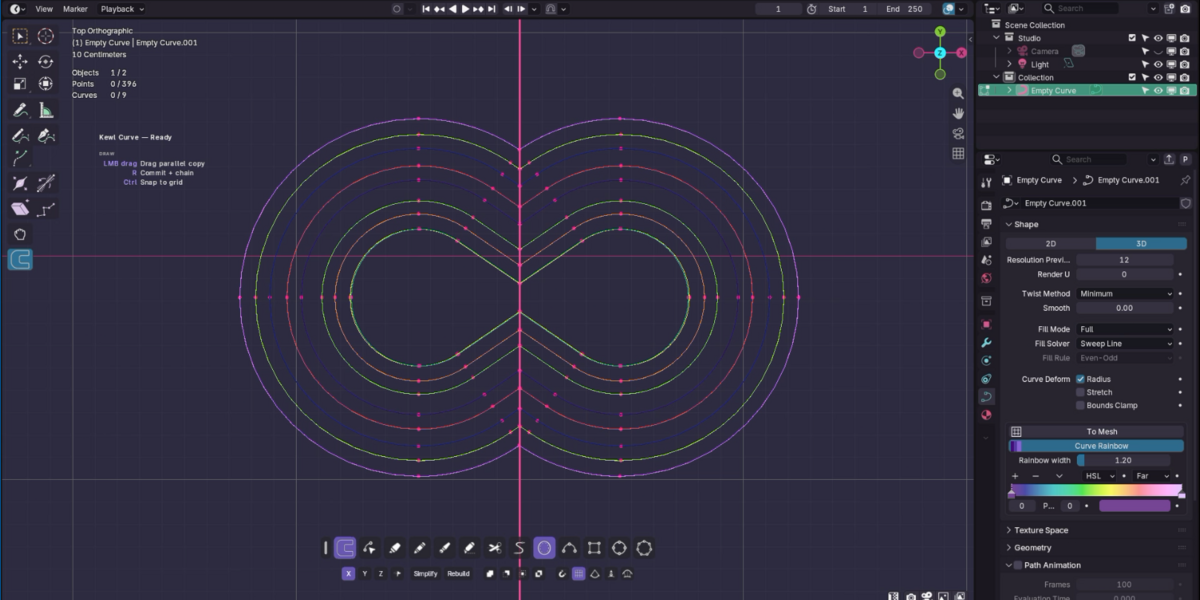
Add or select a curve, enter Edit Mode and pick Kewl Curve in the toolbar. Click to draw straight onto the surface or the construction plane. Bezier, poly and NURBS splines are supported.
Shortcuts
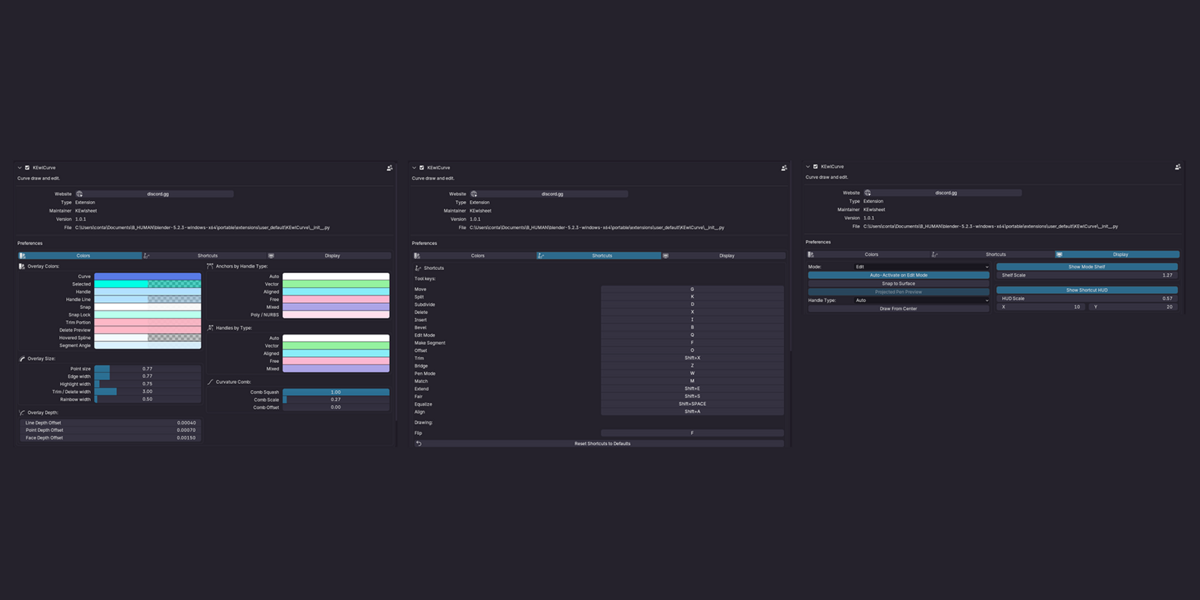
W |
Pen mode. |
G |
Move. |
I |
Insert a point. |
D |
Subdivide. |
K |
Split. |
X |
Delete. |
Shift + X |
Trim. |
F |
Make segment (flip while drawing). |
B |
Bevel: fillet or chamfer a corner, editable later. |
O |
Offset. |
Z |
Bridge two curves. |
M |
Match a curve end: position, tangent or curvature. |
Shift + E |
Extend. |
Shift + S |
Fair out wobbles. |
Shift + Space |
Equalize point spacing. |
Shift + A |
Align. |
Q |
Edit mode. |
Modifiers
Ctrl (hold) |
Snap: points, grid, merge, square / circle. |
Shift (hold) |
Mirror, extend selection, bias. |
Both modifiers and every key can be changed in Preferences › Add-ons › KEwlCurve. The shelf also has Simplify, Mirror & Weld and Rebuild.
Good to know
Stuck? Ask on discord.gg/jfDPKf5ju2.
Have questions about this product?
Login to message
| Blender Extension Compatible | Yes |
| Published | 12 days ago |
| Blender Version | 4.2 - 5.2 |
| Extension Type | Add-on |
| License | GPL |