 KewlSheet

DOCUMENTATION • VERSION 1.0
KEwlPen
Install
Drop the zip onto Blender, or Edit › Preferences › Get Extensions › Install from Disk. To update, install the new zip and restart Blender.
Start
In Edit Mode, pick Kewlpen in the toolbar. One cursor does it all: hover a vertex and drag to move it, click in empty space to build a polygon. The HUD says what the next click will do.
Clicks
Left click / drag |
Extrude, make poly, move. |
Shift + drag |
Smooth brush. |
Ctrl + click |
Loop cut. |
Ctrl + Shift + drag |
Brush / move. |
Ctrl + Alt + click |
Knife. |
Shift + Alt + click |
PolyPen: place points, close the loop to make a face. |
Held keys (hold + left click)
E |
Edge / vertex extrude. |
X |
Delete on edge center, dissolve loop on edge end. |
F |
Fill. |
W |
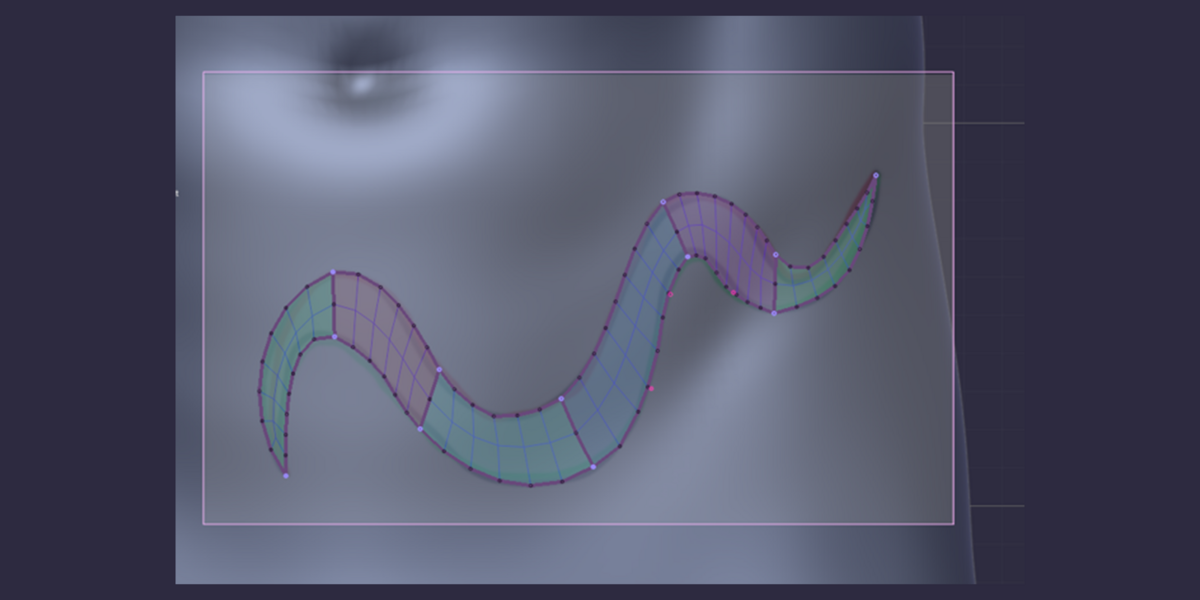
PolyStrips: select strip faces, release to deform. |
S / R |
Paint faces, release to scale / rotate them. |
C |
Paint faces, release to circularize. |
I |
Paint faces, wheel sets the inset, release to apply. |
M |
Paint faces, release to collapse them into one vertex. |
G |
Move the highlighted vertex / edge / face. |
Modes
T |
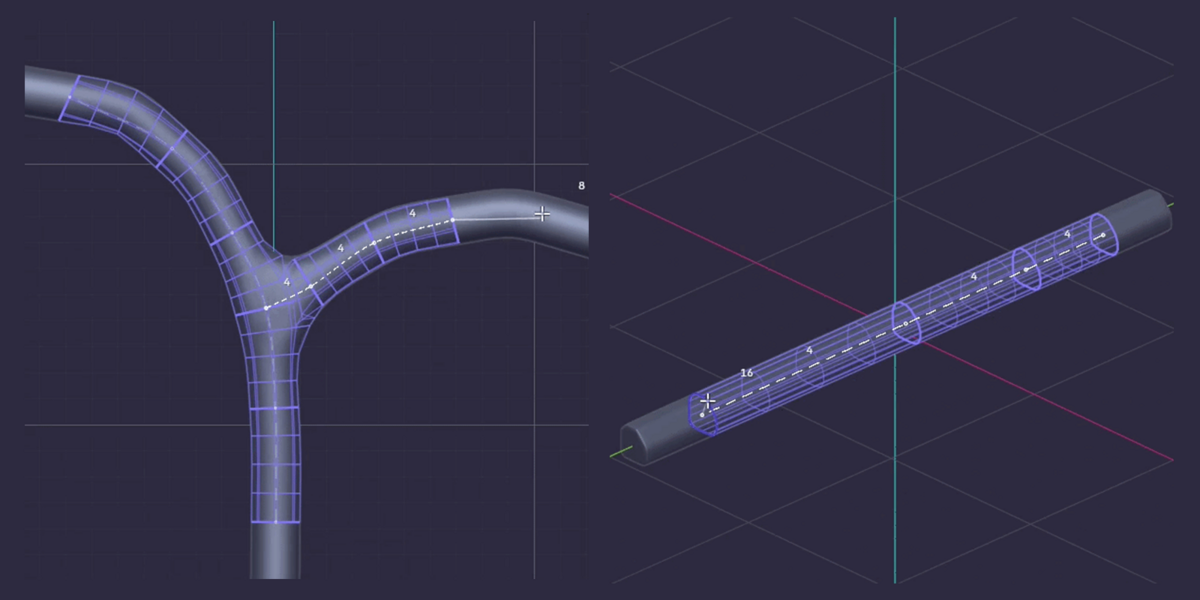
Tube Tool: click points along a form, Enter builds a ring sleeve. |
P |
QuadPatch: click the border edges, drag a stroke to bridge. |
Shift + D |
Re-sketch: draw a guide, nearby vertices align onto it. |
B |
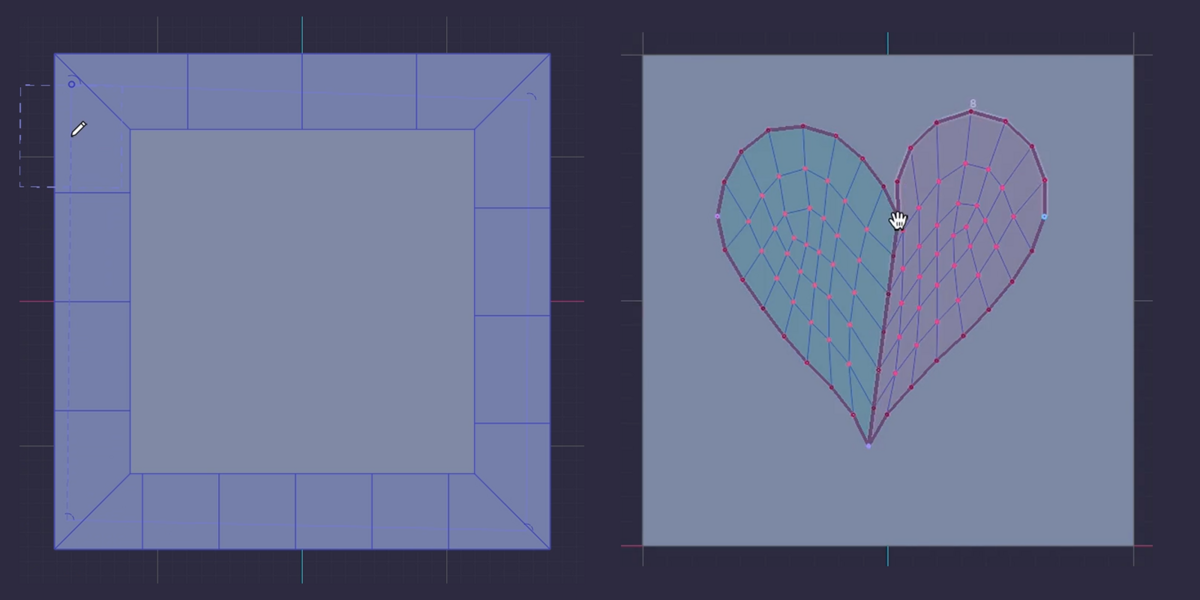
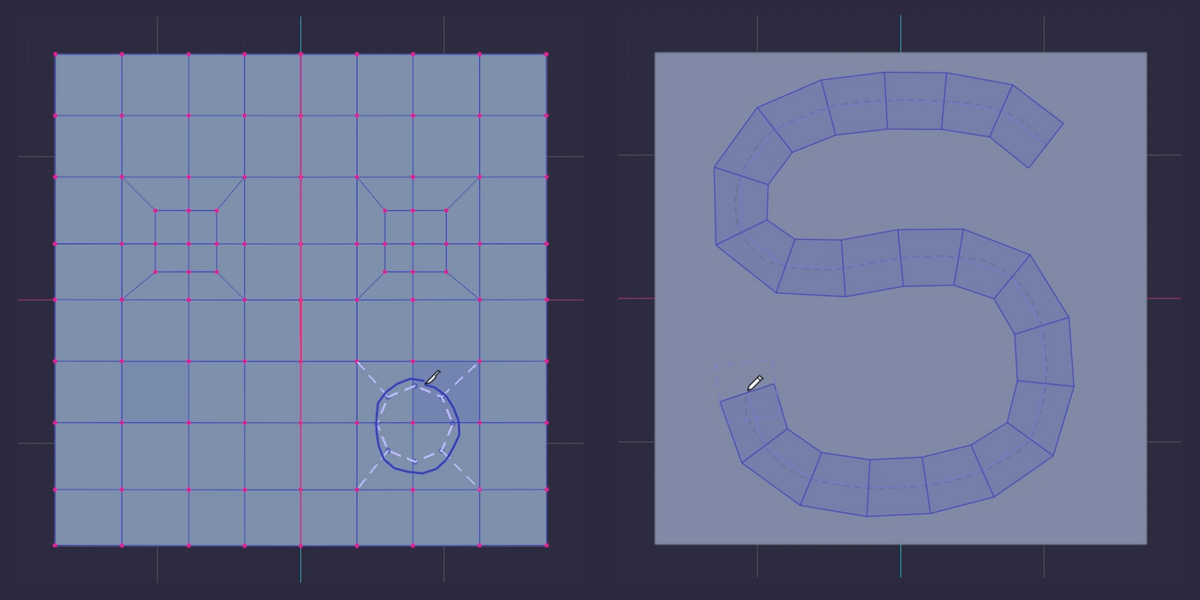
KEwlSheeet mode: draw curves, closed regions fill with quads. |
Shift + < |
Switch between KEwlPen and KEwlSheeet. |
Y |
Toggle symmetry. |
Ctrl + E |
LoopCut Equal / Even. |
H |
Show / hide HUD text. |
Every key can be rebound in Preferences › Add-ons › KEwlPen.
Good to know
Stuck? Ask on discord.gg/jfDPKf5ju2.
Have questions about this product?
Login to message
| Blender Extension Compatible | Yes |
| Published | about 2 hours ago |
| Blender Version | |
| Extension Type | Add-on |
| License | GPL |
