 KewlSheet
DOCUMENTATION • VERSION 1.0
KEwlSheeet
Install
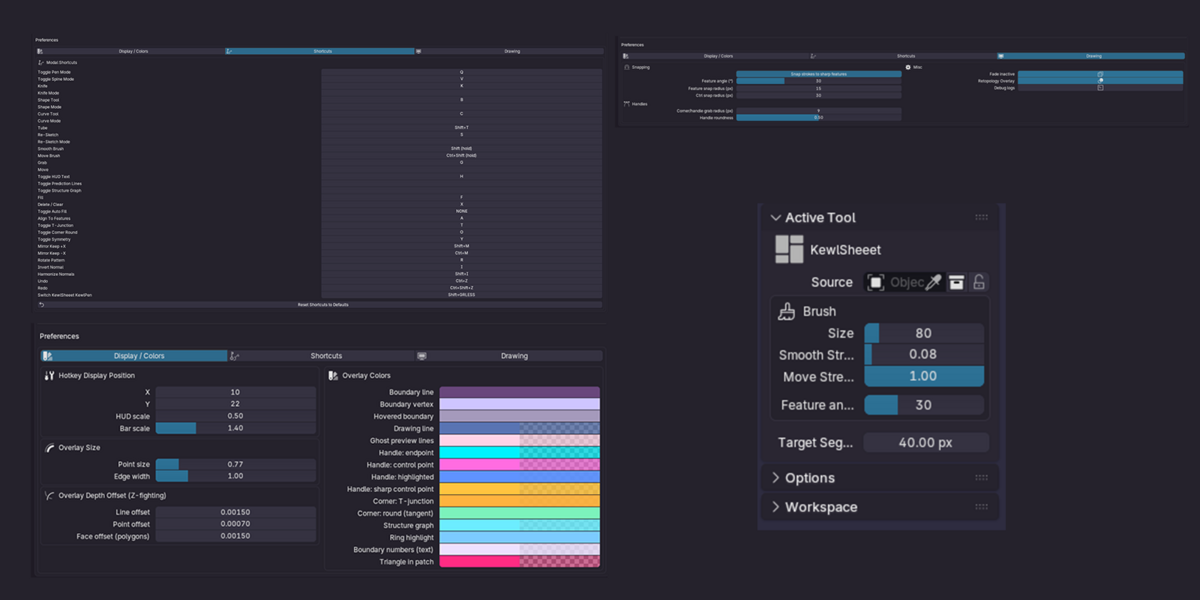
Drop the zip onto Blender, or Edit › Preferences › Get Extensions › Install from Disk. To update, install the new zip and restart Blender.
Start
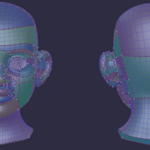
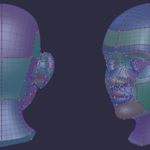
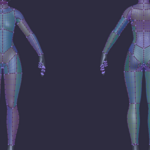
Select your low-poly object with the reference mesh visible, enter Edit Mode and pick KewlSheeet in the toolbar. Draw boundary strokes on the reference: every closed region fills with quads. Scroll the wheel on a boundary to set its segments.
Draw
Q |
Pen mode. |
V |
Spine mode. |
L |
Laser. |
G |
Curve. |
Shift + T |
Tube Tool. |
Shift + D |
Re-sketch. |
Shift (hold) |
Smooth brush. |
Patches
F |
Fill. |
X |
Delete / clear. |
Shift + X |
Toggle auto fill. |
B |
Bridge cylinder. |
A |
Align to features. |
R |
switch the pattern of the hovered patch. |
T |
Toggle T-junction. |
O |
Toggle corner round. |
I / Shift + I |
Invert / harmonize normals. |
View and symmetry
Y |
Toggle symmetry. |
Shift + M / Ctrl + M |
Mirror, keep +X / -X. |
P / Shift + P |
Prediction lines / structure graph. |
H |
Show / hide HUD text. |
Ctrl + Z / Ctrl + Shift + Z |
Undo / redo. |
Shift + < |
Switch to KEwlPen. |
Every key can be rebound in Preferences › Add-ons › KEwlSheeet.
Good to know
Stuck? Ask on discord.gg/jfDPKf5ju2.
Have questions about this product?
Login to message
| Blender Extension Compatible | Yes |
| Published | about 11 hours ago |
| Blender Version | 4.2 - 5.2 |
| Extension Type | Add-on |
| License | GPL |
