Blender 4.2+ • Retopology • Native Rust core
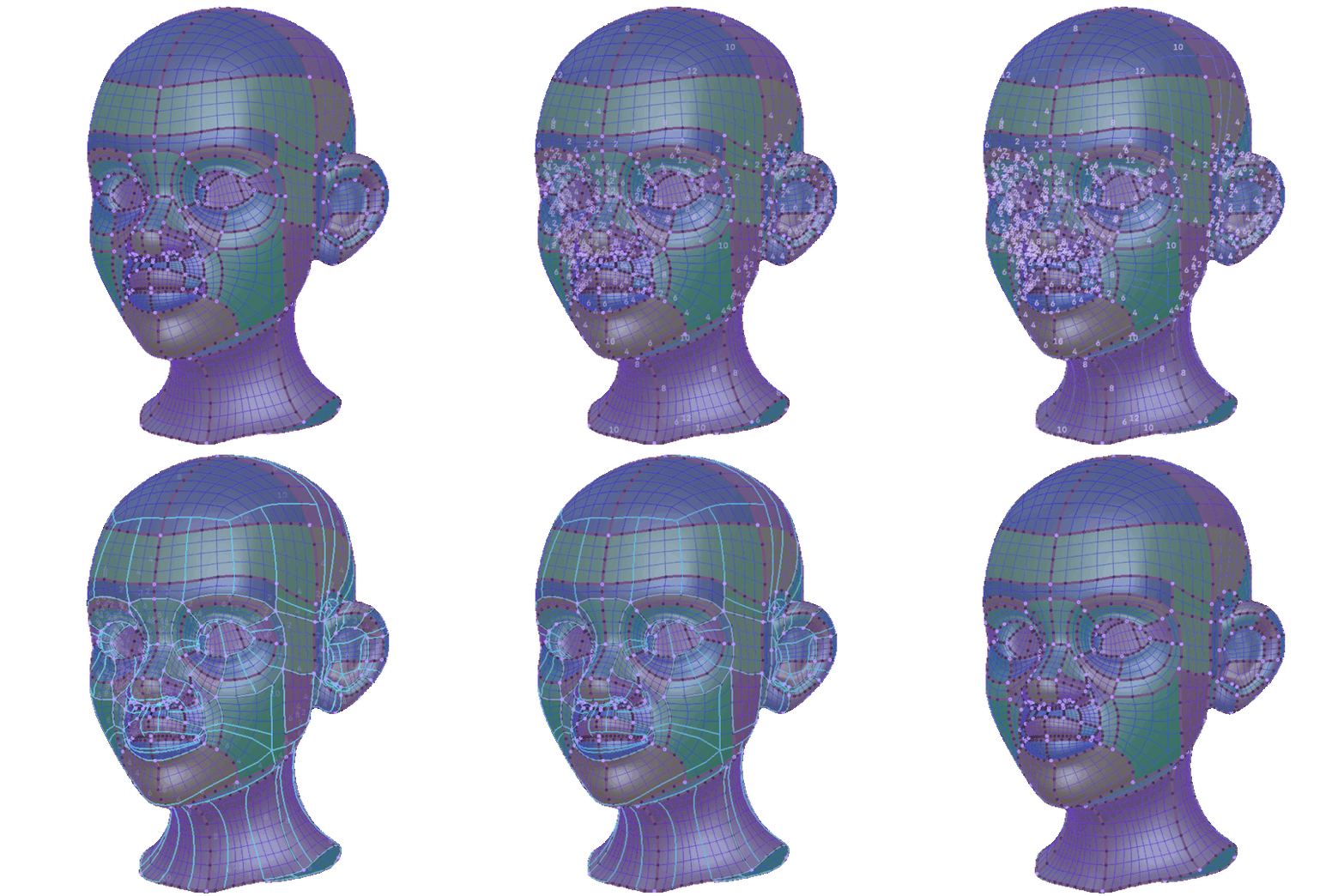


Draw Strokes. Get quads.
|
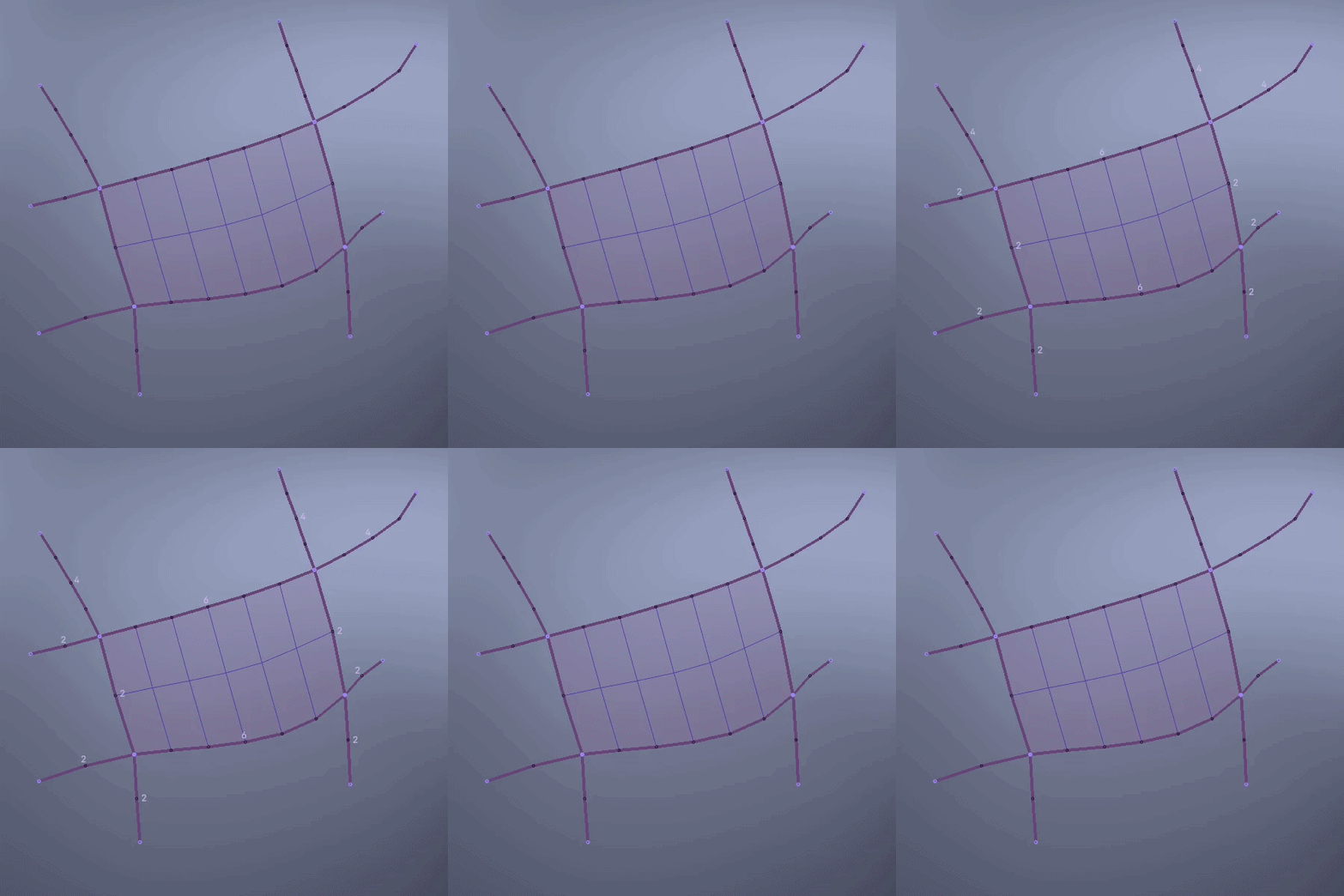
01 / SKETCH
Sketch & auto-fill
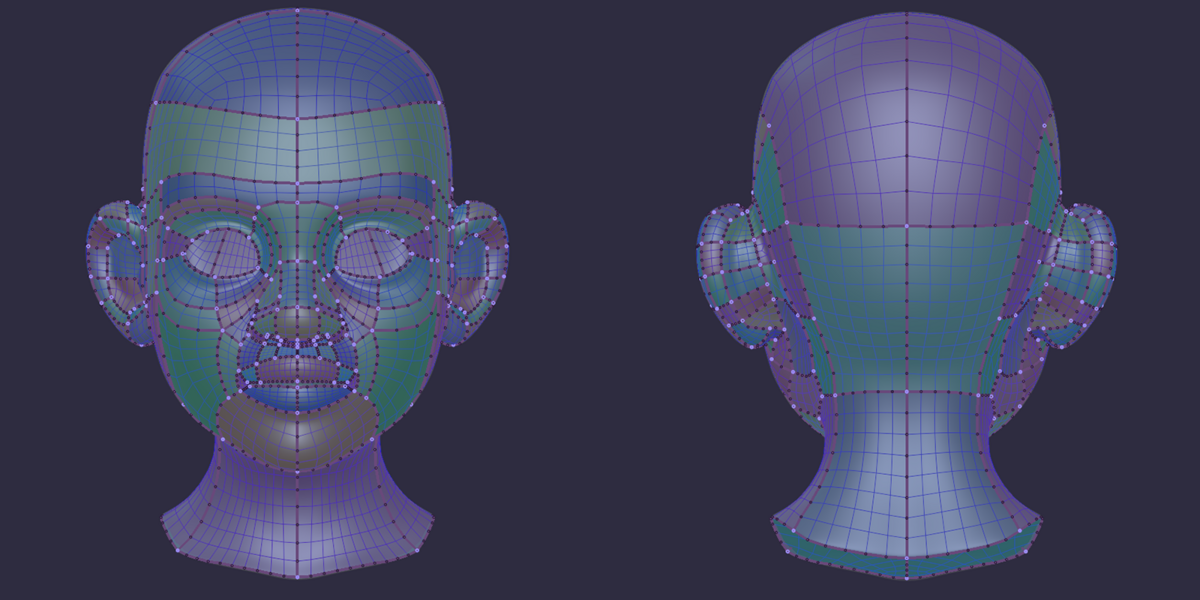
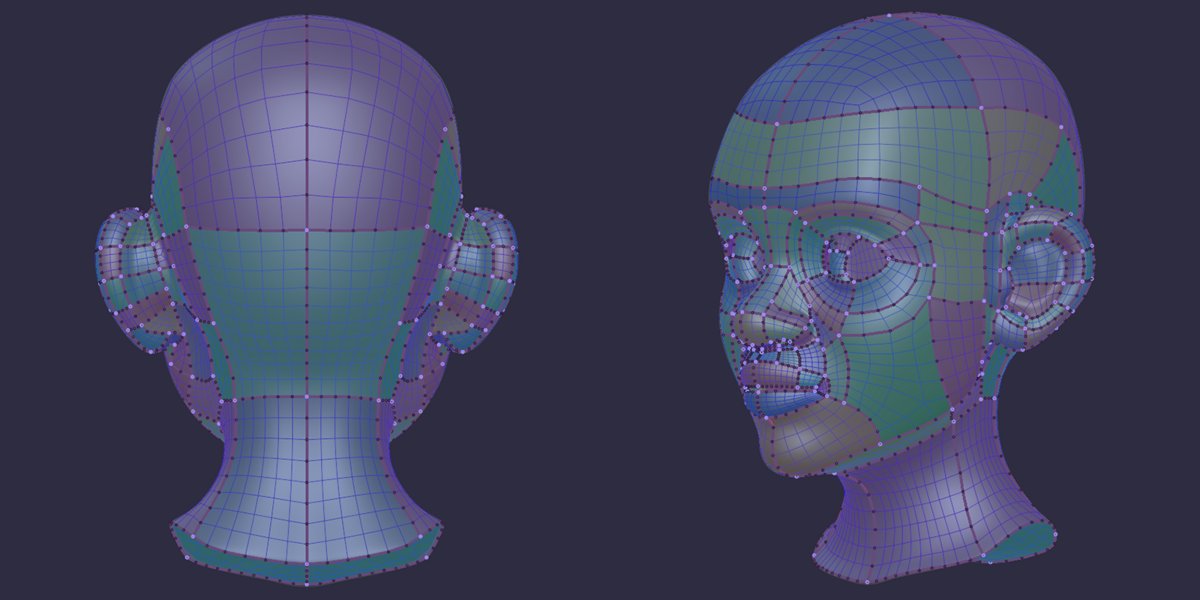
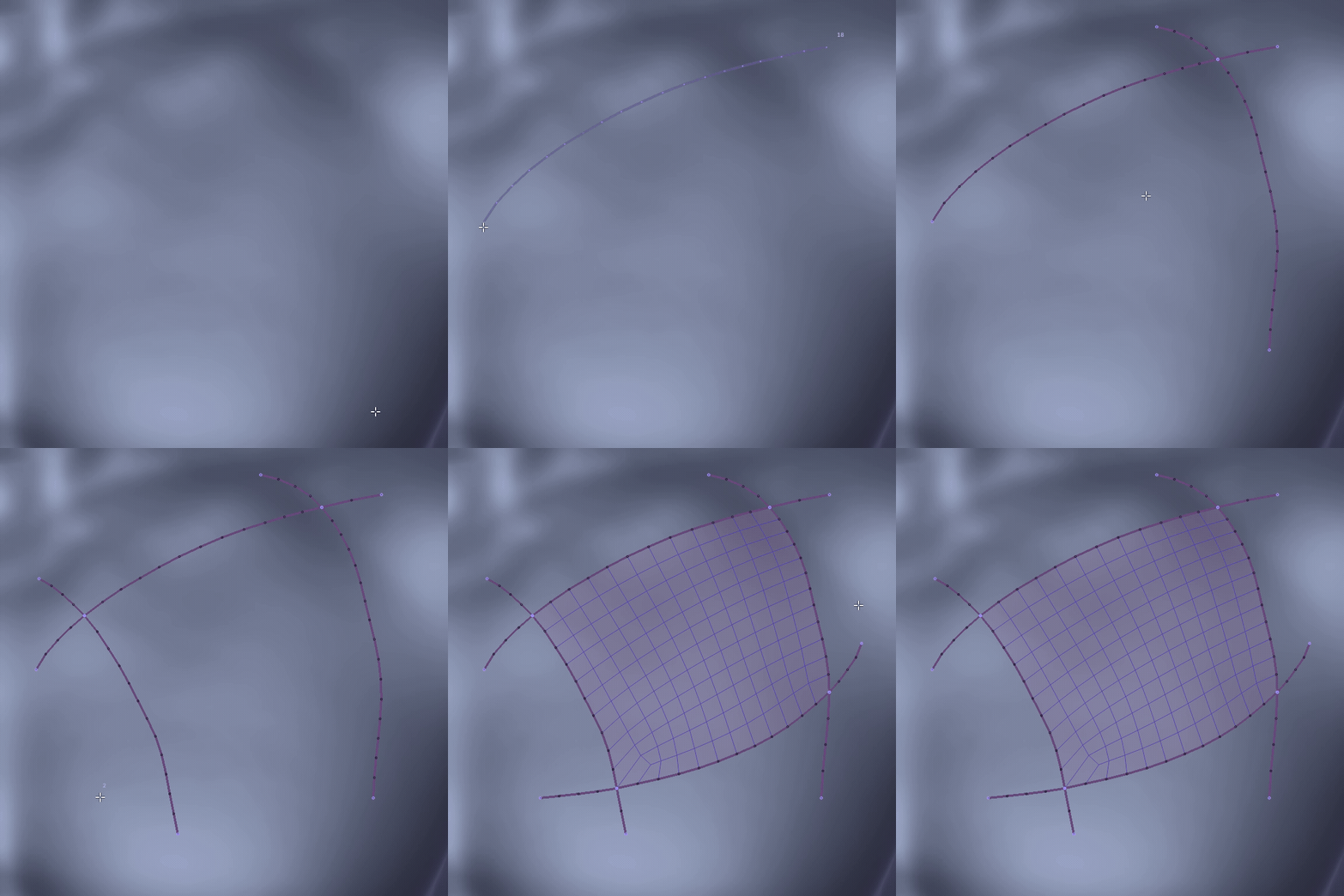
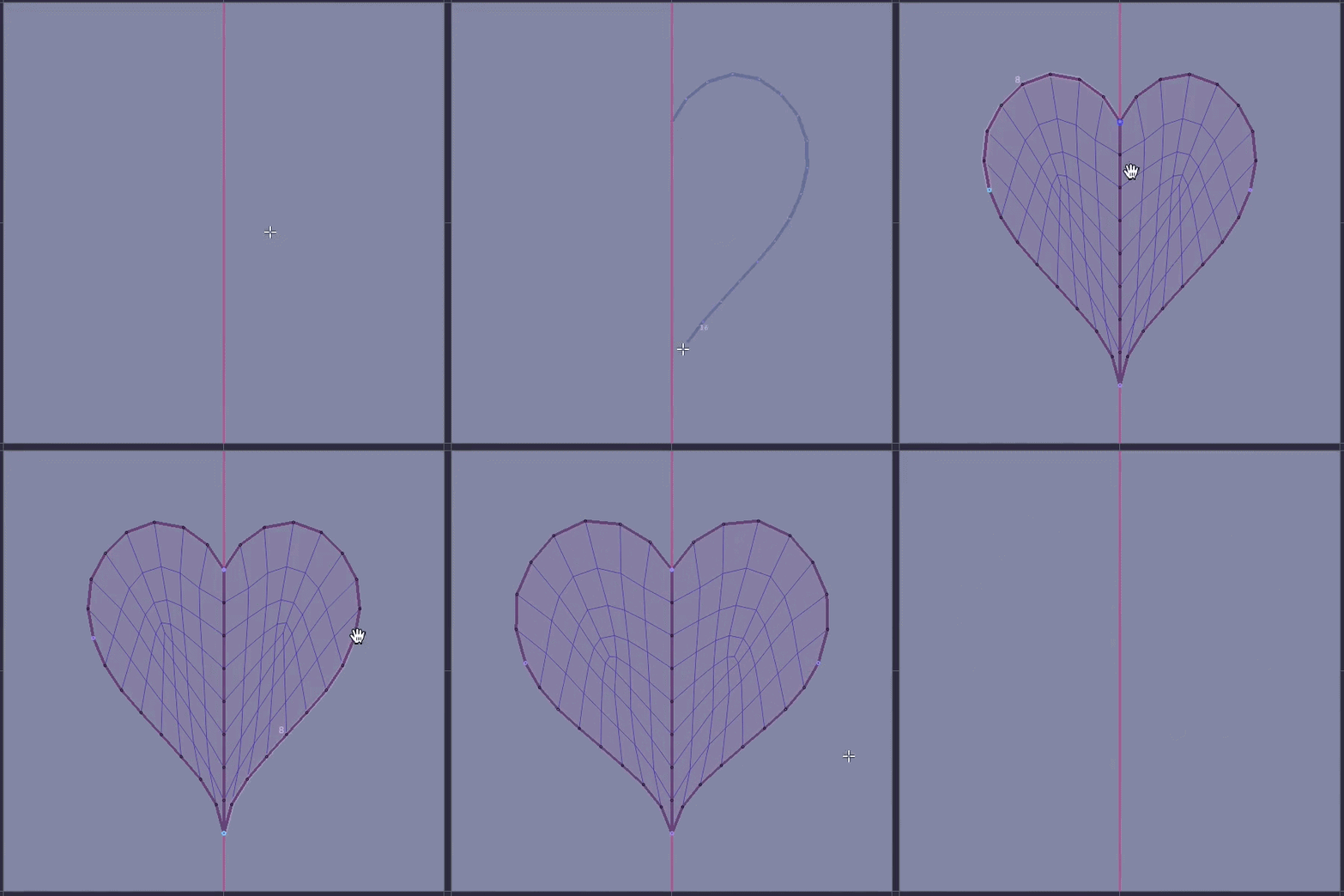
Draw boundary strokes straight onto the reference surface. Strokes cut each other, and every closed region fills with quads instantly.
You draw the panels. The quads are not your problem.
|
|
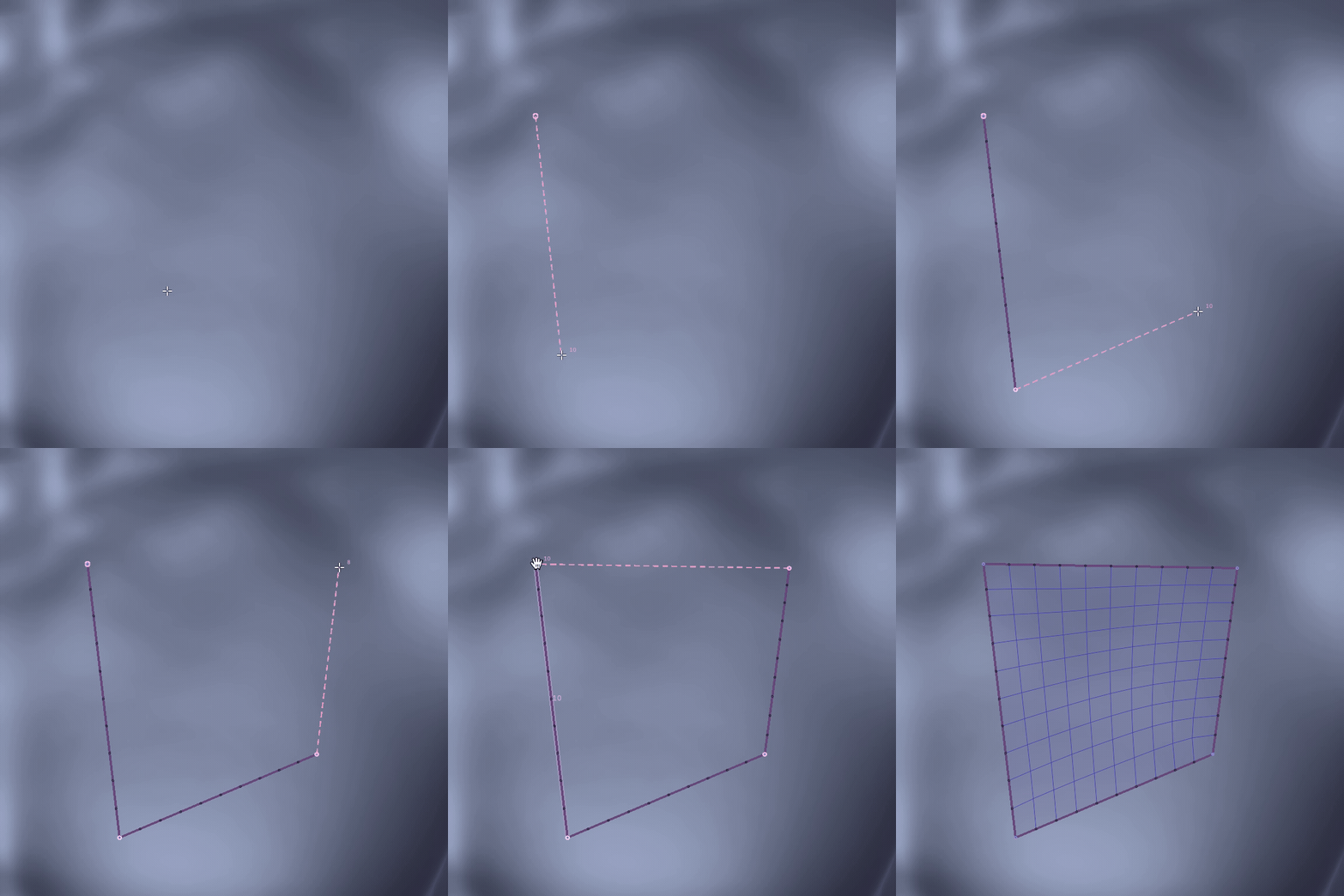
02 / SKETCH
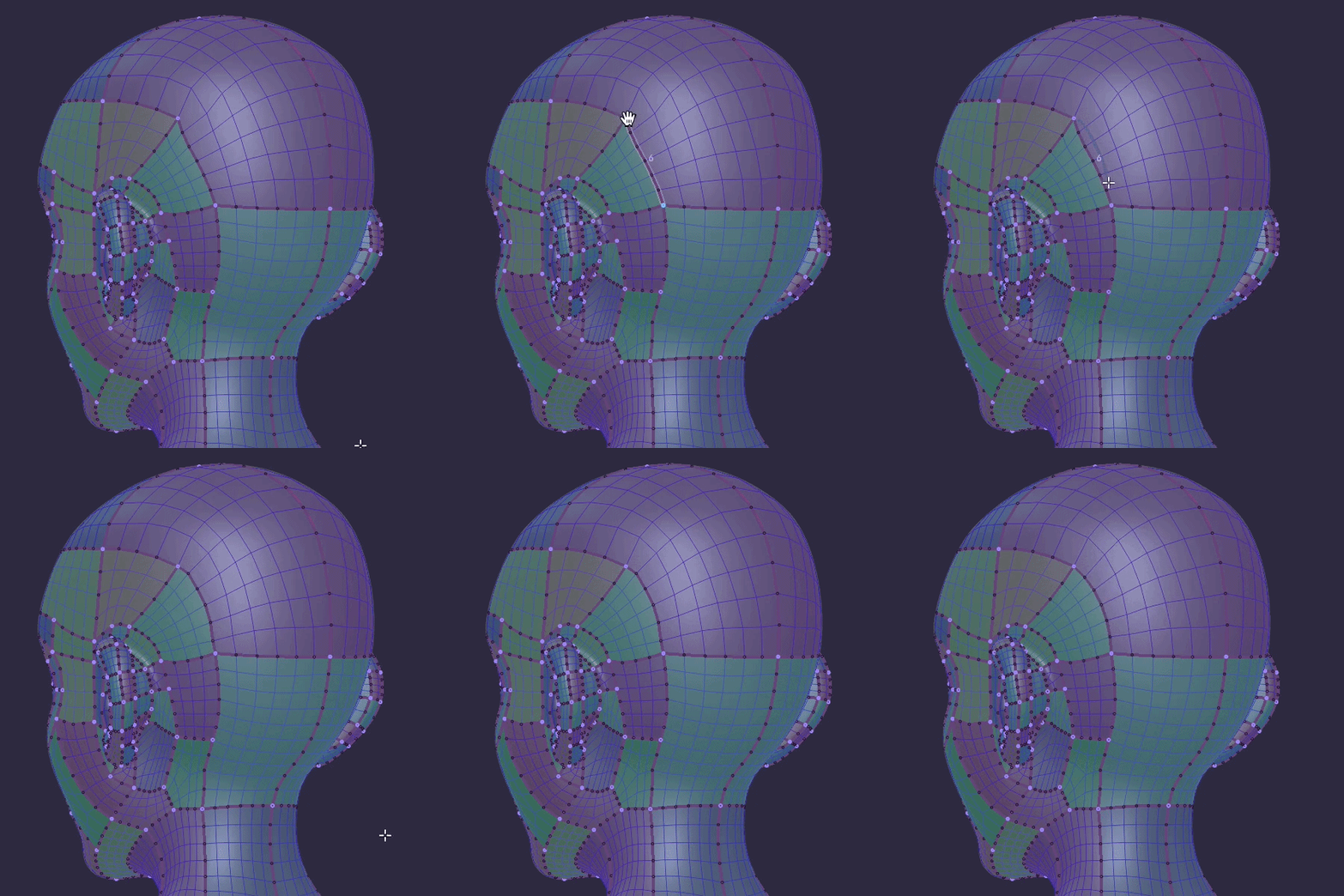
Trace the features
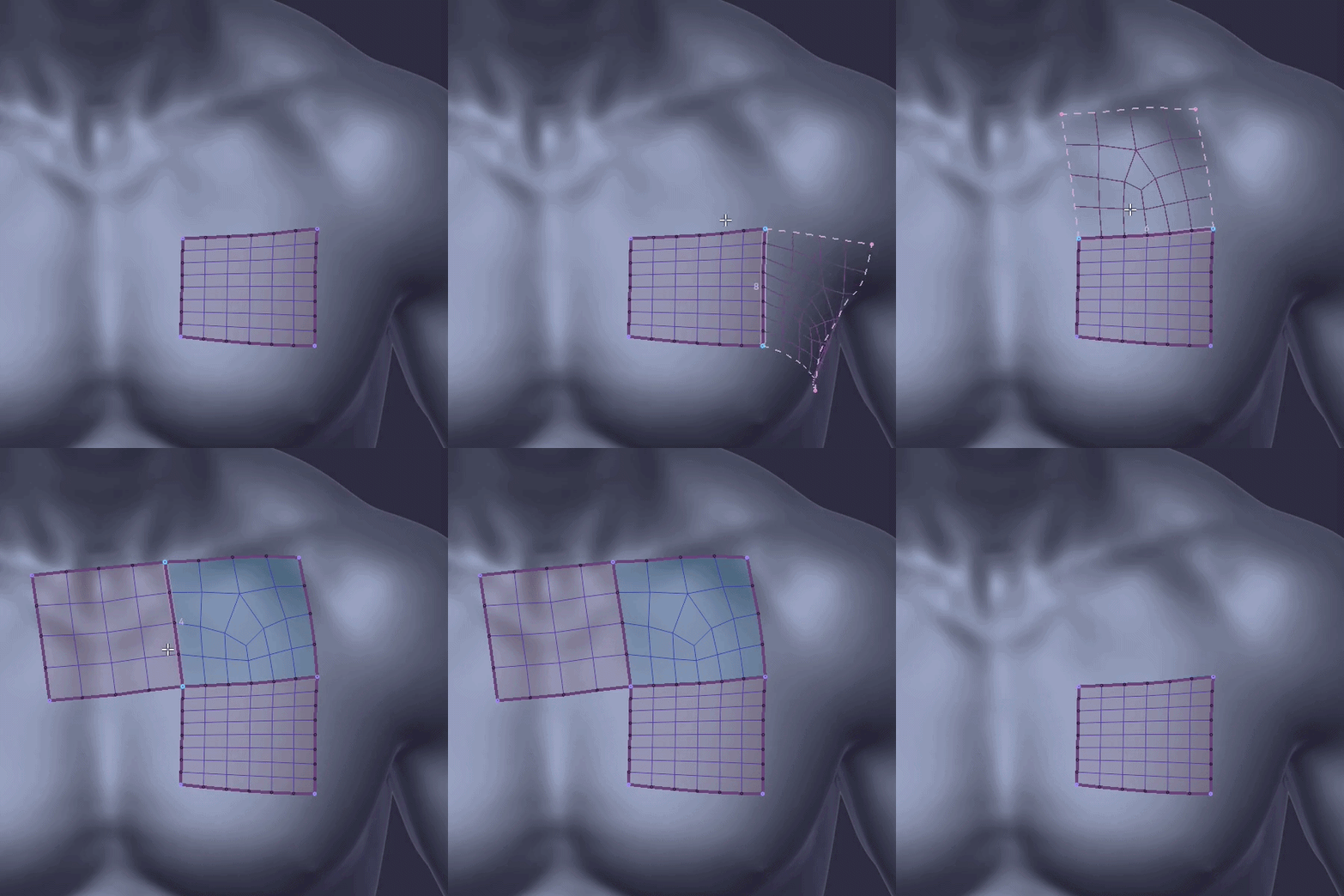
Strokes stick to the reference as you draw, so following a crease, a ridge, an eyelid or a panel line is just tracing it with the pen.
No projection to fix, no lines floating off the model.
The model already shows you where the loops go.
Just draw over it.
|
|
03 / SKETCH
Quad flow that follows the form
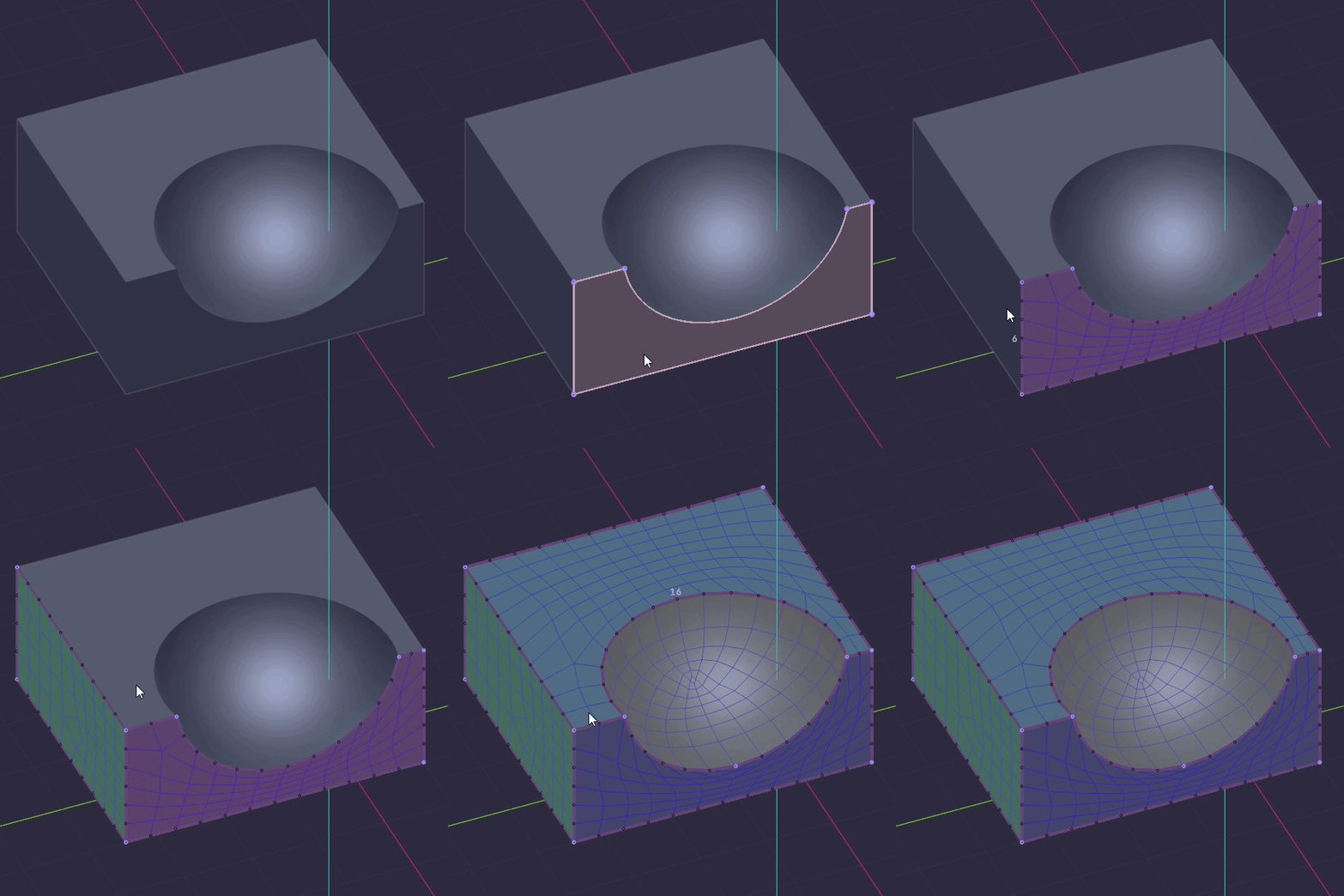
The quads follow the shape of the surface, so they run with the form instead of across it.
A patch that already has the flow
you would have given it.
|
|
04 / SKETCH
Quad-only parity
With even subdivisions on, every patch is guaranteed 100% quads.
No triangle hidden in a corner.
|
|
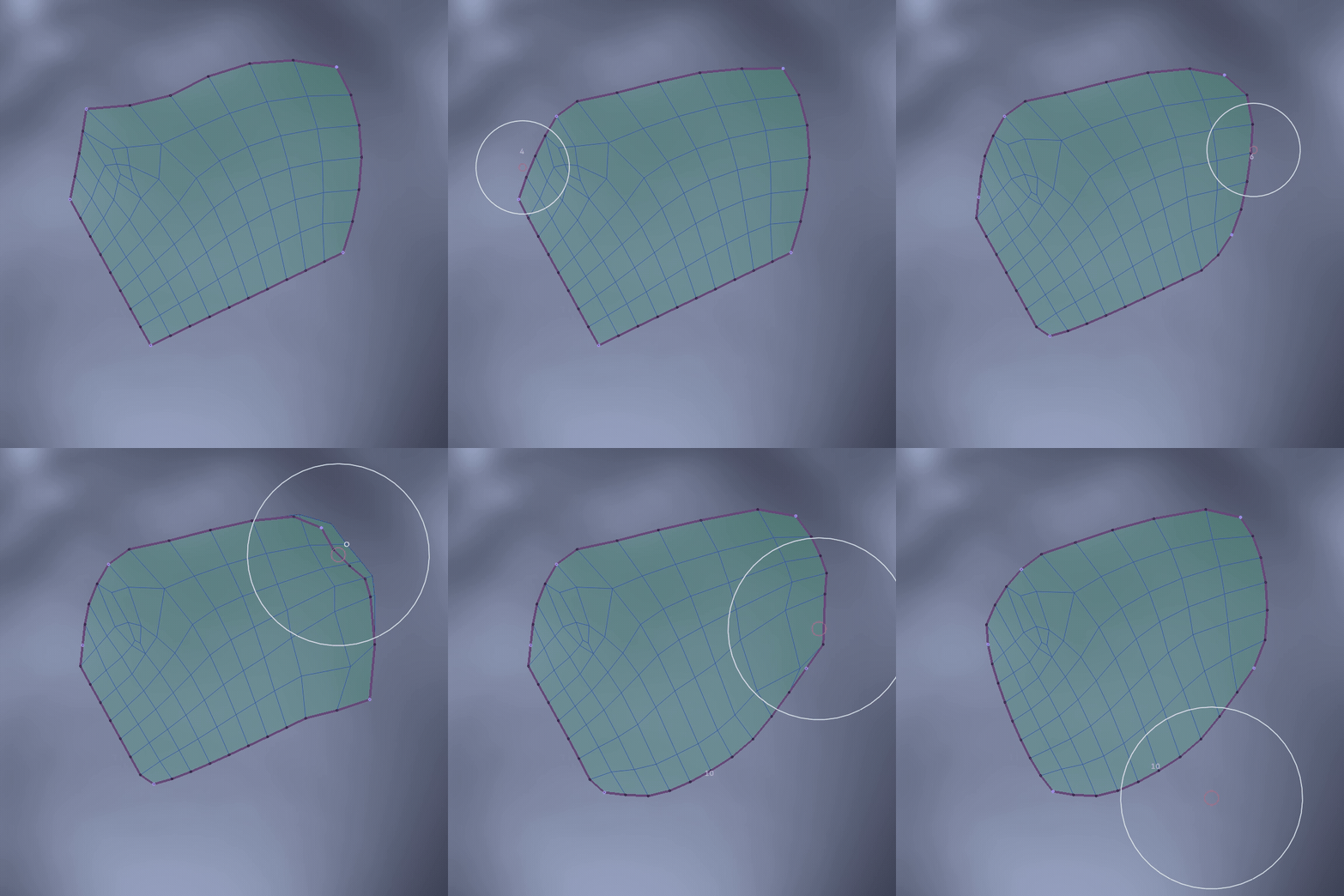
05 / SKETCH
Segment count on the wheel
Scroll while drawing or hovering to set the segments of a boundary, or let the count follow the stroke length in world units or screen pixels.
Density decided where you look, not in a panel.
|
|
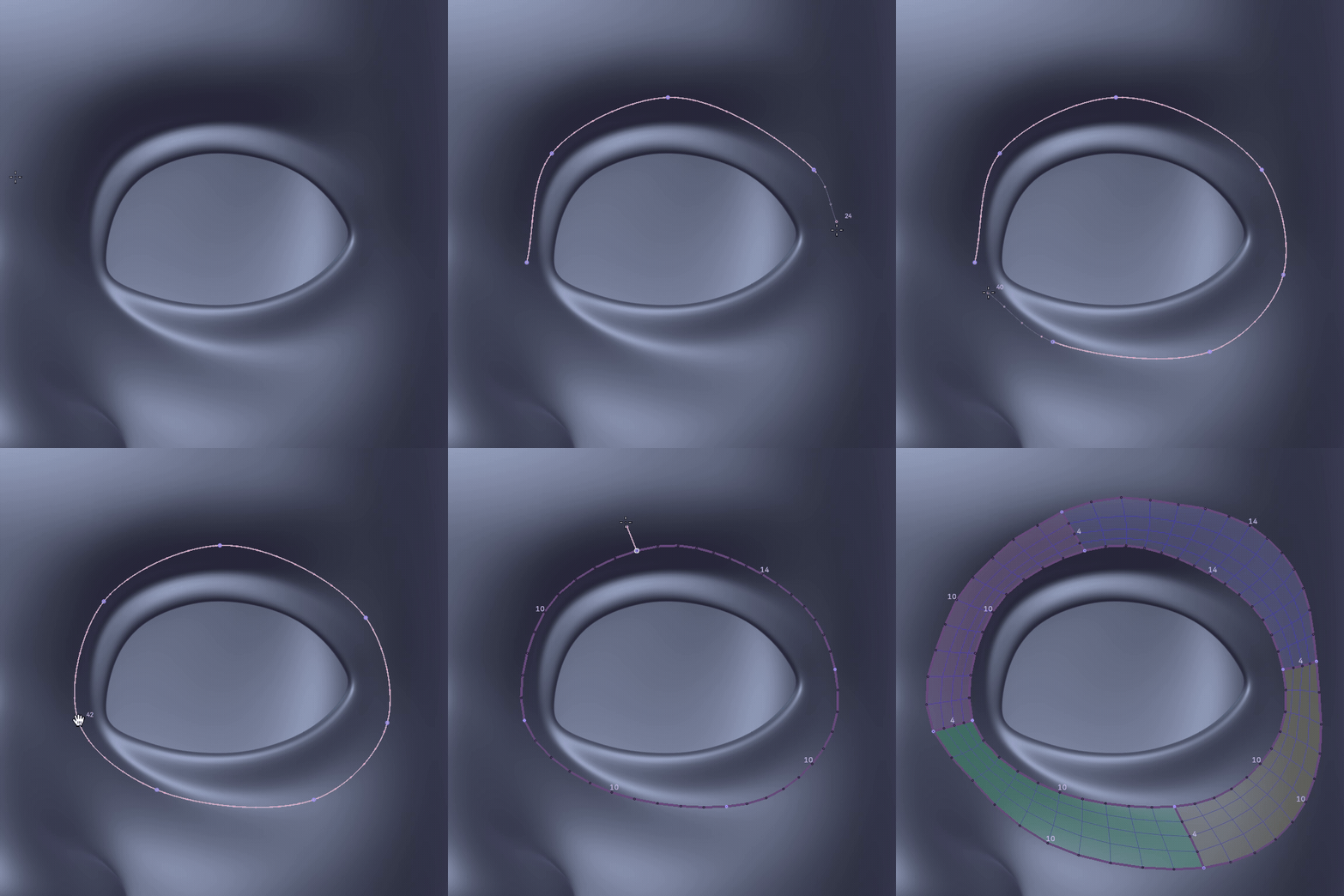
06 / SKETCH
Curve tool
Click points on the surface: they snap to existing corners and the curve can be dragged, inserted into, opened or closed. Ctrl+drag a ring corner
to extrude the closed ring as a T-Loop.
|
|
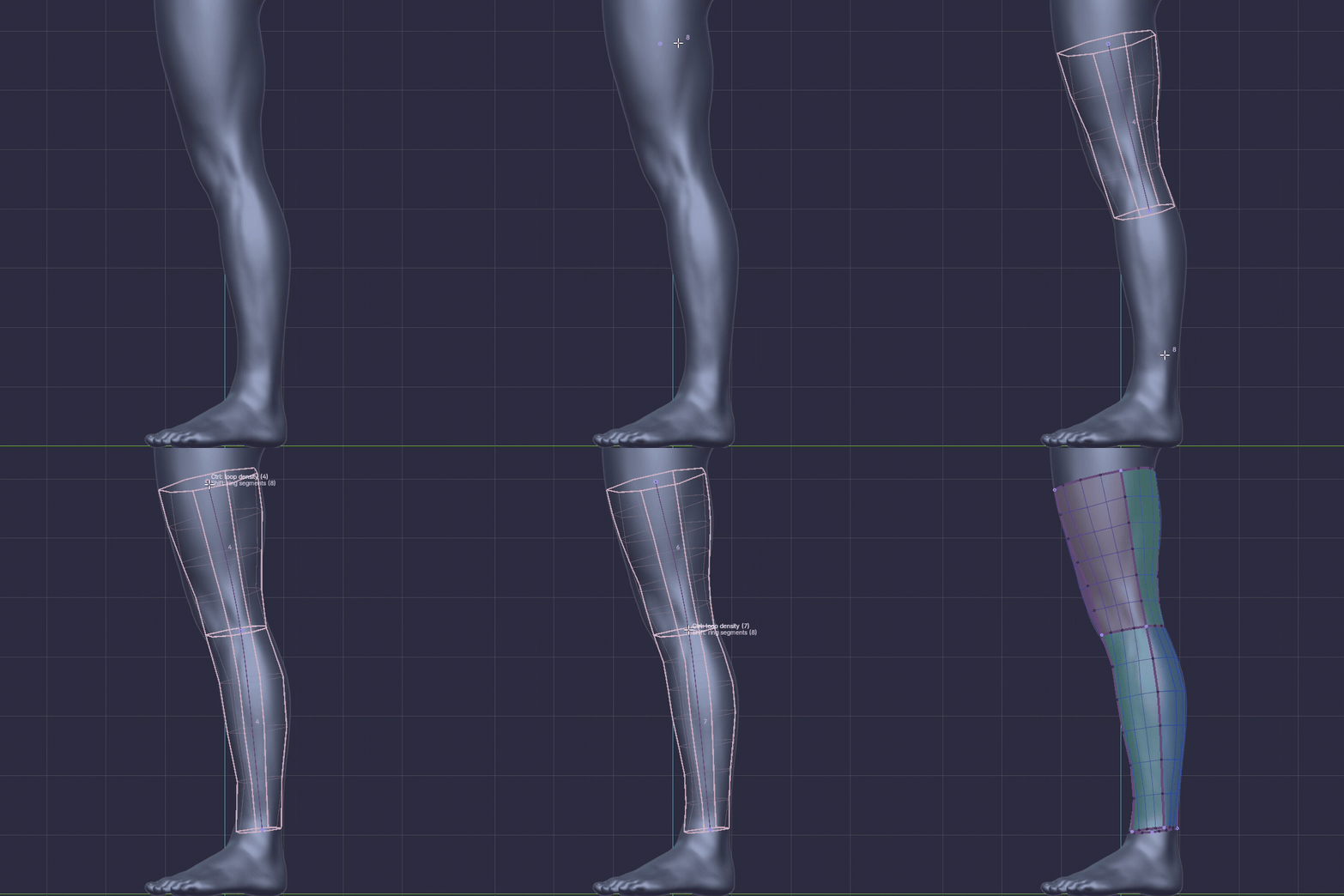
07 / SKETCH
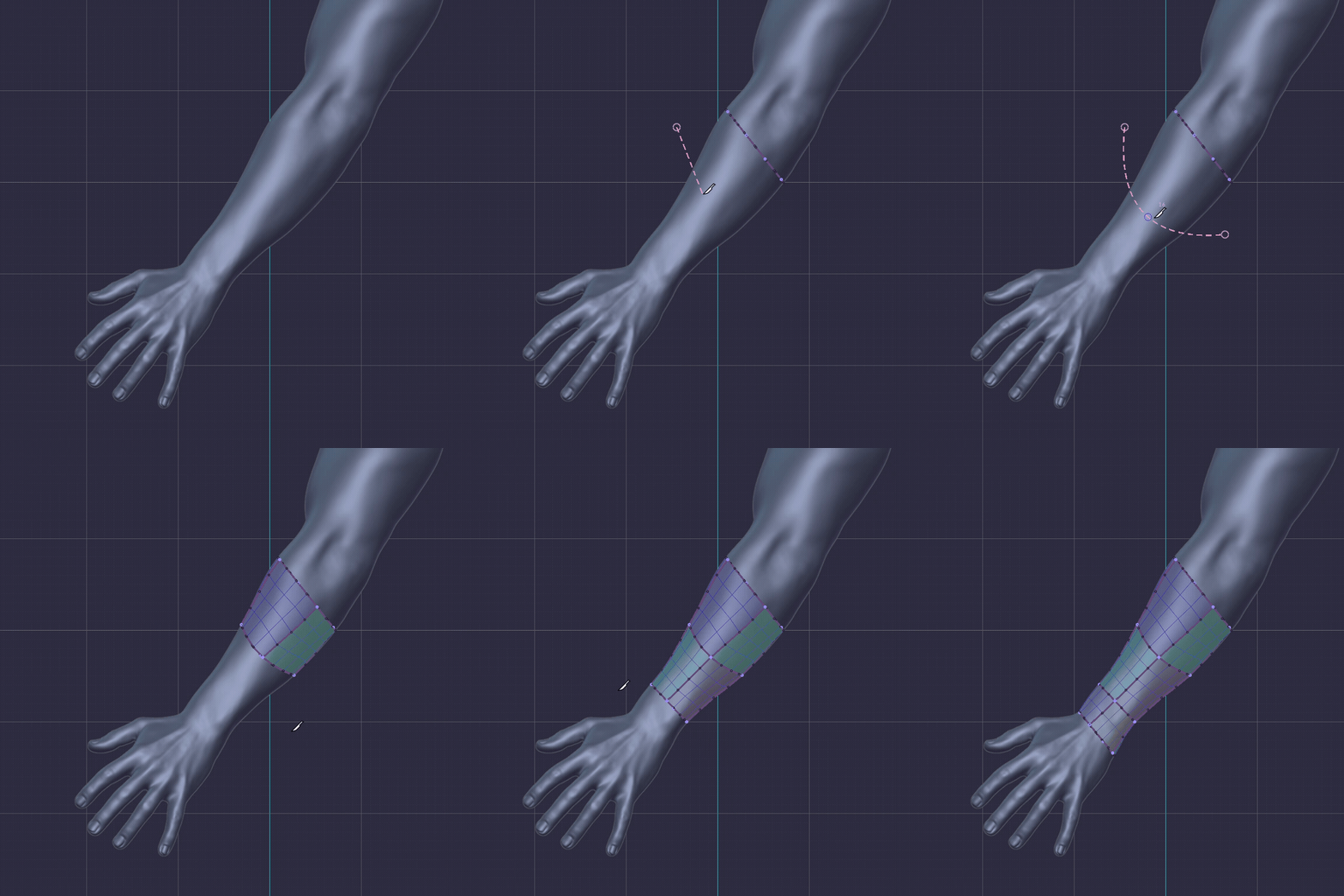
Tube tool
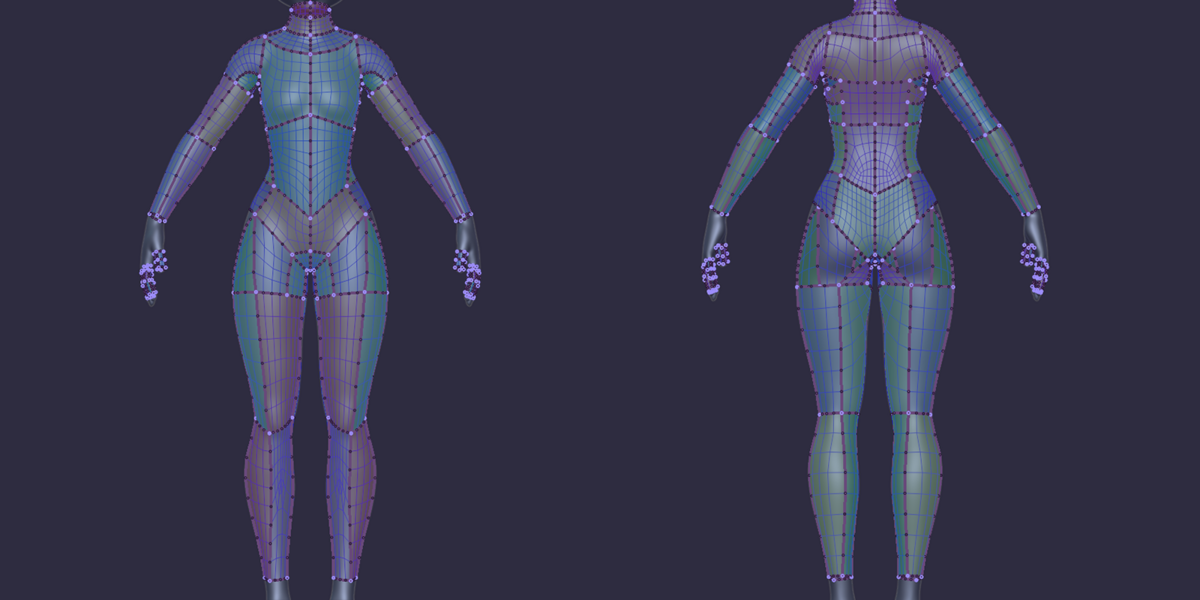
Click points along a limb: rings and rails
are previewed live around the curve.
Drag or insert points, set loop density with Ctrl+Wheel and ring segments with Shift+Wheel,
then press Space to build.
Arms, legs and cables from a few clicks.
|
|
08 / SKETCH
Spine
Draw a single stroke down the middle of a form and a strip of quads is built along it, with its width and segments set live.
|
|
09 / SKETCH
Symmetry
Turn on X, Y or Z symmetry and every stroke, edit and patch is mirrored live on the other side, welded cleanly on the centre line.
|
|
10 / SKETCH
Autocomplete gap
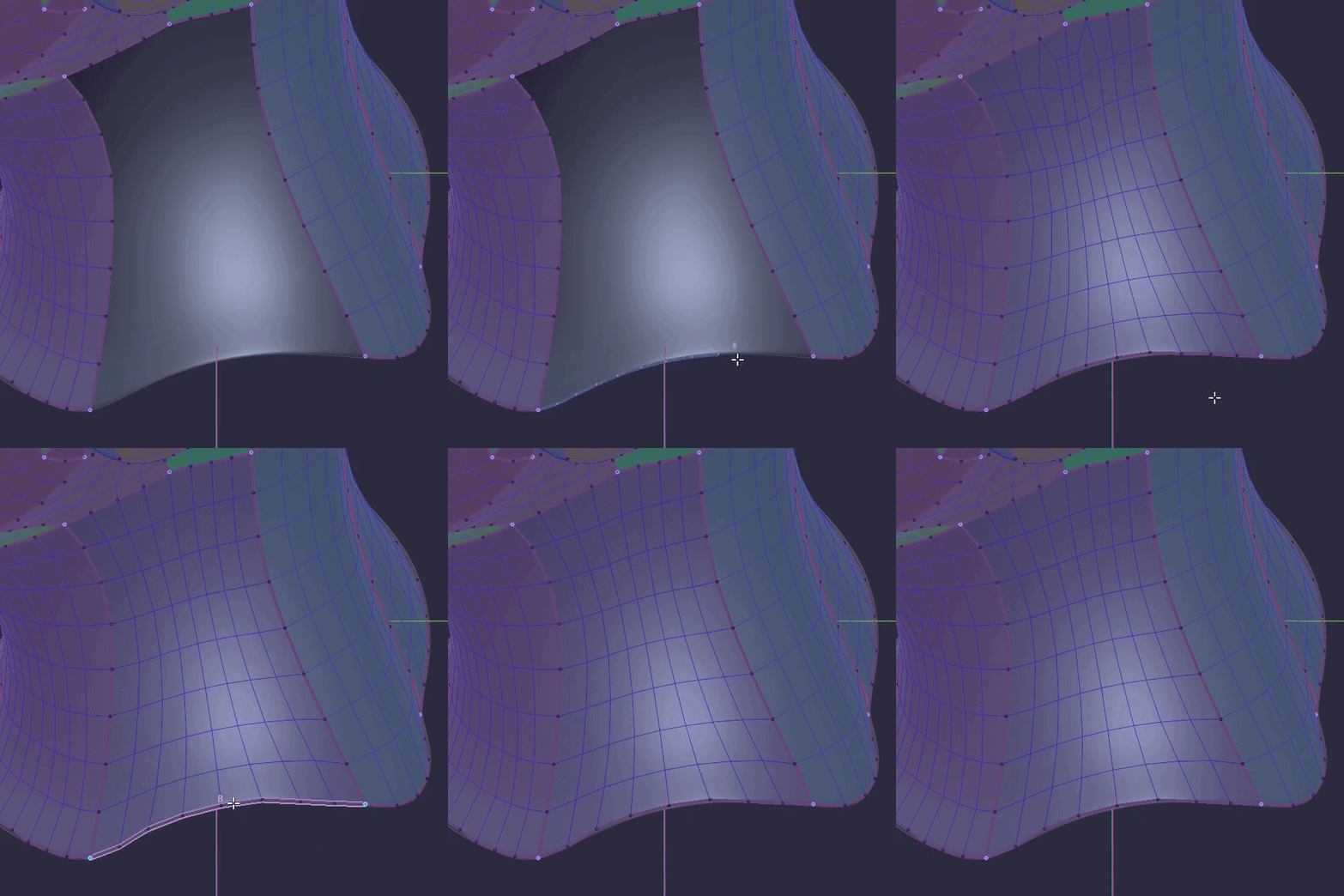
Hover an open boundary and a ghost of the suggested patch appears. Press F and it is built.
|
|
11 / SKETCH
Shell
Click the reference and a region grows from the click, stopping at folds and hard edges. Scroll to set the tolerance, Ctrl+Wheel for the corners,
then press Space:
its outline becomes boundaries and the patch is filled.
Hard-surface panels in one click,
no stroke to draw.
|
|
12 / EDIT
Reshape boundaries
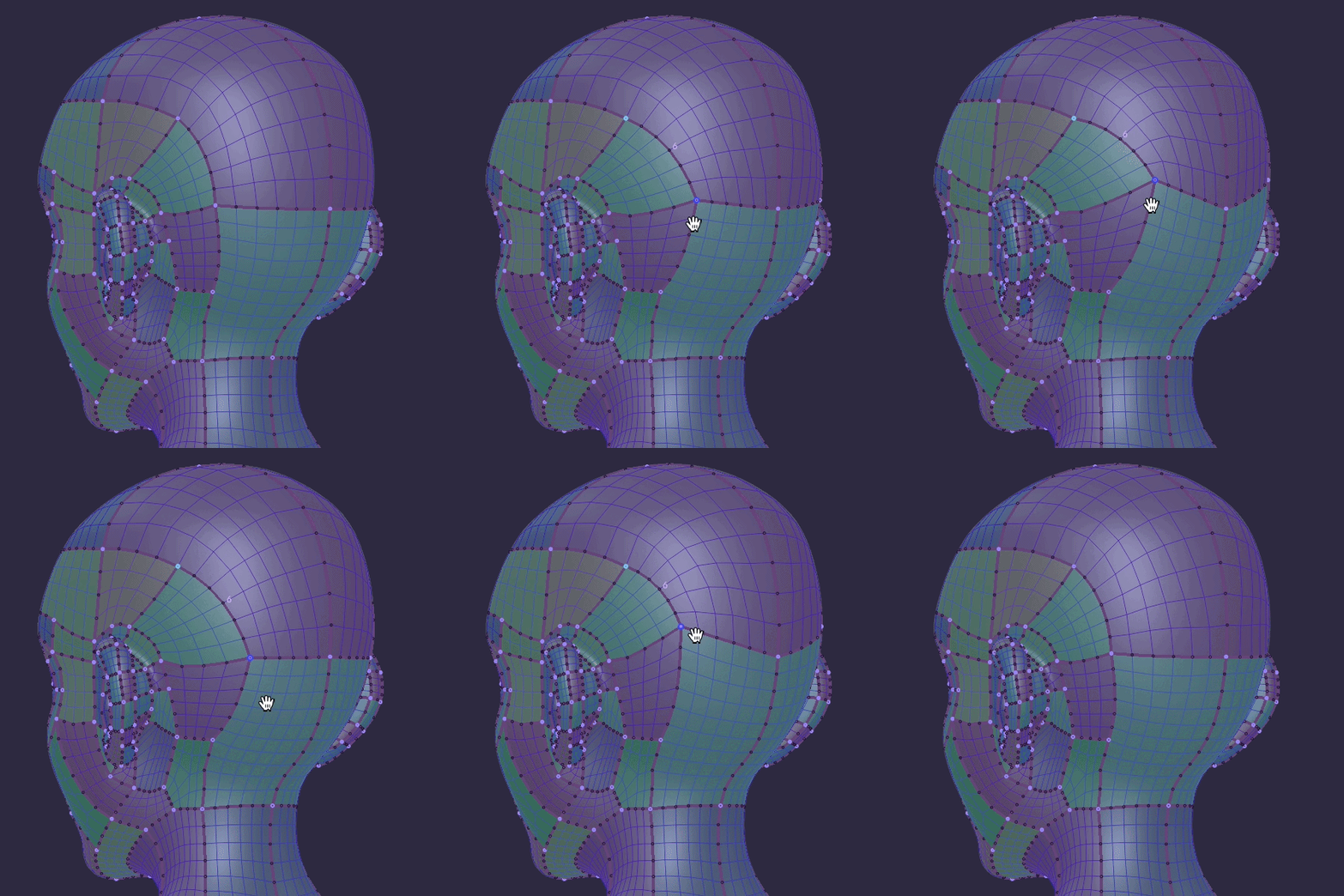
Move a corner, add a control point, add a corner, or delete a corner to merge the two boundaries.
The network is editable like a curve, not frozen once filled.
|
|
13 / EDIT
Re-sketch
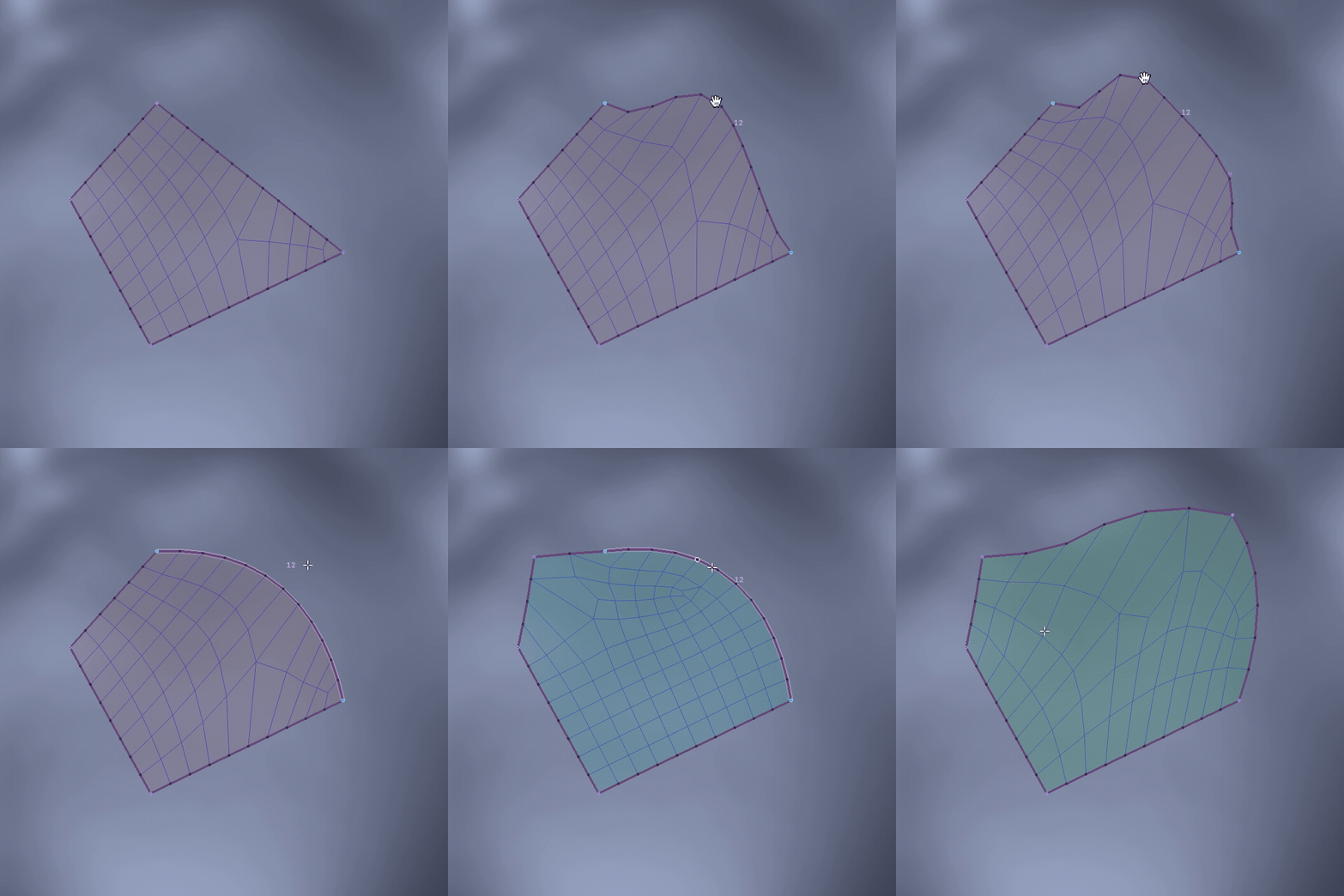
Draw over a boundary, touching it twice: the part between the two contacts is replaced by your stroke and the patches redistribute.
Fix a bad line by drawing the good one.
|
|
14 / EDIT
Knife
Press K and drag across the network: the cut stops at the boundaries it meets, or runs right through when started outside the mesh.
Click points for a bent cut, scroll to set its segments,
X / Y / Z to lock it to an axis.
|
|
15 / EDIT
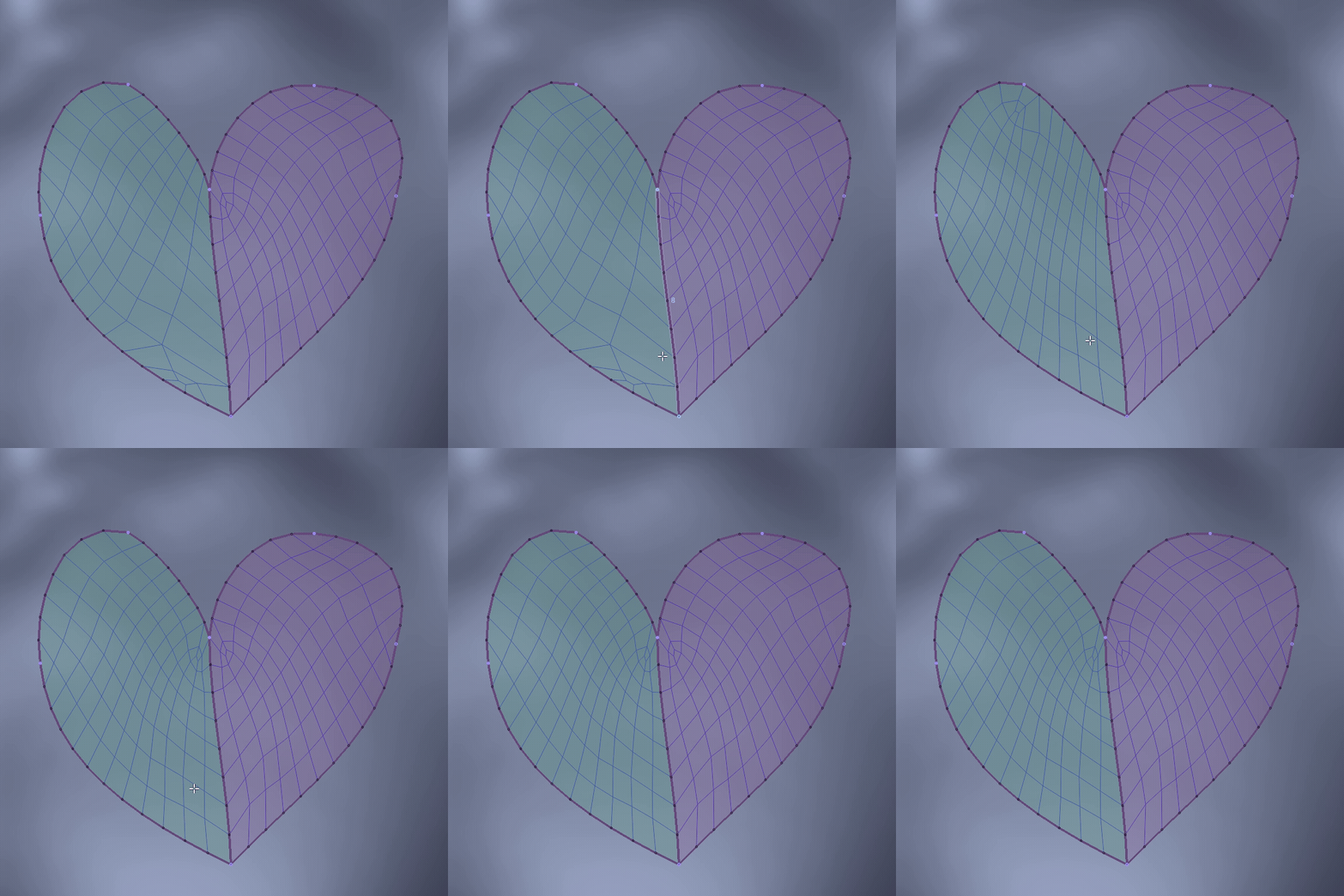
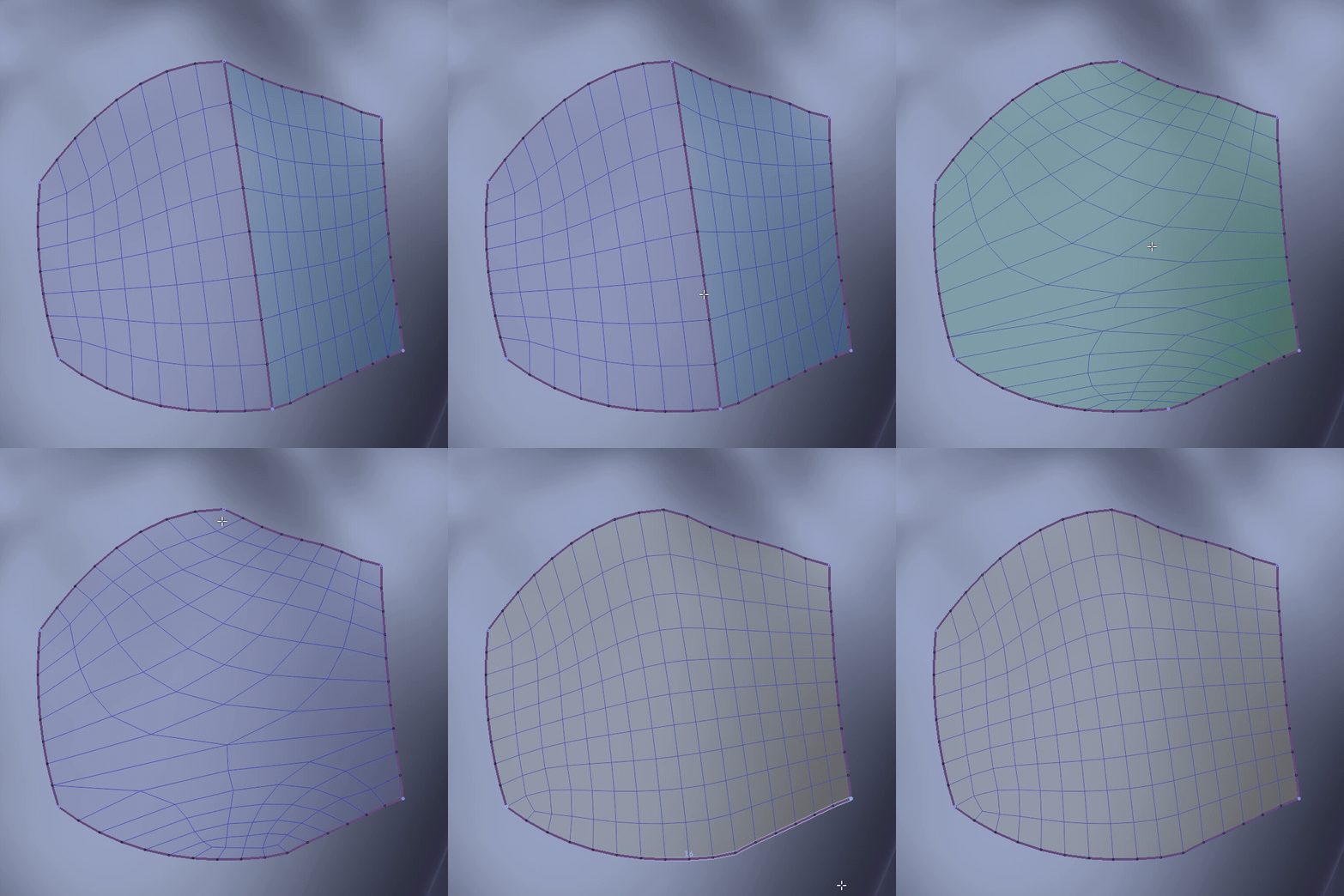
Patterns
Rotate or switch the quad pattern of the hovered patch and change its padding, live.
When the singularity lands in the wrong place,
move it, don't redraw.
|
|
16 / EDIT
Delete boundary
Hover a boundary and delete it; the surrounding patches merge and re-tessellate rather than collapsing.
Undo a decision without undoing the session.
|
|
17 / BRUSH
Smooth & move brushes
Press Shift for a smoothing brush
(boundaries only, interiors only, or automatic)
and Ctrl+Shift for a move brush,
all held on the reference surface.
Smoothing that never lets the mesh float off the model.
|
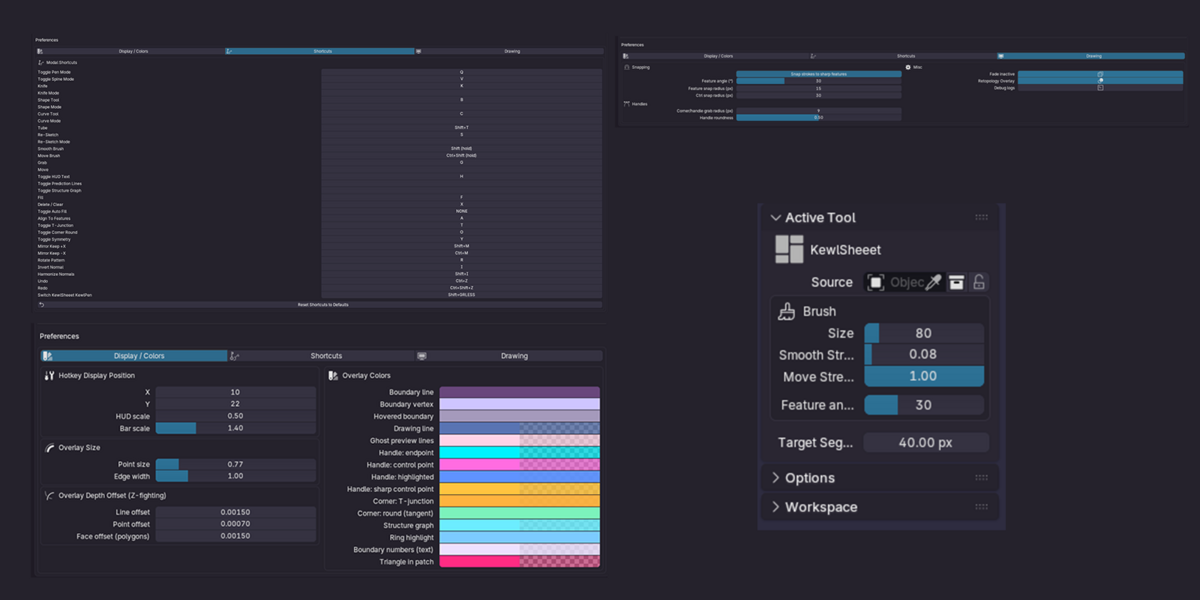
Things that make it kewl.
Save your session in your file
Save it now.
Edit it anytime.
|
Shortcuts & HUD
Every action is rebindable
from the preferences.
|
Overlay
Occlusion behind the mesh,
random colours, prediction lines,
depth offsets against z-fighting.
|
Fast on heavy references
A native core keeps the session responsive on dense meshes.
|
Specs
| Blender |
4.2 and up. Installs as a Blender Extension: drag the .zip in. |
| Core |
Native core for every platform, with a fallback if it can't load. |
| Platforms |
Windows x64 · Linux x64 · macOS Apple Silicon & Intel |
| Licence |
GPL-3.0-or-later |
| Support |
Discord: discord.gg/jfDPKf5ju2
|
Questions you're about to ask
Do I need anything else installed?
No. Everything ships inside the zip for all four platforms. If the native core cannot load, a fallback takes over: you lose speed, not features.
Does it work on a scan / sculpt?
That's what it's for. Anything you can snap to, a sculpt, a scan or a boolean mess, works as a reference.
Can I edit a patch after filling it?
Yes. Boundaries can be reshaped, re-sketched, cut or deleted, the pattern stays editable, and the brushes keep everything on the surface.
Is it destructive?
It builds a new mesh on top of your reference. The reference is never touched, and can be locked so you can't nudge it by accident.
This is the Sheeet.
Free updates • All platforms in one download • Blender 4.2+
 KewlSheet