 SkyVFX


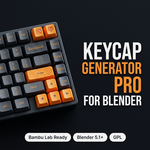
Stop modeling keycaps. Start printing them.
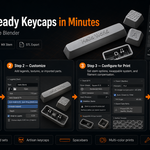
Keycap Generator Pro turns a blank Blender scene into a print-ready keycap in seconds — at strict 1:1 real-world scale, with geometry that slices cleanly the first time. No OpenSCAD pain, no mesh repair, no guesswork.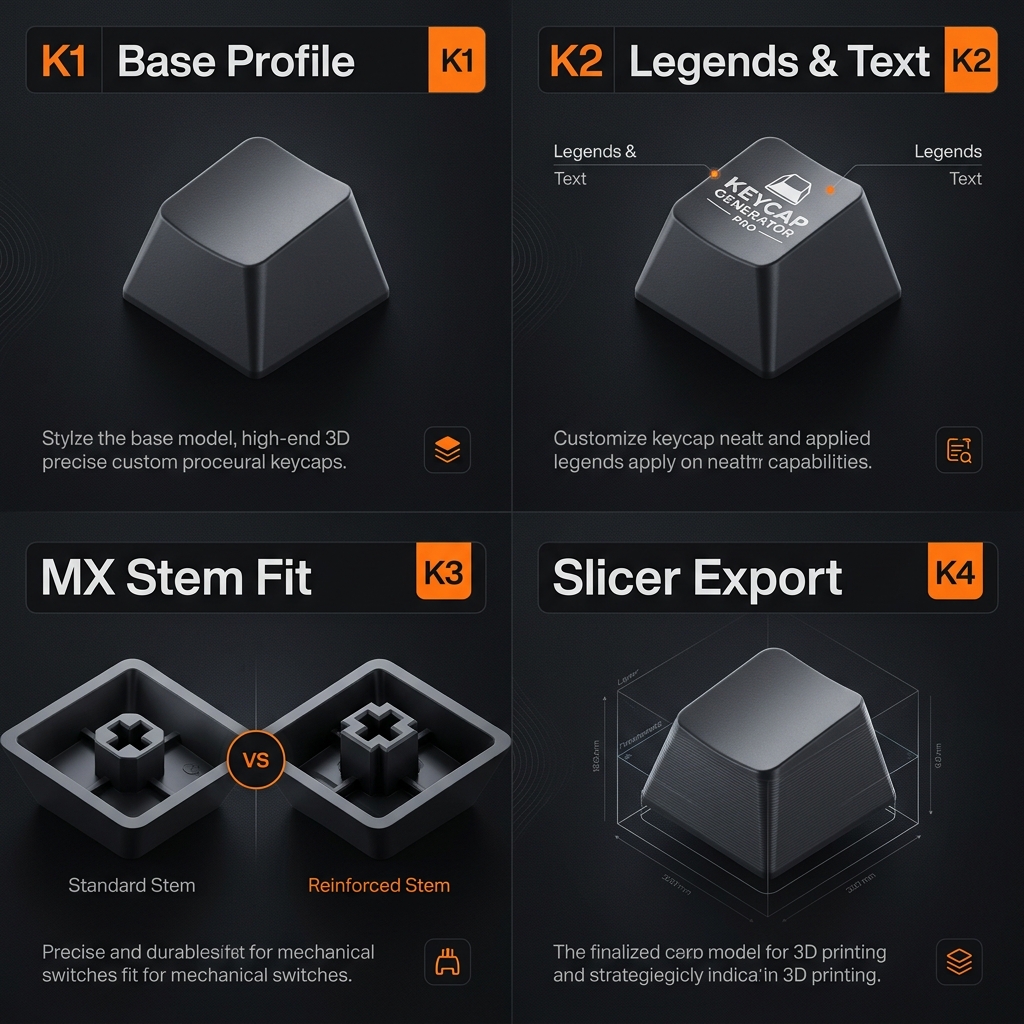
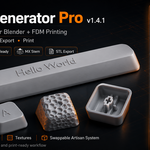
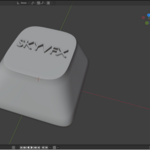
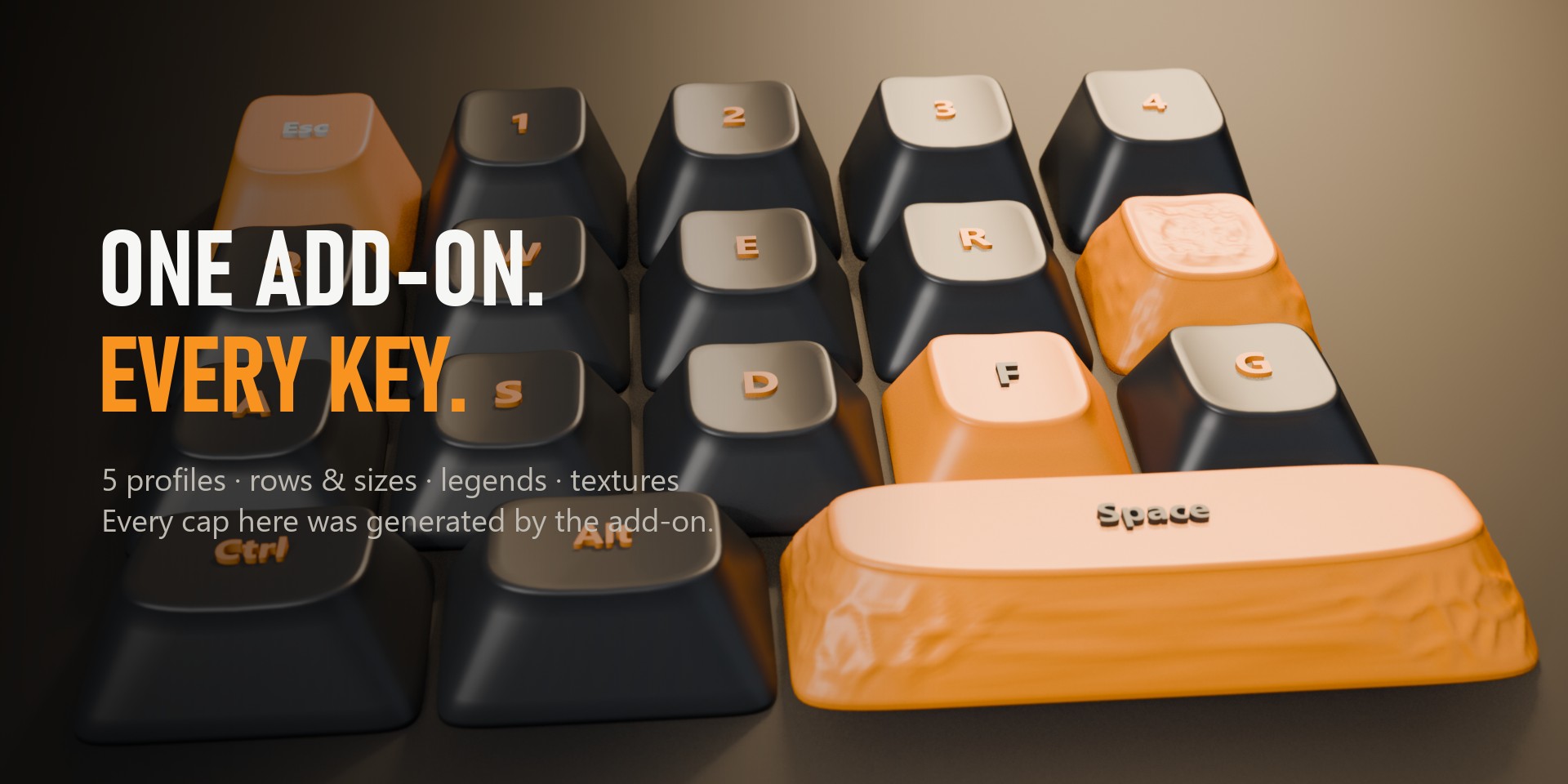
🎬 Every cap here was made by the add-on
Five profiles, every row and size, legends and procedural textures — all generated in one click, nothing modelled by hand.

✨ Key Features
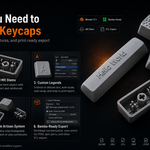
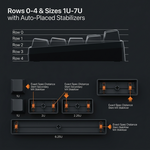
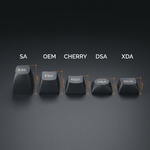
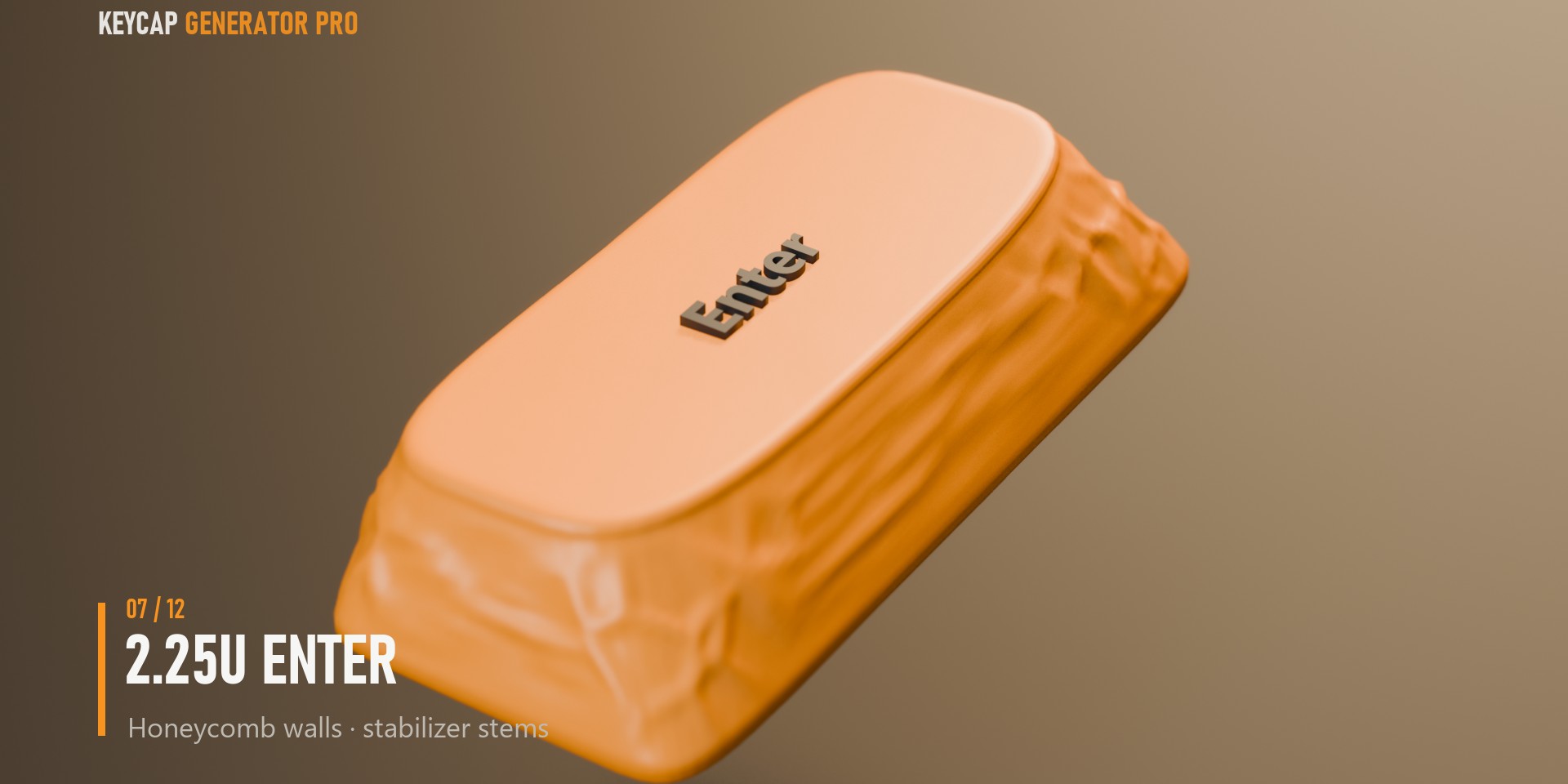
- Profiles & Sizes that are actually correct: Cherry, OEM, SA, DSA and XDA, with per-row heights and tilts from published spec data (GMK/Cherry-based). Every size from 1U to 7U spacebars at exact 19.05 mm pitch, with automatic stabilizer stems on 2U+ keys.
- A stem you can trust: The MX cross stem is a separate, locked object — no slider, texture or legend can ever deform it. Fit is tuned to the community-proven FDM baseline, with a micron-precision tolerance slider for your exact filament. One-click Reinforced Stem mode for silk and brittle filaments.
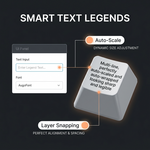
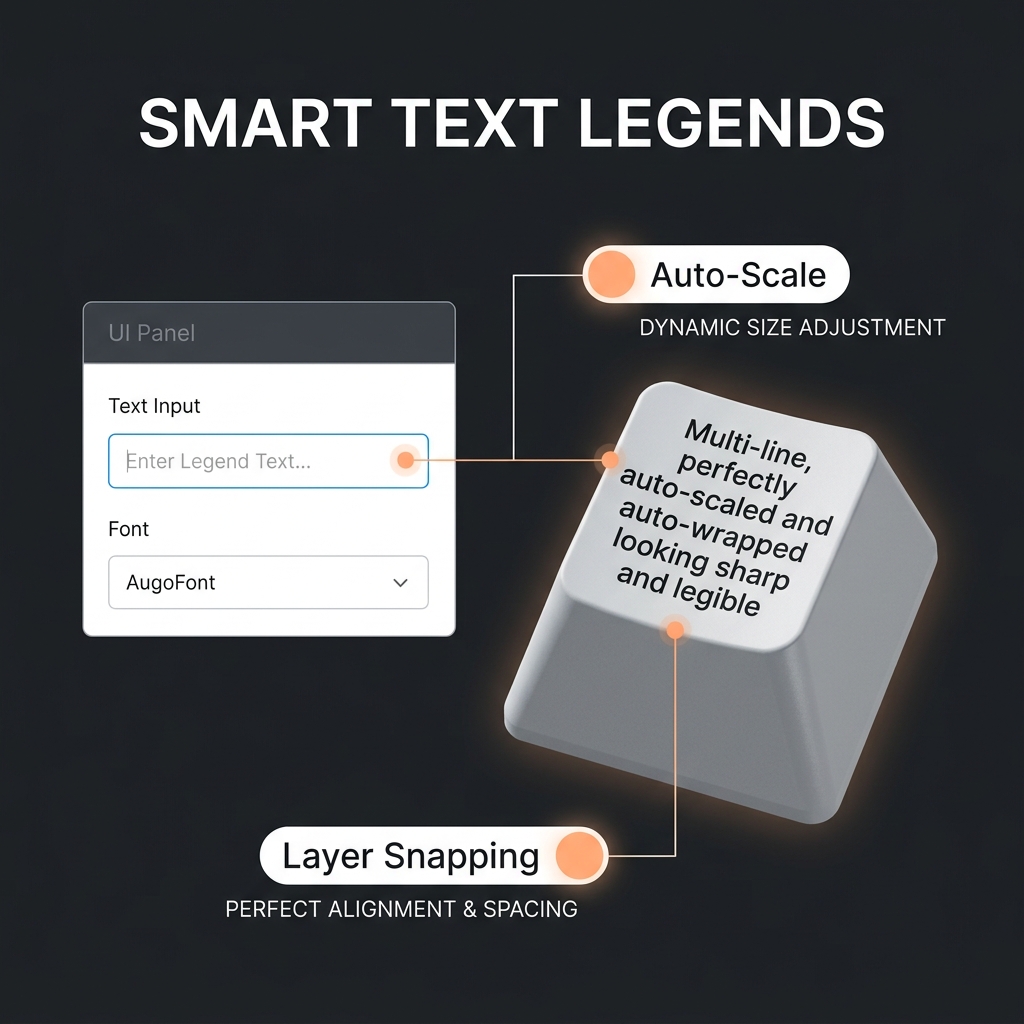
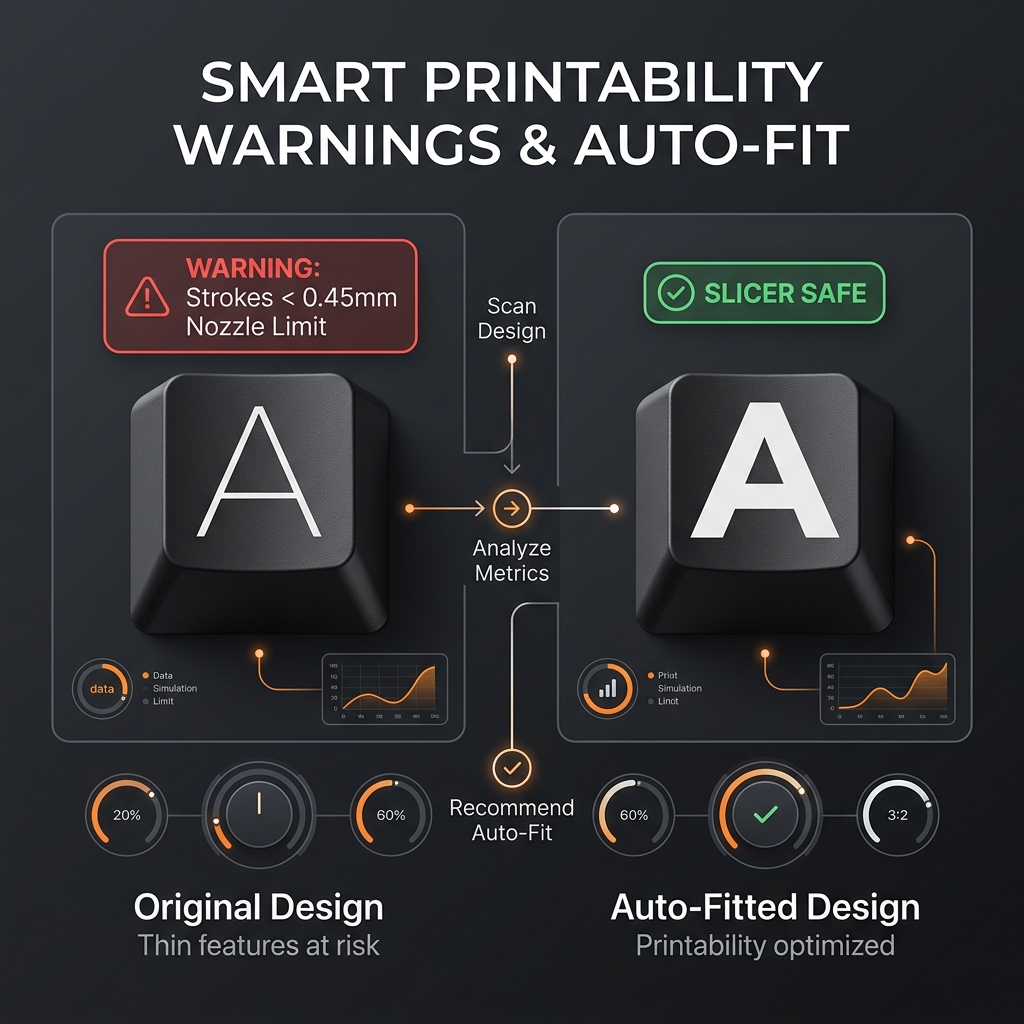
- Legends that fit themselves: Type any text, pick any font. Auto-Scale keeps it inside the printable area; Auto-Wrap breaks long labels into centered lines sized as large as possible. Emboss or deboss, with depth snapped to whole print layers.
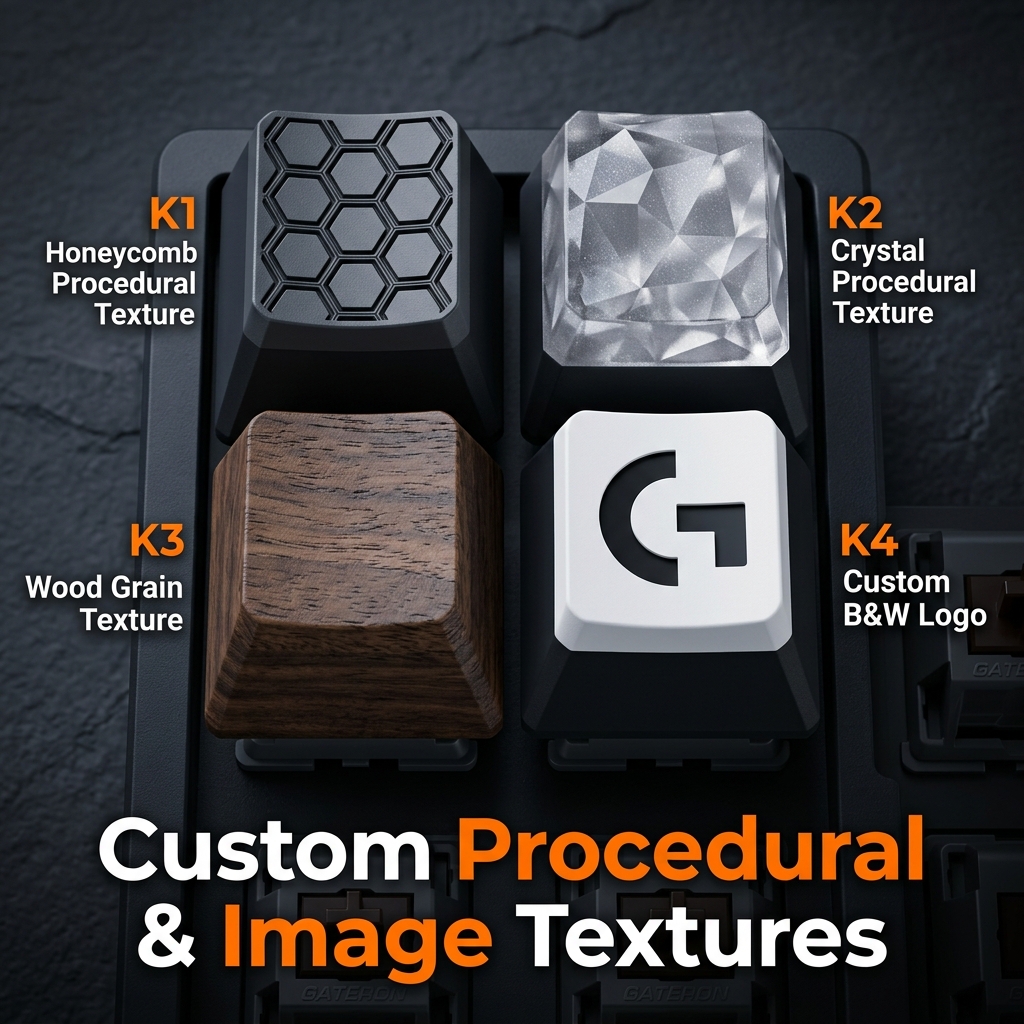
- Surfaces, your way: B&W image displacement for logos (mm-accurate size and placement), tiling side textures, or fully procedural Geometry Nodes styles — Crystal, Honeycomb, Stone, Wood — with live Strength / Detail / Roughness sliders. Graded masking mathematically protects the bevel, base, stem and text from every displacement.
- Artisan Swap System: Flatten dished tops instantly to embed magnet pockets (Ø3.1 × 1.2 mm) or friction-fit pegs with tolerance control, automatic top-surface flattening that never exposes the hollow interior, and depth interlocks that keep connectors clear of the switch cross.
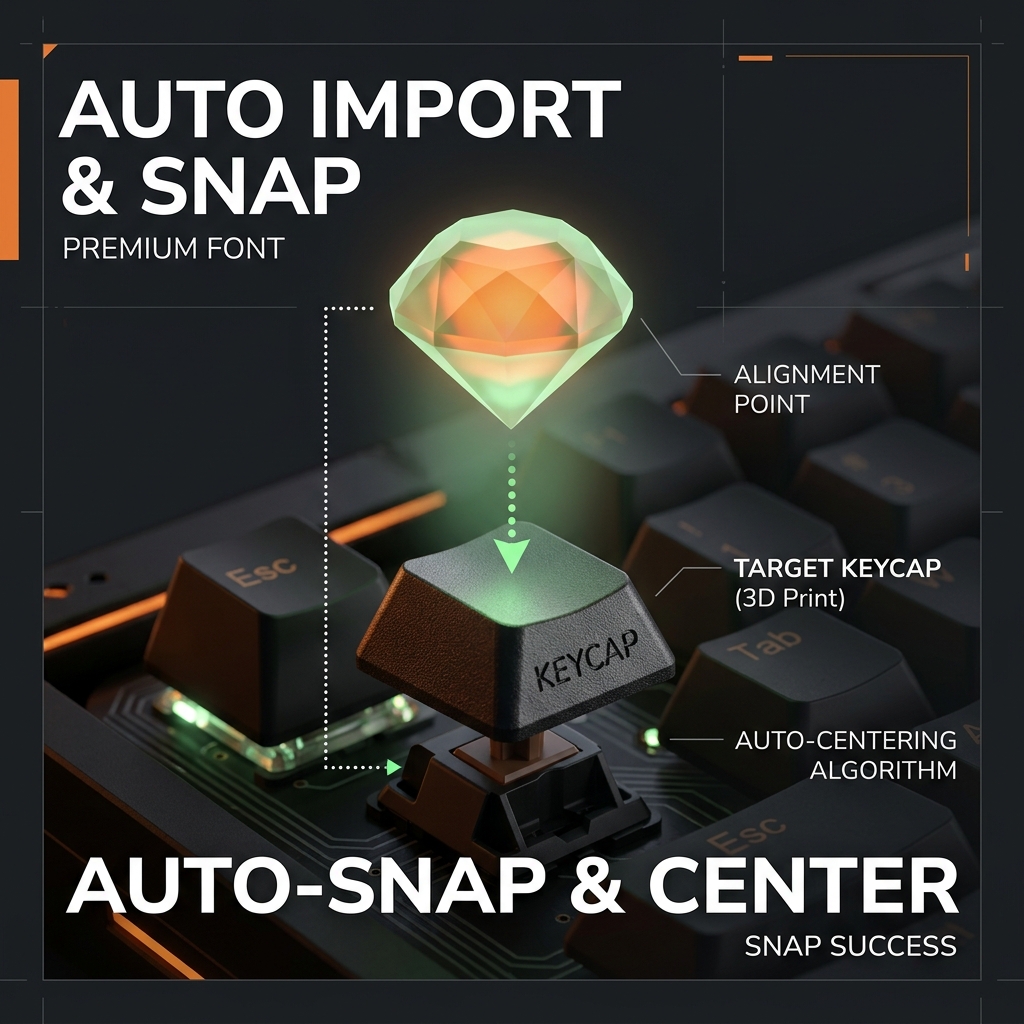
- Bring your own models (new in 1.4.2): Imported a model the normal way (File → Import)? Select it and click Add Selected as Part — it snaps onto the cap, follows it, and merges into the export just like the built-in Import & Snap parts.
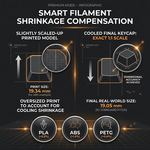
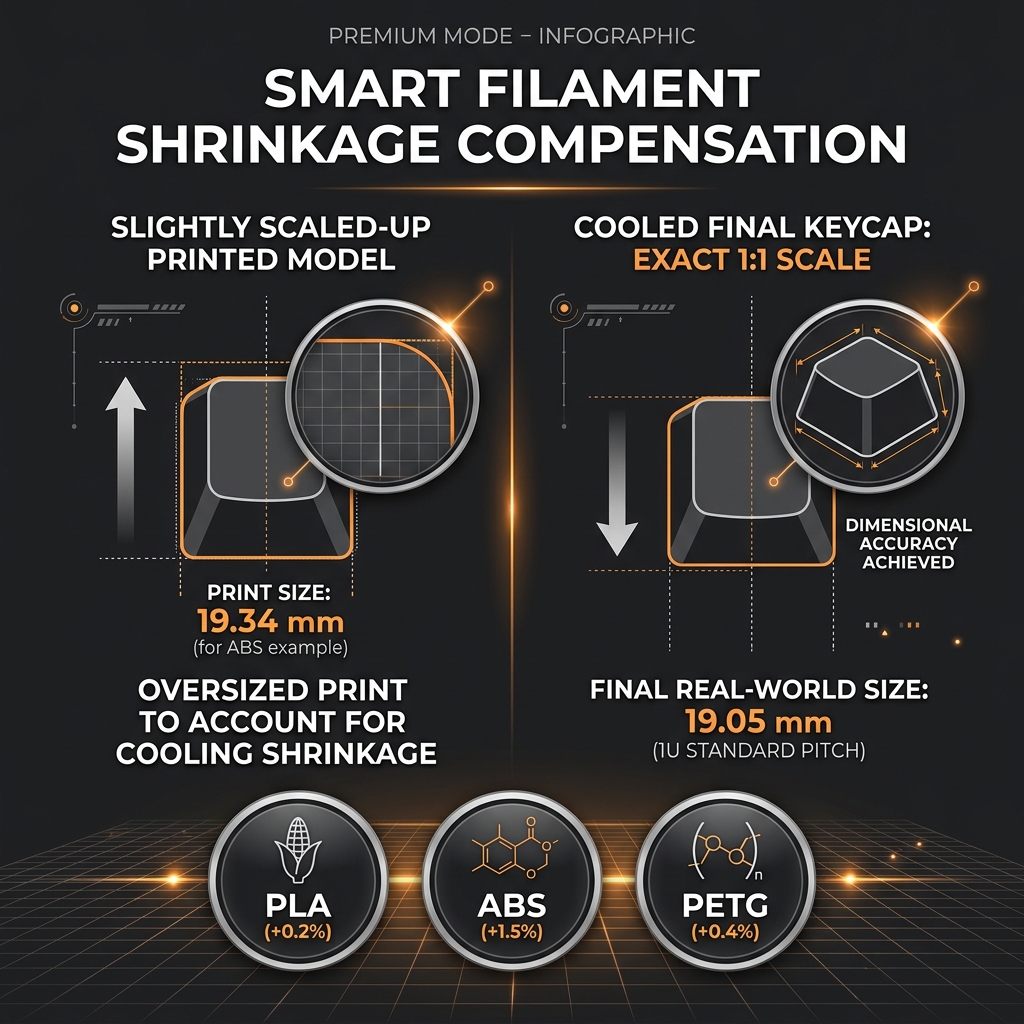
- Export that respects your slicer: One click: boolean union, vertex weld, internal-shell cleanup, manifold check, optional 45° FDM orientation, and per-material shrinkage compensation (PLA / PLA+ / Silk / PETG / ABS) so the cooled print lands exactly on spec. Split-part export writes base, legend and add-ons as origin-aligned STLs for per-object color assignment. Every merge is rollback-guarded, so raised legends and messy parts always export whole and manifold.
🔍 Deep Dive into Automation
Keycap Generator Pro handles all the tedious 3D modeling and preparation steps for you automatically:
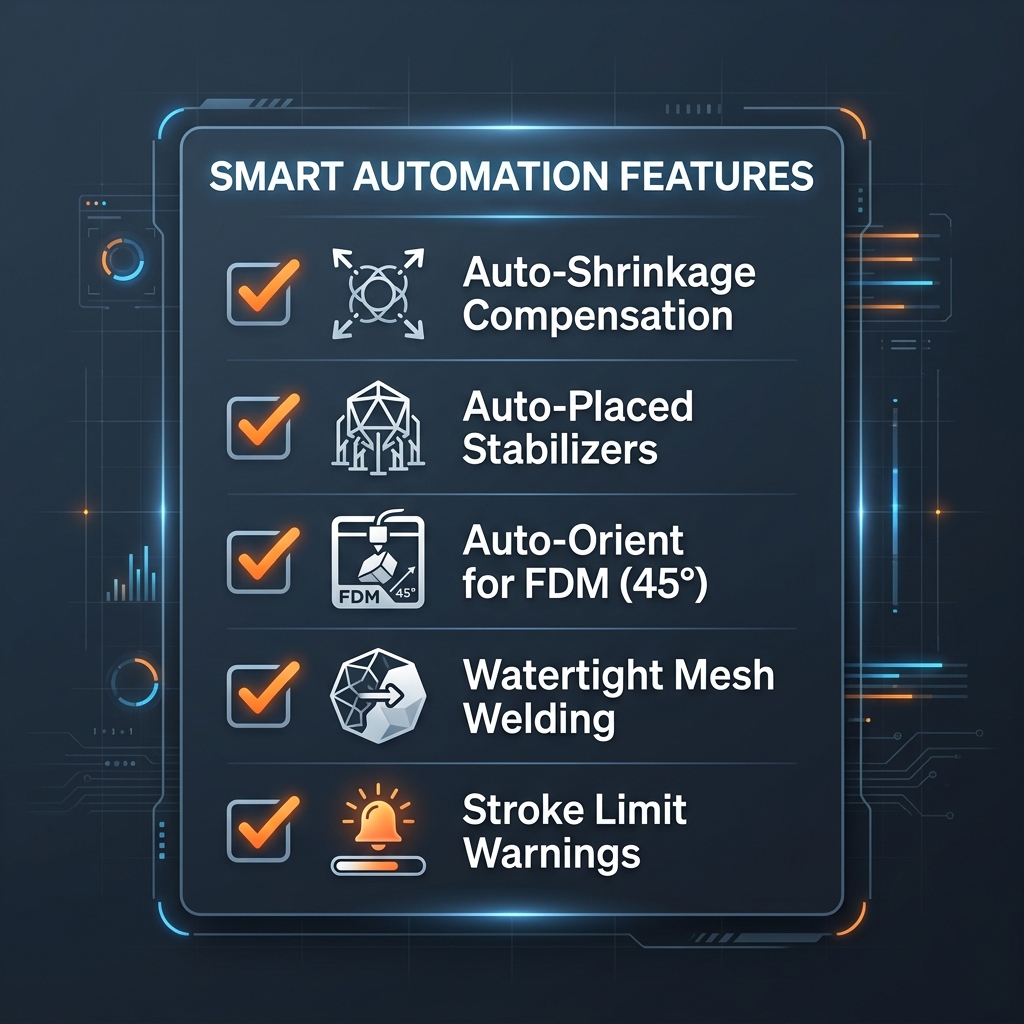
- Auto Filament Shrinkage Compensation: Applies accurate scale factors at export based on material (PLA, PETG, ABS, Silk) so final cooled prints fit the switches perfectly.
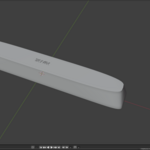
- Auto-Orient for FDM: Automatically angles the keycap at 45 degrees and aligns it to Z=0 for optimal print strength and surface quality.
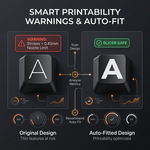
- Printability Warning System: Automatically calculates stroke width of legends and warns you if they are thinner than a 0.4mm nozzle before exporting.
⌨️ One add-on. Every key.
📦 What's Included
-
KeycapGeneratorPro_v1.4.2.zip— installable add-on package (add-on + presets + docs) - User documentation (Markdown / PDF format)
- 9 tuned Bambu Studio presets (process + filament, P2S profiles)
- Example keycap-style preset
.jsonfiles
💻 Requirements
Blender 5.1 or newer. No other dependencies. Works with any slicer (STL output); the bundled preset pack targets Bambu Studio.