 AmJViz


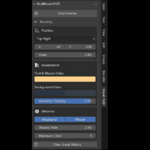
Make Every Input Visible
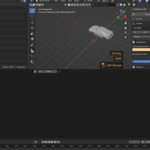
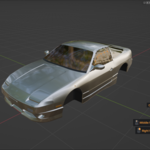
KeyMouse HUD displays keyboard shortcuts, mouse clicks, and scroll actions directly inside Blender’s 3D Viewport. Viewers can instantly follow every action without guessing which key or mouse button was used.
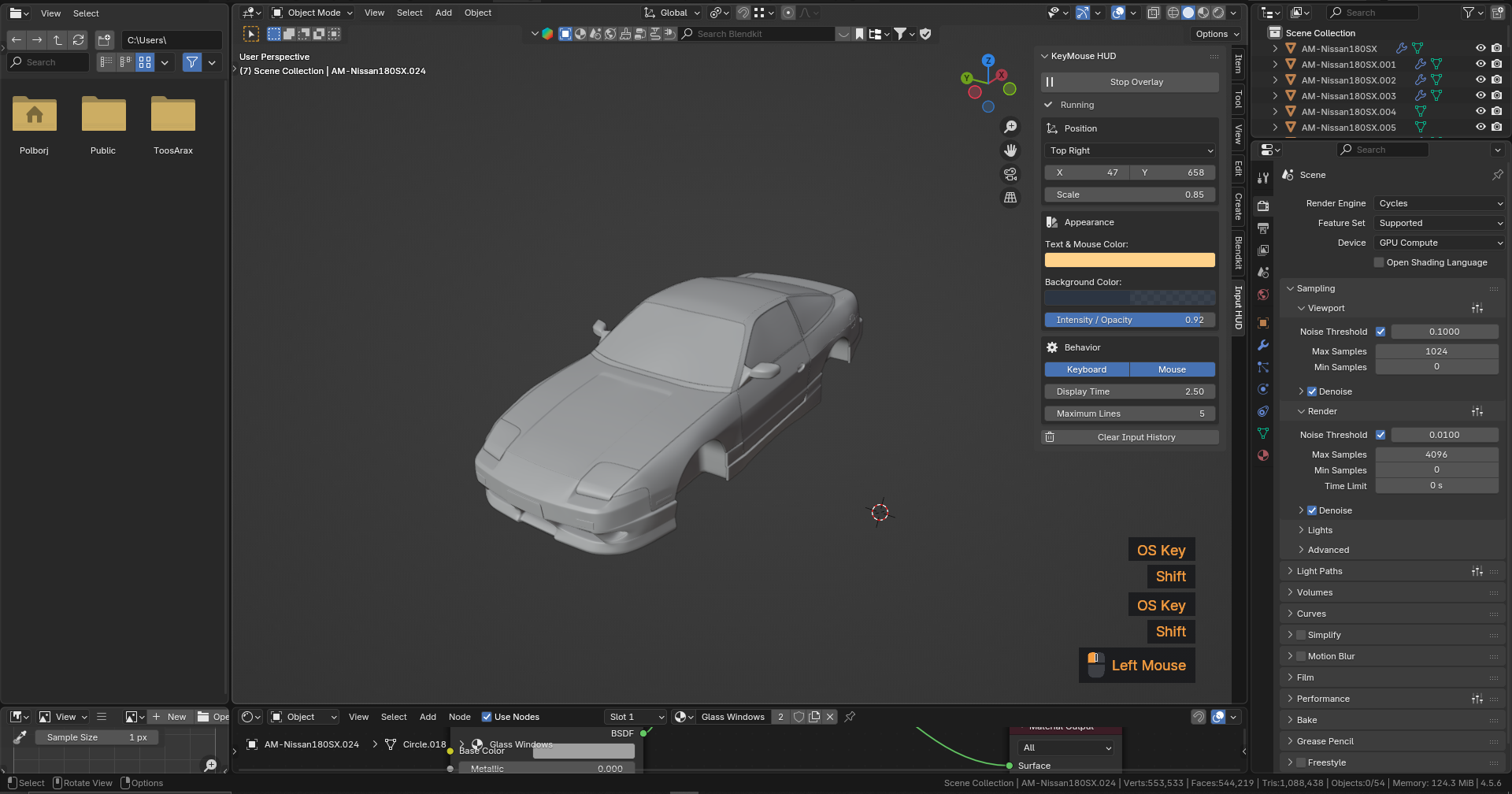
Clear Visual Mouse Feedback
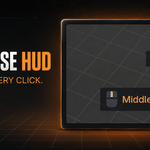
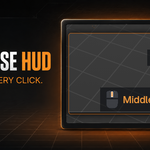
Mouse actions appear with a clean, minimal mouse icon. The active left, right, or middle button is highlighted using the same customizable color as the text, while repeated scroll actions are grouped automatically.
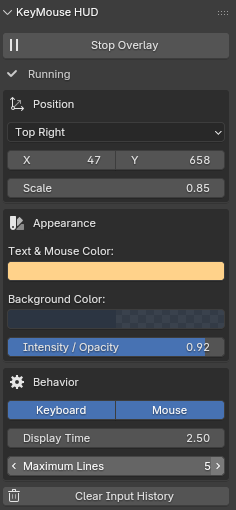
Fully Customizable Overlay
Place the HUD in any corner, along the edges, or in the center of the Viewport. Fine-tune its horizontal and vertical position, color, opacity, scale, display duration, and number of visible inputs.
