 Tun3d
Tun3d


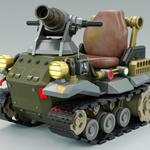
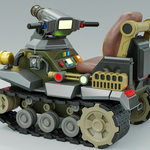
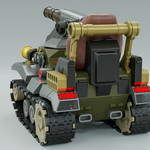
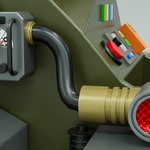
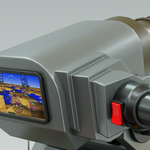
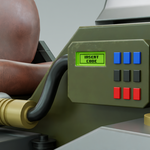
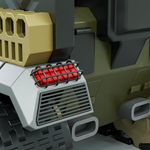
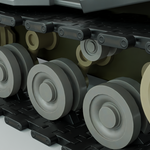
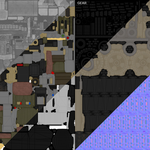
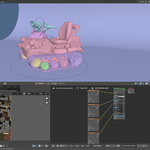
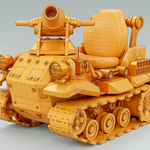
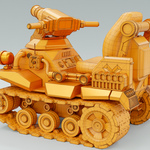
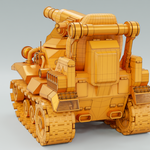
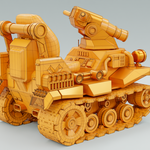
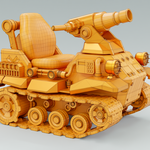
If you see a pink color in your object when you open the Blend file, just go to the File menu> External Data> Find Missing Files. Navigate to the Textures folder, open one image texture, and the rest will follow.
Have questions about this product?
Login to message
| Dev Fund Contributor | |
| Published | about 2 months ago |
| Blender Version | 4.0 - 4.5 |
| Render Engine Used | Cycles |
| Misc Data | Uvs-Unwrapped, Textured |
| License | Royalty Free |