Kinetica Flowline - Trace in Viscous Medium With Geometry Nodes
 codesignprojects
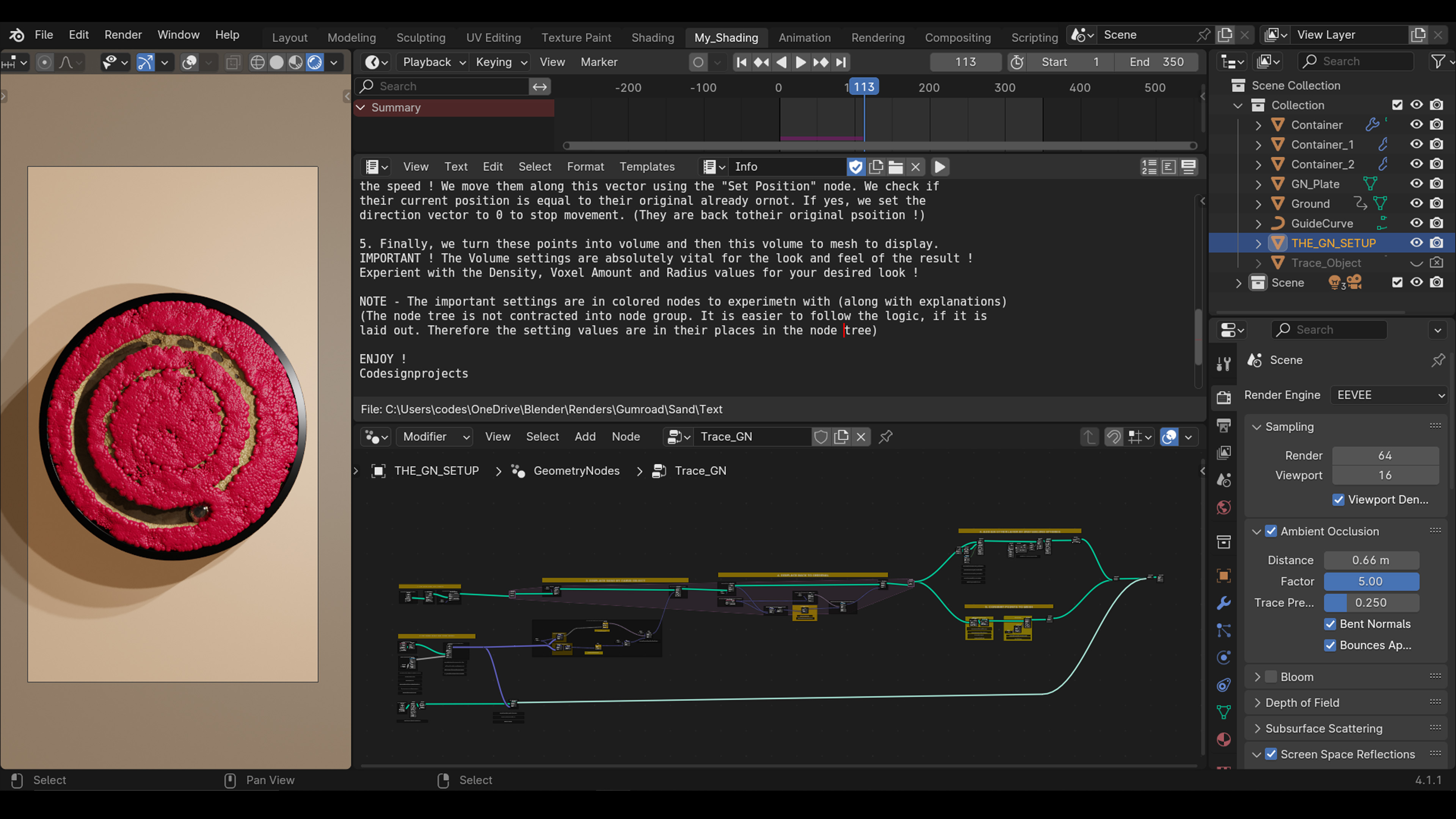
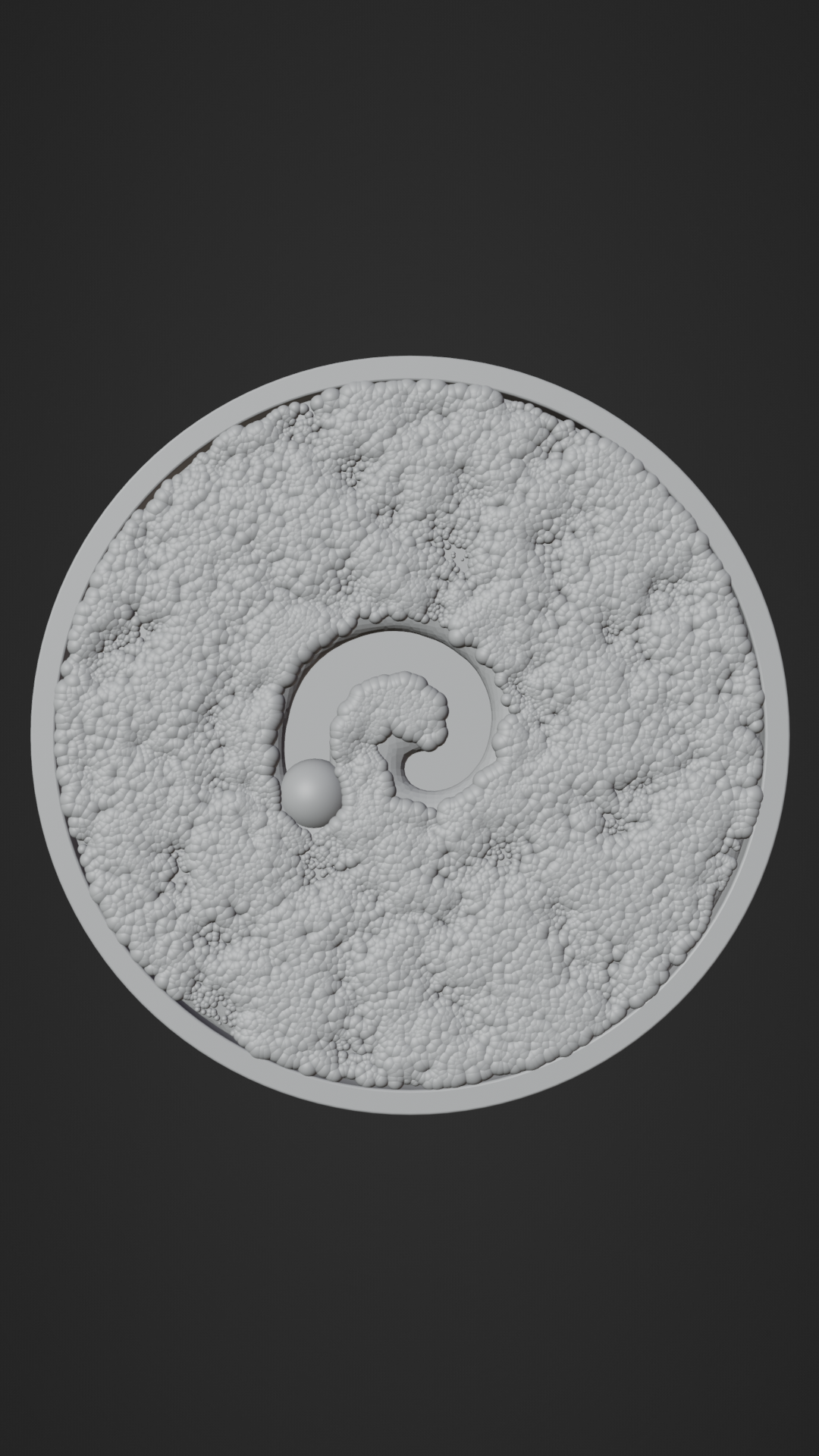
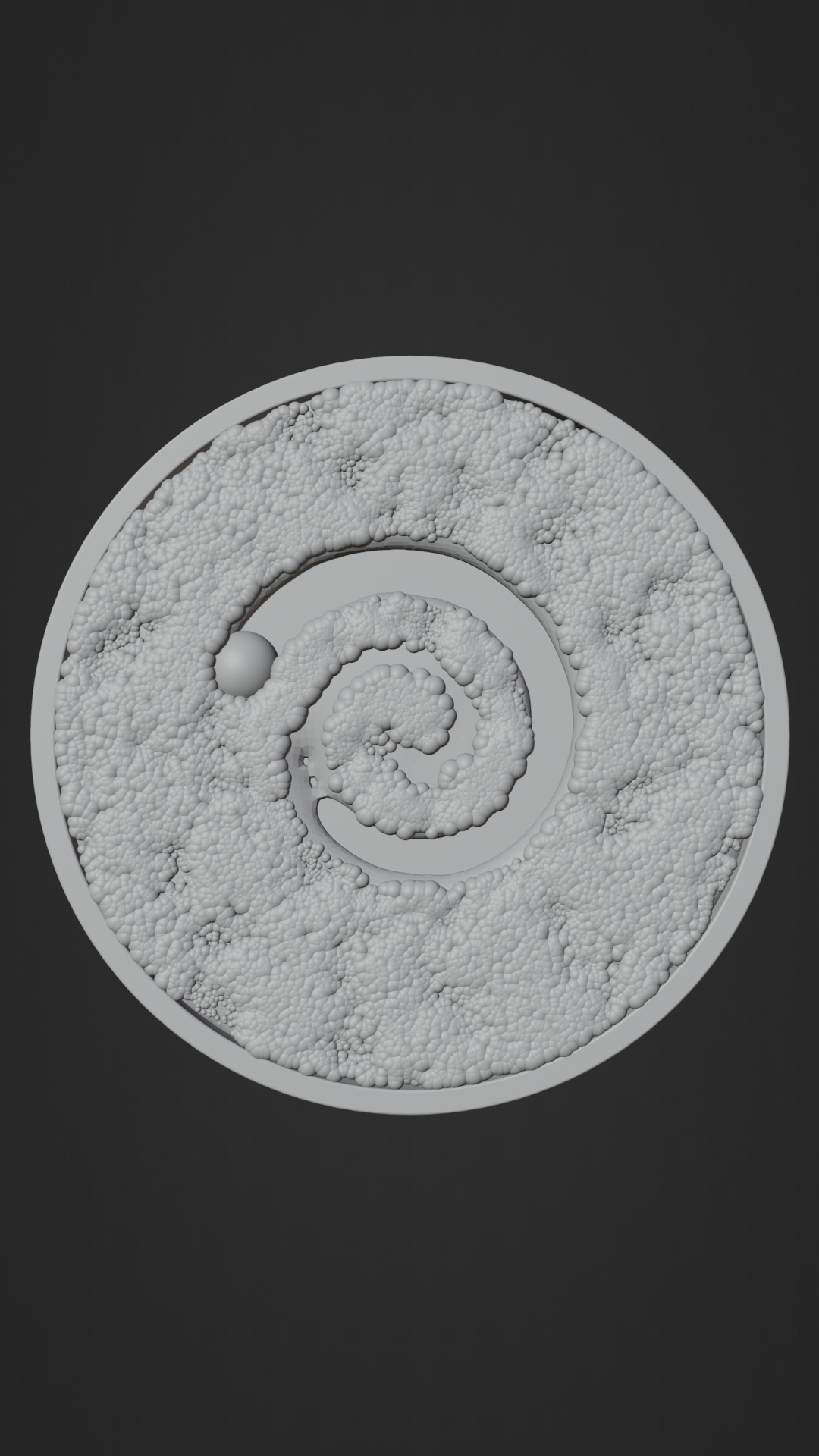
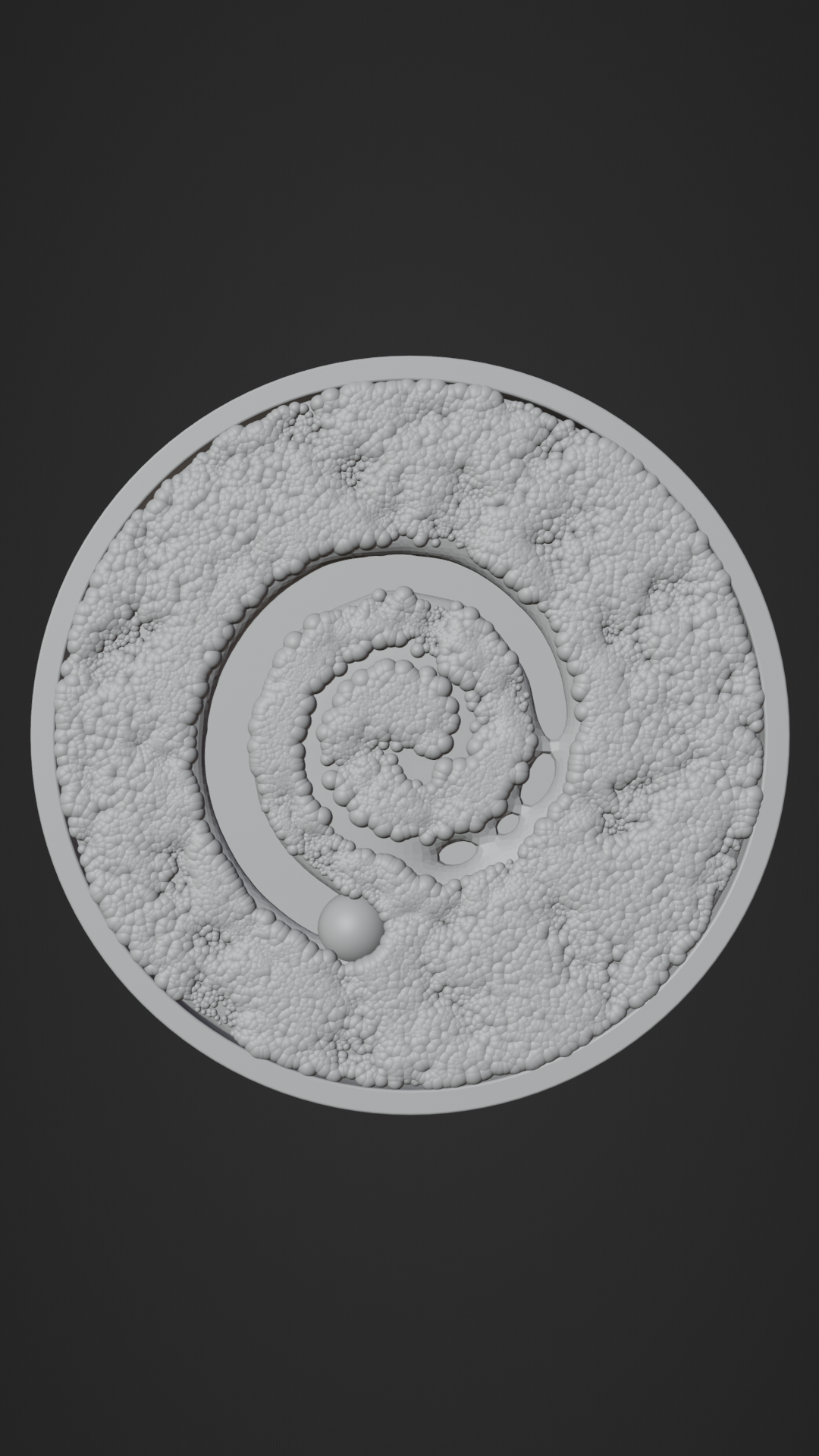
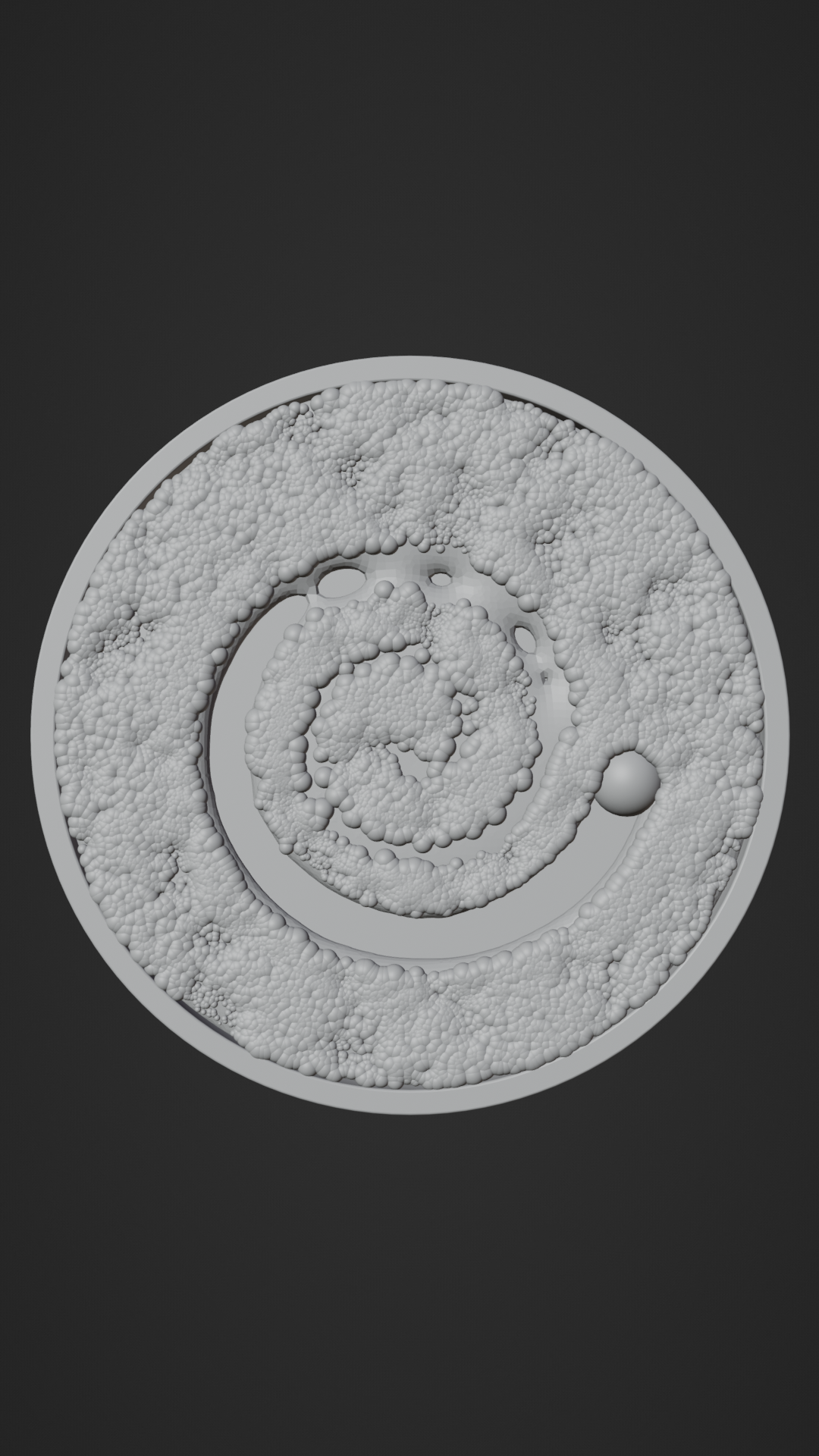
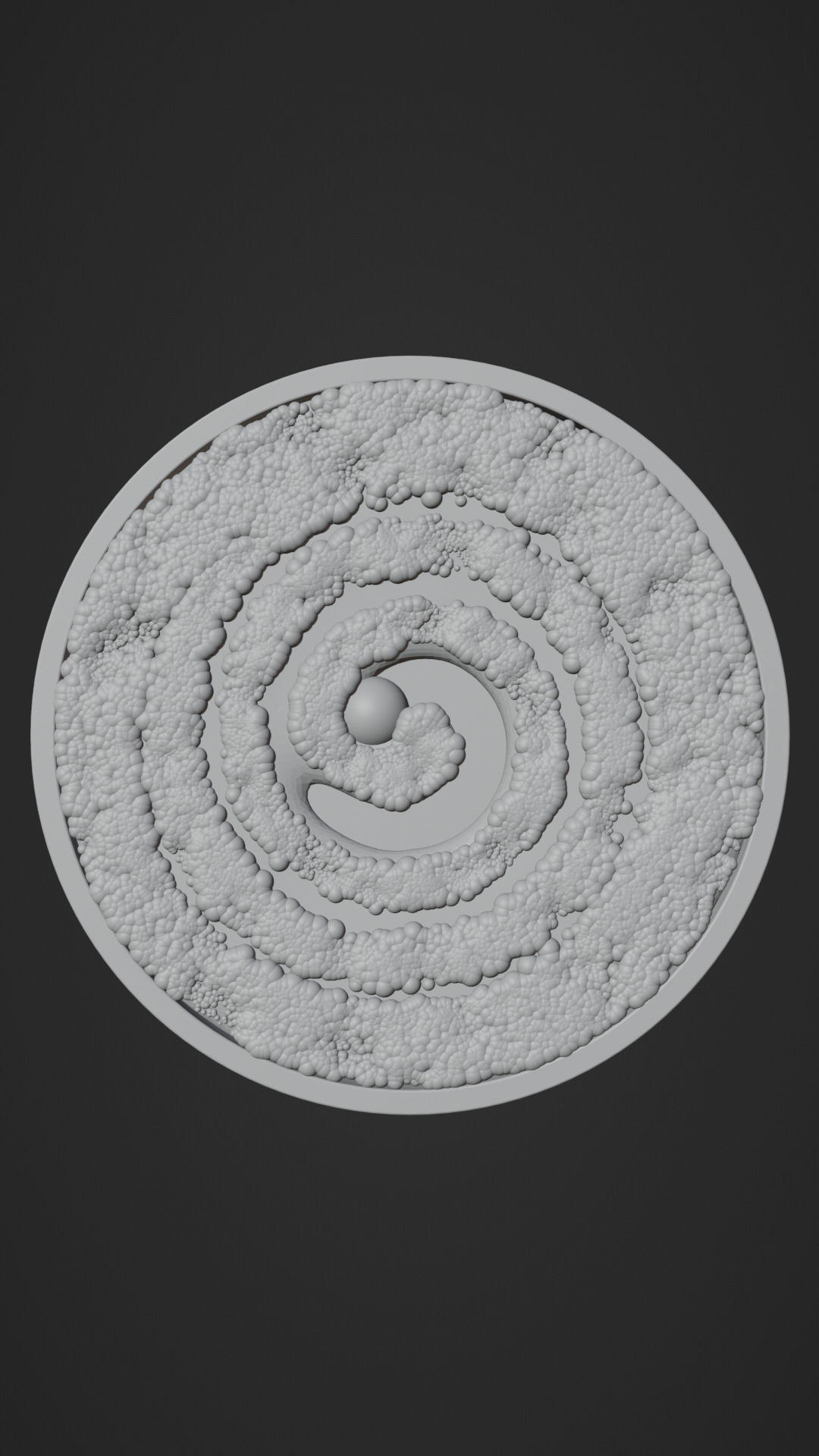
How do I adjust the speed of the trace object?
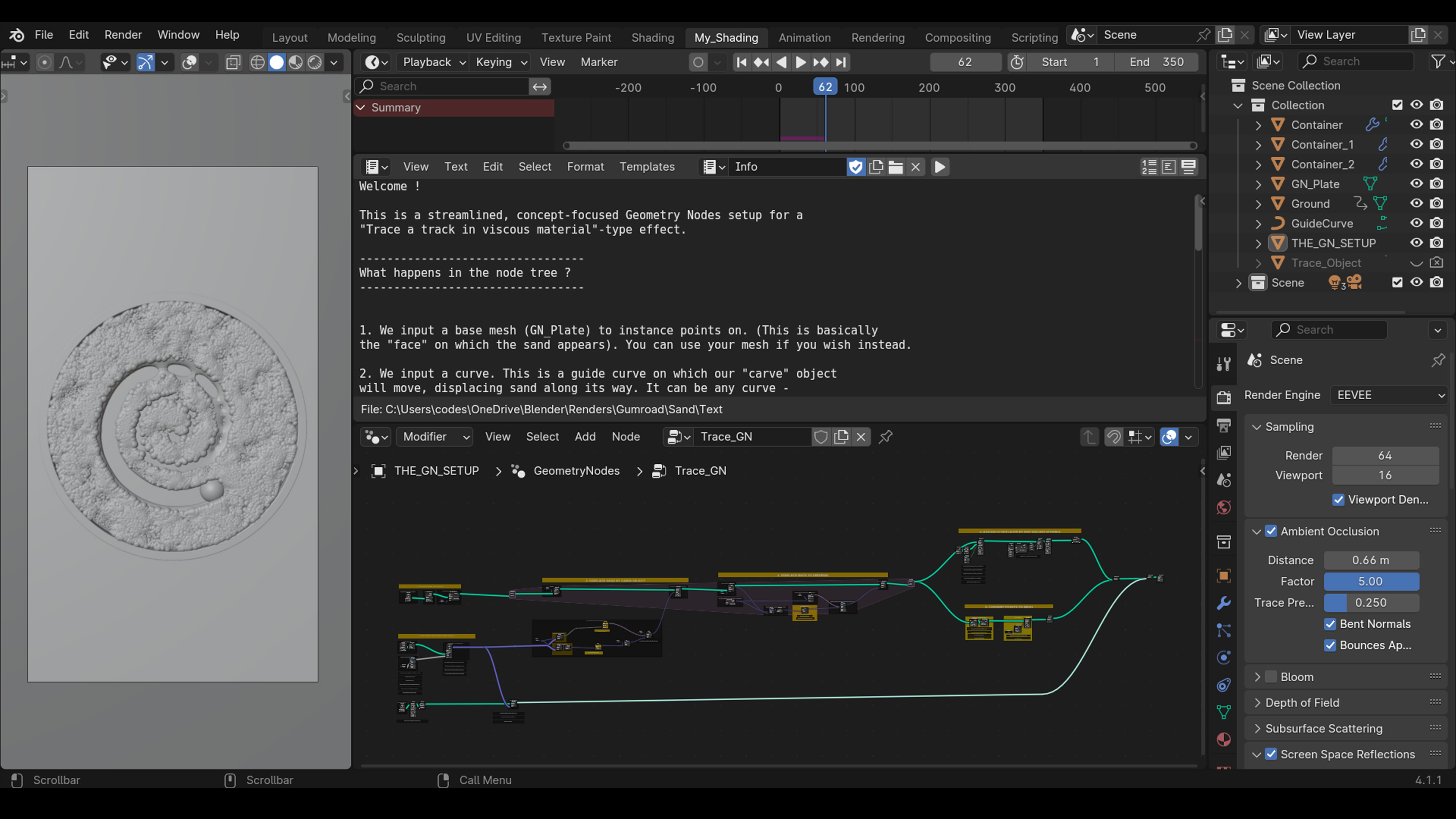
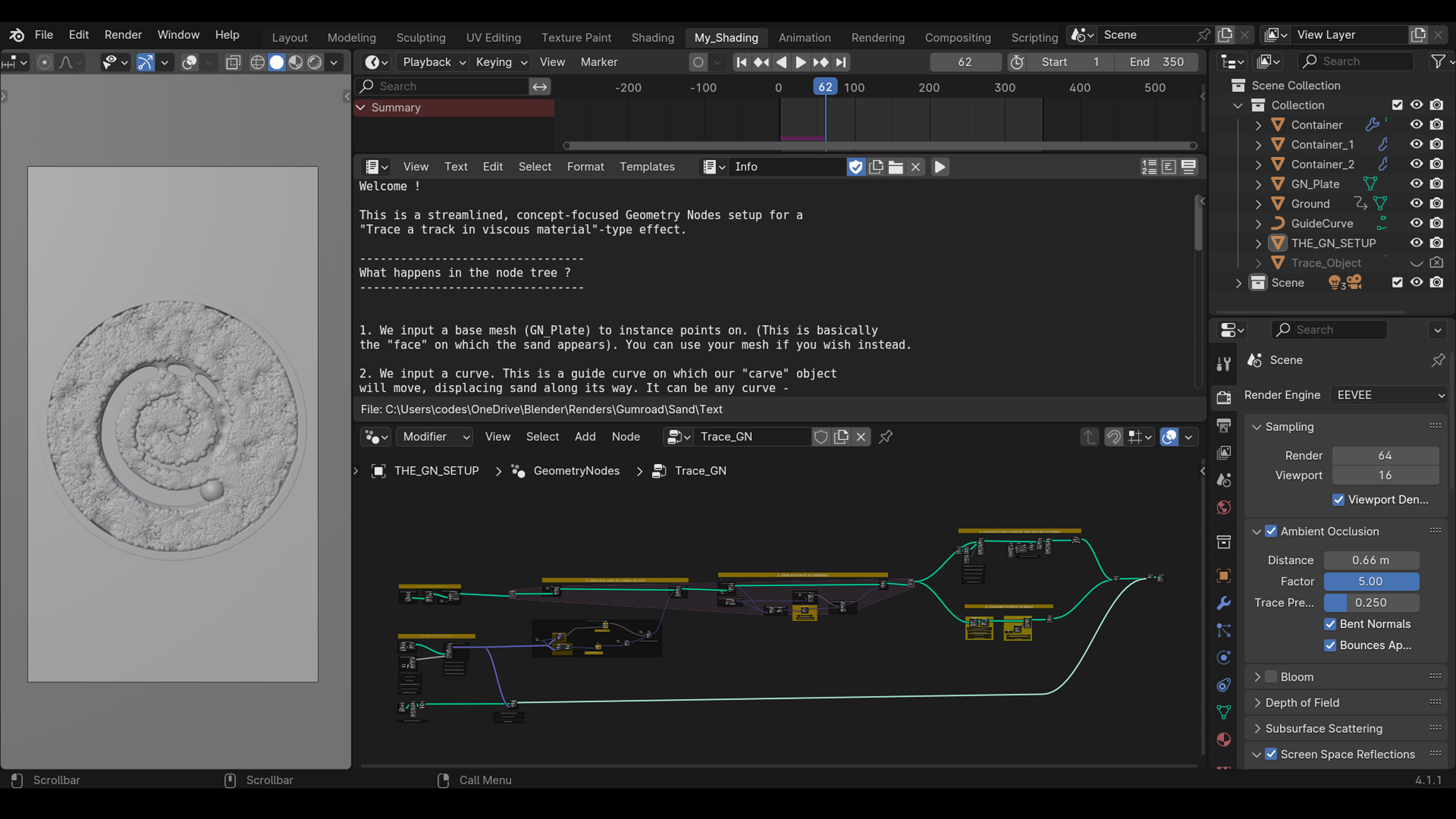
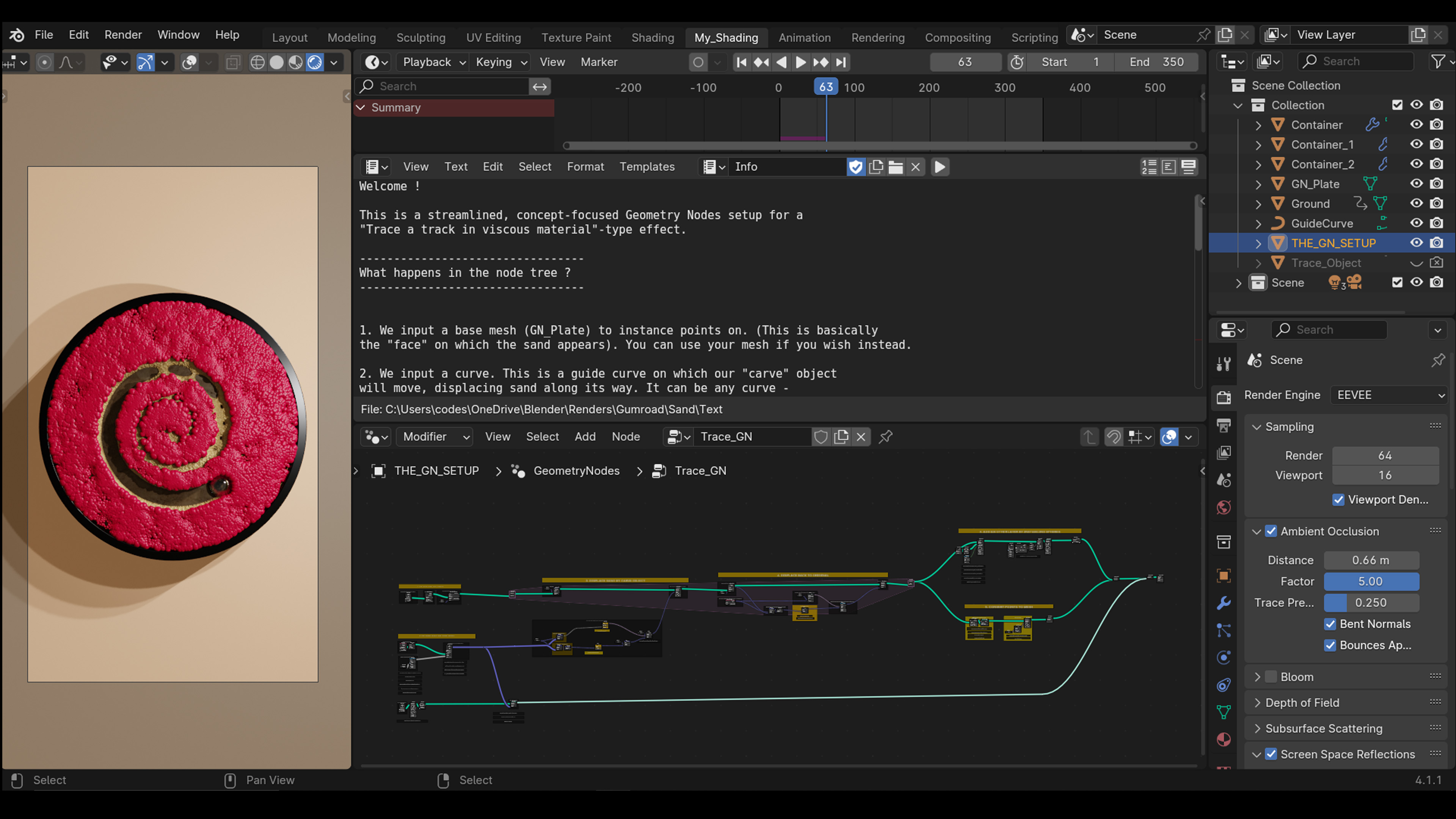
Locate the Speed on move along the curve frame. The speed is controlled by a Map Range node connected to Scene Time. Adjust the "From Max" value to change how many frames it takes the object to complete the path.
How do I change the width of the carved trail?
Find the GET THE DISTANCE FROM THE TRCE OBJECT frame. Adjust the Compare node (Less Than) value; this dictates the radius of effect around the trace object.
How do I change how fast the medium "heals" or closes back up?
In the Scale that direction frame, lower the Scale value in the Vector Math node to make the fluid return to its original position more slowly, or increase it for a faster snap-back.
Why is playback slow?
This setup uses a simulation zone combined with volume meshing. For realtime viewport playback, temporarily lower the density in the Distribute Points on Faces node and increase the voxel size in the volume meshing nodes. Bake the simulation cache before final rendering.
Have questions about this product?
Login to message
| Published | over 2 years ago |
| Blender Version | 3.6 - 5.3 |
| Render Engine Used | Cycles, Eevee |
| License | Royalty Free |
Discover more products like this
trace viscous trace track viscous medium leave track sand fluid medium track geometry nodes spiral movement