 David Agababyan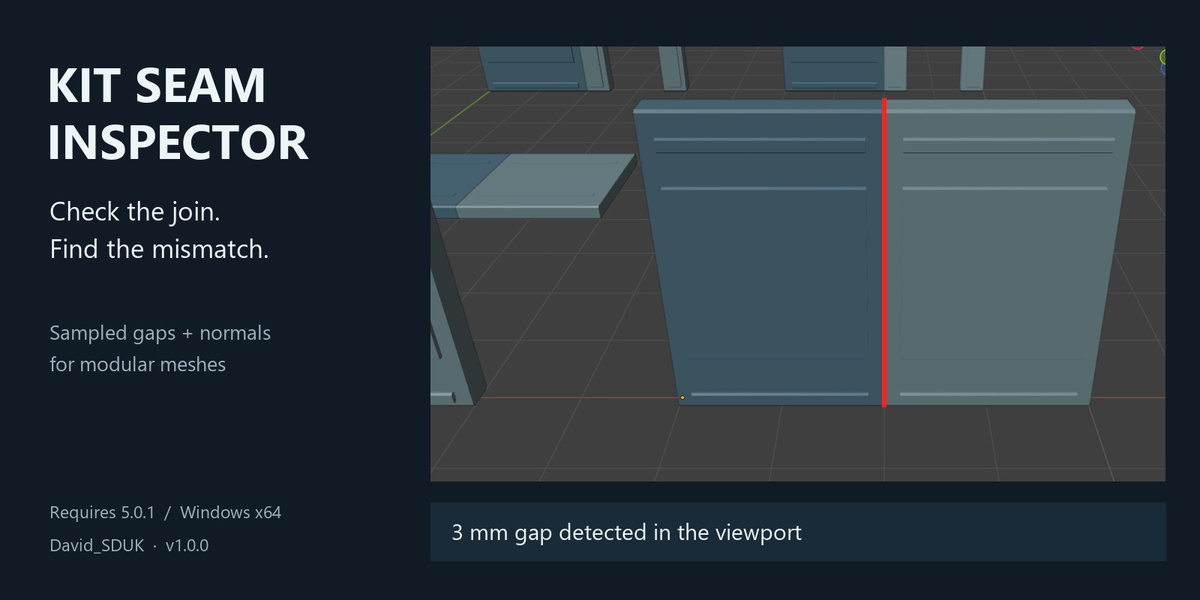
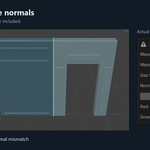
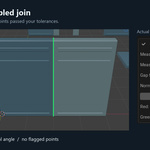
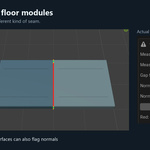
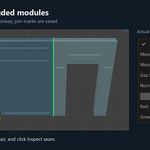
Kit Seam Inspector helps game asset artists check the connection between two assembled modular meshes.
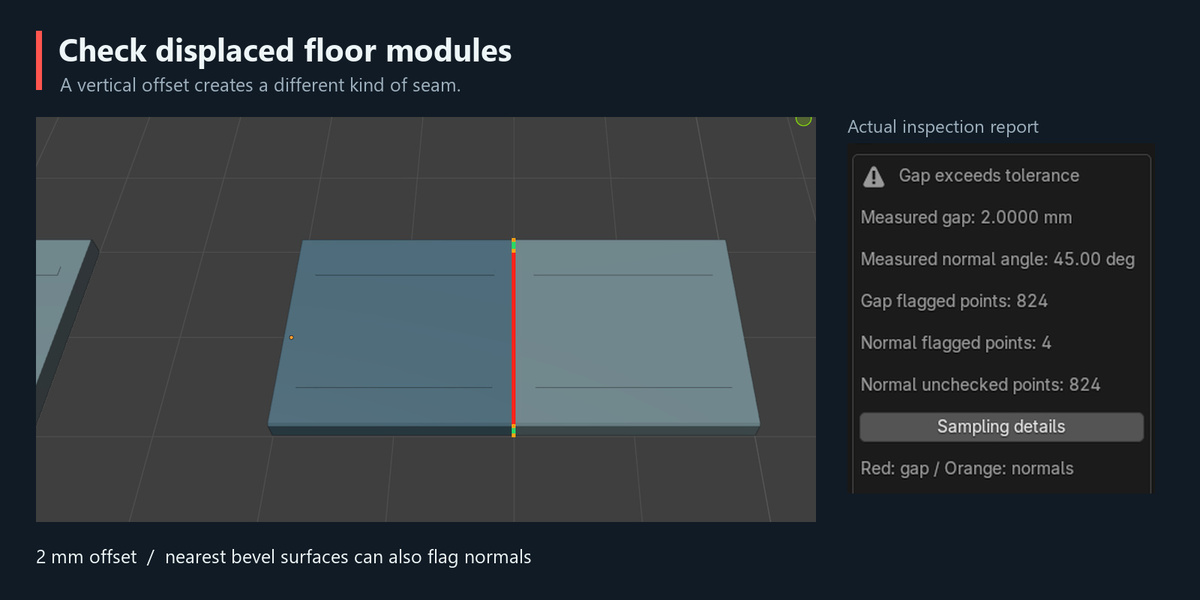
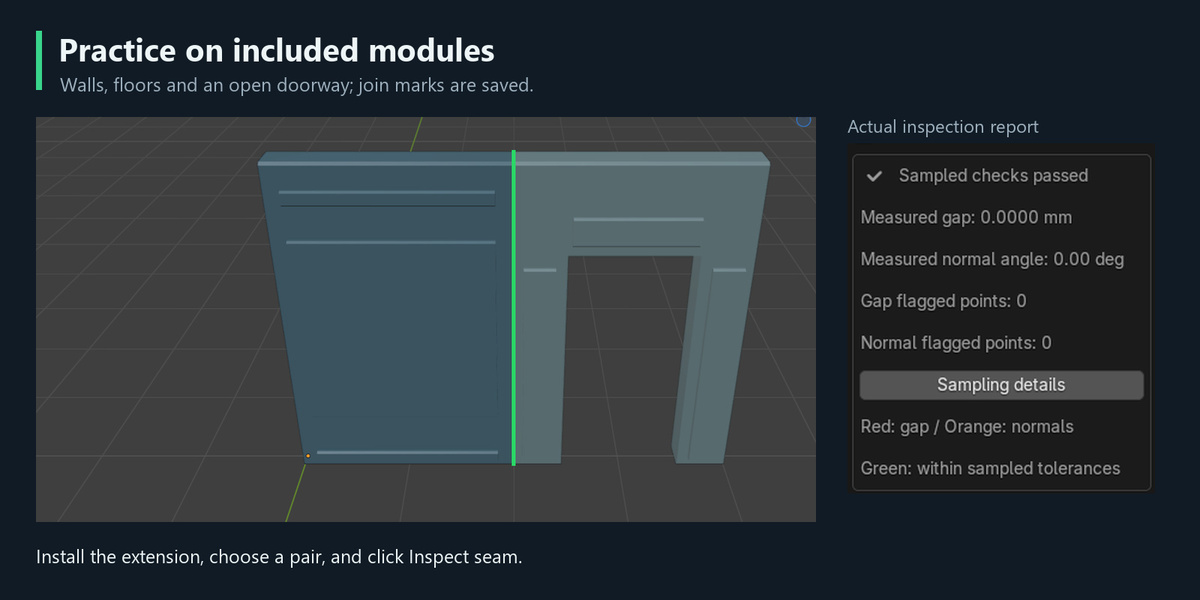
Mark the two sides of a join, click Inspect seam, and see sampled geometric gaps and surface normal mismatches directly in the viewport.
Features
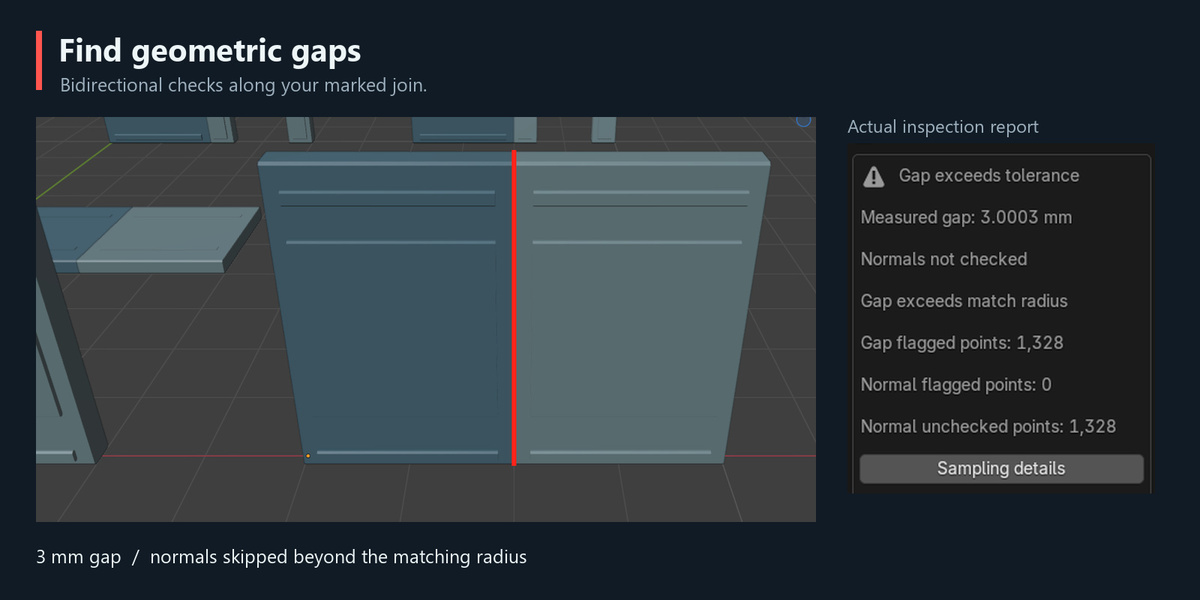
- Bidirectional sampled gap checks with millimeter measurements.
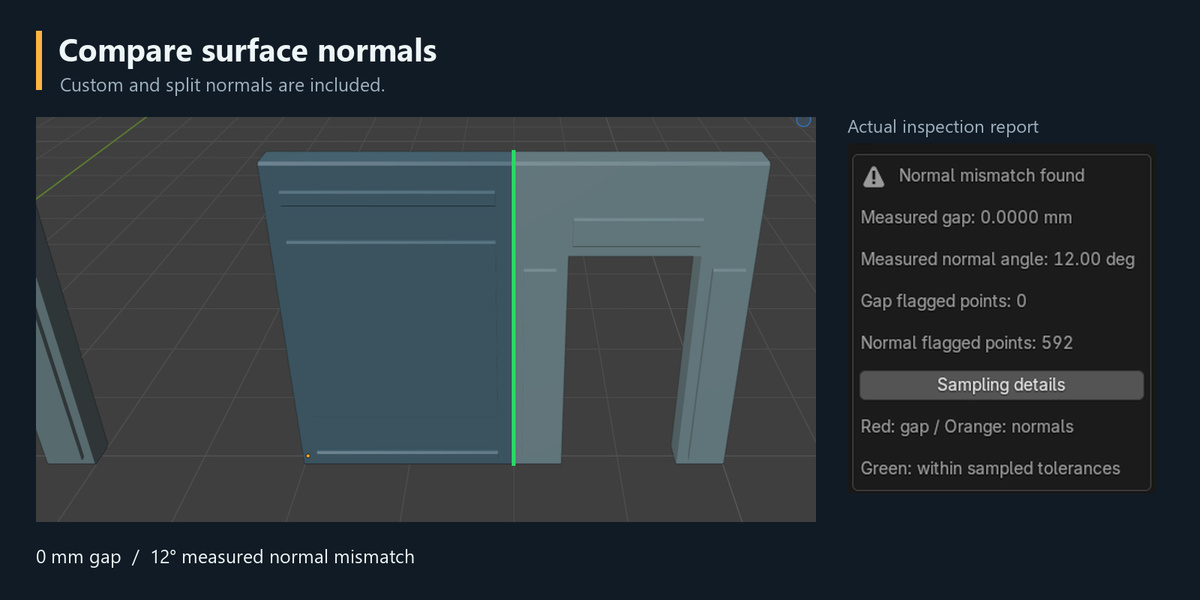
- Surface normal comparison, including custom and split normals.
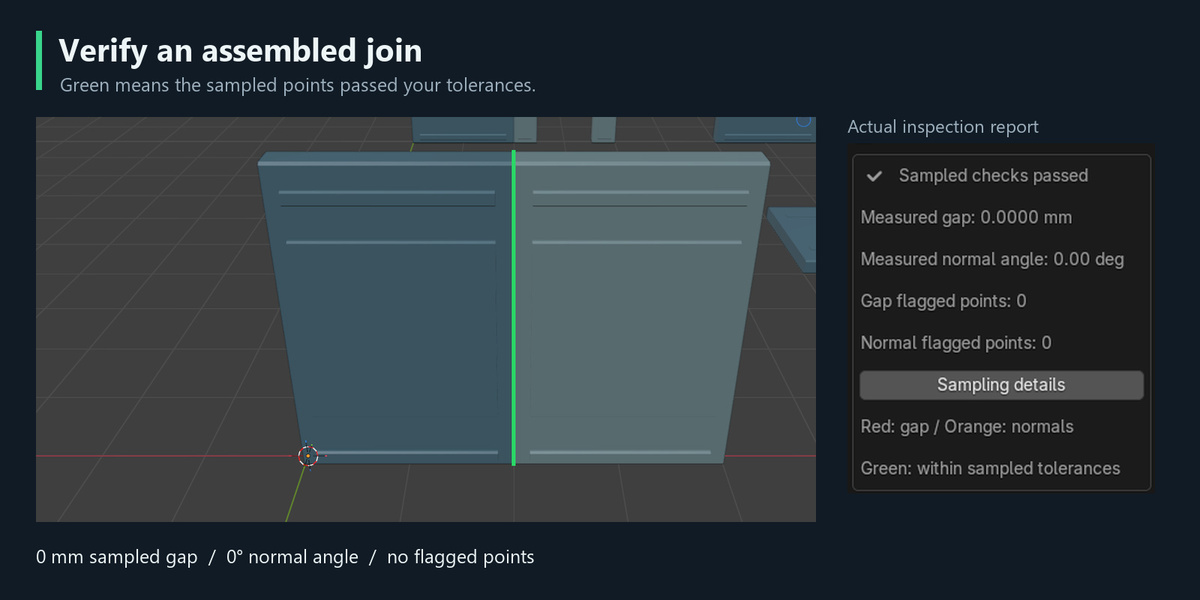
- Color-coded viewport diagnostics.
- Worst gap and Worst normals buttons to focus on problem areas.
- Automatic exclusion of simple internal contact caps.
- Manual face exclusions for more complex interfaces.
- Automatic clearing of outdated reports after model or setting changes.
Simple workflow
- Assemble two static mesh modules.
- Select the join perimeter edges on each module and use Mark A and Mark B.
- Return to Object Mode and click Inspect seam.
- Review the report, correct the model manually, and inspect again.
Included
The installable Blender Extension, English and Russian instructions, three practice scenes, and an animated demonstration. Practice scenes include walls, floors, a doorway, gaps, displaced modules, and normal mismatches.
Compatibility
Version 1.0.0 supports Blender 5.0.1 on Windows x64 only.
Important limitations
This tool checks explicitly marked joins on static source meshes. Active modifiers must be applied on a copy before marking; shape keys are not supported.
Inspection is sampled. Reduce sample spacing for finer checks. Green indicates that checked points passed the selected tolerances, not that the entire model is certified.
The tool does not automatically snap, weld, repair geometry, or edit normals. UVs, textures, lightmaps, collisions, and final game-engine shading require separate checks.
Created by David_SDUK.