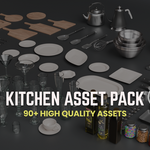
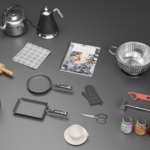
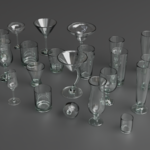
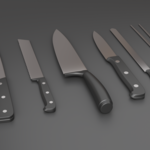
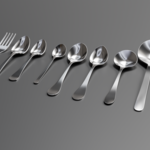
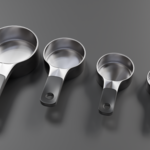
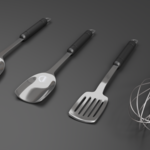
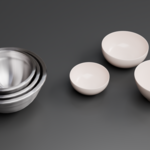
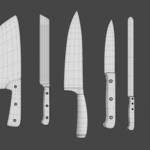
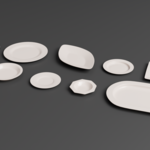
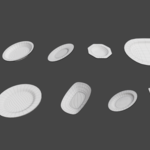
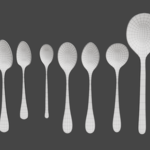
Kitchen Asset Pack – Realistic 3D Models
 Megani


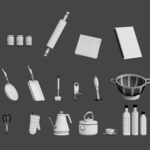
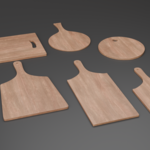
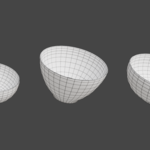
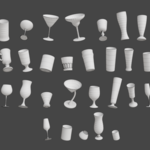
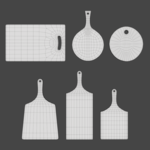
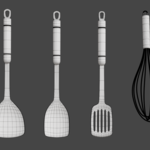
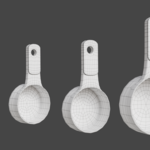
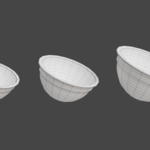
Setting Up and Using Asset Browser with the Kitchen Asset Pack
-
Configure Asset Library Path:
-
Open Blender.
-
Go to Edit > Preferences > File Paths.
-
Scroll to Asset Libraries and click the "+" button.
-
Select the folder containing your
.blendkitchen asset file(s). -
Close Preferences.
-
$15
Have questions about this product?
Login to message
| Published | over 1 year ago |
| Blender Version | 4.0 - 4.3 |
| Render Engine Used | Cycles |
| Misc Data | Uvs-Unwrapped, Manifold-Mesh, Textured |
| License | Royalty Free |
Discover more products like this
architecture tableware Interior kitchen asset pack kitchenware realistic glassware ArchViz