Knotus -The Masic of Knots Blender Add-On -
 H3 STUDIO ZOO


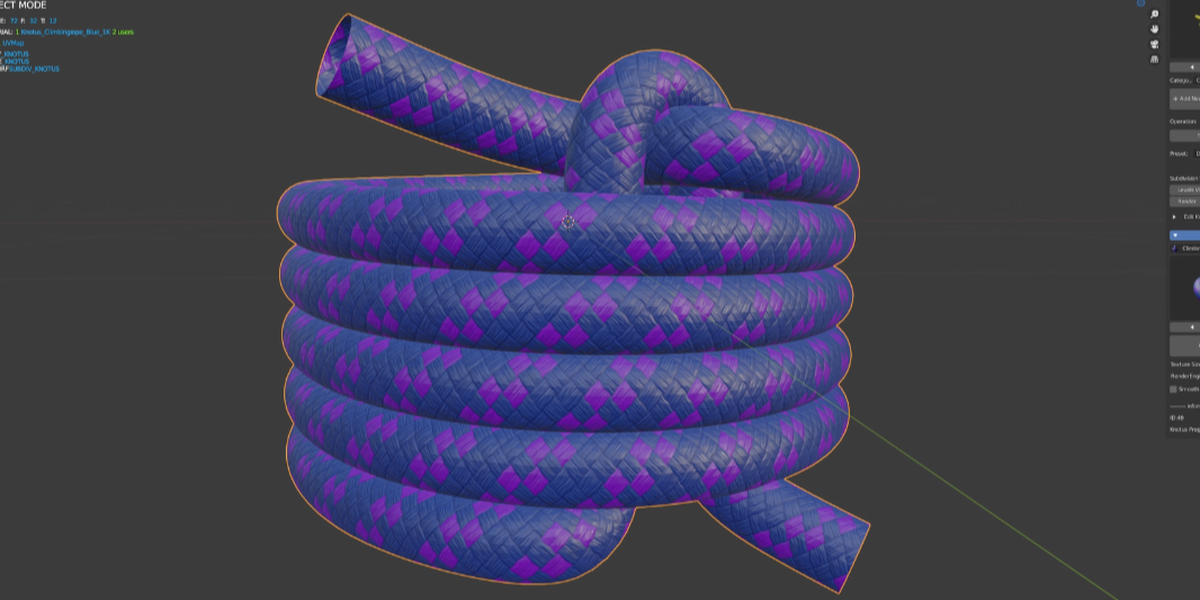
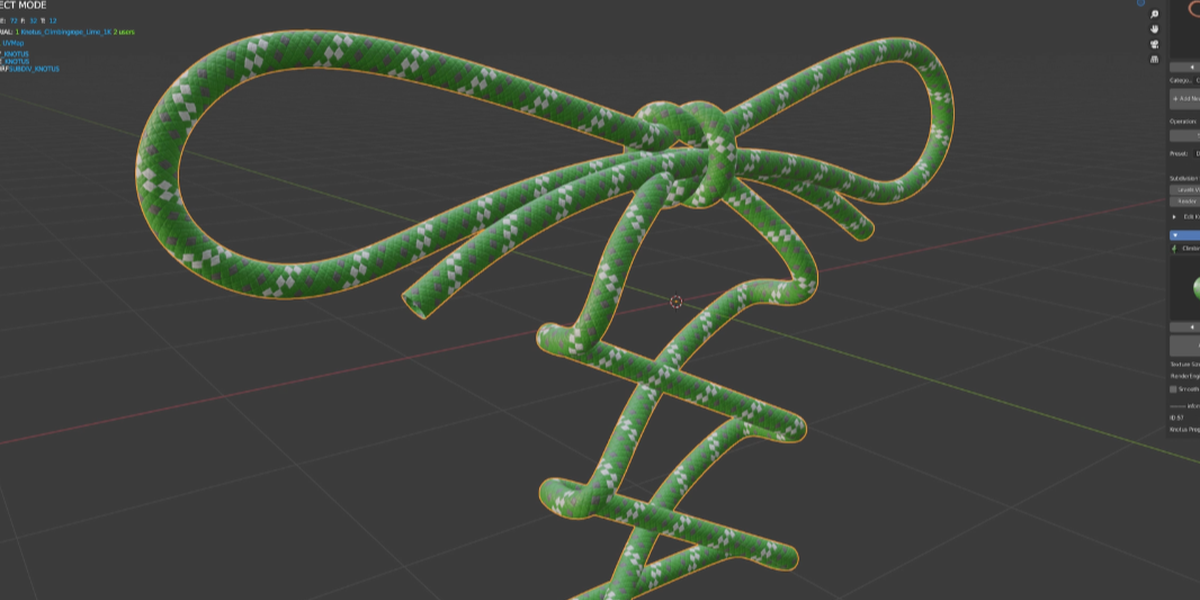

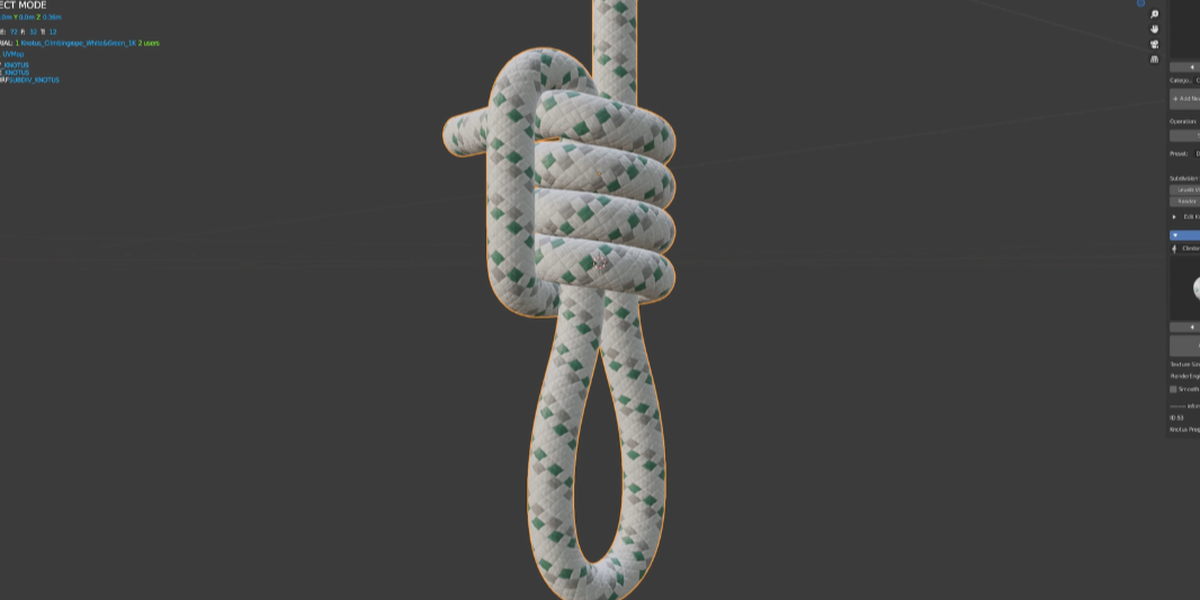


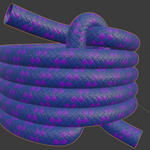
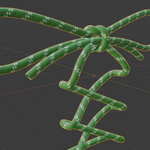

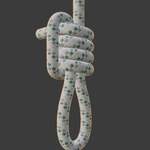
Knotus is an add-on that includes many assets and materials to easily create strings and knots. You can create hard-to-knot knots, slip knots, icicle hitches, and more with just a few clicks. You can also easily create pipes and cables from edge polygons.
This add-on was created because creating knots and pipes over and over again was very tedious and time consuming for me in my work. I hope it will be useful to you.
Requirements
- Blender 5.2 (latest version: Knotus v1.2.3)
- KTP2 (Knotus Texture Pack 2) for the materials
Installation
1. Download "Knotus" and "KTP2" (Knotus Texture Pack 2).
2. Unzip "KTP2.zip" to a location of your choice.
3. In Blender, go to Edit > Preferences > Add-ons and install the "Knotus" zip file.
4. In the Knotus preferences, set "Texture Folder (KTP2)" to the unzipped "KTP2" folder.
Where to find Knotus
Open the Sidebar in the 3D Viewport (press N) and select the "Knotus" tab.
You can change the tab name in the add-on preferences ("Sidebar Tab").
Basic workflow
1. Choose a category (Single or Consecutive) and pick a knot from the thumbnails.
2. Click "Add New Knot" to load the knot at the 3D cursor.
3. Click "Convert to Knot" to turn it into a Base object and a Curve object.
4. Select the knot mesh and choose a material and texture size (1K / 2K / 4K).
5. Adjust the shape with "Edit Knot Mesh", and add caps to the rope ends if needed.
Custom knots
You can choose your own folder for custom knots in the add-on preferences ("Custom Knot Folder").
Support
Development and support for Knotus v1 have ended. Knotus v2, rebuilt with Geometry Nodes, is currently in development.