 Kohli Arts

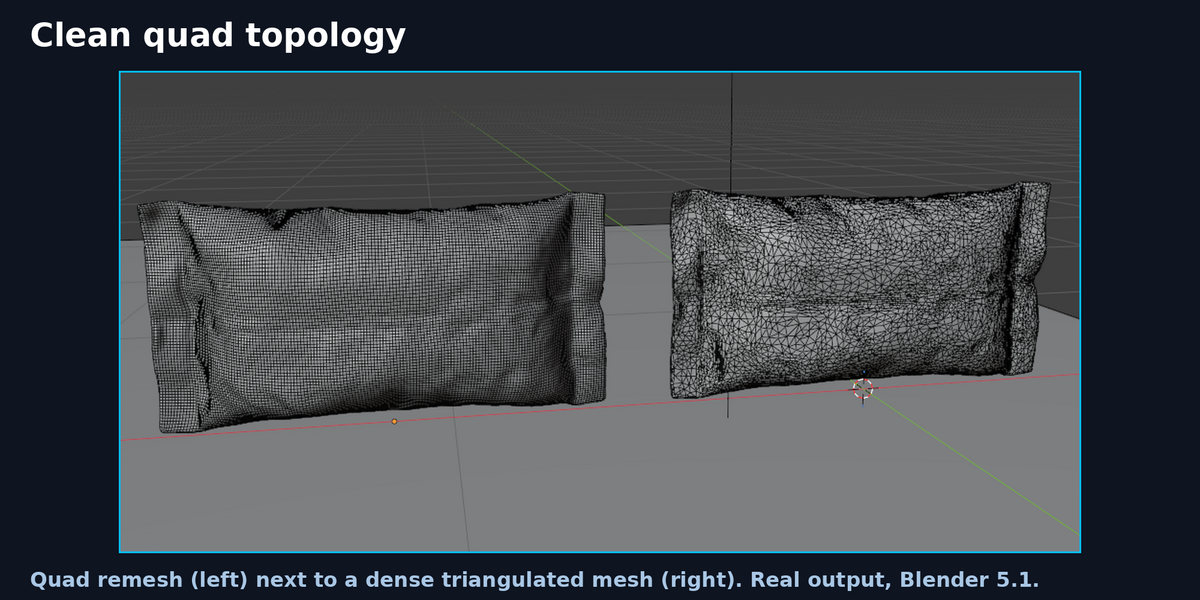
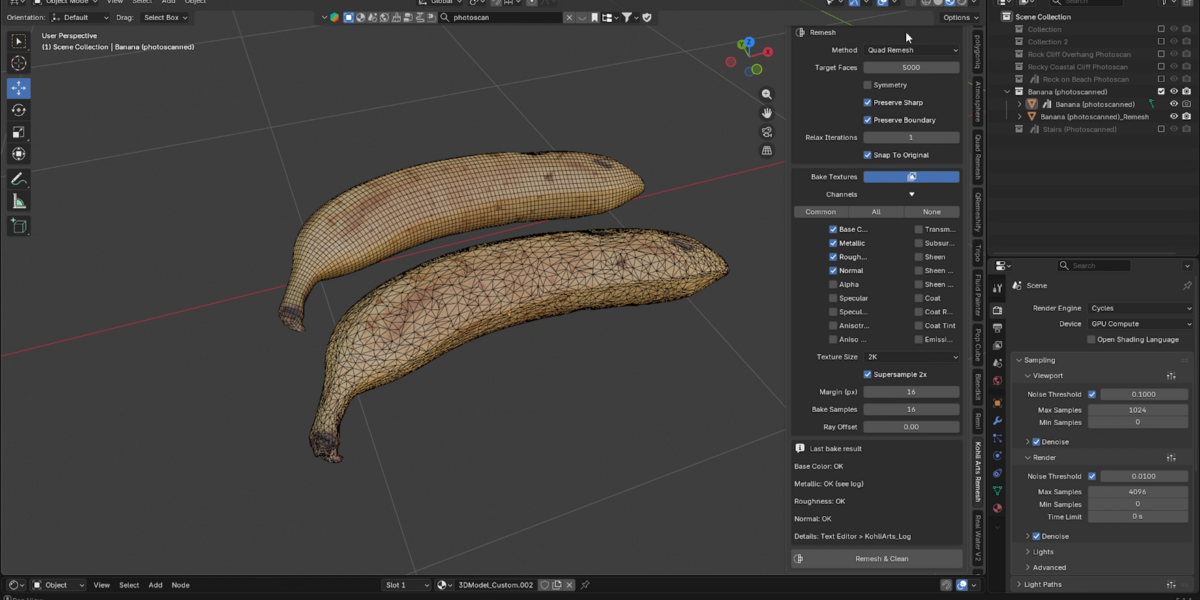
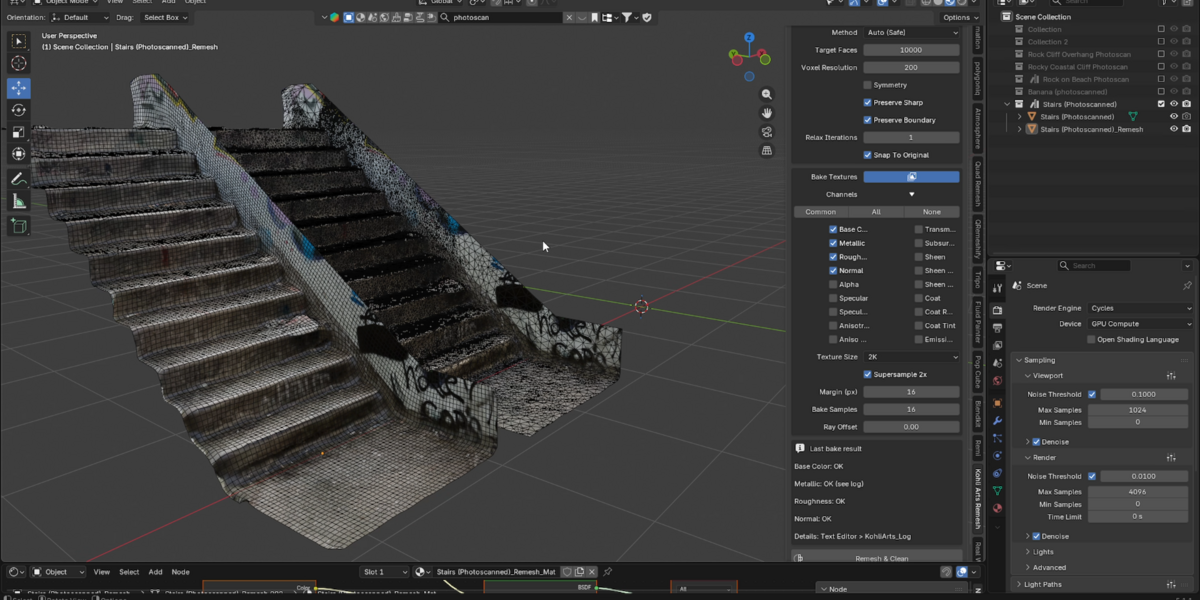

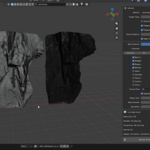
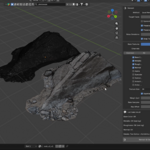
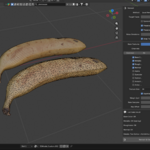
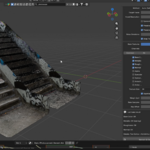
Turn dense, messy AI-generated models into clean, textured quad meshes in one click.
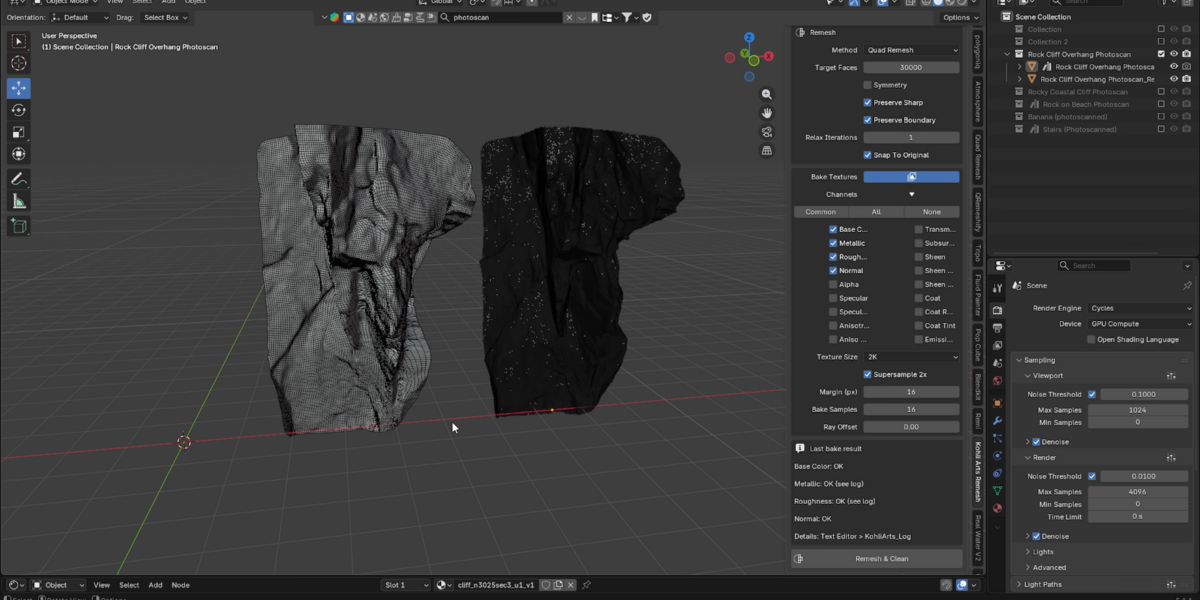
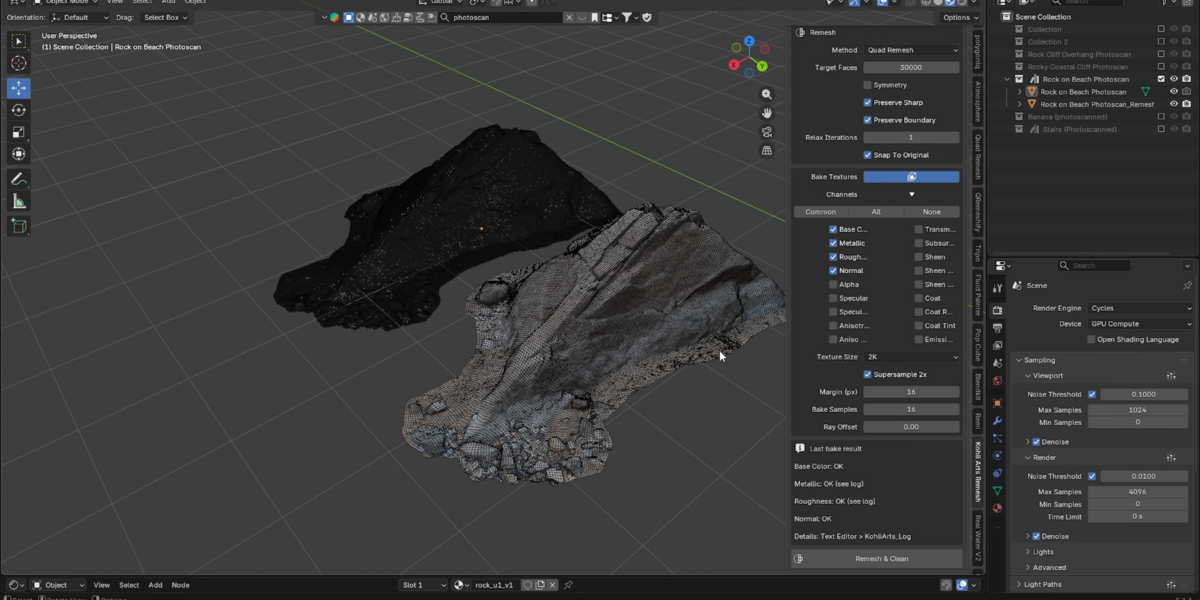
Kohli Arts Remesh cleans up heavy meshes from AI 3D generators and photoscans, rebuilds them with clean quad topology, and re-bakes the textures onto the new mesh.
What it does
- Cleans the mesh: removes floating pieces, fills small holes, merges doubles and fixes normals
- Pre-reduces very dense meshes so remeshing stays fast
- Quad remesh with a target face count (Auto mode falls back to a voxel pass if needed)
- Relaxes the surface and snaps it back to the original shape
- Creates fresh UVs
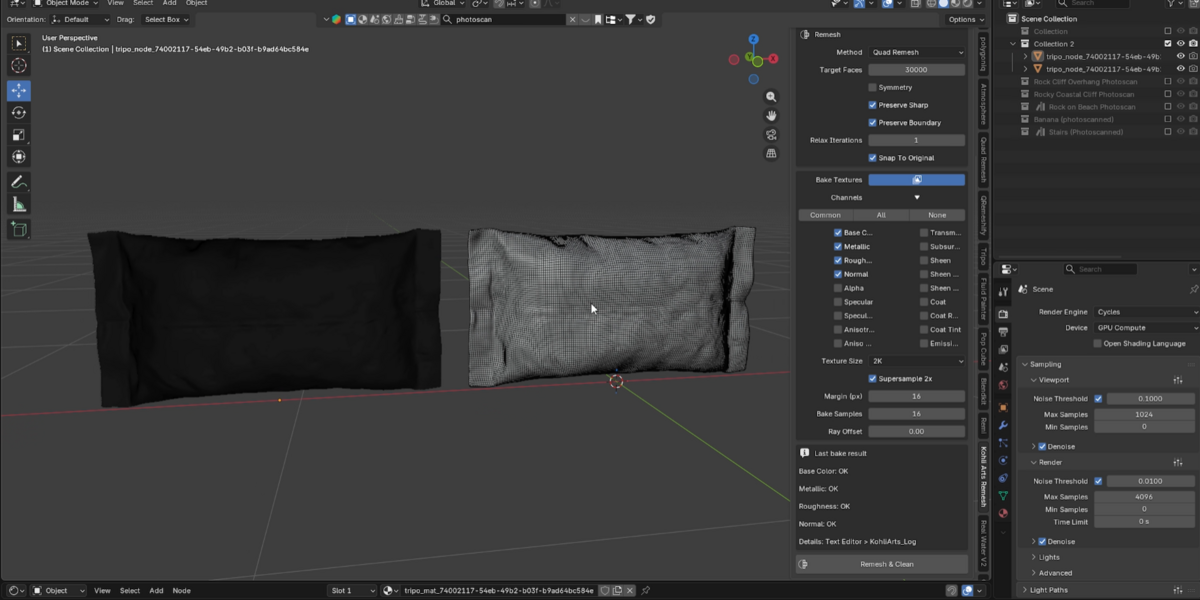
- Bakes textures from the original object: Base Color, Metallic, Roughness and Normal by default, plus other Principled BSDF inputs if you need them
- Copies the original Principled BSDF settings to the new material
- Optional 2x supersampling and texture sizes from 1K to 8K
- Keeps your original object, hidden, so nothing is lost
How to use
- Select your mesh and open the Kohli Arts Remesh tab in the 3D viewport sidebar (N).
- Set your target faces and texture size.
- Click Remesh & Clean.
Requirements
Blender 5.1 or newer (tested on Blender 5.1). Texture baking uses Cycles, which comes with Blender.
Good to know
Results depend on your source model. Modifiers on the original object are ignored, so apply them first. Parts of this add-on's code were written with an AI coding assistant, then reviewed, edited and tested by the author.
