 Oculis Studio
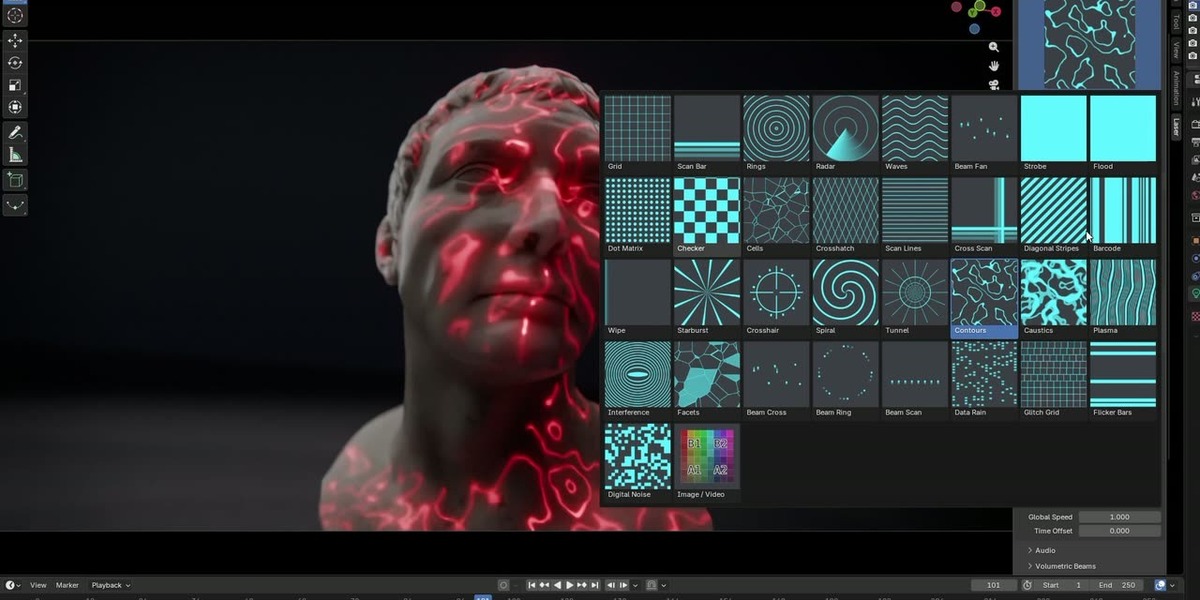
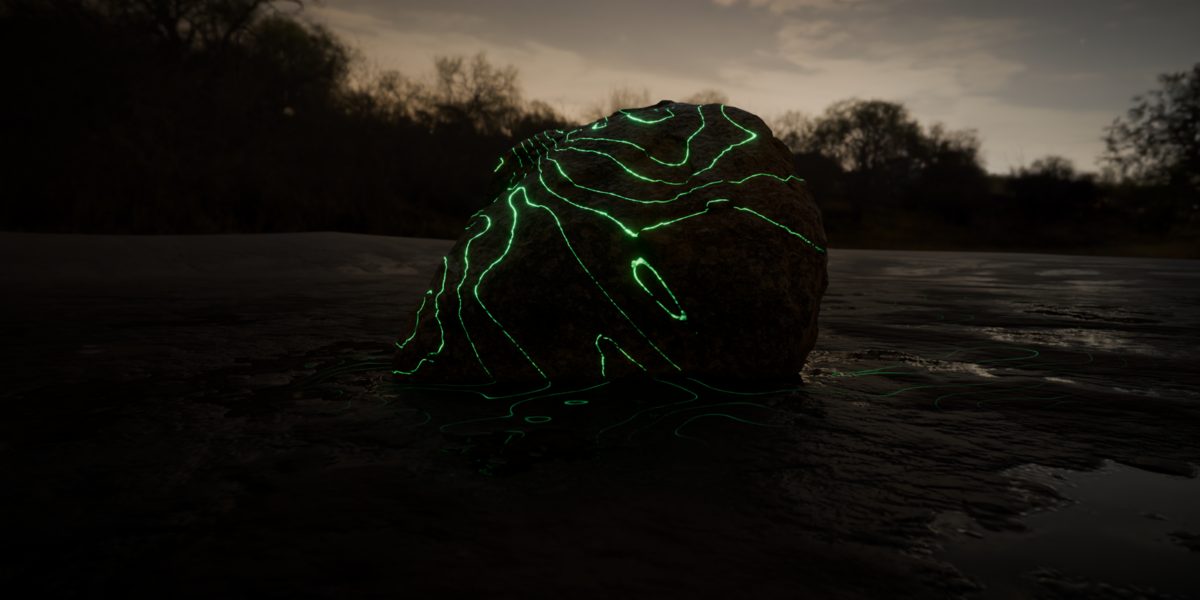
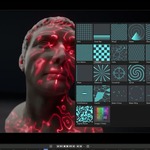
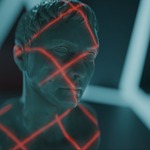
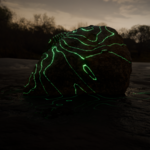
Thirty-four presets ship with it, every one already animated - grids that scroll, scan bars that bounce, radar sweeps, spirals, perspective tunnels, contours that morph, caustics, plasma, moire interference, data rain, glitching grids, strobes, and four beam presets built for the volumetric beam system. Six categories, one shared set of aperture coordinates, so switching preset keeps your framing. Every knob is a socket on a shared node group you can open in the Shader Editor and extend.
Layer a second preset over the first with five blend modes - a grid cut by a scan bar is a different pattern to either. Switch on the galvo trace and the pattern is drawn the way a real show laser draws it, by a single moving dot with a bright head and a decaying trail, on any preset in the library. Bend the coordinates before the pattern is sampled with mirror, kaleidoscope, pixelate and noise distortion, then rework the finished mask with outline, invert, gain, pulse and edge fade. Bake a music track's loudness and route it at light power, global speed, line width, strobe rate or any other setting, with a quiet value and a loud value per route.
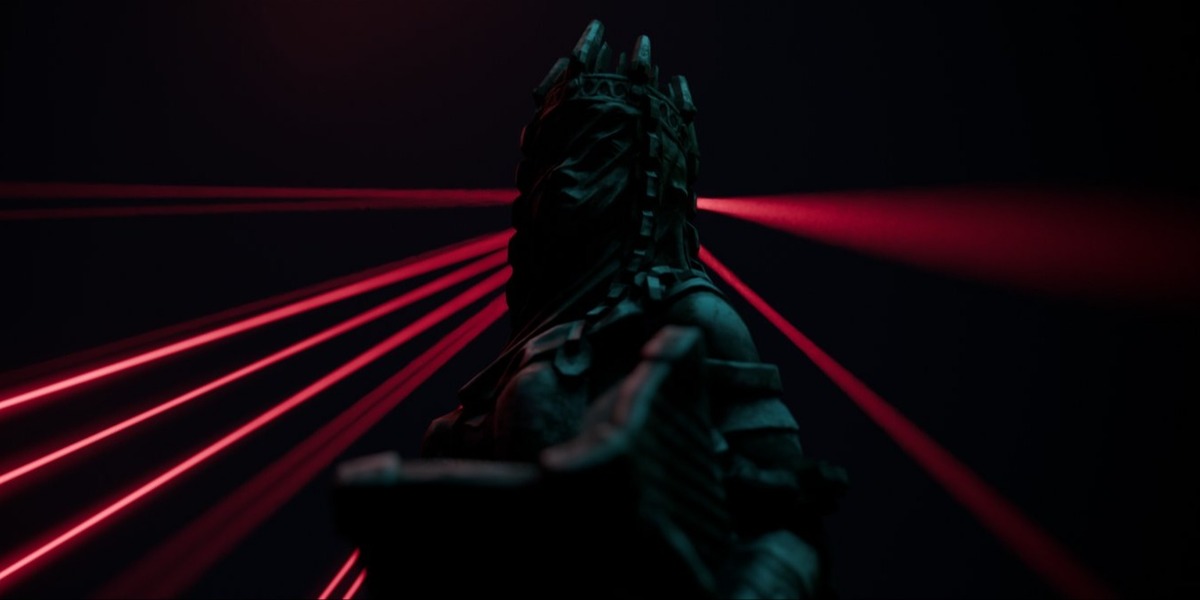
Beams in the air without paying for volumetric scattering: one thin emissive tube per beam, generated by Geometry Nodes, raycast so each stops exactly where the light lands, with a matching hit spot drawn by the light's own shader. Renders in seconds, works in Eevee, casts no shadows and no bounce light. Dust motes, per-beam flicker, halo, forward scatter and extinction are all there.
Colour follows physics rather than a colour picker. Choose from nine wavelengths real laser diodes and DPSS modules actually emit, 405 nm violet through 660 nm deep red, and the sRGB colour and the perceived brightness both follow - the eye is about 4.6 times more sensitive at 532 nm than at 638 nm, which is the whole reason show lasers are green. Rainbow sweeps hue across the aperture; Per Element takes the hue from the pattern's own cells, bars or beams for true multi-colour RGB looks.
Thin lines are the hard part of laser rendering and the add-on is built around it. A Spot with Blur 0 is a point light, so Cycles evaluates the pattern at one deterministic position per shading point and hairlines come out razor sharp and clean; an Area light at its 1 degree minimum spread smears the same line to about 5 cm at a 3 m throw and is still speckled at 256 samples. New projectors default to Spot, any Area projector can be converted to one at the same footprint, and Laser Thin drops every width control to a hairline in one click. Optimise Render for Lasers sets projector lights to direct light only, clamps indirect and turns on guided denoising. Then Add Camera Look puts a real camera's artefacts back over the render - bloom, anamorphic streaks, halation, dispersion, vignette and sensor grain, in optical order, one slider each.
Three editions, all of them on this page. Free has 8 presets and the whole of the core: Area and Spot projectors, the volumetric beam system, wavelength colour and the camera look group. Lite adds the other 25 presets, the second pattern layer with its five blend modes, both effects stages and saved user presets. Pro adds the galvo trace, audio reactivity, the Image / Video preset and text and SVG projection. Lower editions are not the full add-on with buttons greyed out - the modules are deleted from the zip. The package folder is the same in all three, so a .blend crosses editions and upgrading later is installing over the top.
Requires Cycles for the projected patterns, because light node trees are a Cycles-only feature in Blender; the panel spots another engine and offers a one-click switch. The volumetric beams are geometry and render in Eevee too. Blender 4.2 LTS and newer, tested through 5.2 LTS. Installs as a zip through Install from Disk. Panel is in the 3D viewport sidebar under the Laser tab. GPL-3.0-or-later; what you make with it is yours, and updates are free for owners.
