 Miles Ross


Latitude HDRI Studio
Latitude is an interactive, real-time HDRI lighting editor for Blender, built for product visualization.
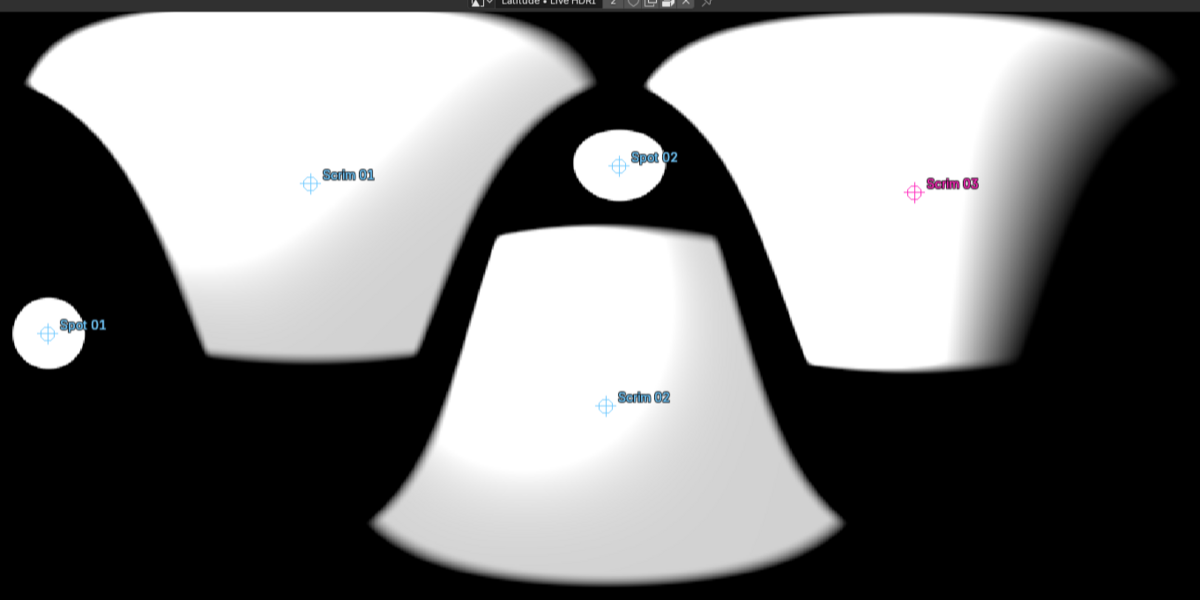
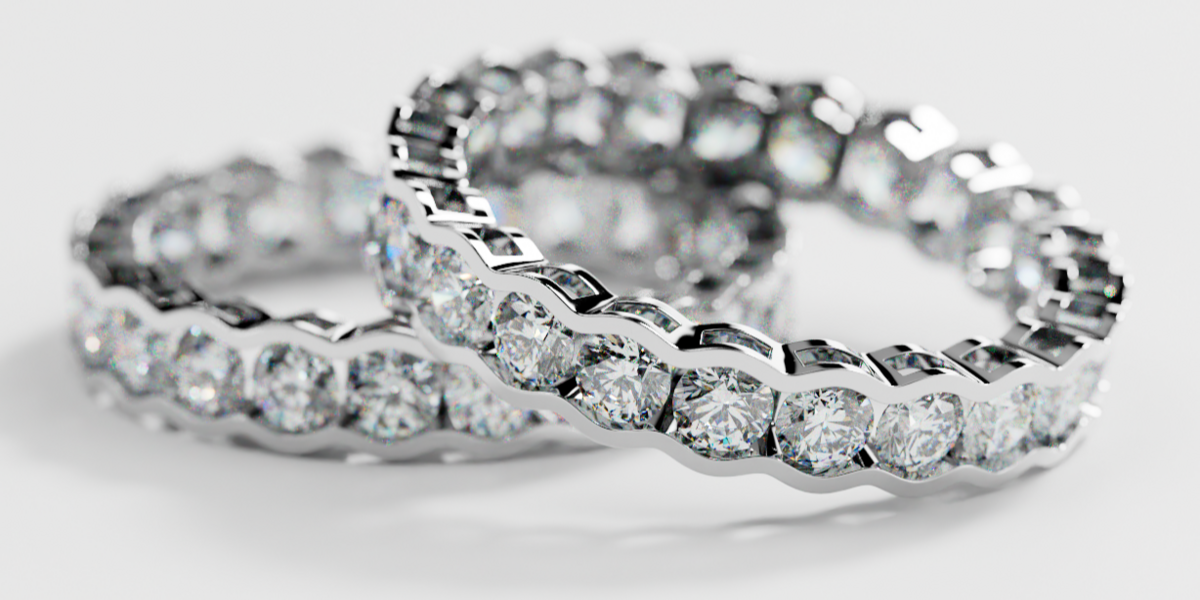
Create softboxes, gradients, scrims, and image-based lights directly on a 360° environment. Move and shape your lighting while watching the reflections change on your product in the rendered viewport. Latitude gives you direct control over the environment surrounding your model.
Build your lighting visually
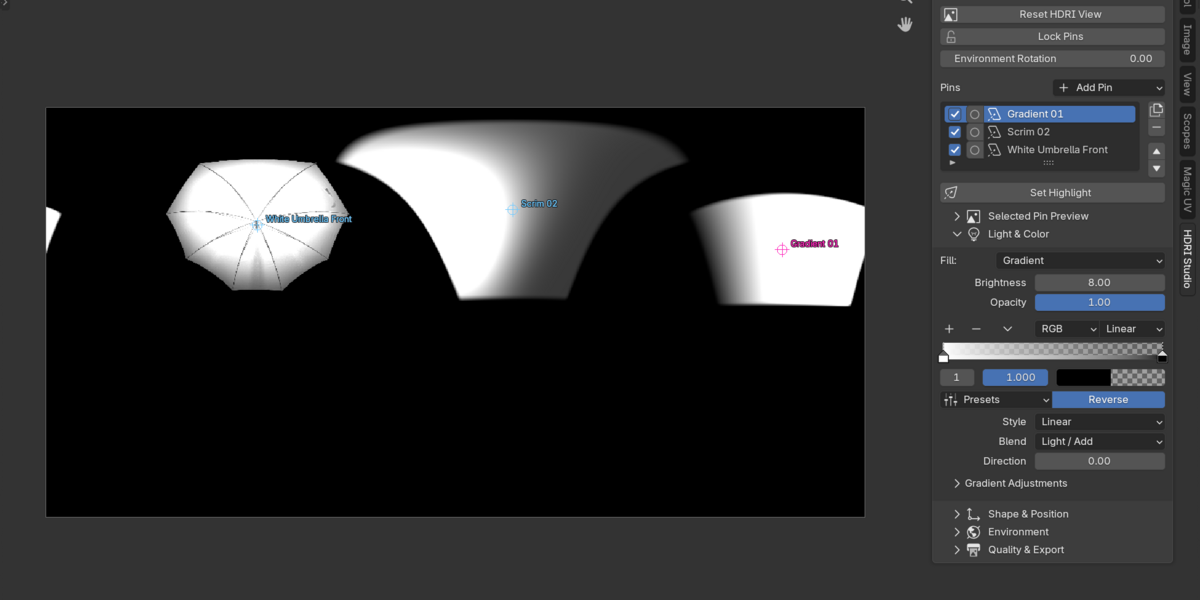
Latitude works within Blender's Image Editor. To get started just open a new area, switch to the Image Editor, open the HDRI studio tab, and press Start HDRI Studio
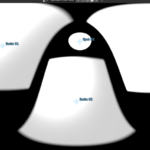
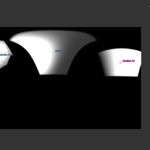
Light pins are editable elements on your HDRI panorama. Add a pin, drag it into position, then adjust its brightness, color, size, rotation, and edge softness.
Start with an empty environment or build on an existing HDRI. Rotate the entire setup—including the background and all pins—with a single control.
Latitude uses a faster preview during interaction and refines the HDRI after editing settles. Viewport response depends on your scene, hardware, and lighting setup.
Place highlights directly on your objects
With Set Highlight, select a pin and click or drag on your model to position its reflection.
Fine-tune the placement on the panorama, or solo a pin to see its contribution while retaining the background environment.
Create gradients and scrims
Gradient pins give you control over transitions in color and brightness. Choose linear, radial, or mirrored styles, then adjust direction, offset, scale, and saturation.
Scrim pins create a soft light with a movable hotspot. Adjust its position, spread, stretch, and fill to shape the transition from a bright highlight into softer illumination.
Bring your own light images
Use HDR, EXR, or ordinary images as light pins. Reproduce the character of photographed softboxes, umbrellas, and other light sources using your own image library.
Set your preferred library folder in Latitude’s preferences, and preview the selected pin directly in the sidebar.
Third-party HDRIs and light images are not included.
Refine your background
Adjust the background HDRI’s strength, rotation, blur, saturation, and contrast independently of your pins.
You can also restore the original Blender World when you want to return to your previous environment.
Save, reuse, and export
Save editable lighting in your Blender file, including pin animation.
Save environment presets to reuse static lighting setups across projects.
Export flattened 32-bit EXR environments at resolutions up to 4K.
Requirements and current limitations
Officially supported on Blender 5.2.2 or later on Windows. Installation is allowed on Blender 4.2+, but earlier versions are untested and may have compatibility issues; macOS, Linux, dedicated Eevee workflows, and custom render integrations have not been fully tested.
Pins contribute through Blender’s World environment. Physical dome lighting and per-pin light linking are not supported.
HDRI composition runs on the CPU. Large source images and many pins can slow updates.
Live and scene-rendering environments support up to 2K; flattened EXR export supports up to 4K.
HDRI editing is unavailable during rendering. Animation rendering locks Blender’s interface.
Environment presets contain static lighting setups, not animation. EXR export produces one flattened image at a time.
For portable Blender projects, pack the original background HDRI separately.
Latitude works offline. No account or activation is required.
