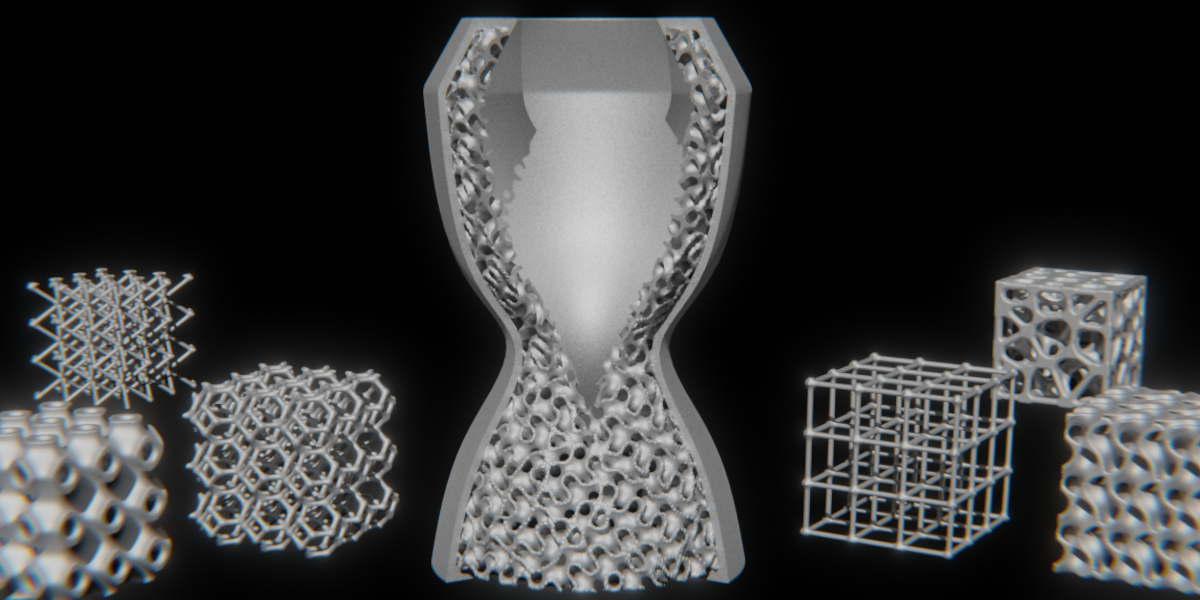
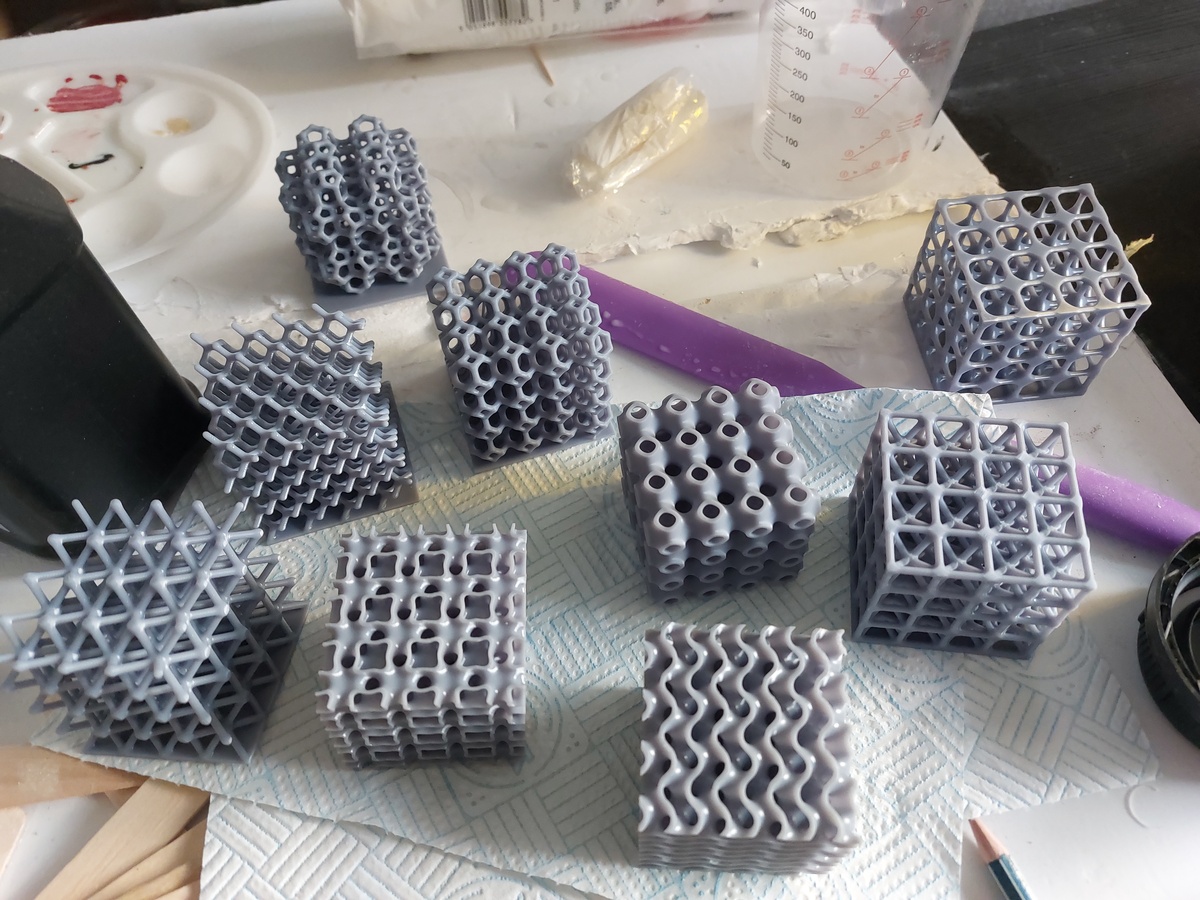
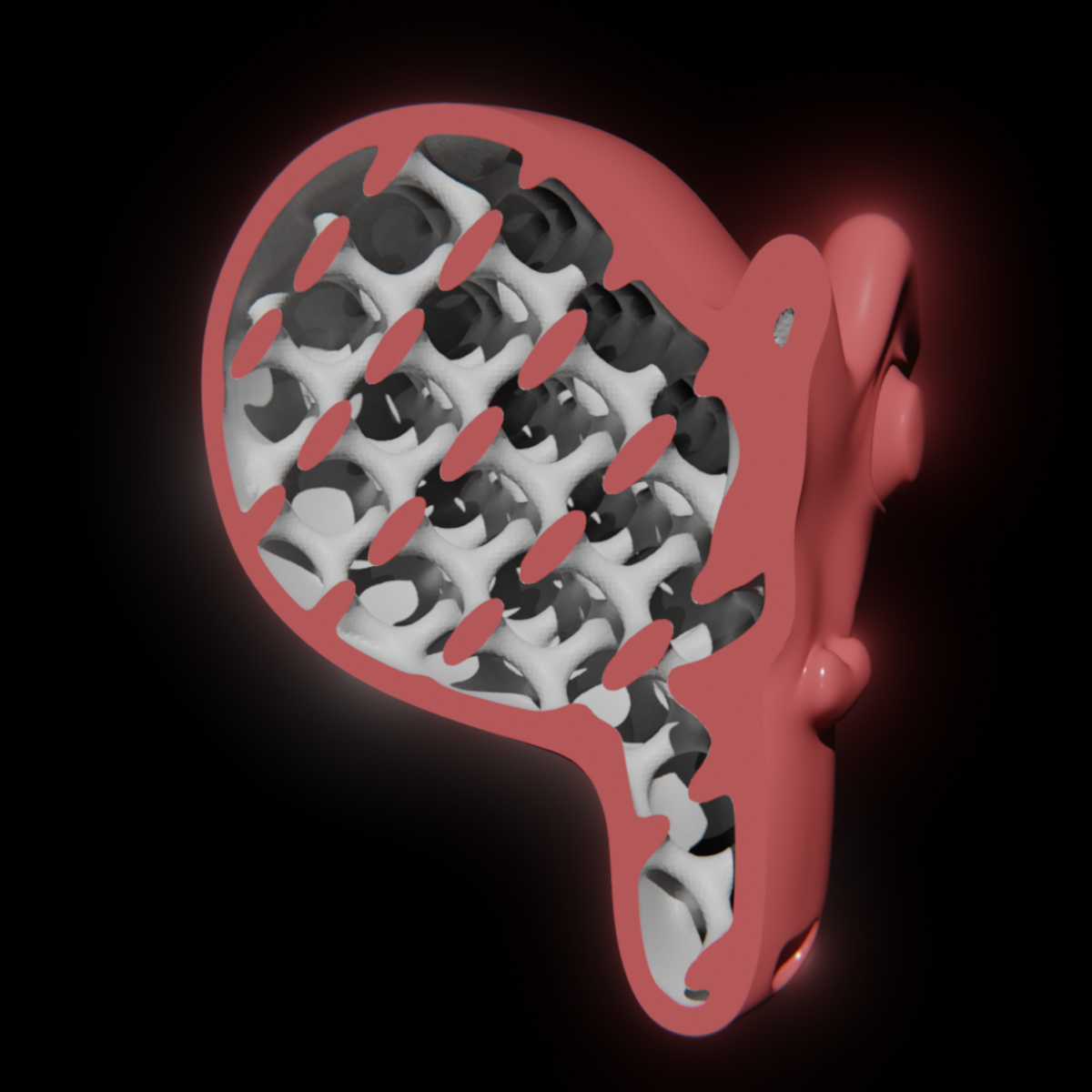
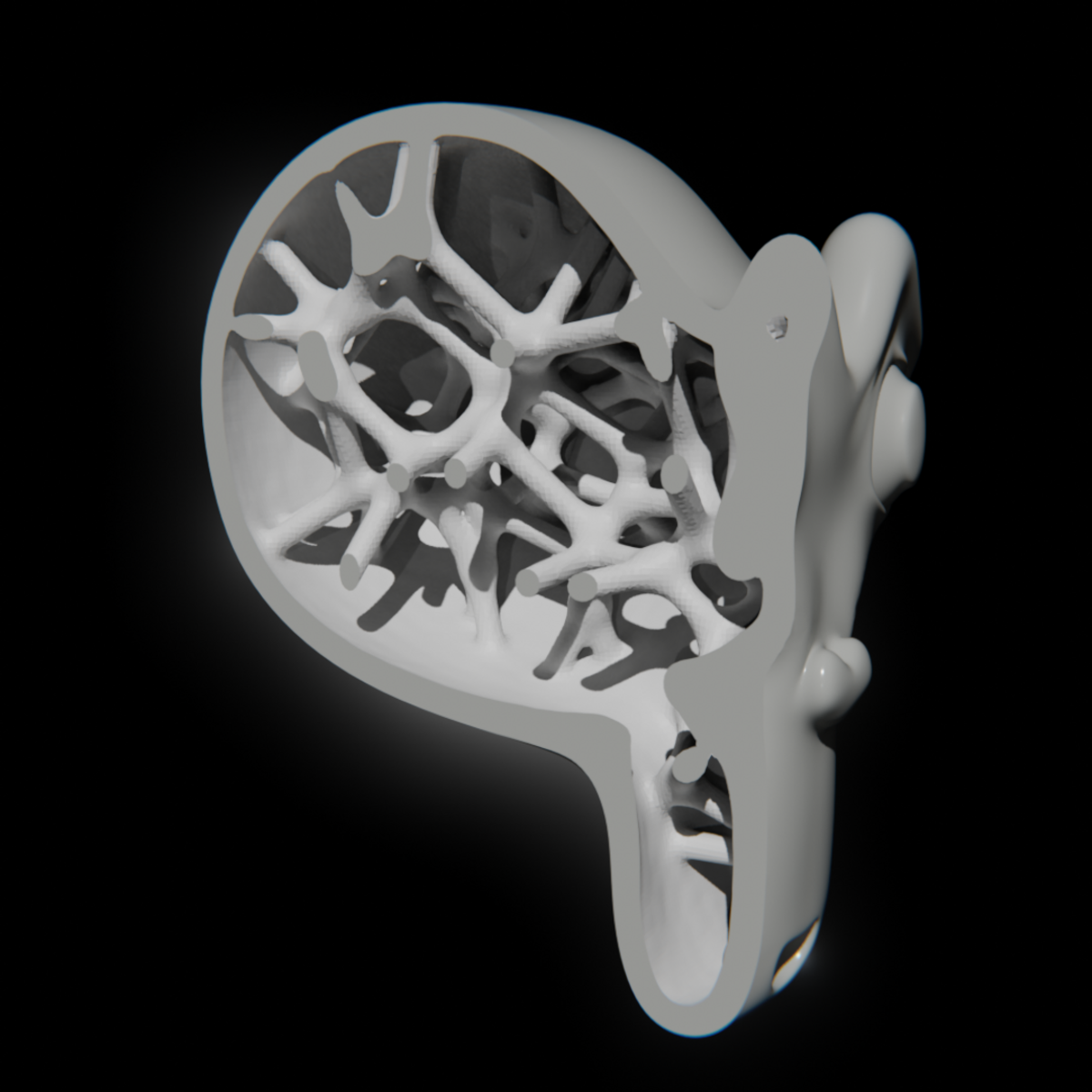
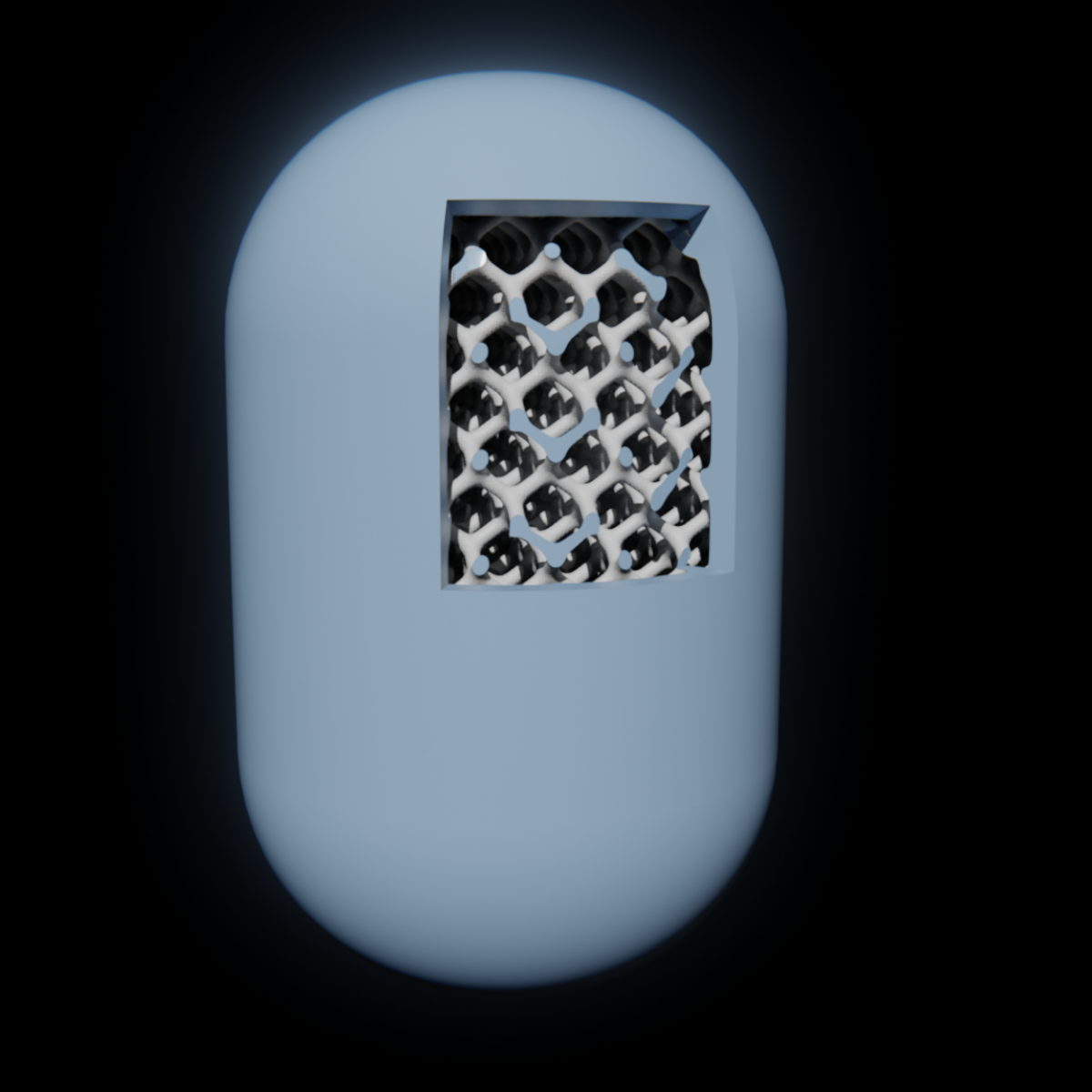
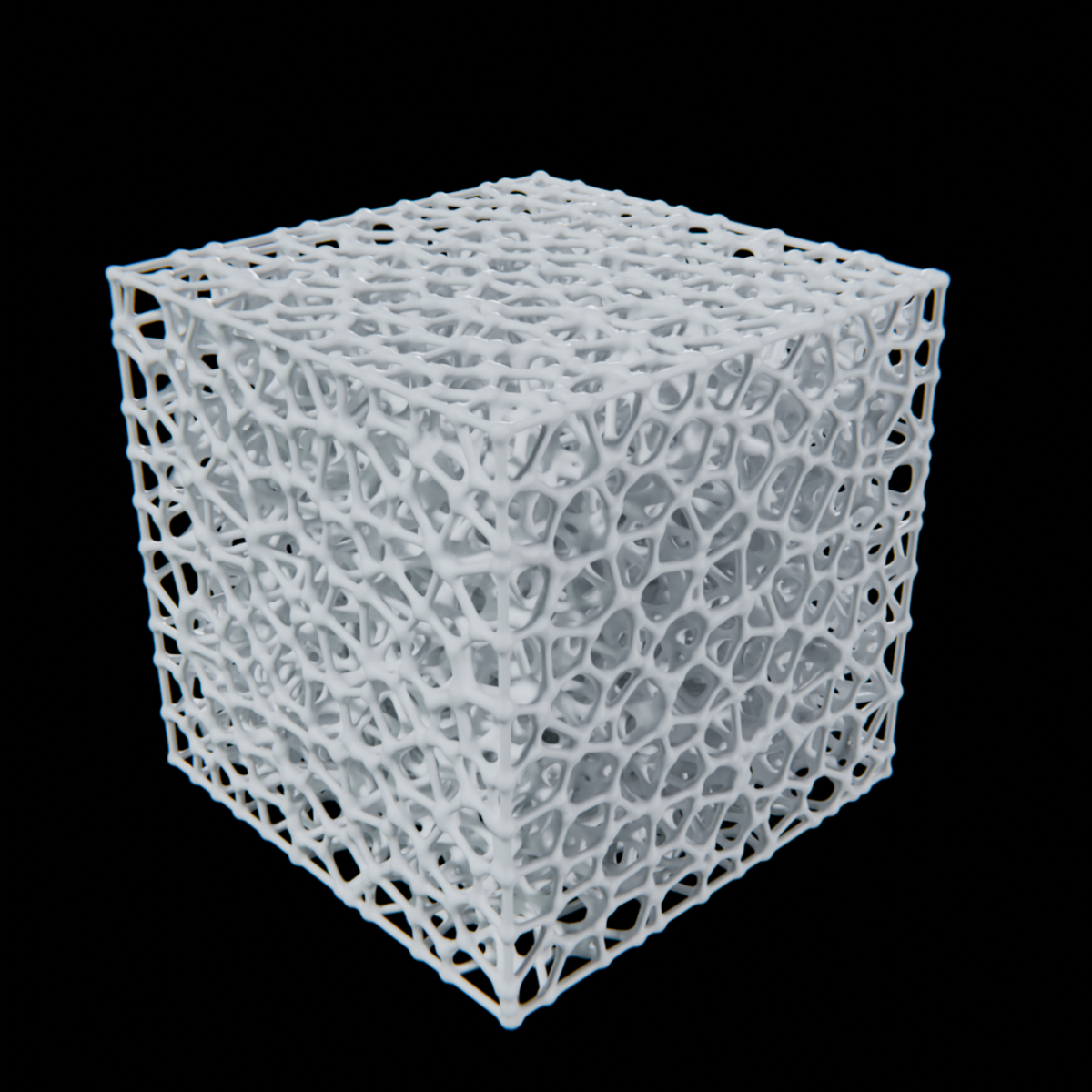
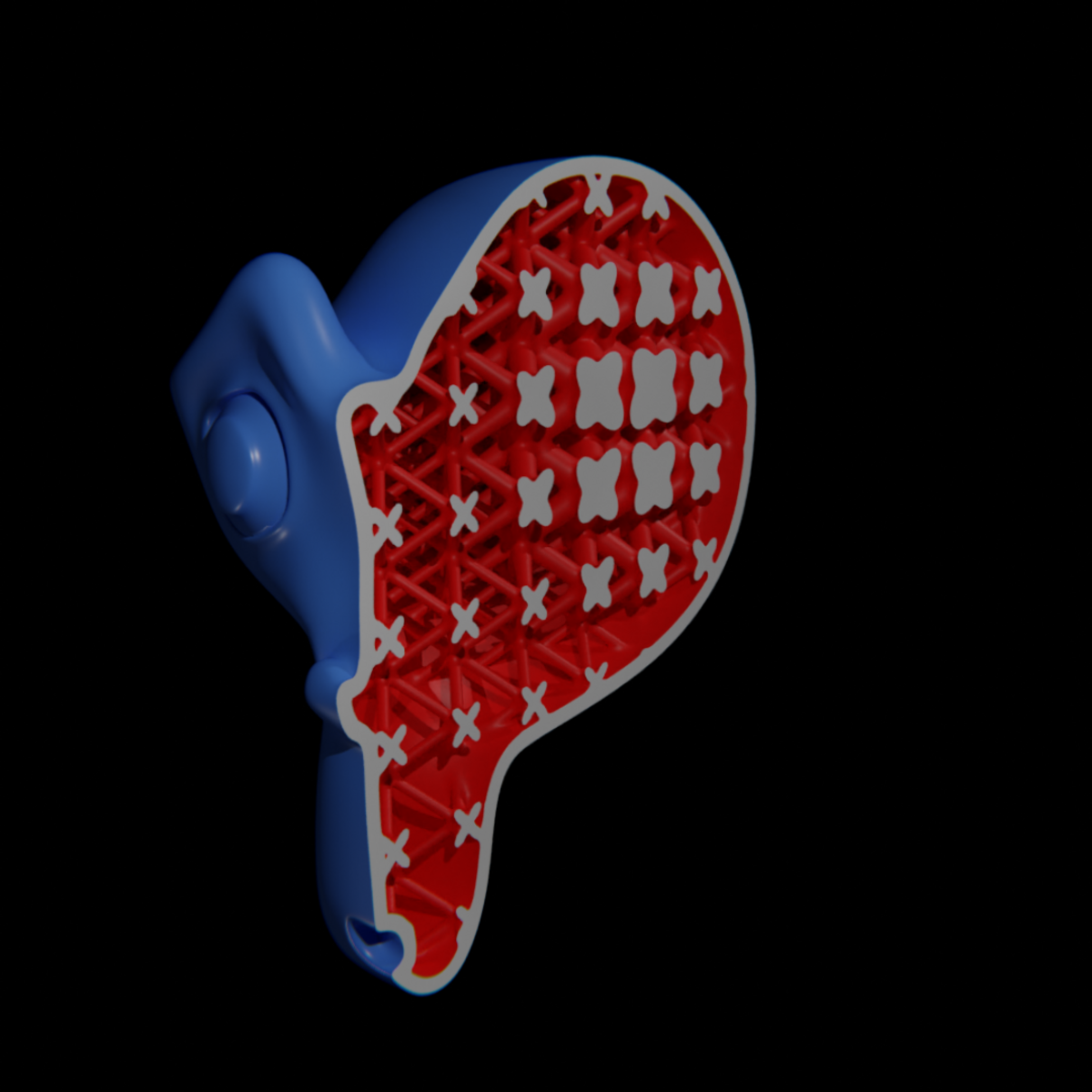
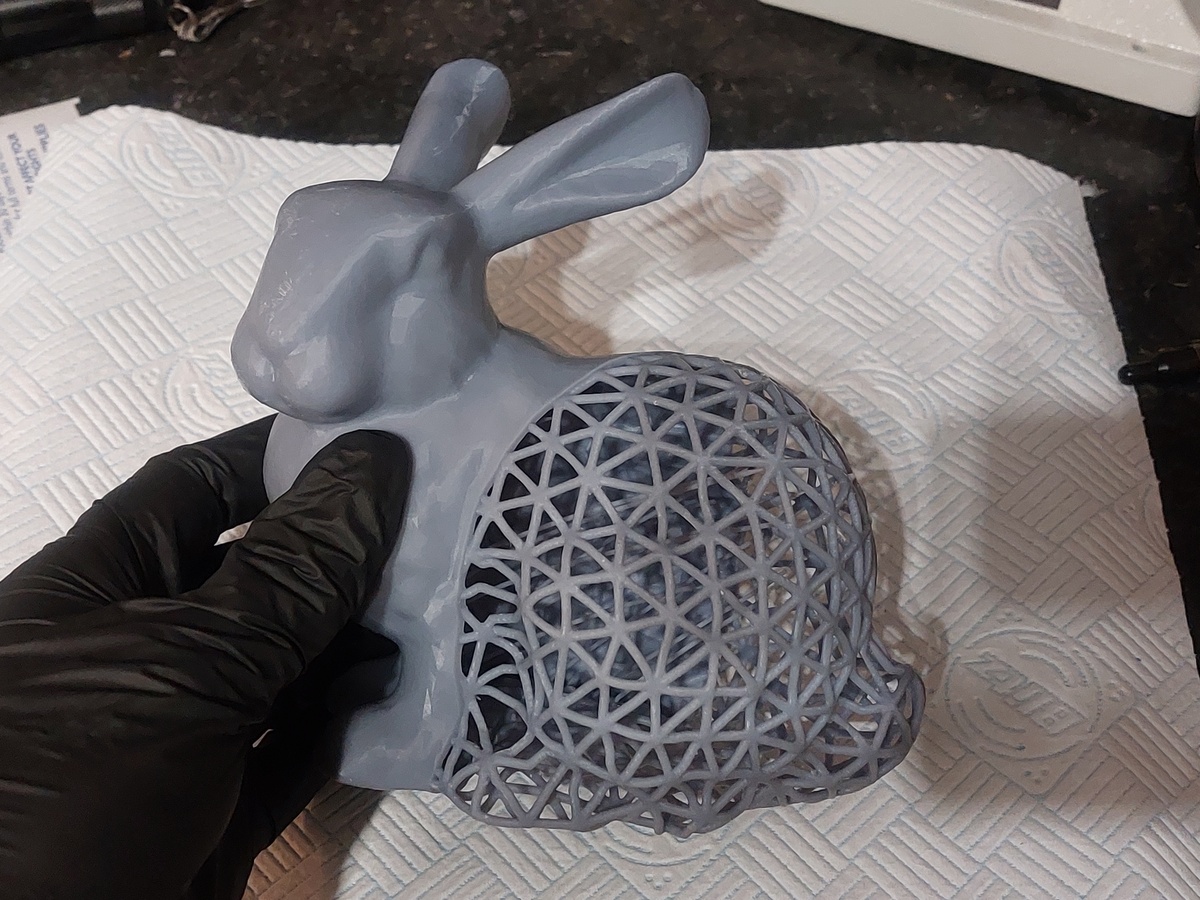
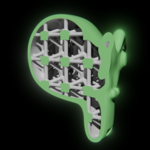
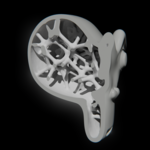
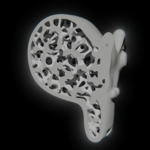
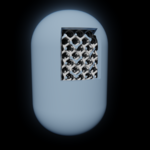
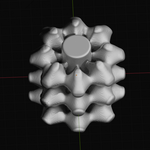
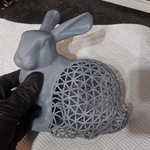
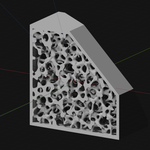
Lattice Generator for 3D Printing
Anthromod in Procedural Generators
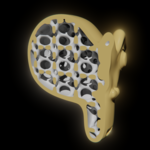

Nothing seems to work, even after changing selection in the hollow options menu.
This will most likely be due to a scale issue. Geometry works on blender units and the objects frame of reference size. The first step will be to change the scene units to 'none'. This removes metric/imperial units and the 'unit scale' factor. You should now see the part dimensions in raw Blender units. If the scale factor isn't 1 then you need to change that by going to the object menu and apply>scale. Applying rotation&scale helps if the lattice appears orientated oddly. Now the numbers in the add on will be the same scale as those used in modelling the object.
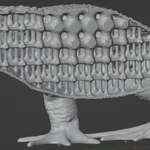
The stochastic lattice takes a long time or crashes.

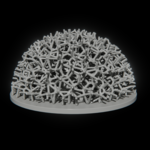
The stochastic lattice is based on a Voronoi fracture algorithm, which can take a long time, especially in large objects, in objects with complex geometry or in non-manifold geometry.

It is advisable to use the cleanest topology and lowest poly count that you can. 

The TPMS Value doesn't set a specific thickness.
The TPMS parametric equations don't relate directly to a regular thickness. This is something I'm working on coming up with an optimised solution for. Right now it's best to double check the thickness in blender.
The program hangs or crashes when making a change.
The node group is designed around SDFs (signed distance fields) and so relies on Blenders ability to handle volumes. Try increasing the voxel or unit cell sizes, as this will reduce the total number being generated.
The Lattice is cut off or has weird geometry on the outside.
This maybe because the Boundary Offset Percentage might be too low. There needs to be a slight buffer area around the object in order to avoid these problems.
The hollowed mesh does not appear.

By default the node group is set to just show the original mesh. If you select one of the options then it should appear.

As of update 1.6 there is an additional warning step. The hollow may not appear if doing so would require too many voxels or lattice cells to be used. This could cause blender to crash. You can click to ignore the warning or modify the numbers based on what your system can comfortably handle. The default values are 10M voxels and 2000 unit cells.

The Hollow appears as a solid rectangular block.
Check whether your models face normals are the correct orientation. The nodegroup may think that the outside is the inside.
There is weird geometry outside the mesh.
This can happen when there are holes in the mesh or other non-manifold geometry. Switch to the complex solver option and increase the iterations setting. You can also adjust the threshold settings to help remove extra geometry. If these don't help you will need to take steps to fix issues with the mesh.
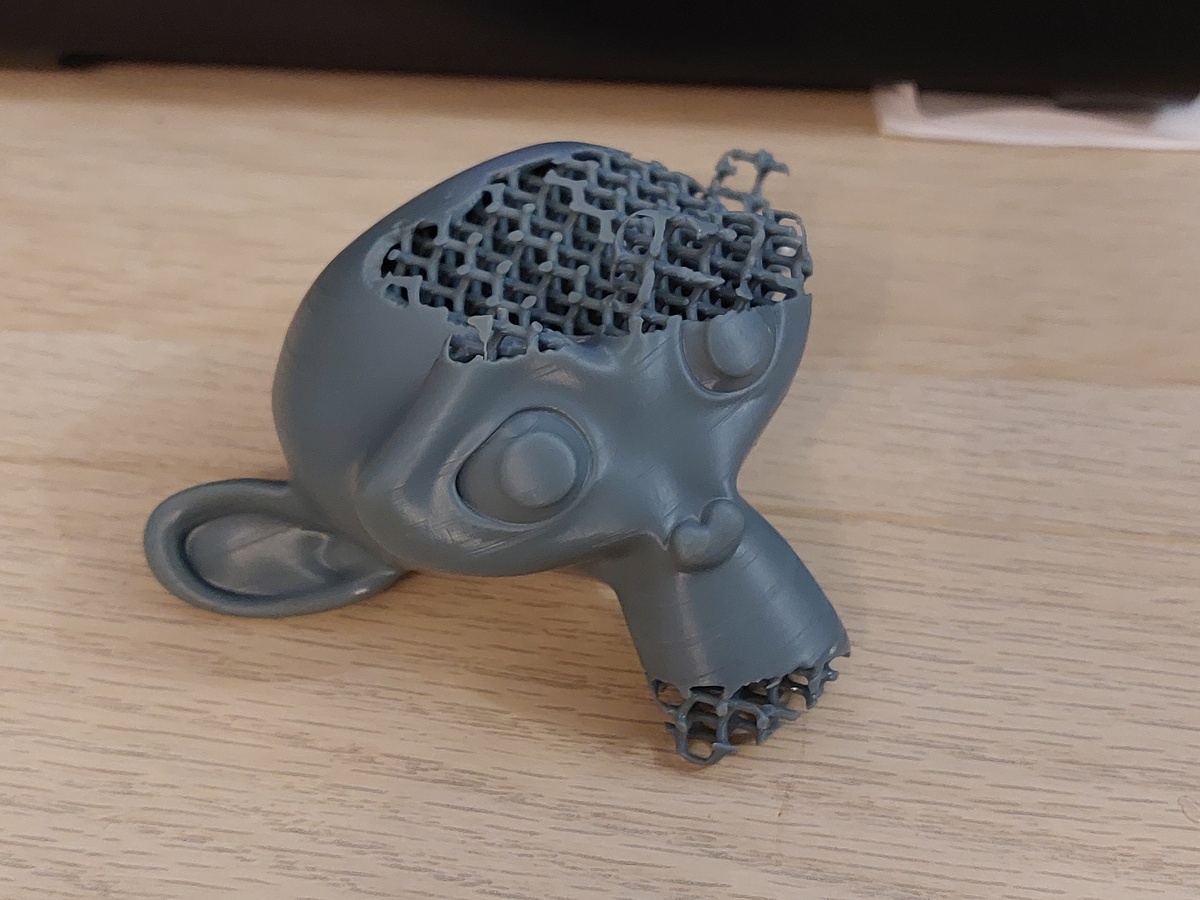
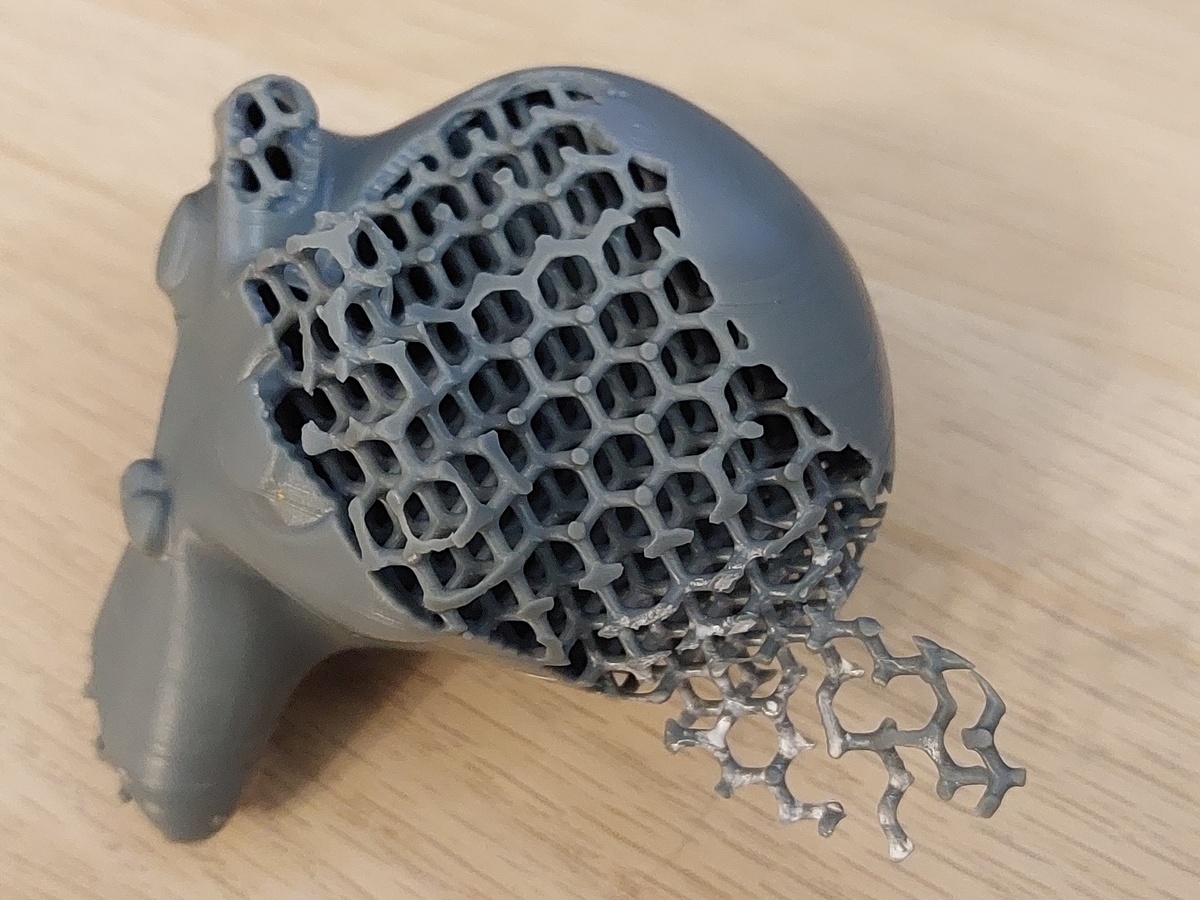
If I 3d print the part will powder/resin get trapped inside the part?
You will need to add additional holes to the mesh in order to allow for powder or resin to drain out. Look for any best practice guides for your 3d printer or 3d printing service.
$60

Have questions about this product?
Login to message

Details
Sales 100+
Rating
4 ratings
Published about 2 years ago
Blender Version 5.0 - 5.2
Render Engine Used Blender-Internal, Cycles, Eevee
License Royalty Free