 Bowstone Studios


Lattice Rig
Professional Deformation Control for Blender Artists
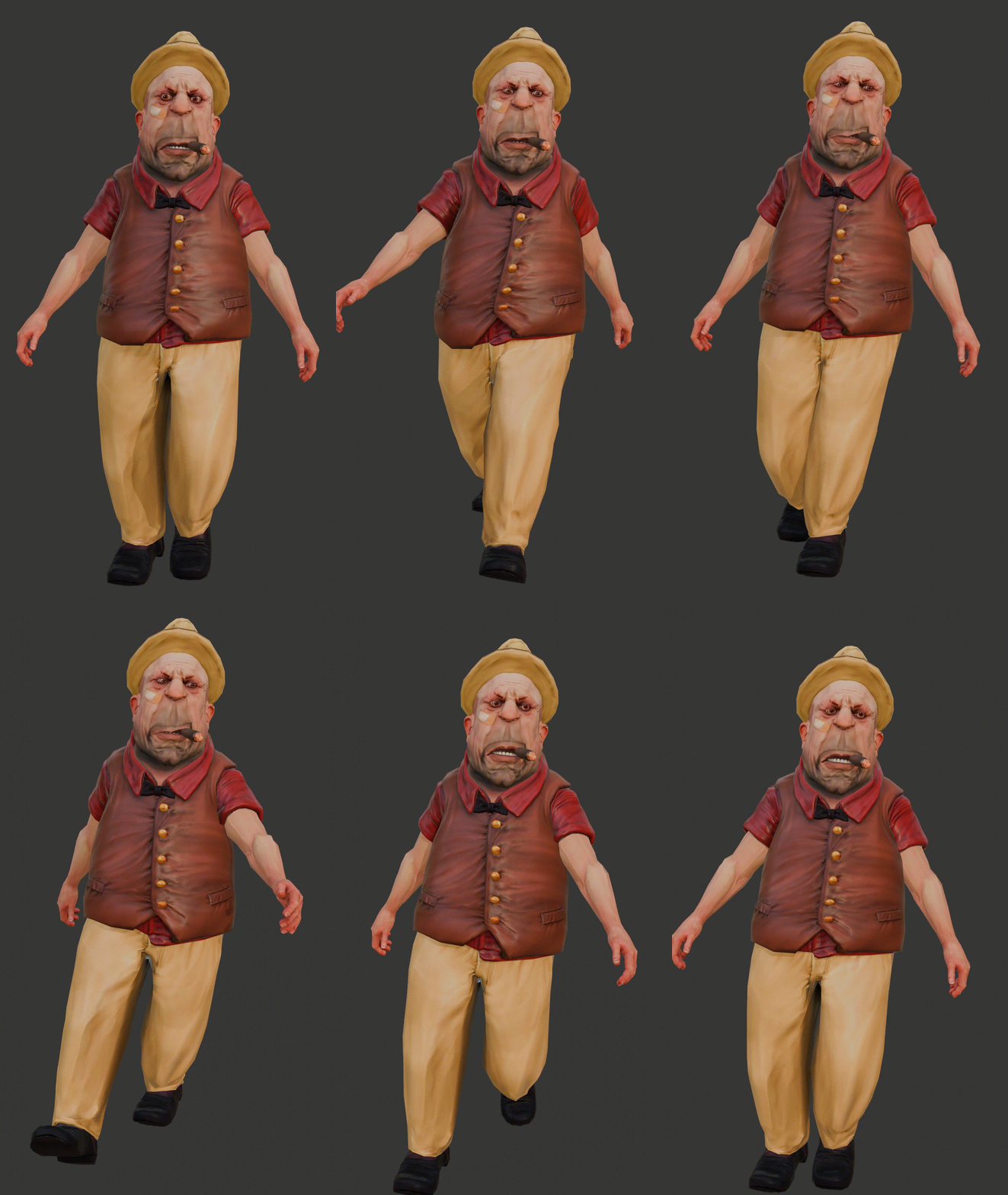
Transform Your Deformation Workflow
Lattice Rig revolutionizes how you create and manage lattice deformations in Blender, turning a complex system into an intuitive, artist-friendly toolset.
Blender's lattice system has always been powerful, but working with it traditionally requires navigating complex point selections, obscure transformation modes, and time-consuming manual setup processes. Lattice Rig transforms this experience entirely, providing you with visual control points, intelligent fitting algorithms, and professional workflow tools that make lattice deformation accessible to artists at every skill level.
Whether you're creating subtle facial expressions for character animation, dramatic artistic distortions for stylized work, or precise corrective deformations for technical modeling, Lattice Rig provides the tools you need to work efficiently and intuitively. The add-on seamlessly integrates with Blender's existing systems while adding the professional features that production environments demand.
Core Features
Intelligent Fitting Modes
Four specialized fitting modes ensure your lattices are perfectly sized and positioned for any workflow.
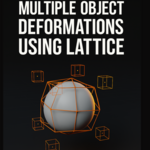
The heart of Lattice Rig's efficiency lies in its intelligent fitting system. Rather than manually sizing and positioning lattices, you simply select your objects and choose how you want the lattice to fit. The Combined mode creates a single lattice that encompasses all selected objects, perfect for group deformations or when you want unified control over multiple meshes.
Per-Object mode generates individual lattices for each selected object, giving you independent control while maintaining the same settings across all creations. This is invaluable for complex scenes where each element needs its own deformation space. Active Only mode focuses exclusively on your active object, ideal for detailed work where you want to avoid any interference from other selected objects.
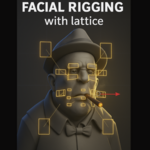
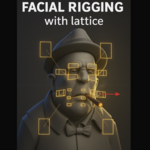
The Weight Group mode represents one of Lattice Rig's most powerful features for character artists. By selecting a vertex group on your active object, the lattice automatically fits only to the vertices with weight greater than zero in that group. This enables incredibly precise localized deformations, perfect for facial rigging, muscle systems, or any scenario where you need surgical precision in your deformation targeting.
Visual Control Point System
Replace complex lattice point manipulation with intuitive empty objects that provide immediate visual feedback.
Traditional lattice editing in Blender requires entering edit mode, selecting individual points or groups of points, and working with limited visual feedback. Lattice Rig completely reimagines this workflow by creating empty objects for each lattice control point, connected through Blender's driver system to provide real-time updates.
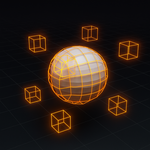
Each control point becomes a visible, selectable empty object that you can manipulate using all of Blender's familiar transformation tools. Grab, rotate, scale, and use proportional editing just as you would with any other object. The empty objects can be customized with different display types - cubes, spheres, arrows, or any of the available empty shapes - allowing you to create a visual system that makes sense for your specific project.
This approach provides unprecedented visibility into your deformation setup. You can immediately see which control points are affecting which areas of your mesh, select multiple control points for group transformations, and even animate the control points directly for dynamic deformations. The system maintains perfect synchronization between the visual controllers and the actual lattice data, ensuring that what you see is exactly what you get.
Smart Parenting System
Automatic armature detection and flexible parenting options ensure your lattices integrate seamlessly with character rigs.
Character animation demands that deformation systems move correctly with the underlying armature. Lattice Rig's smart parenting system automatically detects when your mesh objects have armature modifiers and parents the created lattices to the appropriate armatures. This ensures that your lattice deformations remain properly positioned throughout the animation process.
The automatic detection works by analyzing each mesh object for armature modifiers and creating the parent relationships accordingly. If you're working with a character that has an armature modifier, the lattice will automatically become a child of that armature, maintaining proper positioning as bones move and rotate.
For advanced users and complex rigs, the custom parenting mode provides complete control. You can specify exactly which armature should parent the lattice and even target specific bones within that armature. This is particularly useful for facial rigs where different lattice systems might need to follow different bones, or for complex mechanical rigs where precise parent relationships are crucial for proper functionality.
The parenting system also handles the mathematical complexities of parent-inverse matrices, ensuring that your lattices maintain their intended world-space positions regardless of the parent object's transformations. This technical handling allows you to focus on the creative aspects of deformation rather than wrestling with coordinate space calculations.
Advanced Symmetry Tools
Professional symmetry and mirroring capabilities that maintain perfect bilateral symmetry in your deformations.
Symmetrical deformations are essential for character work, architectural modeling, and many other 3D applications. Lattice Rig's symmetry system allows you to work on one side of your deformation and instantly mirror those changes to the opposite side. The system supports mirroring across any of the lattice's three axes - U (X), V (Y), or W (Z) - giving you complete flexibility in how you approach symmetrical work.
The mirroring operation is bidirectional, meaning you can copy from negative to positive or from positive to negative, depending on which side contains the deformation you want to propagate. This flexibility is crucial when you're iterating on asymmetrical elements or when you need to reverse the direction of your work.
The symmetry system understands the mathematical relationships between lattice points and automatically inverts the appropriate coordinate values when copying from one side to the other. This ensures that mirrored deformations create truly symmetrical results rather than simply duplicating the transformation values, which would create incorrect deformations on the opposite side.
For complex deformations involving rotation and scaling, the symmetry system properly handles the coordinate space transformations, ensuring that rotations mirror correctly and scaled deformations maintain their proportional relationships across the symmetry plane.
Advanced Workflows
Professional Management Tools
Streamlined modifier management, bulk operations, and intelligent cleanup systems.
Managing lattice modifiers across multiple objects and complex scenes requires professional-grade tools. Lattice Rig provides comprehensive management capabilities that handle the entire lifecycle of your lattice deformations, from creation through final application or removal.
The bulk operations system allows you to apply or remove all lattice modifiers across selected objects with a single click. This is invaluable when you're ready to finalize your deformations or when you need to temporarily disable lattice effects for performance reasons. The system intelligently tracks which lattice objects are being used by which modifiers, providing clear feedback about the impact of each operation.
The automatic cleanup feature represents a significant workflow improvement for production environments. When enabled, the system automatically removes lattice objects that are no longer referenced by any modifiers. This prevents scene bloat and maintains clean outliner hierarchies, which is crucial for team-based work where multiple artists might be creating and modifying lattice deformations.
Individual modifier management provides fine-grained control when you need to work with specific deformations. Each lattice modifier can be applied or removed independently, and the system provides clear visual feedback about which modifiers are active on the current object. This granular control is essential for iterative workflows where you might need to test different combinations of deformations.
Vertex Group Integration
Seamless integration with Blender's vertex group system for precise deformation targeting.
Vertex groups represent one of Blender's most powerful selection and masking systems, and Lattice Rig leverages this system to provide unprecedented precision in deformation targeting. When you create lattices using Weight Group mode, the system automatically assigns the specified vertex group to the resulting lattice modifiers, ensuring that only the intended vertices are affected by the deformation.
This integration extends beyond the initial creation process. The vertex group assignment tools allow you to retroactively assign groups to existing lattice modifiers across multiple selected objects. This is particularly valuable when you're refining existing setups or when you need to apply consistent vertex group assignments across complex character rigs.
The system respects vertex weight values, meaning that vertices with partial weights in the assigned group will be partially affected by the lattice deformation. This creates smooth falloff effects that are essential for natural-looking deformations, particularly in facial rigging where subtle transitions between affected and unaffected areas are crucial for believable expressions.
For complex characters with multiple overlapping deformation systems, the vertex group integration allows you to create hierarchical deformation setups where different lattices target different anatomical regions. Facial lattices can target specific facial regions, while body lattices handle broader torso deformations, all working together seamlessly through the vertex group system.
Real-World Applications
See how Lattice Rig solves common 3D challenges across different disciplines.
Character Animation
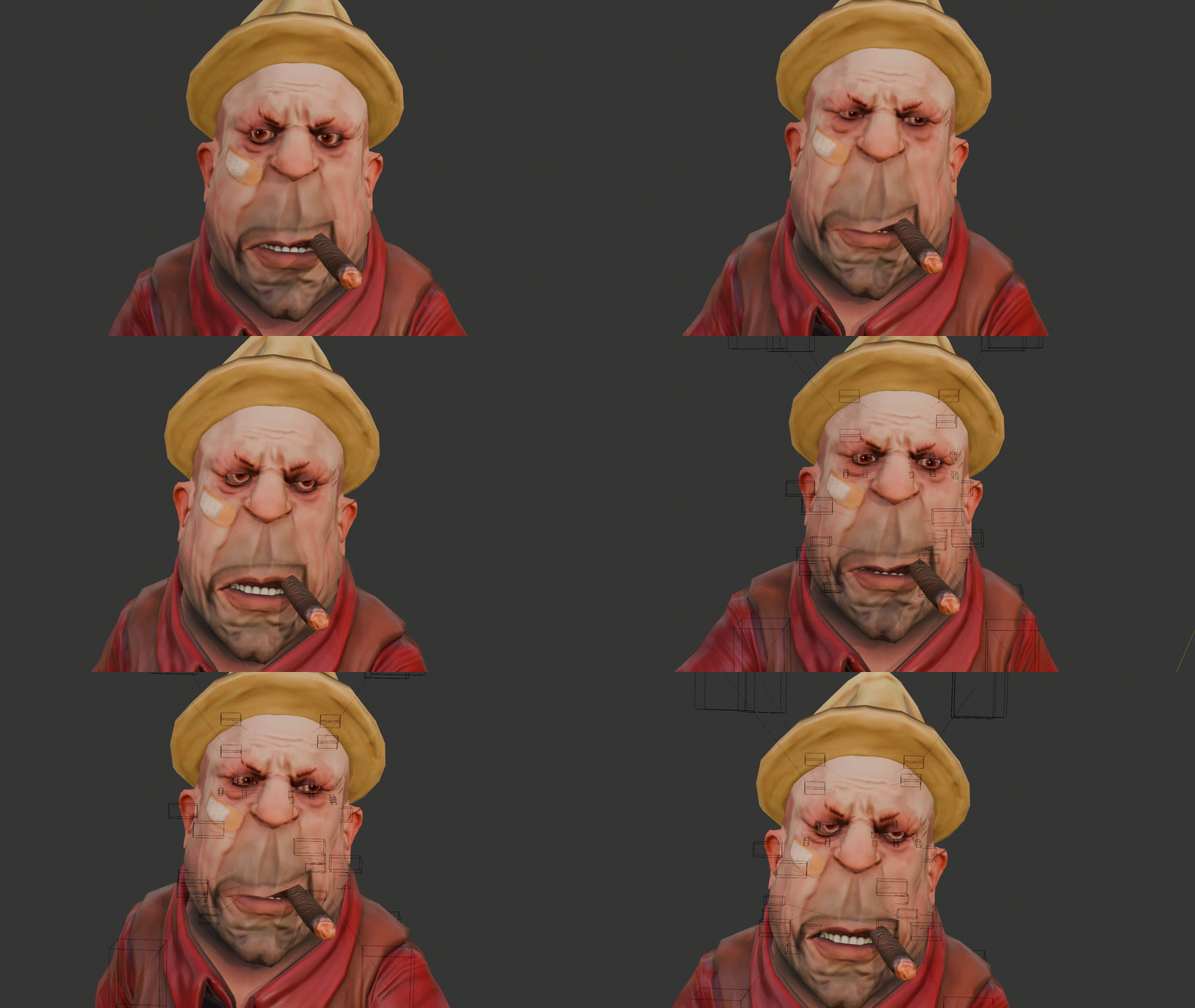
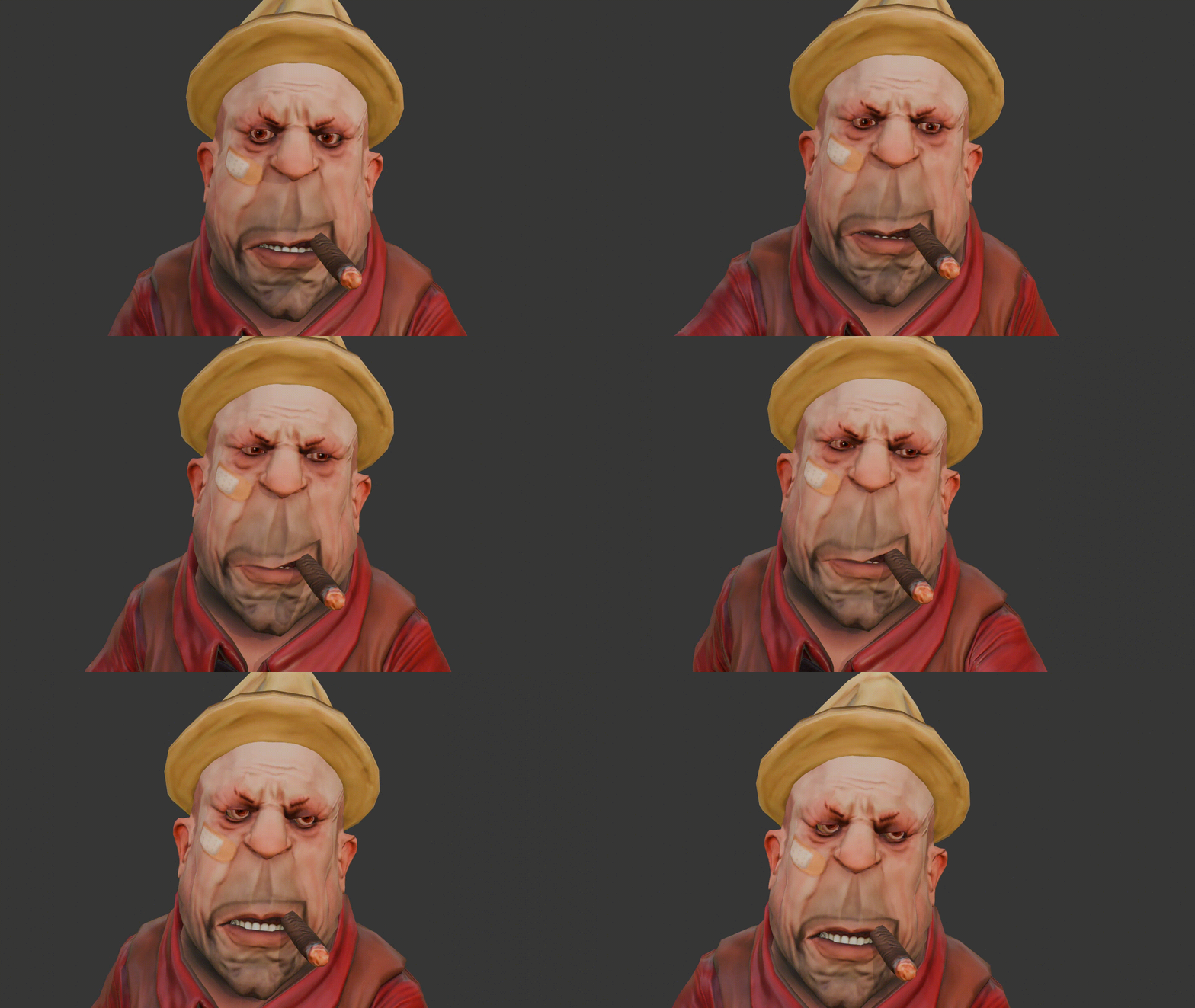
Create natural facial expressions, muscle bulges, and corrective deformations that enhance character performances. Perfect for both realistic and stylized character work.
Architectural Visualization
Add organic elements to hard surface models, create weathering effects, and simulate structural deformations while maintaining clean topology.
Product Design
Explore form variations, create ergonomic adjustments, and visualize material deformation under stress without rebuilding geometry.
Game Asset Creation
Optimize polygon counts while maintaining visual fidelity through strategic deformation. Create level-of-detail variations efficiently.
Motion Graphics
Generate dynamic, flowing animations with controllable deformation systems. Perfect for abstract visuals and logo animations.
Scientific Visualization
Simulate physical phenomena, demonstrate material properties, and create educational content with accurate deformation models.
⚠️ Performance Considerations
While Lattice Rig is optimized for performance, high-resolution lattices (8x8x8 and above) create numerous control points and drivers. For real-time work, consider starting with lower resolutions and increasing detail only where necessary. The automatic cleanup features help maintain optimal performance by removing unused lattice objects.
💡 Integration with Existing Workflows
Lattice Rig is designed to complement your existing Blender workflows. It works seamlessly with shape keys, animation systems, and other modifiers. The lattices integrate naturally into modifier stacks, allowing you to combine them with subdivision surfaces, mirrors, and other deformation systems for complex, layered effects.
Getting the Most from Lattice Rig
Professional tips and best practices from experienced users.
Lattice Rig becomes even more powerful when you understand how to integrate it into professional workflows. Start with lower resolution lattices for initial exploration and experimentation. The 2x2x2 default provides excellent performance while giving you enough control for most basic deformations. As your deformation requirements become more complex, gradually increase resolution in specific areas rather than uniformly across all axes.
Consider the interpolation type carefully based on your project needs. B-Spline interpolation provides smooth, organic curves ideal for character work and natural deformations. Linear interpolation gives you harder, more geometric control suitable for architectural or mechanical applications. Cardinal and Catmull-Rom interpolation offer middle-ground options with different curve characteristics.
When working with symmetrical objects, establish your deformation on one side before using the symmetry tools. This workflow is more efficient than trying to maintain symmetry manually and ensures perfect bilateral symmetry in your final results. Remember that you can mirror in either direction, so choose the side that's easier to work with initially.
For character work, combine Weight Group mode with carefully painted vertex groups to create precise deformation zones. This approach allows you to create complex facial rigs where different expressions can be controlled independently while maintaining natural blending between regions. The key is to paint your vertex groups with appropriate falloff to ensure smooth transitions.
In production environments, establish naming conventions for your lattices and control points early in the project. The automatic naming system provides a good starting point, but custom names that reflect the purpose and location of each deformation system will make complex scenes much more manageable for team collaboration.
The modifier stack placement of lattice modifiers can significantly impact your final results. Generally, place lattice modifiers after subdivision surface modifiers for smooth, organic deformations, or before them for more geometric, faceted effects. Experiment with different positions in the stack to achieve the exact look you're seeking.
Remember that lattice deformations are resolution-dependent. If you're planning to change your mesh's subdivision levels later in the project, test your lattice setup at the final resolution to ensure the deformations scale appropriately. This forward-thinking approach prevents time-consuming adjustments later in the production pipeline.
Finally, don't hesitate to combine multiple lattices with different resolutions and purposes. A low-resolution lattice might handle broad, primary deformations while higher-resolution lattices add detailed secondary motion. This layered approach provides maximum control while maintaining optimal performance characteristics.