 LayerMechanic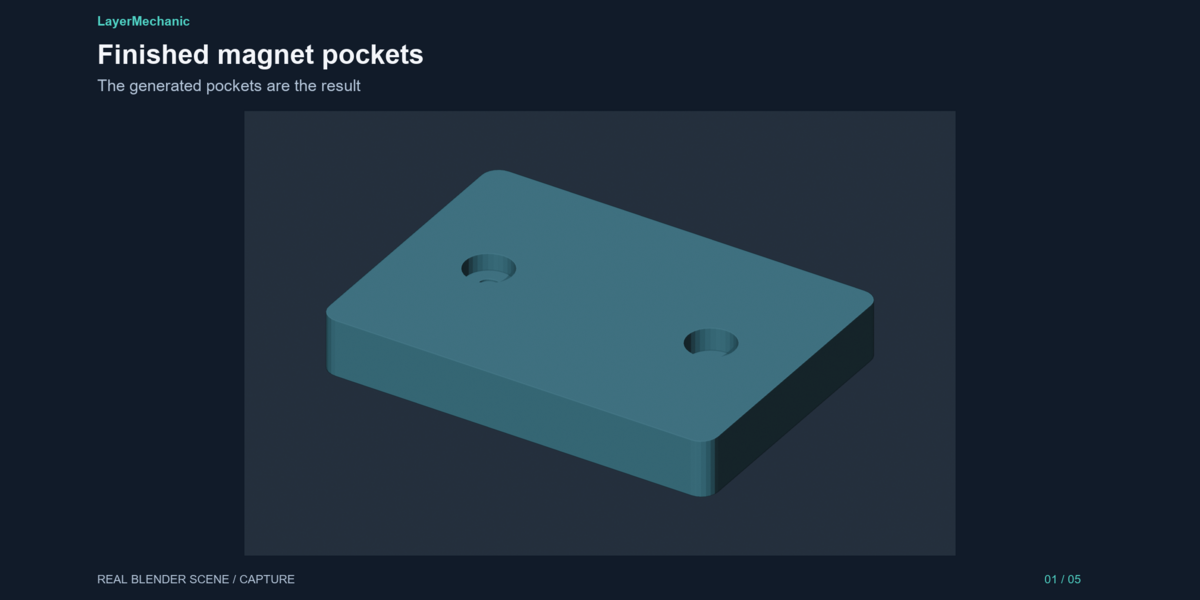
LayerMechanic — Magnet Pocket Maker
Stop guessing magnet holes — and stop gluing magnets in backwards.
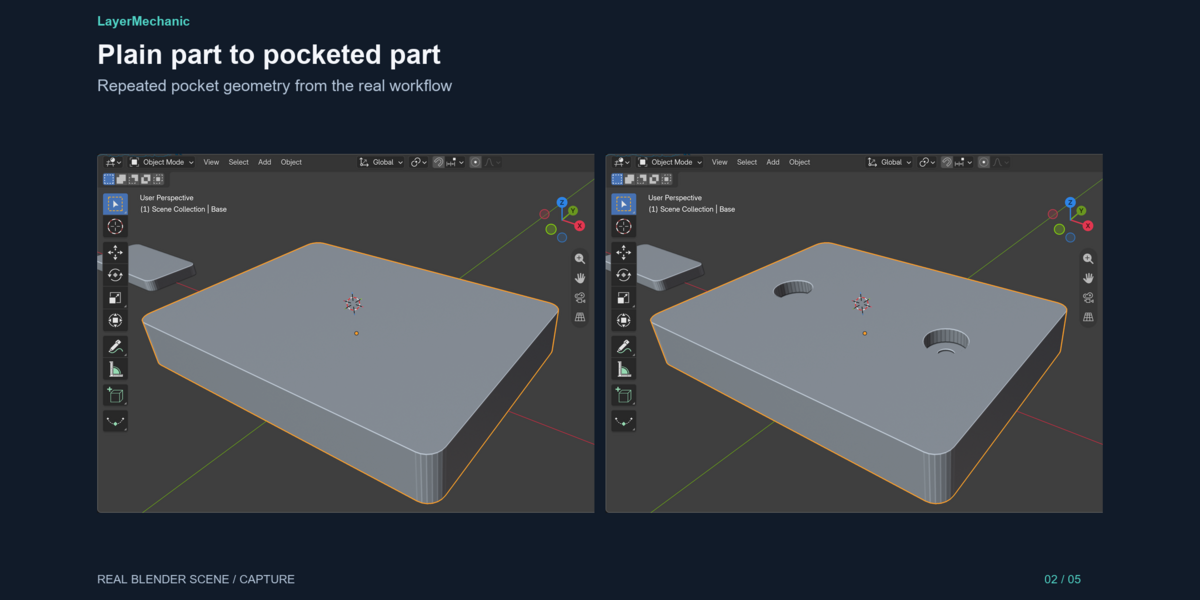
Magnet Pocket Maker cuts repeatable disc-magnet pockets into your printable parts in a few clicks: select a part, pick a magnet size, choose a fit, check the preview, place. Then pair the mating face, run a quick geometry check, and export the STL parts together with a magnet shopping list.

How it works
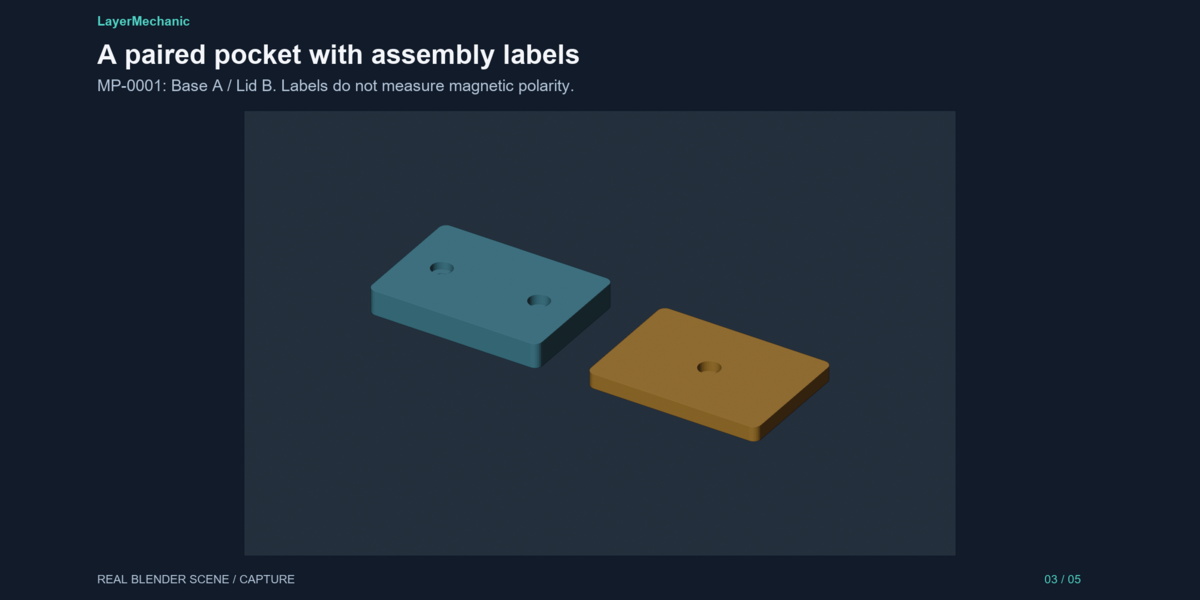
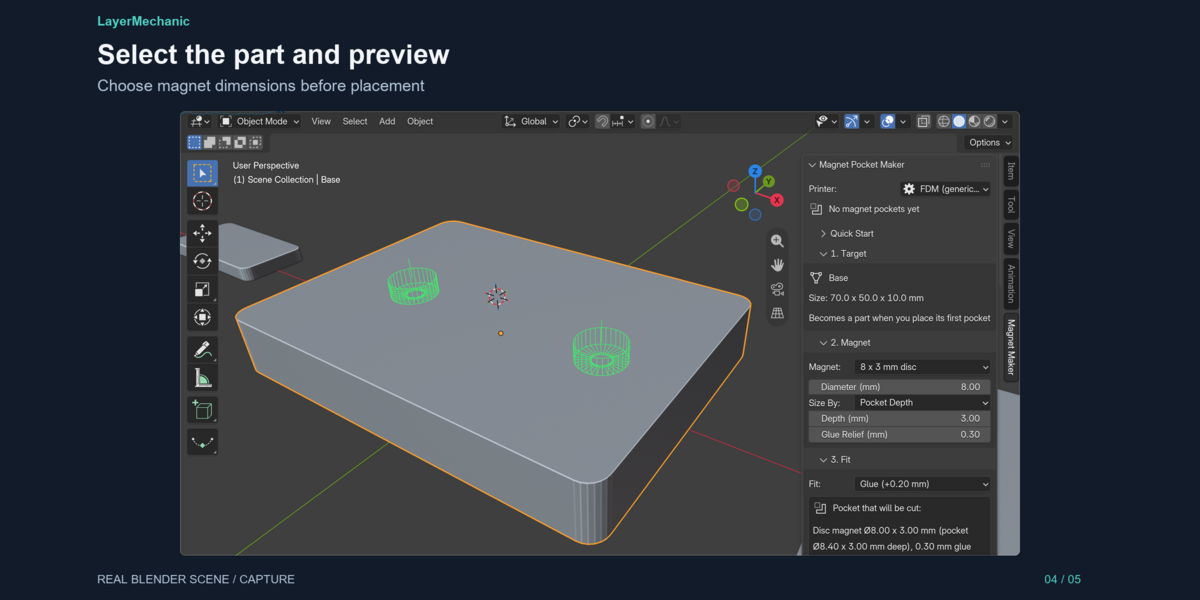
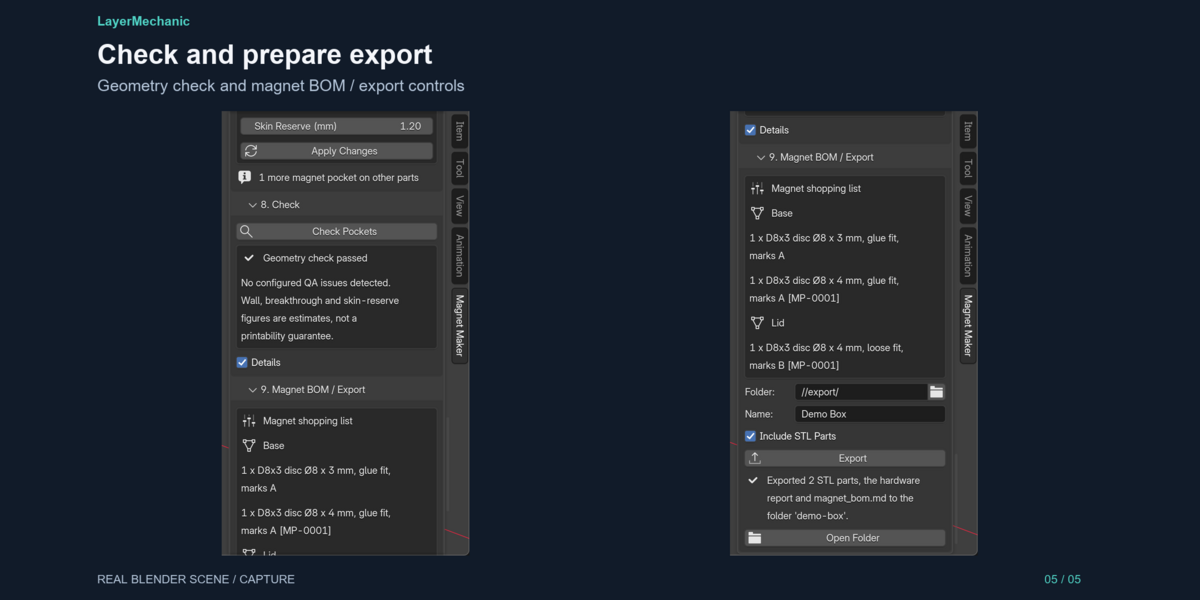
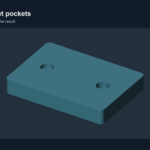
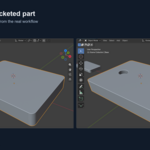
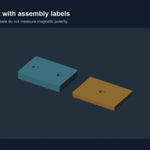
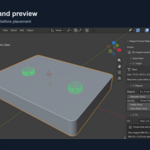
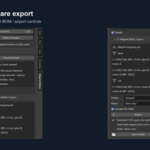
1. Select your part. The sidebar shows its real size in millimetres. 2. Pick the magnet: D6x2 … D15x3 presets or Custom. Size by pocket depth, or by remaining skin ("leave at least 1.2 mm" — the depth is measured out for you). Add a glue/air relief bore, or not. 3. Choose the fit: Snug, Glue, Loose or Custom, from an FDM or Resin printer profile. The panel shows the exact pocket that will be cut. 4. Mark the polarity: A/B or N/S, facing in or out — assembly labels so mating faces attract. 5. Shift + Right-click on the part to put the 3D cursor there. A green outline previews the pocket. 6. Place Pocket — one, or a whole strip in one click. 7. Place Matched Pocket on the mating part: same size, opposite mark, one stable pair identity. 8. Check Pockets flags breakthroughs, thin walls, missed skin reserves, lone pair sides and overlaps. 9. Export STL parts (mm), a hardware list, a magnet BOM with marks and pairs, and a QA report.
Features
- Round magnet pockets with an optional glue/air relief bore
- 8 disc presets (D6x2 … D15x3), fully editable, plus Custom sizes
- Fit modes Snug / Glue / Loose / Custom from FDM and Resin profiles
- Leave-skin depth mode + skin-reserve check
- Polarity marks (A/B, N/S, in/out) per pocket
- One-click matched pairs with opposite marks and stable pair ids
- Strip placement (count + spacing in mm) with a true-geometry preview
- Edit or remove any pocket later; Undo/Redo supported
- Geometry check: breakthrough, thin wall, skin reserve, pair consistency, overlap
- Magnet BOM per part: counts, sizes, fits, marks, pairs
- Correct millimetres in mm, cm and metre scenes, with a fix for "1 unit = 1 mm" models
- Non-destructive: your mesh is never edited
- Works offline. No account, no licence server
- Demo project included
Honest notes
- Preset sizes are configurable starting points, not certified data. Magnet sizes vary by maker and coating, so measure yours and print a test pocket. - Polarity marks are labels you assign, not measurements. Nothing detects real magnetism. - The geometry check reports estimates. "Geometry check passed" means no configured issue was found, not that a print is guaranteed. - Tested on Blender 5.2.1 LTS, Windows 11. Other systems are untested.
What you get
-
magnet_pocket_maker-1.0.0.zip: the add-on -
magnet_pocket_maker_demo.blend: lid + base + tab demo project - Docs bundle: README, Quick Start, FAQ, changelog, release notes, known limitations
- Free updates within 1.x