Magnet Pocket Maker
 LayerMechanic
Installation (Superhive)
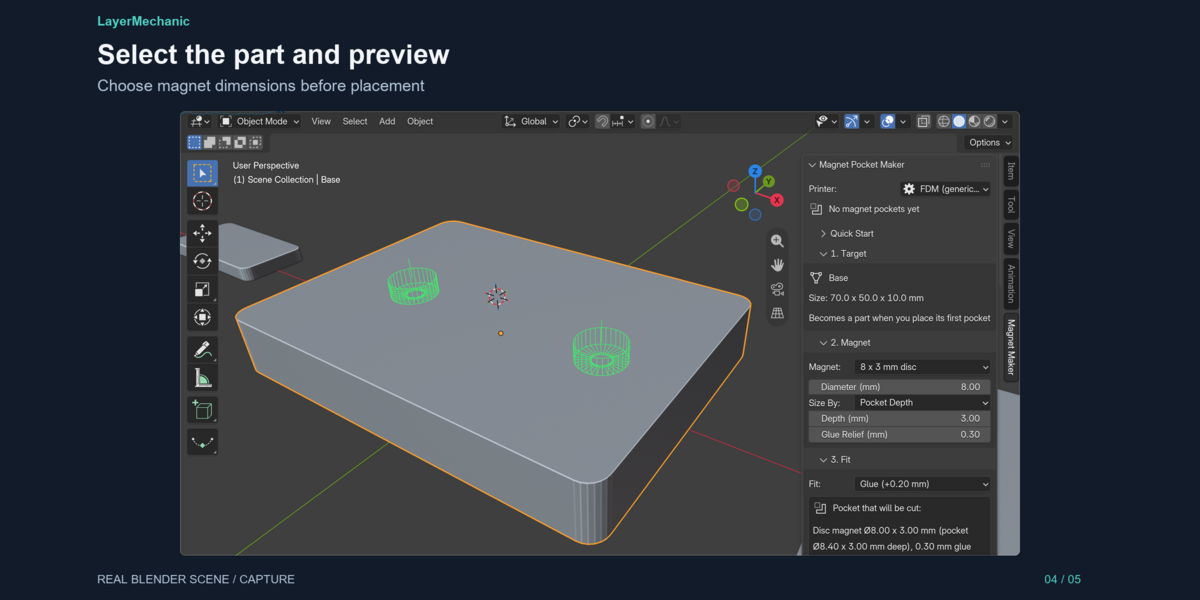
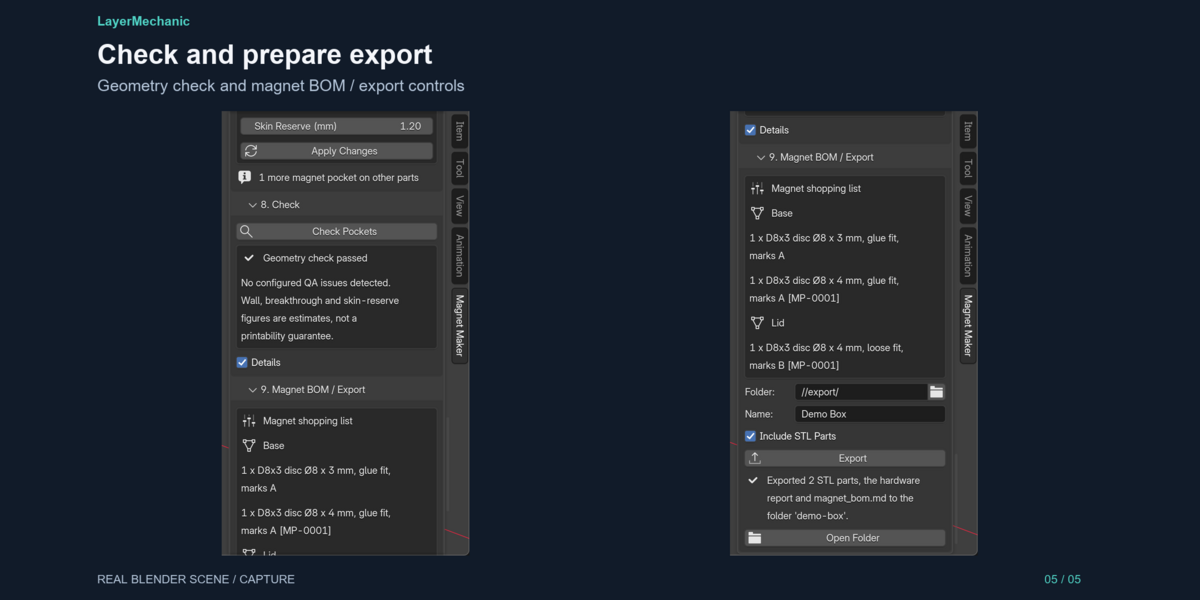
1. In Blender: Edit > Preferences > Extensions > Install from Disk (the arrow-down menu). 2. Choose magnet_pocket_maker-1.0.1.zip and enable "Magnet Pocket Maker". 3. Open the 3D Viewport sidebar (N) and pick the "Magnet Maker" tab. 4. Optional: open magnet_pocket_maker_demo.blend and follow the in-file read-me.
To update: install the newer ZIP the same way; Blender replaces the old version. To remove: disable the extension, then uninstall from the Extensions preferences.
# Compatibility (Superhive)
- Blender 5.2 and newer (tested on 5.2.1 LTS)
- Operating system: Windows 11 x64 tested; macOS and Linux untested
- Render engine independent (works on mesh data, no materials required)
- Licence: GPL-3.0-or-later; fully offline, no activation
The optional demo .blend is available as a separate product download. Install the add-on ZIP unchanged; open the demo after enabling the add-on.
Have questions about this product?
Login to message
| Blender Extension Compatible | Yes |
| Published | 2 days ago |
| Blender Version | 5.2 |
| Extension Type | Add-on |
| Render Engine Used | Cycles |
| License | GPL |
Discover more products like this
magnets disc magnet blender addon magnet pockets toy making precision tools closures enclosure 3d printing