LayerMechanic — Print-in-Place Motion Preflight
 LayerMechanic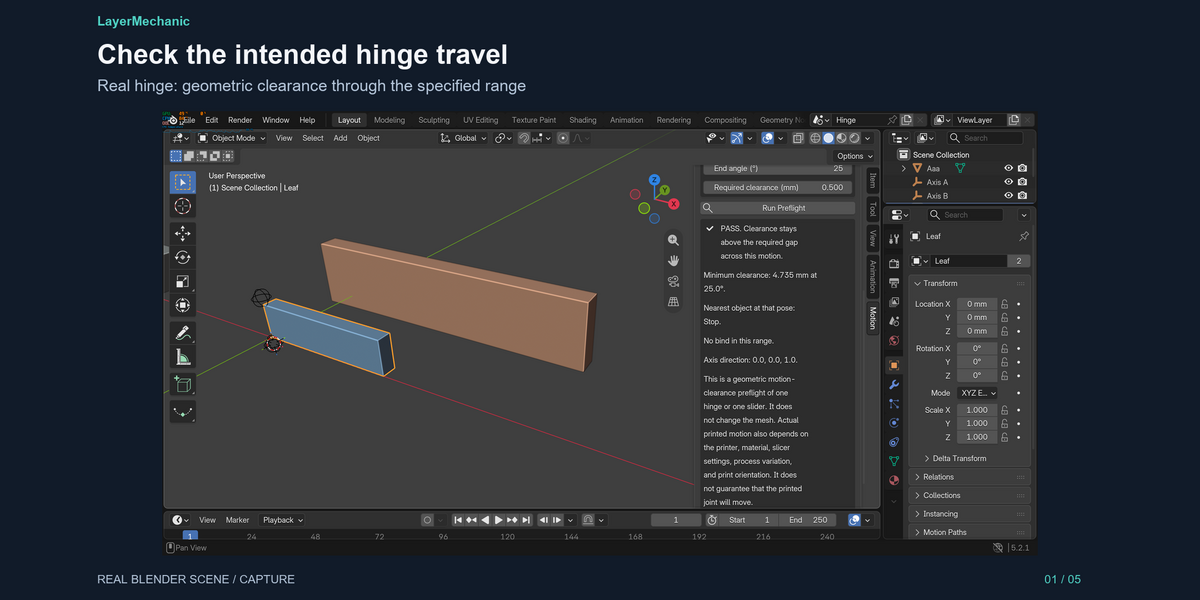
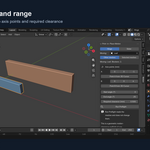
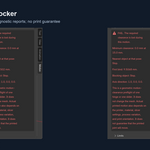
Installation
1. Blender → Edit → Preferences → Get Extensions.
2. Open the menu beside the repository and choose Install from Disk.
3. Select print_in_place_motion-1.0.1.zip.
4. In the 3D Viewport, press N. Open the Motion tab.
The demo blend opens without the add-on. The tab appears after install.
Verified: Blender 5.2.1 LTS, Windows 11 x64.
# Quick start
Open the sidebar (N) in the 3D Viewport and choose Motion.
Hinge
1. Open print_in_place_motion_demo.blend, or your own file.
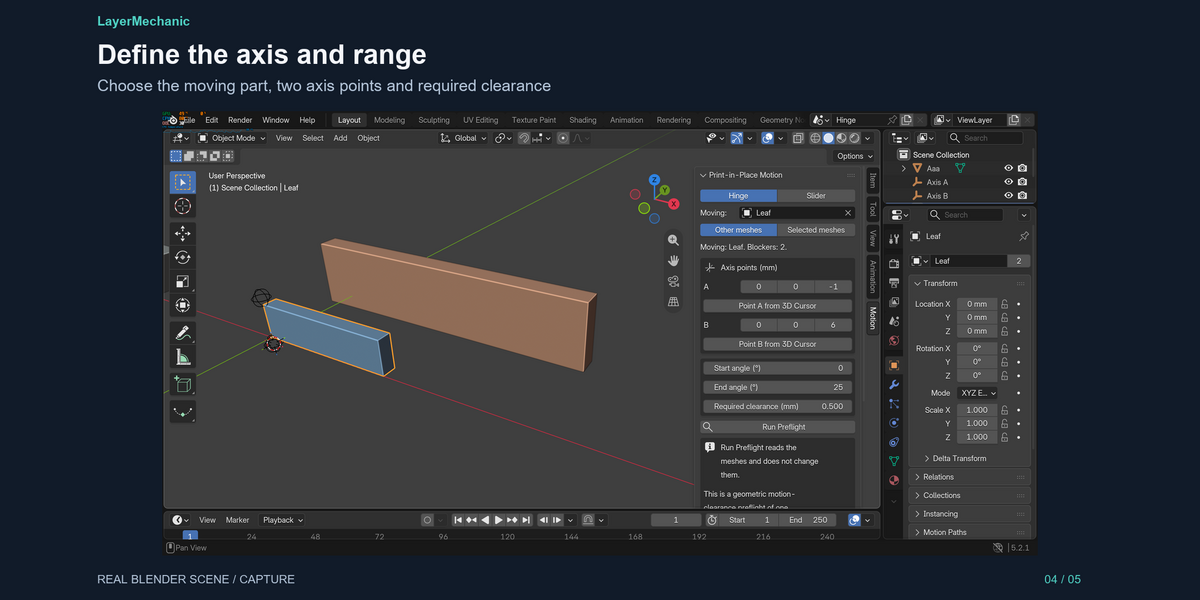
2. Mode: Hinge. Moving: Leaf (or your moving part). Blockers: Other meshes.
3. Point A (0, 0, -1) and Point B (0, 0, 6) are already the hinge line in the demo. On your own model, place the 3D cursor and click Point A from 3D Cursor, then Point B from 3D Cursor.
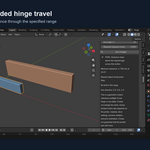
4. Start angle 0, end angle 25, required clearance 0.5 mm.
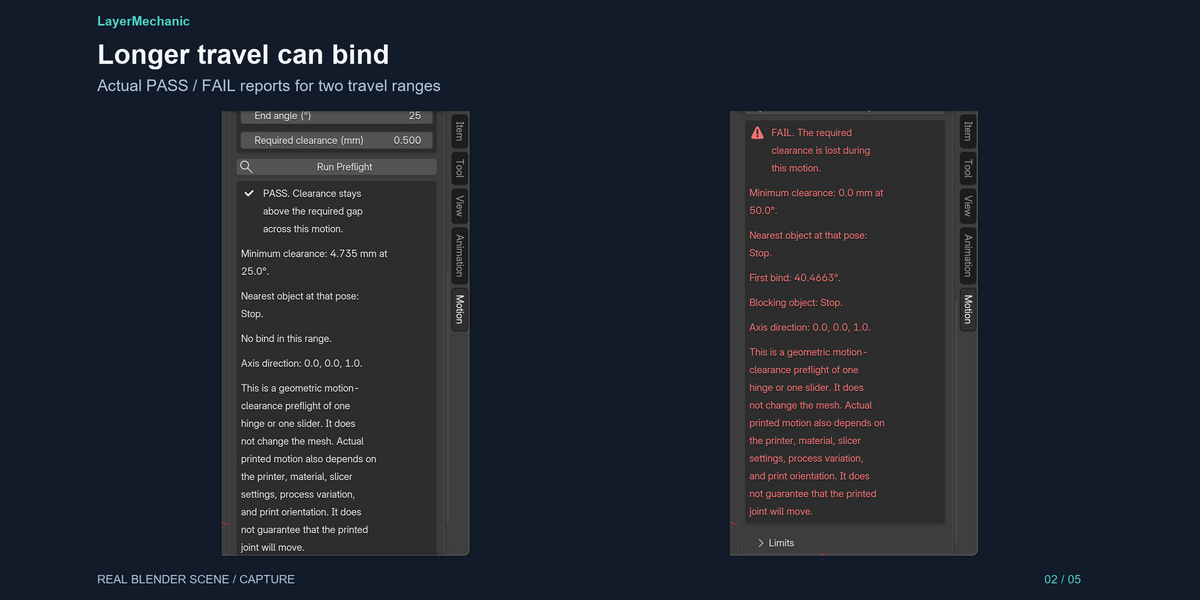
5. Run Preflight. PASS. Minimum clearance is about 4.735 mm at 25°, nearest object Stop. No bind in that range.
6. Change the end angle to 50 and run again. FAIL. First bind is near 40.5°. Blocking object: Stop.
Aaa sits in the scene and is not the blocker. The nearer object is the one named.
Slider
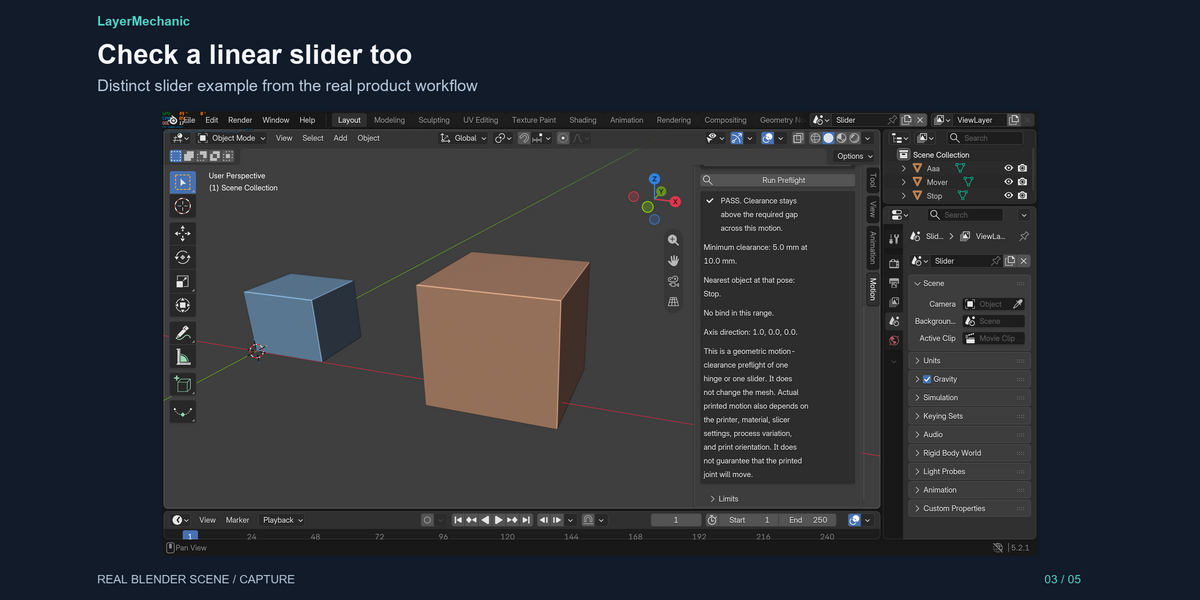
1. Mode: Slider.
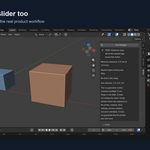
2. Point A and Point B define the slide direction. In a test scene that moves along X, use (0, 0, 0) and (10, 0, 0).
3. Start and end are millimetres of travel, not degrees.
4. Run Preflight. Read the minimum clearance and, on a fail, the first bind distance and the blocking object.
How to read the verdict
- PASS — sampled clearance stays above the required gap across the whole range.
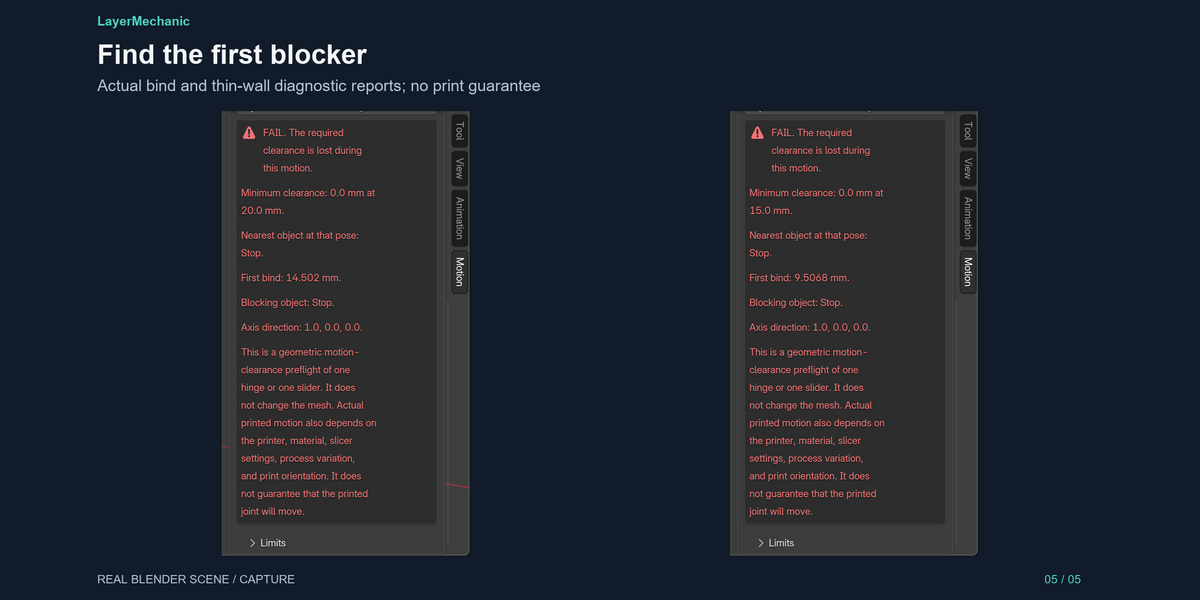
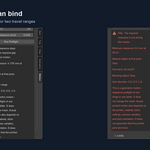
- FAIL — the required gap is lost. First bind is the pose where that happens. BIND_AT_START means the start pose is already too tight or overlapping.
- REVIEW — the sample cap was hit before the sweep could finish. This is not a pass and not a fail. Narrow the range or use a simpler mesh and run again.
The panel states the limits every time: one hinge or one slider, unapplied modifiers are ignored, and a gap whose closest points fall between vertices can read larger than it is.
Printed motion still depends on the printer, material, slicer settings, process variation, and print orientation. The add-on does not guarantee that the printed joint will move, and it does not change your meshes.
# Compatibility
| | |
|---|---|
| Blender | 5.2.1 LTS verified. Manifest minimum 5.2.0. Other versions are not tested |
| OS | Windows 11 x64 verified. macOS and Linux are not tested and not claimed |
| Scene units | Millimetres via the scene Unit Scale. A millimetre file uses Unit Scale 0.001 |
| Network | None. The add-on does not phone home |
Works beside other Engine 01 add-ons. It does not require them. It does not read their connector metadata. It reads meshes.
# Known limitations — Print-in-Place Motion Preflight 1.0.0
What this version checks
- One hinge, rotating about the line through two points.
- One slider, translating along that same line.
- A motion range you type (degrees or millimetres).
- A required clearance you type, in millimetres.
- Real mesh vertices, transformed by the object matrix, swept with Blender's triangle BVH.
- Minimum clearance across that travel, the first bind pose, and the blocker object's name.
- PASS, REVIEW, or FAIL.
What it does not do
- It does not build, edit, or boolean your meshes.
- It does not create an armature, a bone, a constraint, or an animation.
- It does not check chains of joints, gears, or flexible parts.
- It does not run a physics simulation.
- It does not read a slicer, a printer profile, or a material shrinkage model.
- It does not recommend a tolerance.
- It does not guarantee that a printed part will move.
Measurement limits
- Clearance is the nearer vertex-to-surface distance, checked both ways, plus a triangle overlap test. When a vertex lies over the other face, a face-to-face gap is reported directly. A closest approach that falls between vertices can be reported as larger than it is. Overlap still catches meshes that actually intersect.
- Quads are fanned into temporary triangles for the BVH. The scene mesh is not edited. Planar convex faces match the original surface. A concave n-gon can fan differently from a modelled triangulation.
- Unapplied modifiers are not evaluated. The check uses the mesh vertices you would see in Edit Mode, plus the object's world transform.
- Hidden meshes in the view layer count when Blockers is Other meshes.
- Overlap names the first overlapping blocker in alphabetical order. When nothing overlaps, the nearest measured blocker wins, with an alphabetical tie-break.
- Pose tolerance is 0.02° on a hinge and 0.01 mm on a slider. Clearance tolerance inside the search is 0.02 mm. The sample cap is 2,000. Hitting the cap returns REVIEW with code SAMPLE_CAP.
- A very long range on a large part can hit that cap. Shorten the range and run again.
- The two axis points are in millimetres, converted with the scene Unit Scale (metres per Blender unit × 1000). A model built as "1 unit = 1 mm" inside Blender's default metre scene is 1000× too big physically. Set Unit Scale to 0.001 for a millimetre file.
- Tested on Blender 5.2.1 LTS, Windows 11 x64. Other versions and operating systems are not claimed.
Physical print
A PASS means the rigid meshes, as modeled, keep the clearance you asked for through the motion you asked for. Printer, material, slicer settings, process variation, and print orientation can still make the printed joint tight, loose, or stuck.
# Support and updates
Mekora Labs Support
[email protected]
Include your Blender version (5.2.1 LTS is the verified build), Windows version, and the blend if you can share it. The panel verdict, minimum clearance, first bind, and blocker name are the useful lines to paste.
1.x updates for Print-in-Place Motion Preflight are included with the purchase.
Refunds: email within 14 days if the ZIP does not install on Blender 5.2.1 LTS, Windows 11 x64. The purchase price is refunded. A PASS or FAIL you did not expect is not a broken install. Superhive may offer a wider window; that rule wins when it is more generous.
This product does not collect usage data.
# FAQ
Does PASS mean the printed hinge will move?
No. PASS is a geometric result for the meshes and the motion you set. Printer, material, slicer settings, process variation, and print orientation still decide the physical joint.
Does it create the hinge?
No. You model the hinge or the slider. This checks clearance through the motion.
Will my mesh change?
No. Run Preflight does not move vertices, apply modifiers, or add an armature.
What is REVIEW?
The sweep hit its sample cap. Run a shorter range or a simpler mesh. REVIEW is not a pass.
What is supported?
Blender 5.2.1 LTS on Windows 11 x64. Email [email protected].
The optional demo .blend is available as a separate product download. Install the add-on ZIP unchanged; open the demo after enabling the add-on.
Have questions about this product?
Login to message
| Blender Extension Compatible | Yes |
| Published | 3 days ago |
| Blender Version | 5.2 |
| Extension Type | Add-on |
| Render Engine Used | Cycles |
| License | GPL |
Discover more products like this
clearance hinge 3d print blender mechanical slider preflight print in place