Lazy Bones
 BLUE NILE 3D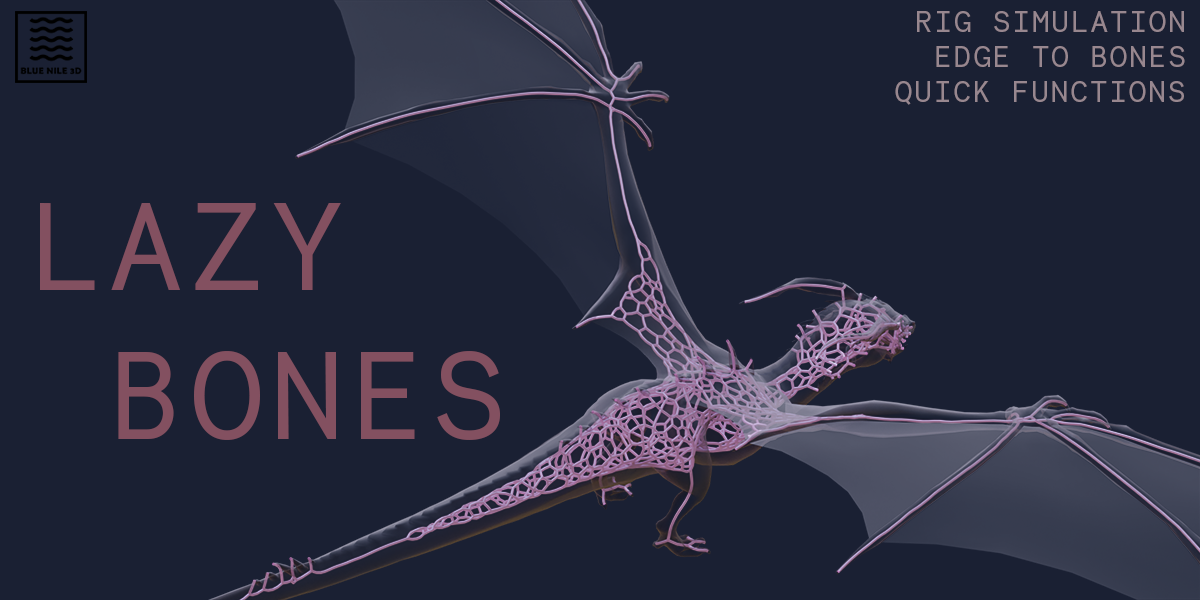
Lazy Bones Documentation | Front Page (notion.site)
The general workflow is:
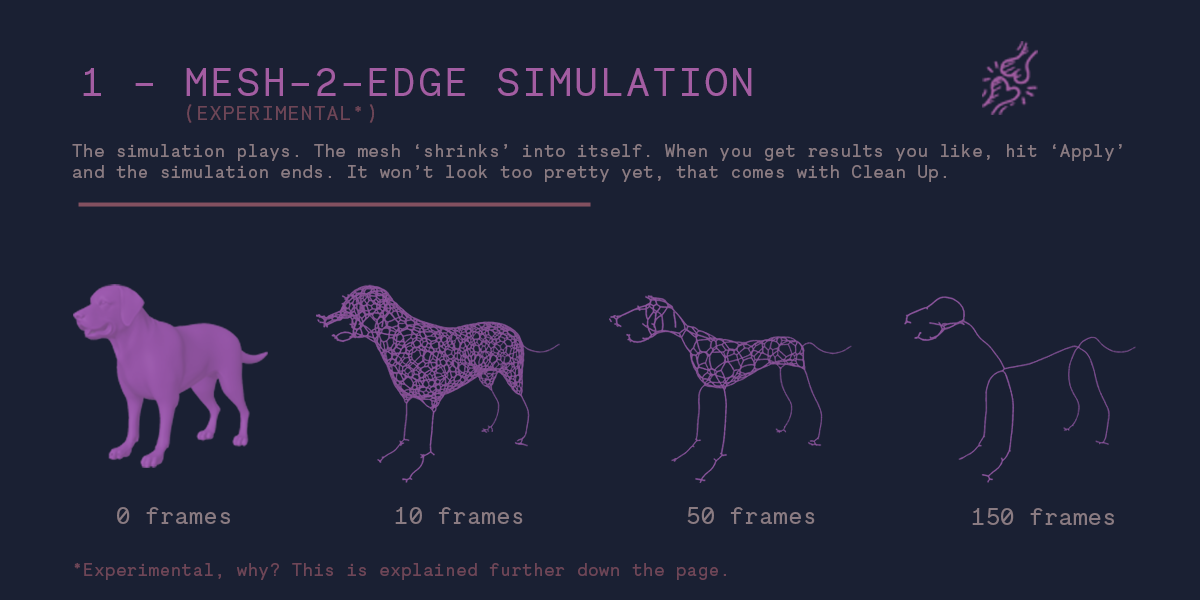
1 - Select mesh, right-click, 'Lazy Bones...Mesh-2-Edge Sim'.
2 - Wait for the simulation to play, when you are happy with the results, hit 'Apply'.
Alternatively, manually pause the timeline and scrub until you find a moment you like. Then hit apply.
3 - Use Sim Clean tools to improve the simulation results.
4 - Apply Sim Clean modifiers.
5 - Place the 3d Cursor at the hips/base/etc of the model - The bones will attempt to point away from the 3d cursor.
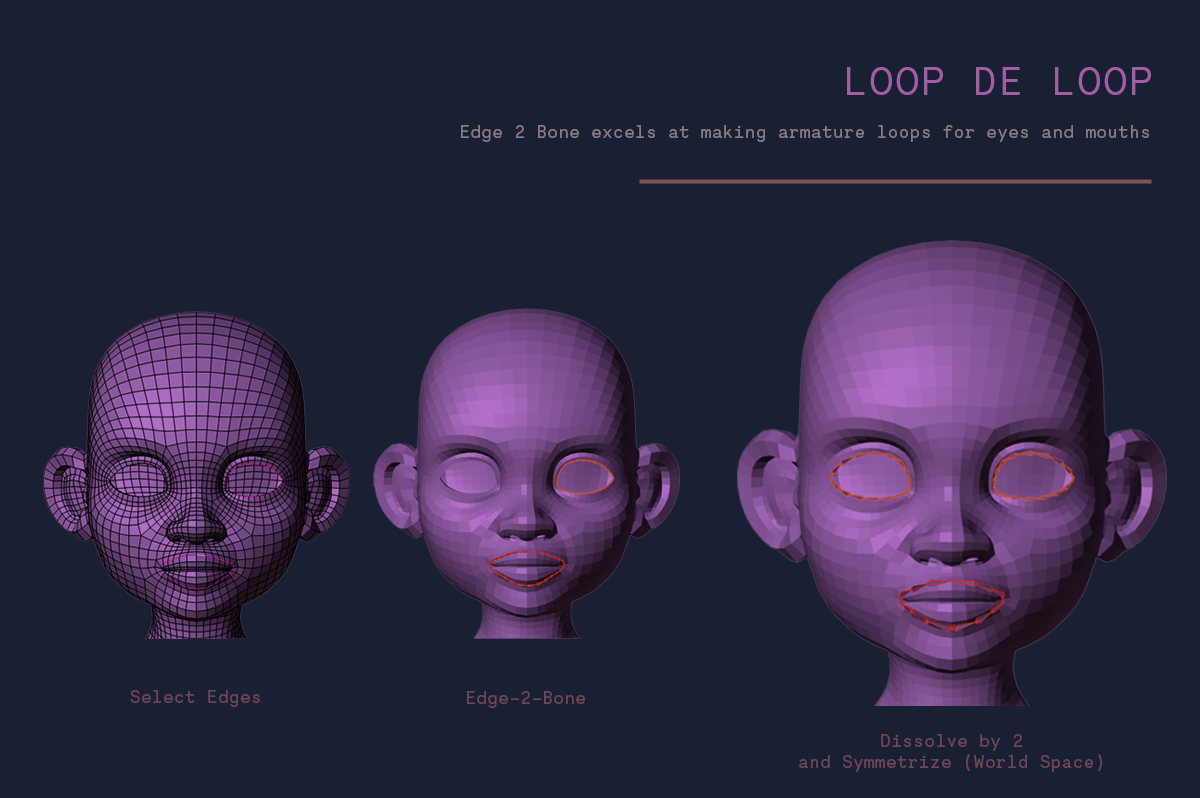
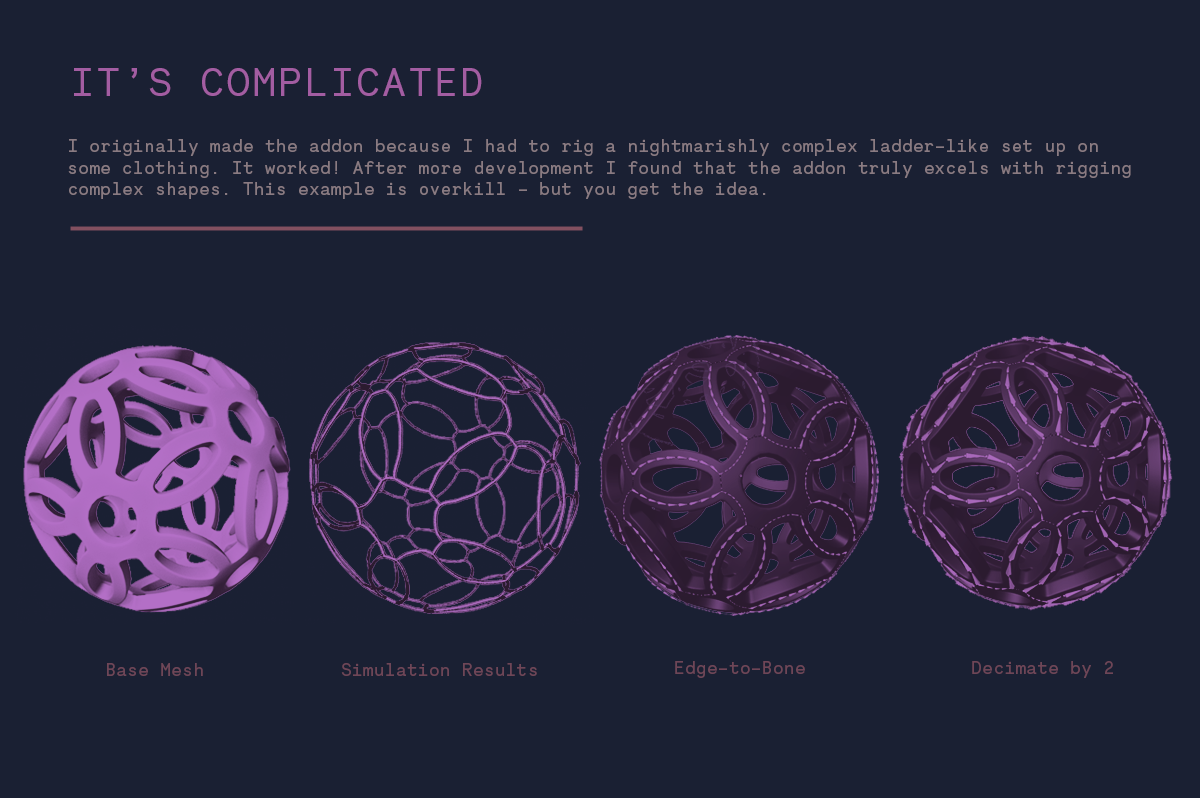
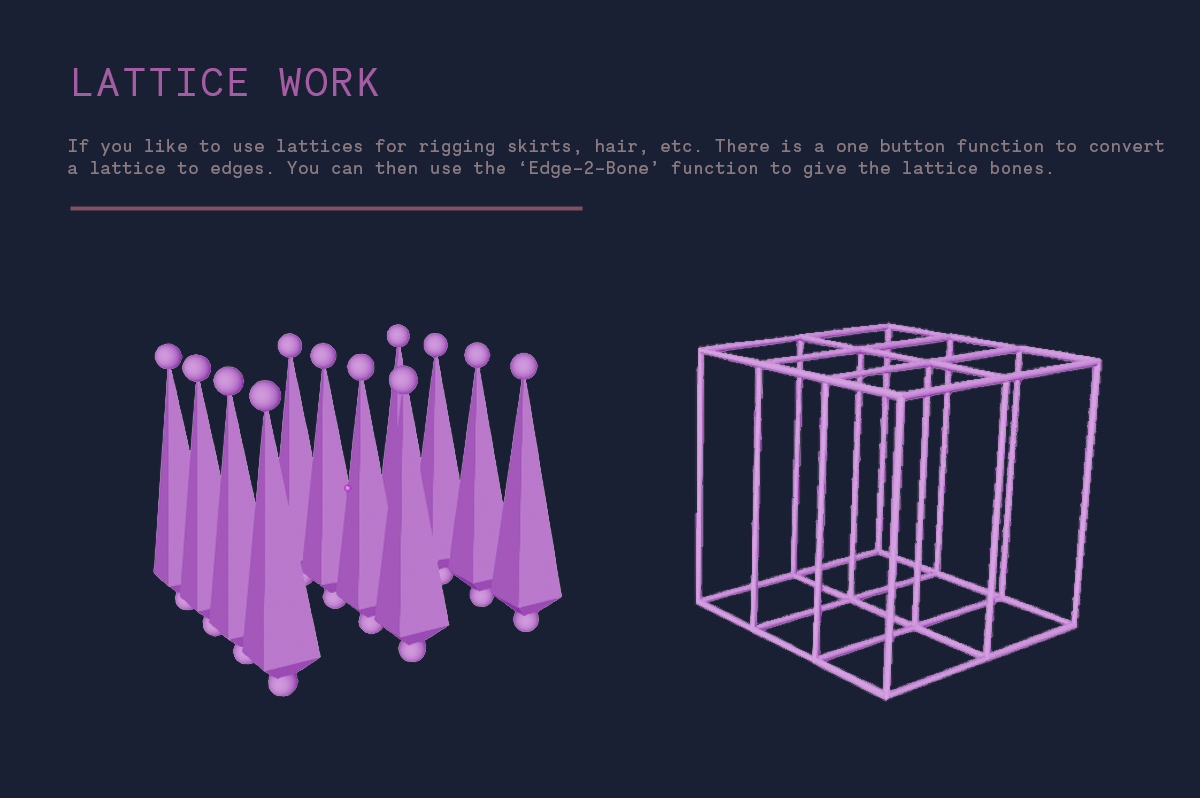
5 - Select all Edges in 'Edit, Edge Select' mode......Right click, 'Lazy Bones...Edge-2-Bone'.
6 - Improve the bone results with the 'Bone Doctor' menu
7 - Manually tweak and perfect
Basic usage is covered in the video guides.
Quick guide:
Extended Guide:
https://youtu.be/PW6jrSAHnoQ?si=X42C0Pj7bJAEZALA
Discover more products like this
auto simulation spring24 armature rig geometrynodes rigging bone