Lazy Bones
 BLUE NILE 3D
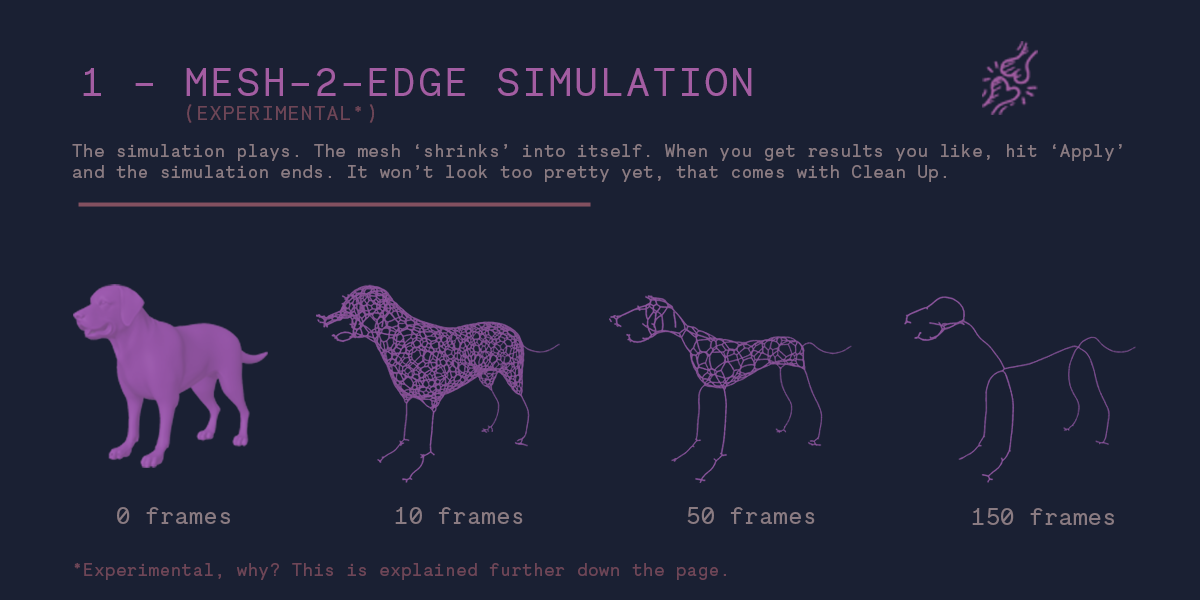
The simulation is buggy /fails
Try making your model bigger (at least bigger than 2 meters, but bigger is always better).
Check if your model has holes (non-manifold).
Make sure your model has length...solid squares and sphere shrink to a single point.
Make sure your model has volume - if it is planar, extrude or solidify it.
Check your normals - 'overlays...face orientation'
Try disabling 'cache' in the preferences.
The simulation expands instead of shrinking.
Check your normals - 'overlays...face orientation'. If you mesh has red faces, flip those normals in Edit mode with 'Alt+N...flip'
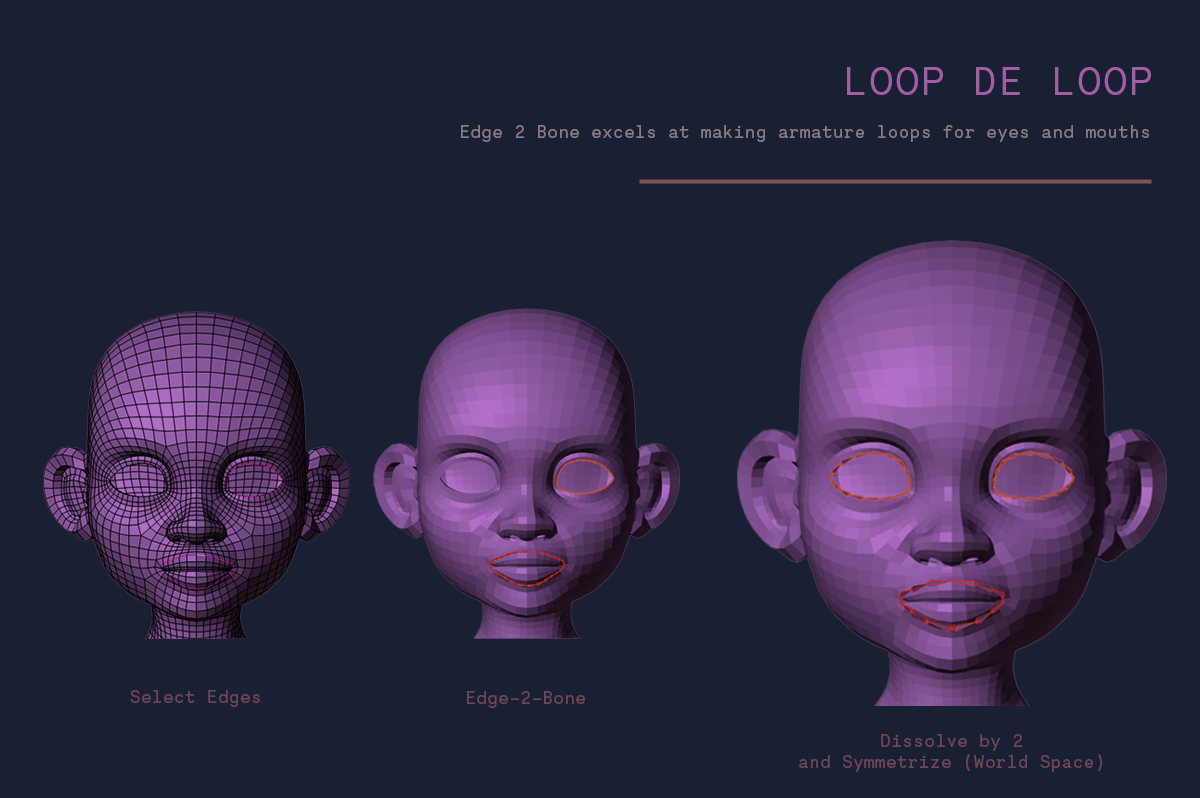
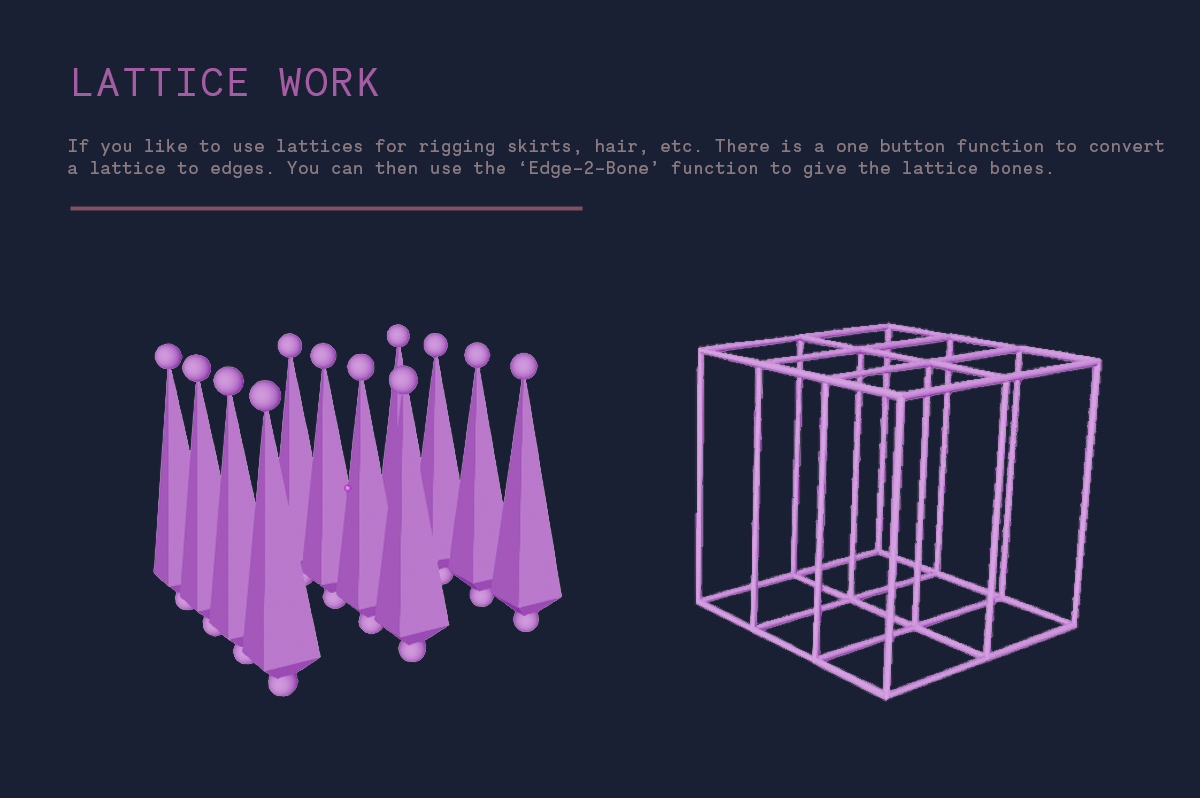
I don't see the 'Edge-2-Bone' button
You must be in 'Edit' mode, in 'Edge Select' mode
Discover more products like this
simulation geometrynodes auto rig rigging spring24 bone armature