 MeiU
MeiU









What's new in v2
Easier to use, ready for Blender 5.0+
- Clearer interface — Layout and controls are more intuitive so you spend less time searching and more time creating.
- Shader updates for 5.0+ — Clouds display correctly in Blender 5.0 and above, so you get consistent results on newer versions.
- One-click Auto — Use the Auto button to apply the right render settings for your project in a single click.
Lazy Cloud
Sky that looks pro—without the manual setup.
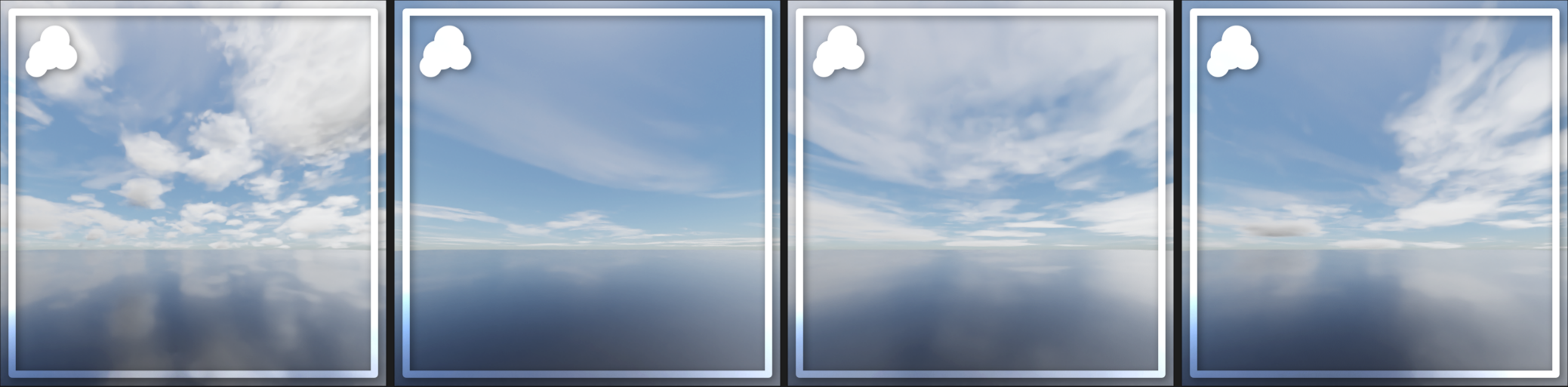
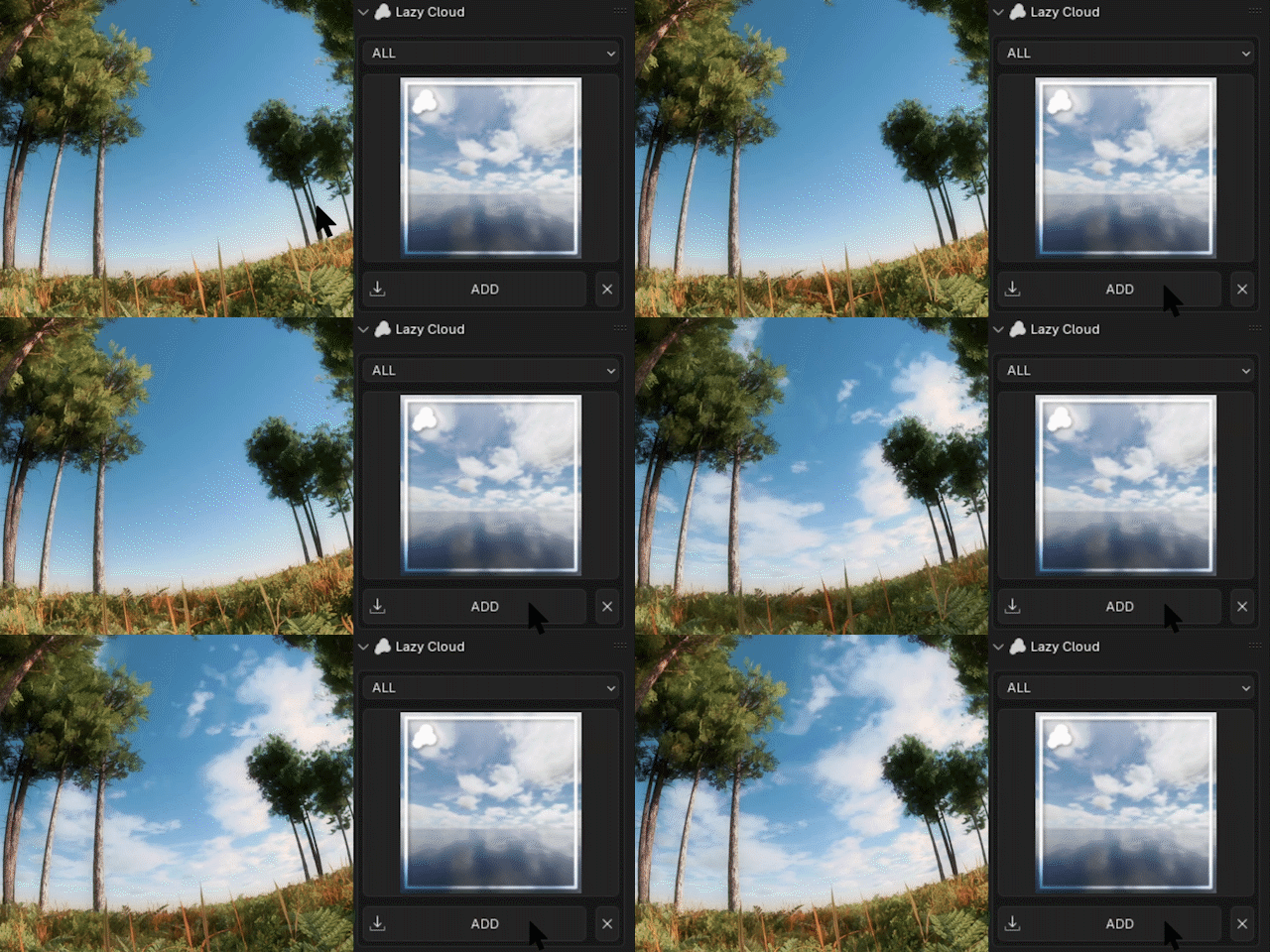
Choose from cloud layer presets and add them in one click, then fine-tune with numerical controls so the result fits your scene.
Works with your existing HDRI, Sky Shaders, and world textures—so you can keep your lighting and still get richer, more believable skies.

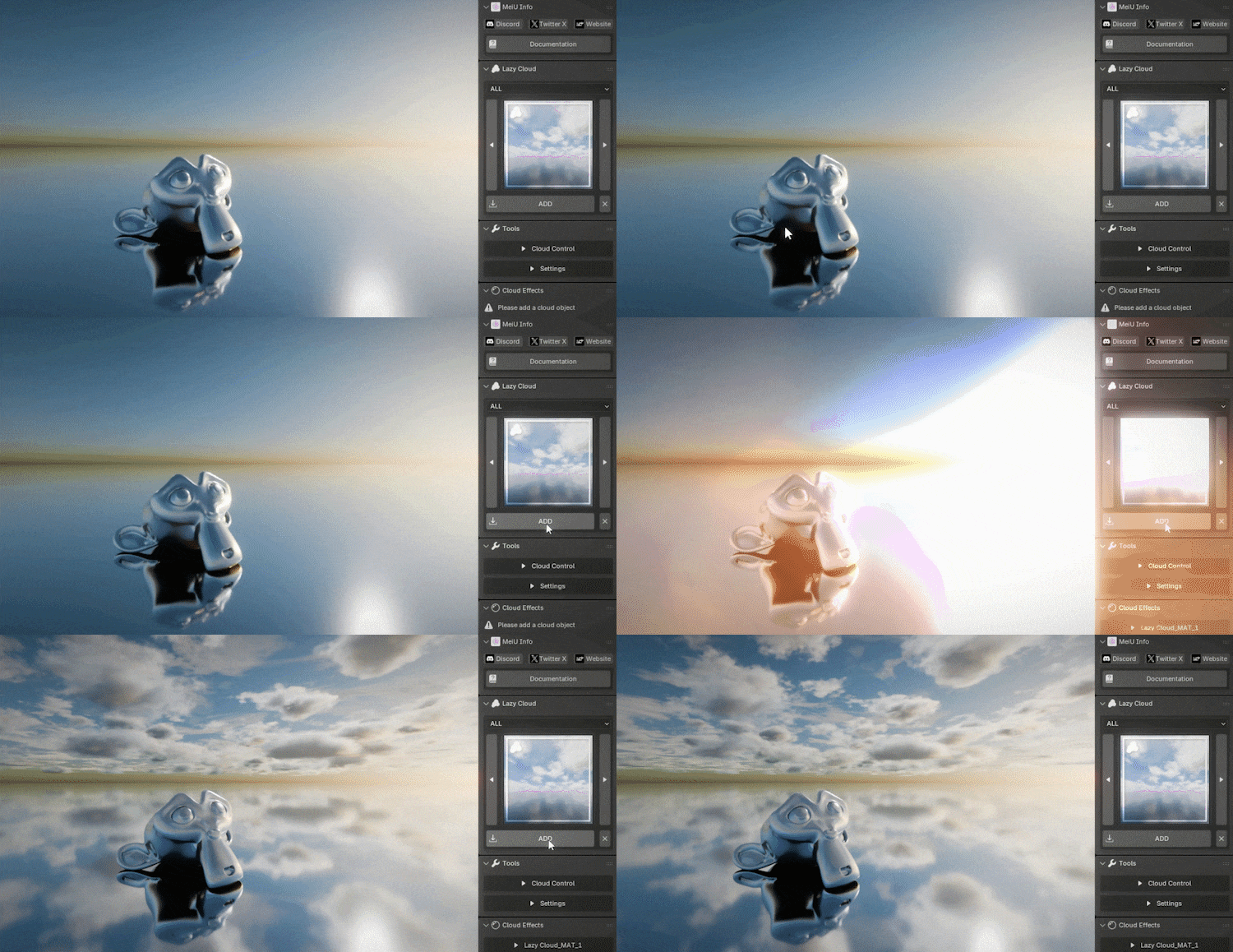
One-Click Creation of Cloud Layers
Start from a preset—no building from scratch.
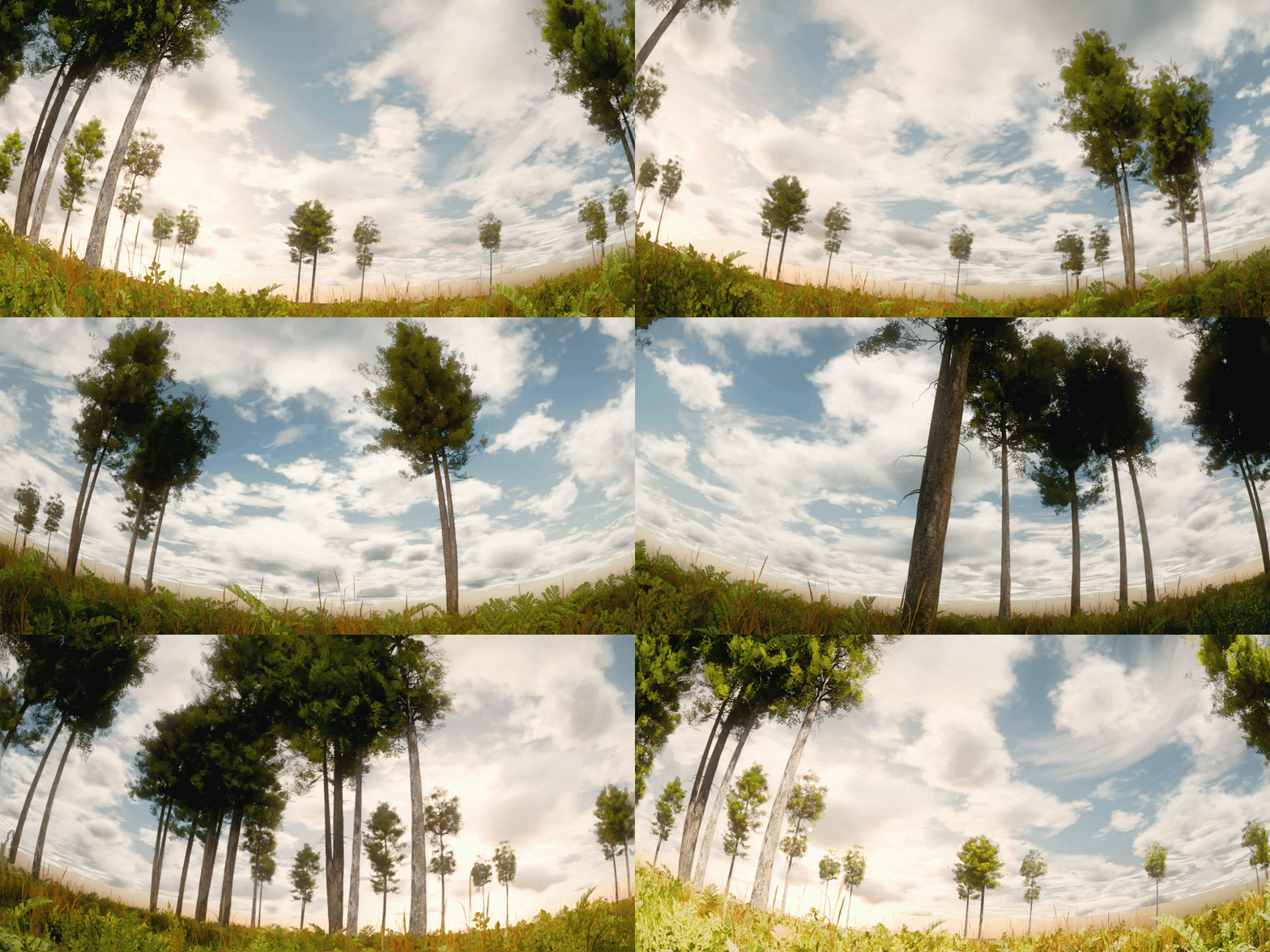
360° Complete Clouds
Full sky coverage so every angle holds up.
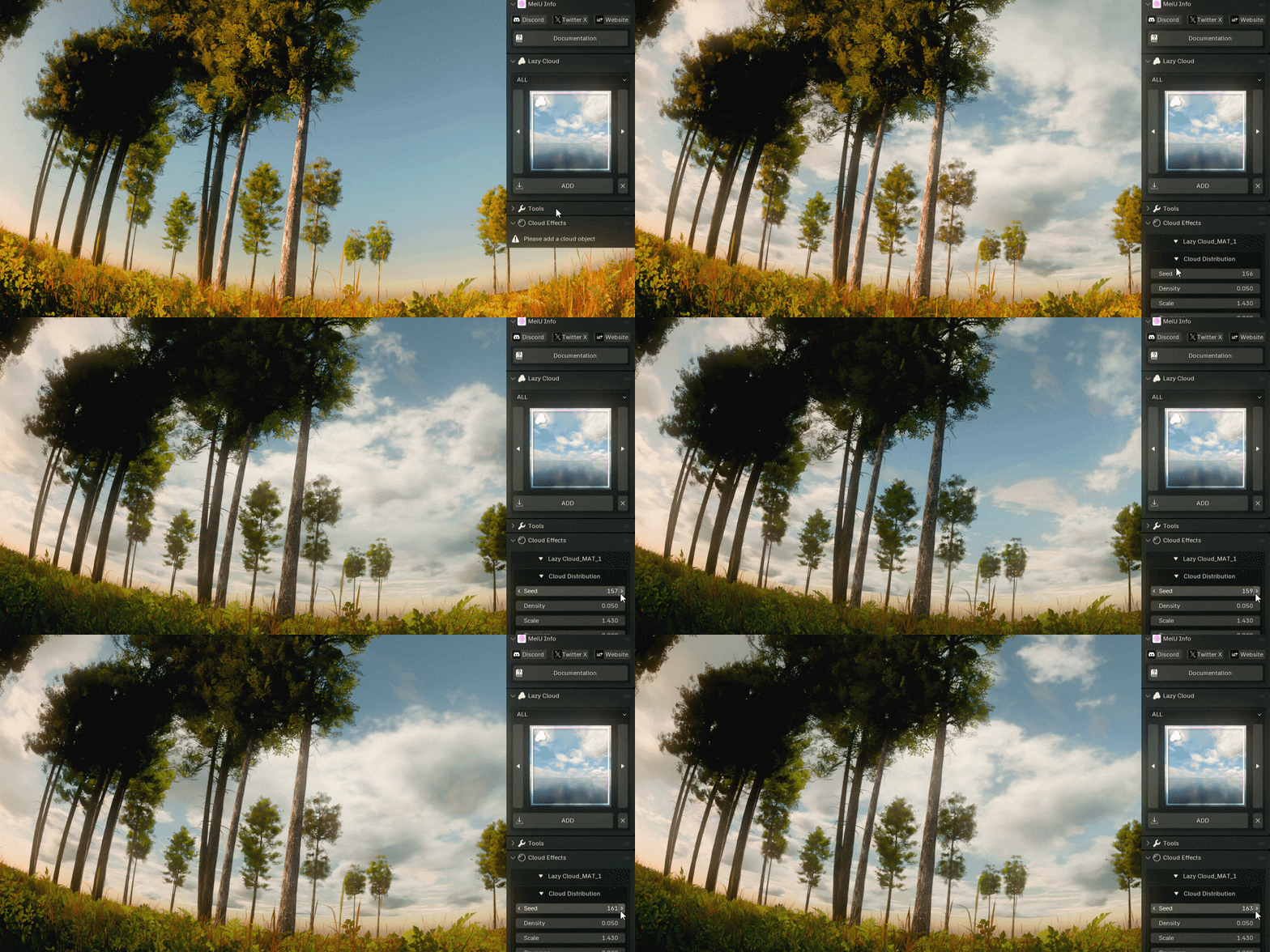
Procedural Seed
Change the seed for a new look without redoing settings.
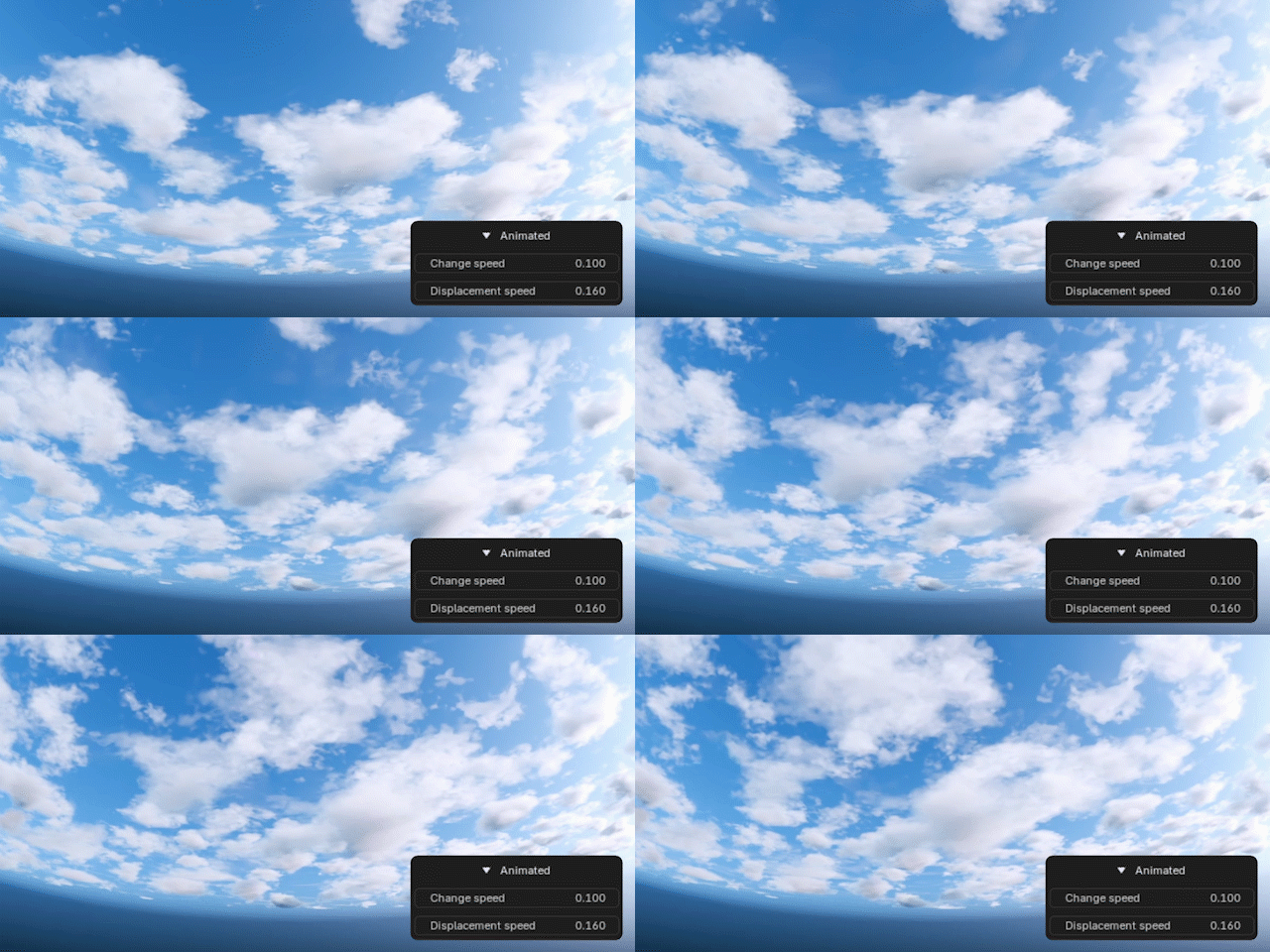
Cloud layer with animated effects
Motion-ready clouds for cinematics and stills.
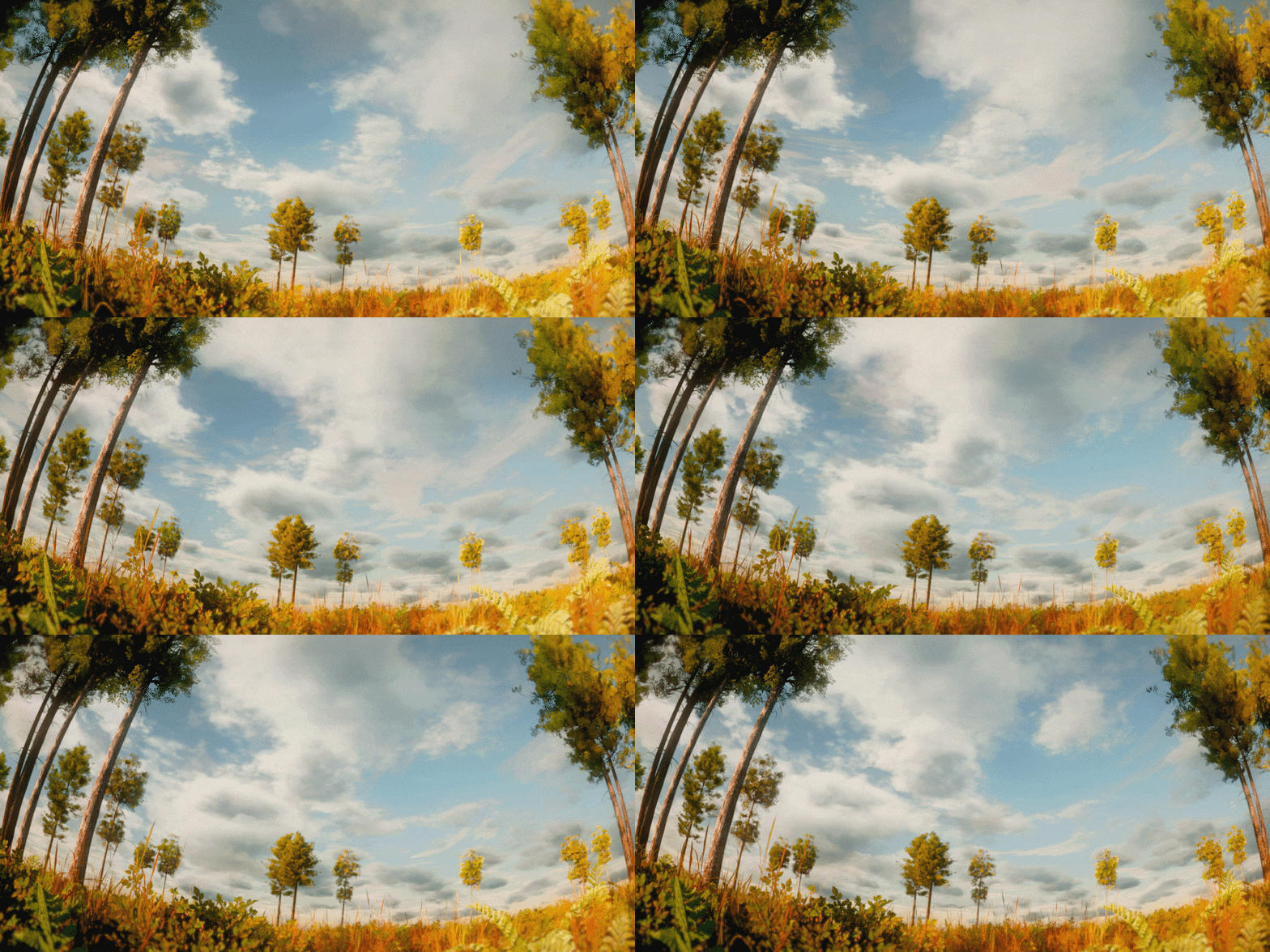
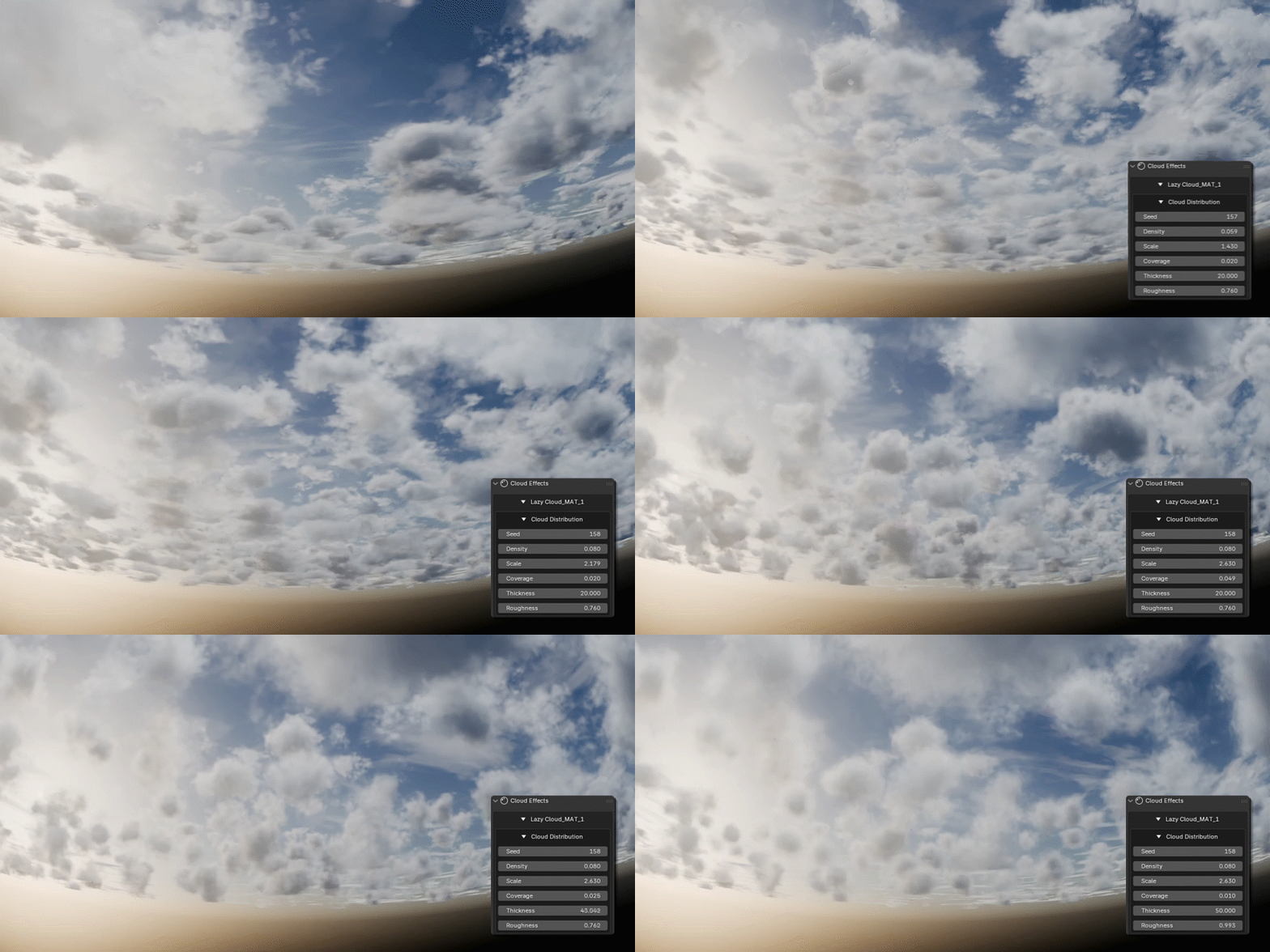
Optimization tool for cloud layer effects
Tweak parameters so render time and quality match your needs.

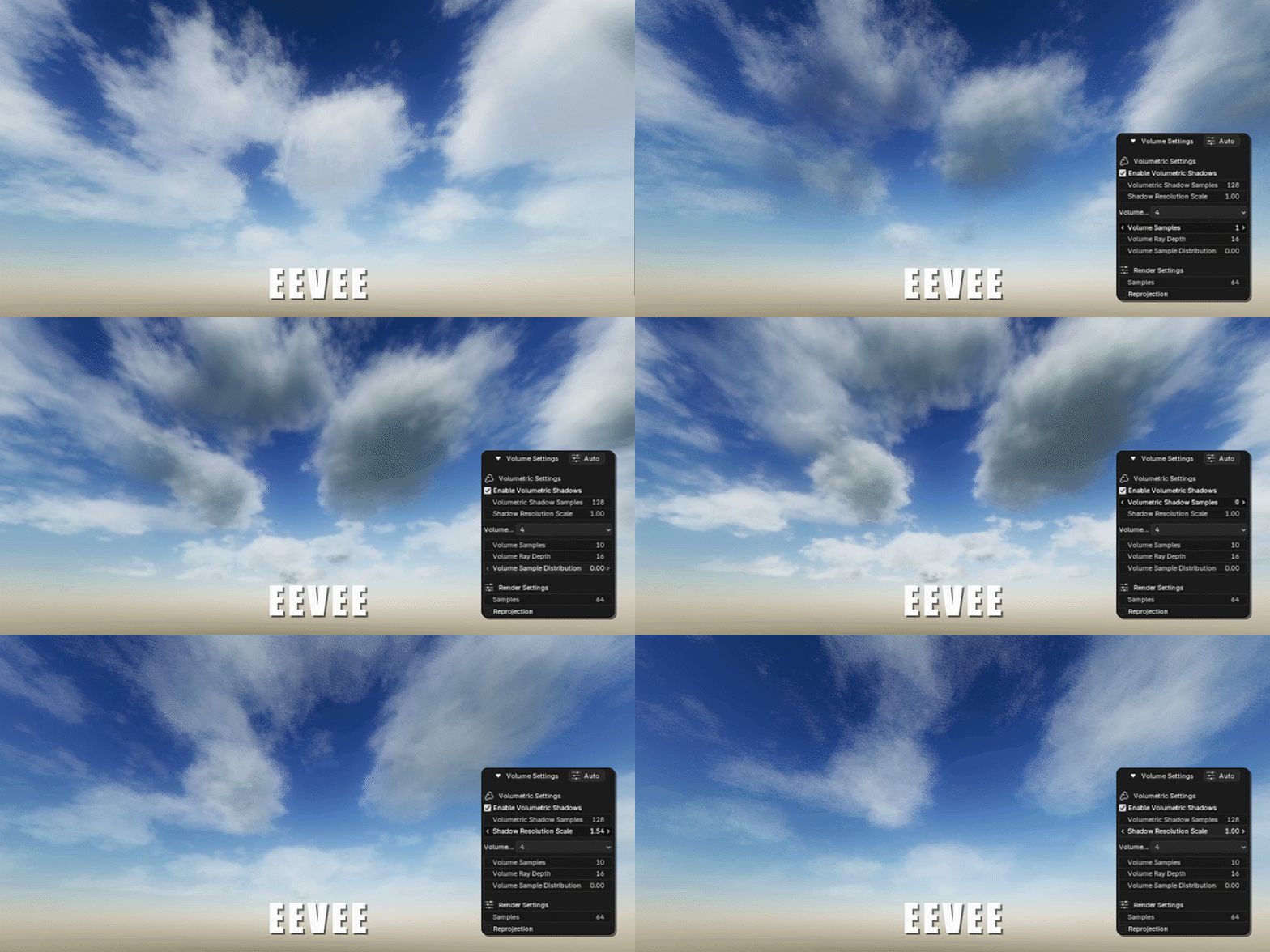
To use EEVEE for rendering clouds, version 4.2 or higher is required.
Basic tool for cloud layers
Simple controls to show, hide, and blend clouds.
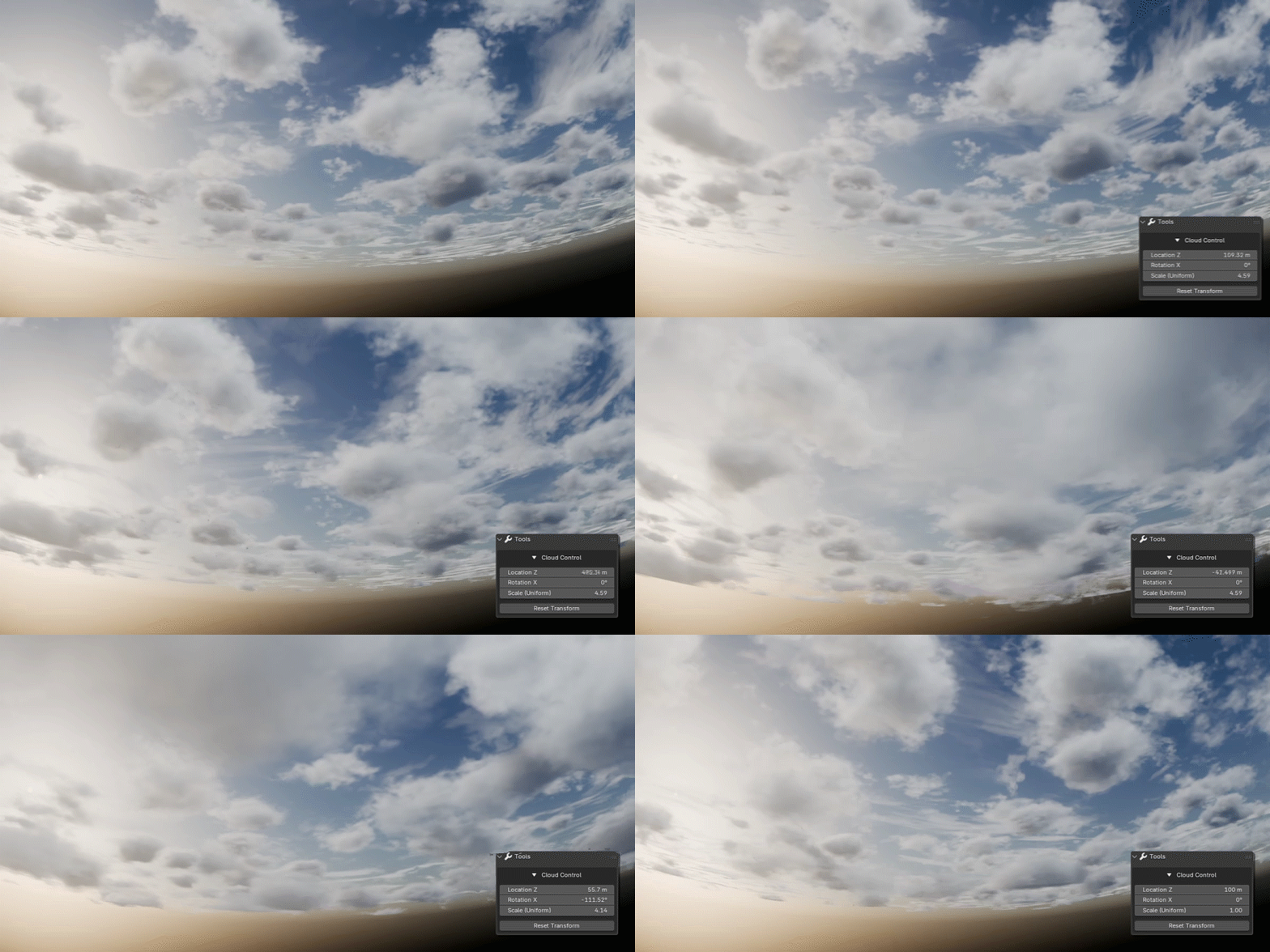
Cloud layer detail adjustment
Adjust density, scale, and position until it feels right.
EEVEE and Cycles
Use the engine you prefer; cloud rendering works in both.
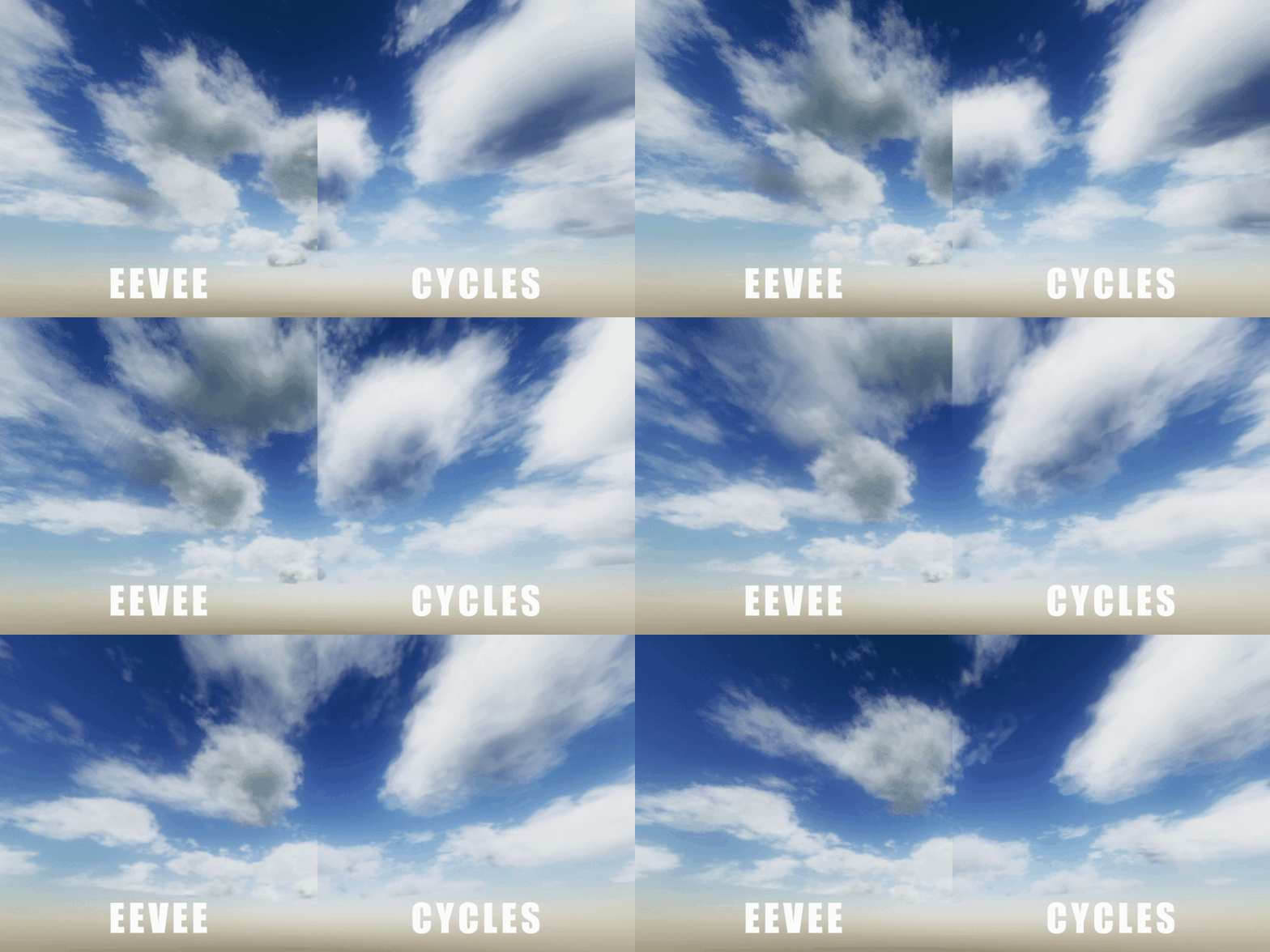
To use EEVEE for rendering clouds, version 4.2 or higher is required.

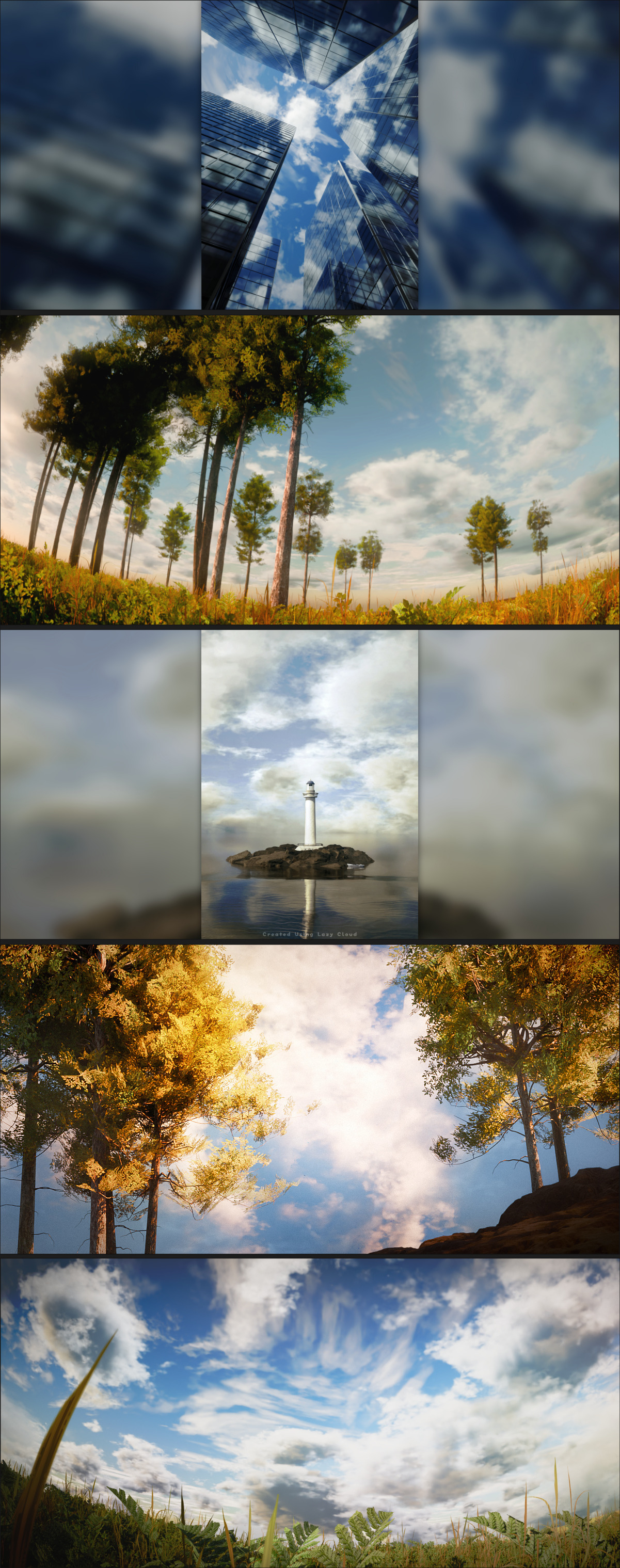

Things to know before you start
Promo images are mostly Cycles; EEVEE can match with minor tweaks.
Render speed depends on your hardware—adjust quality vs. speed in the addon.
Keep the default names of addon-created objects so everything keeps working.
Compatible with Blender 3.4.1 and above; EEVEE cloud rendering needs 4.2+.