 Noah Milliken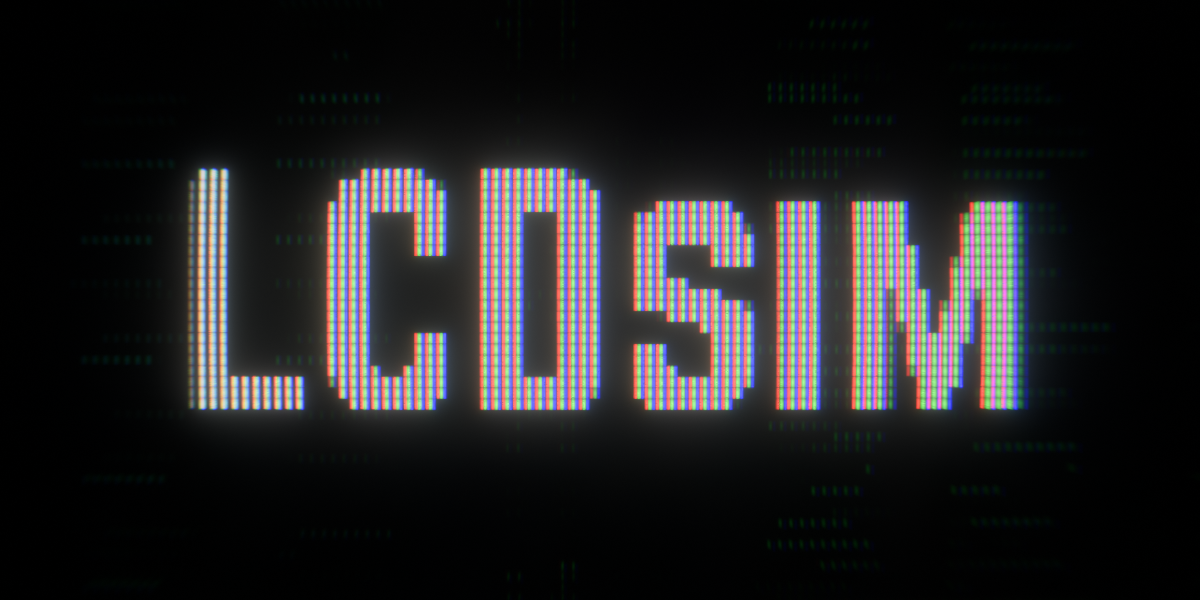
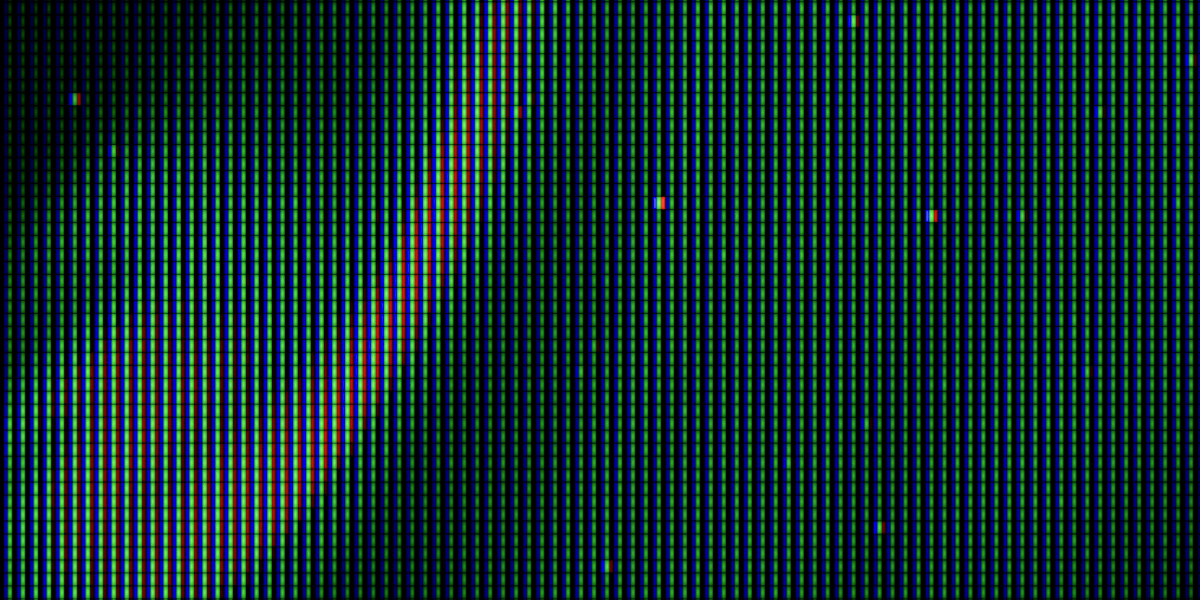

Note: weird grid patterns appearing in example images on this product page are just due to the size that the images are displayed at interfering with the pixel pattern. They are not produced by LCDsim.
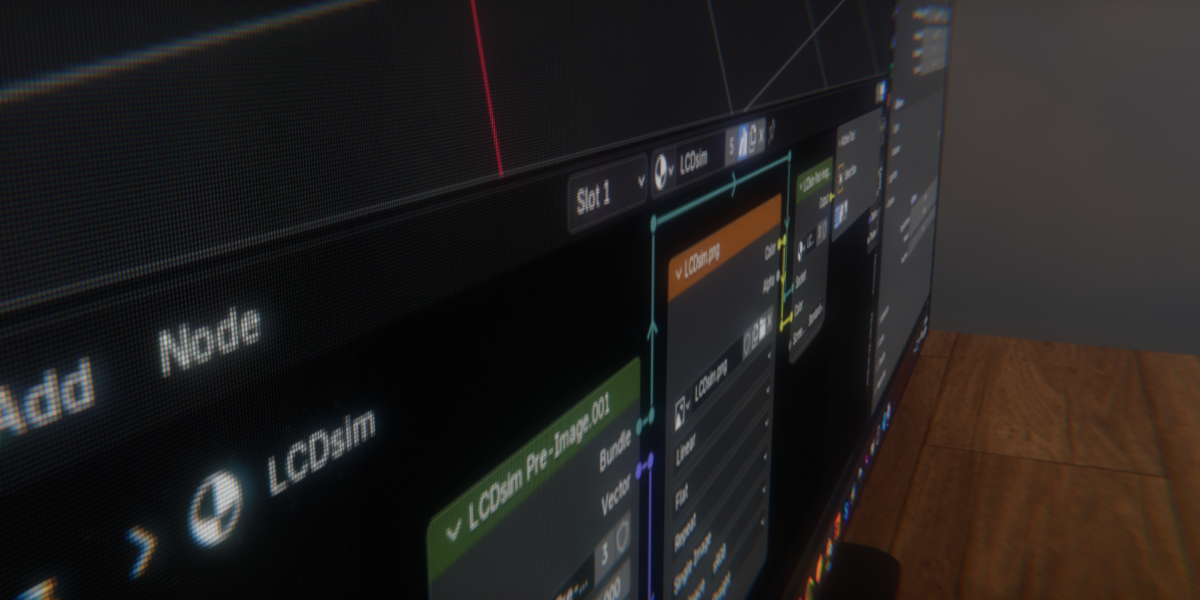
Have you ever wanted to make a realistic computer screen in Blender?
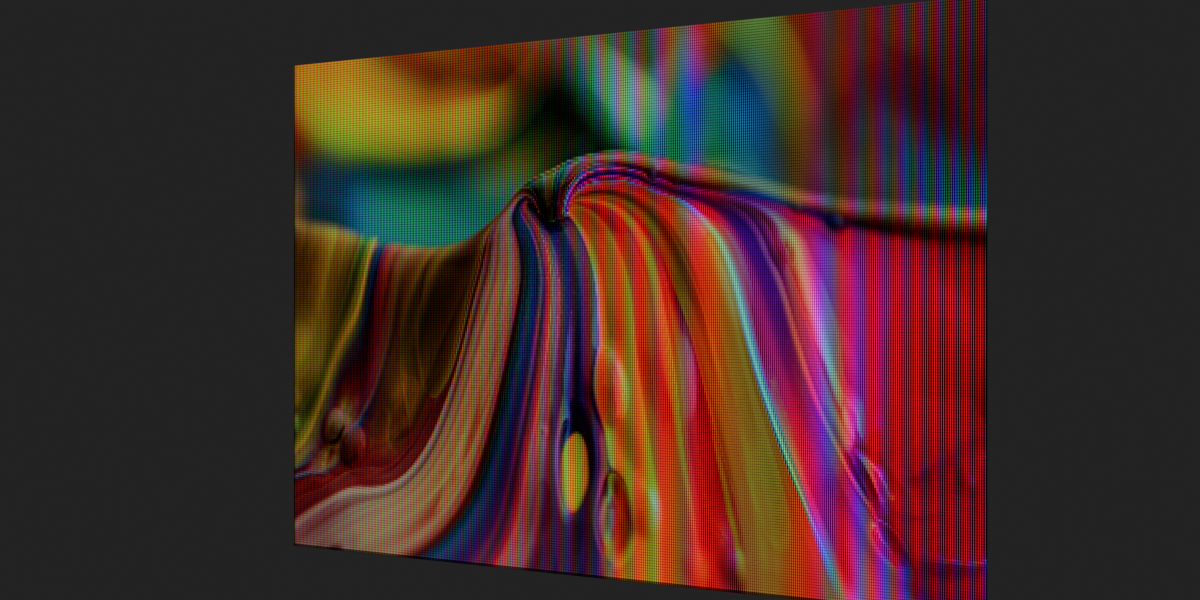
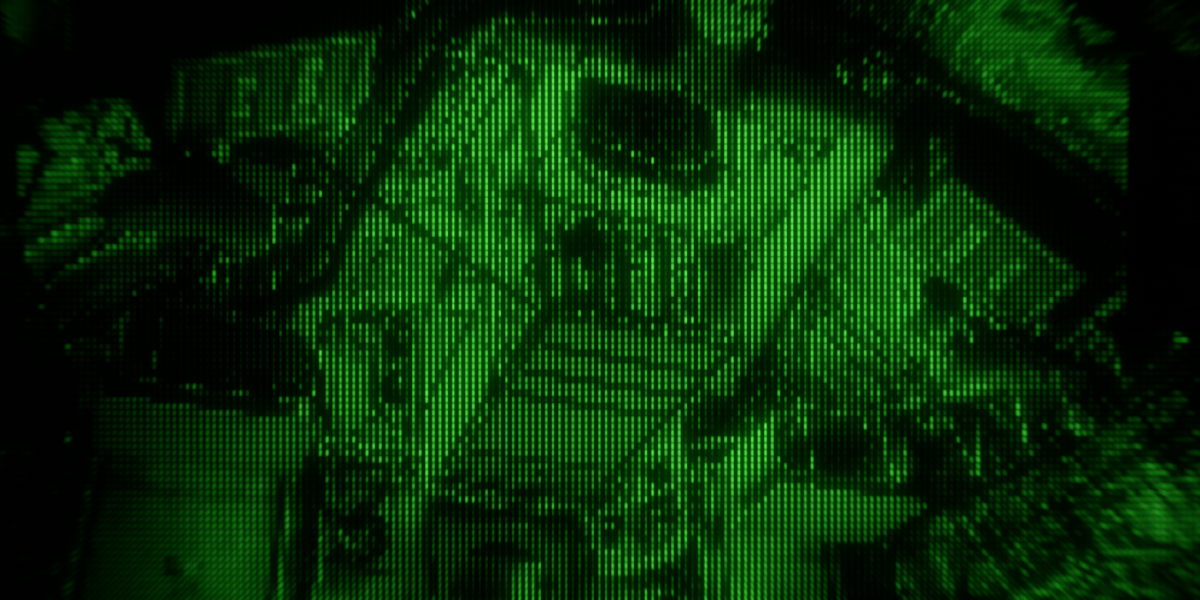
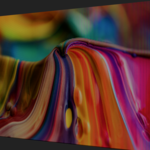
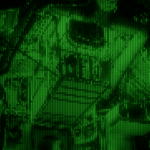
Now you can! With LCDsim, you can easily convert any image into a realistic LCD screen, with adjustable resolution and brightness and two screen types: normal and security (shown below).
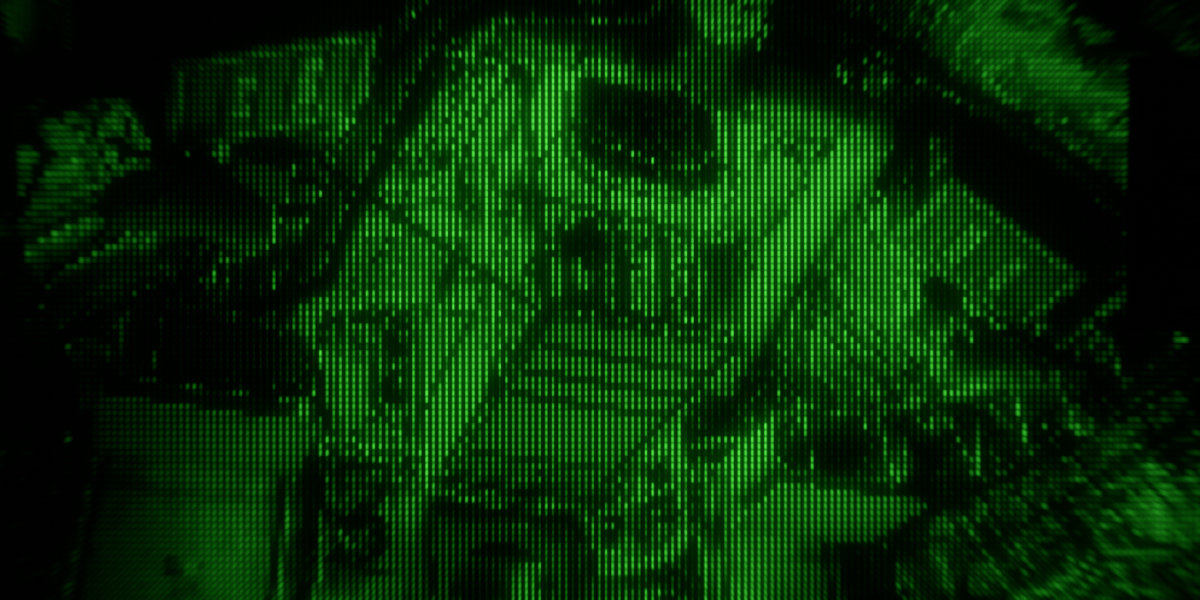
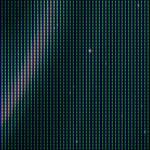
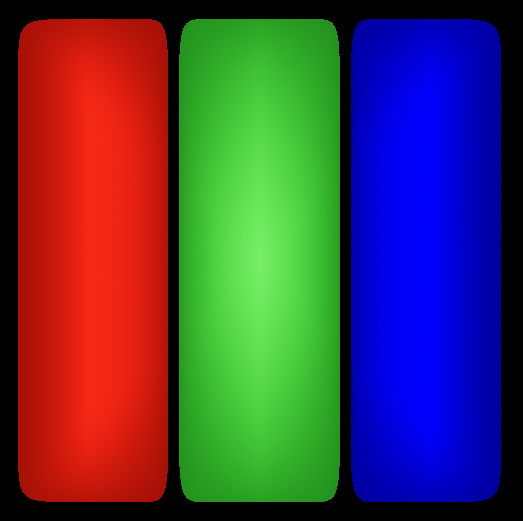
It isn't just a pixel texture combined with your image. LCDsim uses advanced math to first pixelize your image, then generate realistic squares of red, green, and blue pixels with realistic bezel. And they are not just flat rectangles of color; they have a bit of a glowing look to them.
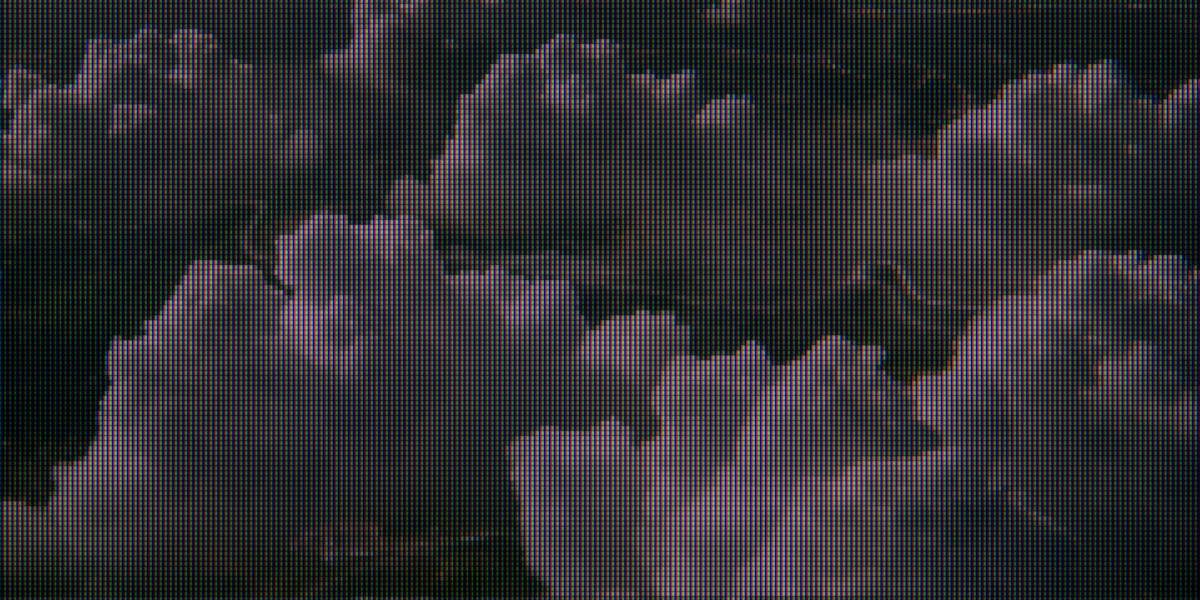
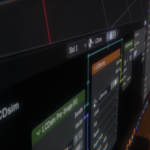
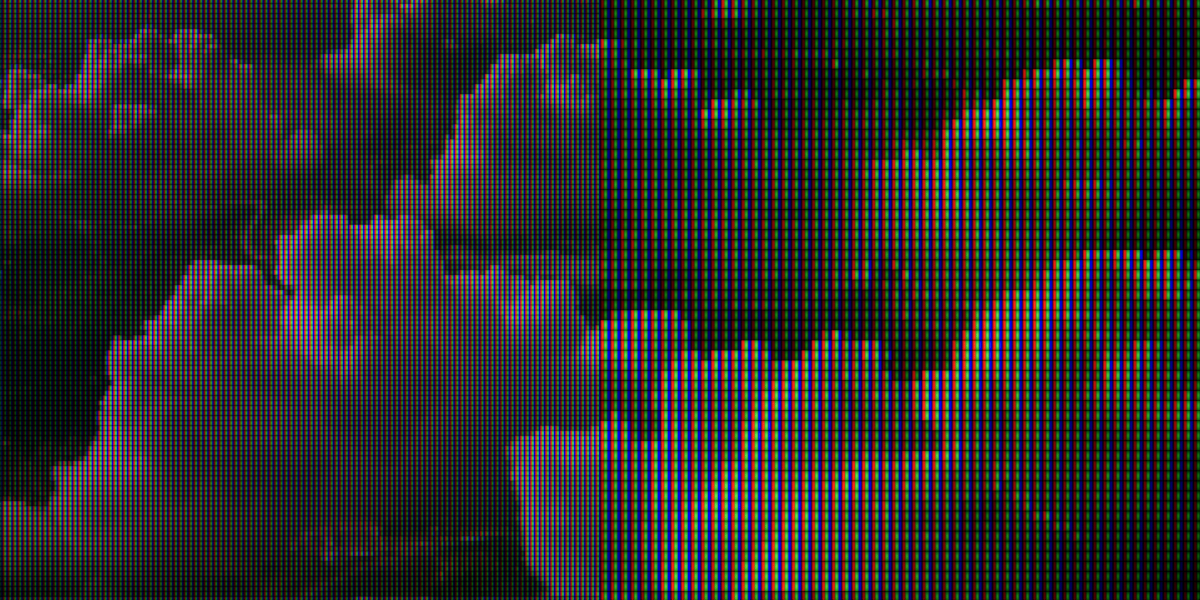
You have to enter in the resolution of your image, but you aren't stuck with it. Using the resolution downscaling feature, you can make the pixels larger if you want (image used in example made with UltraCloud).
Works with both Cycles and Eevee!