LCDsim
 Noah Milliken
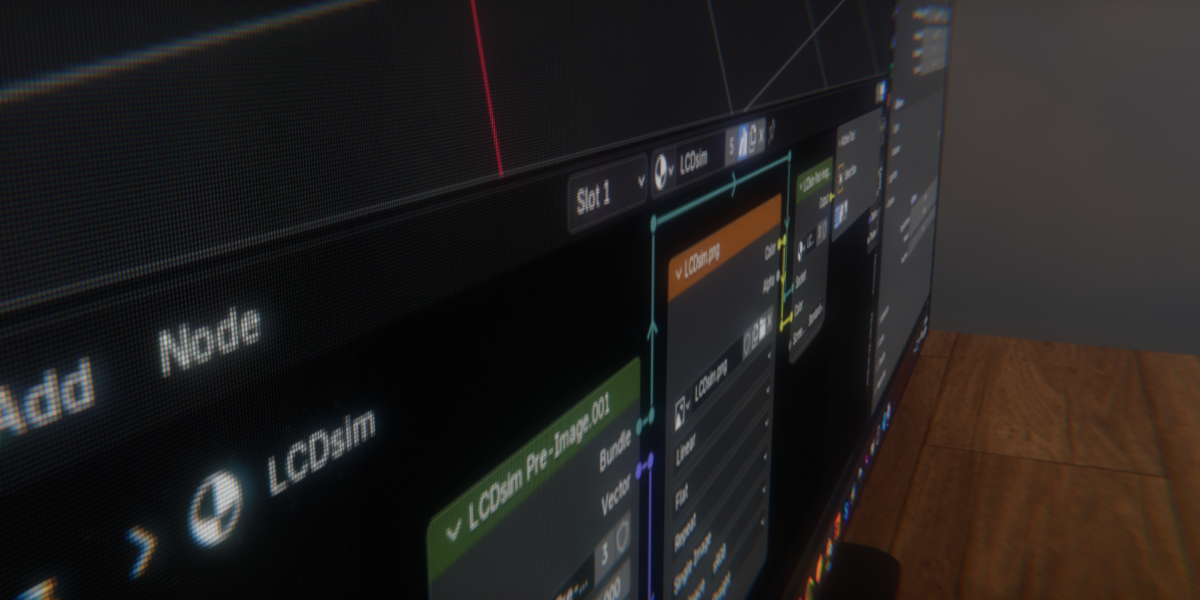
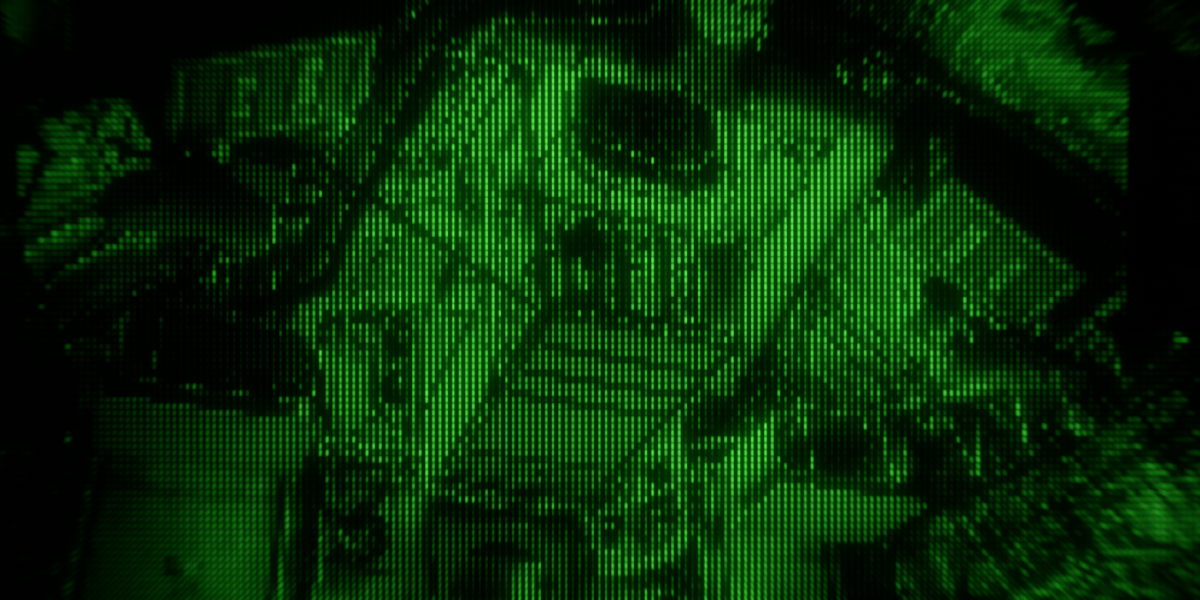



How to install:
Download and unzip the folder.
Open any Blender file.
Navigate to preferences Edit>Preferences
Navigate to the Asset libraries section
Click the plus icon to add a new file path.
Choose the folder containing LCDsim and set the type to Append.

Save preferences: done!
How to use:
To add an LCDsim screen, add an image as mesh plane to your Blender scene. (add>image>mesh plane)
Open the asset browser and drag the LCDsim shader onto the plane.
Input the resolution of your image into LCDsim in the shader editor.

6. Choose the image from the dropdown on the image node.
Tada! (Adjust brightness and green fix as needed, or choose security camera screen type. Lowering green fix removes green from the image)
Note: If you need to add a second screen with a different image, you need to make the material, image, and LCDsim nodes single-user by clicking the number icon on them.

Have questions about this product?
Login to message
| Dev Fund Contributor | |
| Published | about 21 hours ago |
| Blender Version | 5.2 |
| Render Engine Used | Cycles, Eevee |
| License | Royalty Free |
Discover more products like this
LCD shader pixel Blender procedural shader security camera LCD display Realistic-shader advanced-procedural Pixelisation pixelation Computer Screen pixelator lcd monitor