 ZEG

Installation
In Blender open Edit, Preferences, Get Extensions, then use Install from Disk and pick the forest_floor_litter_generator zip.
Usage
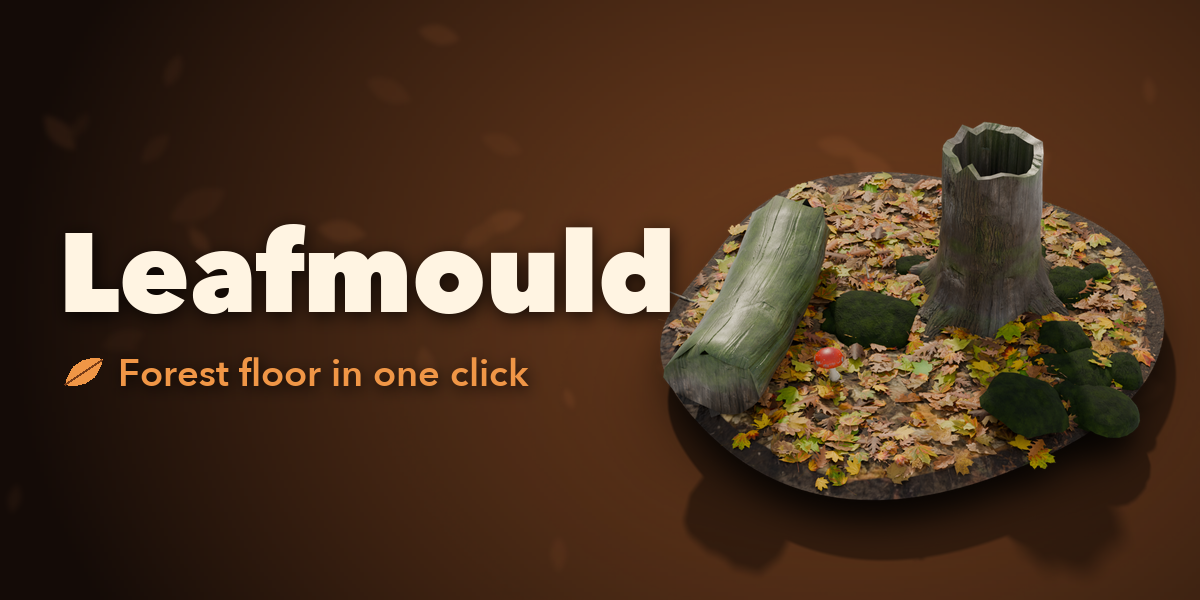
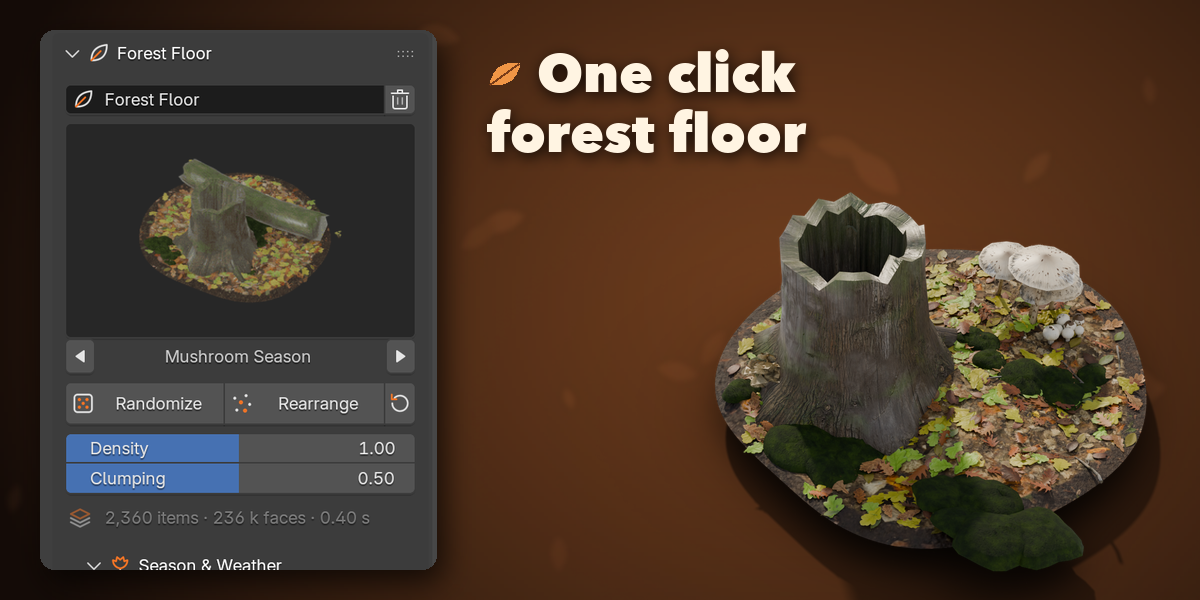
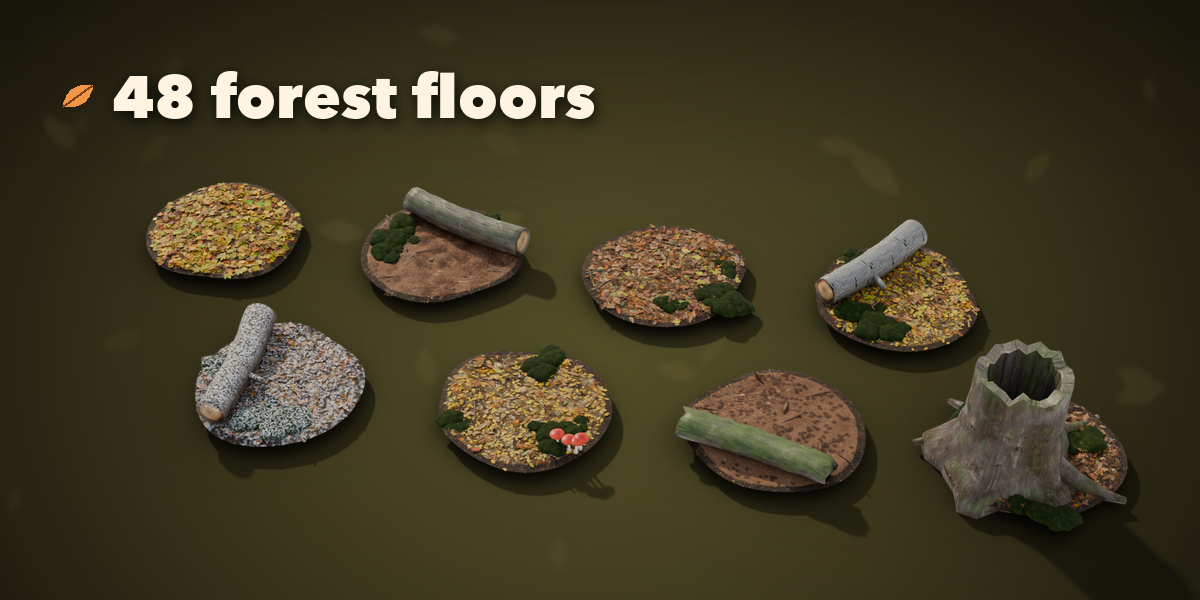
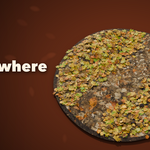
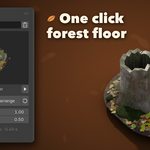
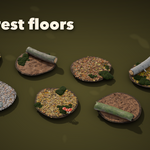
- Open the Forest Floor tab in the 3D viewport sidebar (N). With nothing selected, click the picture to choose one of the 48 designs and press Add Forest Floor. You can also use Shift+A, Mesh, Forest Floor.
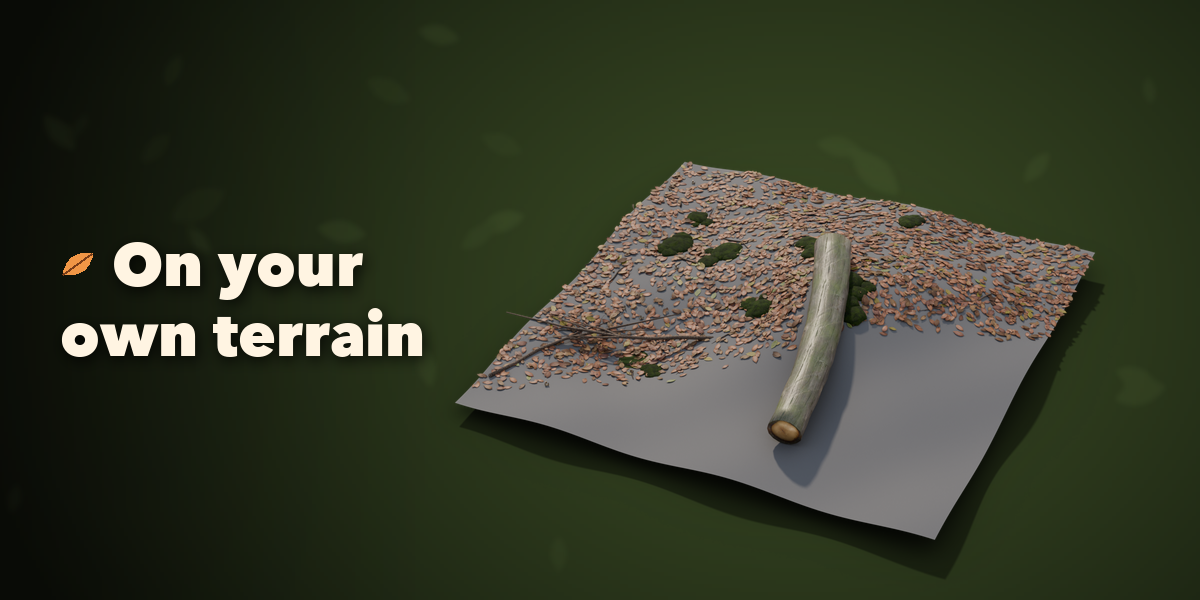
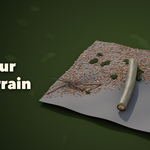
- To cover your own terrain, select it and press On Mesh: the litter falls on that mesh, modifiers included.
- Select the forest floor to edit it. Randomize makes a new believable floor, Rearrange shuffles the same design, the arrow resets your changes.
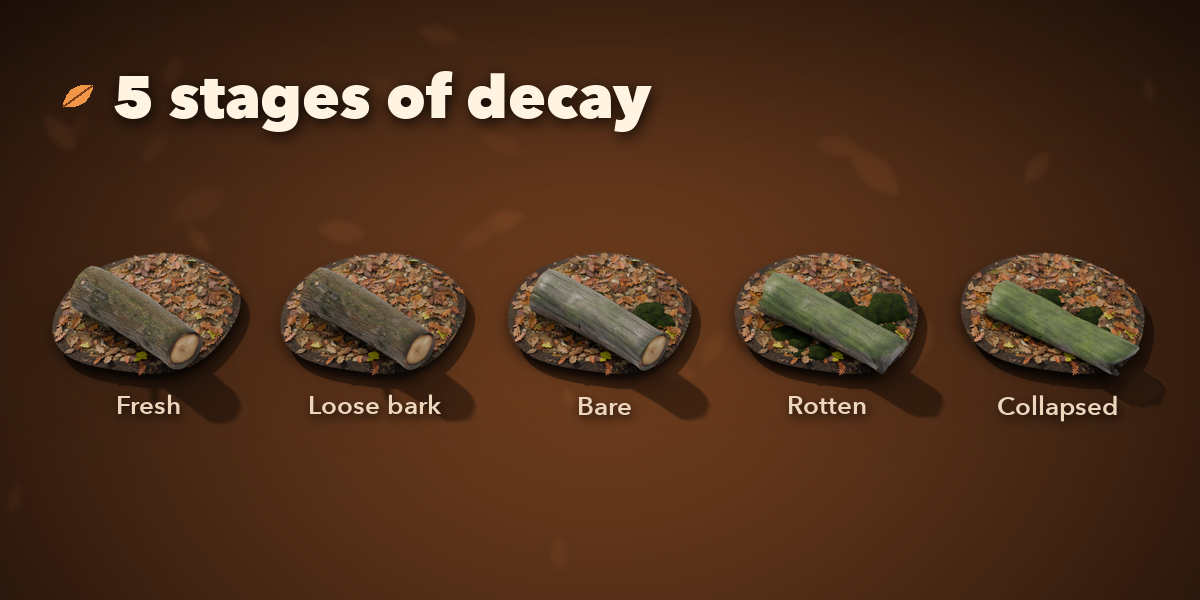
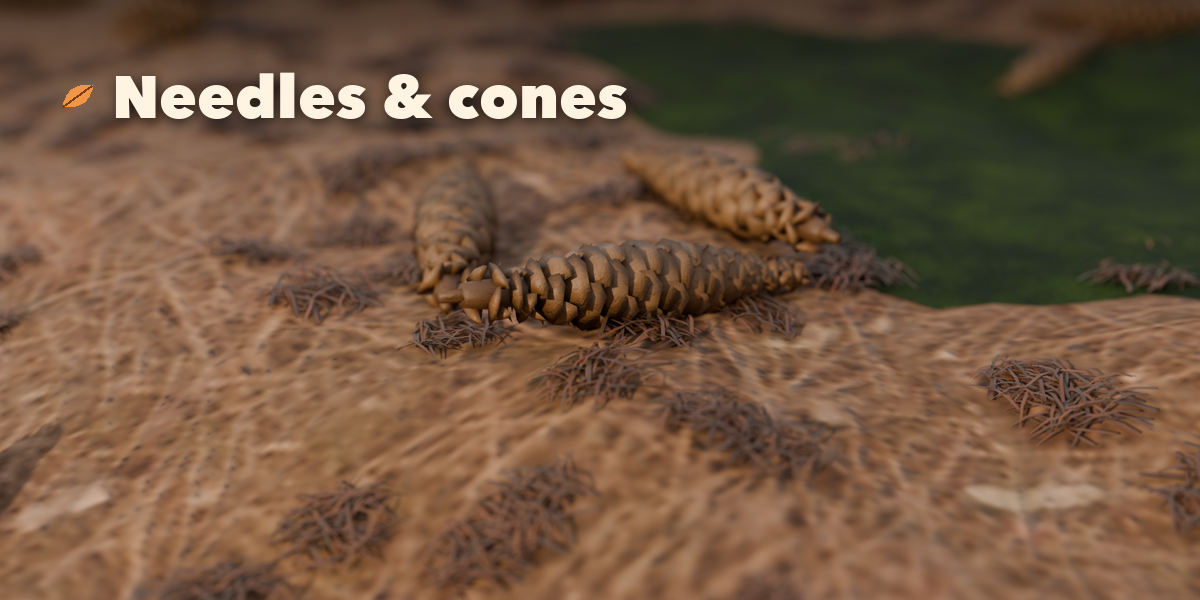
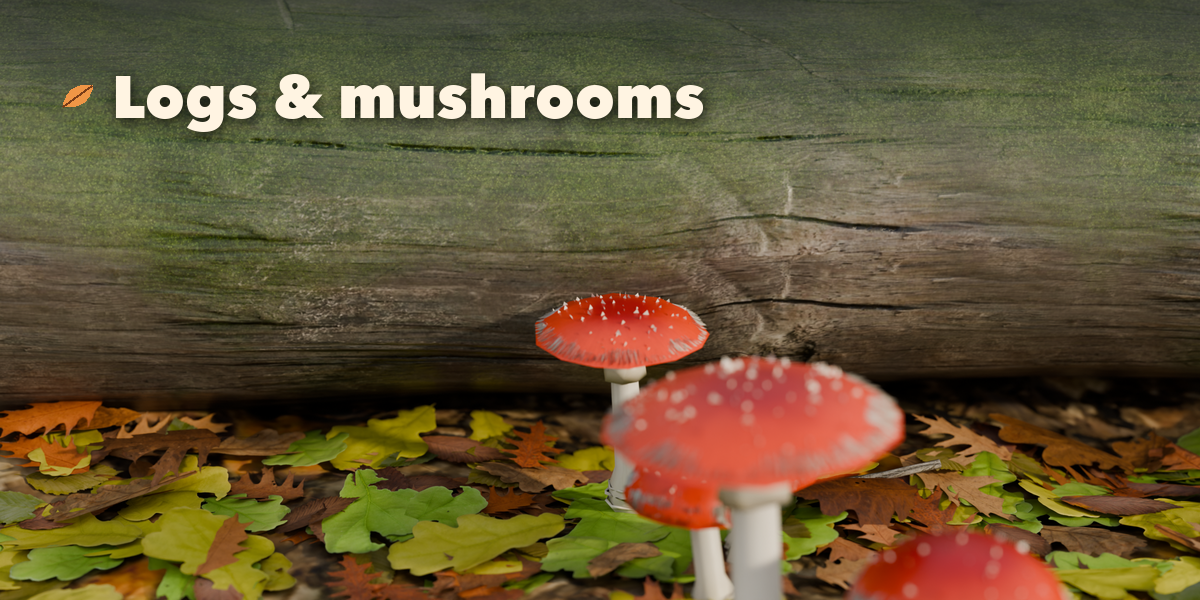
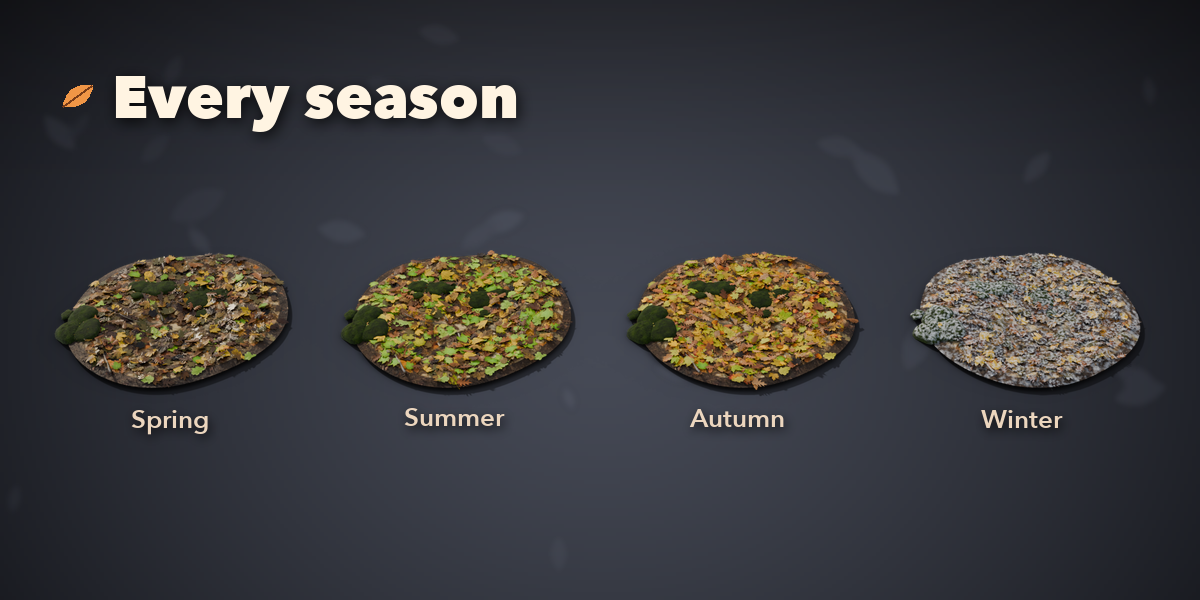
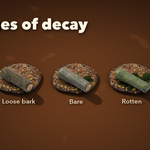
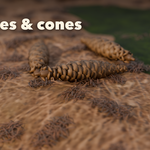
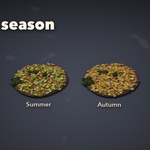
- Each section (Season, Ground, Leaves, Logs and Stumps, Twigs, Moss, Needles, Cones, Nuts, Bark Chips, Mushrooms) has a picture picker and its own sliders. Tick a section's box to switch that litter on or off.
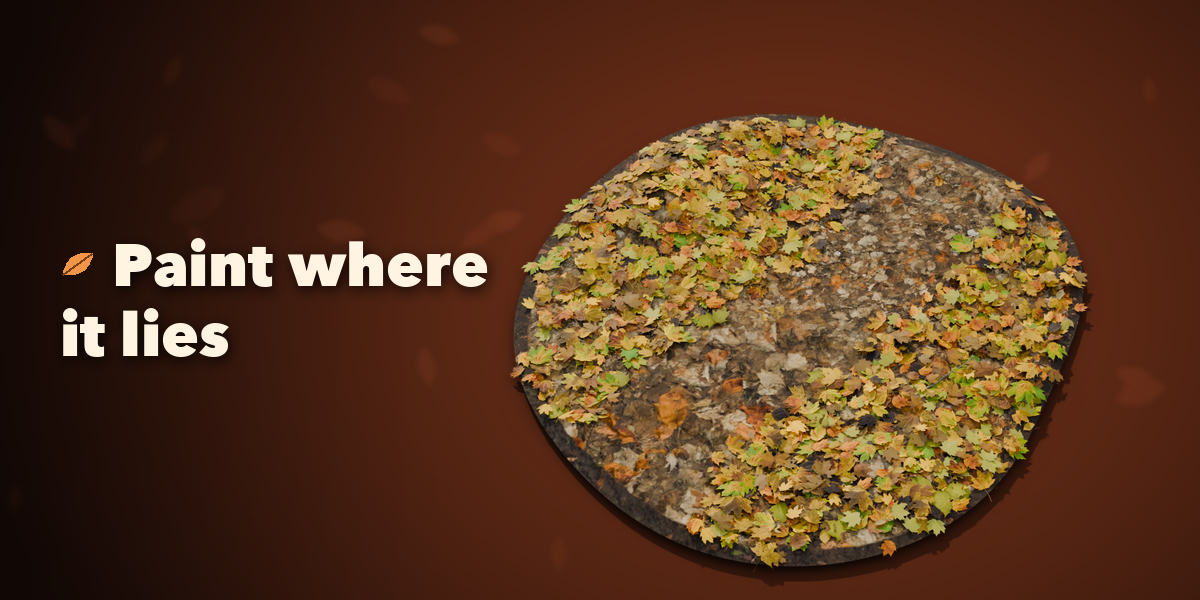
- Paint Density switches to Weight Paint on the ground: white keeps the litter, black clears it. Press Done Painting to rebuild.
- Output and Export: Light Instancing for big areas, Detail for the face count, Make Instances Real and Finish as Plain Mesh for export to game engines.
Have questions about this product?
Login to message
| Blender Extension Compatible | Yes |
| Published | 1 day ago |
| Blender Version | 4.2 - 5.2 |
| Extension Type | Add-on |
| Render Engine Used | Cycles, Eevee |
| License | GPL |
