 Andrea Verri


LED Wall Studio
Modular Screen Generator for Blender
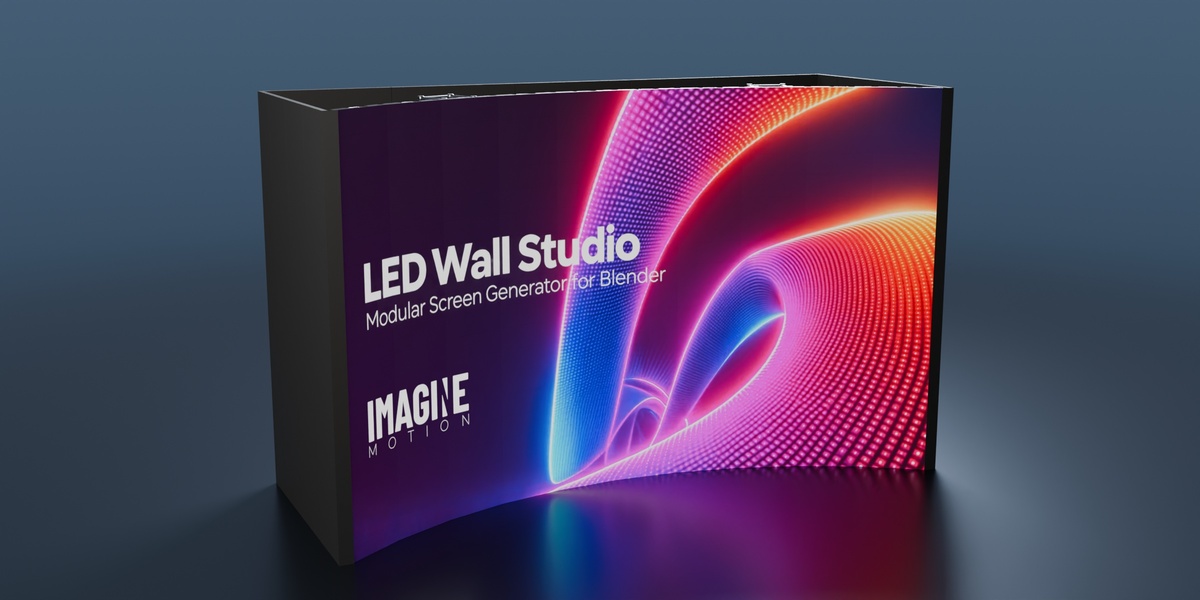
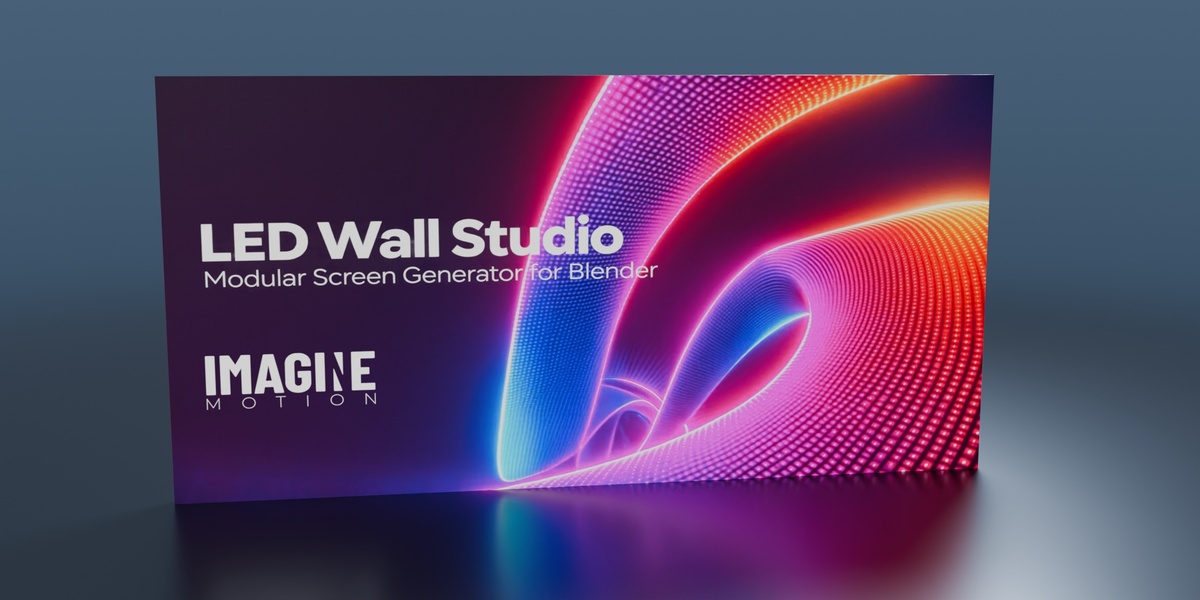
LED Wall Studio is a parametric generator for realistic, modular LED video walls in Blender. Designed for 3D visualization of events, stages, and exhibition stands, it helps you build a screen with dimensions and technical specifications that match your project.
See LED Wall Studio in action
Watch the pixel grid change up close, then see how the wall bends and adapts as you add truss supports and rear panels.
Realistic LED cabinets and pixel detail
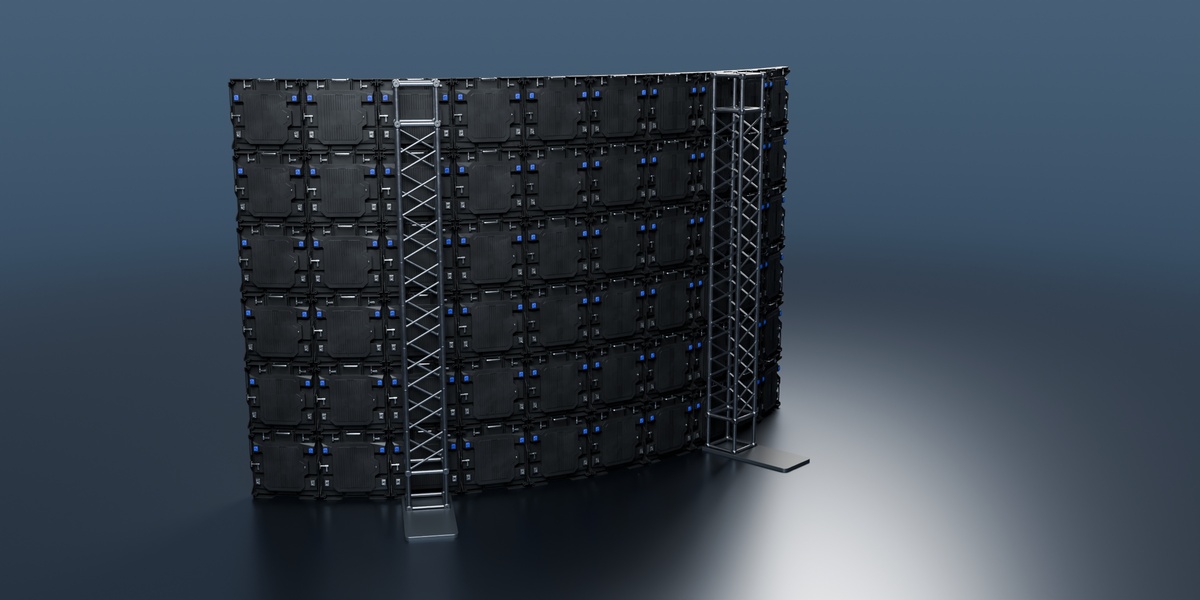
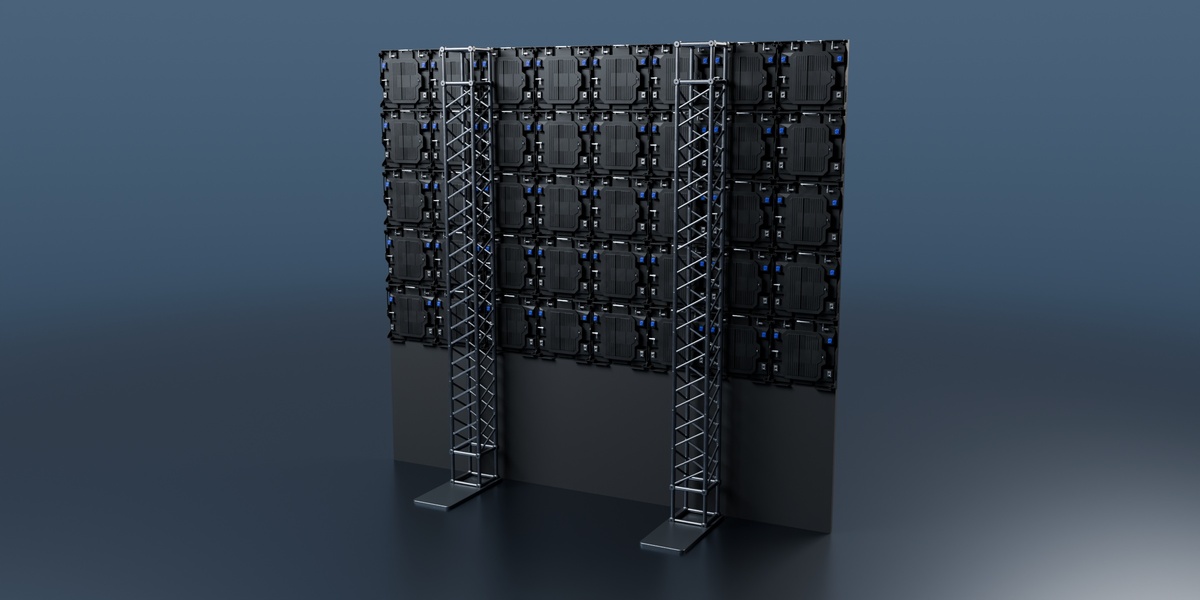
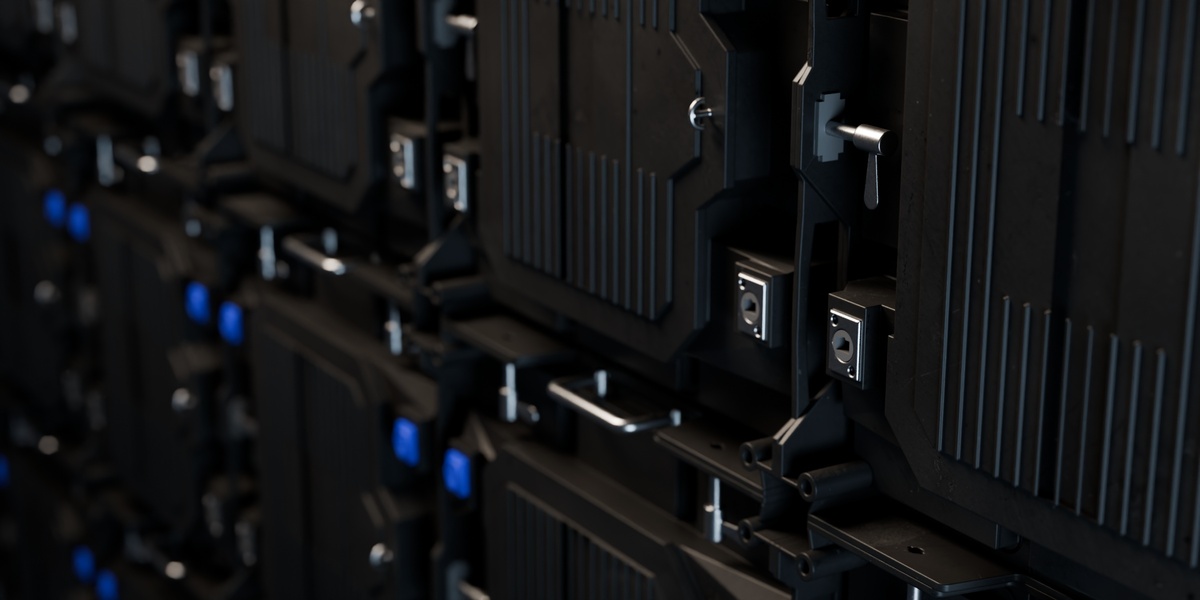
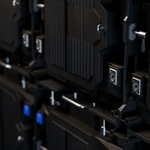
The model is built like a professional LED wall, with individually modeled cabinets, a visible pixel grid in close-ups, and detailed rear hardware. The grid reproduces the physical pixel pitch based on each cabinet’s size and resolution. Display your own image or video and adjust the screen brightness to suit the scene.
Configure the wall to fit your build
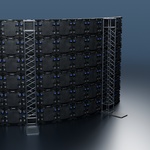
Use Geometry Nodes to adjust cabinet dimensions, panel count, and screen shape to fit the available space. Build a straight wall, curve the full width, or curve only a selected section.
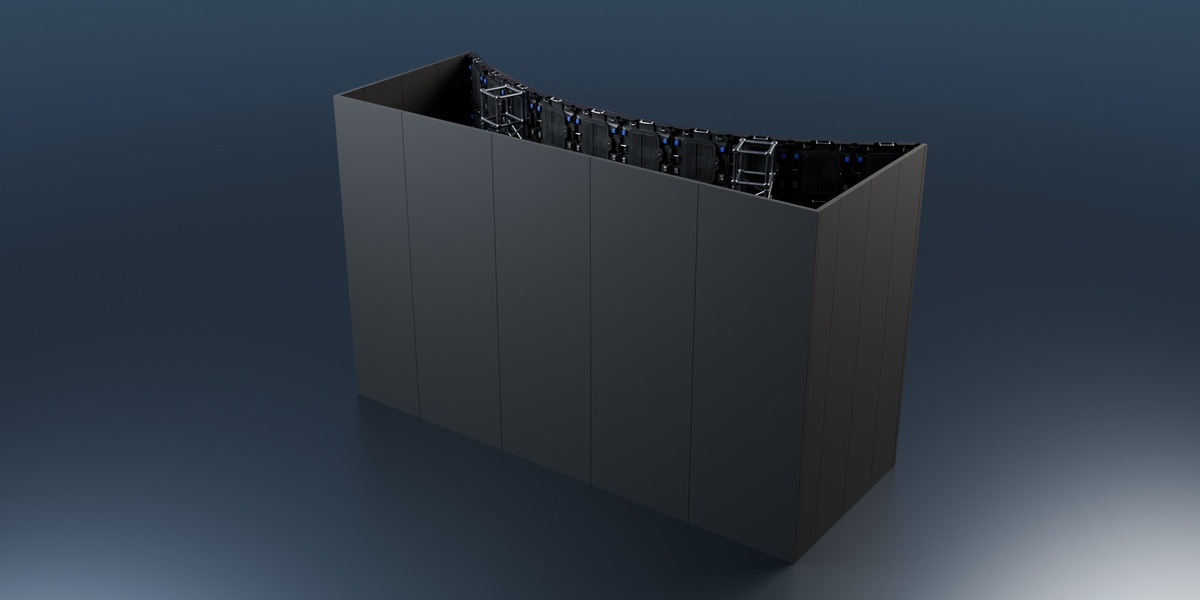
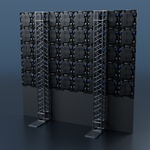
Add rear truss supports with floor plates and a configurable enclosure. The number of uprights adapts to the width of the wall. Adjust the enclosure depth and choose between a fully enclosed rear and side panels only. When you raise the screen, the lower infill automatically adjusts to the floor clearance.
Technical specs that update with the wall
LED Wall Studio calculates the overall width, height, aspect ratio, and pixel resolution from the cabinet dimensions, resolution, and layout. Use those values to size graphics and video for the screen you’ve configured.
Set the wattage per cabinet and the price per square metre to get updated estimates for total power draw and cost. Show the specs directly in the scene with separate controls for the viewport and the final render.
Reuse your setup across Blender projects
Copy the LED wall into another Blender scene with its controls and supporting resources, then adapt the same setup to the next project.
