Blender Procedural


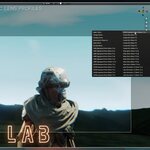
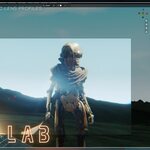
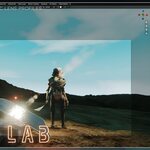
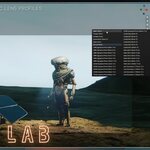
Lens Lab – Cinematic Lens Simulator
Give Every Camera a Unique Character
Lens Lab transforms ordinary Blender cameras into cinematic lenses with carefully designed profiles, optical imperfections, and camera-based compositor effects.
Choose from 50+ lens profiles, apply one to any selected camera, and instantly create anything from clean modern optics to soft vintage glass, wide-angle distortion, cinematic anamorphic looks, and telephoto compression.
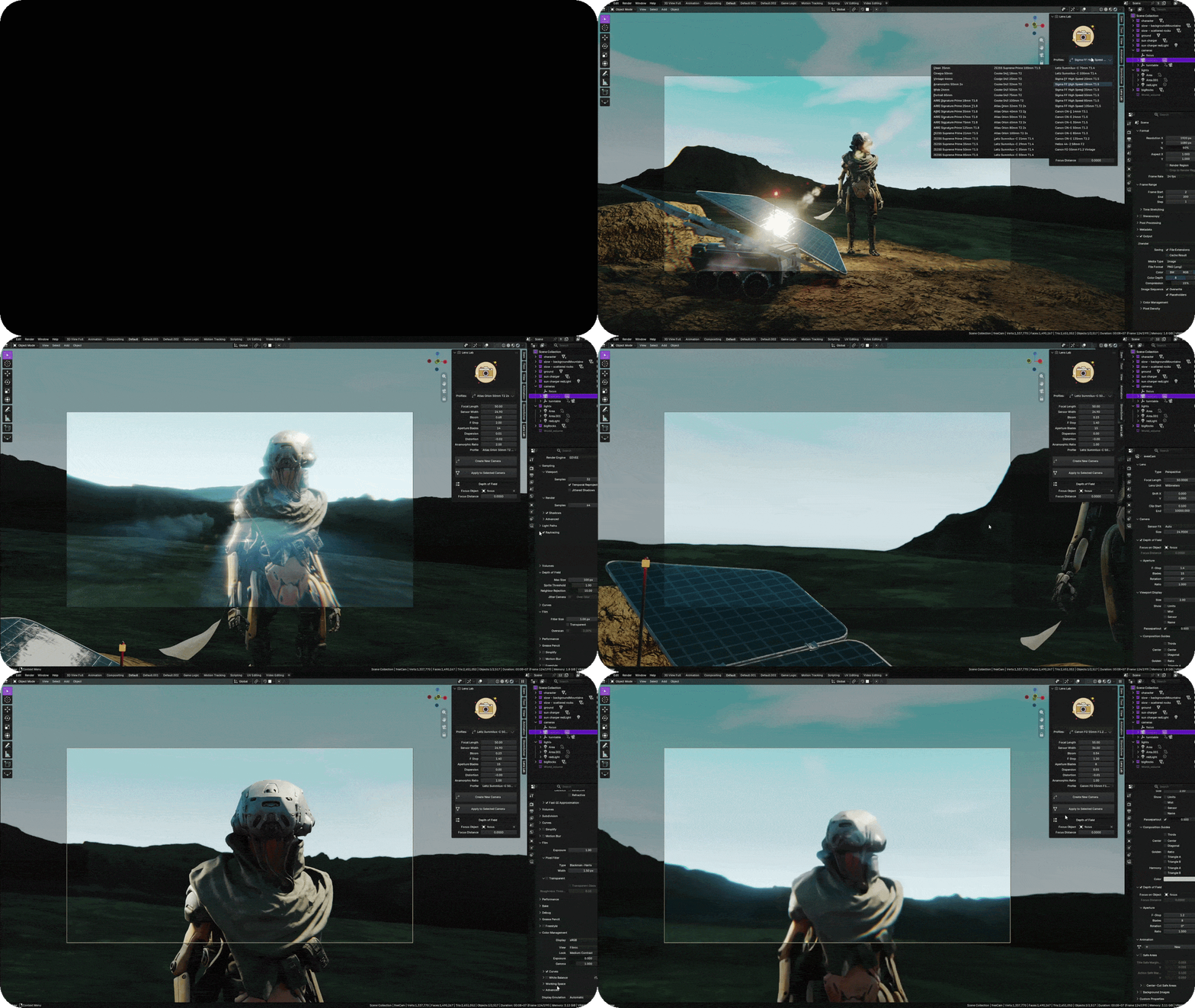
50+ Ready-to-Use Lens Profiles
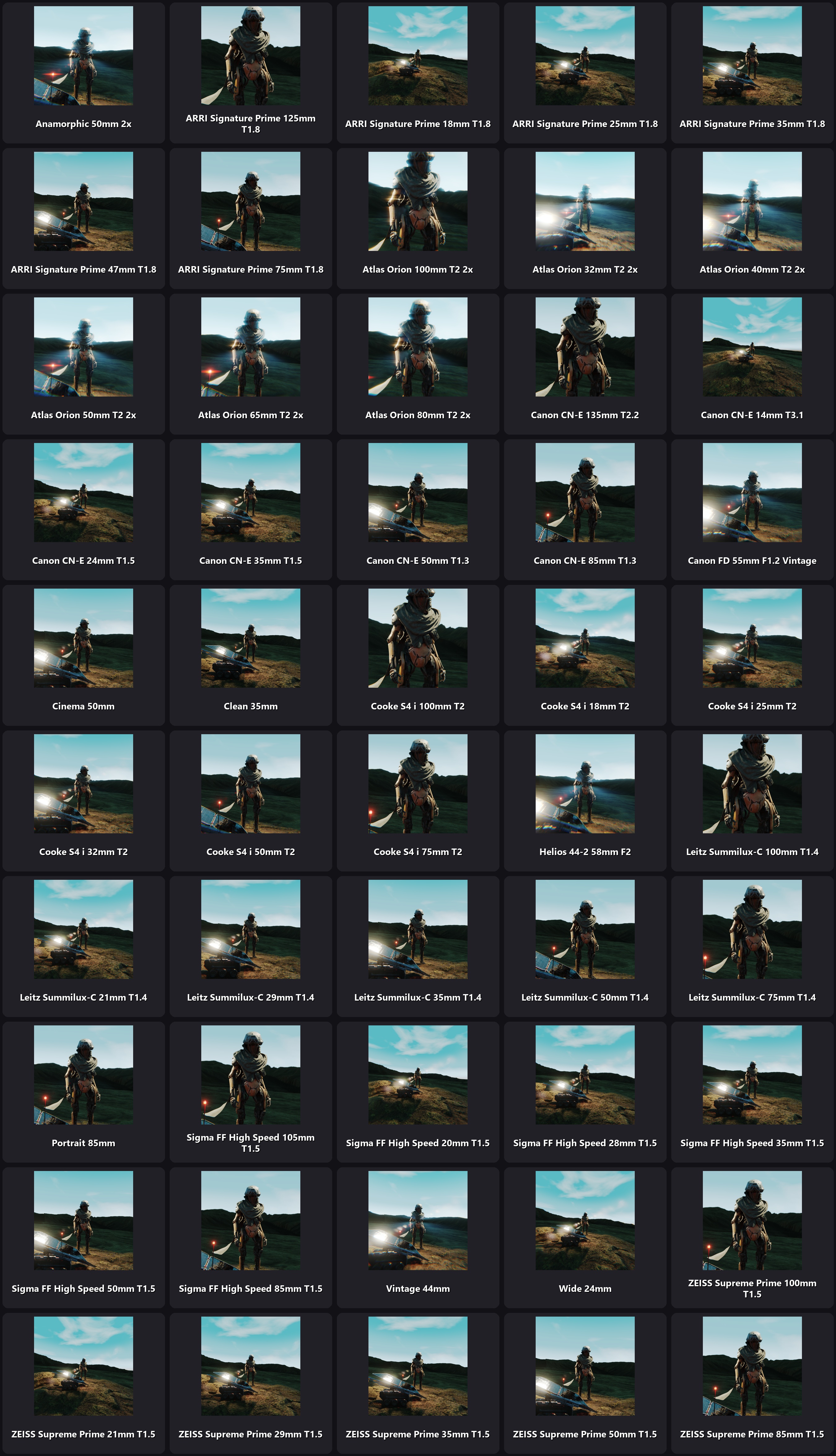
Explore a wide collection of cinematic lens styles designed for different shots, moods, and focal lengths.
- Clean and modern lenses
- Vintage glass profiles
- Cinematic 35mm and 50mm looks
- Wide-angle lenses
- Portrait and telephoto lenses
- Anamorphic lens profiles
- Stylized optical looks
Every profile has its own combination of camera settings and optical character—not just a different focal length.
One-Click Camera Setup
Select a camera, choose a profile, and click Apply to Selected Camera. Lens Lab automatically configures the camera and its lens characteristics.
You can also create and activate a new Lens Lab camera directly from the add-on panel.
Complete Camera Control
Lens Lab profiles can control:
- Focal Length
- Sensor Width
- F-Stop
- Focus Distance
- Aperture Blades
- Anamorphic Ratio
Every value remains adjustable, allowing you to use a profile as a starting point and create your own custom look.
Camera-Based Optical Effects
Lens Lab creates a cinematic compositor setup that responds to the selected lens profile and camera settings.
- Lens Distortion
- Chromatic Aberration and Dispersion
- Bloom and Highlight Glow
- Soft Lens Diffusion
- Lens Ghosting
- Anamorphic Streaks
- Calculated Vignette
- Luminance and Chroma Grain
The strength of these effects is calculated from values such as focal length, F-stop, distortion, dispersion, bloom, and anamorphic ratio. This gives every profile its own recognizable visual character.
Different Look for Every Camera
Each camera in your scene can use a different Lens Lab profile. Switch between cameras and Lens Lab keeps their individual lens properties and effects synchronized.
Create a clean wide-angle camera, a soft vintage close-up lens, and a dramatic anamorphic camera—all inside the same scene.
Viewport Compositor Preview
Preview the final lens character directly in the rendered viewport. See distortion, bloom, diffusion, grain, vignette, and other effects while building your shot instead of waiting for the final render.
Perfect For
- Cinematic animation
- Product visualization
- Automotive renders
- Short films and VFX
- Architectural visualization
- Music videos
- Stylized renders
- Motion graphics
Simple Workflow
- Select or create a camera.
- Choose one of the included lens profiles.
- Apply it to the selected camera.
- Generate the compositor effects.
- Adjust any setting to create your own look.
No complicated manual node setup is required.
Why Lens Lab?
A camera is more than its focal length. Real lenses influence distortion, highlights, depth of field, color separation, softness, grain, and the overall feeling of an image.
Lens Lab brings that character into Blender with a fast, artist-friendly workflow.
Real Glass. Digital Freedom.
Compatibility
Blender 4.5 and Blender 5.x
Some compositor effects may depend on the features available in the installed Blender version.
Turn Ordinary Cameras Into Cinematic Lenses
Stop using the same clean digital camera for every shot. Give each camera its own glass, imperfections, and personality with Lens Lab.
50+ Profiles • One-Click Setup • Cinematic Optical Effects
🚀 Explore More by Blender Procedural

Lens Lab – Cinematic Lens Simulator
Give Every Camera a Unique Character
Lens Lab transforms ordinary Blender cameras into cinematic lenses with carefully designed profiles, optical imperfections, and camera-based compositor effects.
Choose from 50+ lens profiles, apply one to any selected camera, and instantly create anything from clean modern optics to soft vintage glass, wide-angle distortion, cinematic anamorphic looks, and telephoto compression.
50+ Ready-to-Use Lens Profiles
Explore a wide collection of cinematic lens styles designed for different shots, moods, and focal lengths.
- Clean and modern lenses
- Vintage glass profiles
- Cinematic 35mm and 50mm looks
- Wide-angle lenses
- Portrait and telephoto lenses
- Anamorphic lens profiles
- Stylized optical looks
Every profile has its own combination of camera settings and optical character—not just a different focal length.
One-Click Camera Setup
Select a camera, choose a profile, and click Apply to Selected Camera. Lens Lab automatically configures the camera and its lens characteristics.
You can also create and activate a new Lens Lab camera directly from the add-on panel.
Complete Camera Control
Lens Lab profiles can control:
- Focal Length
- Sensor Width
- F-Stop
- Focus Distance
- Aperture Blades
- Anamorphic Ratio
Every value remains adjustable, allowing you to use a profile as a starting point and create your own custom look.
Camera-Based Optical Effects
Lens Lab creates a cinematic compositor setup that responds to the selected lens profile and camera settings.
- Lens Distortion
- Chromatic Aberration and Dispersion
- Bloom and Highlight Glow
- Soft Lens Diffusion
- Lens Ghosting
- Anamorphic Streaks
- Calculated Vignette
- Luminance and Chroma Grain
The strength of these effects is calculated from values such as focal length, F-stop, distortion, dispersion, bloom, and anamorphic ratio. This gives every profile its own recognizable visual character.
Different Look for Every Camera
Each camera in your scene can use a different Lens Lab profile. Switch between cameras and Lens Lab keeps their individual lens properties and effects synchronized.
Create a clean wide-angle camera, a soft vintage close-up lens, and a dramatic anamorphic camera—all inside the same scene.
Viewport Compositor Preview
Preview the final lens character directly in the rendered viewport. See distortion, bloom, diffusion, grain, vignette, and other effects while building your shot instead of waiting for the final render.
Perfect For
- Cinematic animation
- Product visualization
- Automotive renders
- Short films and VFX
- Architectural visualization
- Music videos
- Stylized renders
- Motion graphics
Simple Workflow
- Select or create a camera.
- Choose one of the included lens profiles.
- Apply it to the selected camera.
- Generate the compositor effects.
- Adjust any setting to create your own look.
No complicated manual node setup is required.
Why Lens Lab?
A camera is more than its focal length. Real lenses influence distortion, highlights, depth of field, color separation, softness, grain, and the overall feeling of an image.
Lens Lab brings that character into Blender with a fast, artist-friendly workflow.
Real Glass. Digital Freedom.
Compatibility
Blender 4.5 and Blender 5.x
Some compositor effects may depend on the features available in the installed Blender version.
Turn Ordinary Cameras Into Cinematic Lenses
Stop using the same clean digital camera for every shot. Give each camera its own glass, imperfections, and personality with Lens Lab.
50+ Profiles • One-Click Setup • Cinematic Optical Effects
Give Every Camera a Unique Character
Lens Lab transforms ordinary Blender cameras into cinematic lenses with carefully designed profiles, optical imperfections, and camera-based compositor effects.
Choose from 50+ lens profiles, apply one to any selected camera, and instantly create anything from clean modern optics to soft vintage glass, wide-angle distortion, cinematic anamorphic looks, and telephoto compression.
50+ Ready-to-Use Lens Profiles
Explore a wide collection of cinematic lens styles designed for different shots, moods, and focal lengths.
- Clean and modern lenses
- Vintage glass profiles
- Cinematic 35mm and 50mm looks
- Wide-angle lenses
- Portrait and telephoto lenses
- Anamorphic lens profiles
- Stylized optical looks
Every profile has its own combination of camera settings and optical character—not just a different focal length.
One-Click Camera Setup
Select a camera, choose a profile, and click Apply to Selected Camera. Lens Lab automatically configures the camera and its lens characteristics.
You can also create and activate a new Lens Lab camera directly from the add-on panel.
Complete Camera Control
Lens Lab profiles can control:
- Focal Length
- Sensor Width
- F-Stop
- Focus Distance
- Aperture Blades
- Anamorphic Ratio
Every value remains adjustable, allowing you to use a profile as a starting point and create your own custom look.
Camera-Based Optical Effects
Lens Lab creates a cinematic compositor setup that responds to the selected lens profile and camera settings.
- Lens Distortion
- Chromatic Aberration and Dispersion
- Bloom and Highlight Glow
- Soft Lens Diffusion
- Lens Ghosting
- Anamorphic Streaks
- Calculated Vignette
- Luminance and Chroma Grain
The strength of these effects is calculated from values such as focal length, F-stop, distortion, dispersion, bloom, and anamorphic ratio. This gives every profile its own recognizable visual character.
Different Look for Every Camera
Each camera in your scene can use a different Lens Lab profile. Switch between cameras and Lens Lab keeps their individual lens properties and effects synchronized.
Create a clean wide-angle camera, a soft vintage close-up lens, and a dramatic anamorphic camera—all inside the same scene.
Viewport Compositor Preview
Preview the final lens character directly in the rendered viewport. See distortion, bloom, diffusion, grain, vignette, and other effects while building your shot instead of waiting for the final render.
Perfect For
- Cinematic animation
- Product visualization
- Automotive renders
- Short films and VFX
- Architectural visualization
- Music videos
- Stylized renders
- Motion graphics
Simple Workflow
- Select or create a camera.
- Choose one of the included lens profiles.
- Apply it to the selected camera.
- Generate the compositor effects.
- Adjust any setting to create your own look.
No complicated manual node setup is required.
Why Lens Lab?
A camera is more than its focal length. Real lenses influence distortion, highlights, depth of field, color separation, softness, grain, and the overall feeling of an image.
Lens Lab brings that character into Blender with a fast, artist-friendly workflow.
Real Glass. Digital Freedom.
Compatibility
Blender 4.5 and Blender 5.x
Some compositor effects may depend on the features available in the installed Blender version.
Turn Ordinary Cameras Into Cinematic Lenses
Stop using the same clean digital camera for every shot. Give each camera its own glass, imperfections, and personality with Lens Lab.
50+ Profiles • One-Click Setup • Cinematic Optical Effects
🚀 Explore More by Blender Procedural