Lens Optics
 Kaiwan Shaban
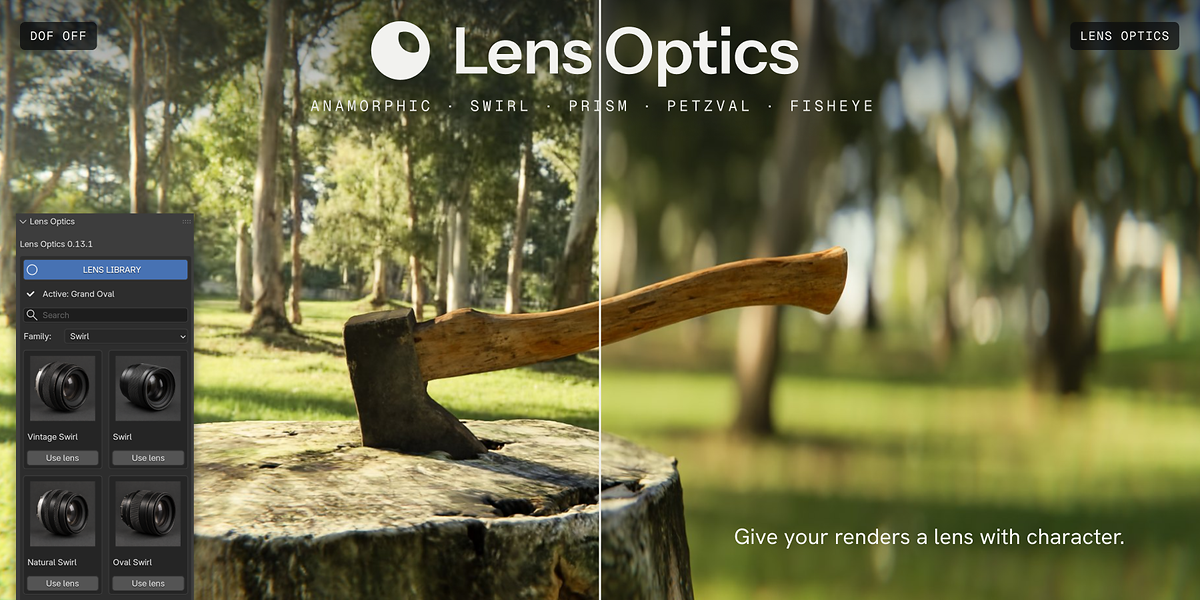
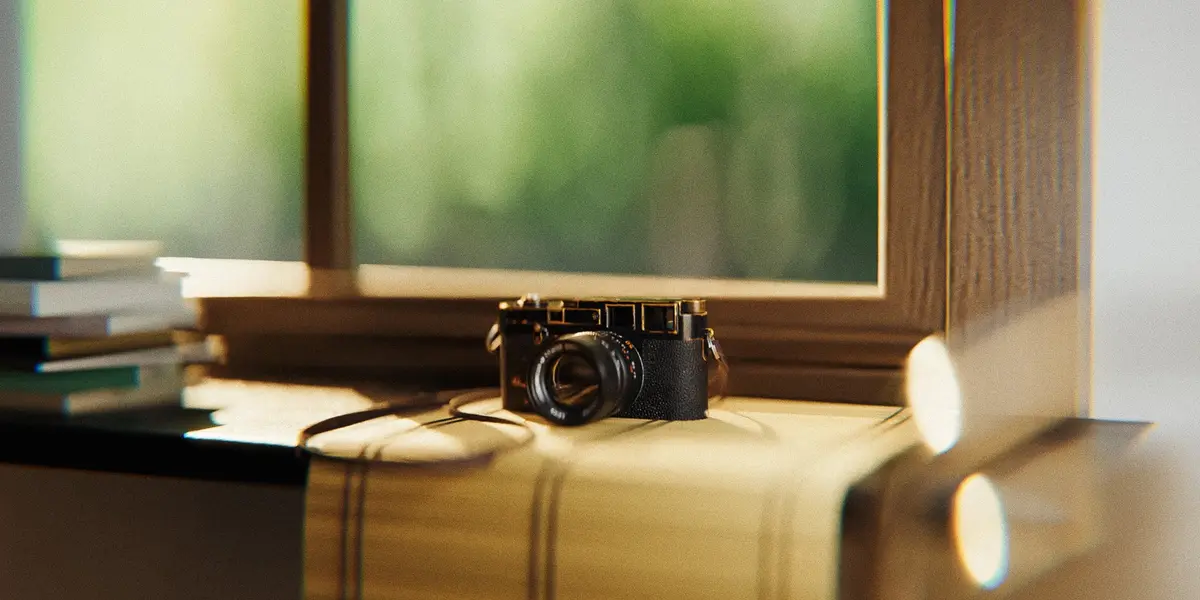
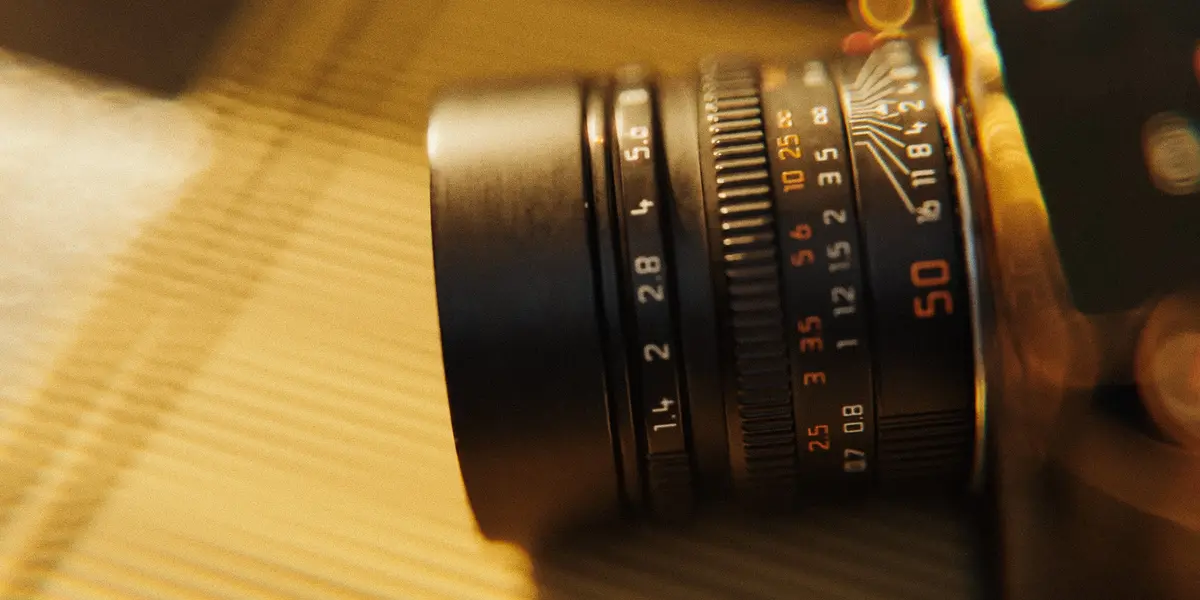
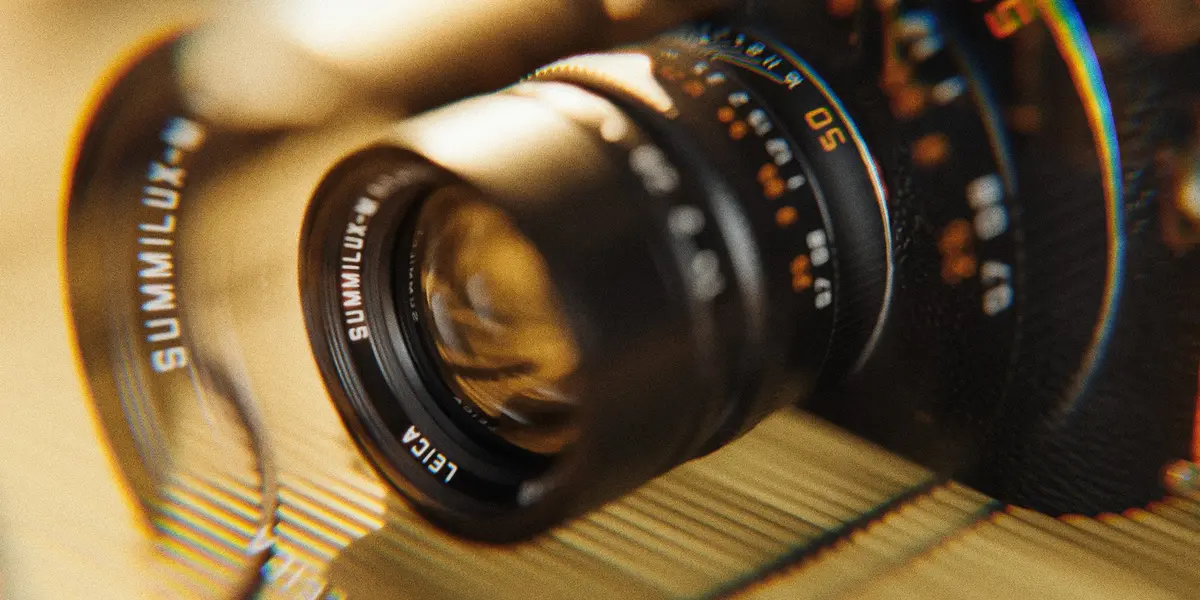
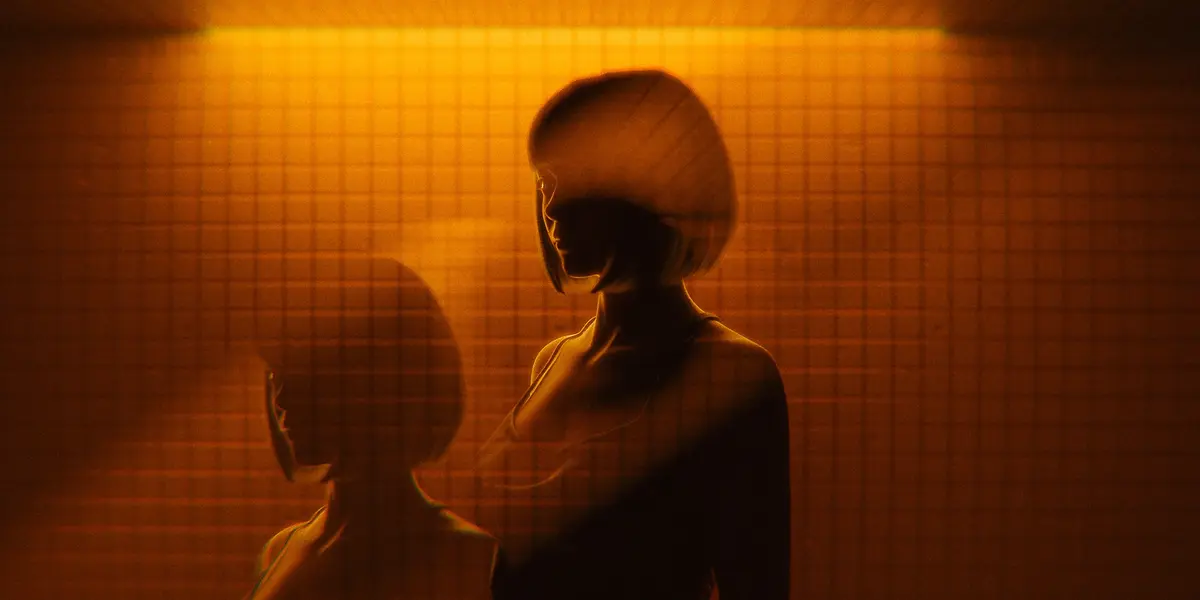
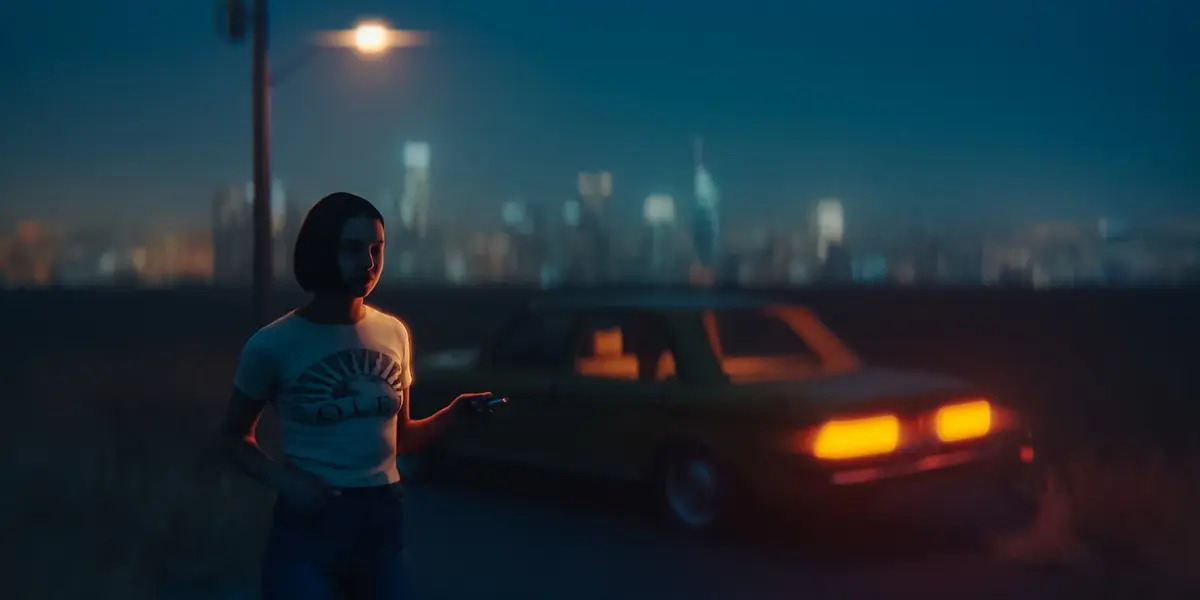
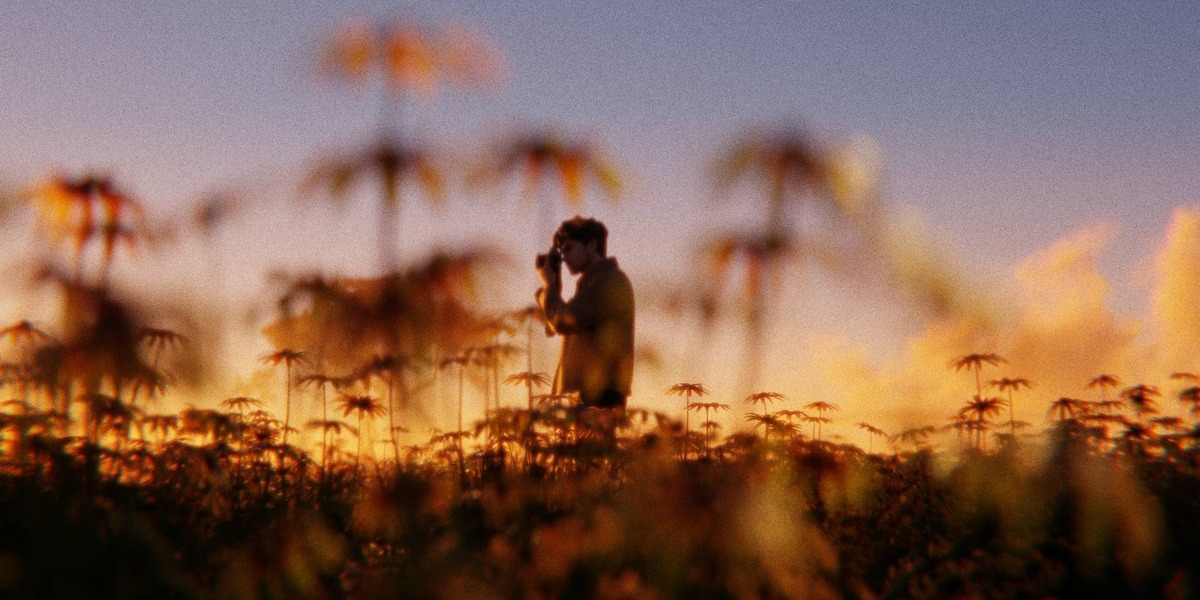
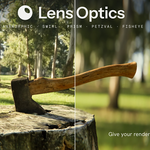



Lens Optics supports Blender 4.5 LTS and Blender 5.0 through 5.2 with Cycles, using CPU rendering or a compatible NVIDIA GPU through OptiX.
For Blender 4.5, install your edition’s separate ZIP with Blender-4.5 in its filename. It requires Blender 4.5.14 LTS. Pro and Lite were tested on Windows using CPU and NVIDIA OptiX; the forest bokeh scene produces visually equivalent results in 4.5.14 and 5.2.2.
For Blender 5.0 through 5.2, keep using the existing 1.0.0 ZIP. Tested patches are 5.0.0, 5.0.1, 5.1.2, 5.2.0, 5.2.1 and 5.2.2. Blender 5.2.2 is recommended for that download. In 5.0 or 5.1, its original metadata may show a warning that it was written for 5.2; it can still be enabled and has passed those tests.
Other render engines and GPU backends are not supported by the current custom lens shaders. Later Blender releases require separate compatibility testing.
Yes, with NVIDIA OptiX. Select OptiX in Blender Preferences → System → Cycles Render Devices, enable your compatible NVIDIA GPU, and choose GPU Compute in Render Properties.
The lens system uses custom OSL camera shaders. Cycles currently supports these on CPU and OptiX; CUDA, AMD HIP, Intel oneAPI and Apple Metal are not supported for this lens system.
The current lens system requires CPU rendering on Mac. Blender’s Metal GPU backend does not currently support the OSL shaders used by Lens Optics.
There is no confirmed release date for Apple Silicon GPU support. A future solution would require compatible Blender support or a different lens implementation.
The current release supports Cycles only. EEVEE and Octane are not supported by this release.
Support for another engine requires a separate implementation and testing. No release date or identical feature set is confirmed for either engine.
Compatibility must be checked for each new Blender release, since rendering and Python API changes can affect add-ons. Please use the Blender versions listed as supported on this product page.
Future Lens Optics Pro updates are included with your Pro purchase. This does not mean every new Blender release is automatically compatible on its launch day.
Lite is free: 10 looks, camera and output tools, aperture and focus tools, Before/After, the relevant Swirl and Anamorphic strength controls, and cinematic aberration from 0 to 2.
Pro includes: all 63 looks, full Lens Character controls, all five finishing effects, cinematic aberration up to 3, and My Presets with import and export.
Pro is $29 as a one-time purchase. All future Lens Optics Pro updates, including new looks and features, are included at no additional cost.
Lite is free and does not include the Pro collection or the unlimited Pro updates benefit.
Use one edition at a time. Disable Lite before enabling Pro, or disable Pro before testing Lite. Restart Blender if a previously loaded edition remains active.
No. Neither Lite nor Pro adds a watermark or imposes a render-resolution limit.
No. Each look is an artistic lens model inspired by optical characteristics. The looks are not measured or calibrated replicas of manufactured lenses, and no lens manufacturer endorses the add-on.
Lens character is most visible in out-of-focus highlights. Open the aperture, focus on your subject, and increase the distance between the subject and background.
Small lights, bright foliage and reflections in front of or behind the focus plane help reveal the effect. Check the active camera, applied look, rendered Cycles view and Before/After state.
It can. The lens looks change how camera rays are traced, and small defocused highlights may need more samples to become clean. Performance depends on the scene, lens settings, render resolution, samples and device.
Mac users currently need CPU rendering for the custom lens system. Supported NVIDIA OptiX GPU rendering is available on compatible hardware.
Look only restores the saved lens look, character and finishing settings while keeping your current aperture, focal length, sensor and tracked focus.
Full camera setup also restores the saved camera settings. Applying a preset does not automatically enable Finishing. My Presets is a Pro feature.
No. Finishing adds optional bloom, halation, anamorphic streaks, cinematic aberration and artistic film grain. It starts switched off and does not apply a colour grade or reproduce a calibrated film stock.
Pro includes all five effects. Lite includes cinematic aberration from 0 to 2. Finishing is scene-wide; lens looks are stored per camera.
- Download the ZIP for your edition. Do not extract it.
- In Blender Preferences → Add-ons, choose Install from Disk, select the ZIP and enable Lens Optics.
- If switching editions, disable Lite before enabling Pro.
- Open the 3D Viewport sidebar with N, then select the Lens Optics tab.
Use Cycles. For Blender 4.5.14 LTS, choose the separate Blender-4.5 ZIP for your edition. For Blender 5.0 through 5.2, keep using the existing 1.0.0 ZIP. The Documentation tab contains the full quick-start workflow.
Message the creator through SuperHive using the product’s contact option.
Include your Blender version, operating system, render engine, render device, a screenshot or error message, and the steps needed to reproduce the problem. A small example project is helpful when the issue depends on the scene.
Discover more products like this
camera blender cinematic Cycles depth of field bokeh anamorphic lens prism addon