Håvard Dalen



NB! The newest version of Lens Sim only works when rendering with NVIDIA OptiX GPU's or CPU in Cycles. It uses the OSL camera shaders that were introduced in Blender 4.5, so make sure you are using the newest Blender version.
Render with Real-World Lenses
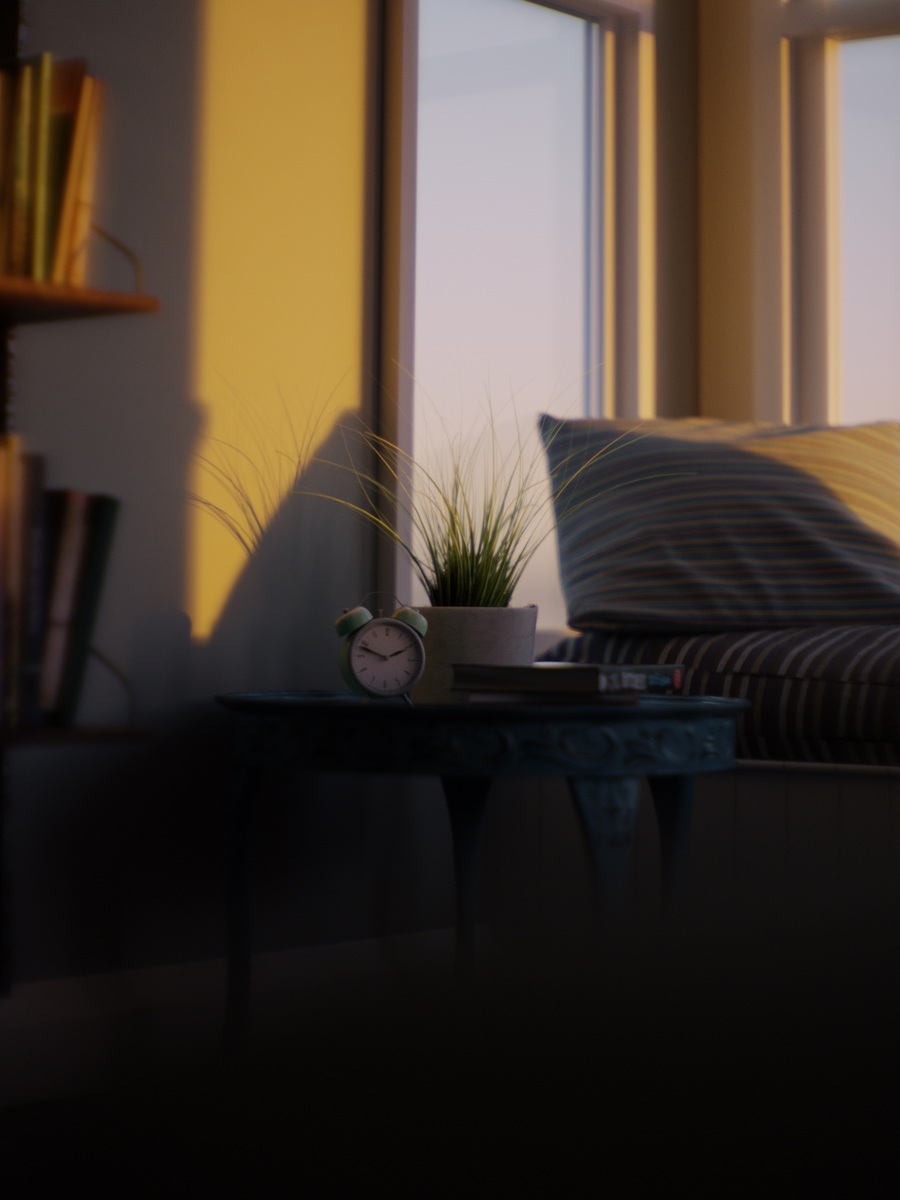
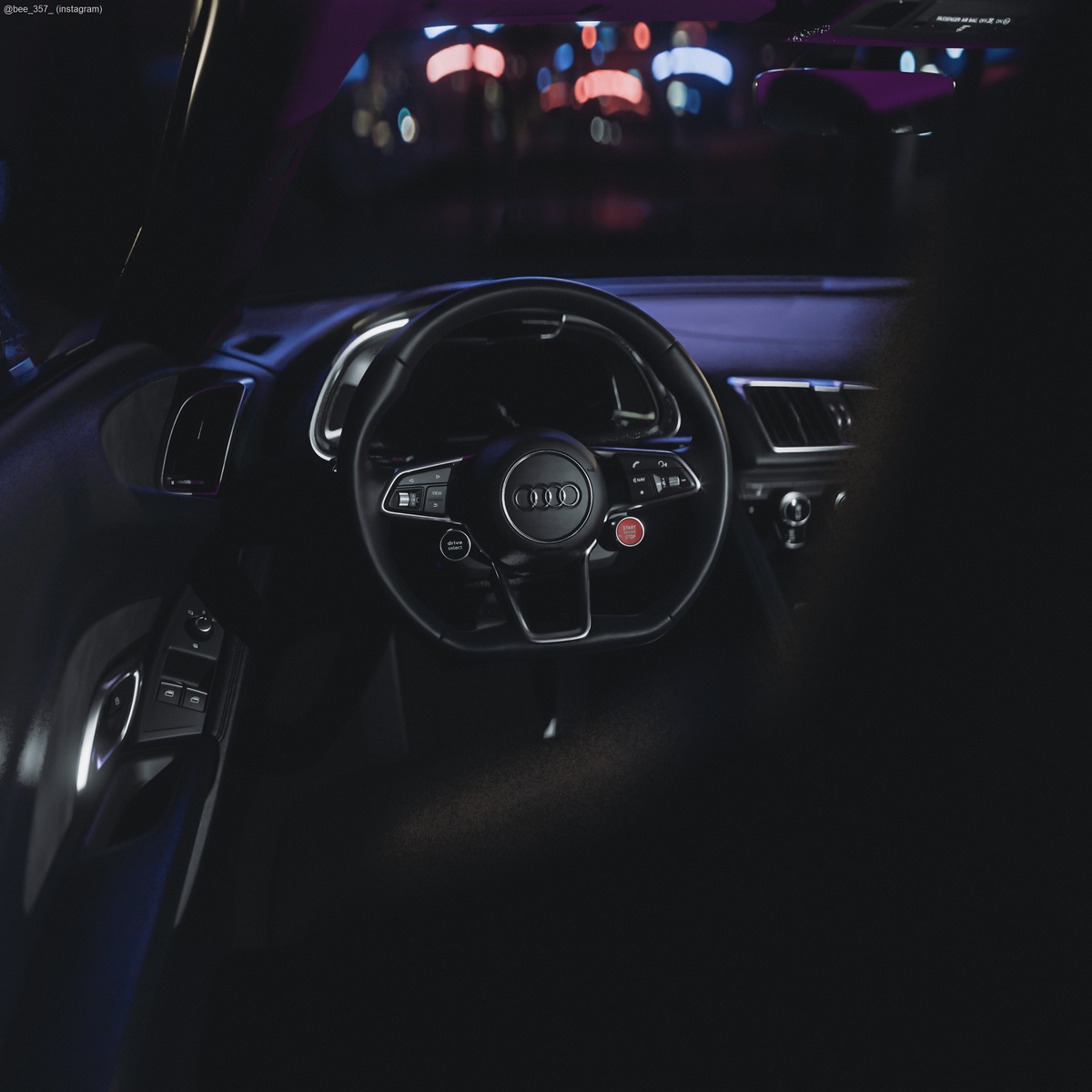
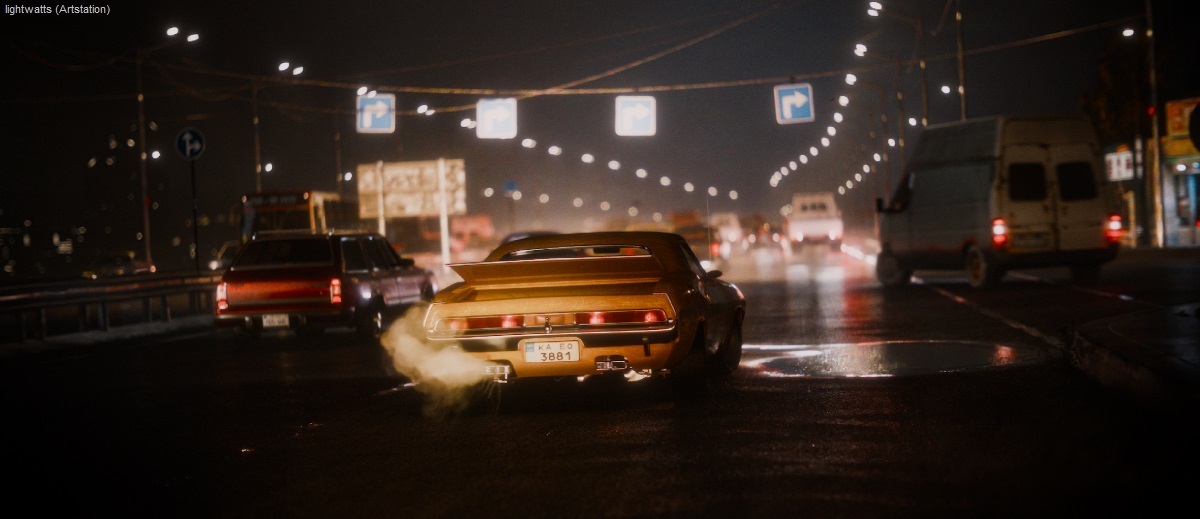
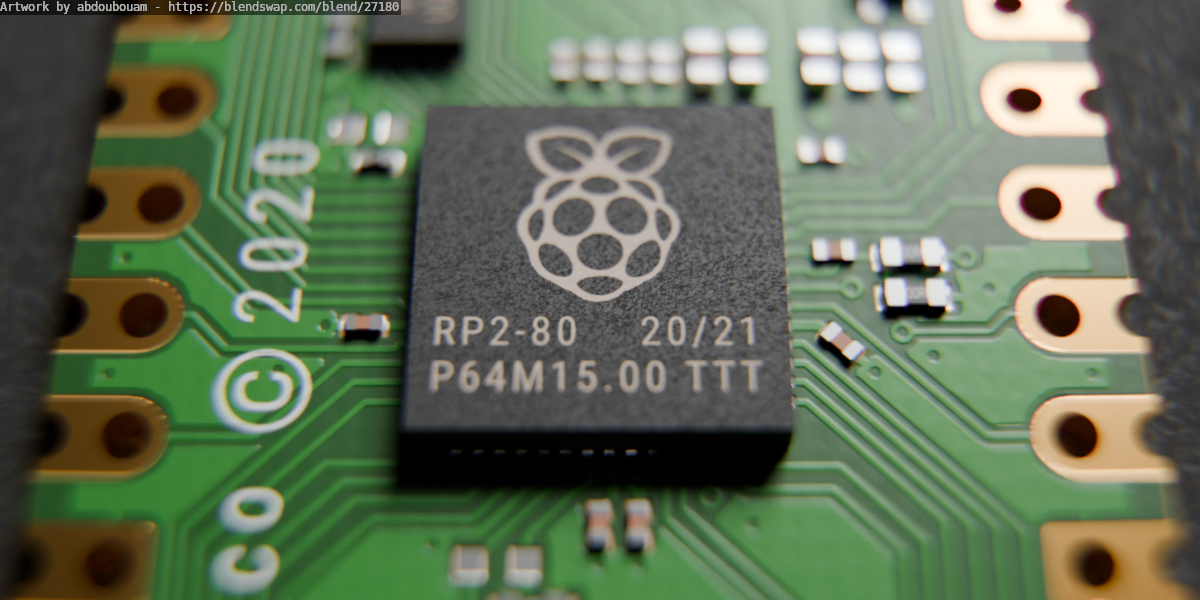
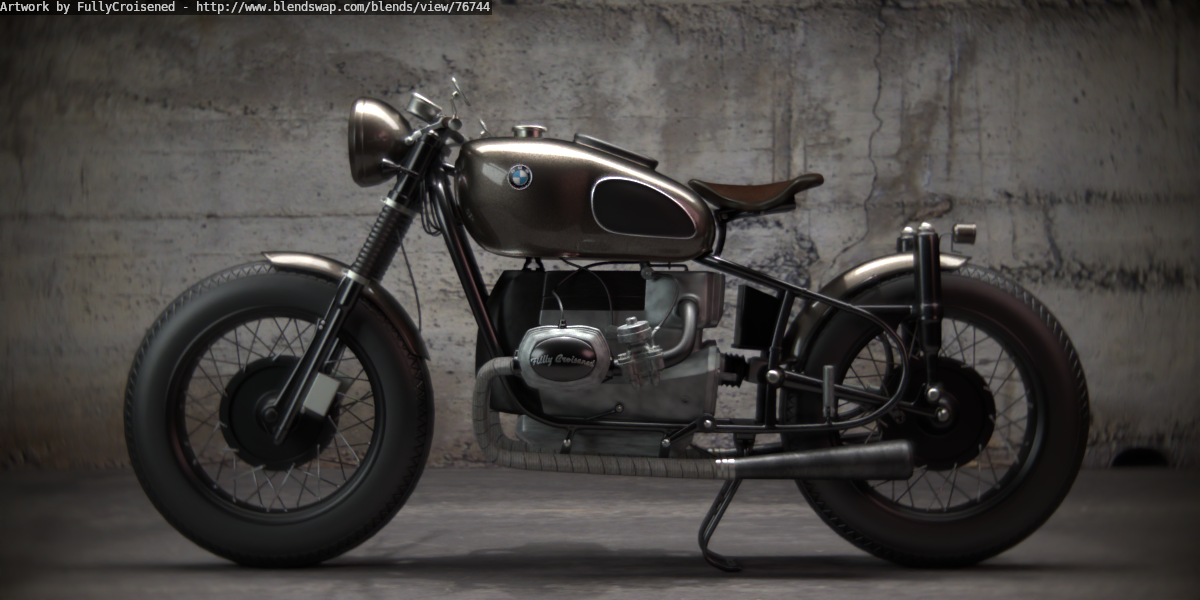
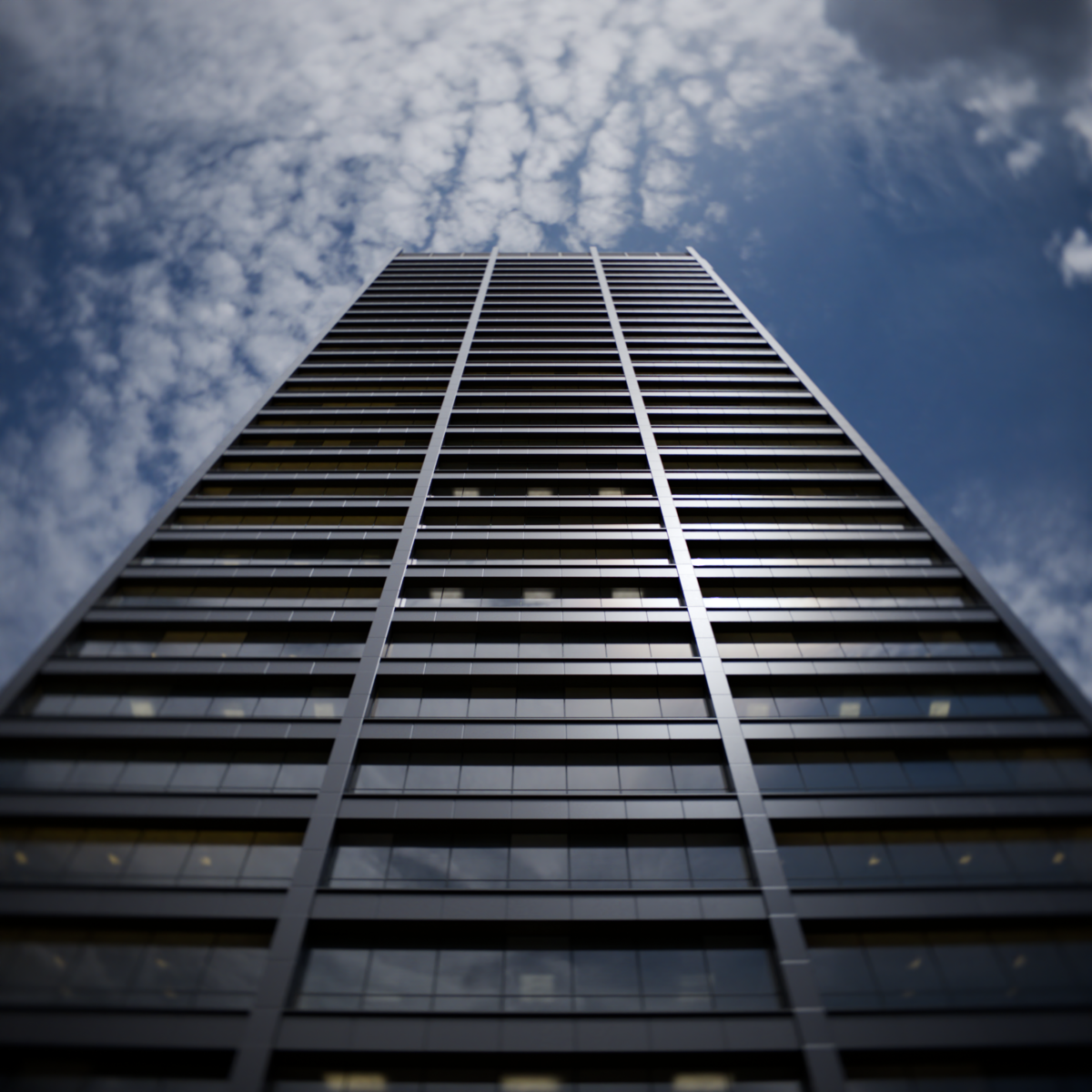
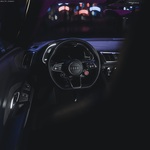
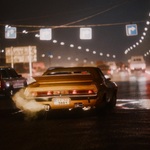
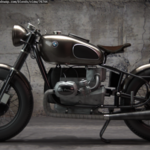
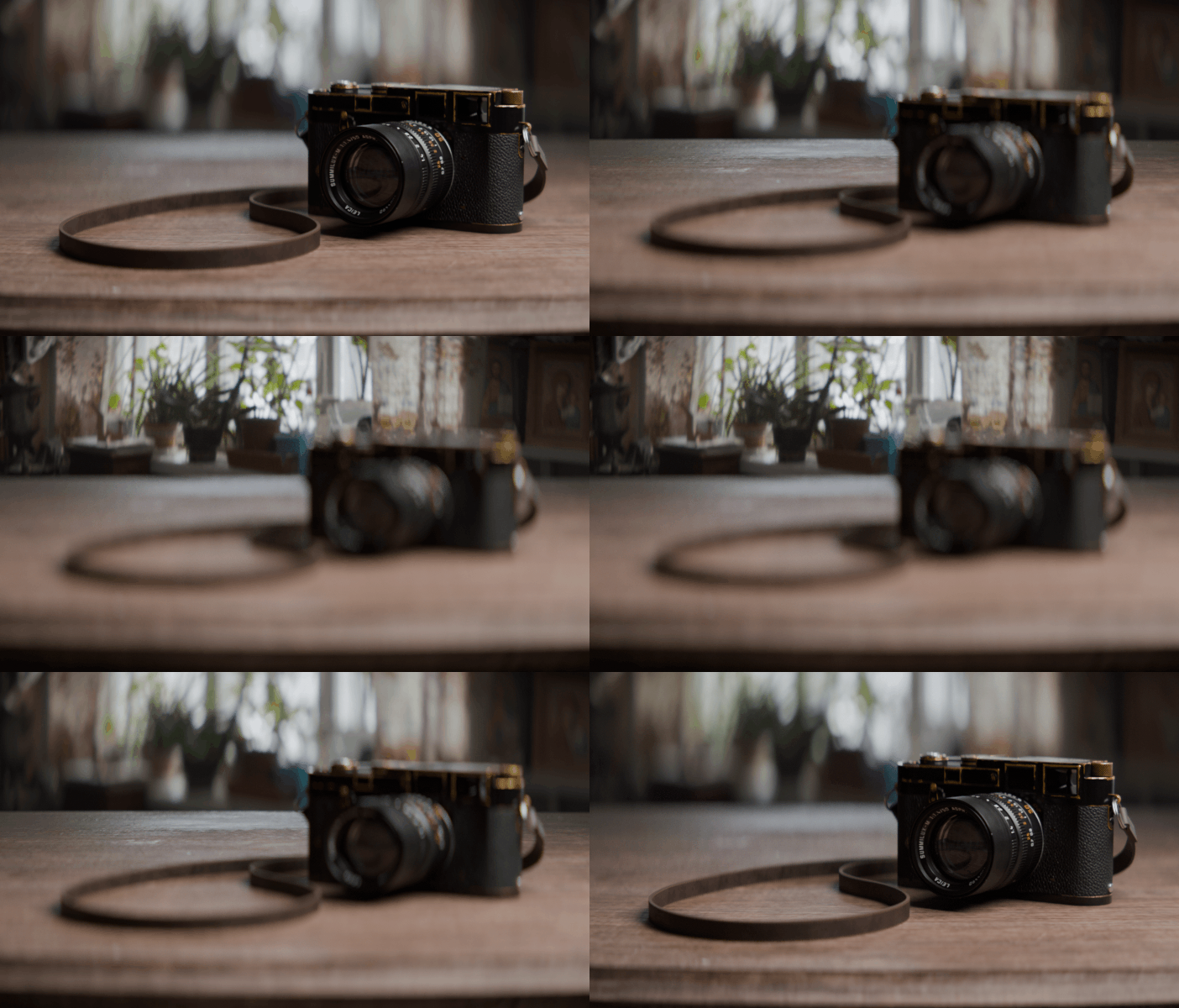
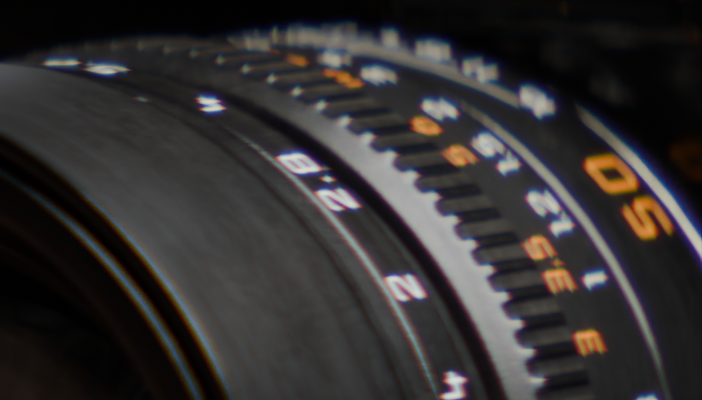
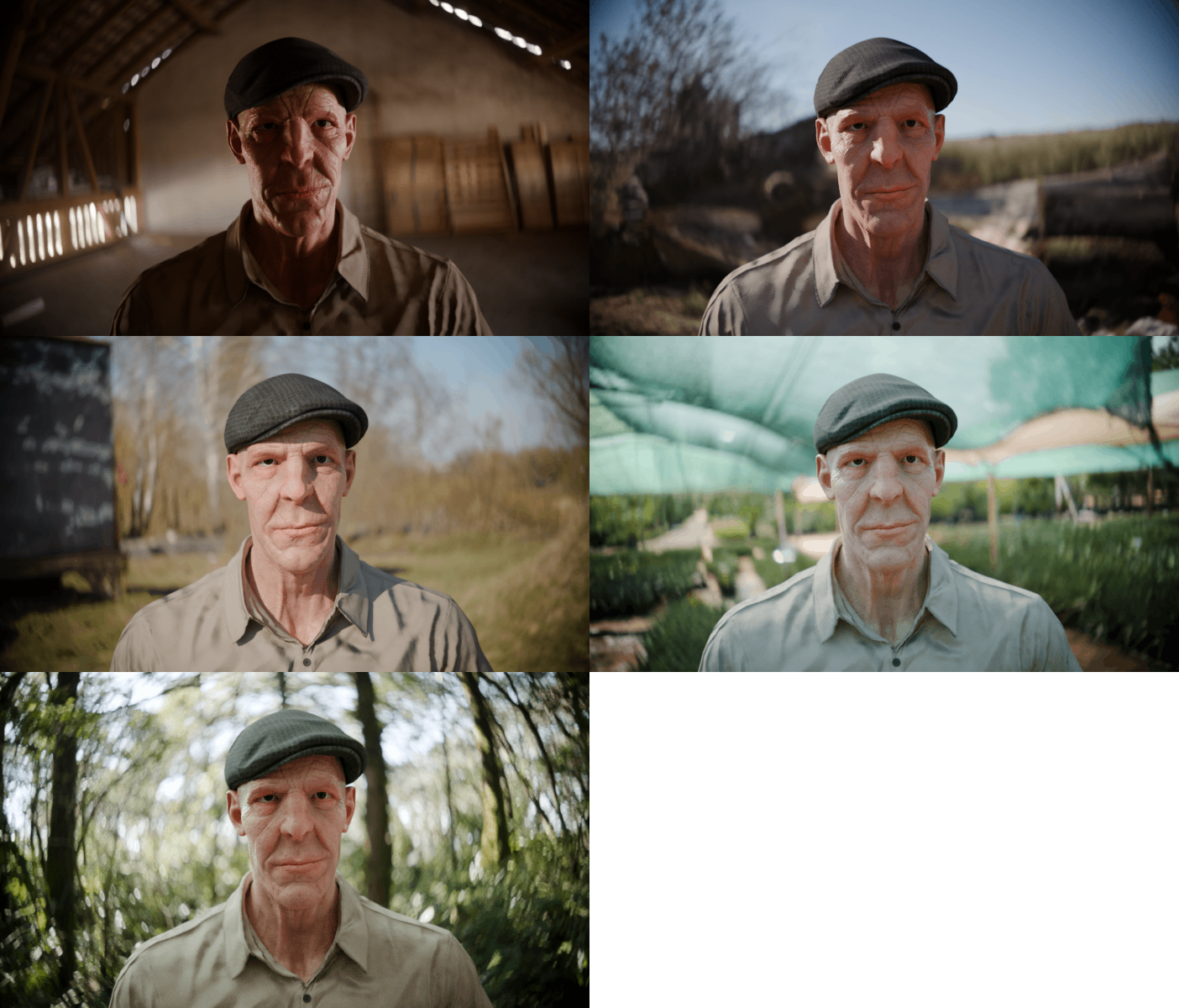
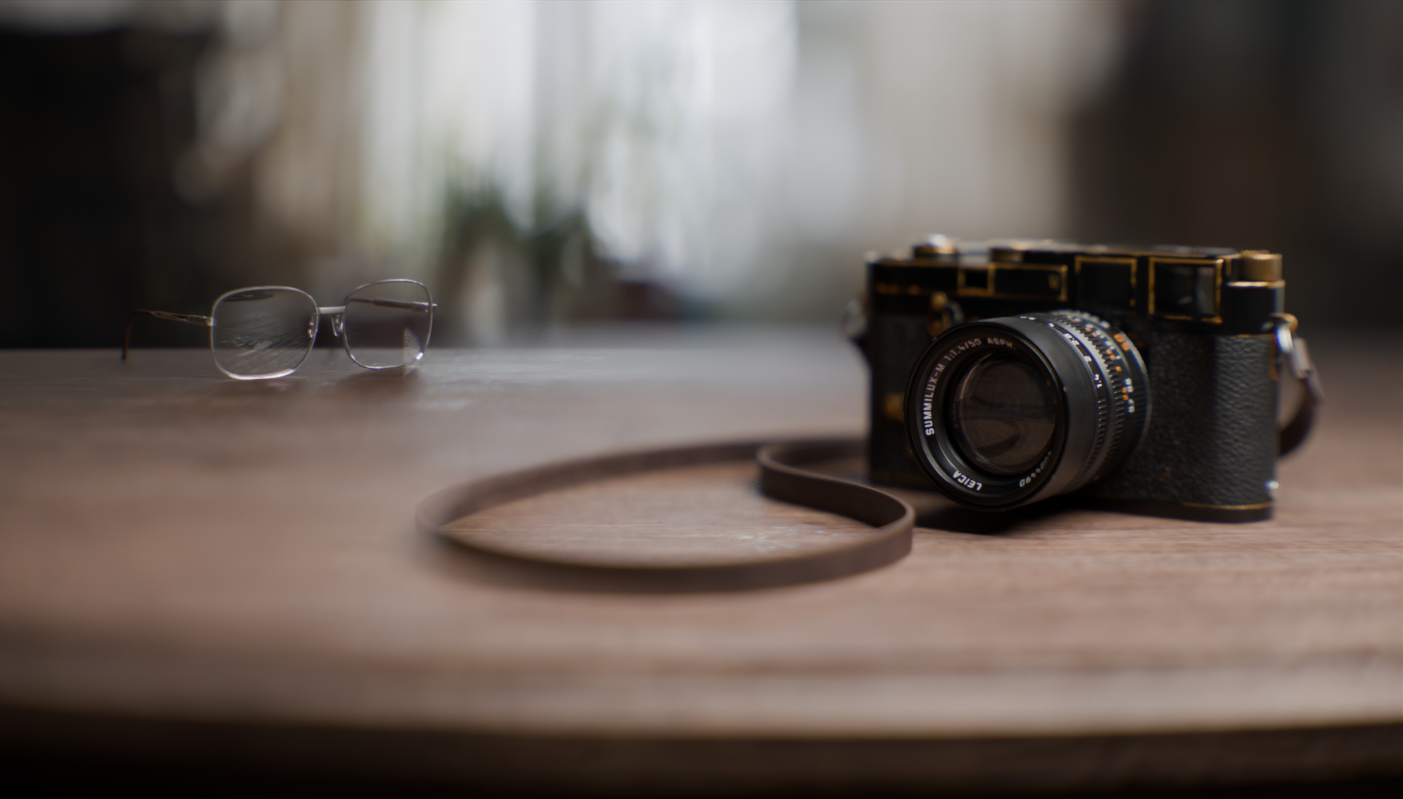
Lens Sim is a Blender addon created to simulate camera lenses based on real-world optical data. By extending the standard blender camera you can easily choose and render dozens of lenses in Cycles. By simulating the physical characteristics of glass and the aperture opening we get common lens effects such as chromatic aberration, vignetting, distortion, lens softness, focus breathing and natural bokeh shapes. These effects contribute to the organic, imperfect look of physical photography. The standard camera provides an idealized, perfect clean render that misses out on these unique characteristics, making images feel sterile or too "perfect," which can detract from a "film-like" look. This addon inspires to improve that.
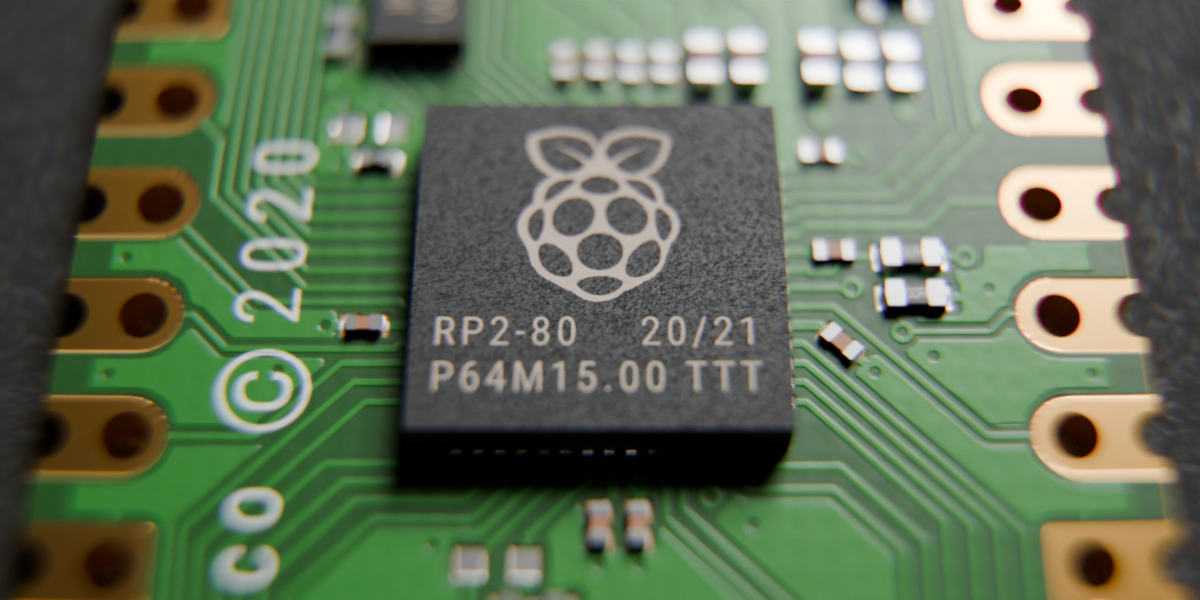
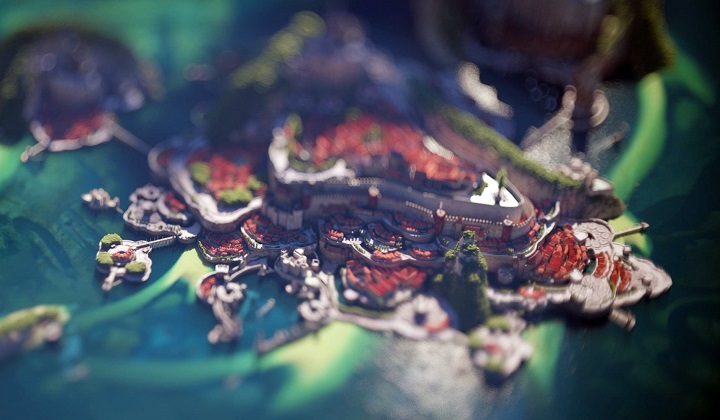
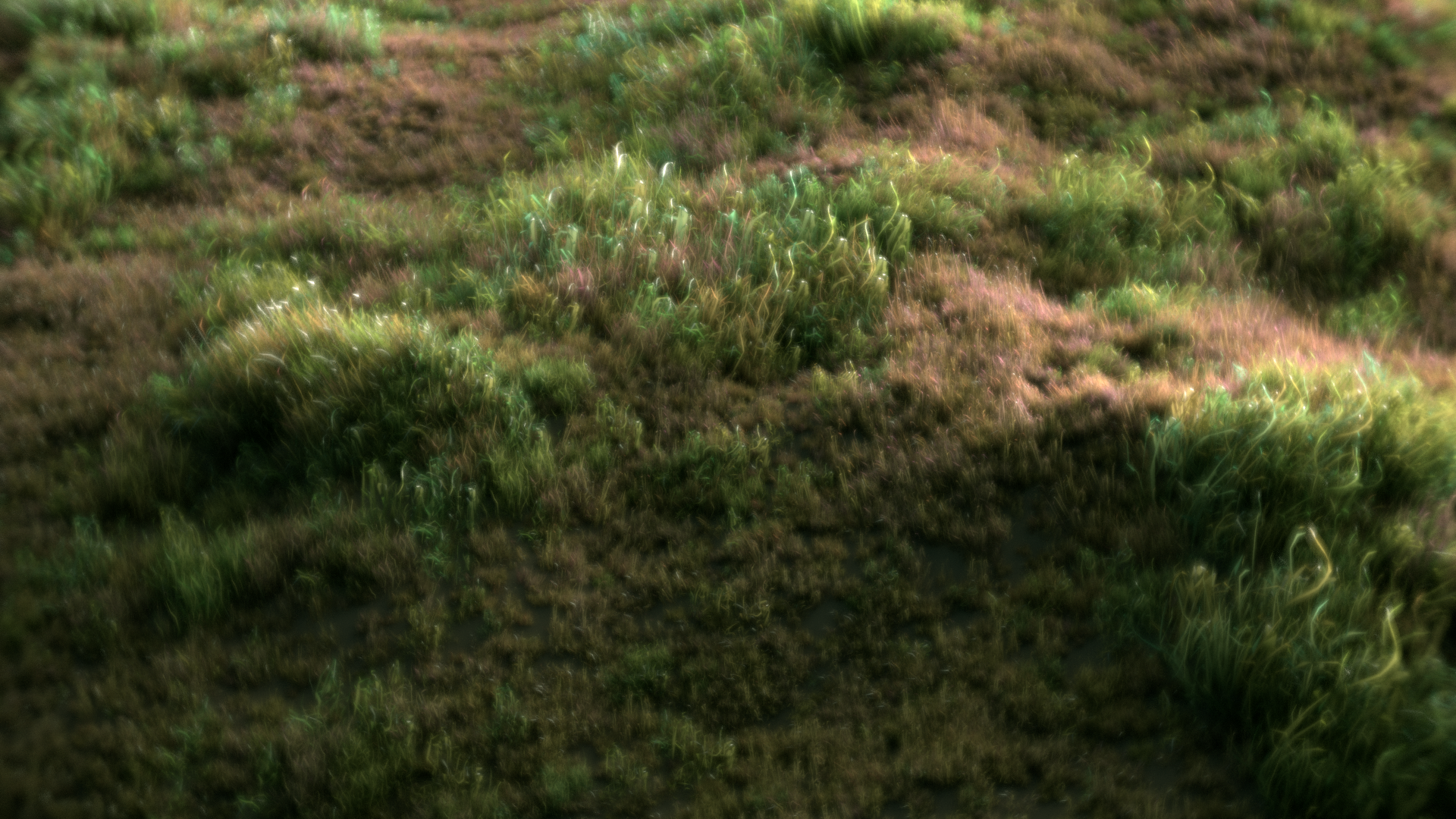
Key Features
- Full Blender Integration Lens Sim is seamlessly integrated with Blender’s native camera and Cycles rendering engine. With multi-camera support, you can maintain your standard workflow when designing shots. Whether you are starting from scratch or adapting current scenes, the process of creating and converting cameras is simple and intuitive.
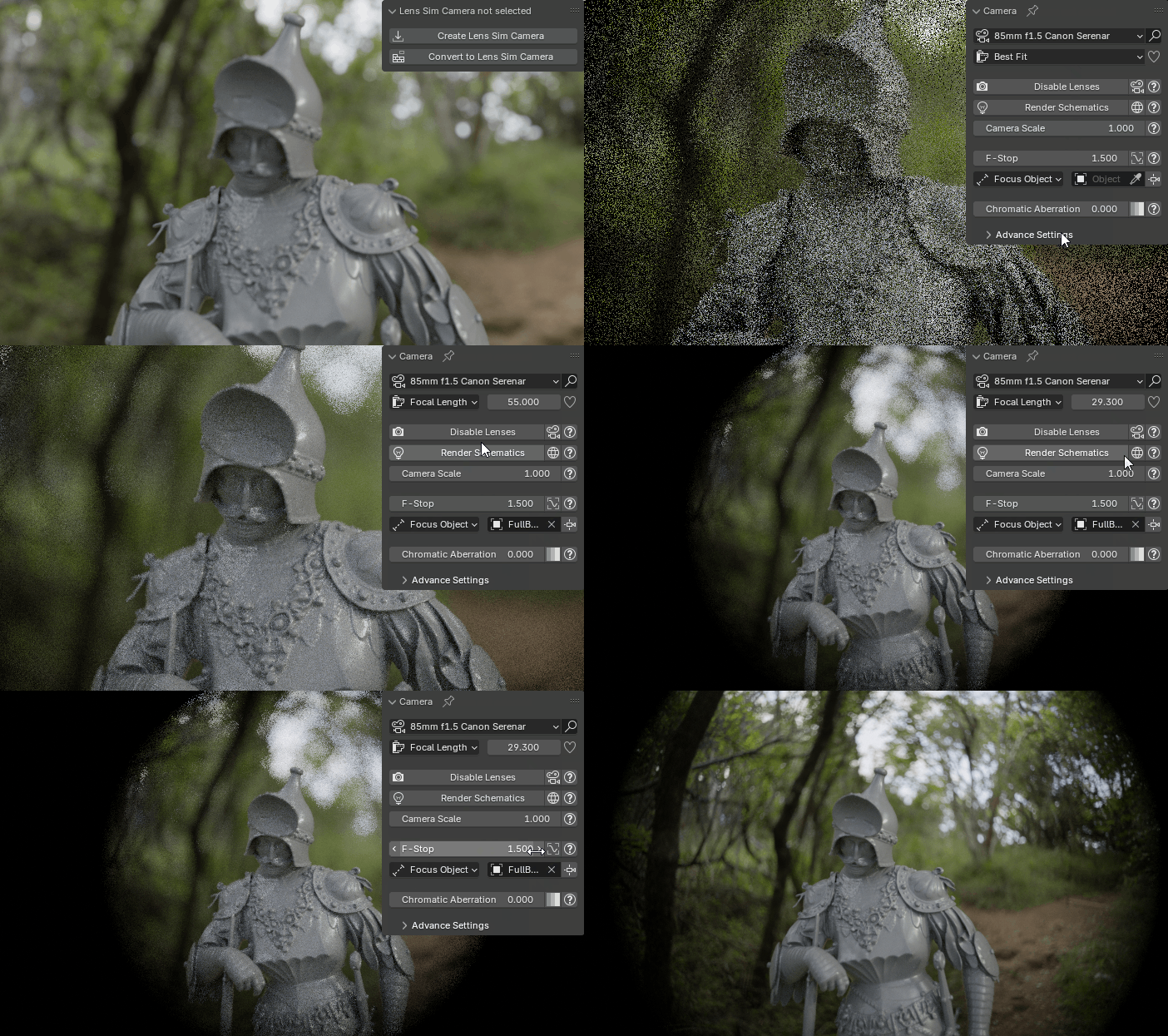
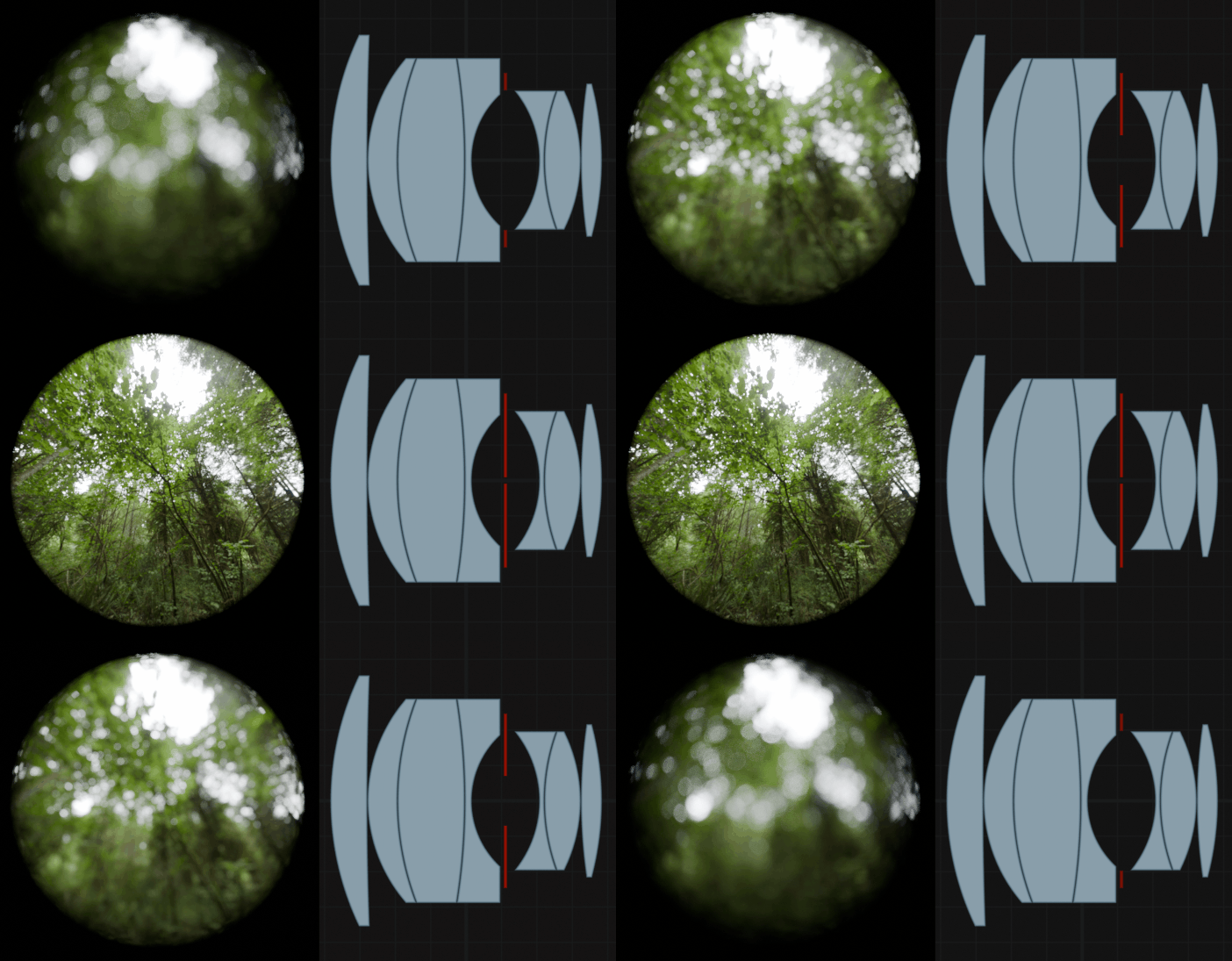
- Real-World Accuracy Built on actual lens patent data, Lens Sim replicates the optical characteristics of real-world lenses, from intricate distortions to natural bokeh. Experience professional-grade optical effects like chromatic aberration, lens distortion, focus breathing, and precise depth of field. You get true-to-life results without needing complicated geometry setups.
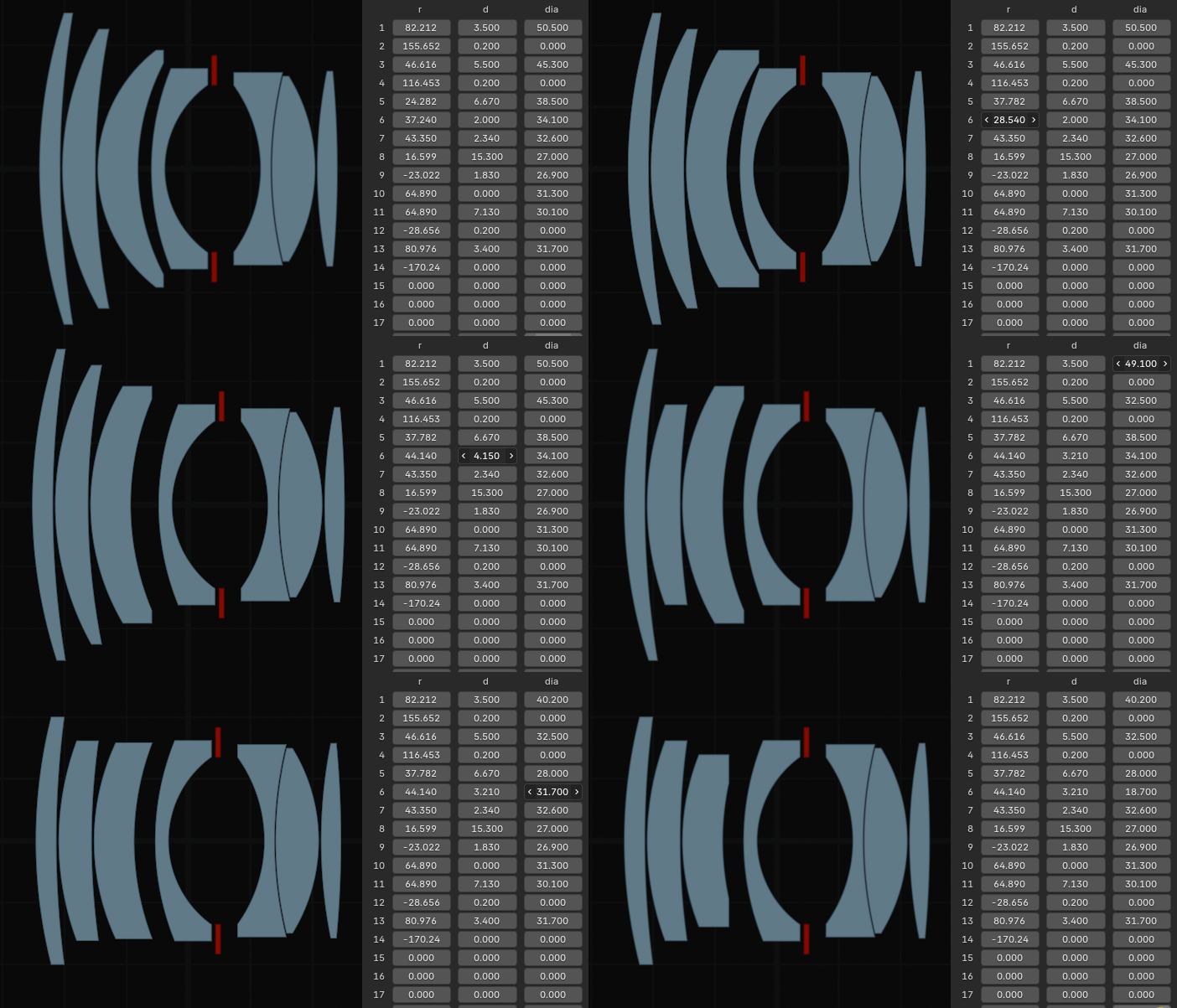
- Custom Lens Design You can easily create your own unique lenses, adjust their specifications to suit your needs, save your designs for future use, and share them with friends and fellow enthusiasts. Unleash your creativity and take your optical projects to the next level!
- Render Farm Compatibility Lens Sim works native within Blender, without relying on the addon itself during rendering. This means once your scene is set up, Lens Sim’s features are fully integrated into Blender’s system, allowing it to run seamlessly on any render farm that supports Blender. Note that the render farm must support OSL camera shaders that was introduced in Blender 4.5.
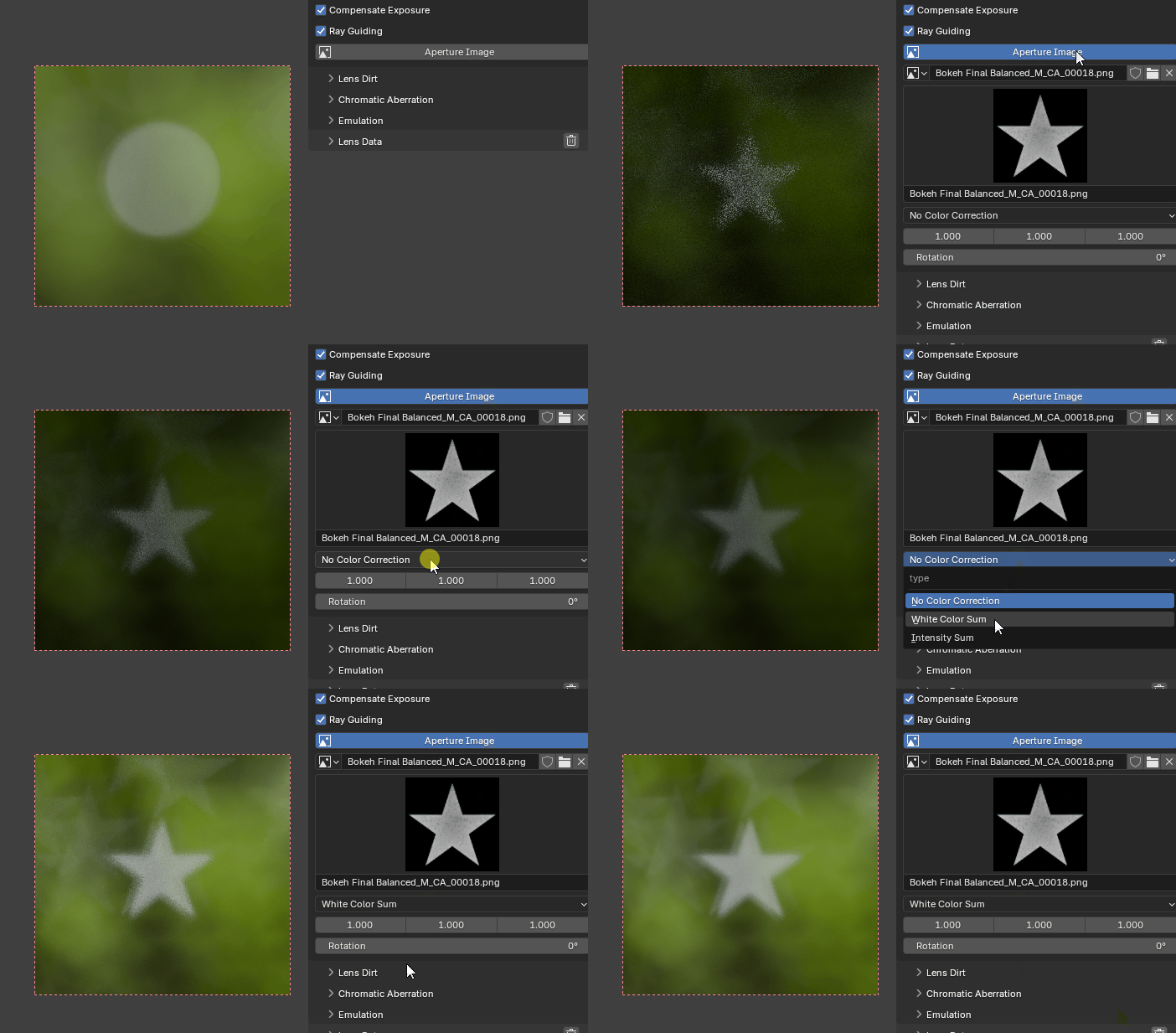
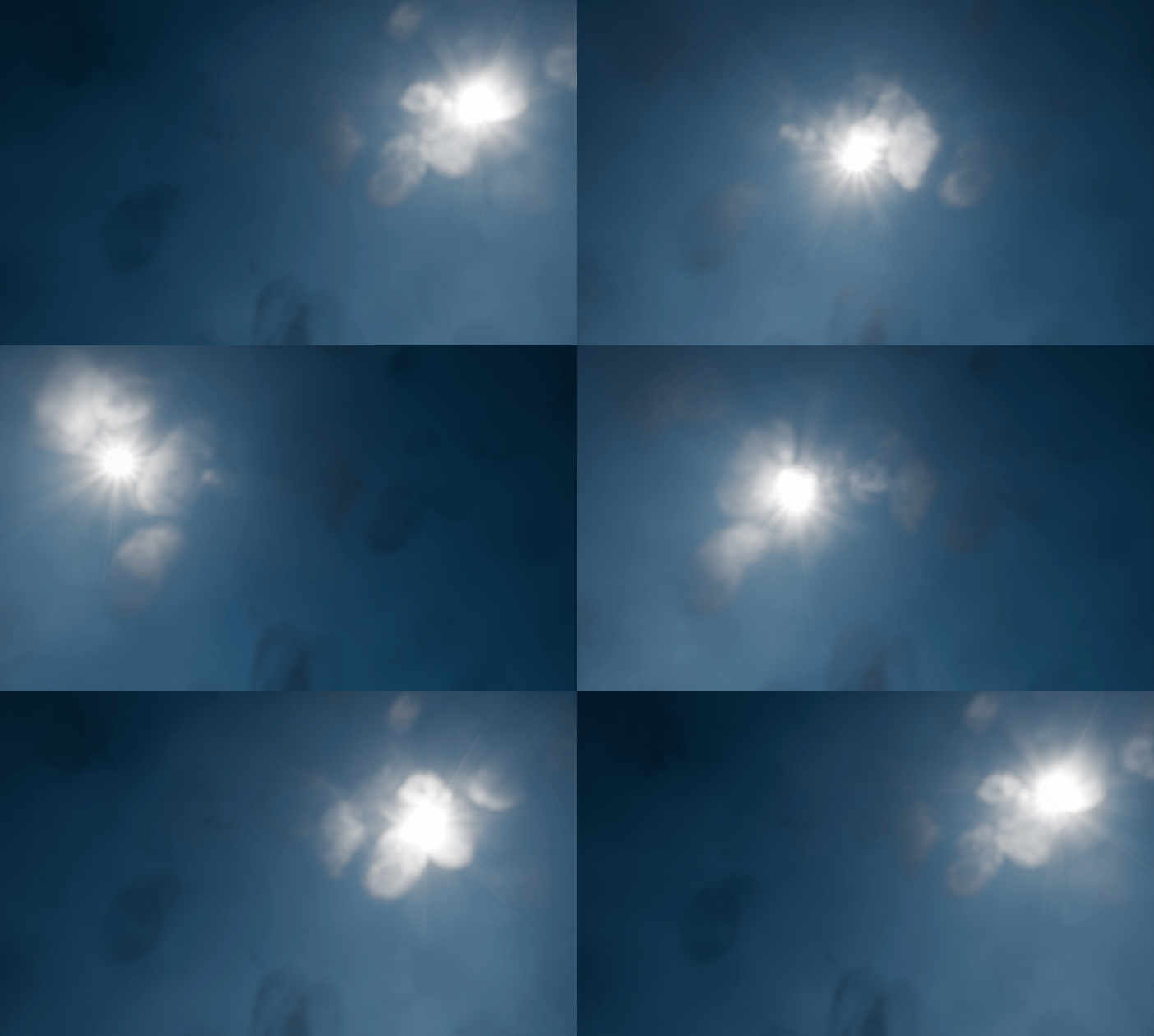
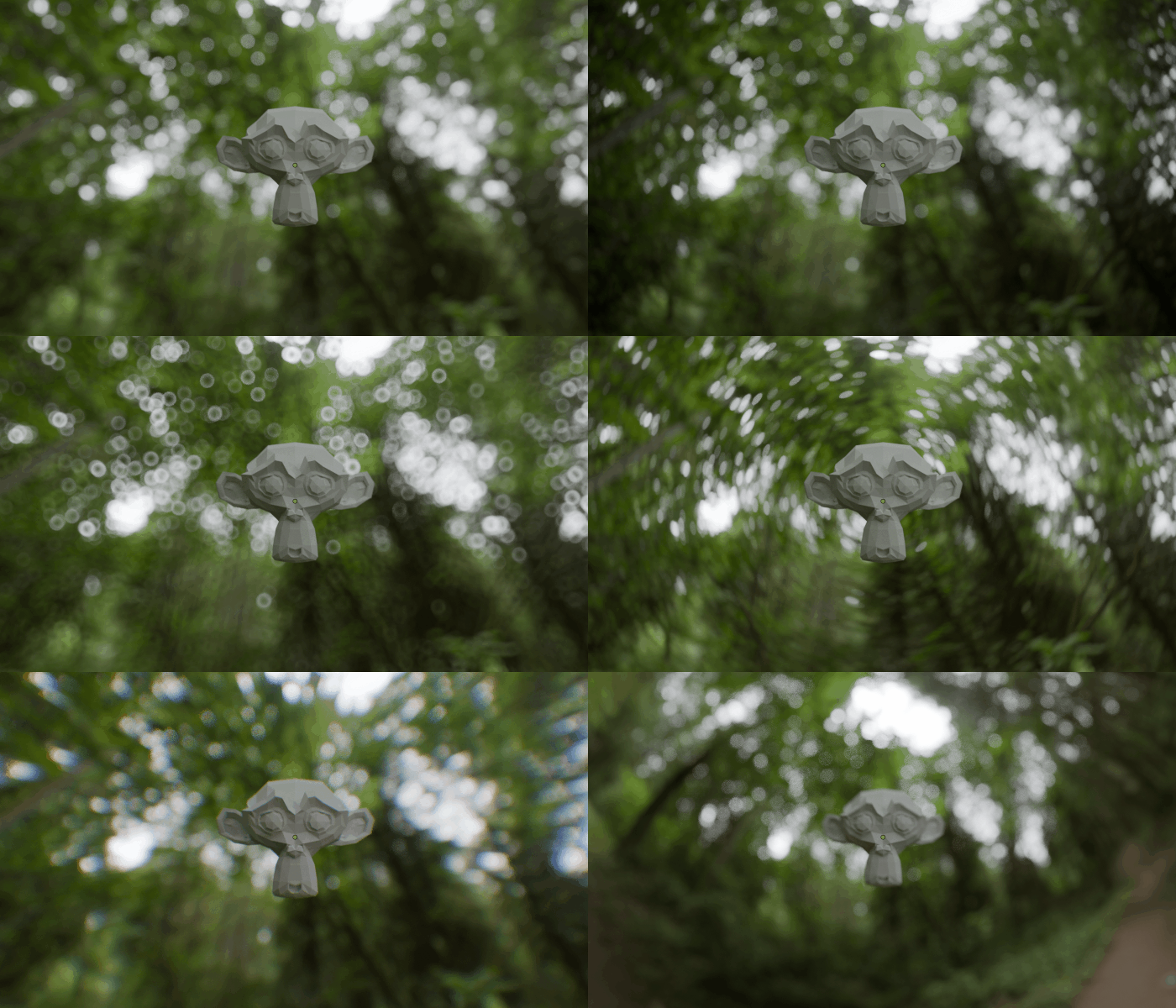
- Editing Tools Tailor lenses to specific scenes by adjusting parameters like custom chromatic aberration ramp, tilt shift, add extra lens distortion, use a custom aperture image, emulate anamorphic effects, add swirliness to your bokeh, extend the field of view beyond the original lens design and add lens dirt.
Items included in the Lite Version is marked with: -lite
Upgrade price is accumulative, the cost for the Lite version is subtracted from the full version when upgrading.
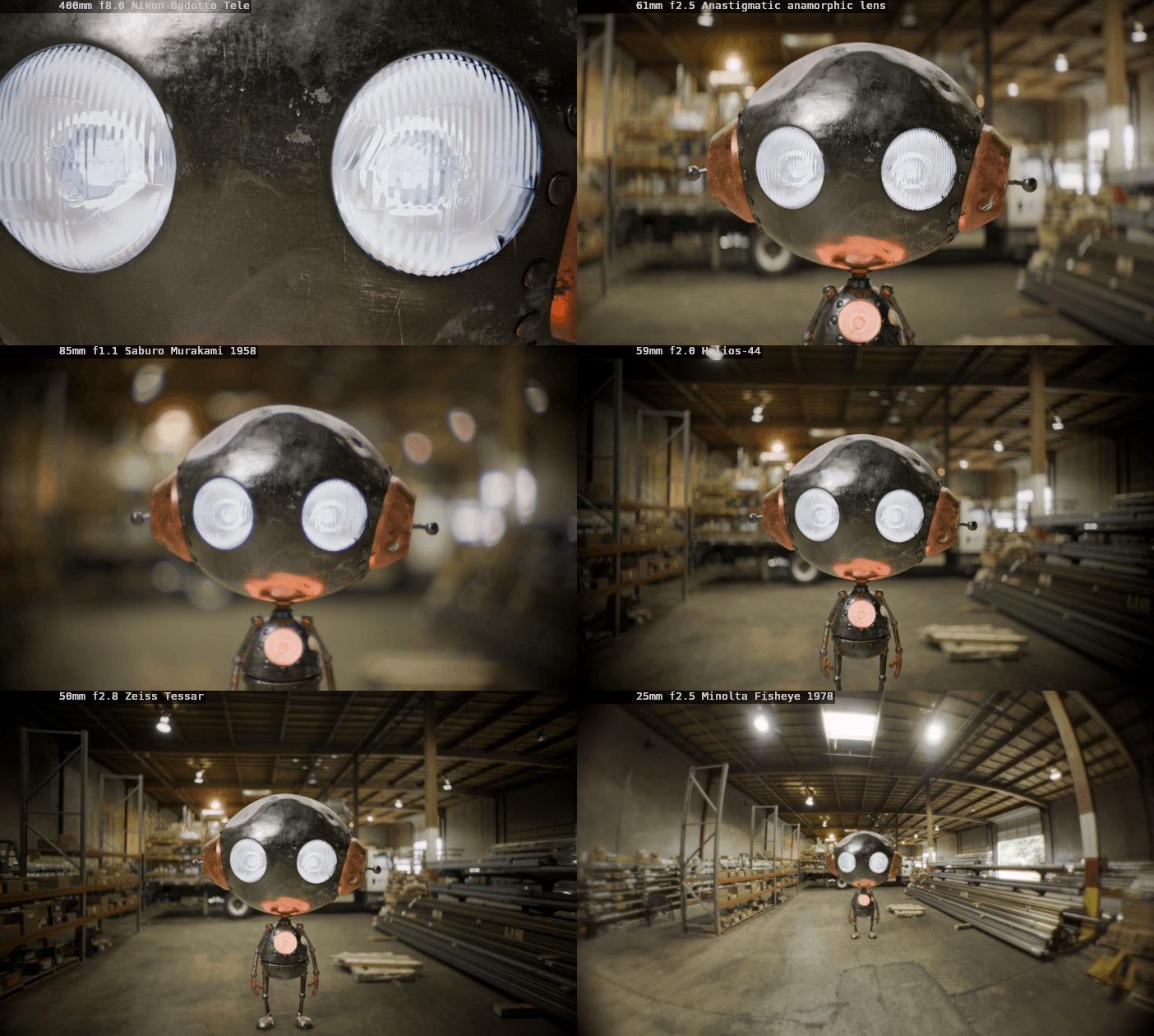
80+ built in lenses, including:
(25+ lenses) -lite
- -Simplified Lens Model (Adds functionality to blenders standard camera) -lite
-10mm f1.6 Helios-58
-10mm f3.5 Samsung Fisheye
-10-100mm f2.8 Zeiss Vario-Sonnar
-13mm f2.8 Nikon R-UW AF Fisheye-Nikkor -lite
-15mm f4.0 Venus Laowa Wide Angle Macro -lite
-15mm f2.8 Sigma EX DG Diagonal Fisheye
-20mm f8.0 Nikon Gyogyotto Fisheye
-20mm f4.0 Nikon Nikkor
-22mm f2.05 Canon STM
-24mm f2.8 1.332x Super wide-angle large aperture anamorphic lens
-24mm f1.8 Sigma EX DG Aspherical Macro
-24-35mm f3.5 Konica Minolta MD Zoom
-25mm f2.5 Minolta Fisheye 1978
-28mm f2.8 Leica Elmarit
-28mm f2.8 Ricoh smc Pentax-FA Soft
-30mm f2.0 Samsung -lite
-30mm f3.5 Sony E Macro
-35mm f2.8 Konica Hexanon
-35mm f1.8 1.33x Sirui Anamorphic Lens
-35mm f2.0 Helios -23, 2x Anamorph Adapter
-35mm f2.0 Helios-23
-35mm f2.5 Angenieux R1, 2x Anamorphic Adapter
-35mm f2.5 Angenieux R1
-35mm f4.5 Meyer -lite
-35-70mm f3.6 Olympus Zuiko Auto-Zoom
-36mm f2.5 1.942x Anamorphic lens for digital projection display
-36-193mm f3.6-4.65 Tokina AT-X -lite
-37mm f2.9 Mir-1
-45mm f2.8 Tale78 Nikon AI Nikkor -lite
-45mm f1.8 Samsung
-50mm f1.5 Jupiter-3
-50mm f2.0 Leica Summicron R
-50mm f2.5 Canon Compact Macro -lite
-50mm f2.8 Rodenstock Ragnar, 2x Anamorph Adapter
-50mm f2.8 Rodenstock Rognar
-50mm f2.8 Zeiss Tessar
-50mm f3.5 Kodak 1942, Heliar-type
-50mm f2.0 Jupiter-8
-50-135mm f3.5 Konica Minolta MD Zoom
-55mm f1.4 Zeiss Planar
-57mm f1.2 Konica Hexanon
-59mm f2.0 Helios-44, 2x Anamorph Adapter -lite
-59mm f2.0 Helios-44 -lite
-60mm f2.8 Samsung Macro ED SSA OIS -lite
-61mm f2.5 Anastigmatic anamorphic lens -lite
-70mm f2.4 Ricoh HD Pentax-DA Limited -lite
-85mm f1.1 Saburo Murakami 1958
-85mm f1.5 Canon Serenar -lite
-85mm f1.5 Zeiss Biotar 1929
-85mm f2.8 Richo smc Pentax-F soft -lite
-90mm f4.0 Agfa Color Telinear -lite
-100mm f2.0 German Lens 1936 -lite
-100mm f2.0 Kodak Petzval 1950
-100mm f5.6 Rodenstock Sironar-N
-100mm f1.9 Kodak Petzval 1948 Cooke Triplet
-120mm f4.1 Hasselblad HC Macro (Fujinon)
-135mm f2.3 Vivitar Series 1
-167mm f5.0 Single lens system -lite
-167mm f5.0 Single lens system, 2x Anamorph Adapter -lite
-200mm f4.0 Konica Minolta Hexanon
-200mm f4.0 Leica Telyt -lite
-400mm f8.0 Nikon Dodotto Tele -lite
-800mm f6.3 Leica Telyt-S
-1000mm f11.0 Olympus E Zuiko Auto-T -lite
Main Features
- -Multiple Scene Cameras -lite
-Schematic Viewer -lite
-Custom Presets -lite
-Chromatic Aberration -lite
-Custom Chromatic Aberration Colors -lite
-Screen Space Chromatic Aberration -lite
-Aperture Control -lite
-Focusing System -lite
-Custom Aperture Image -lite
-Color Filter -lite
-Dolly Zoom -lite
-Lens Dirt
-Split Diopter
-Tilt Shift
-Bloom/Glare -lite
-Custom Lens Distortion
-Radial Blur -lite
-Custom Squeeze Factor -lite
-Custom Bokeh Aspect -lite
-Add Bokeh Swirliness -lite
-Add Extra Dof -lite
-Add Extra Focal Length
-Generate a working geometry lens setup from the schematic -lite
-Implement Your Own Lenses
-Photonstophotos Optical Bench Hub (link), GOI (link) Importer (Alpha)
-Zemax Importer (Experimental)
Consider Before Purchasing
Although this product is optimized to the best of my capabilities, it will always be slower than the native Blender camera. AOV passes will also be negatively affected by the optical vignetting. Also, some features in Cycles, in particular the Vector pass and Window texture coordinates, require inverse mappings from rays to image coordinates. This is not yet supported with OSL camera shaders. Be sure to read the Documentation (link) section and Tutorials before buying and for a full breakdown of the system and its caveats.
The addon was mainly developed and tested on Windows, with help from testers I can confirm it also works on Linux and MAC. OSL camera shaders only work with GPUs that support OptiX, which means that you can render with GPU only on compatible NVIDIA graphics cards. CPU rendering is supported on all systems. Lucas stockner (lead OSL camera shader developer in Blender) was talking about Hip/CYCL/Metal support for the OSL cameras at the recent blender conference (link), and it seems like it's not going to happen anytime soon.
I do provide support for the older version of Lens Sim, v2.#.#, Blender 4.2+. That version works on all GPU vendors, but it will render ~50% slower and has a more complicated setup, where I simulate the lenses in a material setup. Except for fixing bugs and providing support, I will not add new features, as I want to focus on the current version that uses OSL camera shaders.
I have opted in for all future Blender Market sales, so keep an eye out for those :)
Feel free to join the Lens Sim Discord server (link) if you have any questions about Lens Sim or want to discuss the addon.
Take Your Workflow Further