 LeoMoon Studios



Important Notice
LeoMoon LightStudio (formerly known as Blender Light Studio) is 100% free and open-source. You can download and use it without any limitations. The purpose of this product page is to raise funds to fix the bugs, improve the user interface and add new features.
If you think this plugin speeds up your workflow, consider funding the development of it by purchasing this plugin.
Introduction
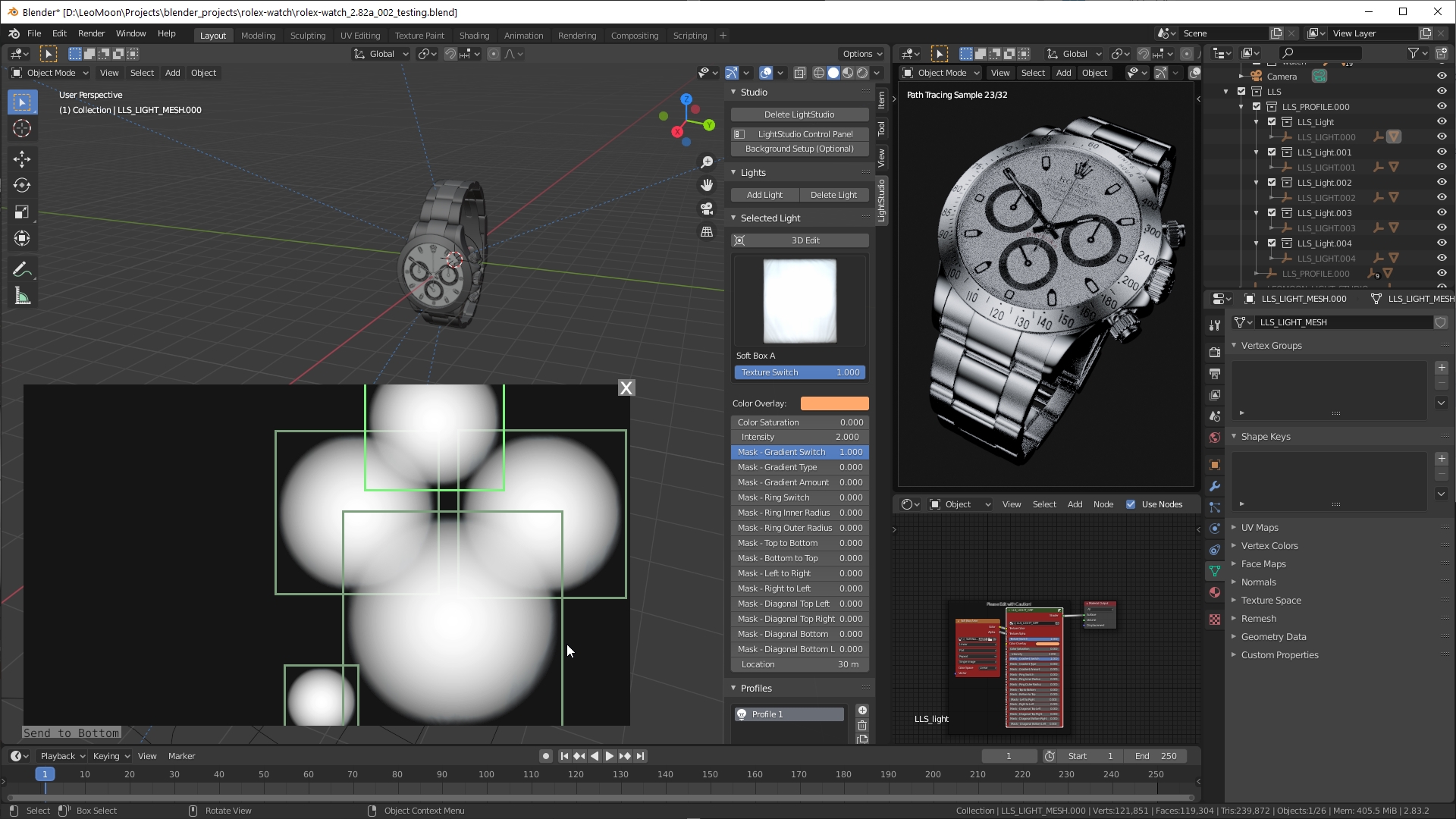
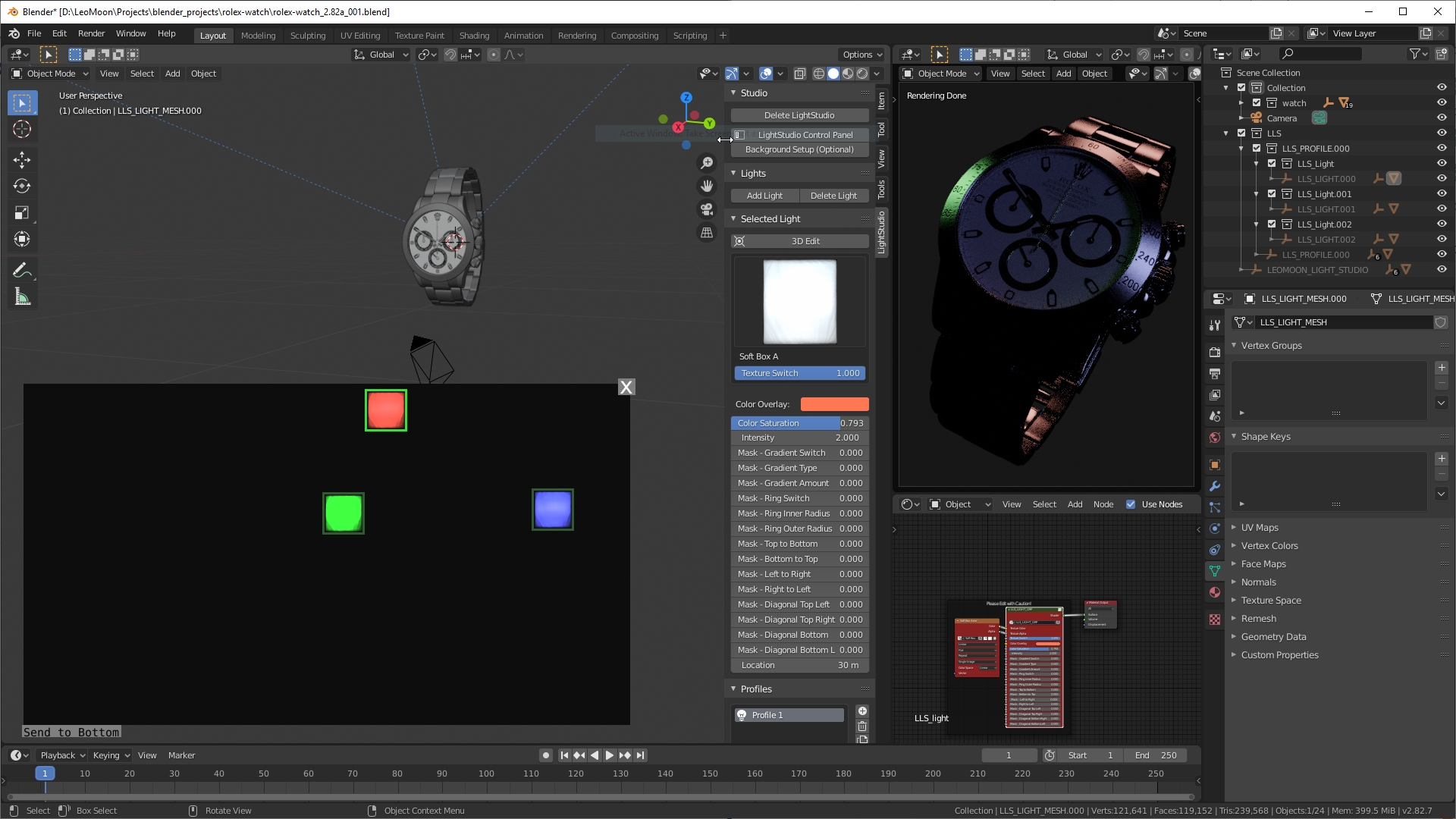
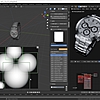
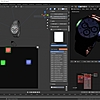
LeoMoon LightStudio is a free, open-source lighting toolkit for Blender that makes it easy to build, organize, and fine-tune studio-style lighting. Create reusable light profiles, position lights intuitively in the LightStudio Control Panel, and tailor every light to your scene with textures, animation, and precise controls.
Video below shows the options that are available per light.
Features
- Add/Remove lights around objects
- Add multiple light profiles
- Each light has many options to customize
- Easily switch between light profiles with a single click
- All options per light can be animated
- Each light can have different light texture
- Fastest render update while lighting
- 15 Realistic HDR light textures included
- Easy 2D manipulation of lights in the LightStudio Control Panel which translates to positioning of that light in 3D space
- Toggle a light by double clicking on it in the LightStudio Control Panel
- Isolate a light by right clicking on it in the LightStudio Control Panel
- Lights can be added to different renders layers
- Import/Export light profiles
Background HDR vs Manual Lighting
Why not use the other background HDR light plugins? That's because template based light plugins are predictable and limited. For product renders, you want lots of options and control, NOT templates! However you can create your own light profiles in LeoMoon LightStudio and import/export light profiles in different projects.