Lidar Simulator
 Flame_Python


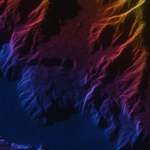
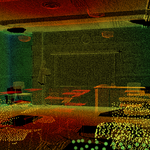
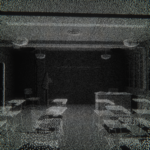

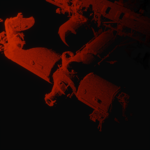
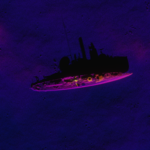
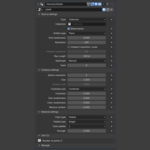
- Append the LiDAR object from LiDAR_5_v2.blend if you are using Blender 5+ into your Blender file
- You can see all the settings in the modifier of the lidar object.
- Select weather you want only an object or an entire collection to receive the lidar effect
- Change the emitter type to either plane or point. Plane will emit the lidar particles straight from the plane and point emits them in every direction.
- Mess with the other settings!
- Source settings deal with modifying the points before they are emitted
- Instance settings change the points and their location after the emission
- In the Material settings you can change the color of the lidar effect
- You can see the number of points in the Info panel
$2
Have questions about this product?
Login to message
| Sales | 10+ |
| Dev Fund Contributor | |
| Published | 11 months ago |
| Blender Version | 4.5 - 5.1 |
| Render Engine Used | Cycles, Eevee |
| License | GPL |
