 ZEG
ZEG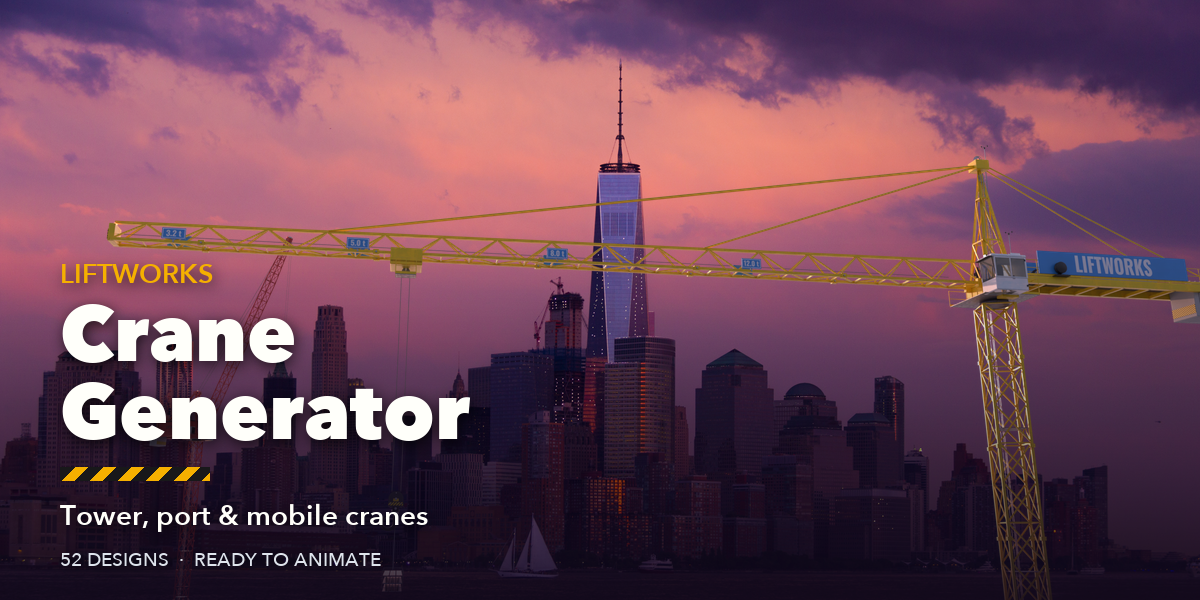
Installation
In Blender open Edit, Preferences, Get Extensions, then use Install from Disk and pick the crane_generator zip.
Usage
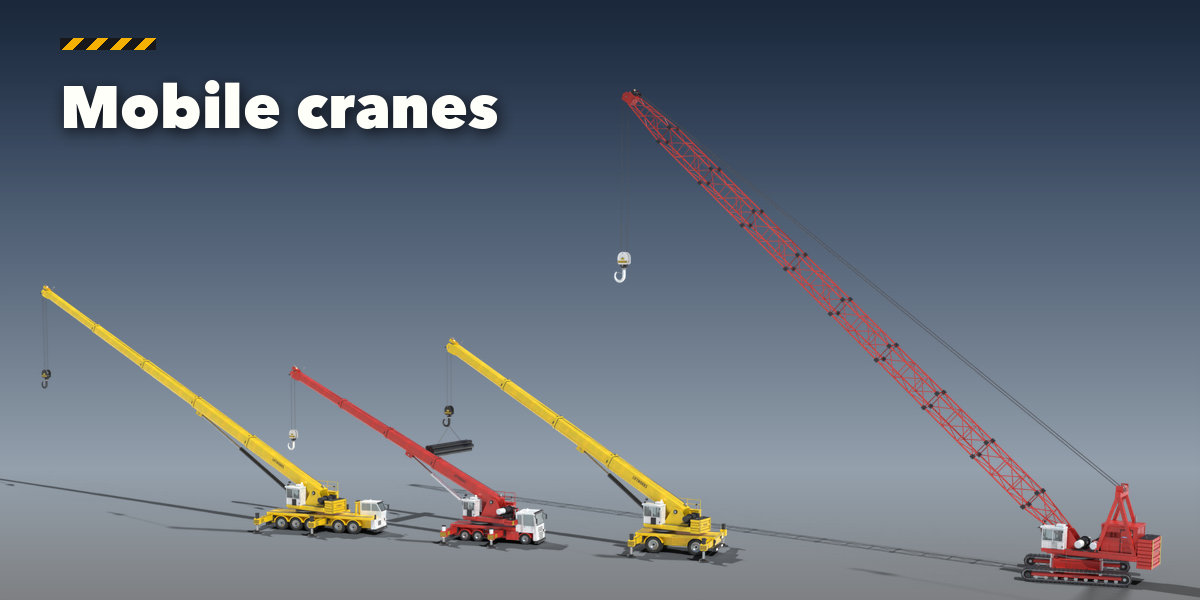
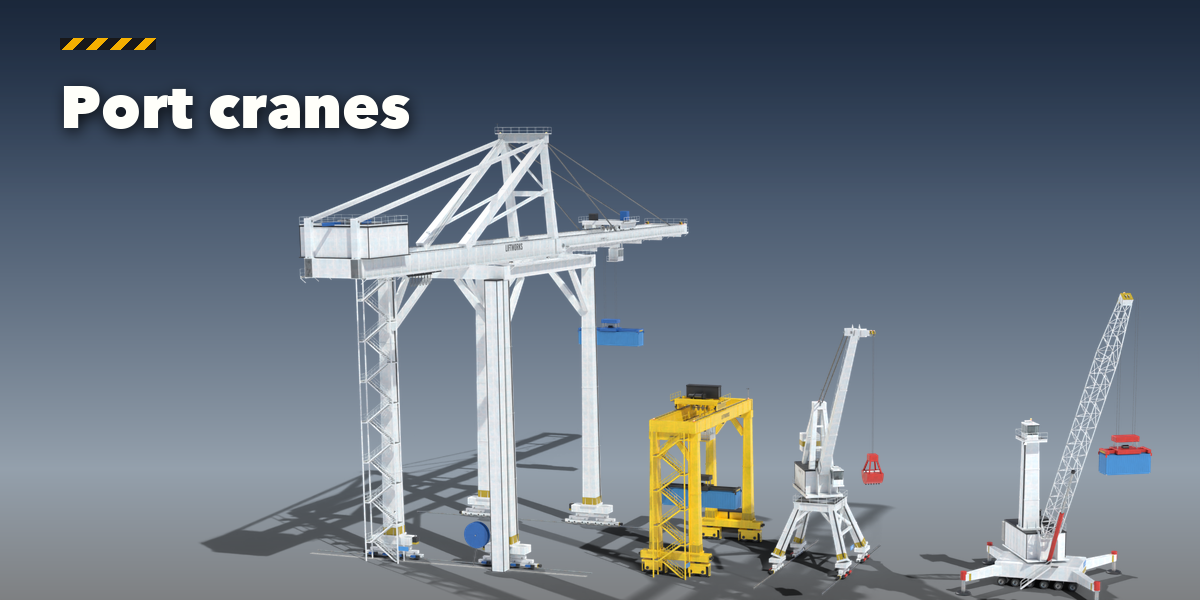
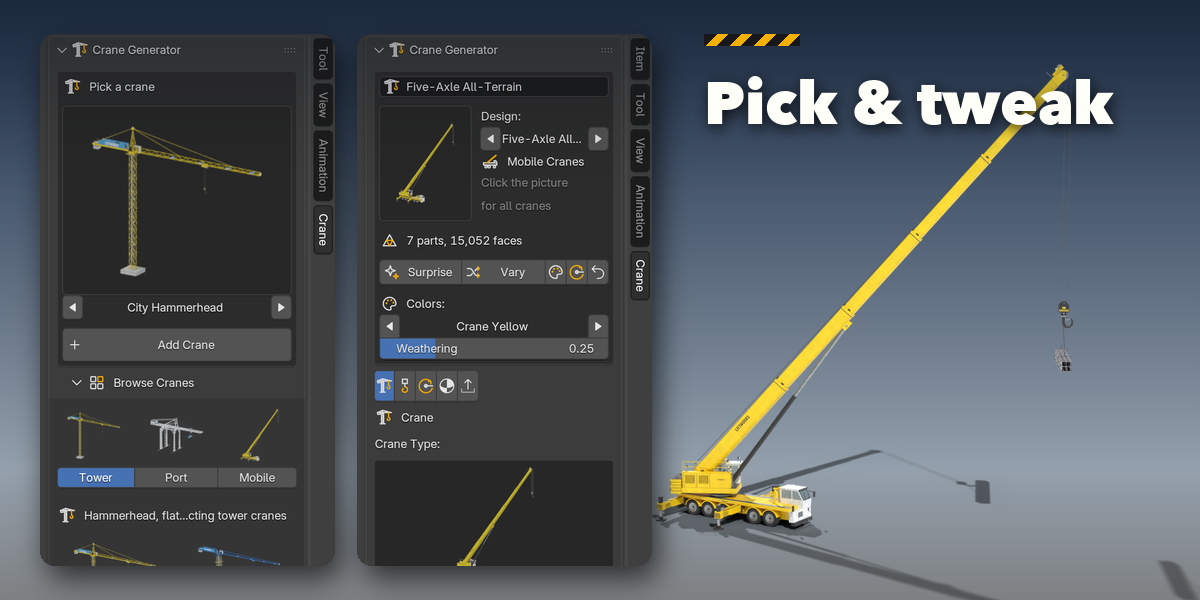
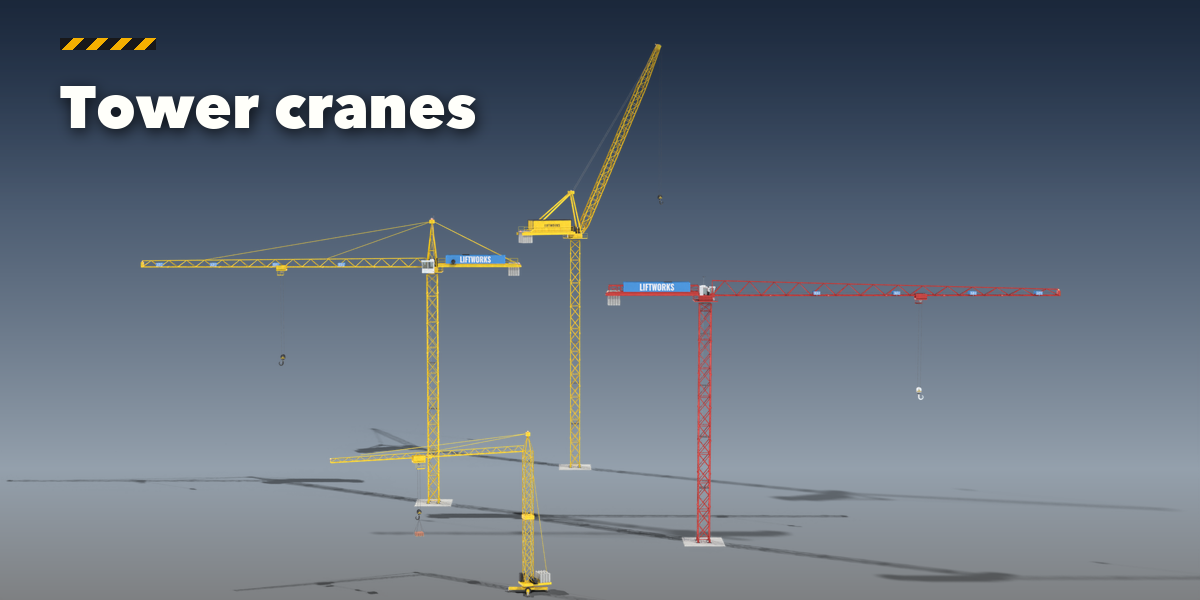
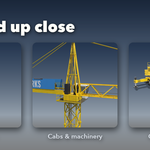
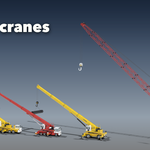
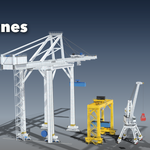
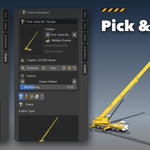
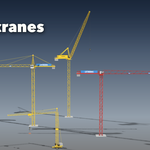
- Open the Crane tab in the 3D viewport sidebar (N). With nothing selected, click the picture to choose one of the 52 designs, or browse Tower, Port and Mobile cranes, and add it at the 3D cursor. You can also use Shift+A, Crane.
- The card at the top shows the design and its face count. Surprise makes a new random crane, Vary changes the current one a little, the palette button picks new colors, the gimbal button a random pose, and the arrow resets the design.
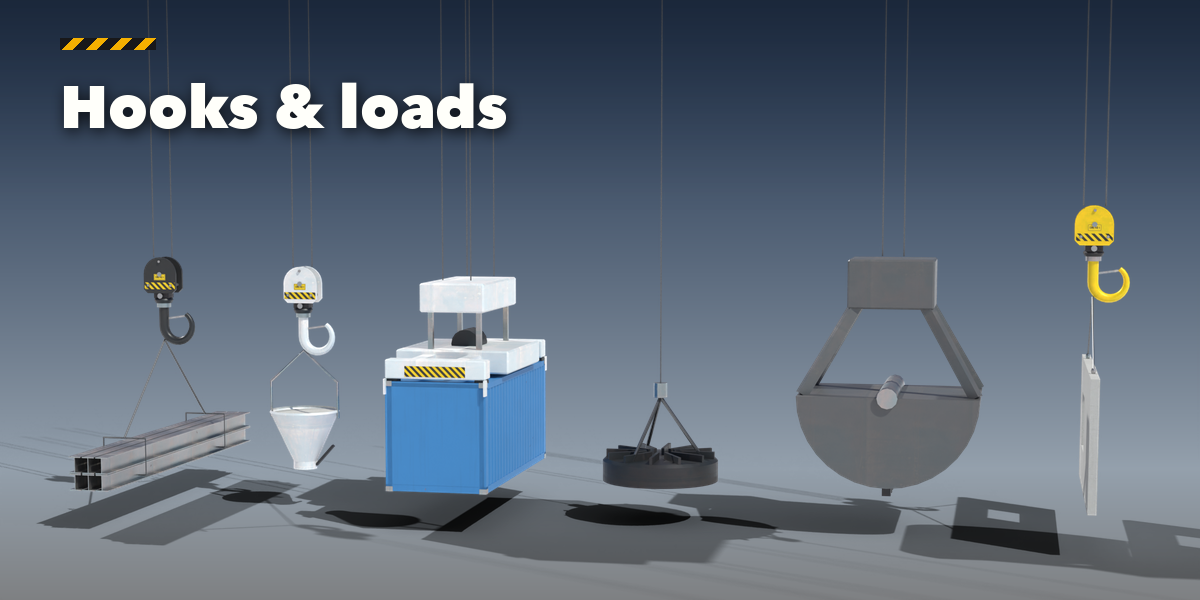
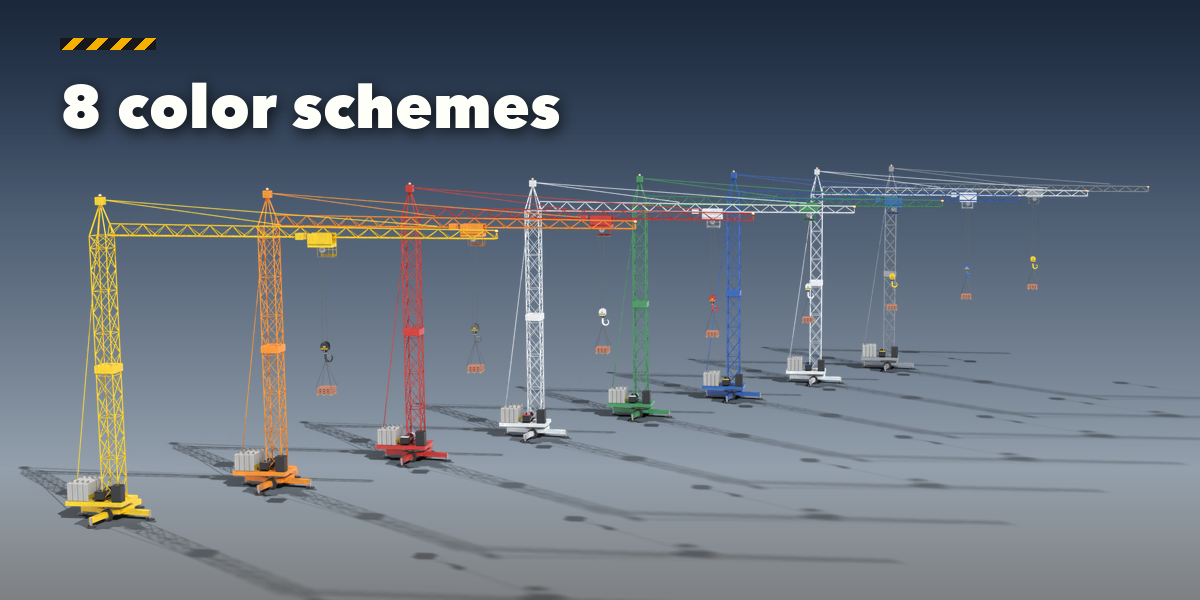
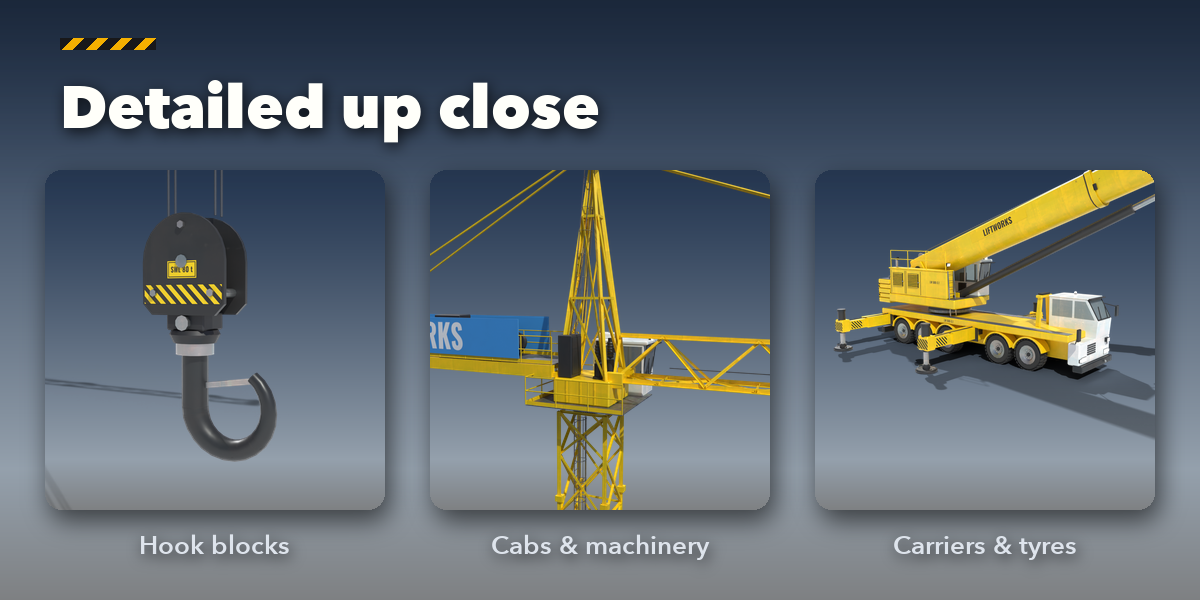
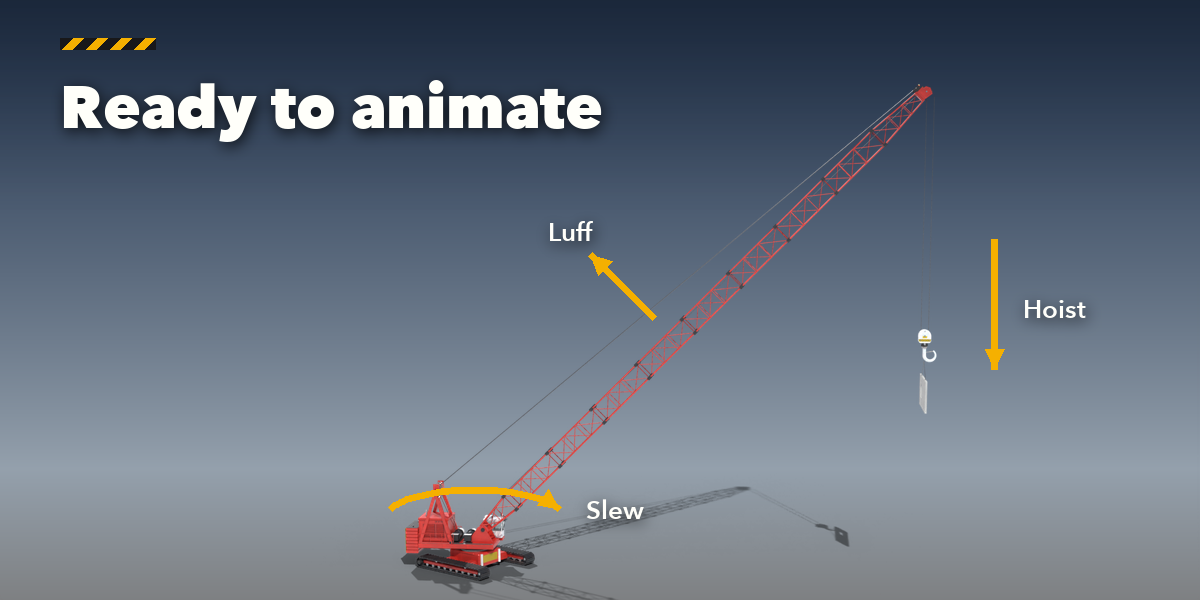
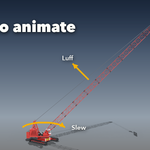
- The icon tabs hold every setting: Crane (type, mast, jib, gantry, boom, carrier or tracks), Hook & Load, Motion (slew, luff, trolley, hook, Key Pose, Animate Work Cycle, Clear Animation), Finish (color scheme, colors, gloss, weathering, rust, lights) and Parts (moving parts, detail, Static Copy, Delete).
- To animate by hand, keyframe the rotation of the Slewing Unit (Z) and the Boom (Y), the location of the Trolley (X) and the Hook (Z). Ropes, pendants and cylinders follow on their own.
Static Copy bakes the current pose into plain meshes for export to FBX, glTF or a game engine.
Have questions about this product?
Login to message
| Blender Extension Compatible | Yes |
| Published | about 10 hours ago |
| Blender Version | 4.2 - 5.2 |
| Extension Type | Add-on |
| Render Engine Used | Cycles, Eevee |
| License | GPL |

Discover more products like this
crane Generator Mobile Crane tower-crane crawler-crane gantry industrial port construction animation lattice container