



Light Scenario

ATools in Rendering


Light Scenario

Professional lighting management for Blender. Create, save, and switch between unlimited lighting configurations instantly.

Managing dozens of lights across multiple moods doesn't have to be tedious. Present multiple lighting options to clients in seconds, not hours.

Core Feature

🎬 Lighting Scenarios

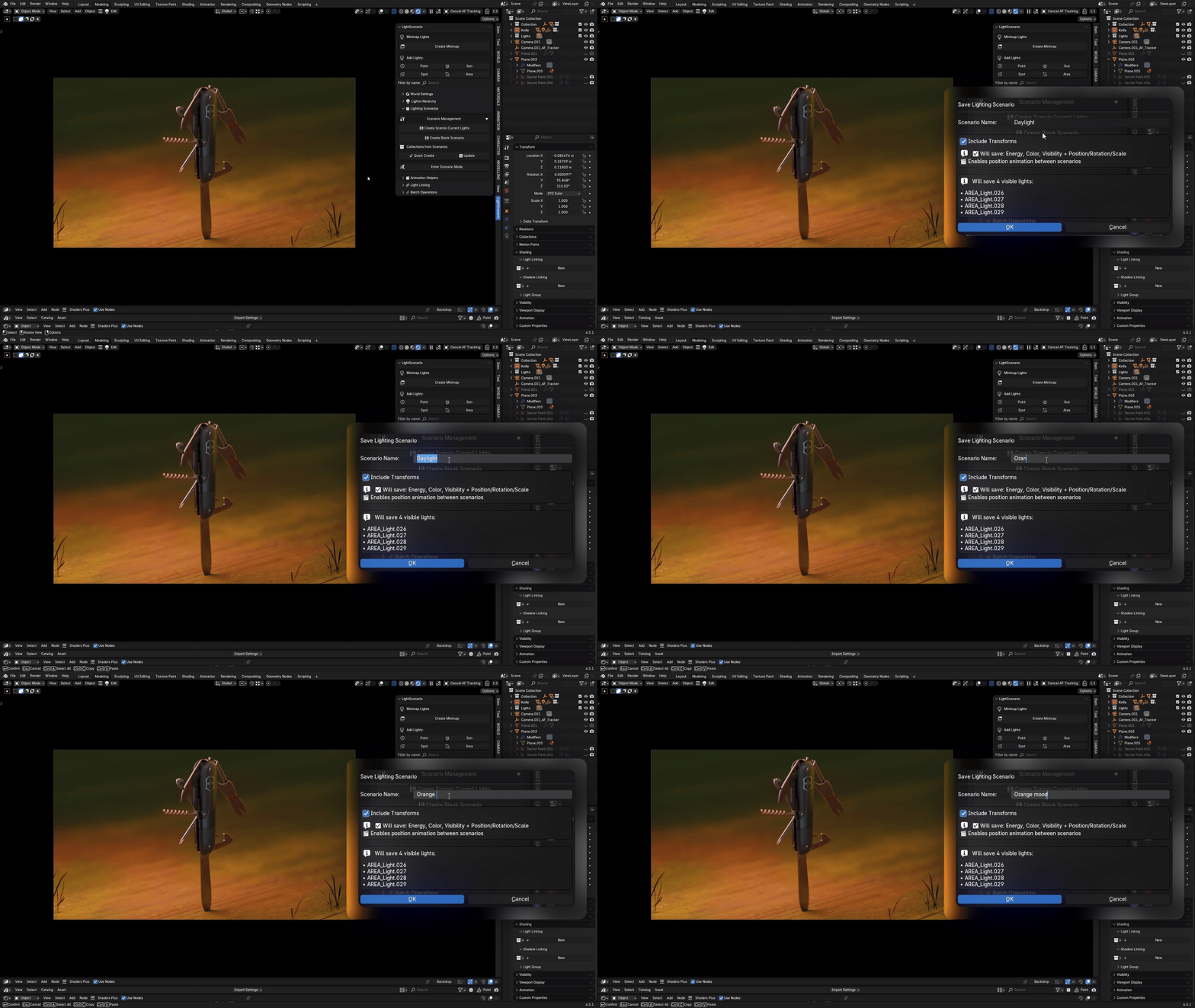
Save complete lighting states and switch between them with one click. Create unlimited scenarios / snapshots of your entire lighting setup that remember everything.

Scenario Creation

Create a new scenario from your current lighting setup with one click. All light properties, on/off states, colors, and power levels are captured instantly.

Scenario Creation

Instant Scenario Switching

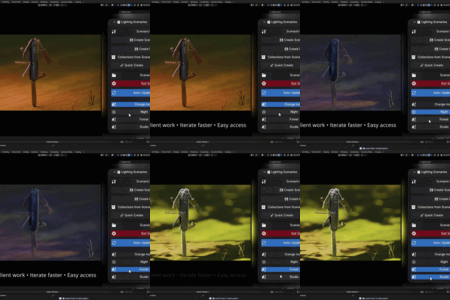
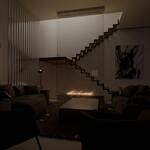
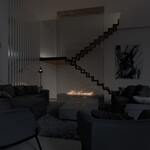
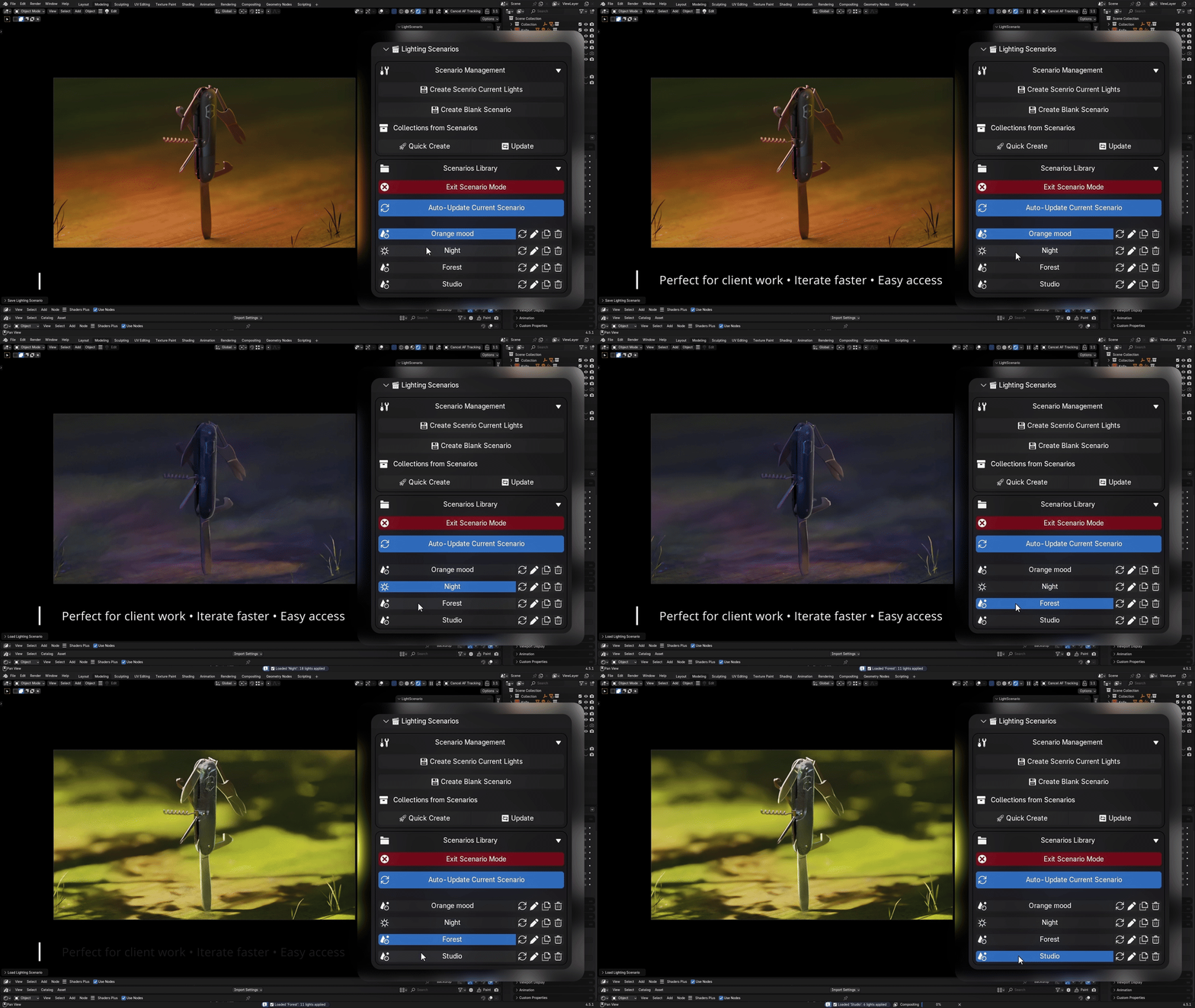
Switch between "Studio White", "Warm Sunset", "Dramatic Night", or any other saved scenario instantly. Click once and watch your entire lighting setup transform in real-time.

Scenario Switching


Light hierarchy

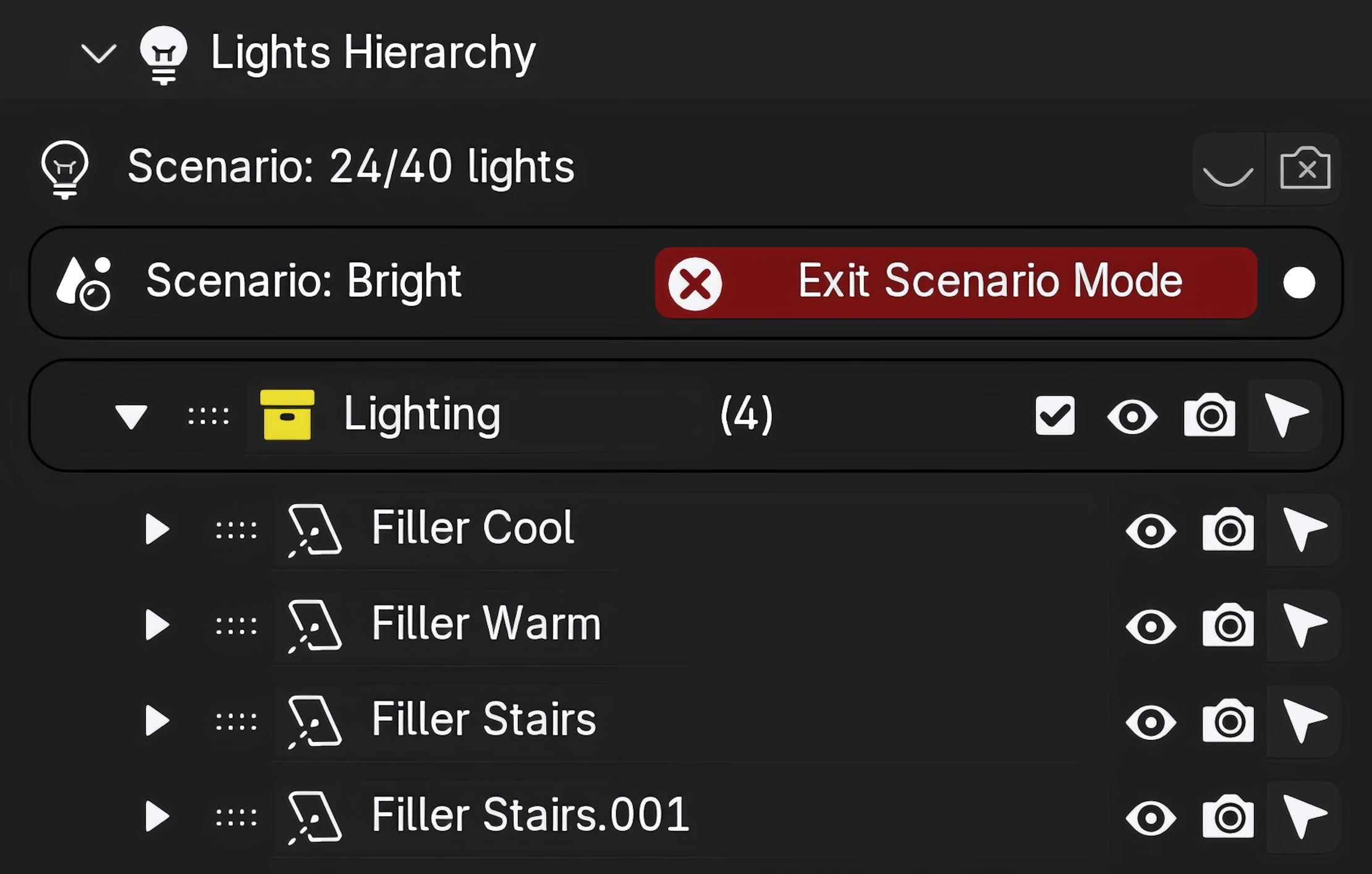
See lights that matters. Only lights that are in the current scenario are visible in the light hierarchy when in scenario mode.

Scenario Management

Scenario Management / Bake scenarios

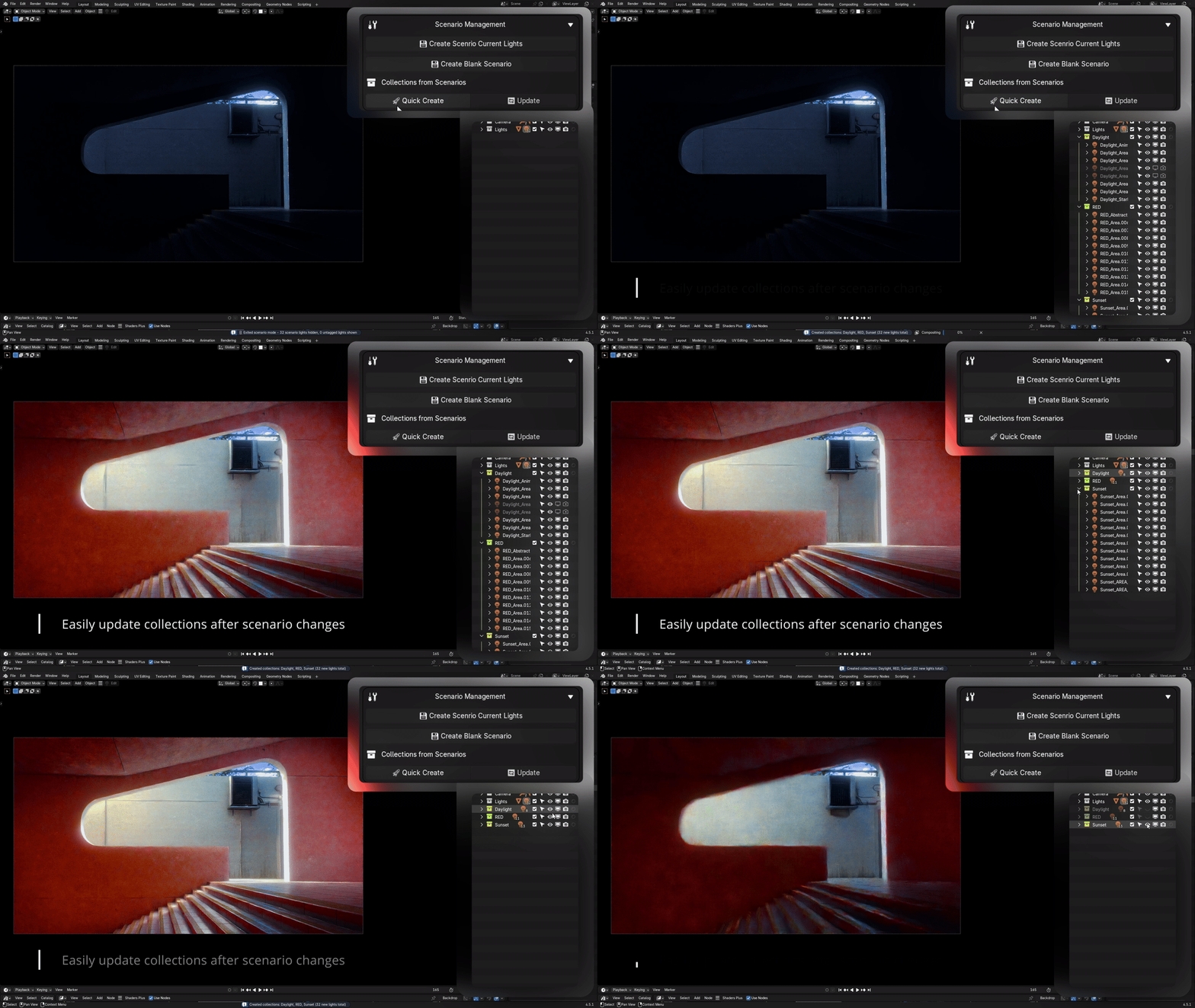
Rename, duplicate, update, or delete scenarios. Organize your lighting library with descriptive names. Update an existing scenario to match your current lighting setup with one click.

Bake scenarios into collections for more control.

Scenario Management
Animation Tools

πŸ“·β€‹β€‹ Scenario Animation Helpers

Powerful tools for creating dynamic lighting variations and smooth transitions. Control your scenarios with precision.

Scenario Global Power

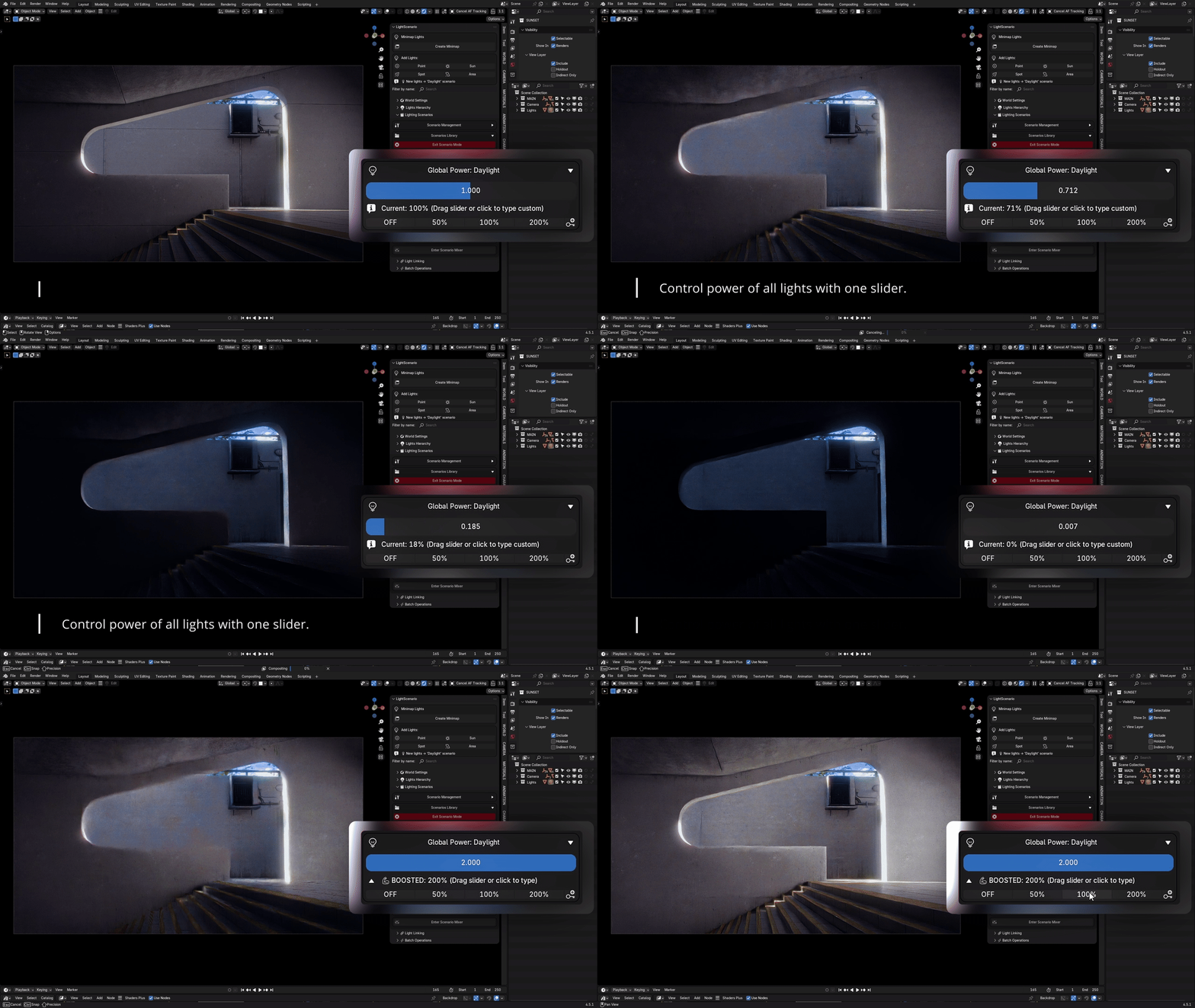
Control the overall intensity of an entire scenario with a single slider. Dim all lights proportionally for subtle variations or boost power for dramatic effect, all while maintaining the relative balance between lights.

Scenario Global Power

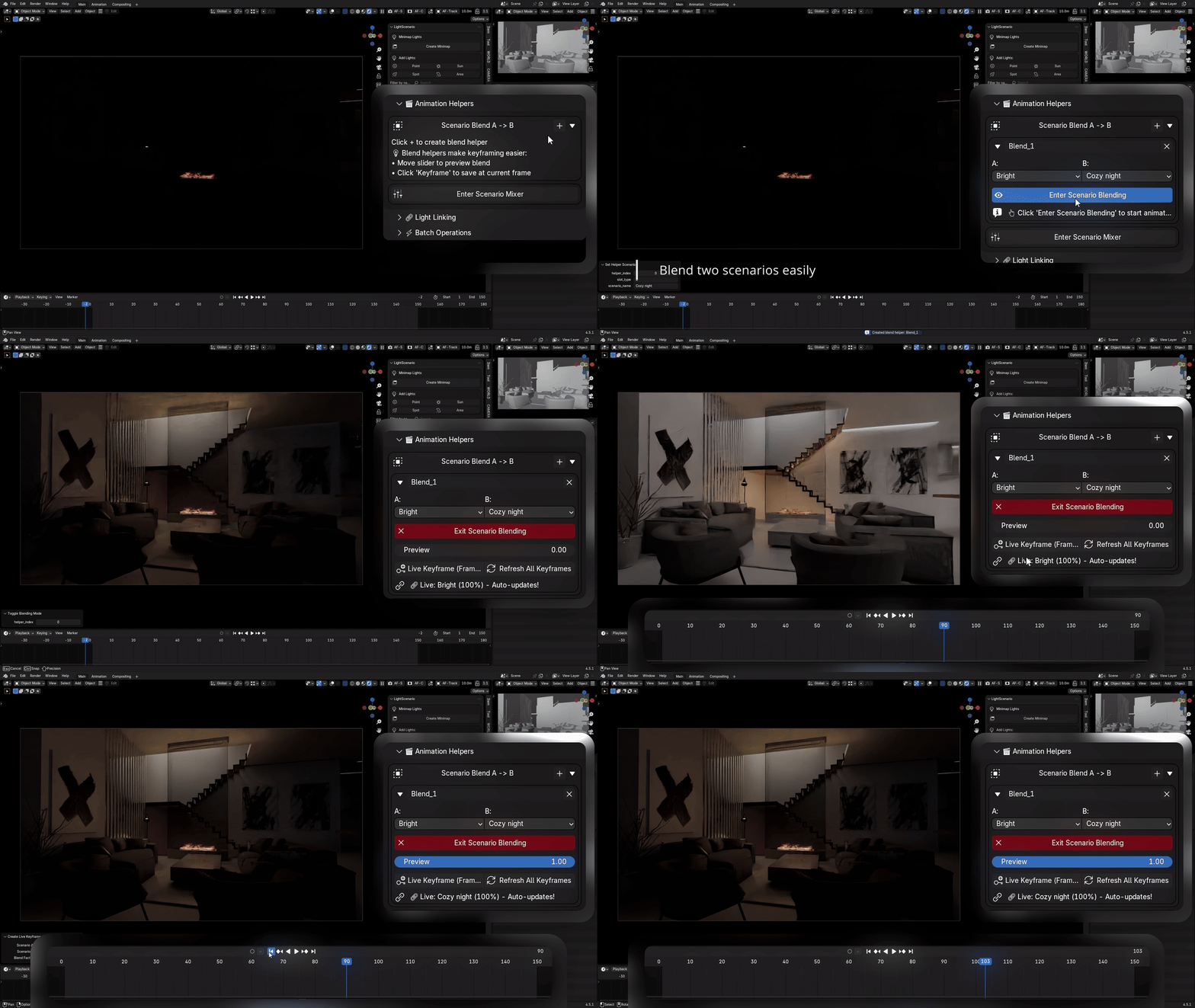
Blending A β†’ B

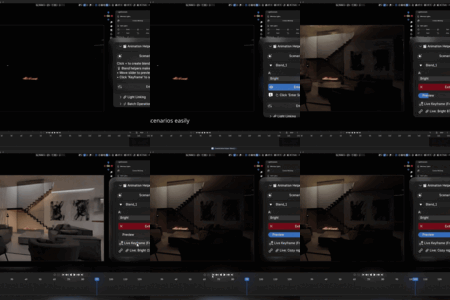
Smoothly interpolate between any two scenarios with live preview. Drag a slider and watch your lighting morph in real-time. Perfect for finding that sweet spot between "Day" and "Evening" or creating smooth animated transitions. Fully keyframeable for day-to-night animations.

Scenario Blending A to B

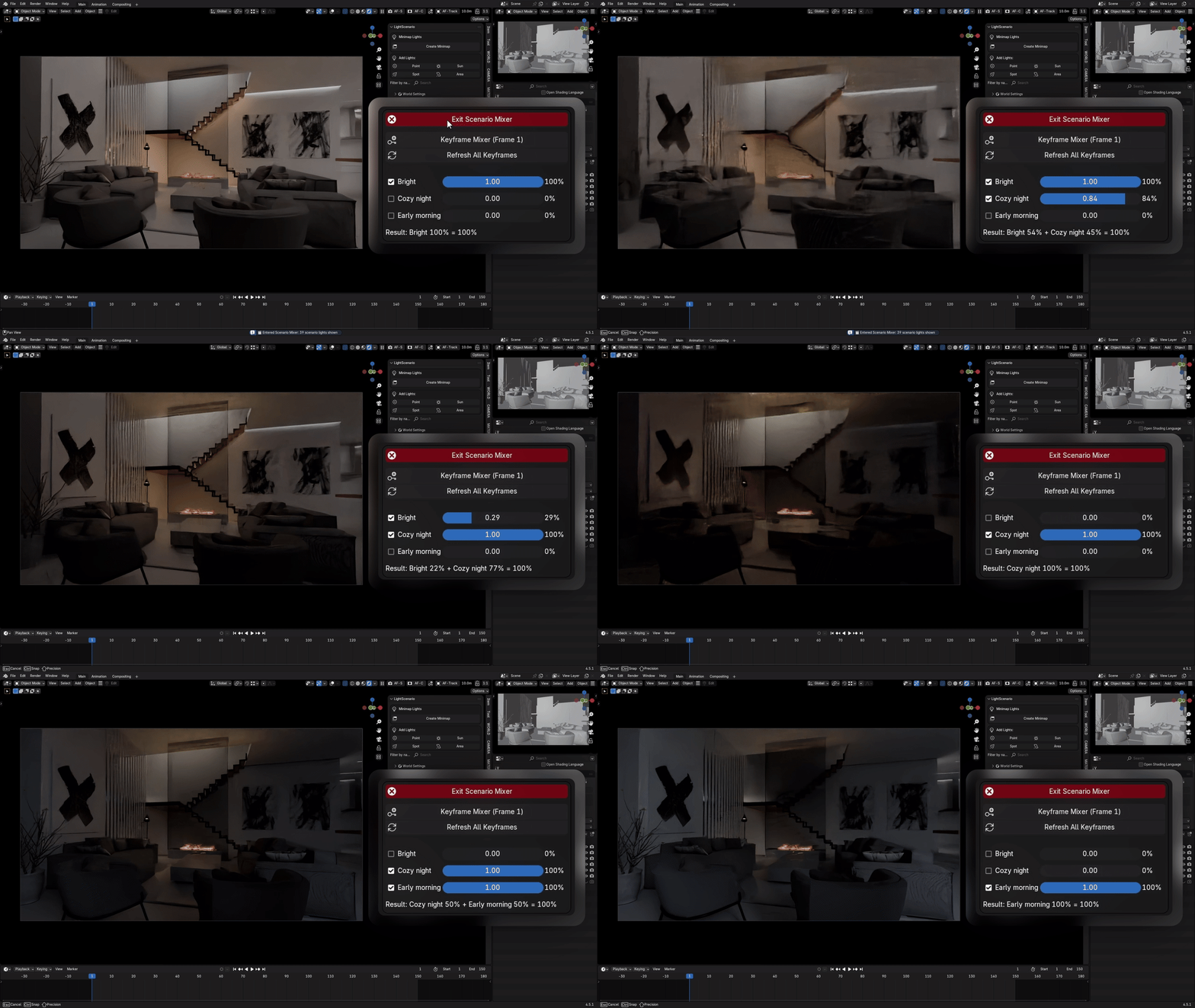
Scenario Mixer

Combine multiple scenarios simultaneously with individual control sliders. Mix "Key Light" at 100%, "Fill Light" at 60%, and "Rim Light" at 40% to create entirely new lighting combinations. Each scenario's contribution is independently adjustable like a mixing board for your lighting.

Scenario Mixer
More Features

Everything You Need
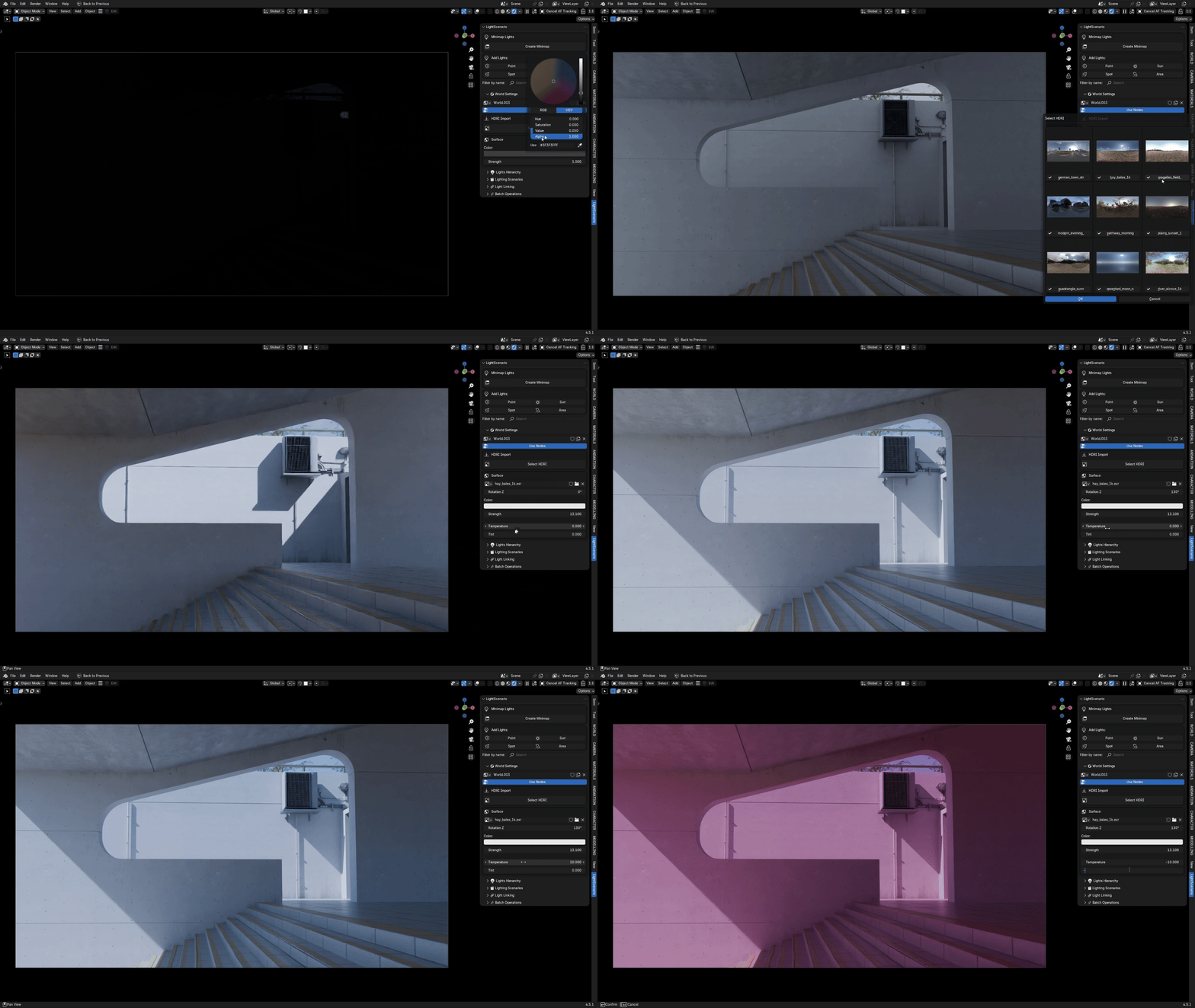
🌍 HDRI Manager

Professional HDRI workflow with color control built-in. Browse your HDRI library with a visual grid preview system. Temperature Control warms or cools your HDRI in real-time. Tint Control adds green/magenta color shifts. Turn a cold morning HDRI into golden hour without leaving Blender.

HDRI Manager

⚑ Fast Light Editing

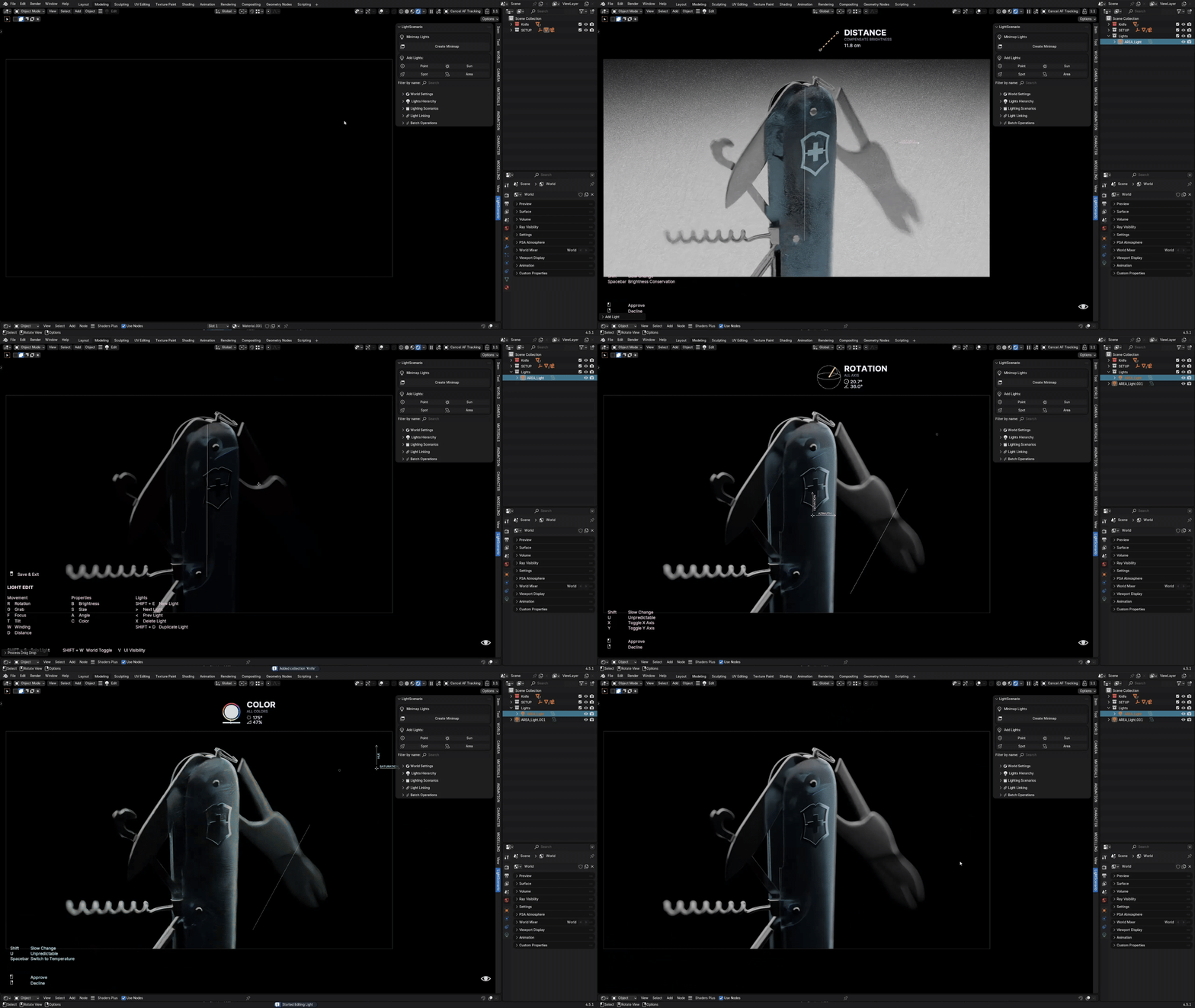
Interactive modal editing for rapid light adjustments no properties panel needed. Select any light and enter edit mode. Move your mouse to adjust values with instant visual feedback in the viewport.

Edit 20 lights in the time it used to take for 2

Fast Light Editing

πŸ”— Light Linking

Blender 4.3+

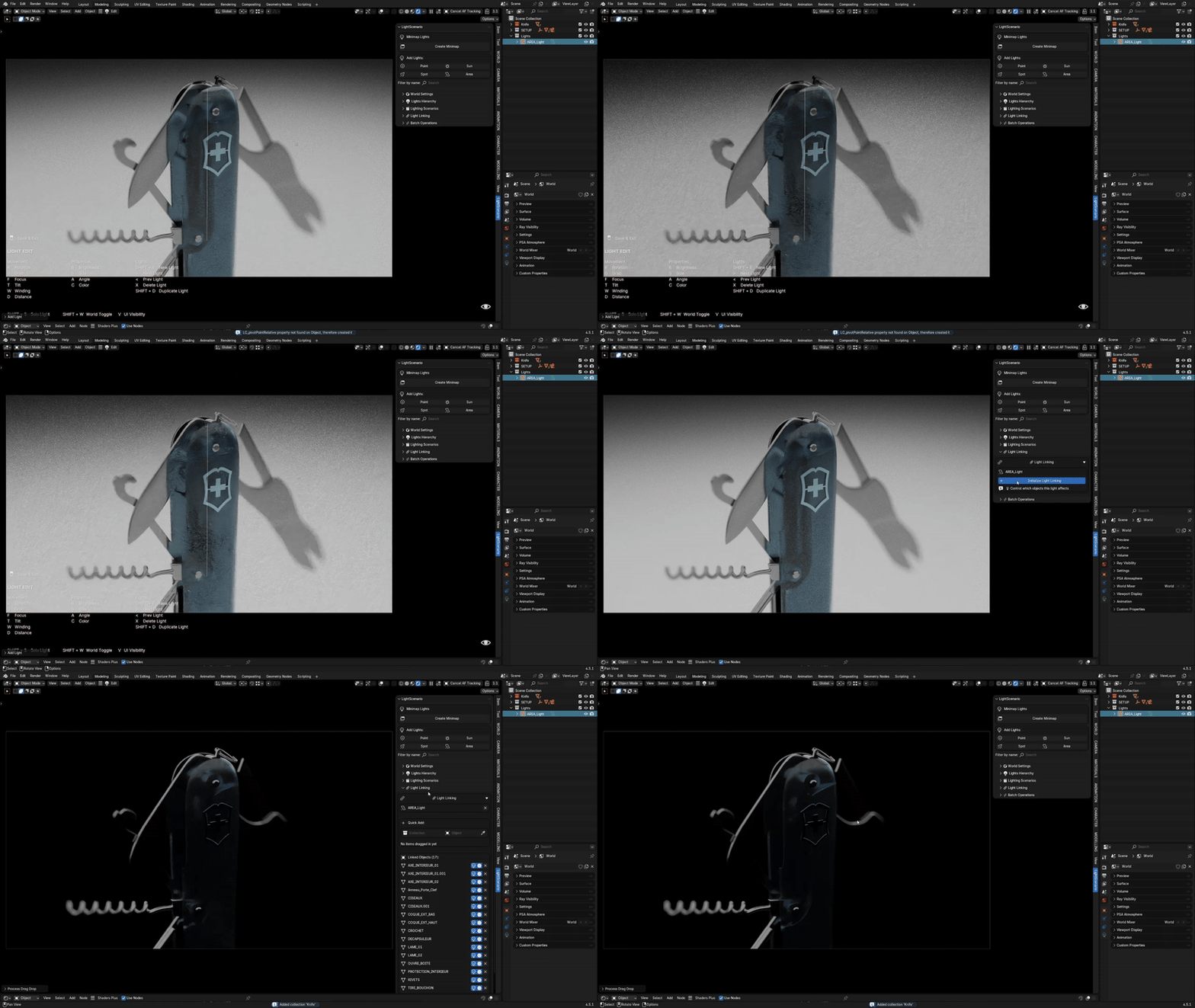
Advanced light-object relationships made simple. Quick linking interface lets you link/unlink lights to specific objects or entire collections with one click.

Light Linking
Management Tools

πŸ“¦ Batch Operations & Organization

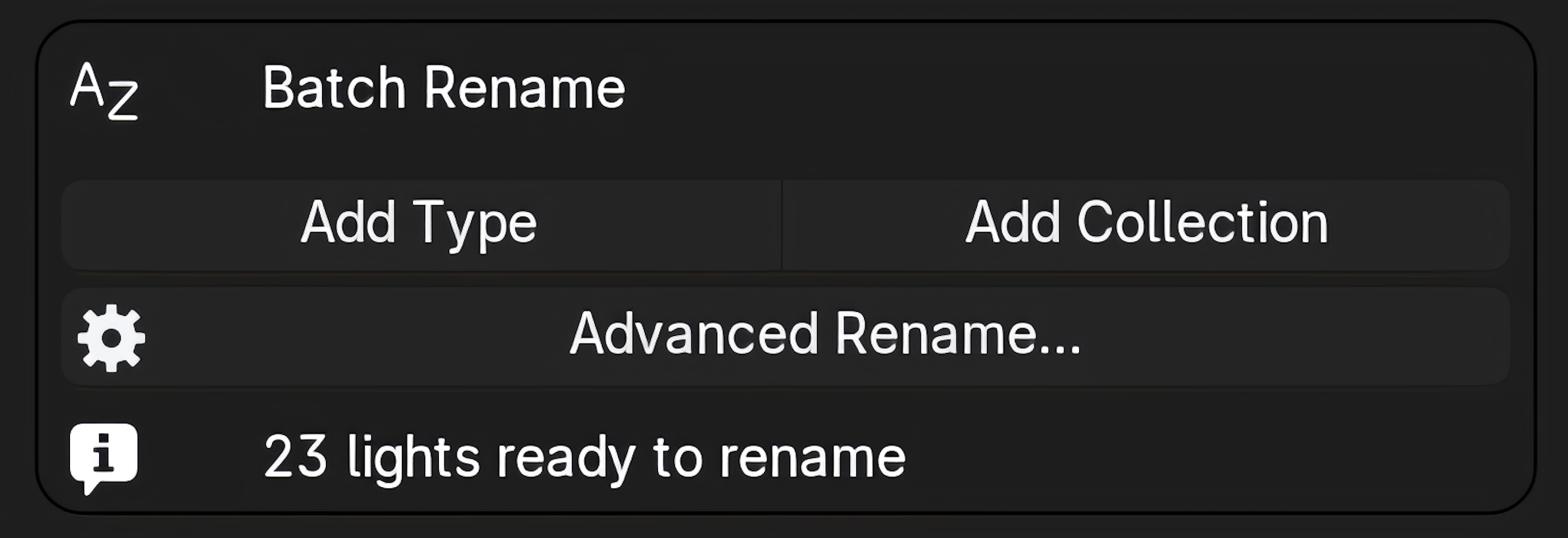
Rename multiple lights using patterns with prefixes, suffixes, and sequential numbering. Automatically organize lights into collections based on naming patterns. Keep your outliner clean and structured.

10 minutes β†’ 10 seconds

Batch Rename

Rename multiple lights at once with pattern-based naming. Add prefixes, suffixes, or sequential numbers to organize your lighting setup. Keep everything labeled consistently across complex scenes.

Batch Rename

Auto Organization

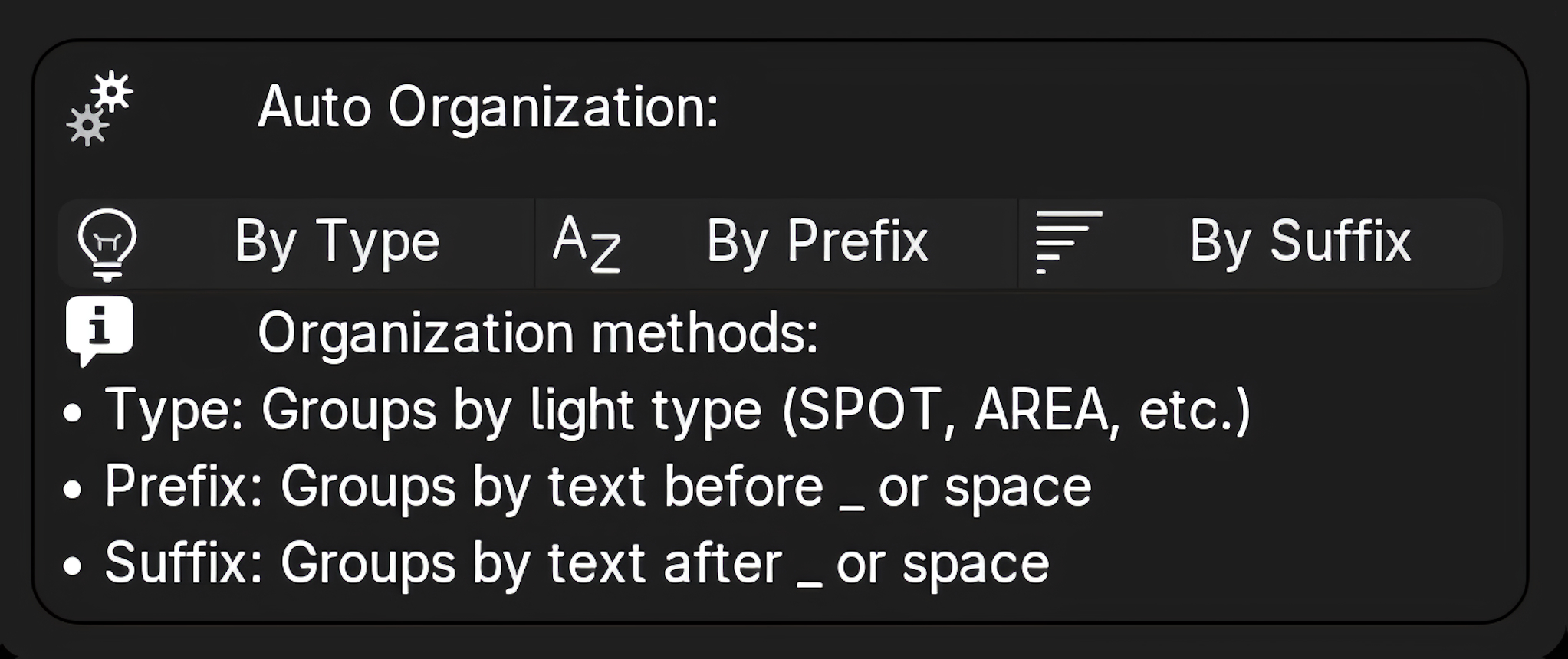
Keep your outliner clean with automatic collection management. Auto-organize lights by type into clean hierarchical collections. The hierarchical light list in the sidebar shows your entire lighting setup in an expandable tree viewβ€”all without touching the outliner.

πŸ—ΊοΈ Floating Minimap

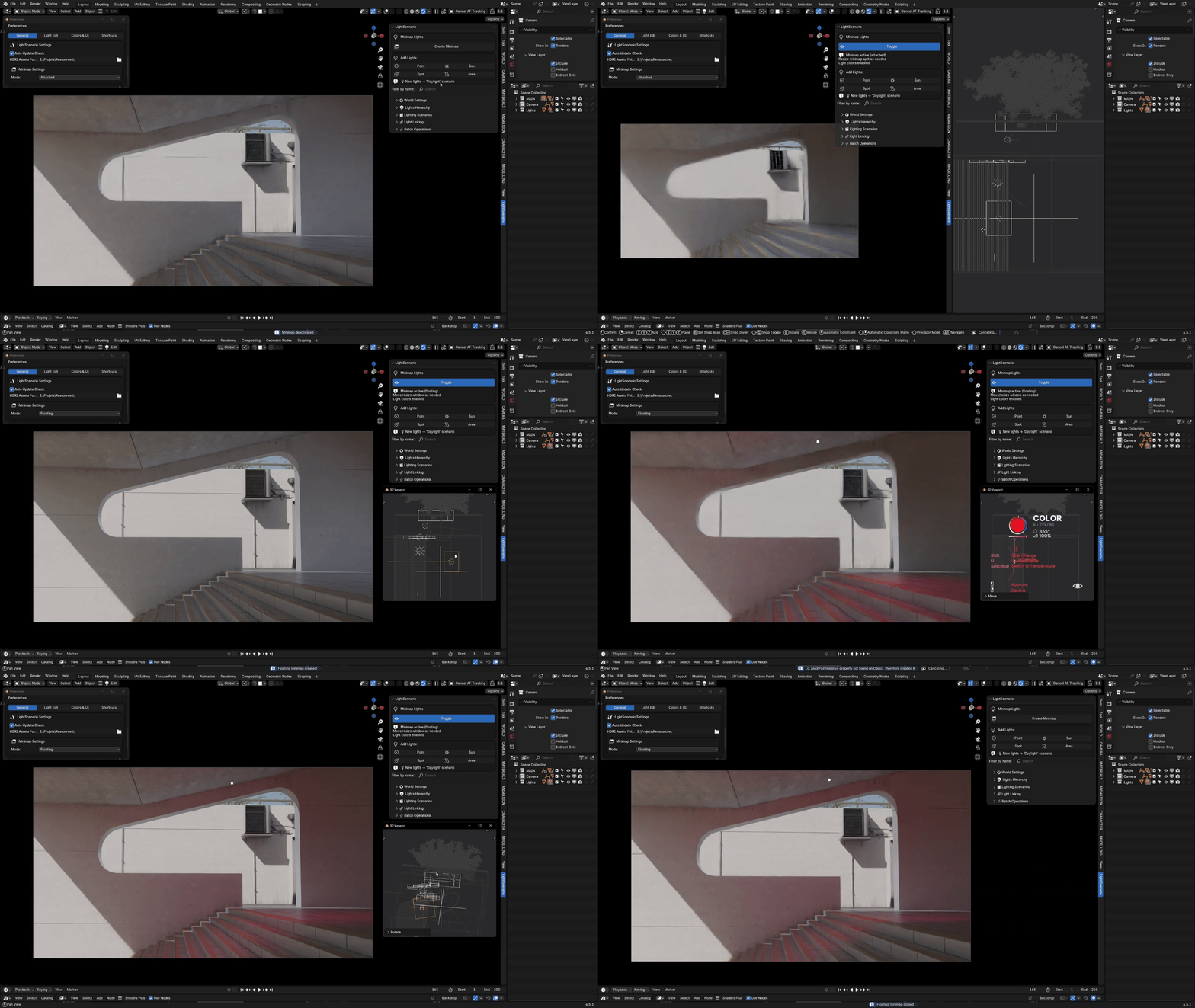
Navigate complex lighting setups with ease using the floating minimap. See your entire scene layout at a glance with a draggable, resizable viewport overlay. Pan and zoom through your 3D view without losing context. Perfect for large scenes with dozens of lights spread across multiple areas.

The Difference

Why Light Scenario?

Unique Scenario System

No other lighting addon offers this comprehensive approach to saving and switching complete lighting configurations. Scenario blending and mixing are unique to Light Scenario.

Complete Workflow

Not just presets or assets this is full lighting management from creation to organization to presentation. Everything in one tool.

Active Development

Regular updates, bug fixes, and new features based on user feedback. Lifetime free updates included with purchase.

Professional Quality

Built by artists, for artists. Used in production on real projects. Tested with complex scenes and demanding workflows.

Use Cases

Perfect For

Product Visualization

Present "Studio", "Warm", "Cool", and "Dramatic" lighting options to clients instantly. Switch between looks during client reviews in real-time.


Architectural Visualization

Create "Day", "Evening", and "Night" scenarios with proper lighting for each time period. Animate smooth day-to-night transitions with keyframed scenario blending.


Character Animation

Different scenes need different moods. Save lighting configurations per scene and switch as you work. No more remembering which lights were on/off.


Complex Lighting Setups

Managing 20+ lights? Multiple moods? Client revisions? Light Scenario turns chaos into organized, manageable systems.

Requirements

Technical Specifications

Compatibility

  • βœ“ Blender 4.0+
  • βœ“ All platforms
  • βœ“ Cycles & Eevee
  • βœ“ No setup required

Performance

  • βœ“
  • βœ“ Real-time updates
  • βœ“ Instant switching
  • βœ“ Minimal memory

Installation

Standard Blender addon installation install the .zip file directly through Preferences > Add-ons. No extraction needed.

Ready to Start?

Transform Your Lighting Workflow

Stop rebuilding lighting setups for every client revision.
Stop losing track of which lights were on/off in each mood.
Stop spending hours on tedious light management tasks.

Start creating organized, manageable lighting systems that let you focus on what matters: making great renders.

Light Scenario

Professional Lighting Management for Blender


$20

Have questions about this product?
Login to message

Details
Rating
1 ratings
Published 10 months ago
Blender Version 4.0 - 5.0
Extension Type N/A
Render Engine Used Cycles, Eevee
License GPL