 ATools


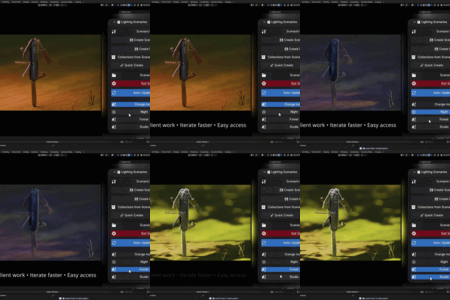

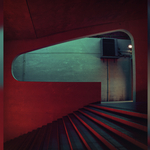
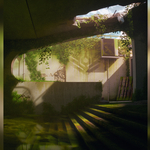
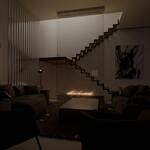
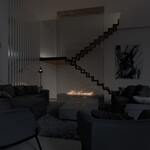
What is LightScenario?
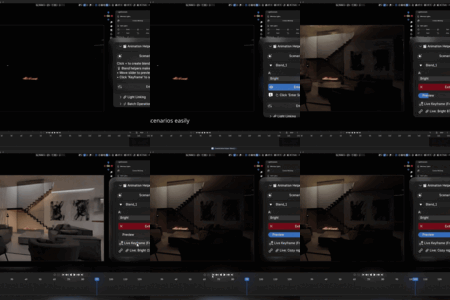
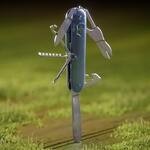
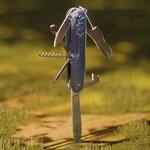
LightScenario is a professional lighting management addon for Blender that lets you create, save, and switch between multiple lighting setups instantly. It includes HDRI management with color grading, fast light editing, light linking, and advanced batch operations.
What version of Blender do I need?
LightScenario requires Blender 4.0 or higher.
Which operating systems are supported?
LightScenario works on Windows, macOS, and Linux - any platform that runs Blender 4.0+.
What are "Lighting Scenarios"?
A scenario is a saved lighting configuration - including which lights are on/off, their colors, energy levels, and positions. Think of it like a snapshot of your entire lighting setup that you can return to instantly.
How many scenarios can I create?
Unlimited! Create as many as you need for your project.
Do scenarios affect HDRI settings?
Currently, scenarios save light states but not HDRI settings. You can use the HDRI Manager separately to switch environments. Future updates may include HDRI in scenarios.
Can one light be in multiple scenarios?
Yes! Lights can be "tagged" to multiple scenarios. This is perfect for lights that appear in several setups (like a main key light).
What happens if I delete a light that's in a scenario?
The scenario will update automatically. When you switch to that scenario, only the existing lights will be affected.
Can I share scenarios between different Blender files?
Scenarios are saved within the .blend file. To use a scenario in another file, you can append or link the lights from the original file, then recreate the scenario setup.
Does the HDRI Manager work with existing world setups?
Light Scenario creates its own node setup for HDRI management. If you have a custom world setup, you may want to back it up first.
What's the minimap for?
The minimap provides a top-down wireframe overview of your scene, helping you see light positions and navigate complex setups.
What's the difference between collections and scenarios?
- Collections: Organize lights in the Outliner (like folders)
- Scenarios: Save complete lighting states (what lights do)
Think: Collections = organization, Scenarios = saved setups
Will this slow down my Blender?
No. LightScenario is optimized for performance. Even with 100+ lights and multiple scenarios, the addon remains responsive.
Is there a tutorial series?
Full documentation is included in documentation tab. Video tutorials are planned for future updates.
How often is the addon updated?
We prefer not to make specific promises about update frequency, as this is a very time-consuming project. Our main goal is to provide timely updates that focus on fixing bugs. While we do have ideas for new features, bug fixes remain our top priority for now.
$20
Have questions about this product?
Login to message
Discover more products like this
lights 3DLighting Scenario 3D-art-lighting light Lighting blender Lighting scenarios adventure scenarios lighting scenario