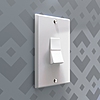
Light Switches Pack 1
 Abdou Bouam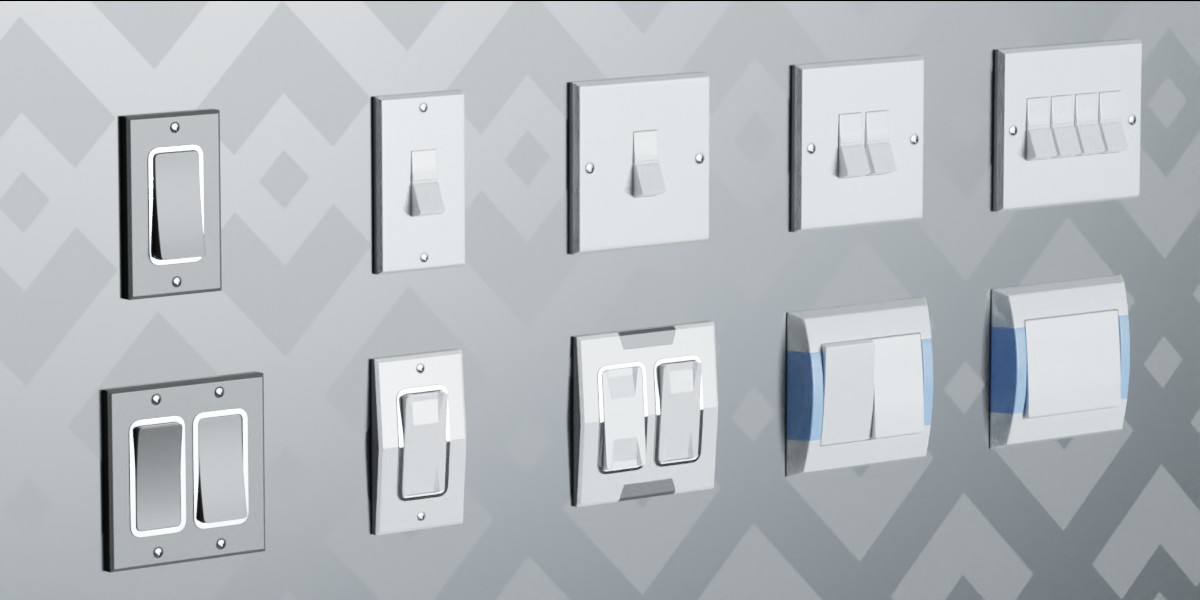
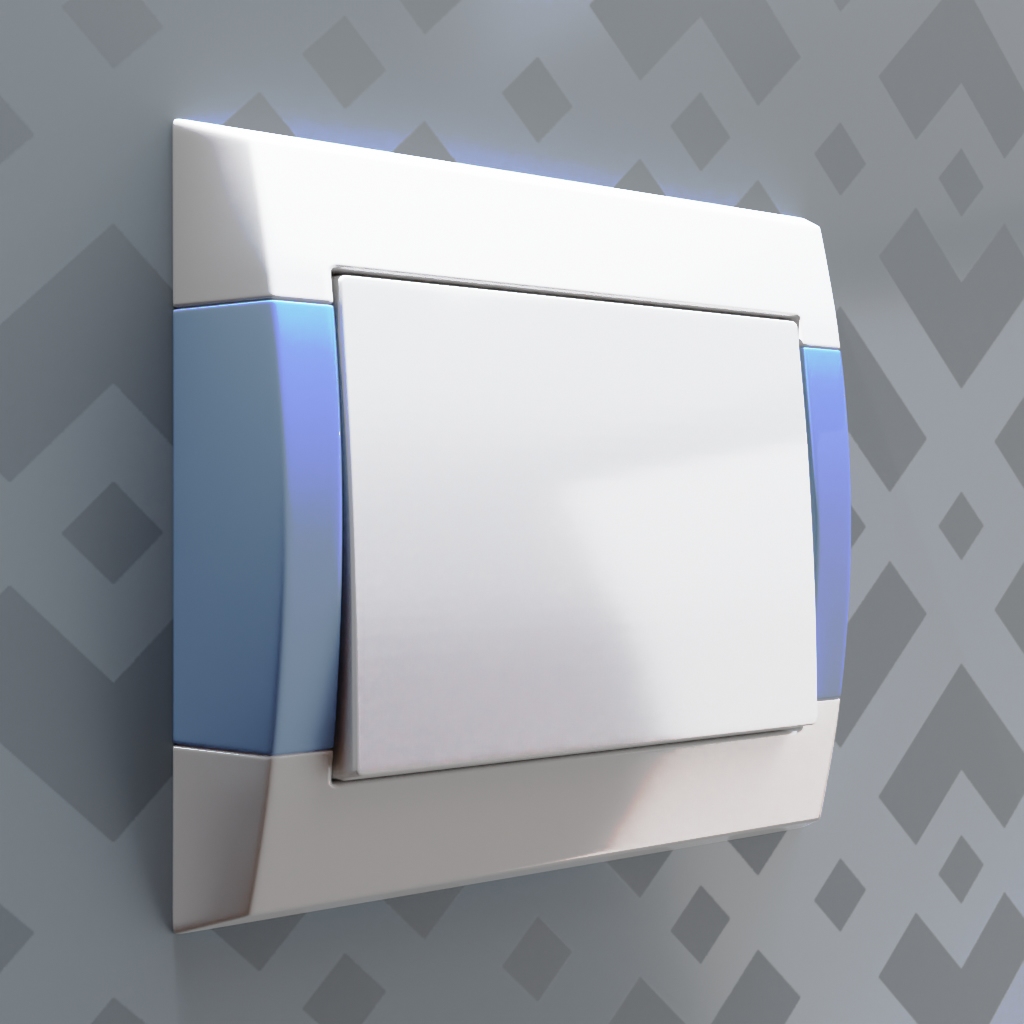
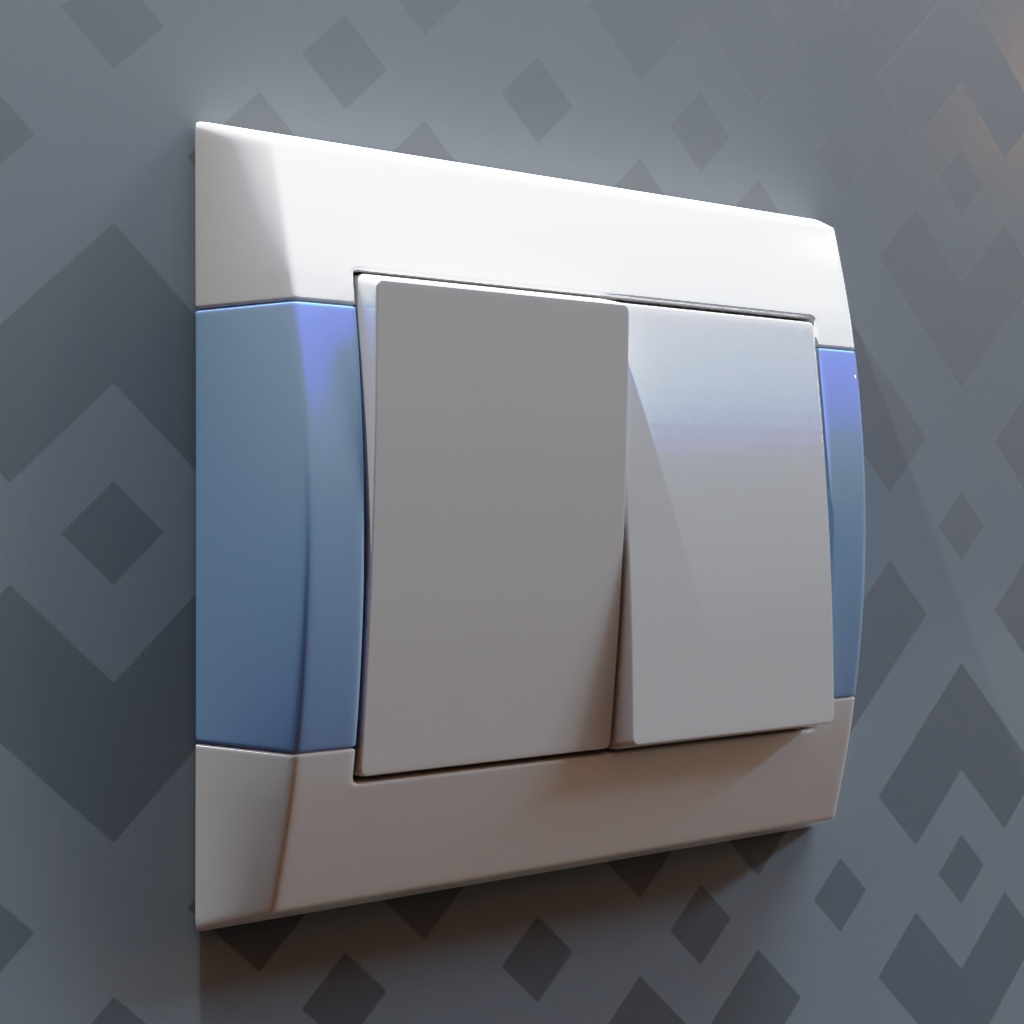
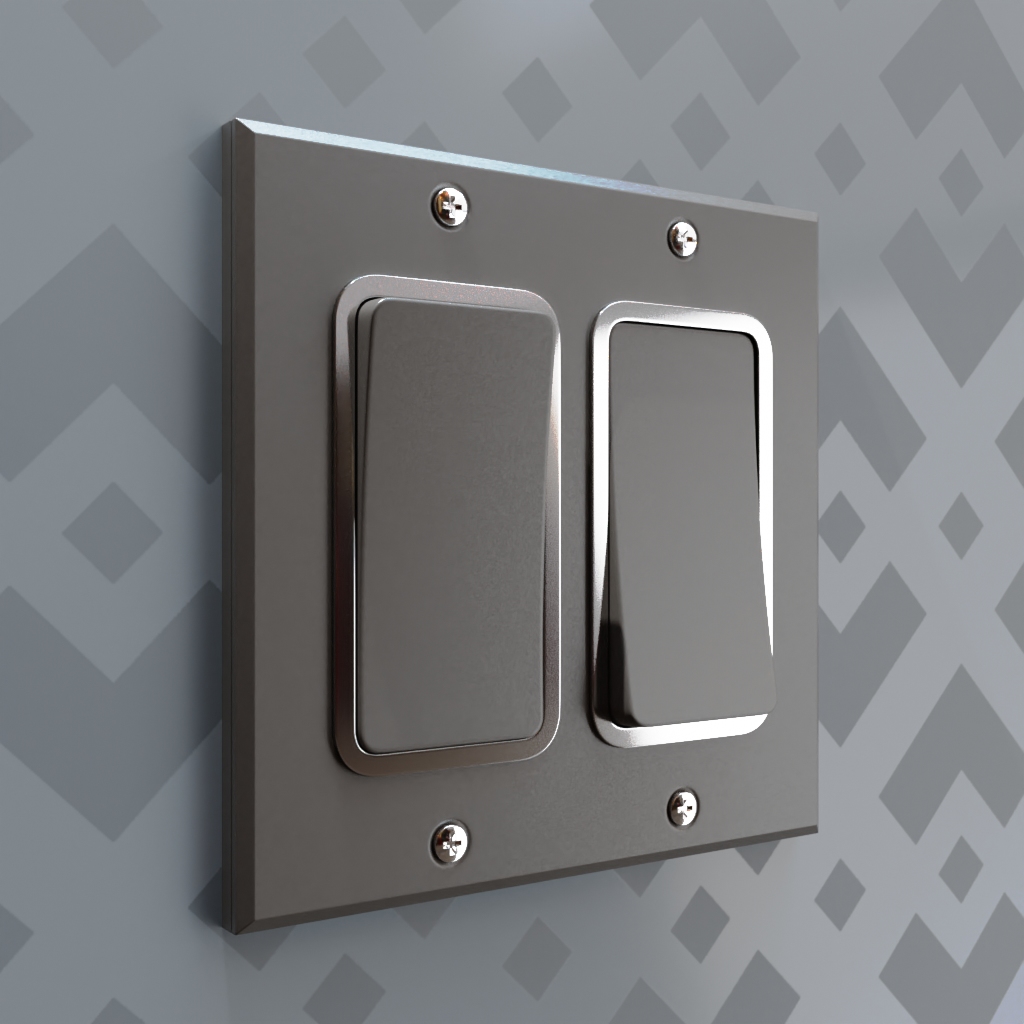
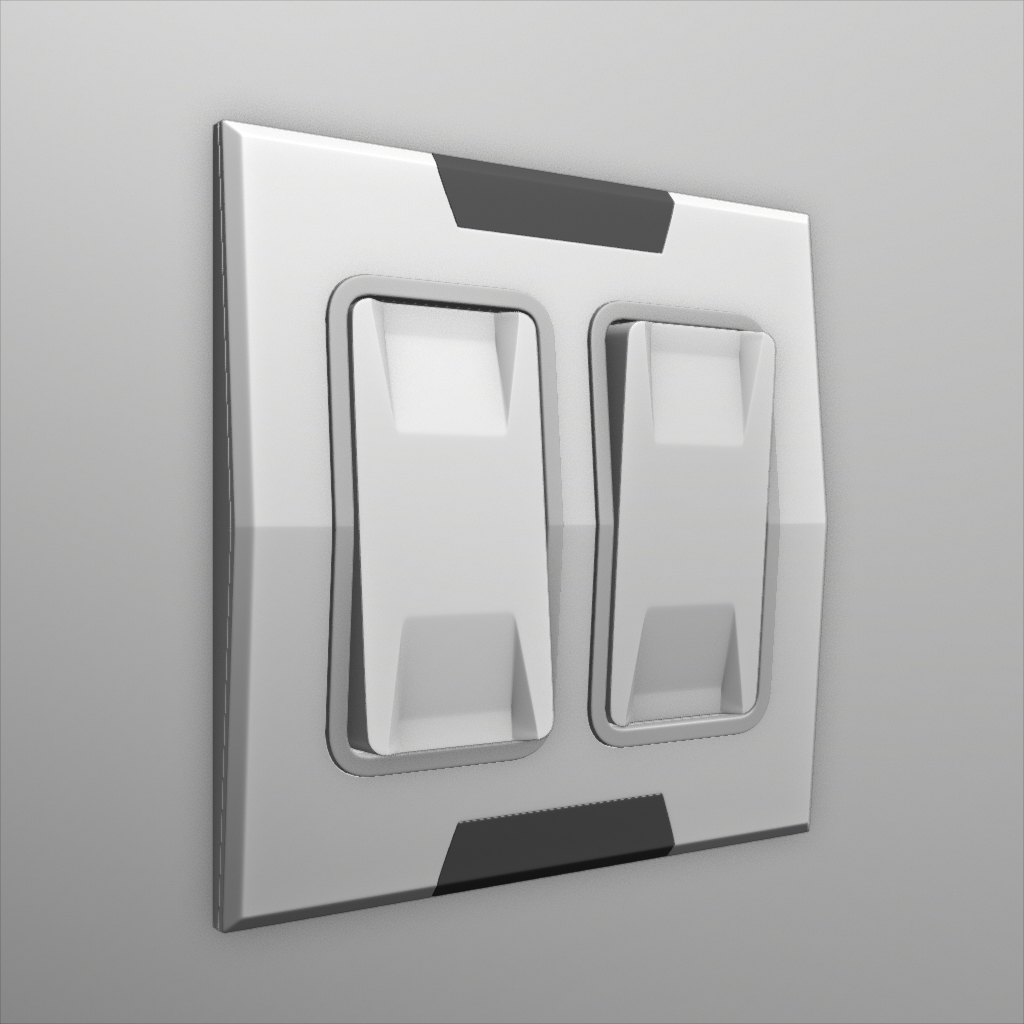
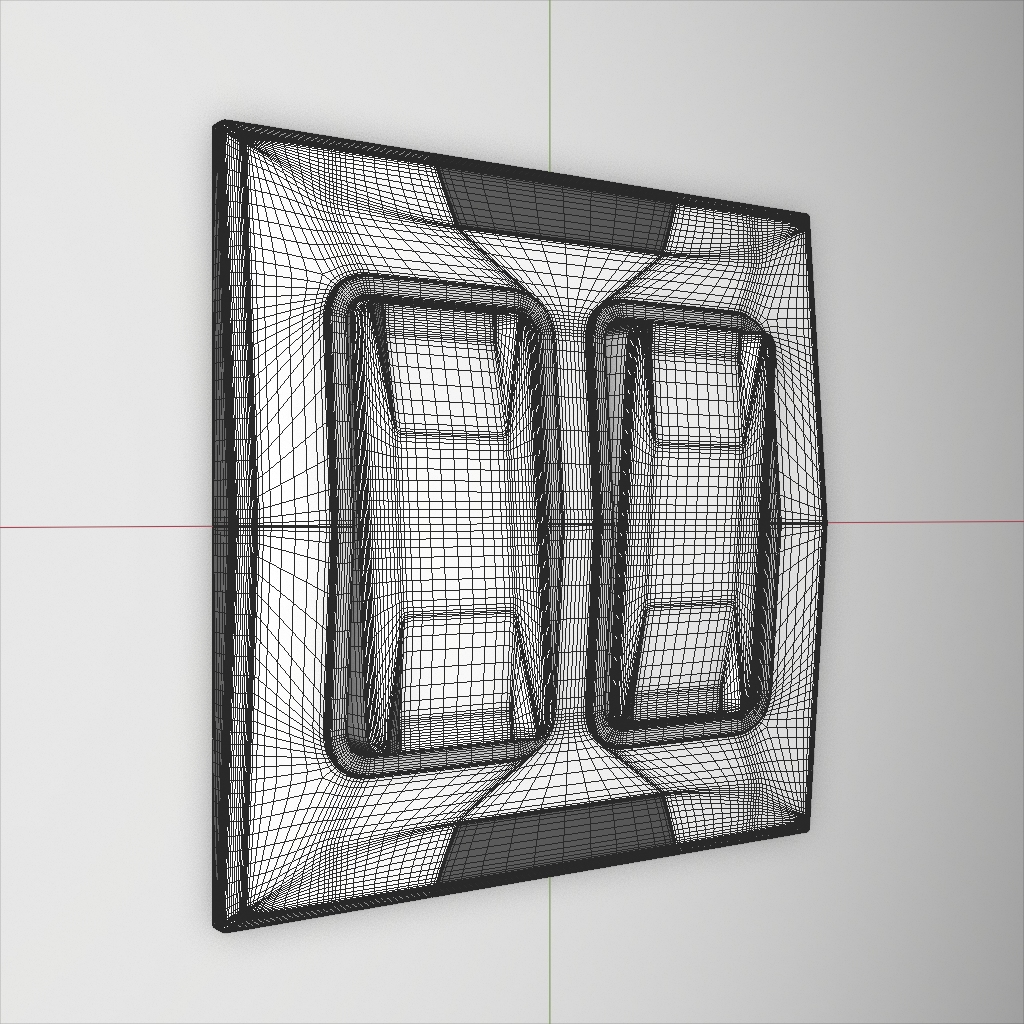
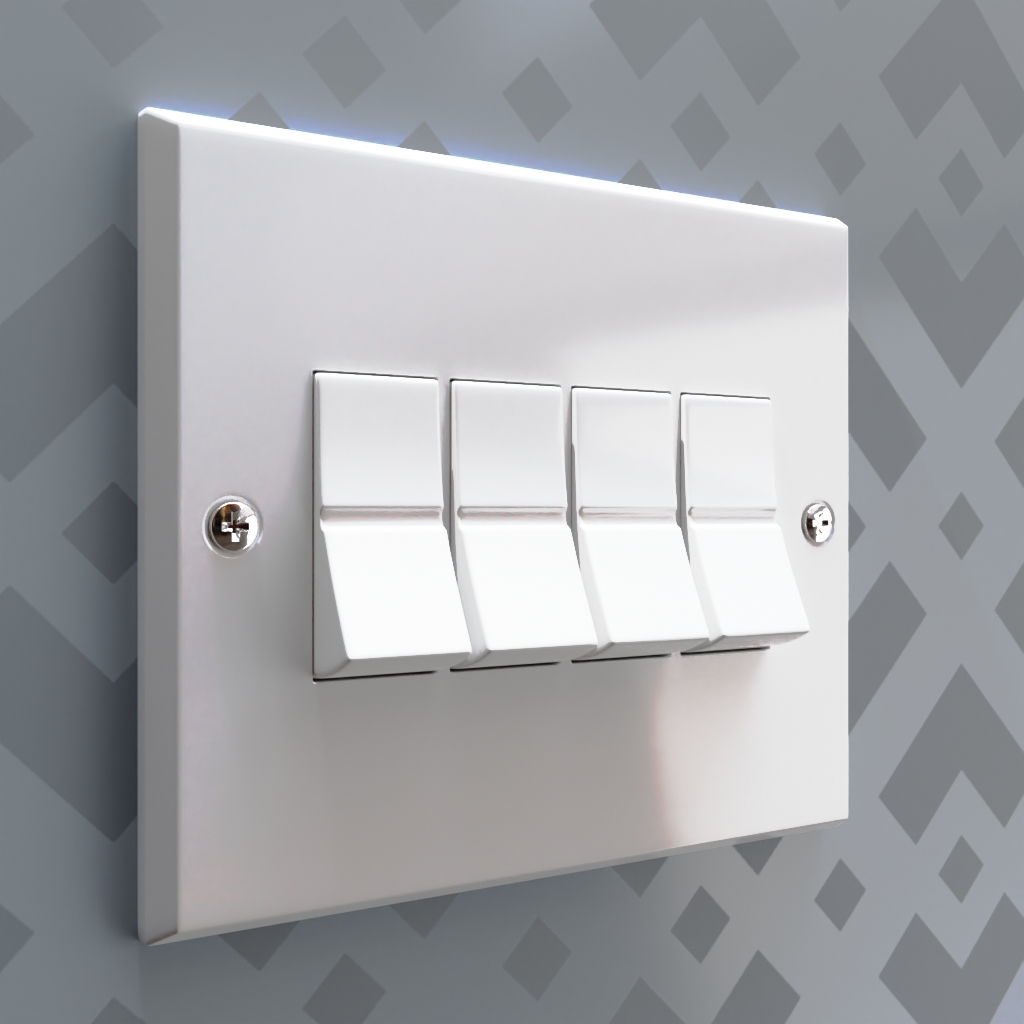
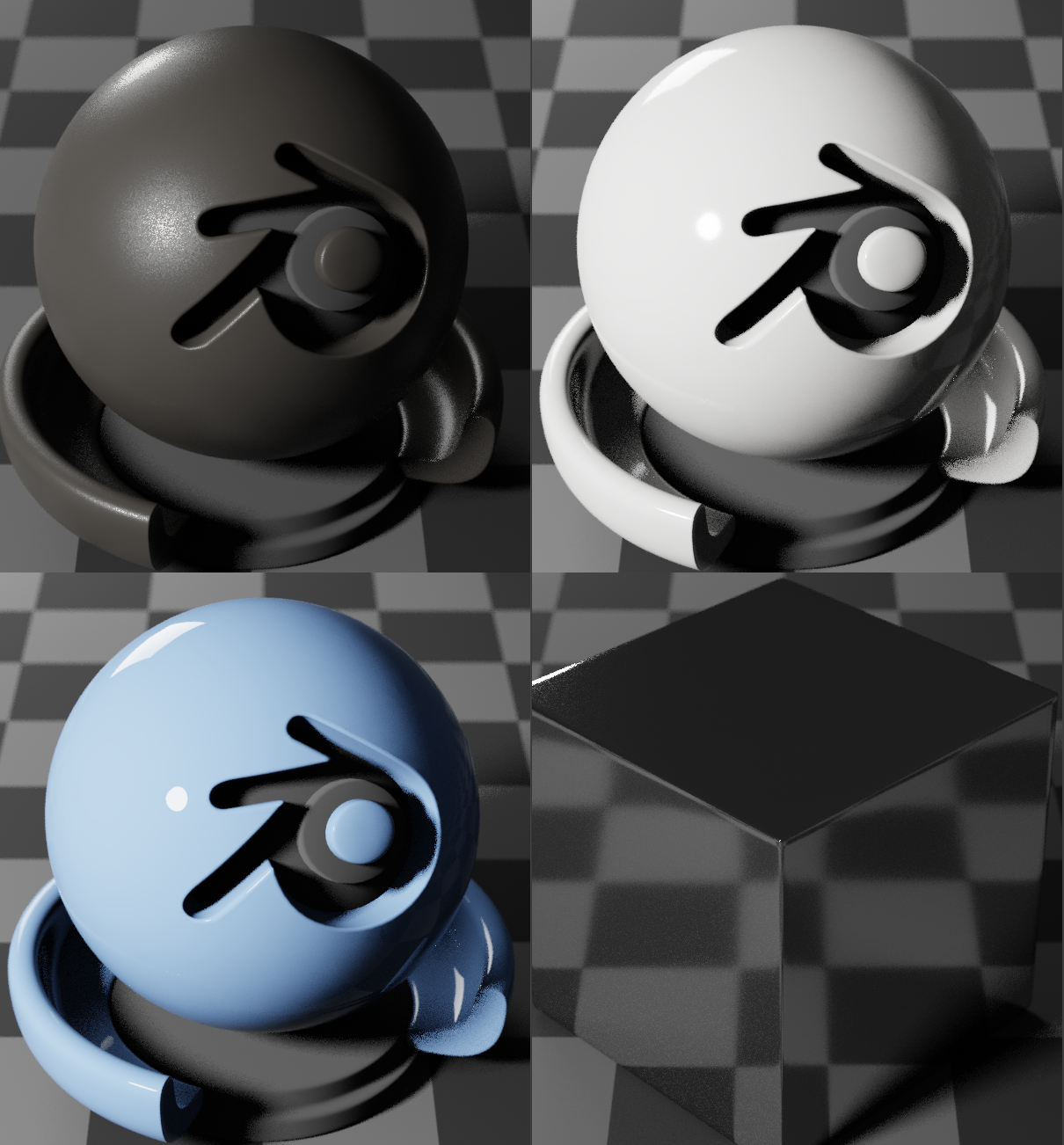
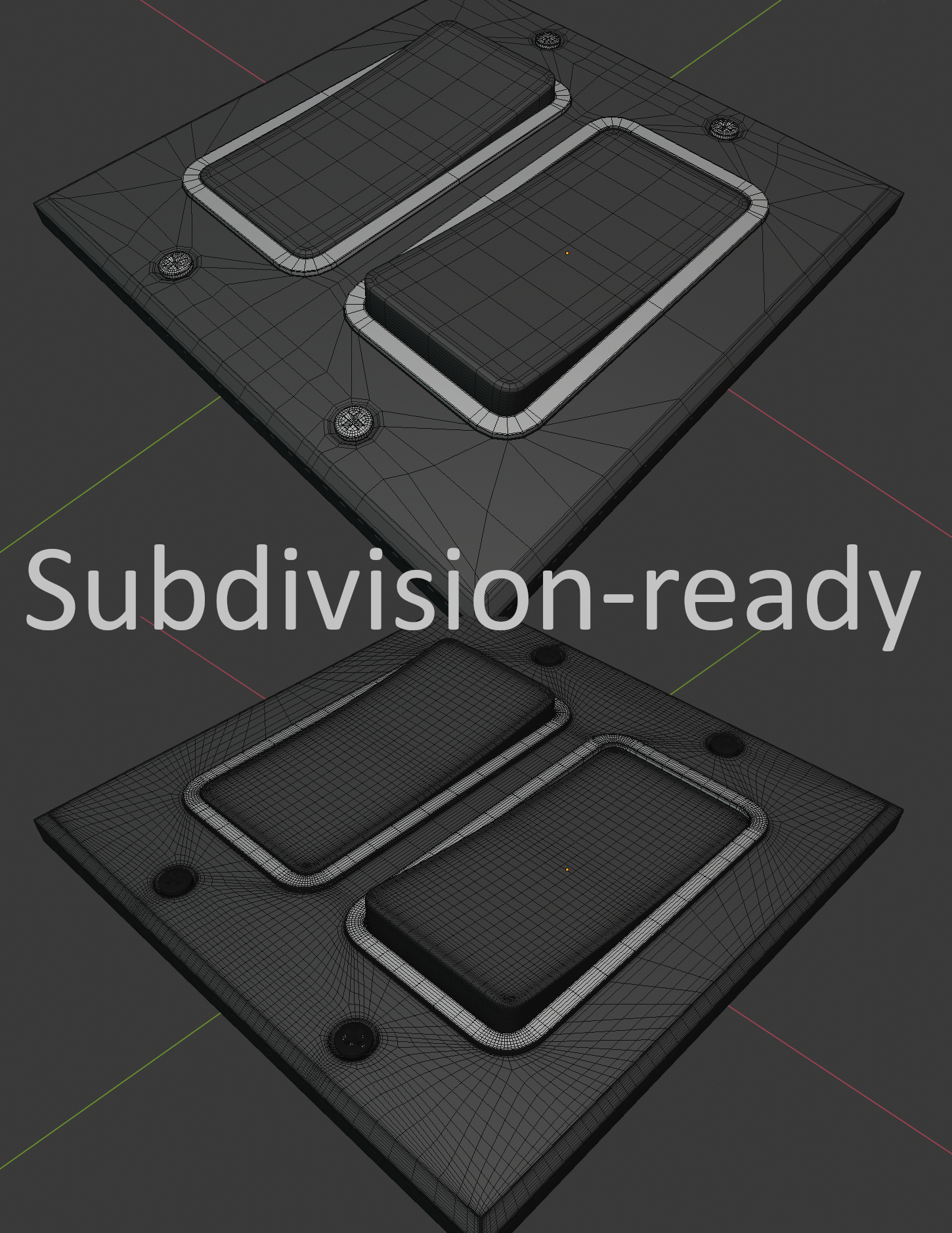
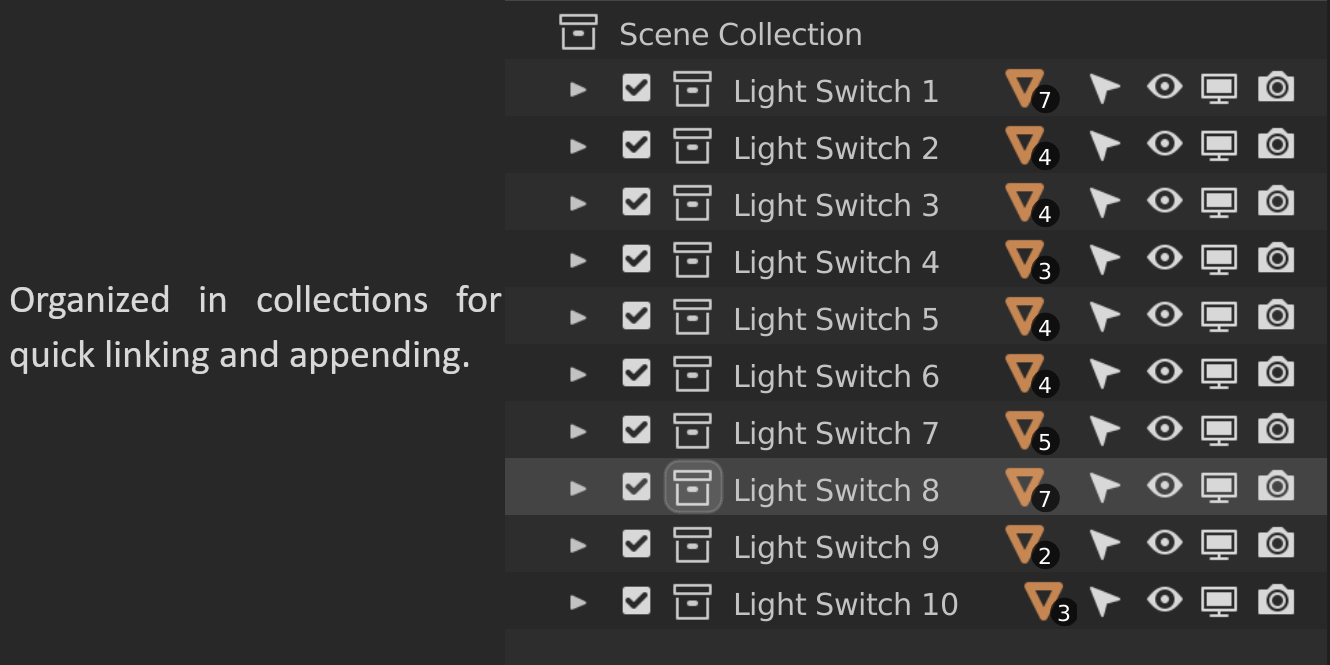
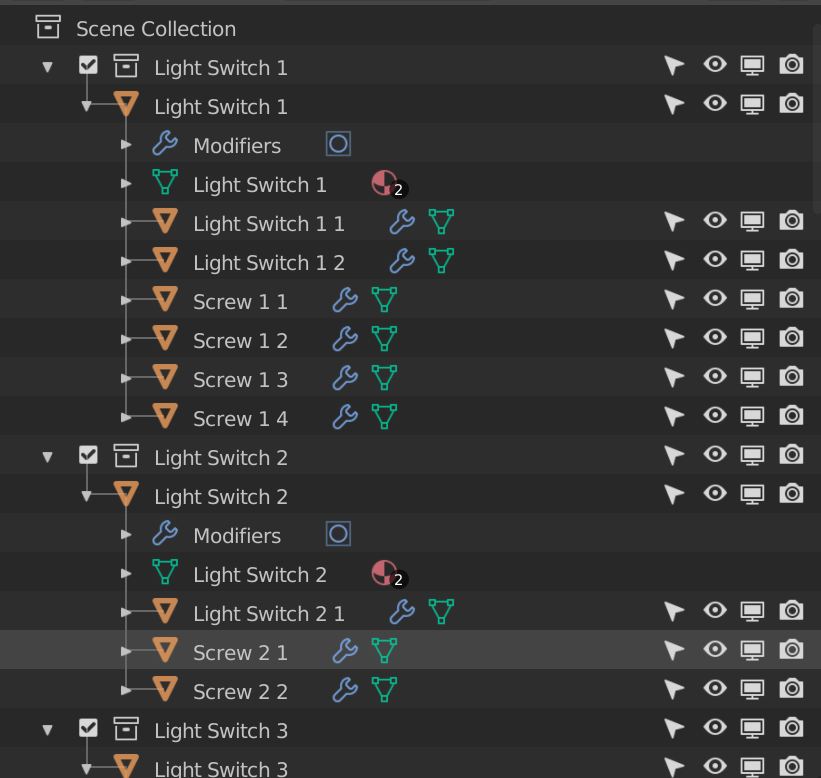
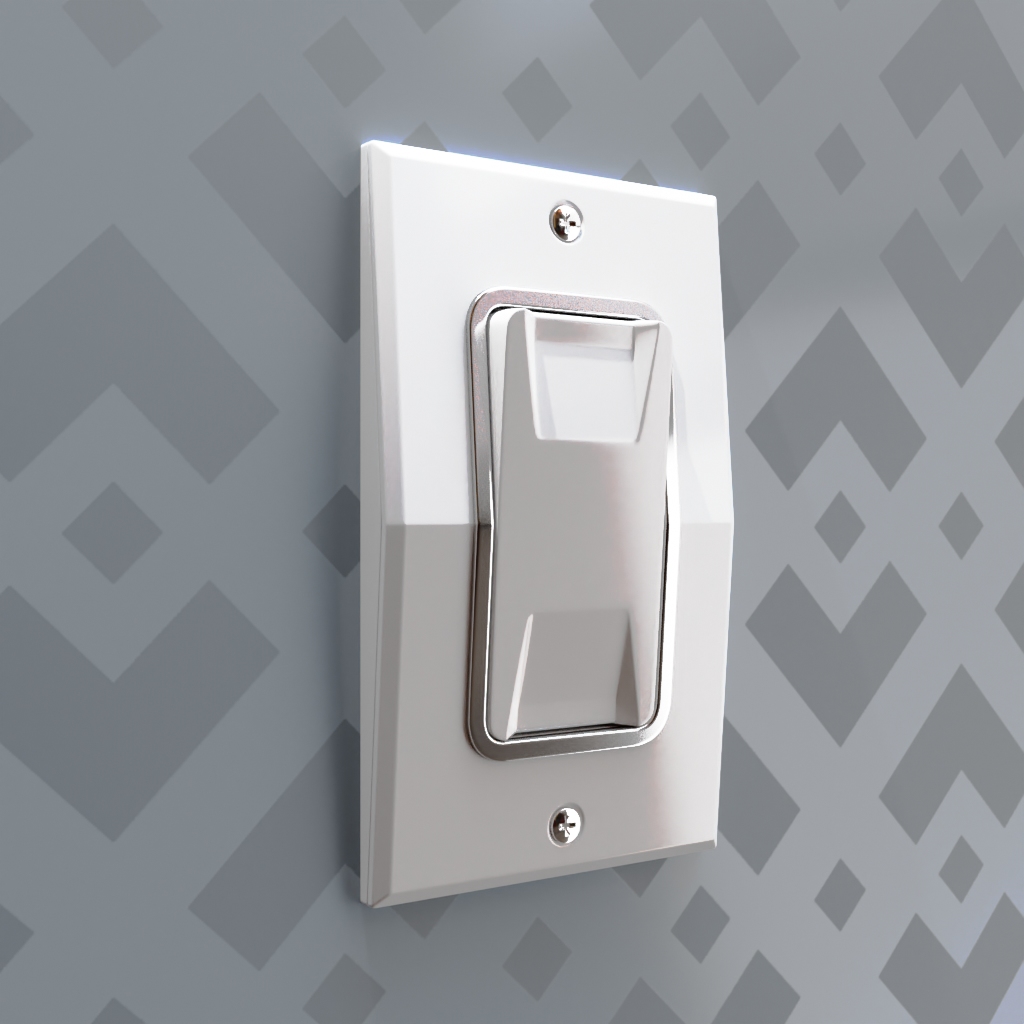
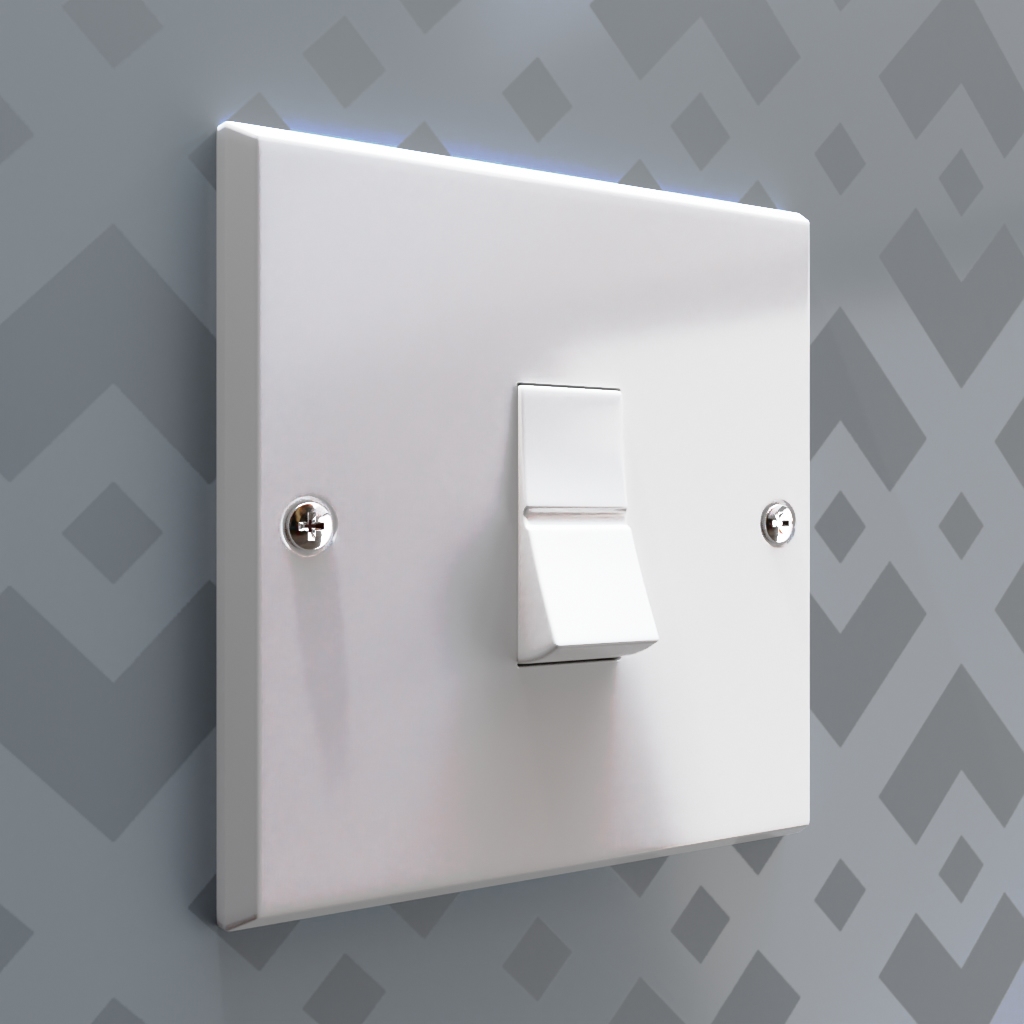
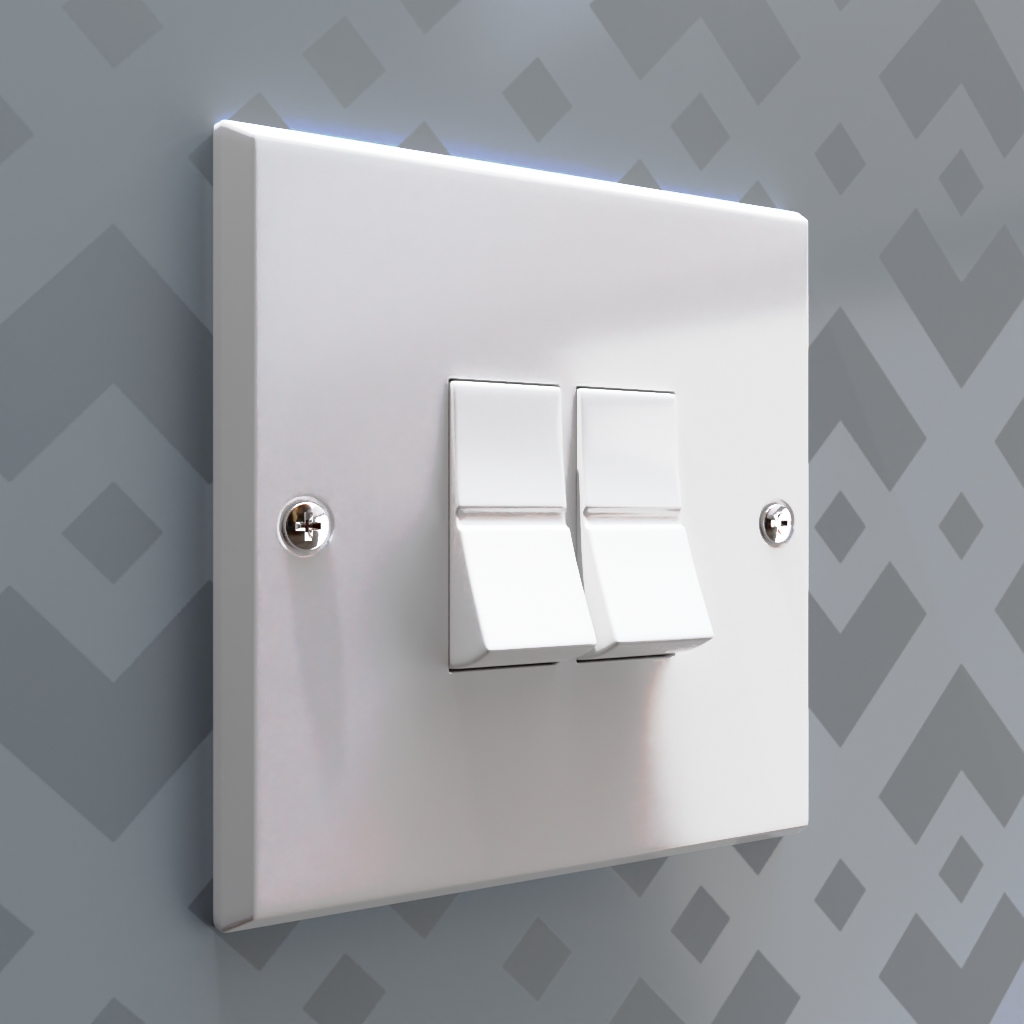
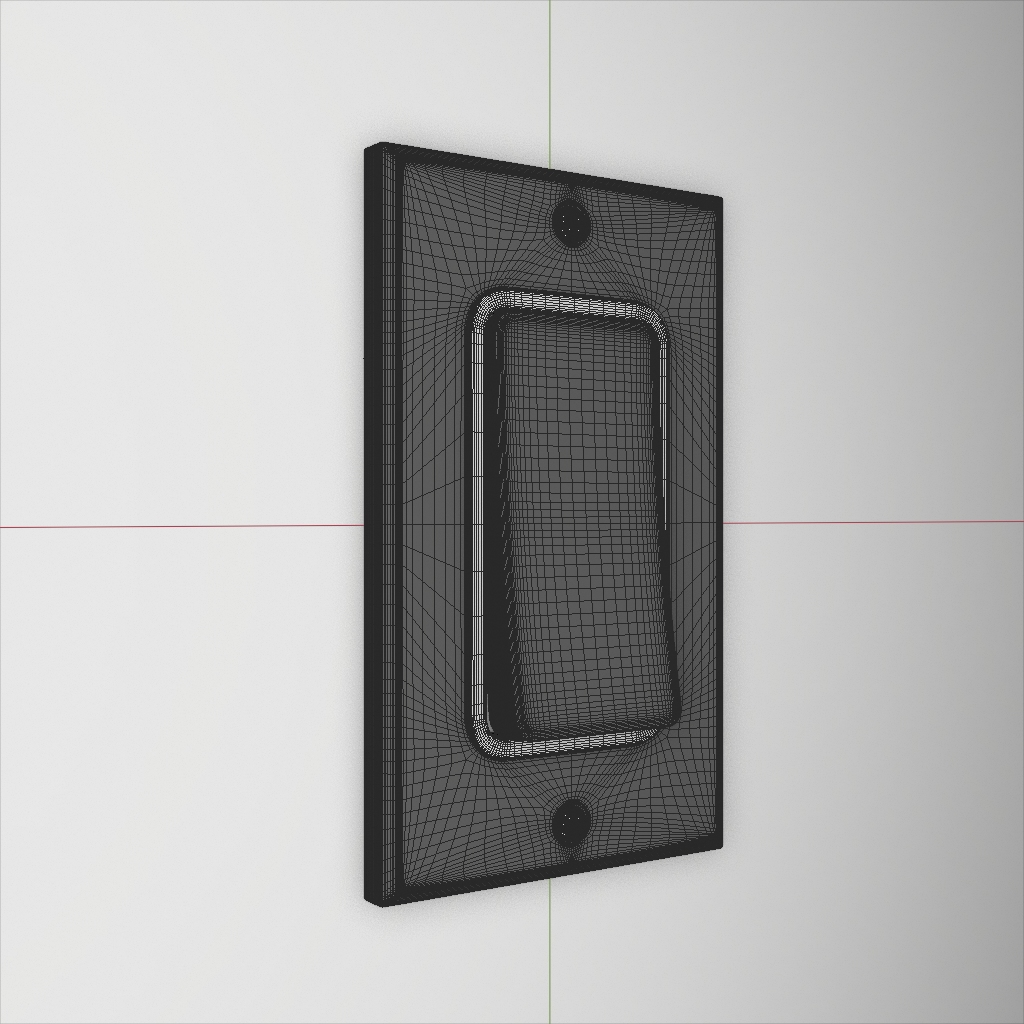
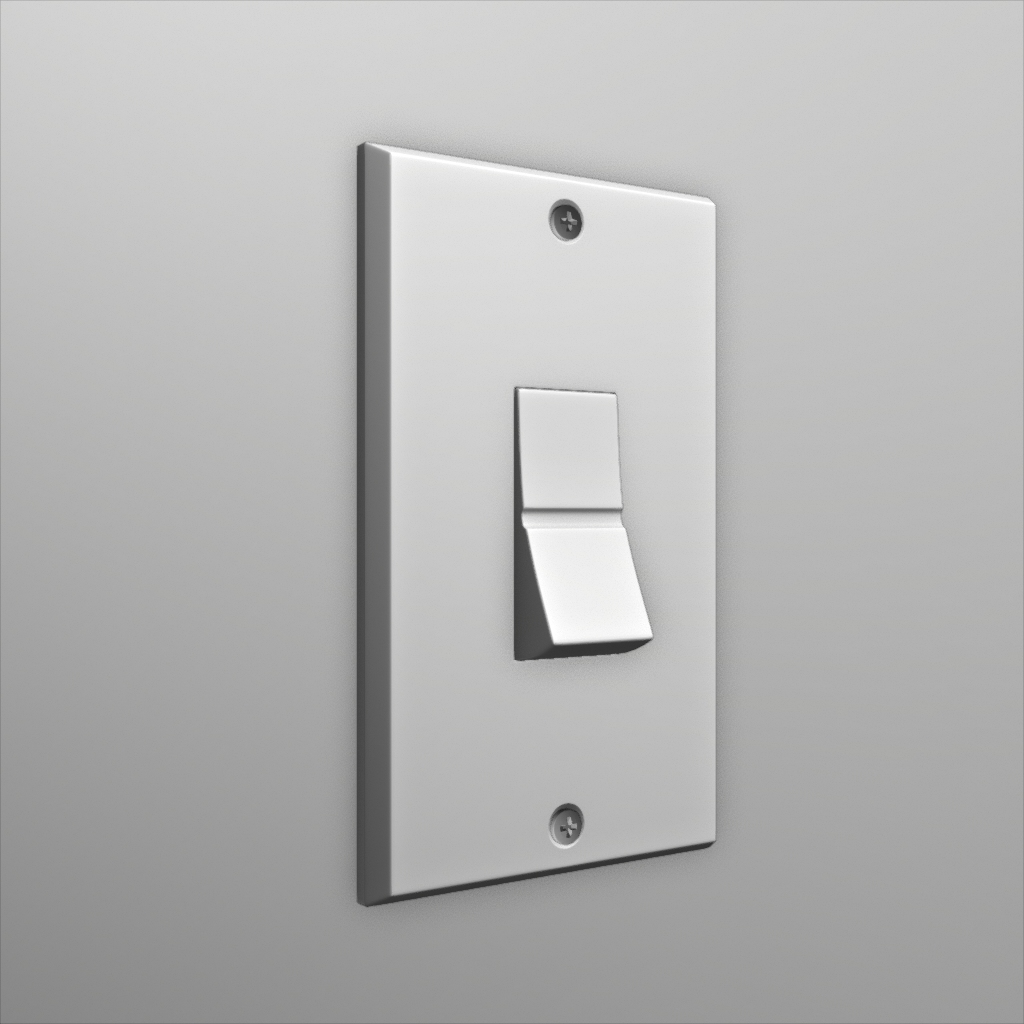
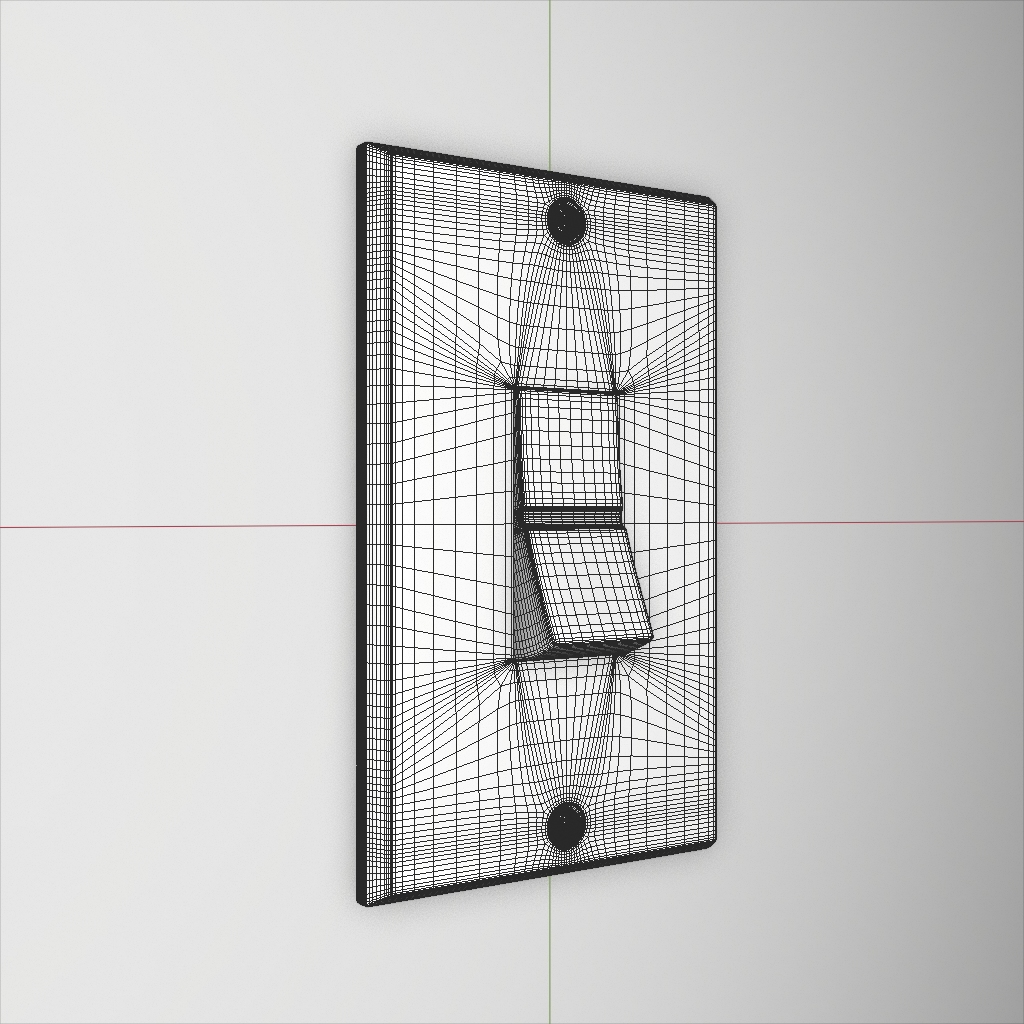
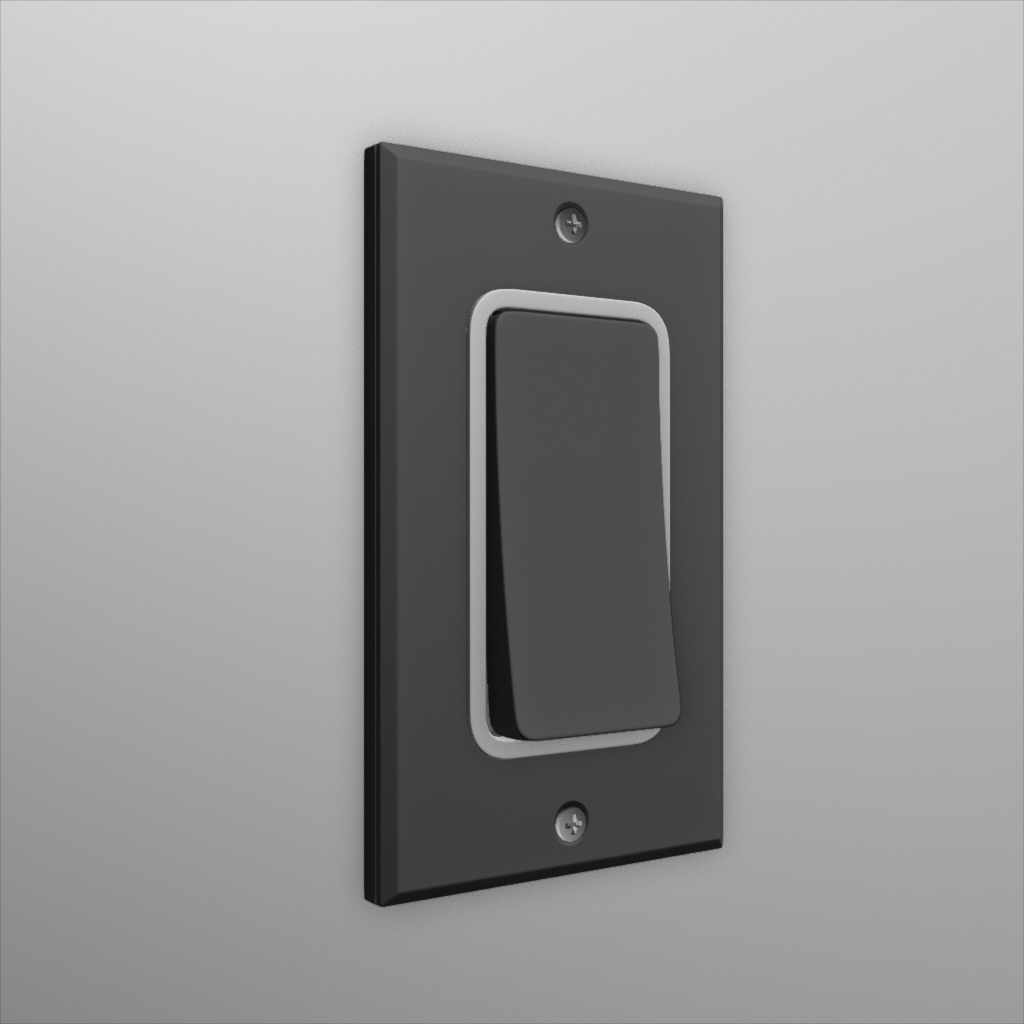
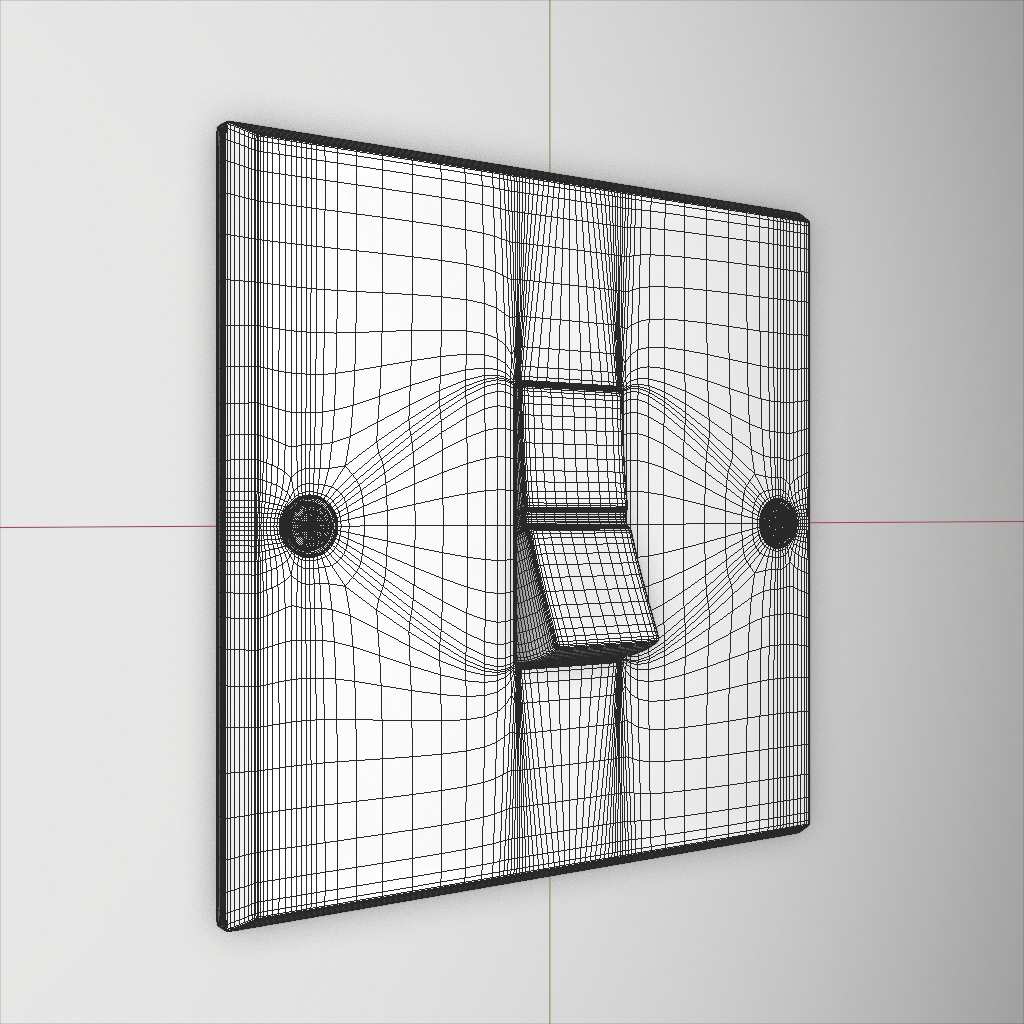
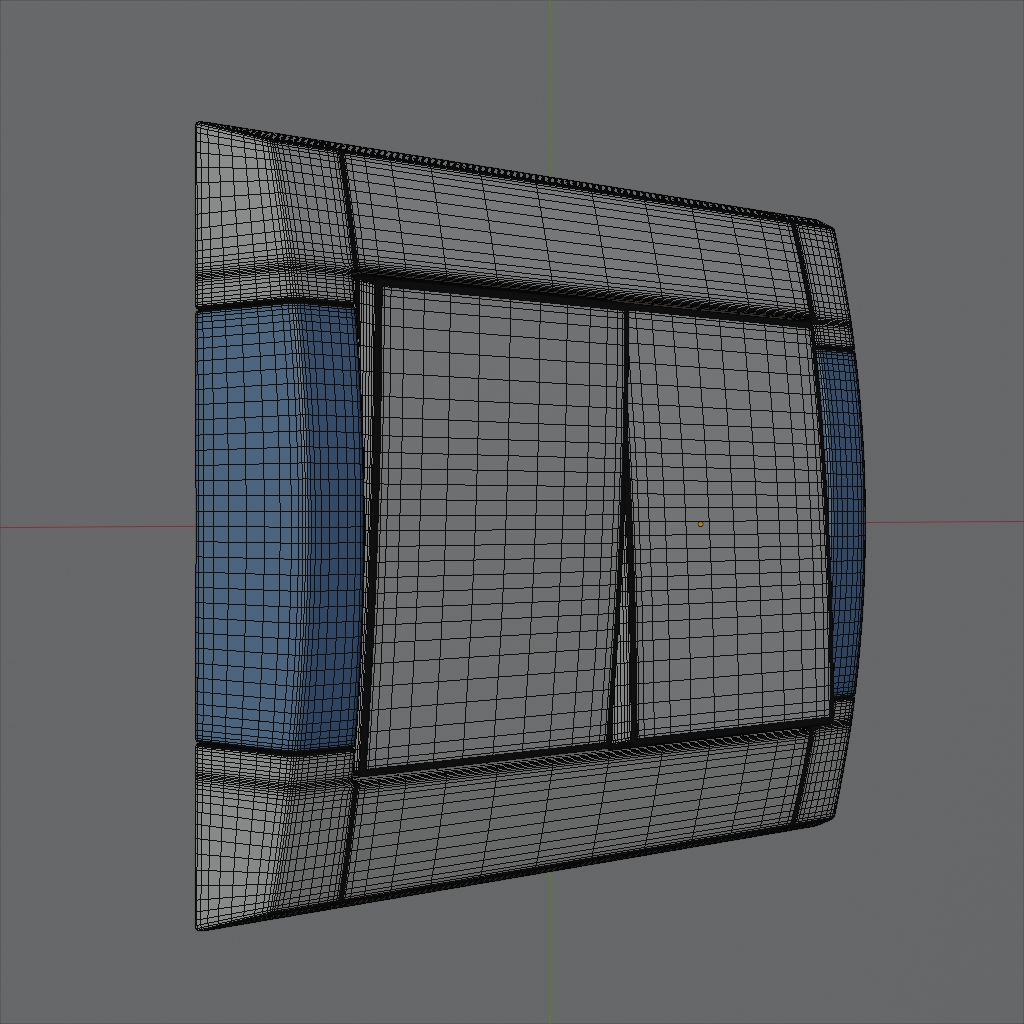
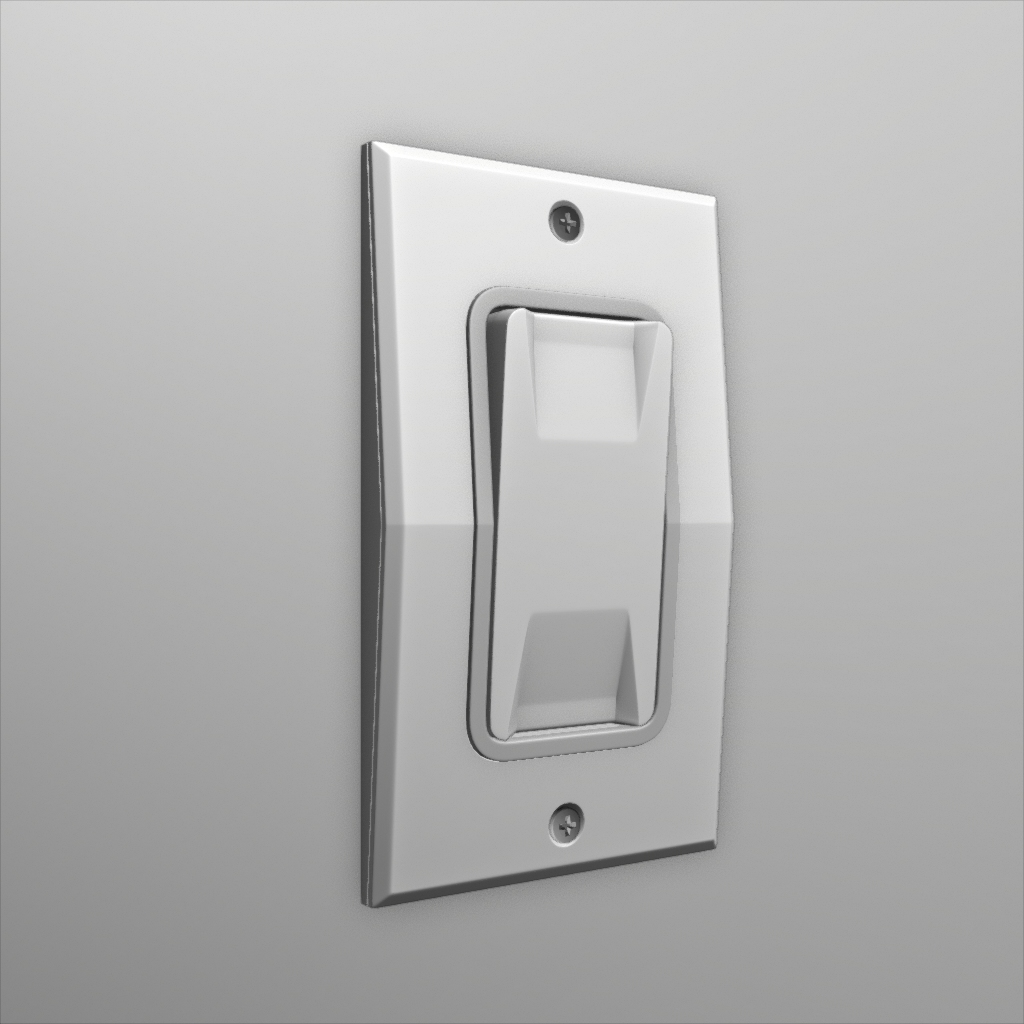
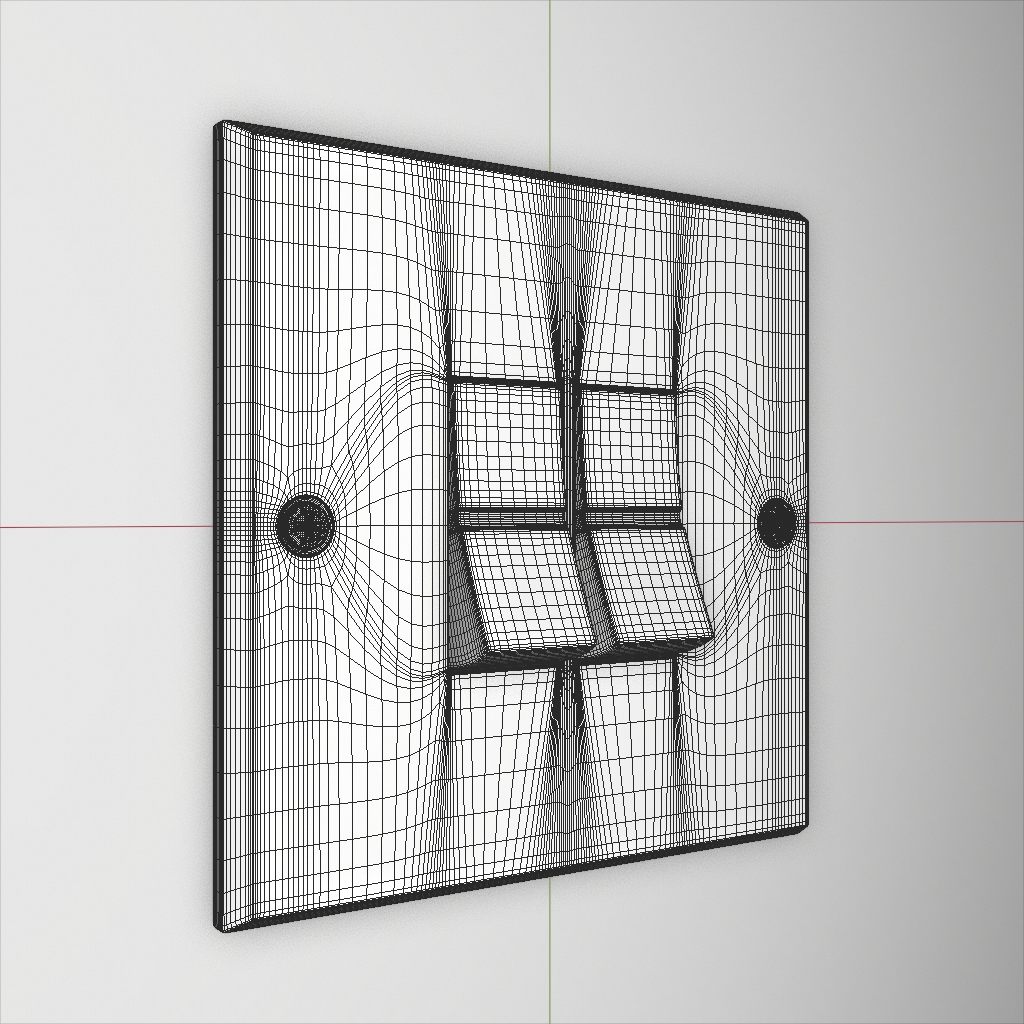
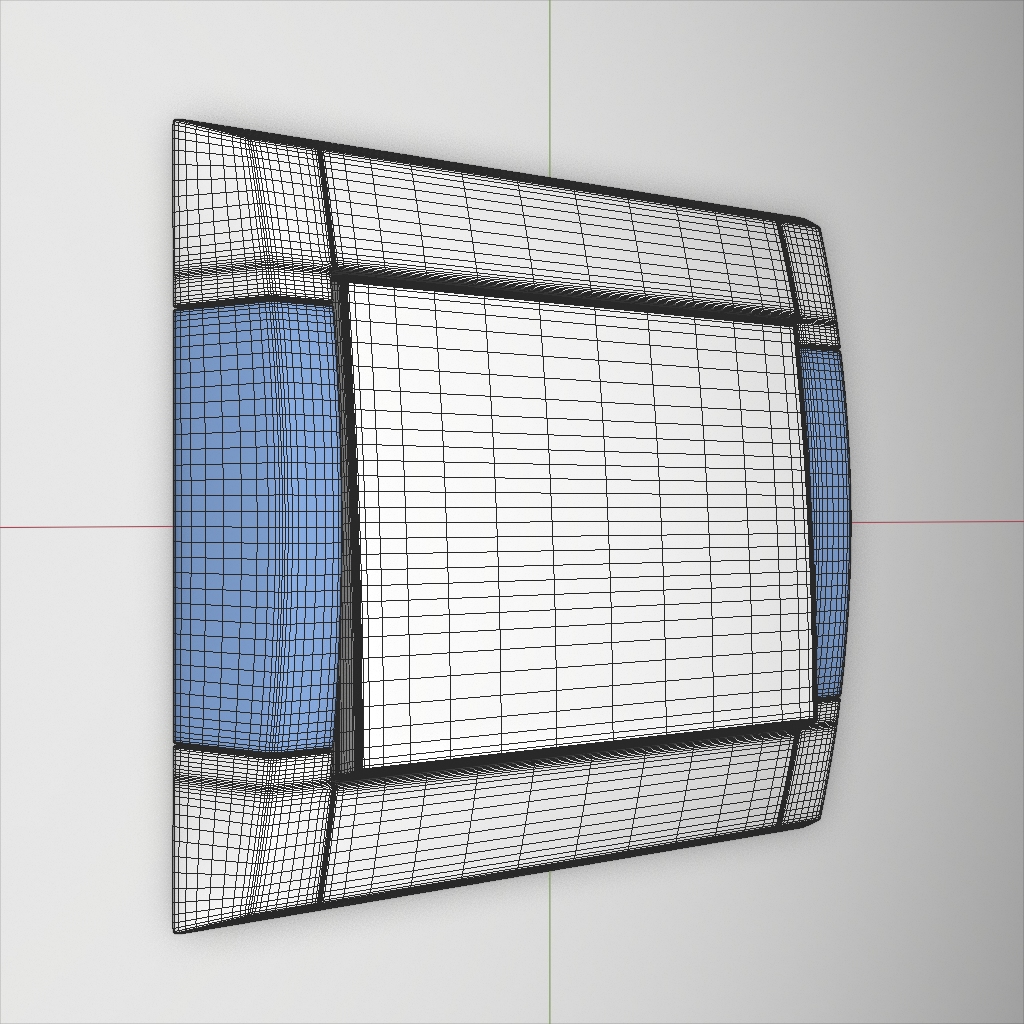
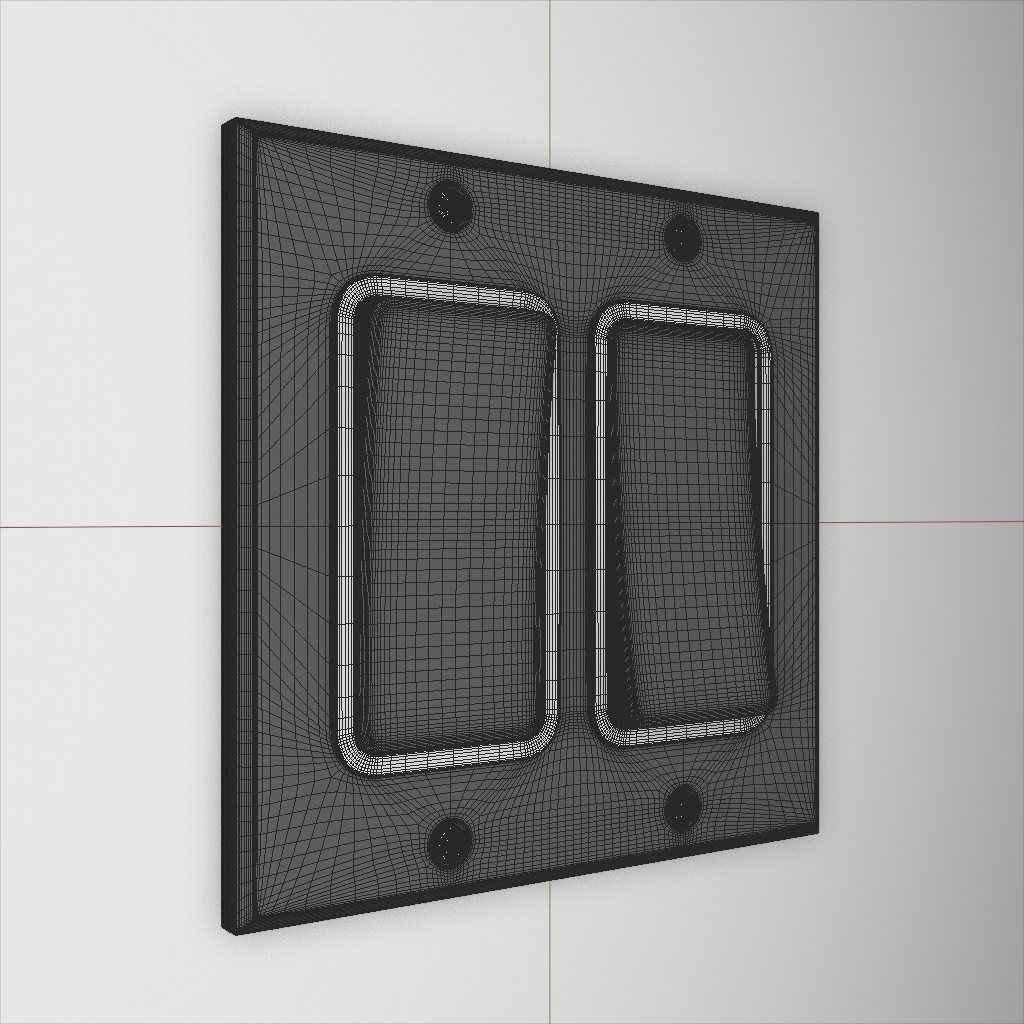
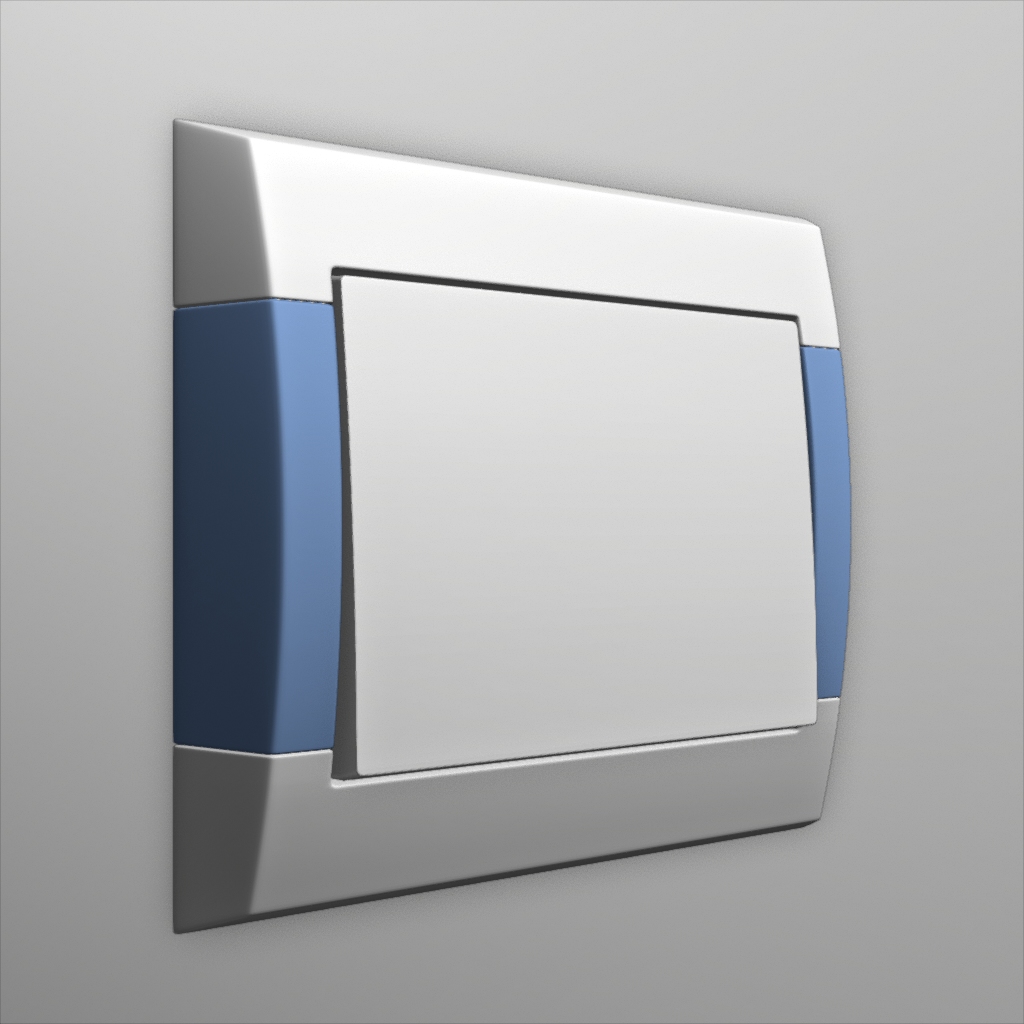
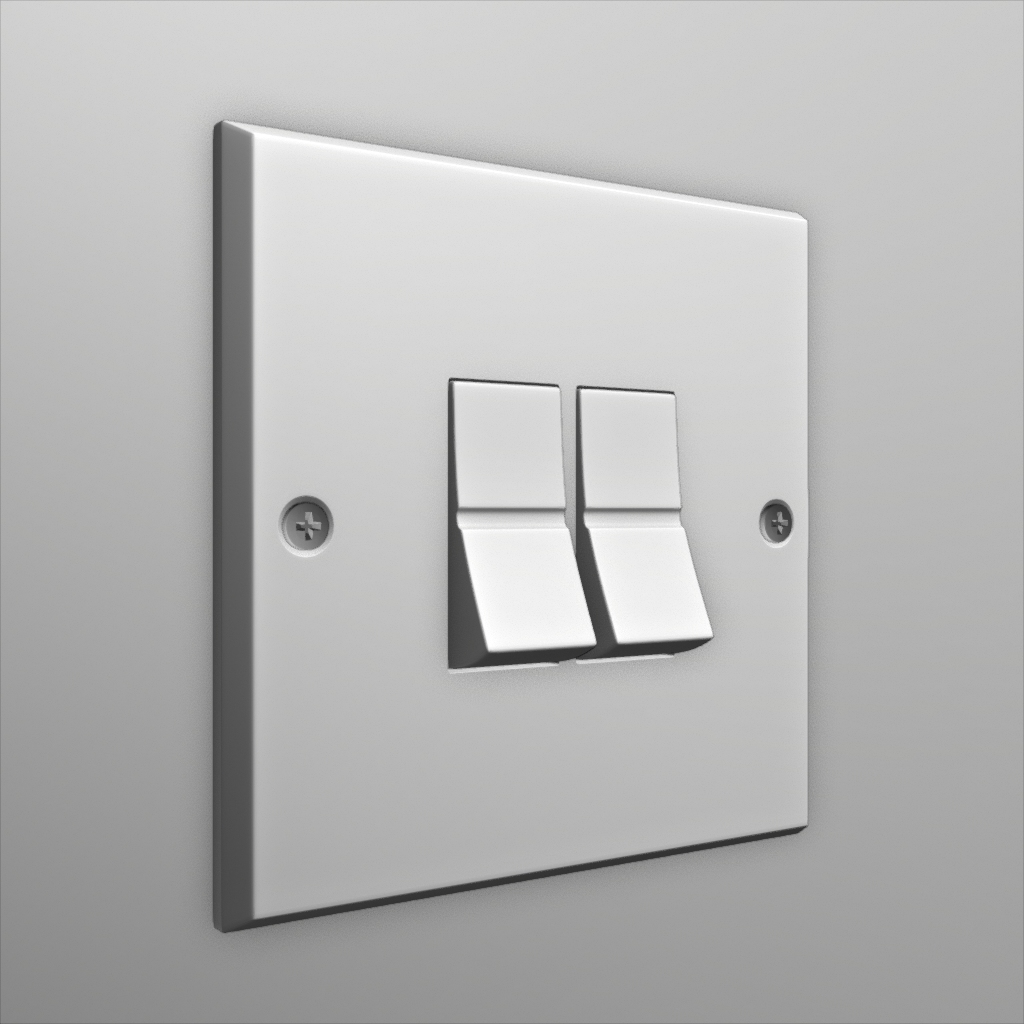
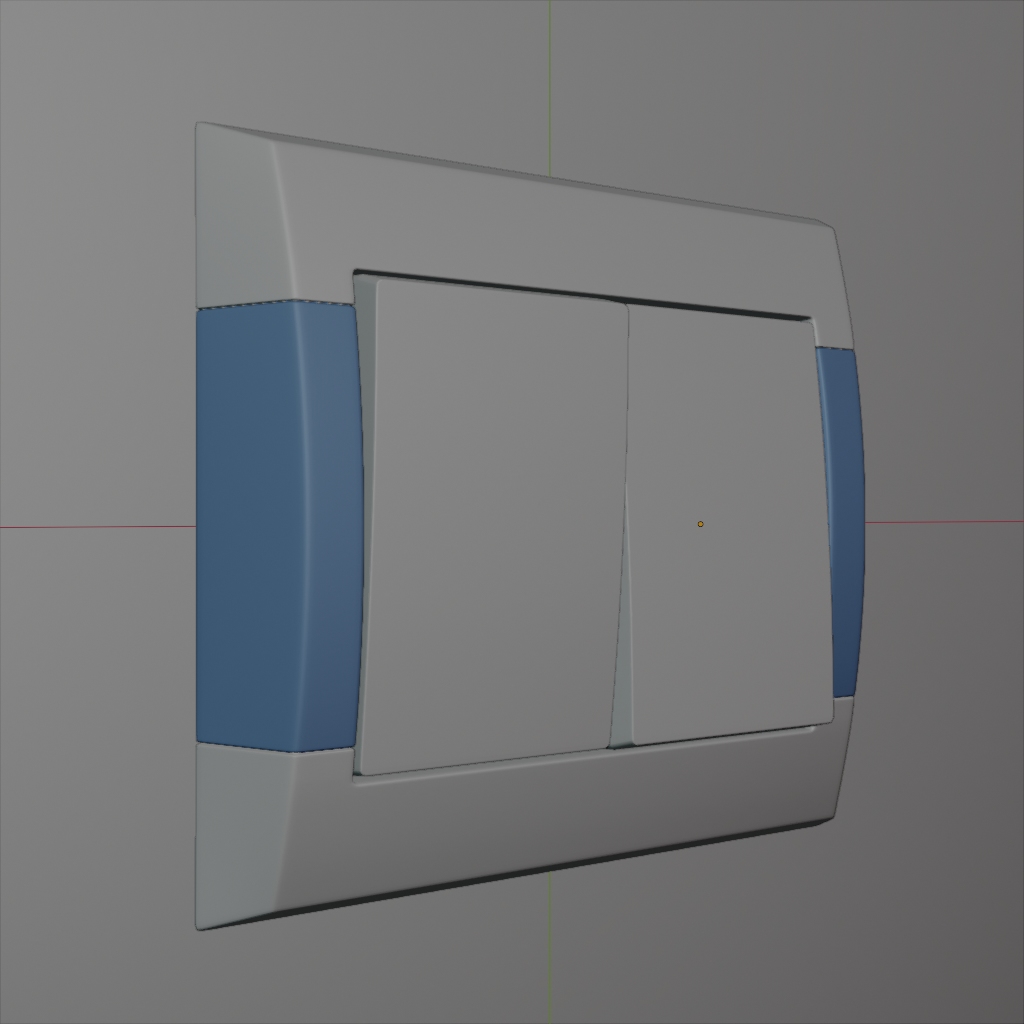
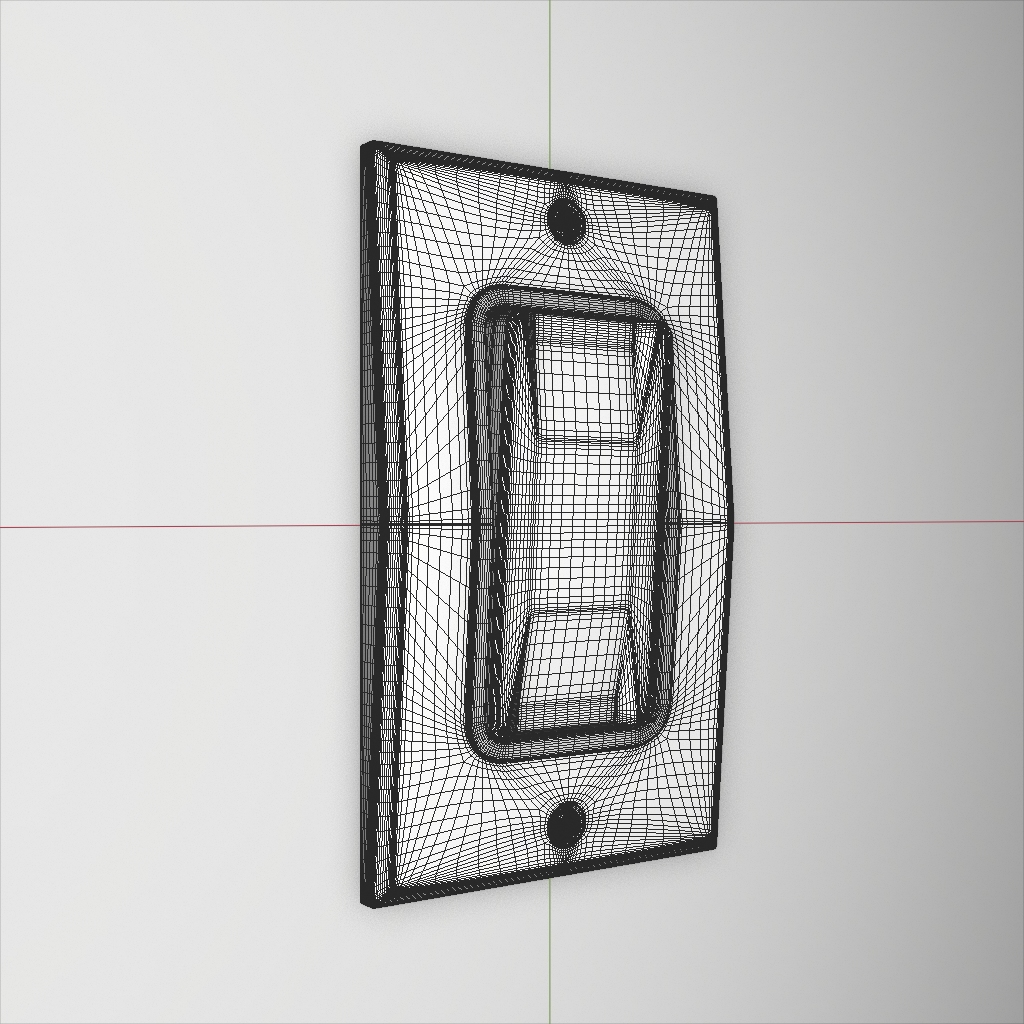
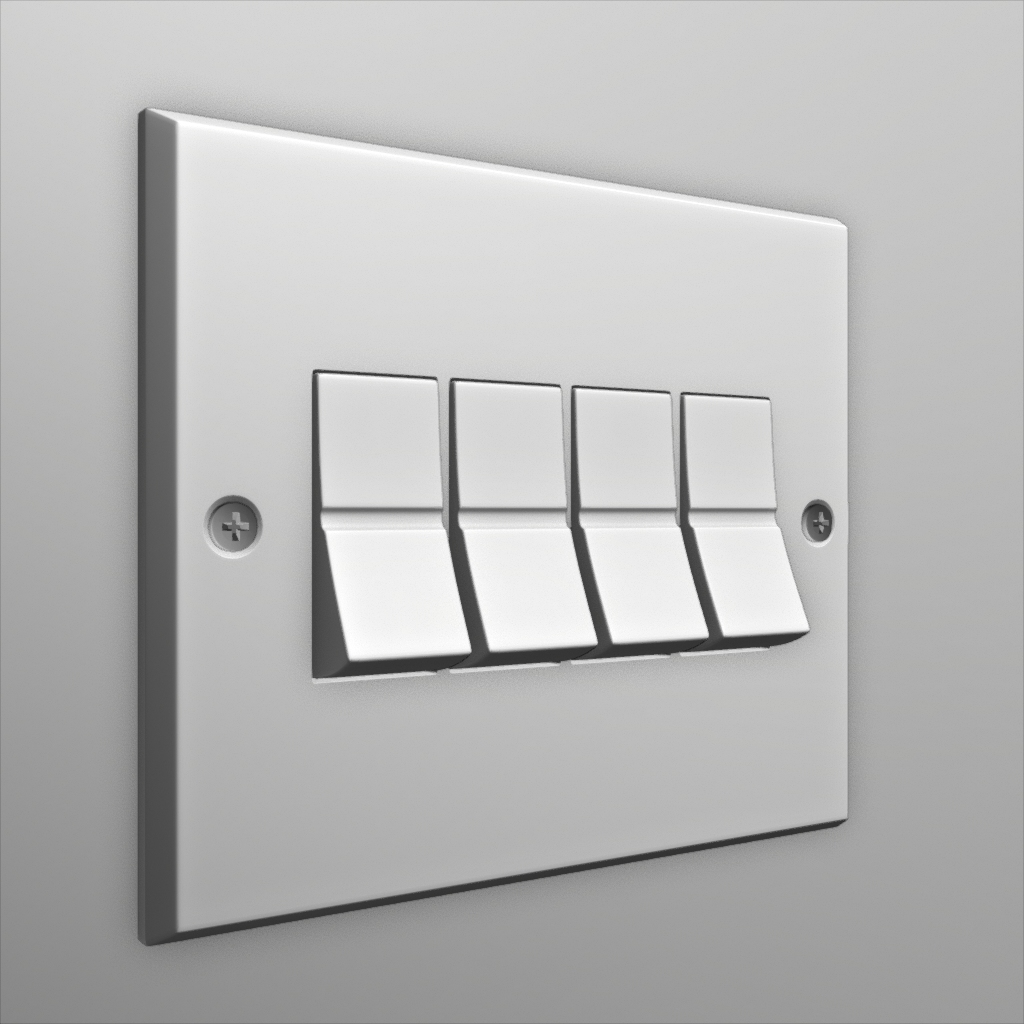
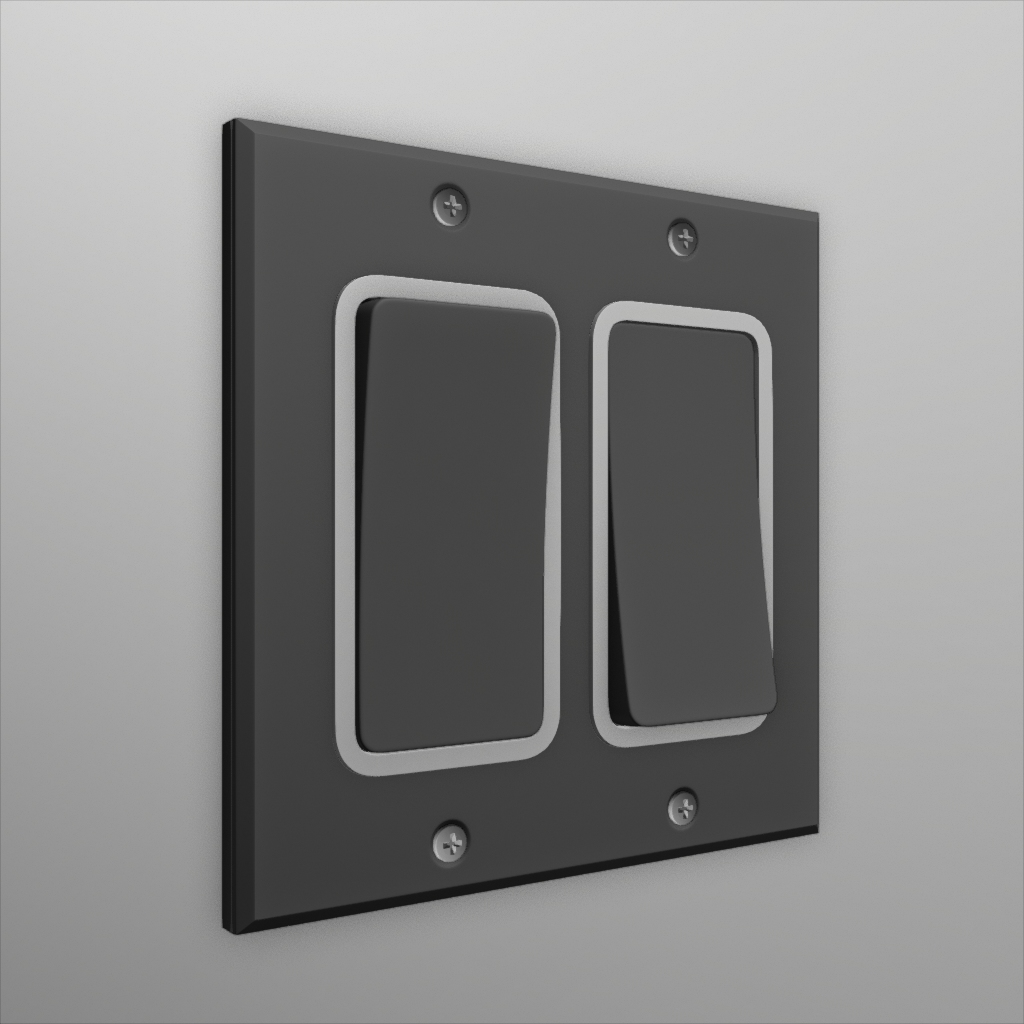
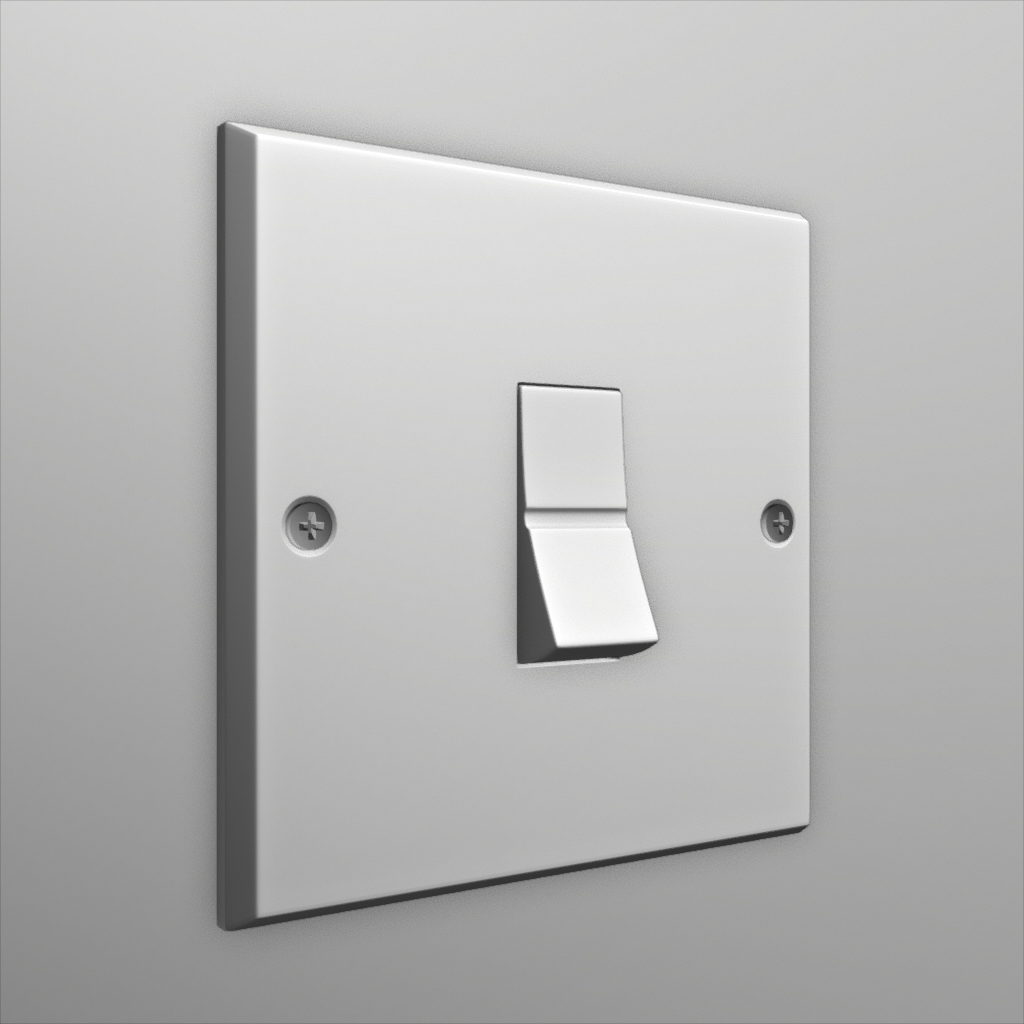
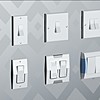
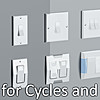
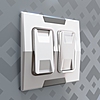
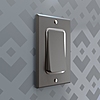
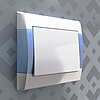
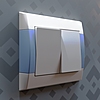
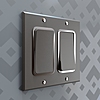
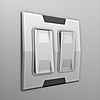
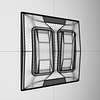
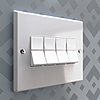
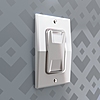
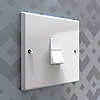
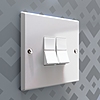
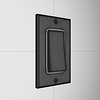
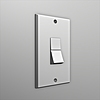
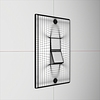
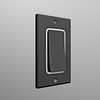
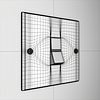
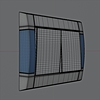
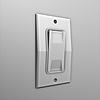
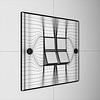
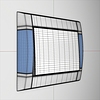
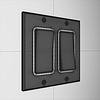
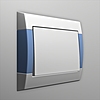
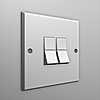
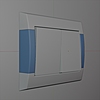
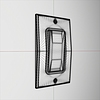
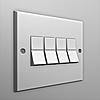
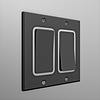
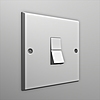
- Download the file into your computer and unzip it.
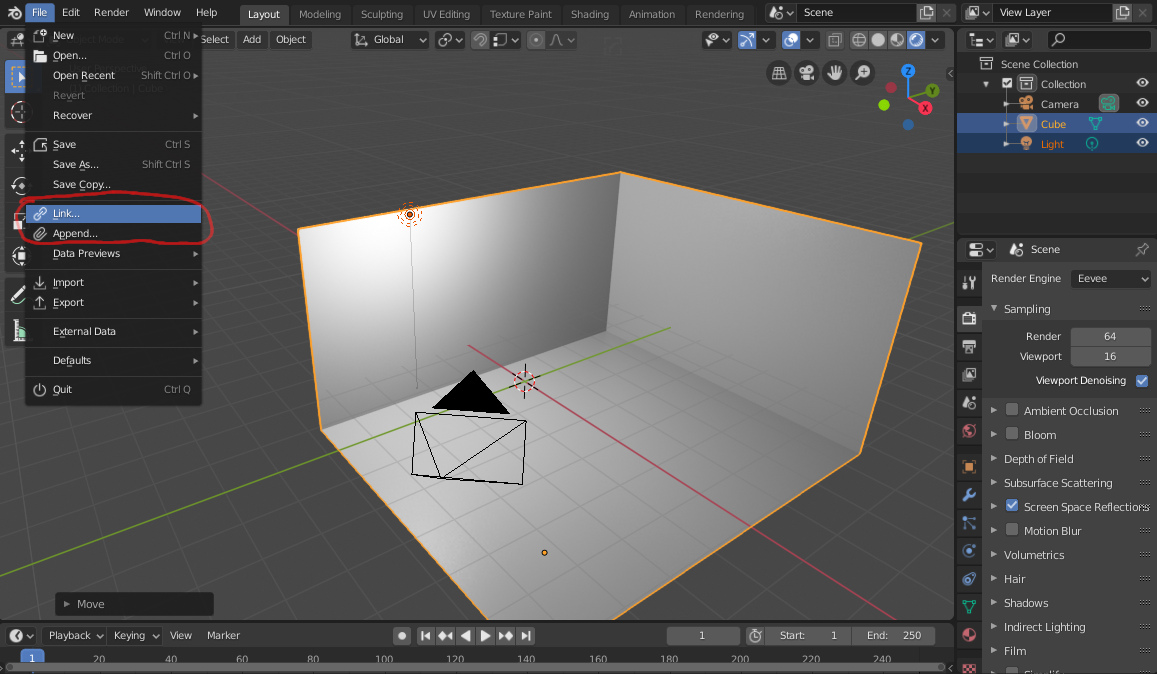
- Open your scene, then click on "Link" or "Append". Choose "link" if you don't want to edit the models, and "Append" if you intend to edit them in your scene.
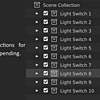
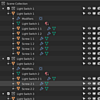
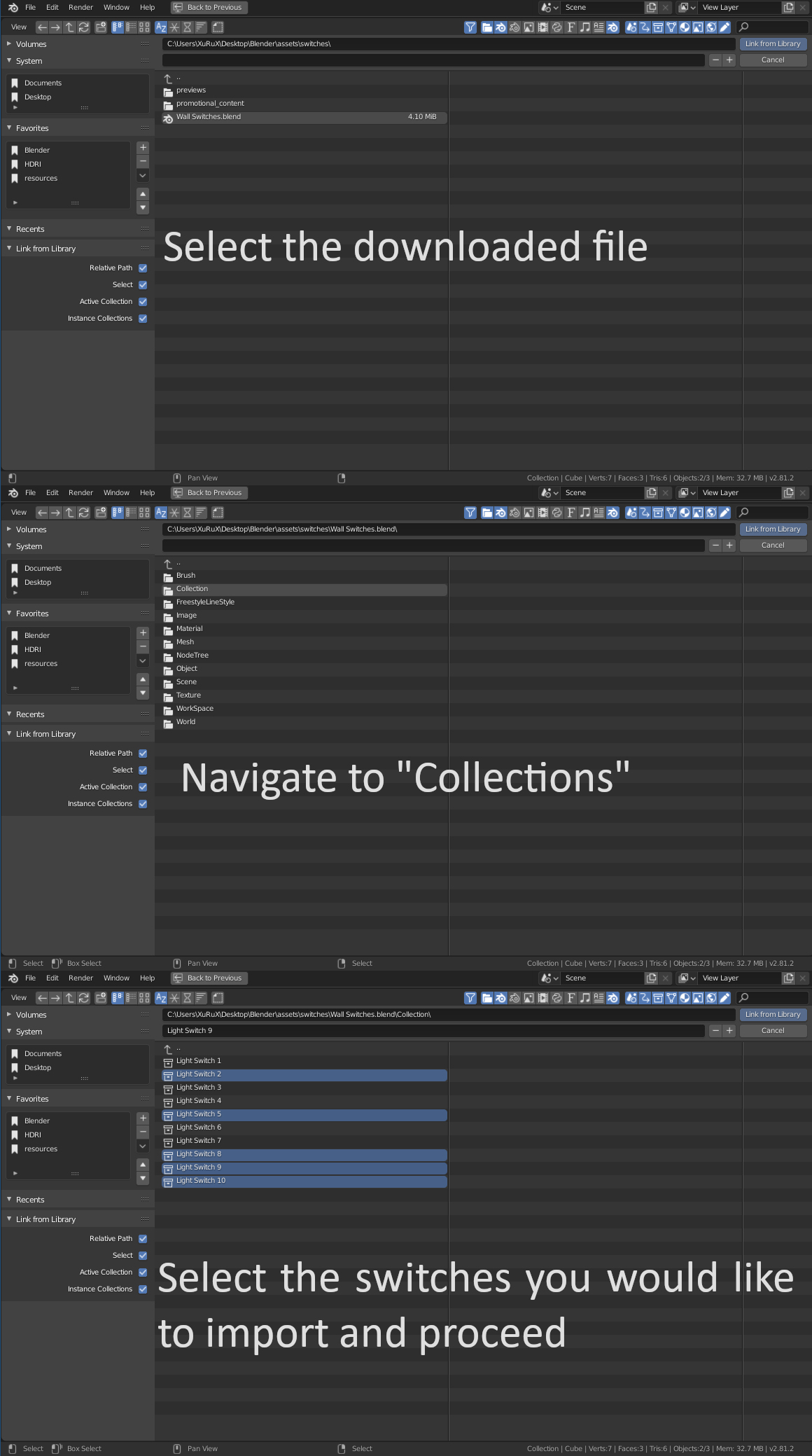
- A new window will appear, locate blender file you downloaded and open it, then navigate to "collections" and select which switch you would like to import.
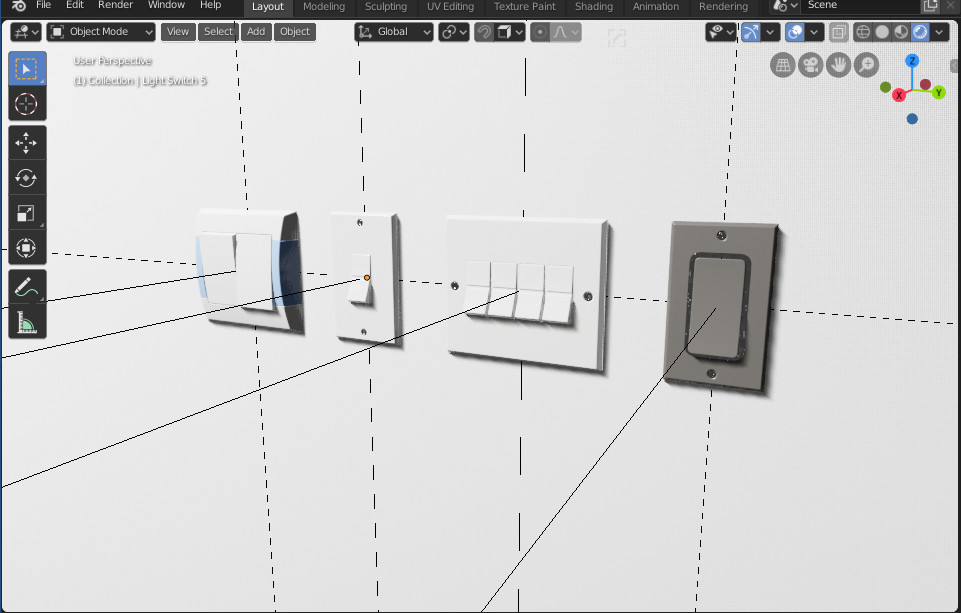
- You will find the light switches imported into your scene as collection instances. Just position them and you're ready to go
$9.94
Have questions about this product?
Login to message
| Dev Fund Contributor | |
| Published | about 7 years ago |
| Blender Version | 4.1, 4.0, 3.6, 3.5, 3.4, 3.3, 3.2, 3.1, 3.0, 2.93, 2.92, 2.91, 2.9, 2.83, 2.82, 2.81, 2.8 |
| License | Royalty Free |

Discover more products like this
House switch pack Kit arch-viz Interior Electronics modern Cycles light summer20 switches elegant bfcm23 bfcm19 eevee summer23 collection ArchViz bfcm22 set blender spring20 design summer22 winter24 loveblender 2.80 electricity classic spring21 summer21 kitops bfcm20 summer24 architecture kit ops bcon22 spring22 spring23 ops high-quality Multiple package spring24 bfcm21