Lightbox - Lighting Made Simple
 Jonas Noell
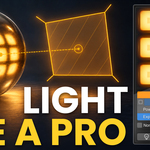
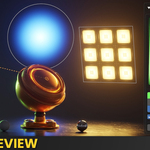
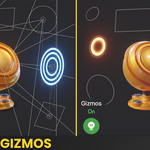
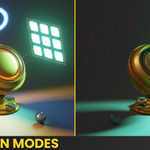
New: V-Ray support
- LightBox now works with V-Ray lights, not only Cycles and EEVEE: colour, temperature, intensity, camera visibility, size / radius, shadows, spread and sun angle go to the V-Ray light
- Changing the light type or shape rebuilds the V-Ray light to match
- V-Ray colour area with a Color / Temperature switch and a Kelvin field
- V-Ray's contribution sliders in the panel; the ray visibility override acts on them instead of splitting lights (full version)
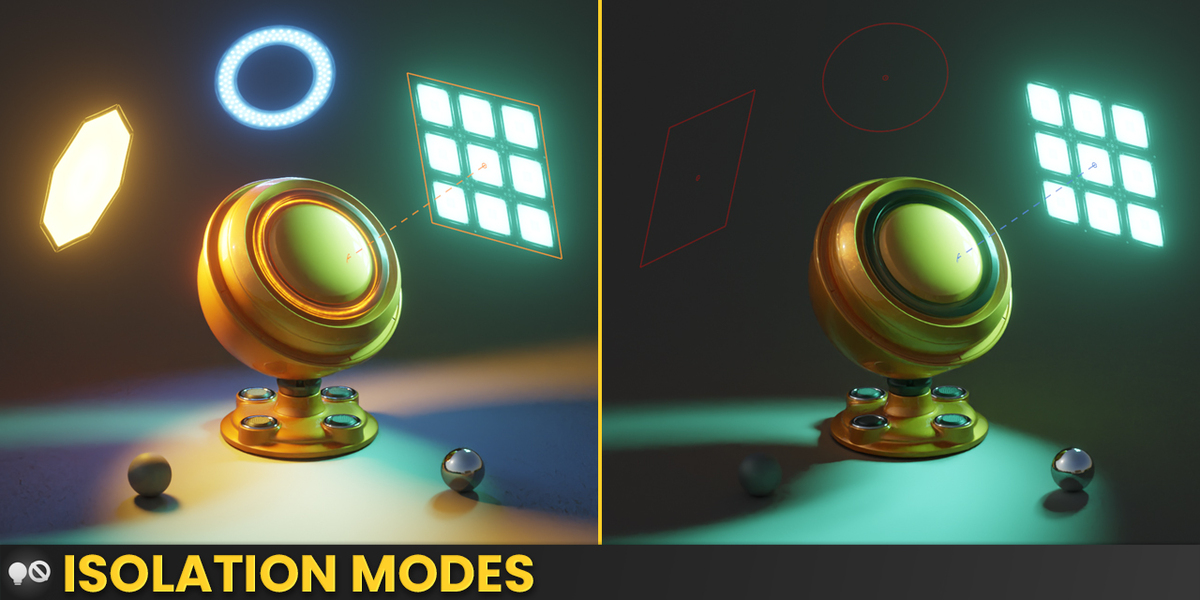
- Light on / off, solo, world off and world solo work in V-Ray, including environment slots and dome lights
- The Shift+Q pie and Add Light at Cursor create V-Ray lights (full version)
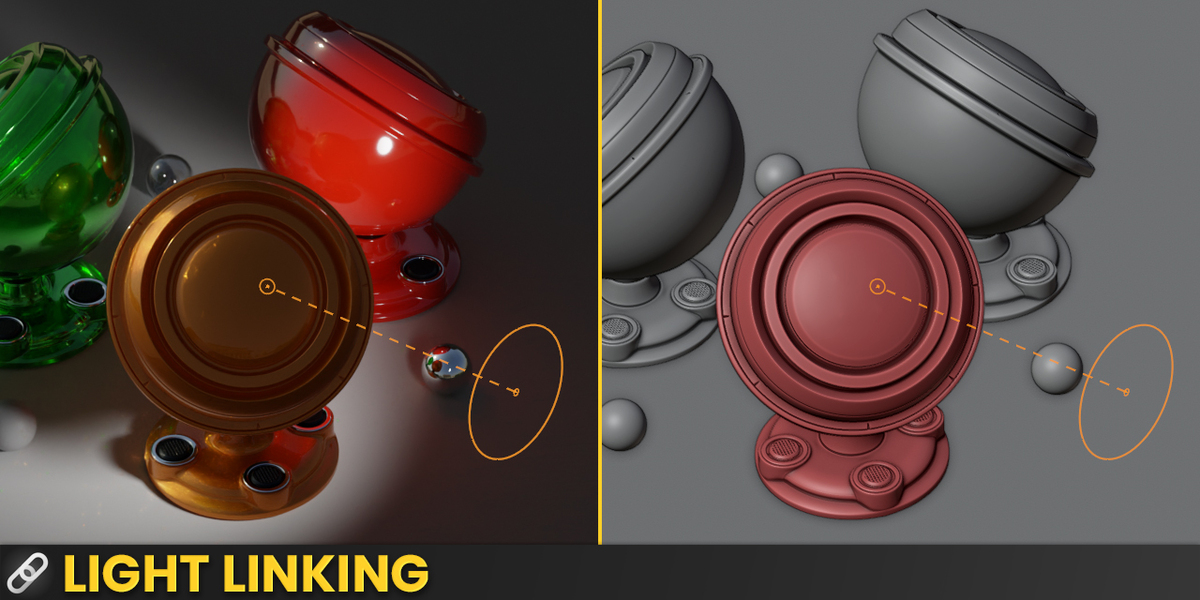
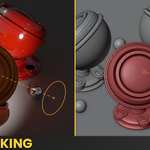
- Light linking is carried over into V-Ray's include / exclude lists (full version)
- Viewport value readouts follow V-Ray, including its units (full version)
New: V-Ray light maps
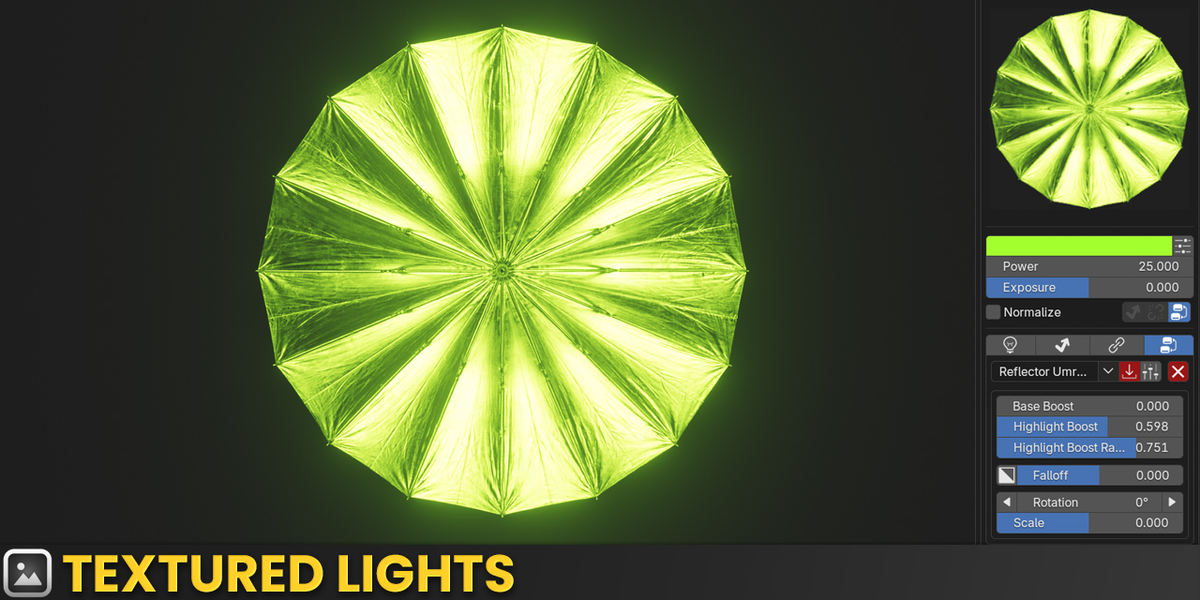
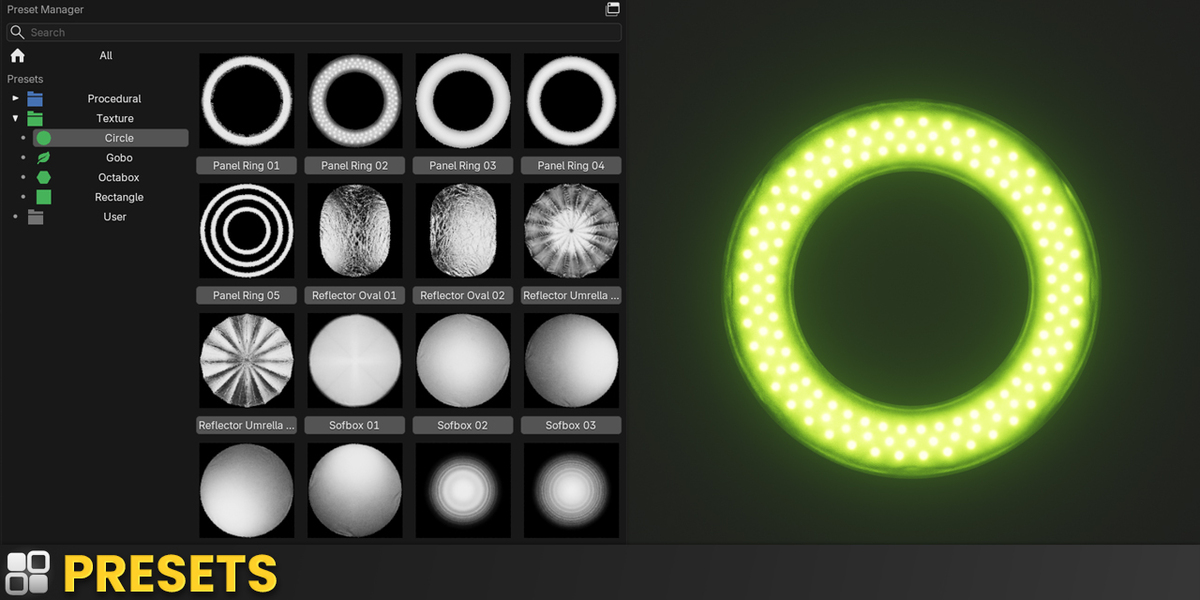
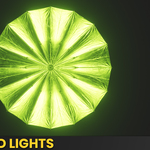
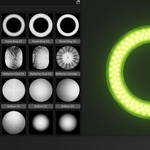
- LightBox presets now look the same in V-Ray as in Cycles: the light's pattern is baked into an image in the background and used as the V-Ray light's texture
- Light maps need Blender 5.1 or newer and work on area lights
- A quick draft map keeps up while you edit, the full resolution map follows once the light stops changing
- Light colour and V-Ray temperature colour are baked in; the light surface stays see-through like in Cycles
- The panel preview matches V-Ray in intensity (all units), colour and temperature
- Maps are saved next to the .blend in a "lightbox_light_maps" folder; unused maps are removed on save
Improvements
- Blender no longer freezes for about a second when the preview renderer starts on Windows
- With several 3D views open, the viewport shortcuts only react in the view under the mouse (full version)
Fixes
- Adding a spot light could crash Blender
Compatibility
- Blender 4.2 and newer, now also tested on Blender 5.3
- V-Ray support tested with V-Ray 7.40 on Blender 5.2 (no V-Ray for Blender 5.3 yet)
New: V-Ray support
- LightBox now works with V-Ray lights, not only Cycles and EEVEE: colour, temperature, intensity, camera visibility, size / radius, shadows, spread and sun angle go to the V-Ray light
- Changing the light type or shape rebuilds the V-Ray light to match
- V-Ray colour area with a Color / Temperature switch and a Kelvin field
- V-Ray's contribution sliders in the panel; the ray visibility override acts on them instead of splitting lights (full version)
- Light on / off, solo, world off and world solo work in V-Ray, including environment slots and dome lights
- The Shift+Q pie and Add Light at Cursor create V-Ray lights (full version)
- Light linking is carried over into V-Ray's include / exclude lists (full version)
- Viewport value readouts follow V-Ray, including its units (full version)
New: V-Ray light maps
- LightBox presets now look the same in V-Ray as in Cycles: the light's pattern is baked into an image in the background and used as the V-Ray light's texture
- Light maps need Blender 5.1 or newer and work on area lights
- A quick draft map keeps up while you edit, the full resolution map follows once the light stops changing
- Light colour and V-Ray temperature colour are baked in; the light surface stays see-through like in Cycles
- The panel preview matches V-Ray in intensity (all units), colour and temperature
- Maps are saved next to the .blend in a "lightbox_light_maps" folder; unused maps are removed on save
Improvements
- Blender no longer freezes for about a second when the preview renderer starts on Windows
- With several 3D views open, the viewport shortcuts only react in the view under the mouse (full version)
Fixes
- Adding a spot light could crash Blender
Compatibility
- Blender 4.2 and newer, now also tested on Blender 5.3
- V-Ray support tested with V-Ray 7.40 on Blender 5.2 (no V-Ray for Blender 5.3 yet)
 Included
Includes 12 months of
- Support from Jonas Noell
- Product updates
Extend this product’s Support Period +12 months: 25% of product price
Have questions before purchasing?
Login to message

Discover more products like this
gobo lighting softbox Area Light Lighting presets product lighting cinematic-lighting light-linking Lighting light-addon blender lighting Studio Lighting procedural-lighting