 Jonas Noell
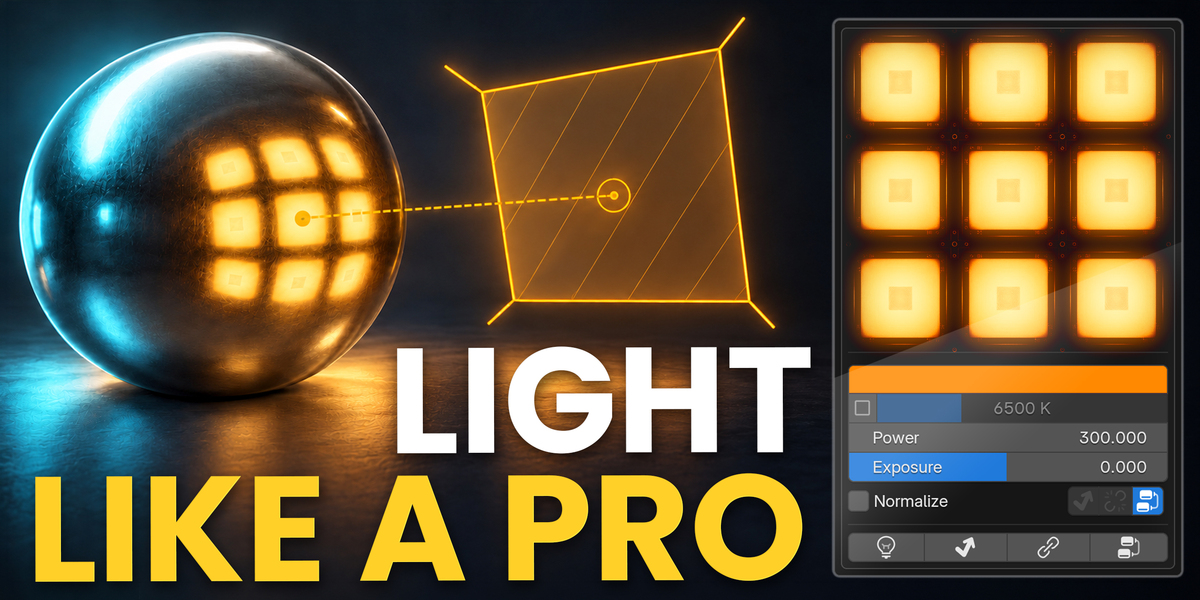
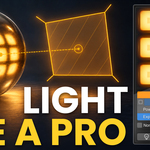
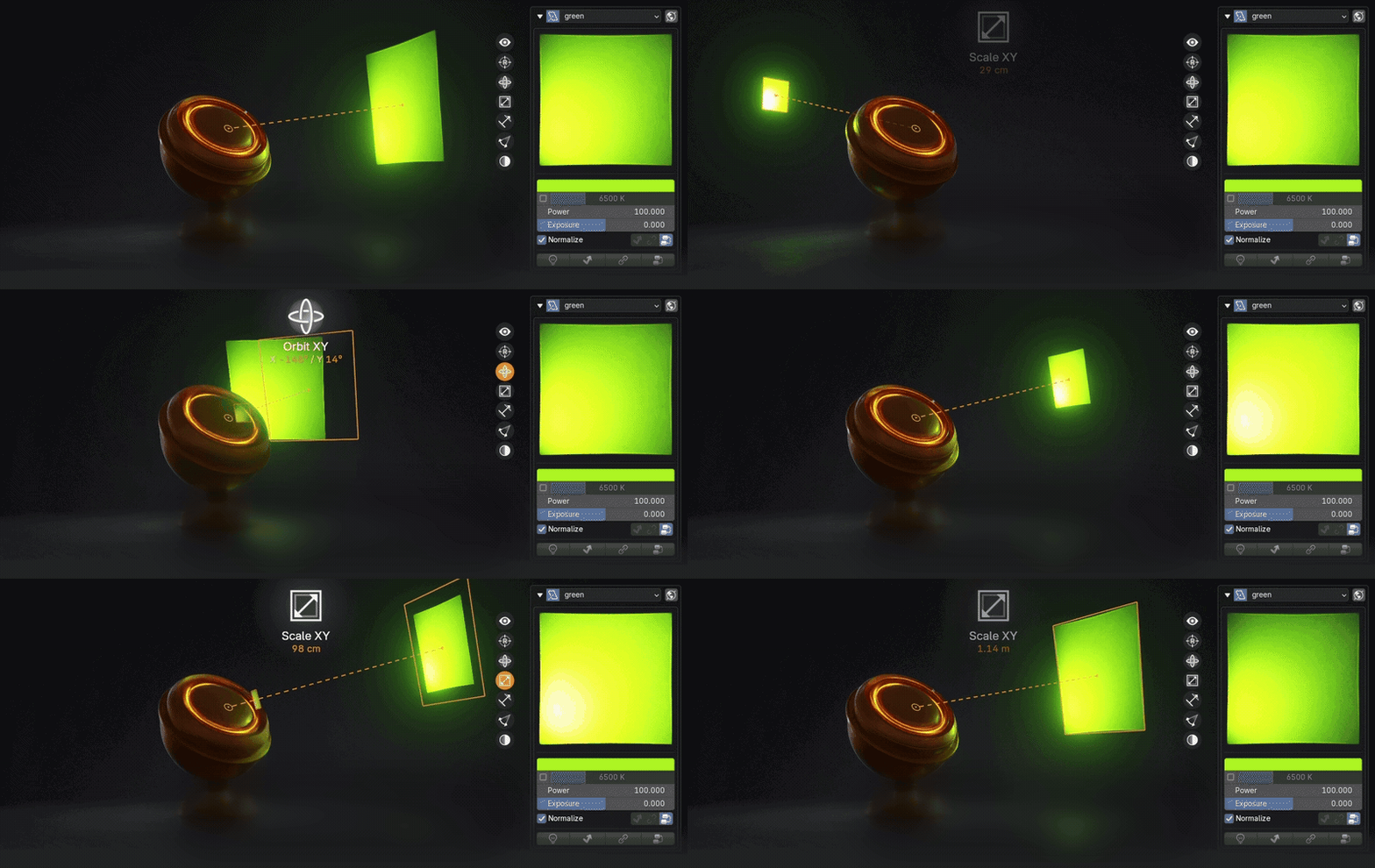
NEW IN 1.3 · Focus off per light, for classic light placement ↓


✓Blender 4.2+ ✓12 months free updates ✓EEVEE, Cycles & V-Ray ✓130+ presets
See what every light does before you render. LIGHTBOX shows each light's texture live in the viewport, builds softboxes procedurally from a few sliders, splits one light into separate channels for Cycles and manages light linking visually. 130+ presets get a setup going in seconds.
NEW IN 1.3
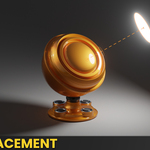
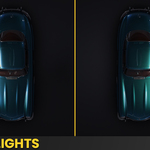
●Focus Mode None: Switch the focus off for single lights and place them the traditional way, for setups where a focus point gets in the way (full version).
●Local Axes: Without focus, G, R and S work along the light's own axes (full version).
 Current Version: 1.3.0
Full changelog ↓
 Scroll down to save on
PolyDome and MaterialBox
, exclusive discount for LightBox customers
 Feature List
LIGHTBOX comes in two versions. See what each one includes
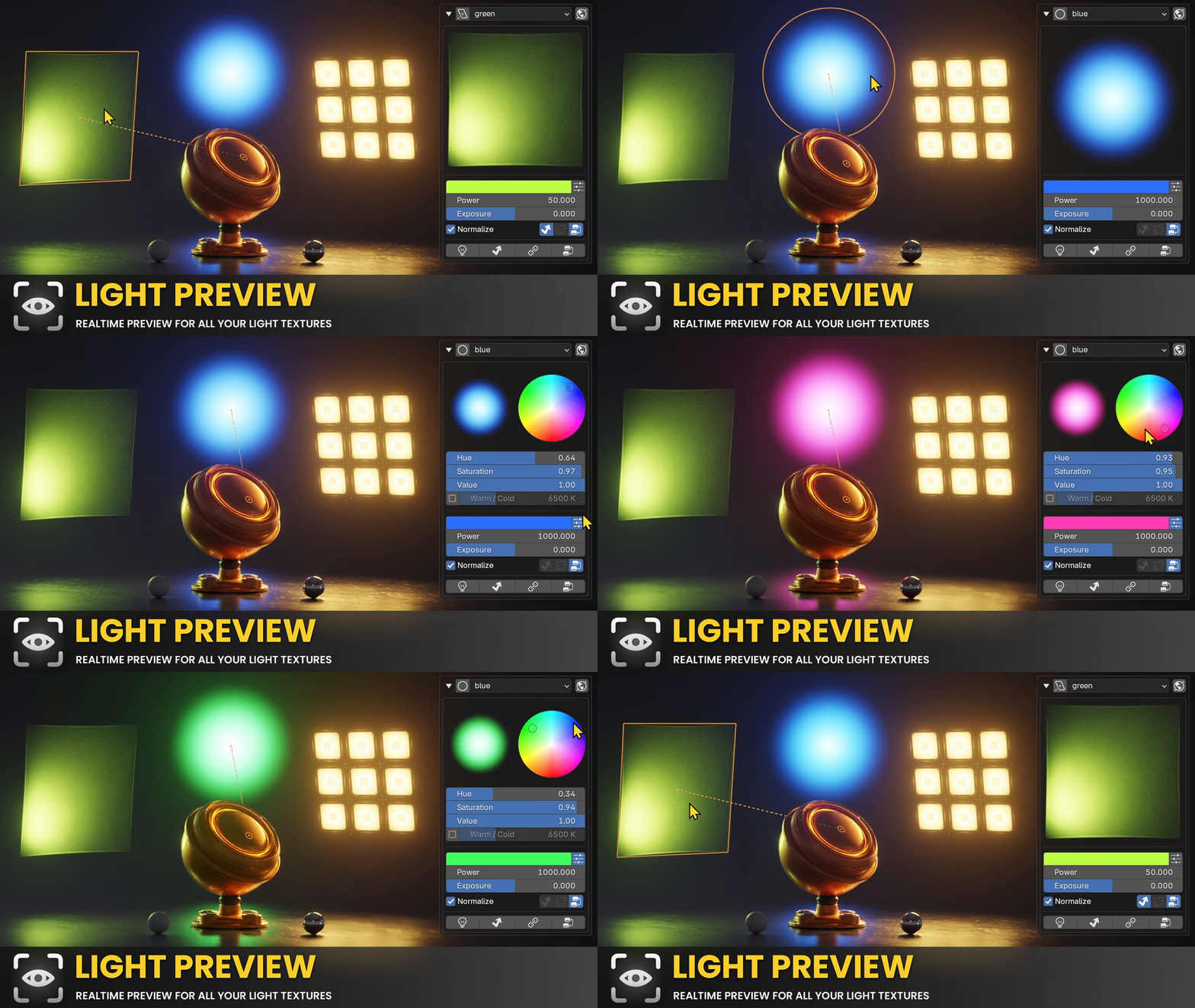
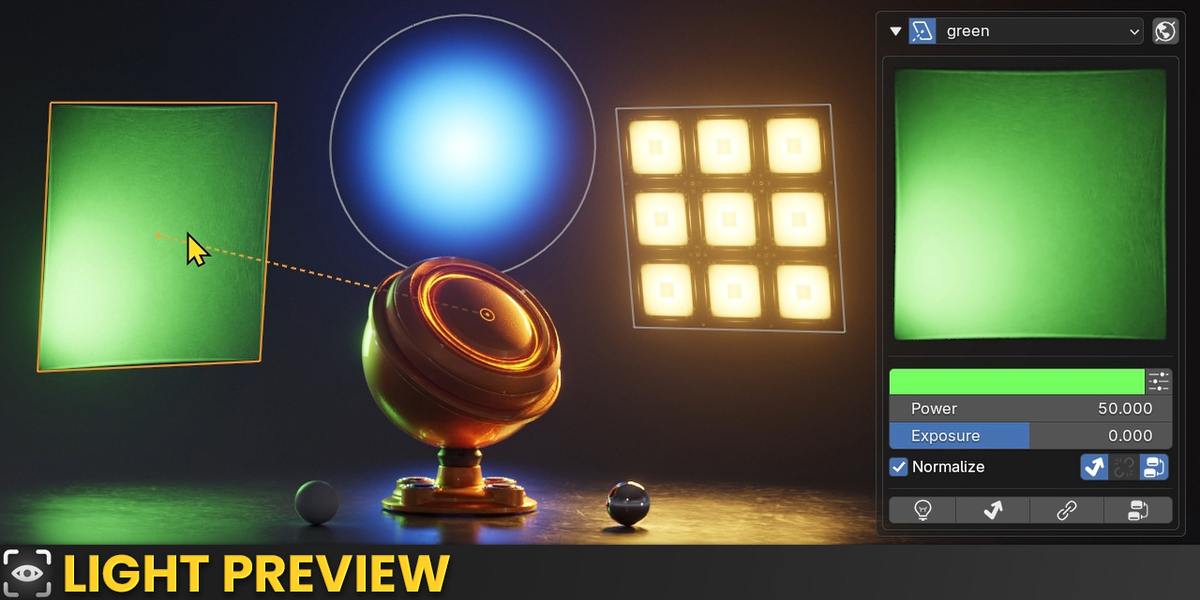
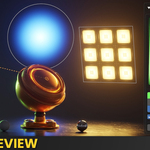
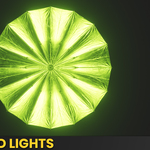
See your light textures in real time, a 1:1 match to the actual light, even when it's out of camera view. Whether you're tweaking textures or building custom shader nodes, the preview updates instantly. Works for Area and Spot Lights. ▶ Watch in the tutorial ↑
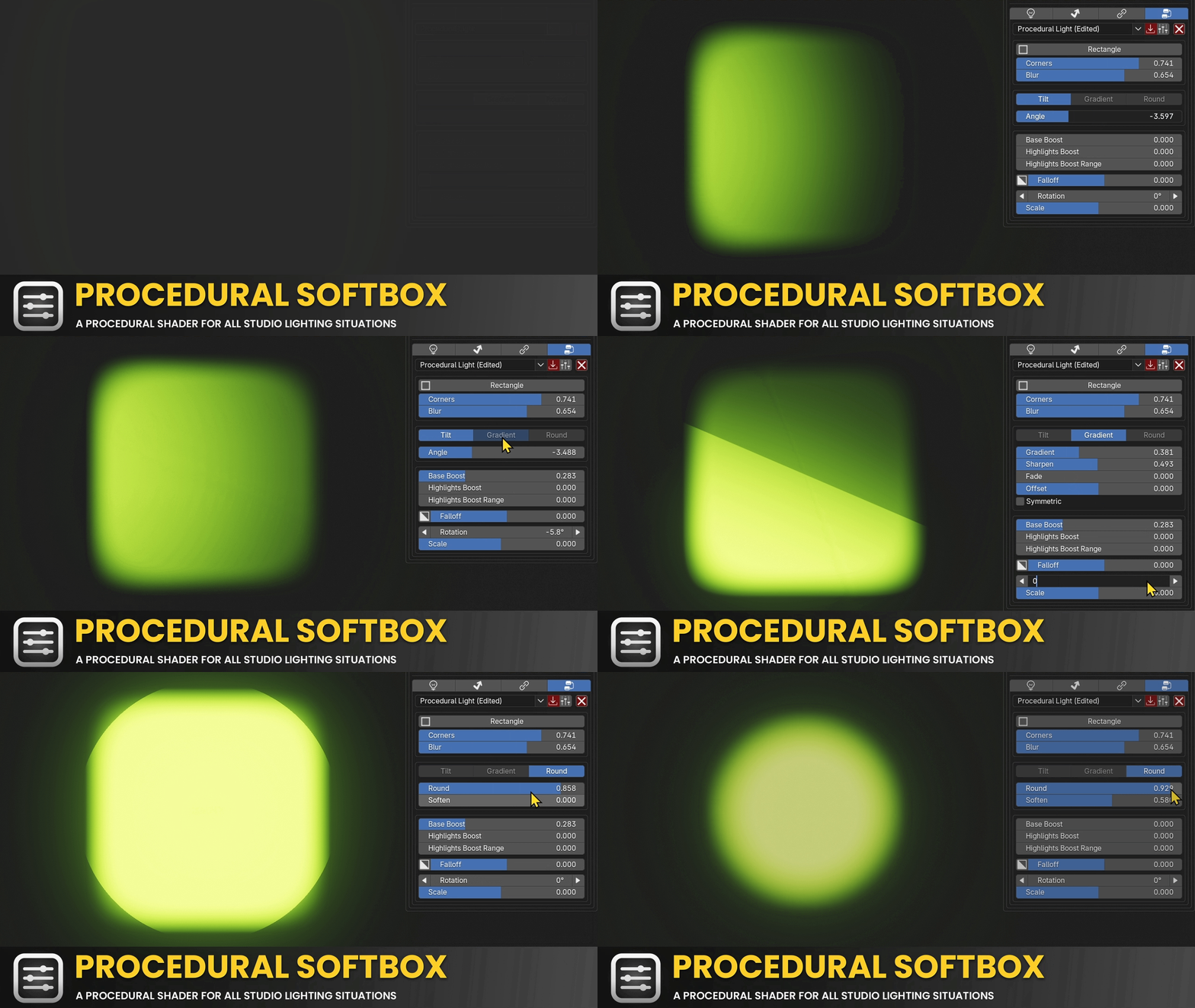
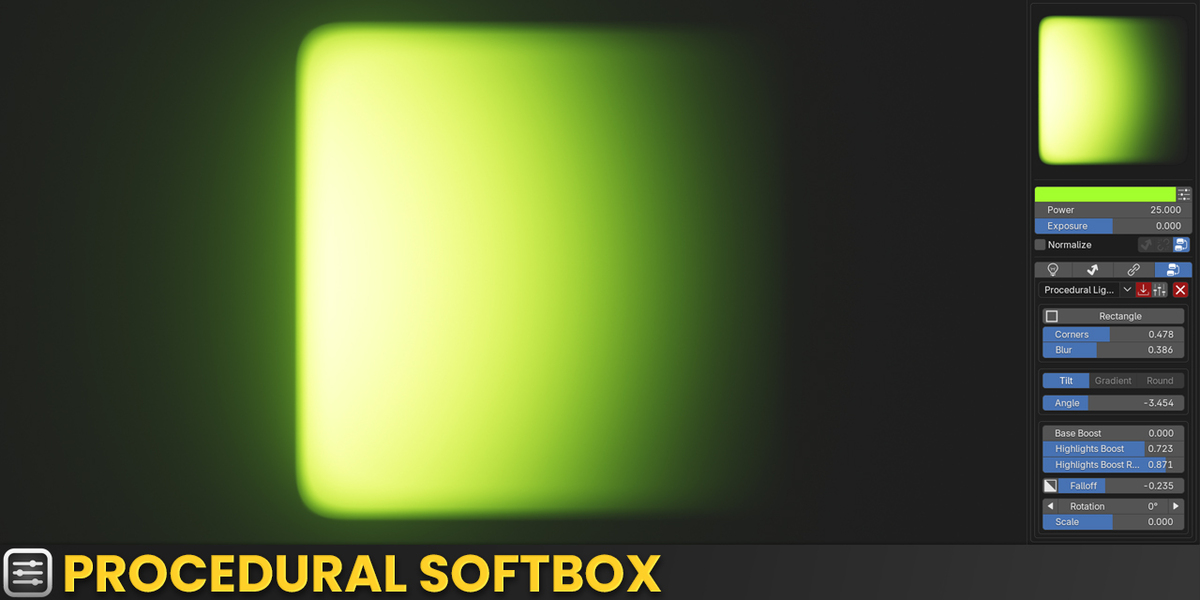
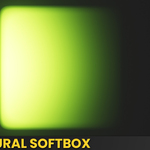
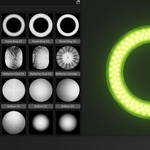
Build studio-grade procedural light textures with adjustable softness, corner rounding, and gradients in seconds. No more flat white lights ruining your reflections. ▶ Watch in the tutorial ↑
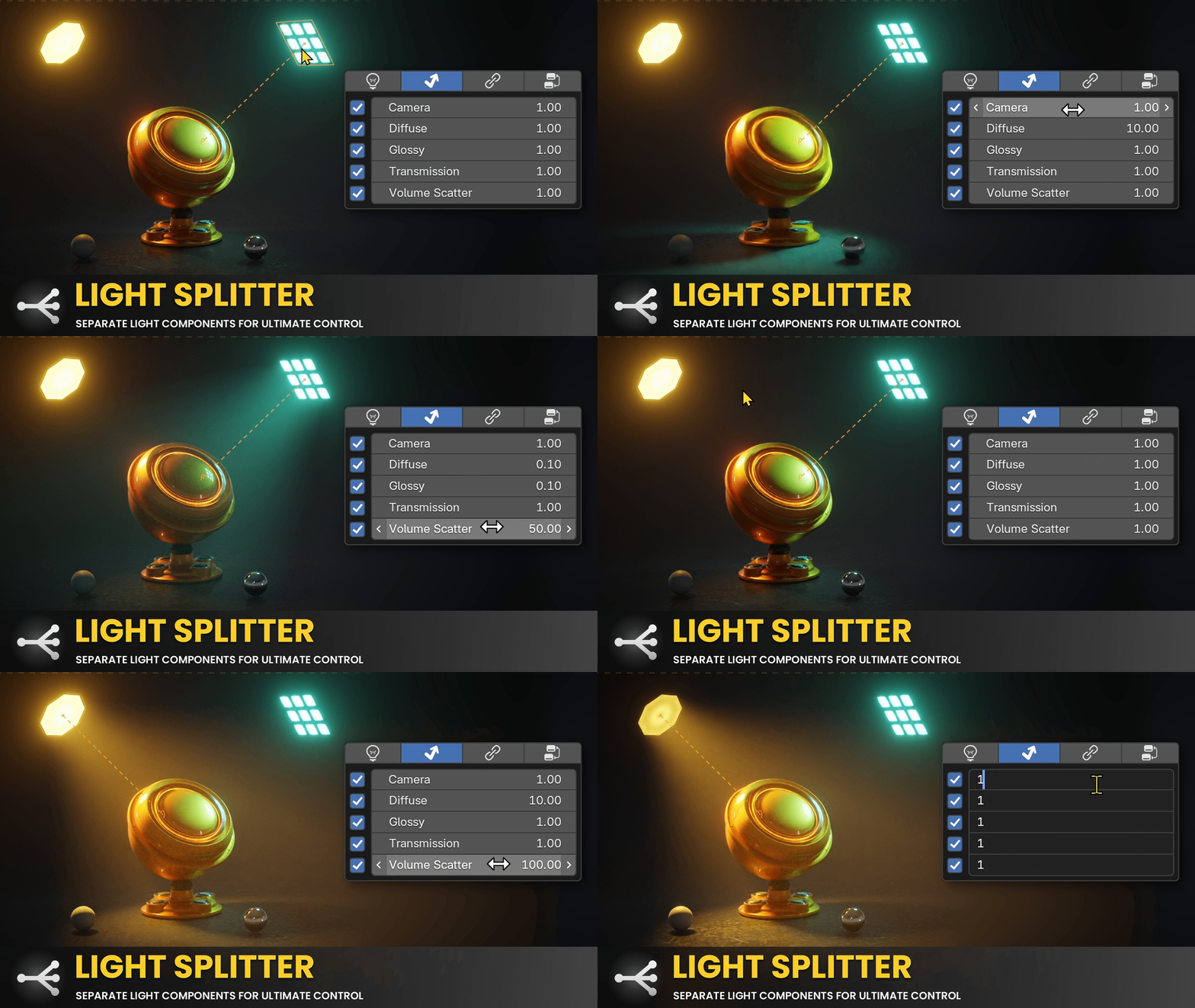
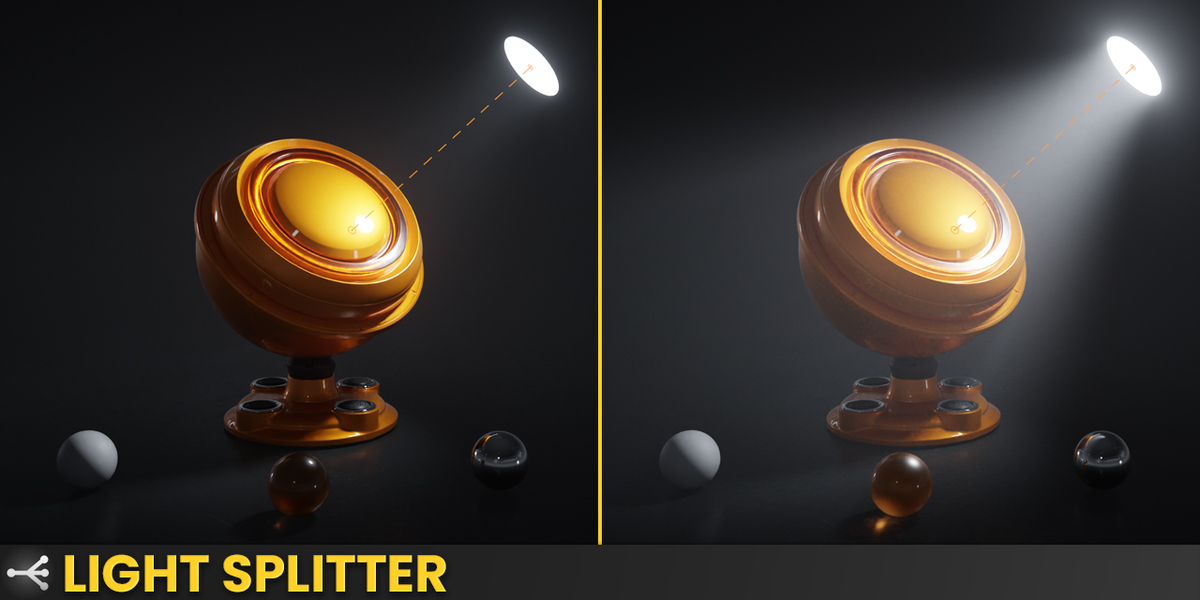
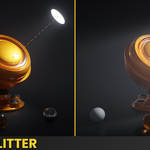
Control diffuse, glossy, transmission, and volume scatter contributions independently in Cycles, without any performance hit. Boost a light's diffuse contribution without touching its specular distribution. A workflow Cycles doesn't support natively. ▶ Watch in the tutorial Cycles only · ↑
And Also
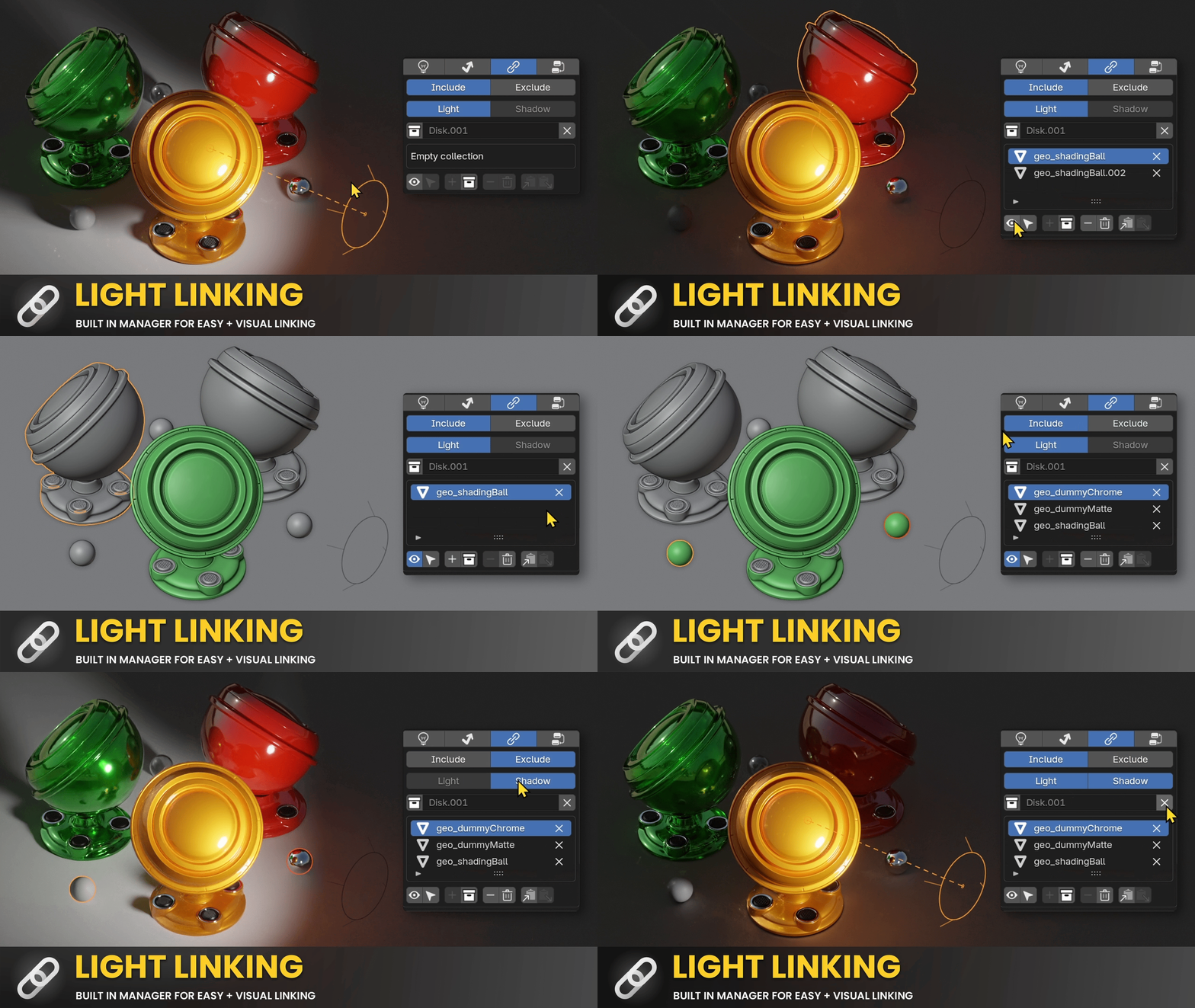
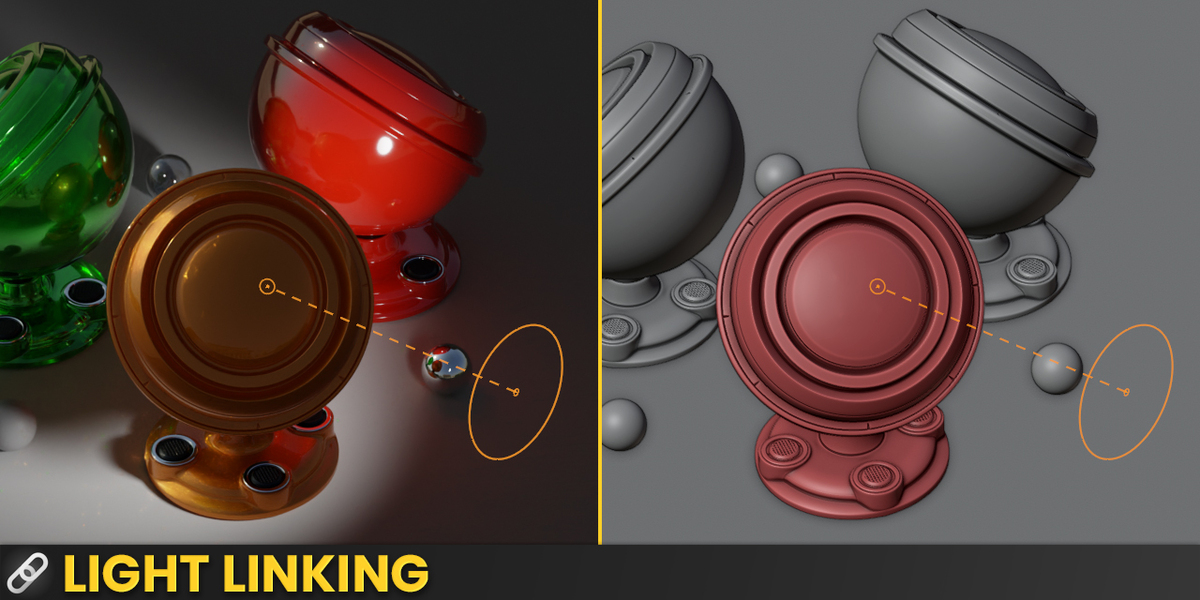
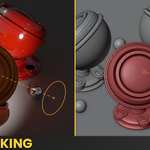
A visual, intuitive light linking system. See exactly which objects belong to which group, include or exclude objects and collections, and choose whether light, shadow, or both are affected. The light linking manager gives you a full overview, with quick copy-paste between groups. ▶ Watch in the tutorial ↑
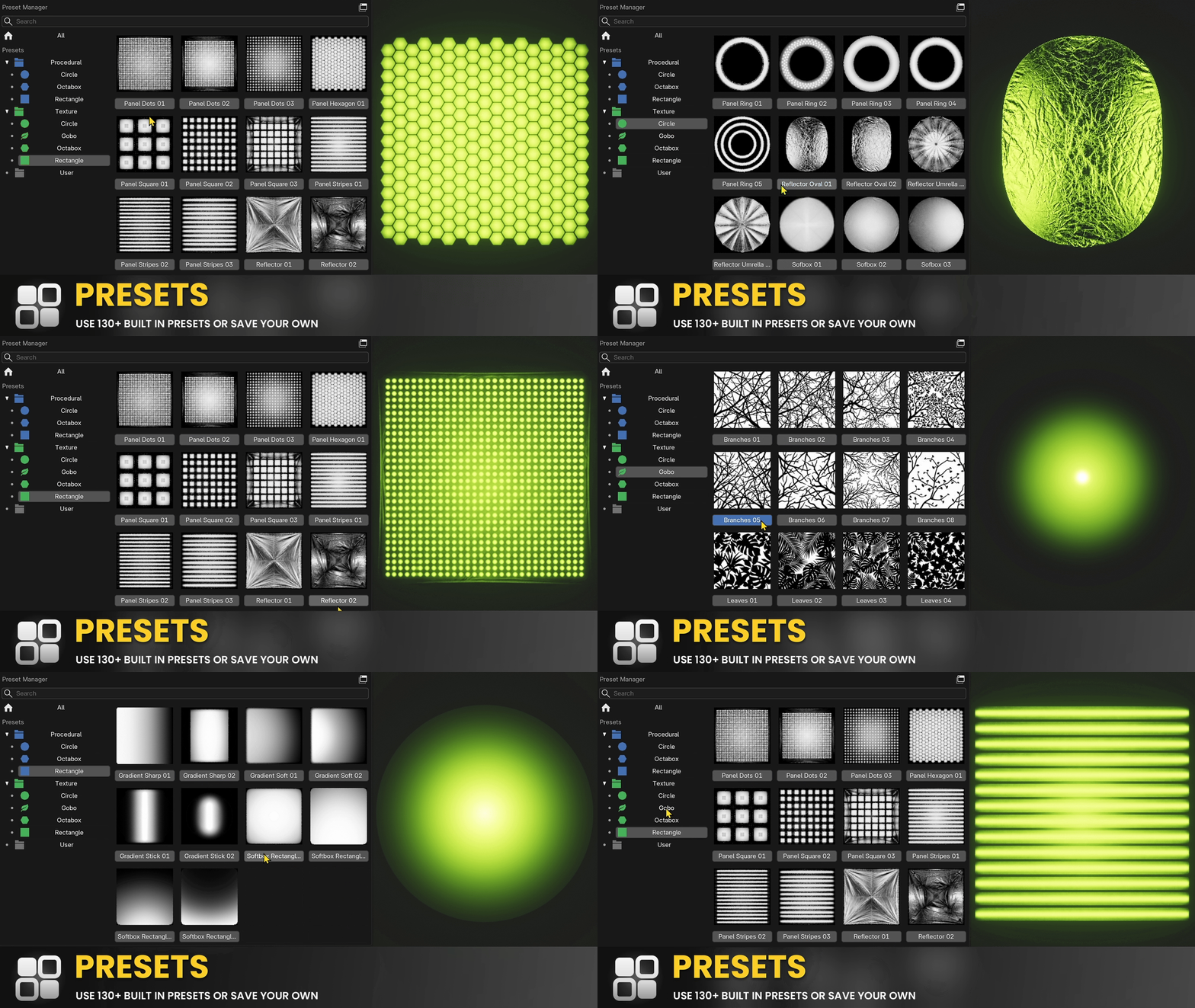
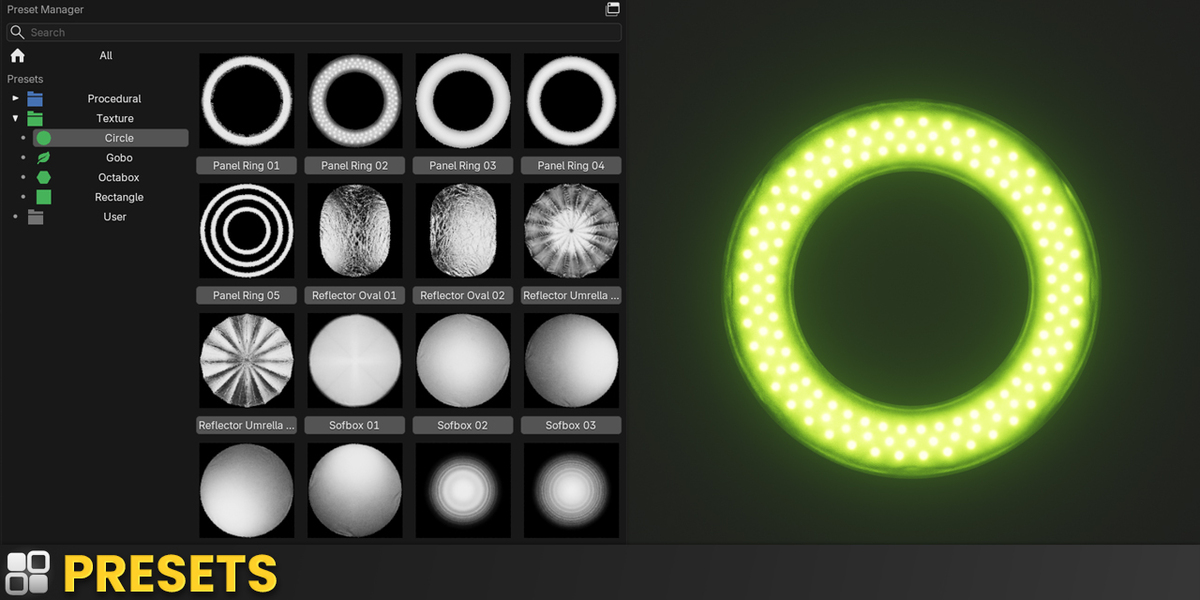
130+ built-in presets for procedural and textured lights to use as starting points, plus a preset manager to save and organize your own library. The bundled library keeps growing, new presets come with regular updates. ▶ Watch in the tutorial ↑
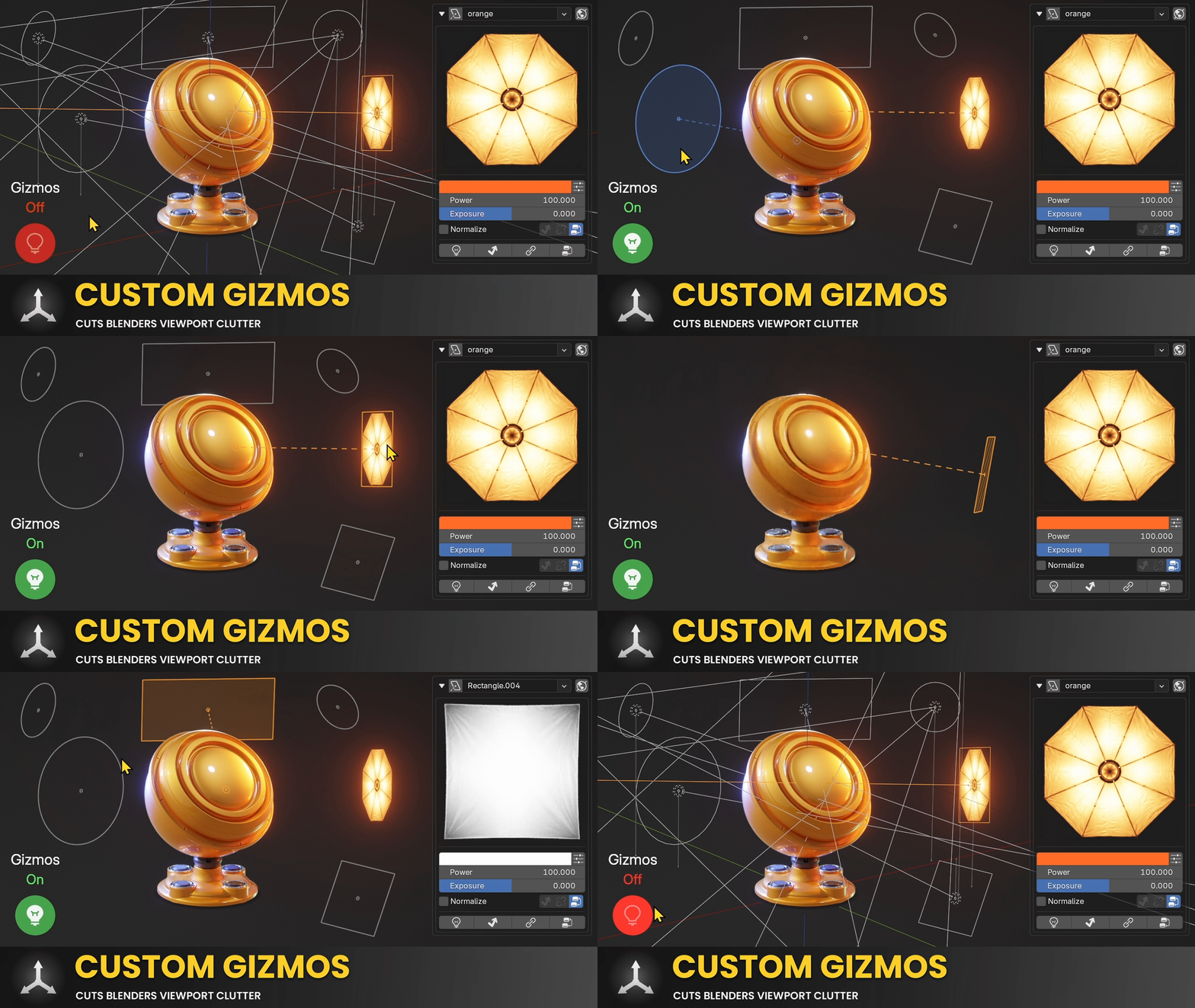
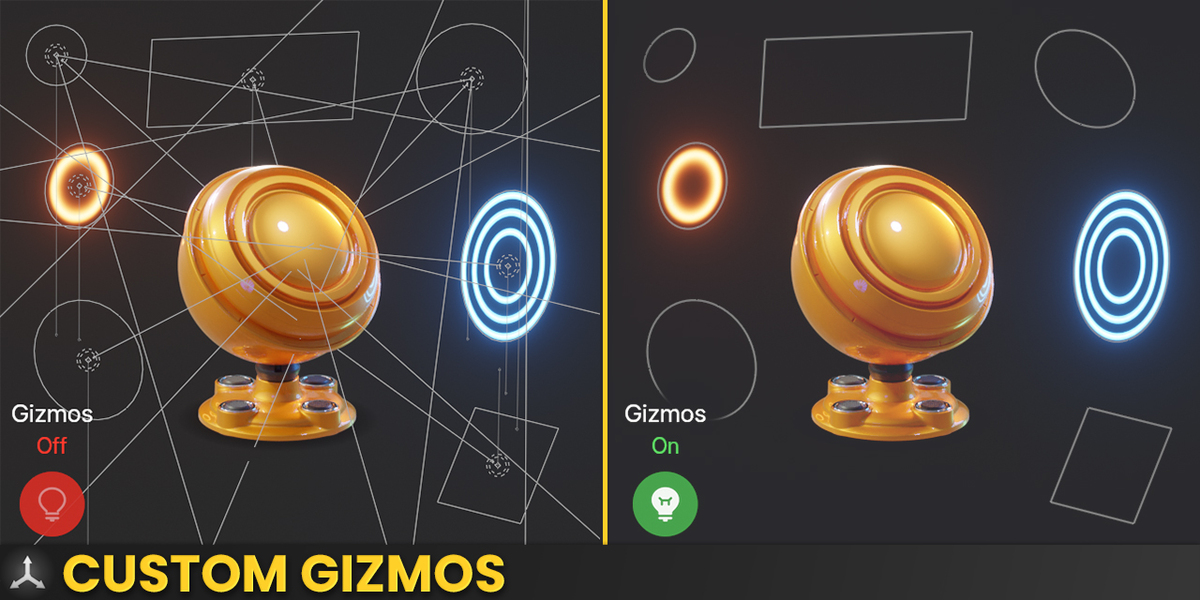
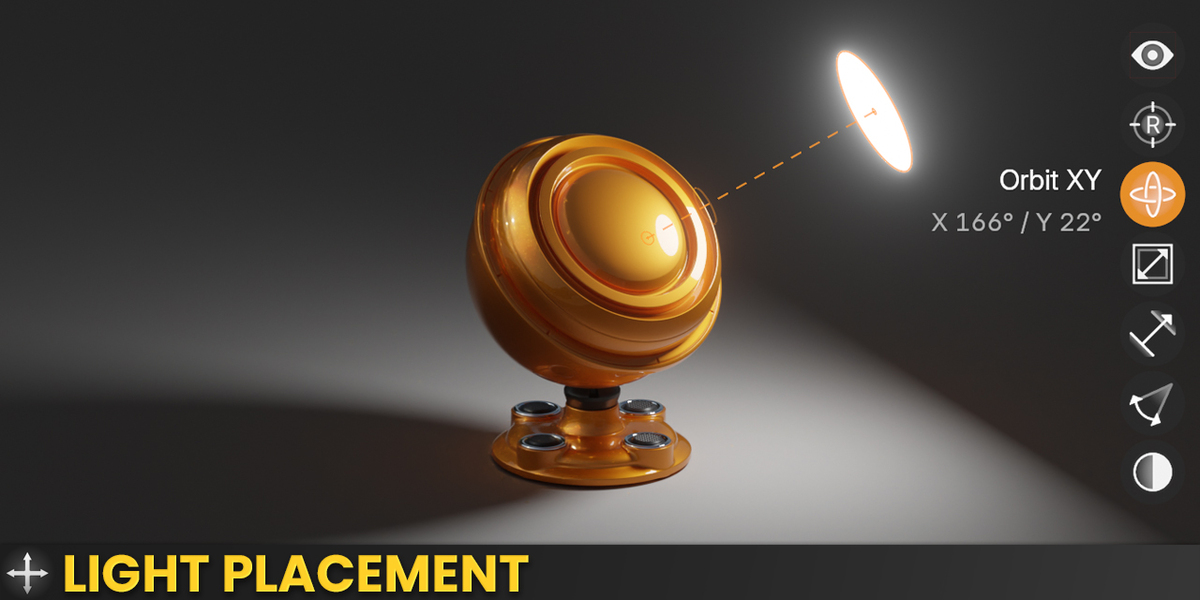
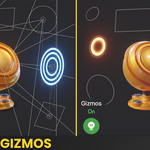
Our own gizmo system cuts down viewport clutter, surfacing only what you need: focus point, distance, texture preview, size, rotation, and more. ▶ Watch in the tutorial ↑
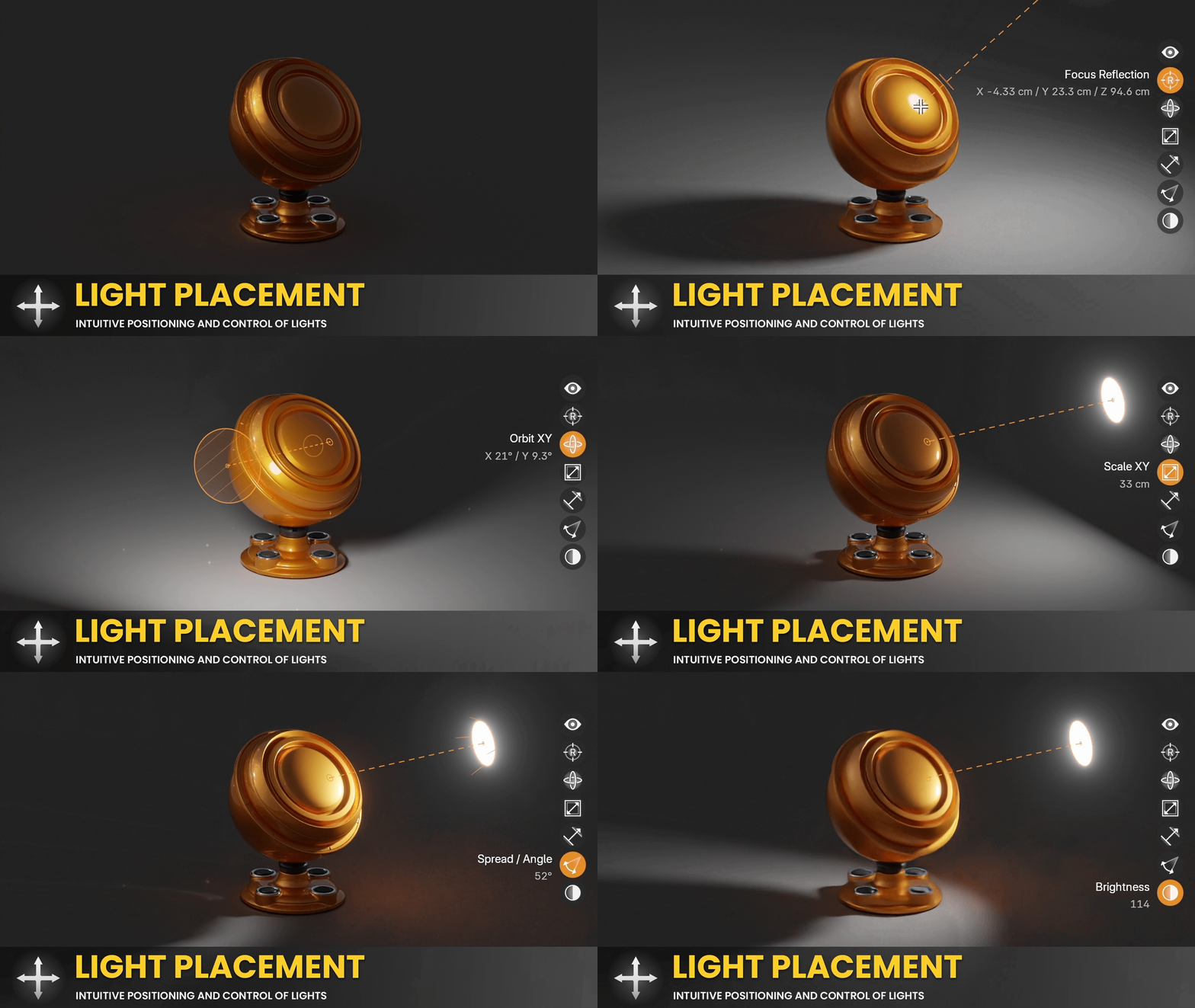
A hybrid system combining custom widgets and shortcuts makes positioning lights fast and intuitive. Need mathematical precision for studio setups? Switch to the Transform tab and dial in exact values. ▶ Watch in the tutorial ↑
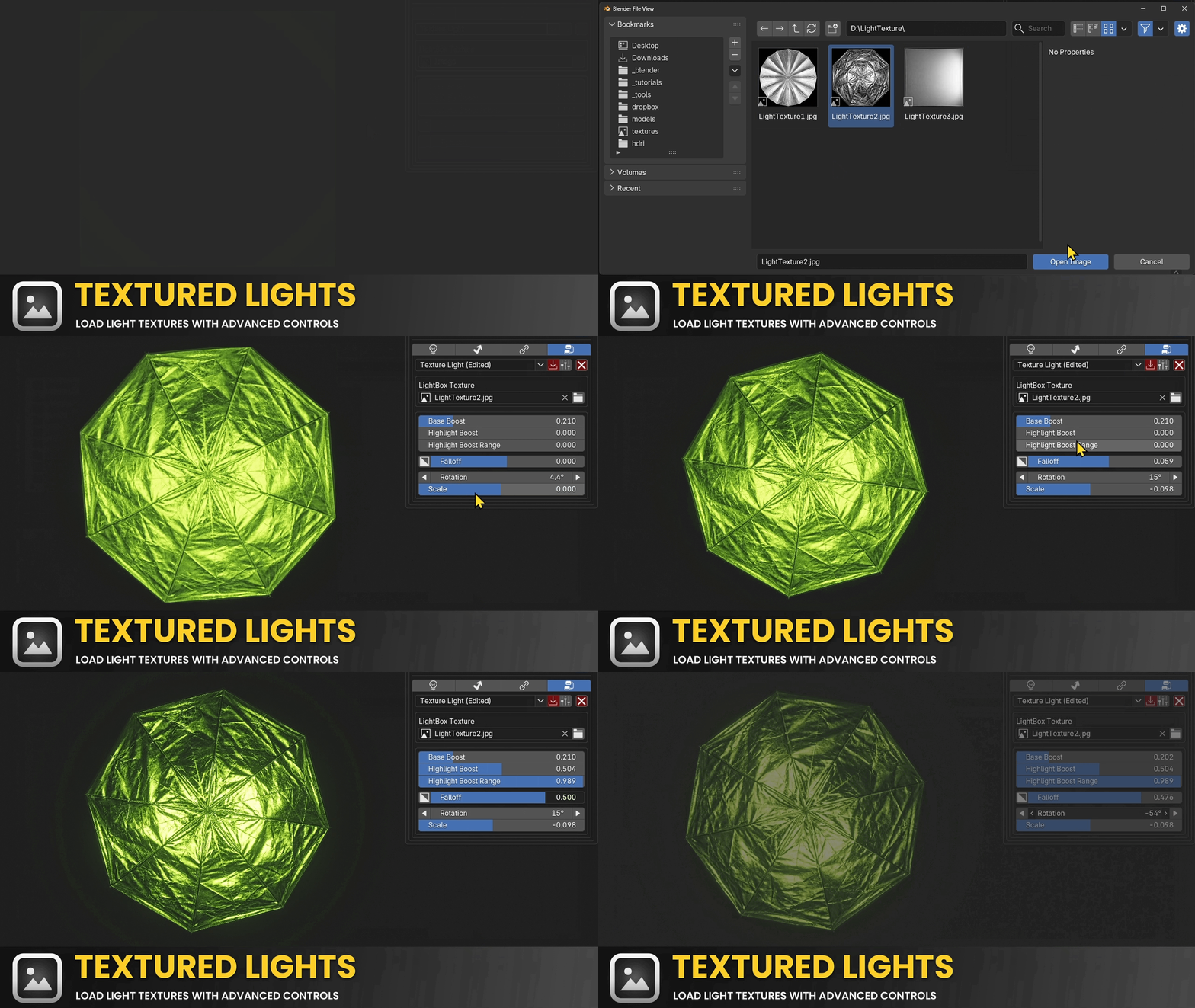
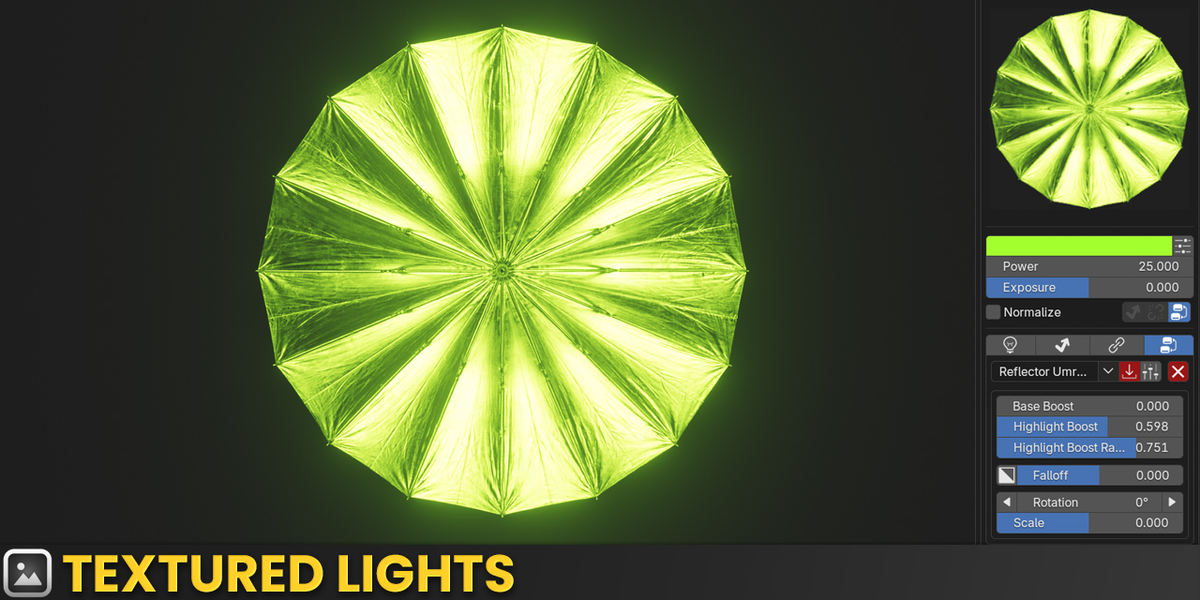
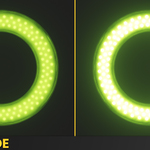
Load any texture directly into a light, with built-in controls for falloff, rotation, and scale. Color Texture keeps the colours of your image, with Hue and Saturation. HDR Texture uses HDR / EXR values as they are, so an HDR light texture renders 1:1. Both switch on by themselves when you load an image. ▶ Watch in the tutorial ↑
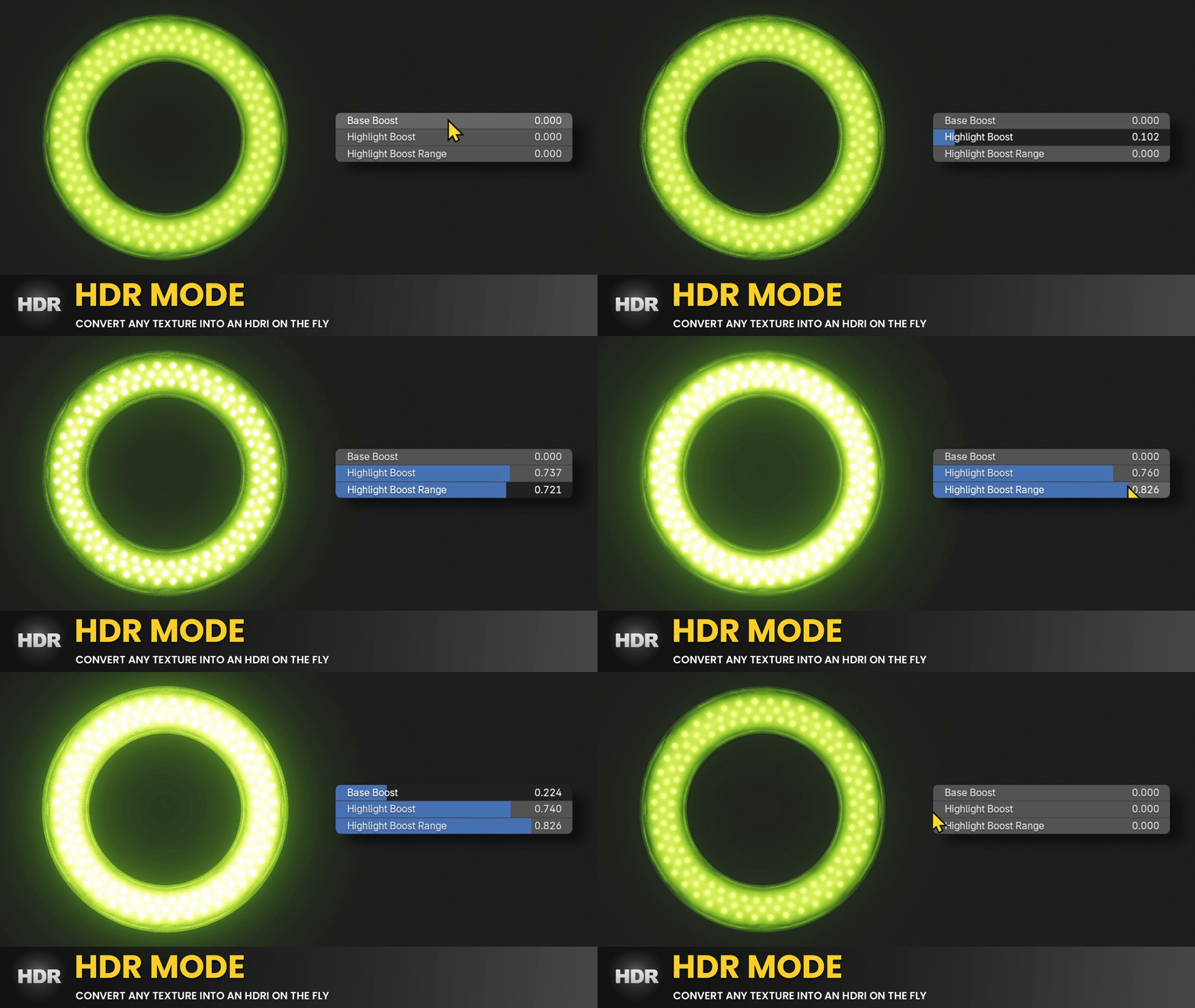
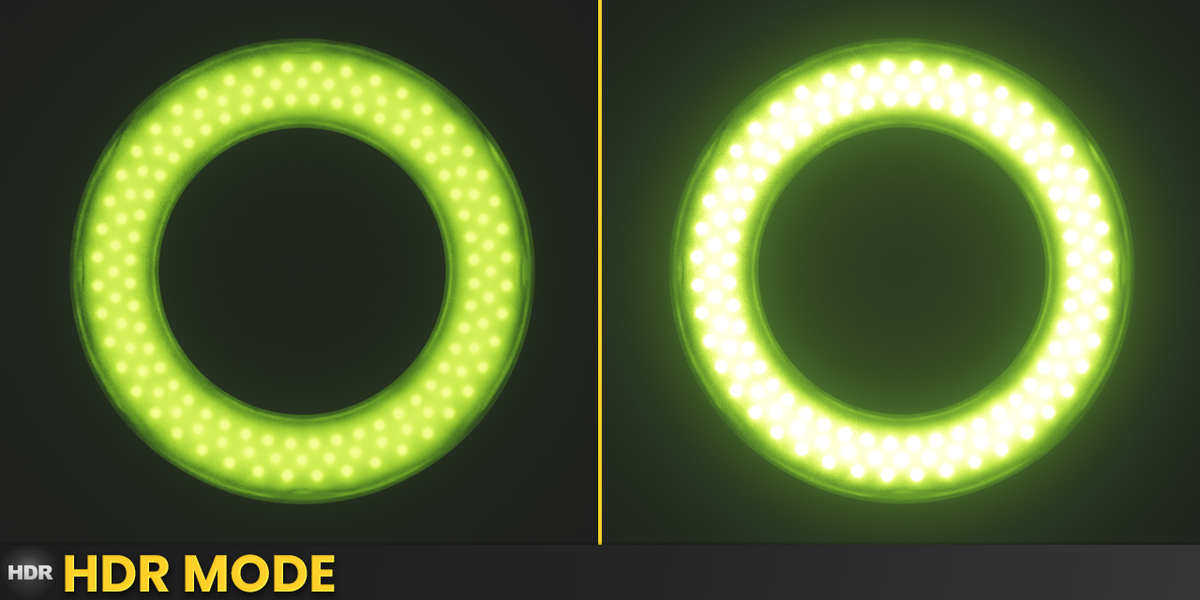
Exponentially boosts LDR textures so they behave like true HDRI captures, built right into both Procedural Softbox and Textured Lights. ▶ Watch in the tutorial ↑
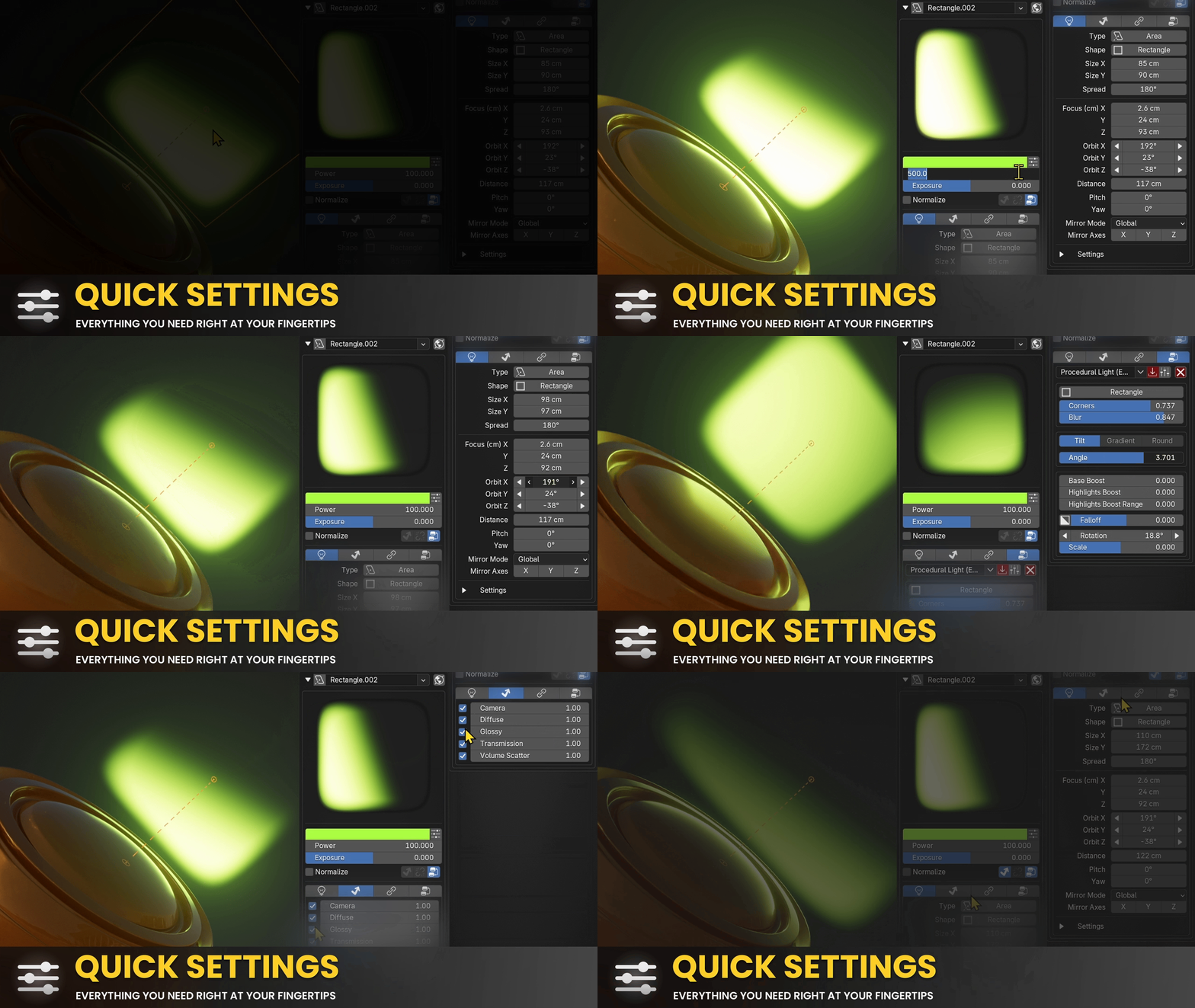
Color, power, and every key light setting right at your fingertips. No more digging through multiple property tabs. ▶ Watch in the tutorial ↑
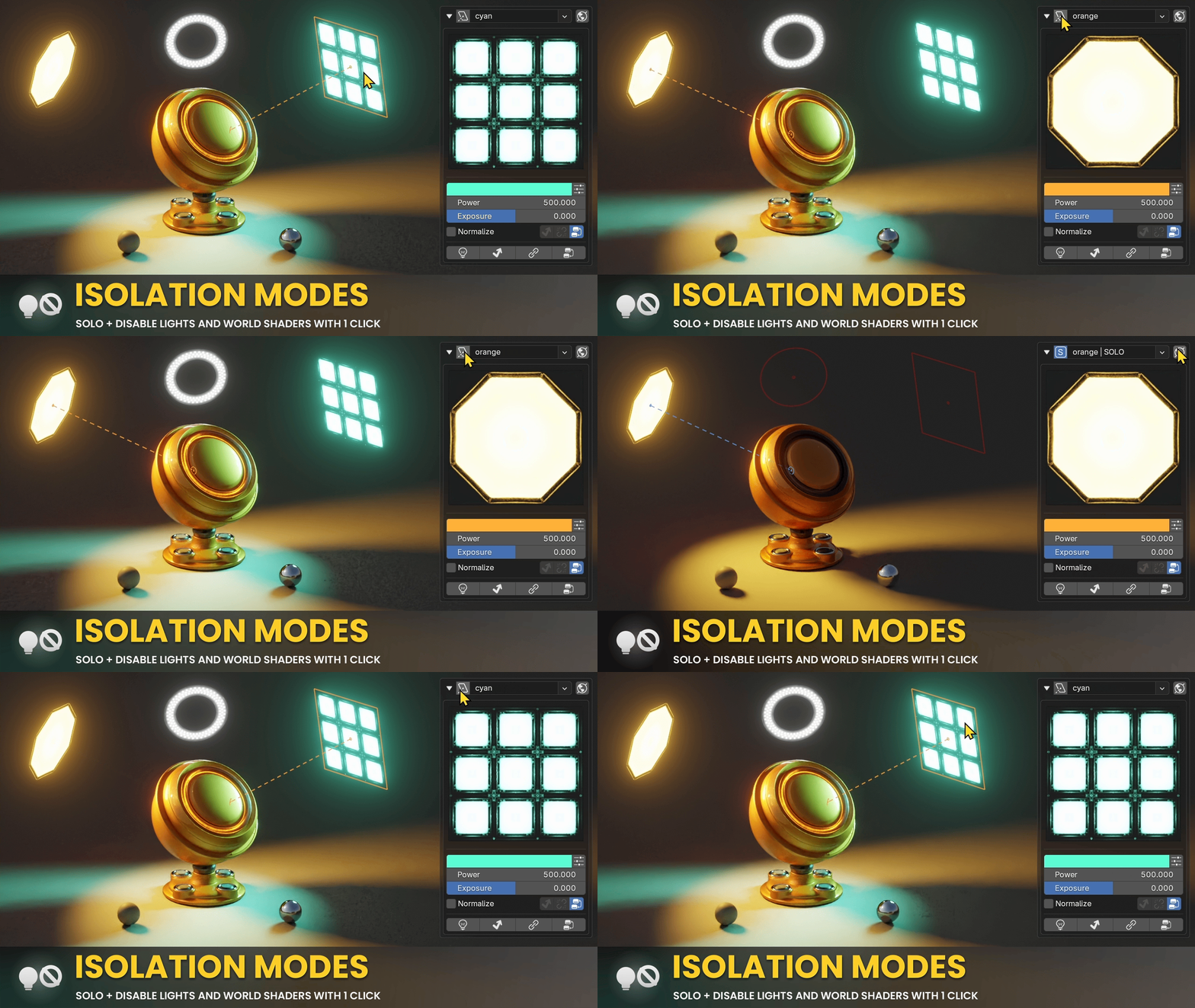
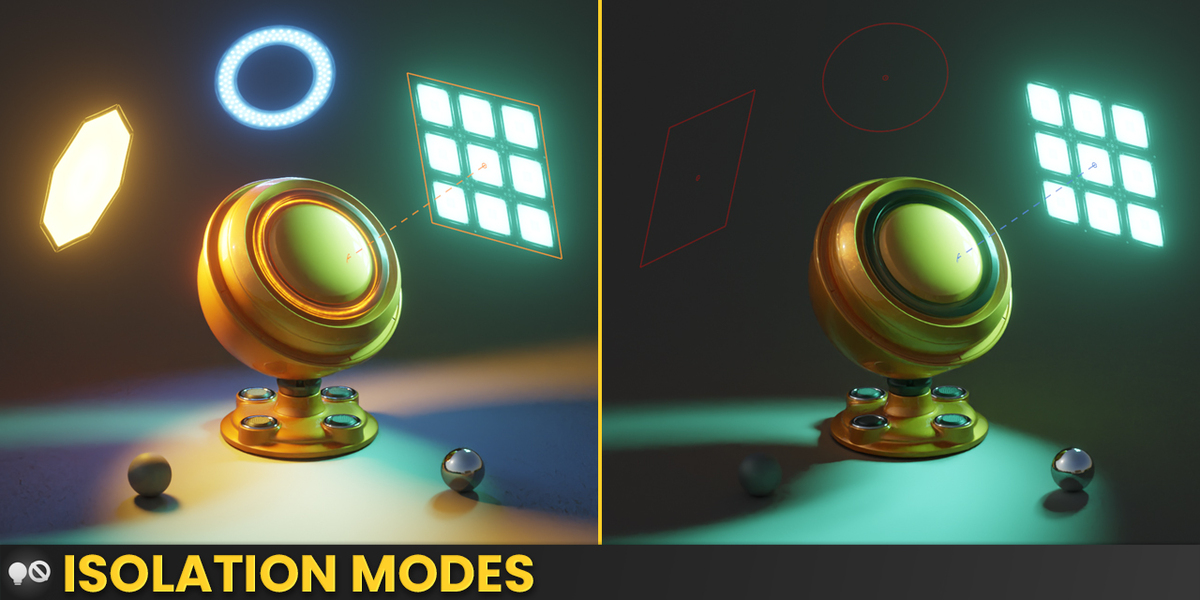
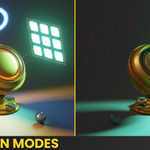
Solo or disable individual lights with one click to instantly understand their impact. World shader isolation works the same way. ▶ Watch in the tutorial ↑
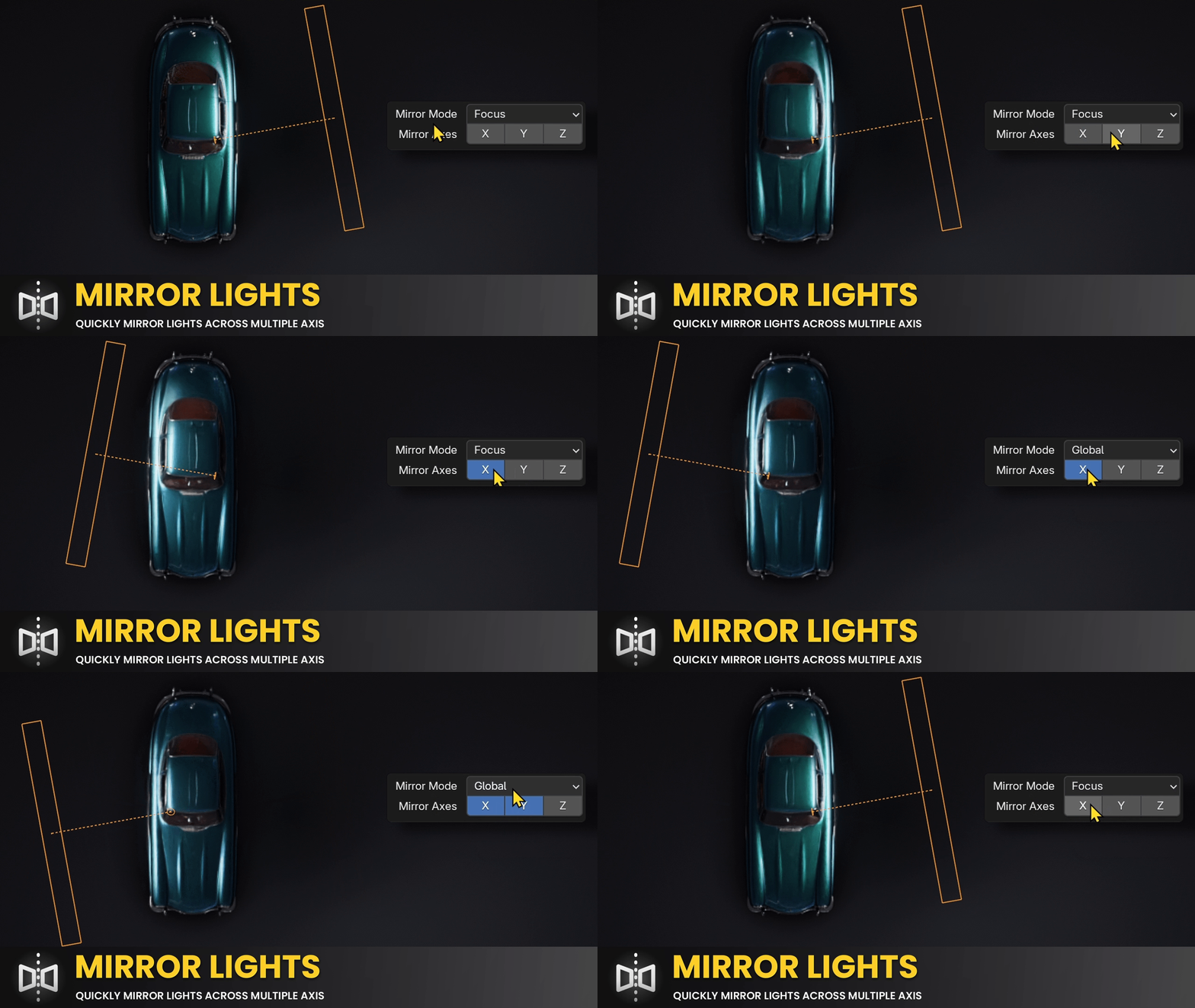
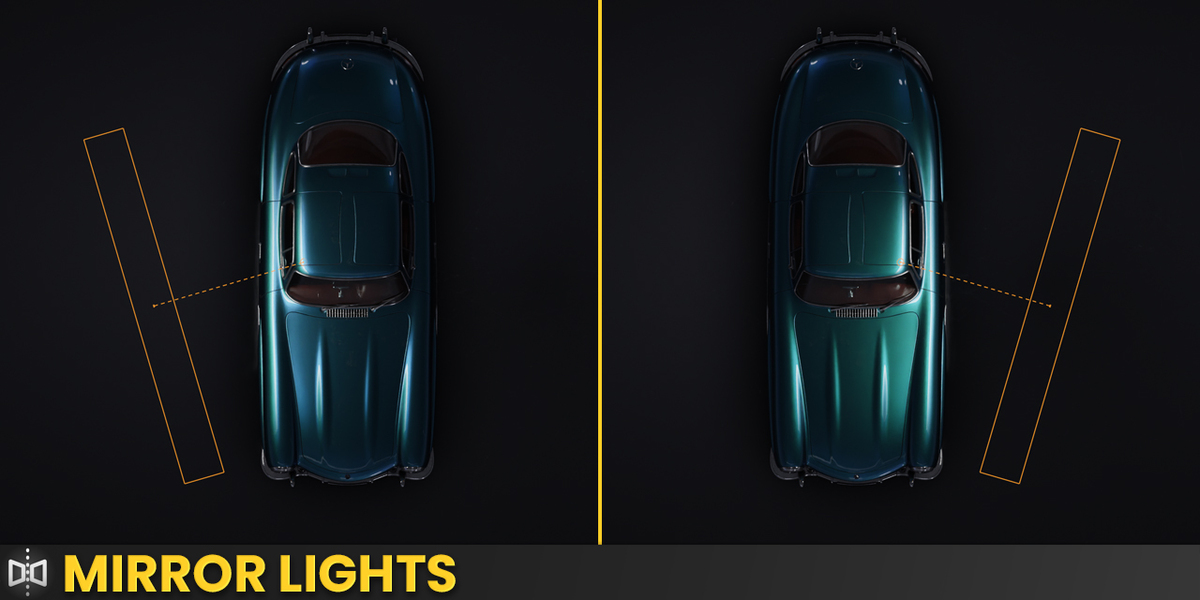
Mirror lights across any axis or custom point for quick, symmetrical setups. ▶ Watch in the tutorial ↑
Which Version Is Right for You?
If you light scenes on a regular basis, take LIGHTBOX. It is the complete lighting workflow and the version everything on this page is built around. LIGHTBOX Lite is for you if all you want is the real-time light preview. Both versions are sold on this page, you pick the one you want at checkout.
Light type, shape, size, spread and shadow settings
Panel drives V-Ray lights, isolation modes work in V-Ray, area light presets become V-Ray light maps (Blender 5.1+)
Focus point, orbit with 45 degree steppers, distance, pitch and yaw as exact values, plus orbit space with follow options
Interactive widgets for focus, orbit, size, distance, spread and brightness, each with its own keyboard shortcut
In short: Lite shows you what your lights are doing. The full version lets you do something about it, without leaving the viewport.
 Full Tutorial Video INCLUDED
 What Users Say
"Until I used Lightbox and I am not sure what is happening under the hood but somehow lights are 10x better and the procedural lighting is just perfect. [...] The usability is awesome! And the feature controlling the diffuse, metallic and other parameters is the real game changer."
vignesh n
Also in the Cyber Sale
My other add-ons are 35% off as well, no code needed:
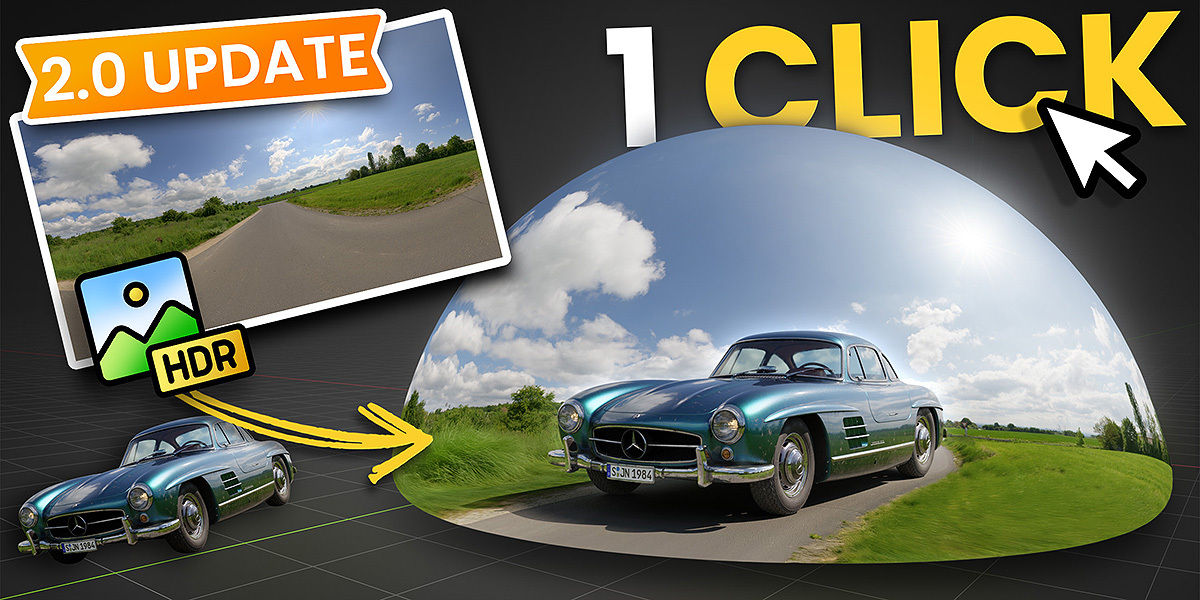
35% OFF PolyDome
Light your scenes with photorealistic HDRI environments: seamless floor matching, reflections, and procedural puddles.
Get PolyDome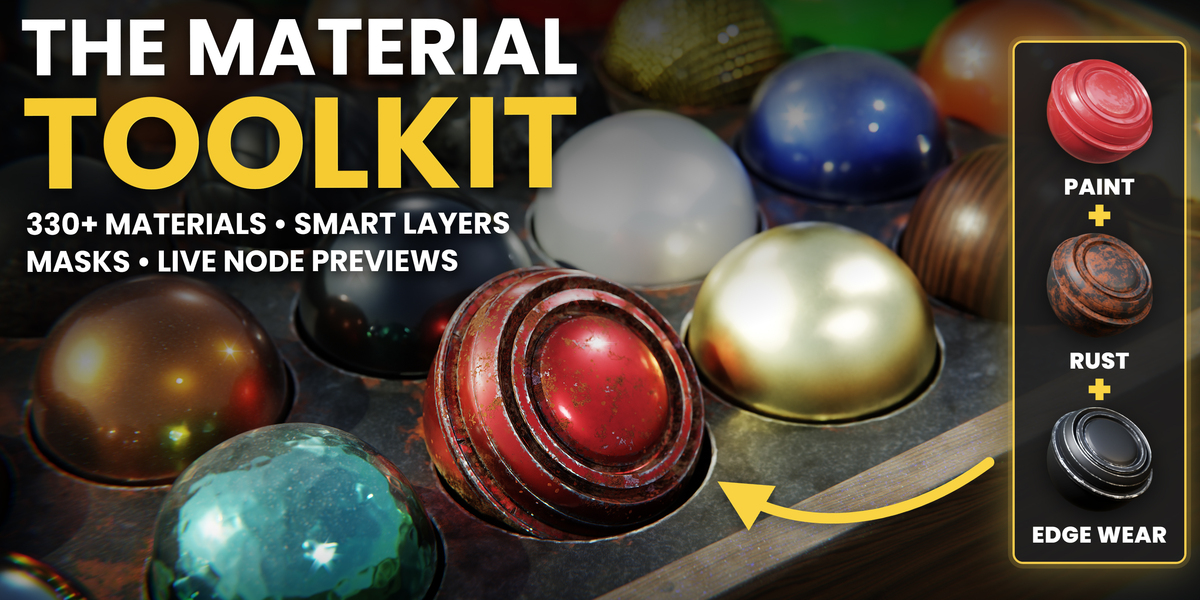
35% OFF MaterialBox
330+ Smart Materials, 29 Smart Layers, 27 production shaders and live previews on every node.
Get MaterialBox
 Why LIGHTBOX
Blender's built-in light controls are scattered across multiple panels and lack critical studio features. LightBox brings everything together in one place: real-time feedback, procedural textures, independent ray control, and a visual linking system. Focus on lighting, not hunting through menus.
 Compatibility & Requirements
- Blender 4.2+ (tested up to Blender 5.3)
- V-Ray support tested with V-Ray 7.40 on Blender 5.2
- V-Ray light maps need Blender 5.1+ and work on area lights
- Light Splitter requires Cycles
- Light Preview works with Area and Spot Lights
- Requirements are identical for LIGHTBOX and LIGHTBOX Lite
 What's Included
- LIGHTBOX Add-on (.zip)
- 130+ built-in presets
- Full tutorial video covering every feature in detail
- 12 months of free updates & basic support
 FAQ
Does It Work With EEVEE, Cycles and V-Ray?
Most features work in all three renderers, and Cycles is recommended for the best experience. EEVEE cannot display node setups on lights, so Procedural Softbox, Textured Lights and HDR Mode need Cycles or V-Ray. In V-Ray (Blender 5.1 and newer), LightBox bakes these patterns into light maps automatically for area lights. The Light Preview is rendered outside your scene and works in any render engine.
Which Light Types Are Supported?
All Blender light types are supported. Area and Spot Lights additionally get the Light Preview, Procedural Softbox and Textured Lights, because Point and Sun lights do not support nodes on Blender's side and therefore cannot be previewed or textured.
Can I Use My Own Textures?
Yes. The Textured Lights feature lets you load any texture directly into a light with full controls for falloff, rotation, and scale. Colour images keep their colours and HDR / EXR images are used as they are, so they render 1:1.
What Is the Light Splitter?
It lets you control how a light contributes to diffuse, glossy, transmission, and volume scatter independently, something Cycles doesn't support out of the box. For example, you can boost a light's effect on diffuse without changing its specular highlights.
How Many Presets Are Included?
130+ built-in presets for procedural and textured lights, and new presets will be added with regular updates. You can also save and organize your own custom presets using the built-in preset manager.
How Long Are Updates Free?
12 months from your purchase: bug fixes, new features and new presets are free during that time.
Can I Use LightBox Commercially?
Yes, LIGHTBOX can be used in both personal and commercial Blender projects.
More questions? Get help on our Discord, in the LIGHTBOX forum. Answers there help other users too.
 Get Started with LIGHTBOX
LIGHTBOX $30$19.50 LIGHTBOX Lite $5$3.25
CYBER SALE · 35% off until December 2
Studio-grade lighting for Blender, in one add-on.
Buy NowBoth versions are available on this page, pick the one you want at checkout.
- 12 months free updates
- EEVEE, Cycles & V-Ray
- 130+ presets
- Full tutorial
Updates & Changelog
Version 1.3.0 (Nov 26, 2026)
New Features:
- Focus Mode None: Turn the focus off per light and position it the classic way (full version)
- Local Axes: Without focus, G, R and S work along the light's own axes (full version)
Compatibility:
- Blender: Tested on 4.2 to 5.3
Version 1.2.0 (Nov 26, 2026)
New Features:
- Color Texture: Texture Lights keep your image's colours (full version)
- HDR Texture: HDR / EXR values used 1:1, without the contrast curve (full version)
- Hue and Saturation: For colour textures (full version)
- Automatic Setup: Color and HDR Texture are set when an image loads (full version)
Improvements:
- Highlight Boost: Controlled on HDR textures, normal images unchanged (full version)
Bug Fixes:
- Preview Disconnected: No more "Preview disconnected" right after Blender starts
- Native Light Gizmos: Come back in viewports where LightBox's gizmos are off (full version)
- Gizmo Corner Widget: Moves next to an open N-panel (full version)
Compatibility:
- Blender: Tested on 4.2 to 5.3
Version 1.1.0 (Nov 11, 2026)
New Features:
- V-Ray Support: Works with V-Ray lights, besides Cycles and EEVEE
- V-Ray Light Types: Changing type or shape rebuilds the V-Ray light
- V-Ray Colour: Color / Temperature switch with a Kelvin field
- V-Ray Contributions: Contribution sliders in the panel (full version)
- V-Ray Isolation: Light on / off, solo and world isolation, dome lights included
- V-Ray Lights From the Pie: Shift+Q pie and Add Light at Cursor create V-Ray lights (full version)
- V-Ray Light Linking: Carried over to V-Ray's include / exclude lists (full version)
- V-Ray Readouts: Viewport readouts in V-Ray units (full version)
- V-Ray Light Maps: Presets look the same in V-Ray as in Cycles (Blender 5.1+)
- Fast Map Updates: Quick draft maps while editing, full resolution after
- Baked Colour: Light colour and temperature baked into the map
- Matching Preview: Panel preview matches V-Ray intensity and colour
- Map Files: Saved next to the .blend, unused ones removed on save
Improvements:
- Preview Start: No more short freeze on Windows
- Several 3D Views: Shortcuts only act in the view under the mouse (full version)
Bug Fixes:
- Spot Lights: Adding one could crash Blender
Compatibility:
- Blender: 4.2 and newer, tested on 5.3
- V-Ray: Tested with V-Ray 7.40 on Blender 5.2
Version 1.0.0 (Sep 28, 2026)
Main Features:
- Light Preview: Real-time 1:1 preview of the light texture, even out of view
- Quick Settings: Colour, temperature, power and exposure in one panel
- Isolation Modes: Solo or disable lights and the world with one click
- Mirror Lights: Across a global axis or the focus point
- Preset Manager: Save and organize your own light setups
- Procedural Softbox: Studio light textures with softness, rounding and gradients (full version)
- Textured Lights: Any image as light texture, with falloff, rotation and scale (full version)
- HDR Mode: Turns LDR textures into HDR lights (full version)
- 130+ Presets: Procedural and textured light setups (full version)
- Light Placement: Widgets and shortcuts for focus, orbit, size, distance and more (full version)
- Custom Gizmos: Clean gizmos, dark mode, lights-only selection (full version)
- Light Splitter: Diffuse, glossy, transmission and volume multipliers per light (full version)
- Light Linking: Visual include / exclude manager for light and shadow (full version)

