Lightcuts ! -> Per-Camera Lighting
 Loïc Bramoullé



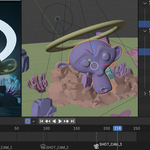
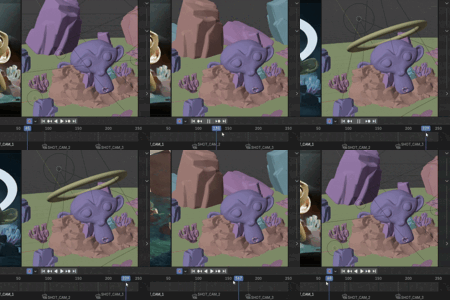
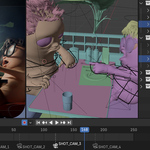
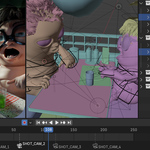
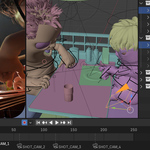
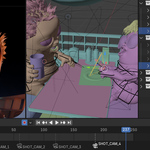




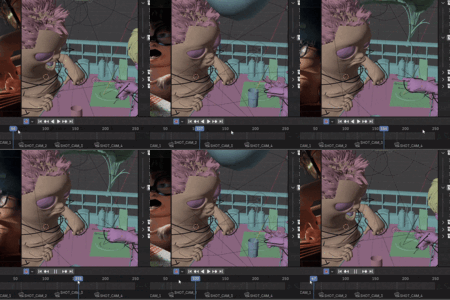
1 - Drag & drop the .Zip onto your blender viewport.
2 - Find LightCuts in N-panel (press N if invisible)
3 - Click Enable !
4 - Duplicate your camera to create shots.
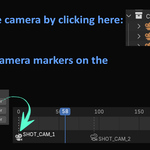
5 - You can place markers on the timeline with the addon, it will define the active camera on that frame.
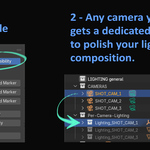
6 - Any light or object you want to polish specifically for a given shot, can be placed in that camera's LightCuts collection.
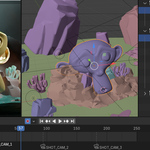
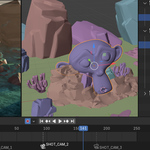
7 - Cinematography !
Q: How do I synchronize some light or objects from one camera, to others, like if I don't want them to only seen by one camera / shot, but maybe 3 for example ?
A: Very simple, just a couple of clicks, first create a collection in this source LightCuts camera collection, place the objects you want to share with other cameras, and right click the collection → Instance to scene (you can add this to your quick favorites (Q), it's one of the most practcical ever in computer graphics, and blender.) Then just place this Collection Instance in the LightCuts camera collections you need, you can edit those objects in the source collection, and they will exist / be seen in the other cameras you chose: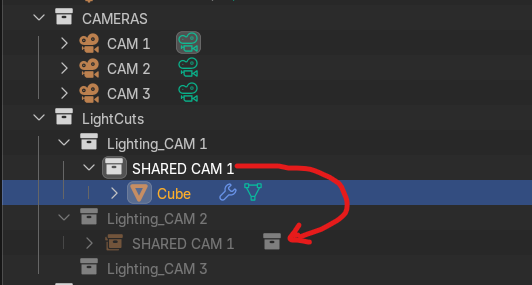

Discover more products like this
light composition lights automation Blender 4 lighting and composition techniques camera Lighting