Lightcuts ! -> Per-Camera Lighting
 Loïc Bramoullé



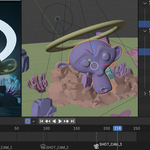
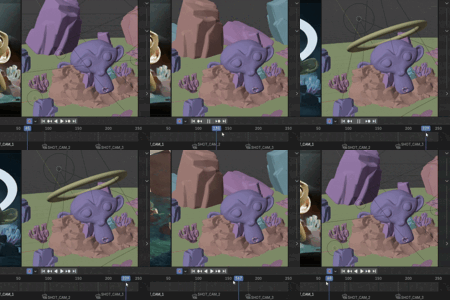
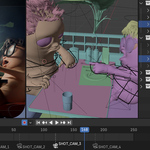
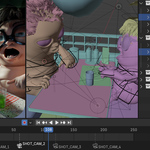
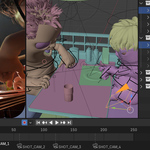
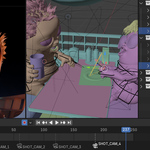




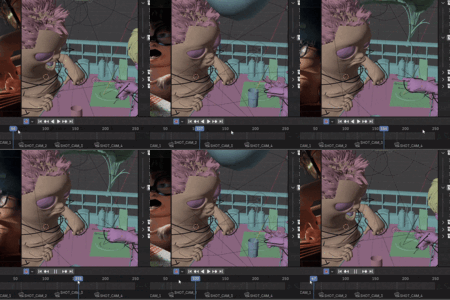
Is this easy to use ?
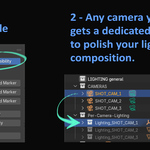
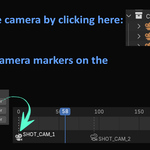
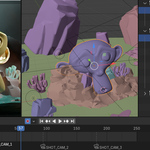
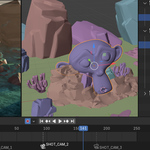
It is basically one click. enable. then you're good, any object you put in any camera, will only be visible (viewport & render) when this camera is active. (via camera markers on the timeline for example, Ctrl+B or button click next to each of your cameras that are listed automatically in the addon panel.)

Discover more products like this
automation light Blender 4 lighting and composition techniques camera Lighting lights composition