Lightstamp — 248 Lighting Presets
 VertexModeler Inc.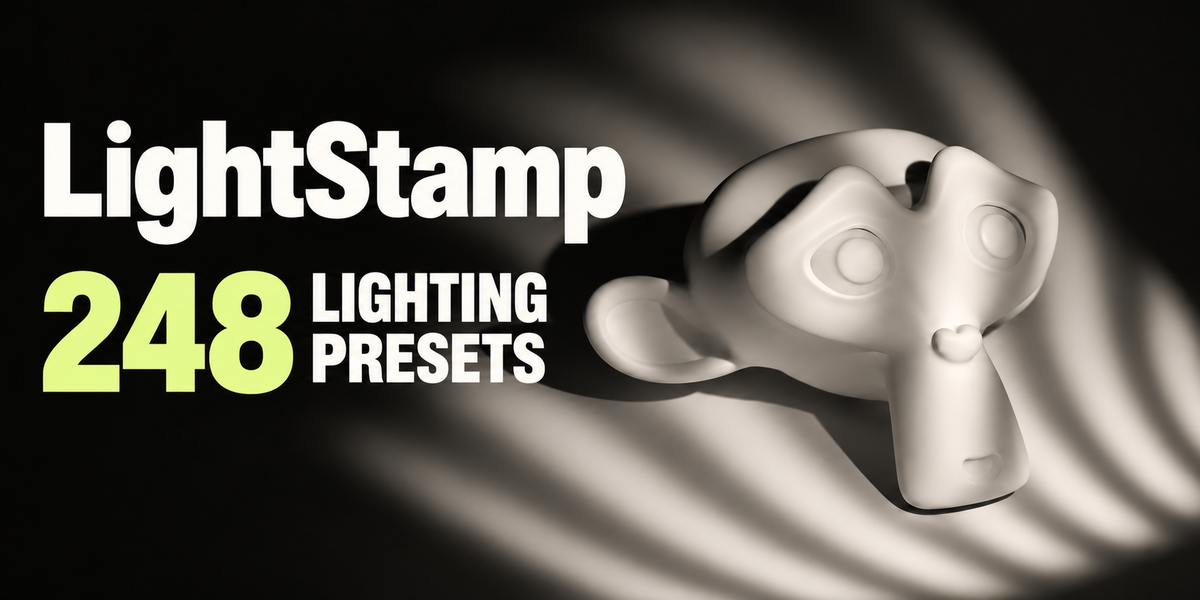
Overview
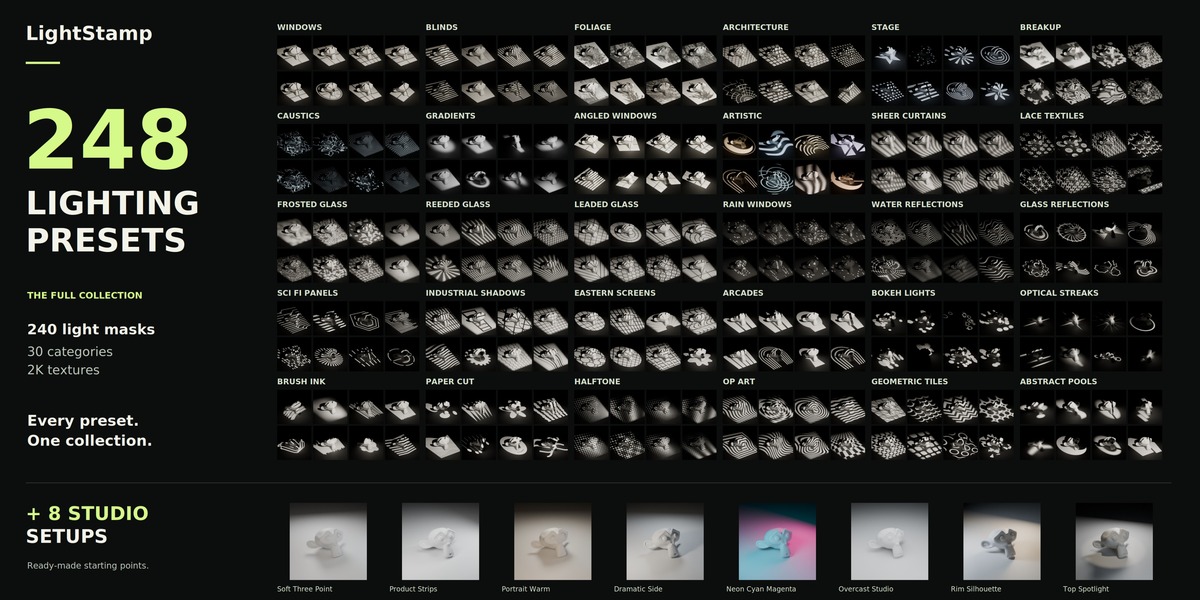
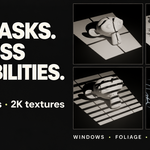
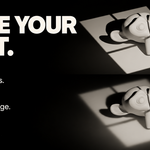
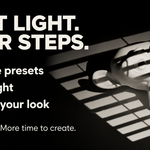
LightStamp is a lighting preset collection for Blender. Add patterned light, natural shadows and studio lighting setups, then shape the result with a few simple controls.
The collection includes:
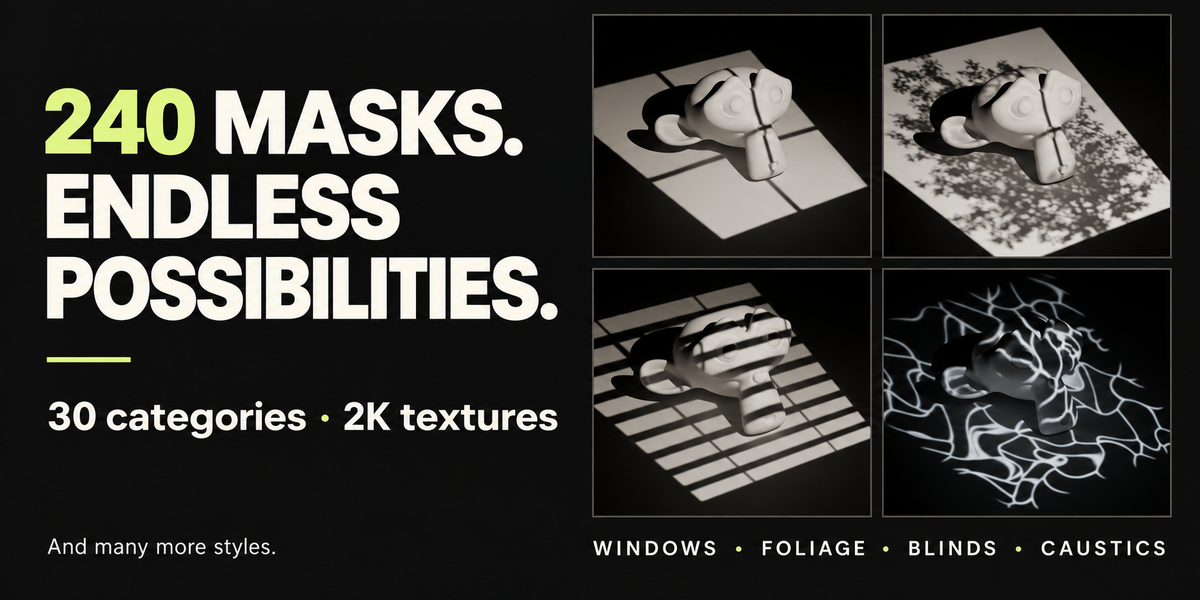
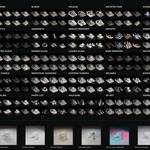
- 240 static light masks at 2048 × 2048 resolution.
- 30 categories, including windows, foliage, blinds, clouds, glass, water-inspired patterns and artistic shapes.
- 8 studio lighting setups.
- Controls for light power, coverage, softness and color.
Requirements
Blender 5.2 LTS with the Cycles render engine.
Installation
- Download the add-on installation ZIP.
- Open Blender’s Edit → Preferences.
- Open the preferences menu and choose Install from Disk.
- Select the installation ZIP and complete the installation.
- Ensure the add-on is enabled.
- In the 3D Viewport, press N to open the sidebar and locate the lighting preset panel.
Install the add-on ZIP directly without extracting it. If you downloaded the complete package, extract that package first and locate the add-on installation ZIP inside.
Add Your First Light
- Set your scene’s render engine to Cycles.
- Open the add-on panel in the 3D Viewport sidebar.
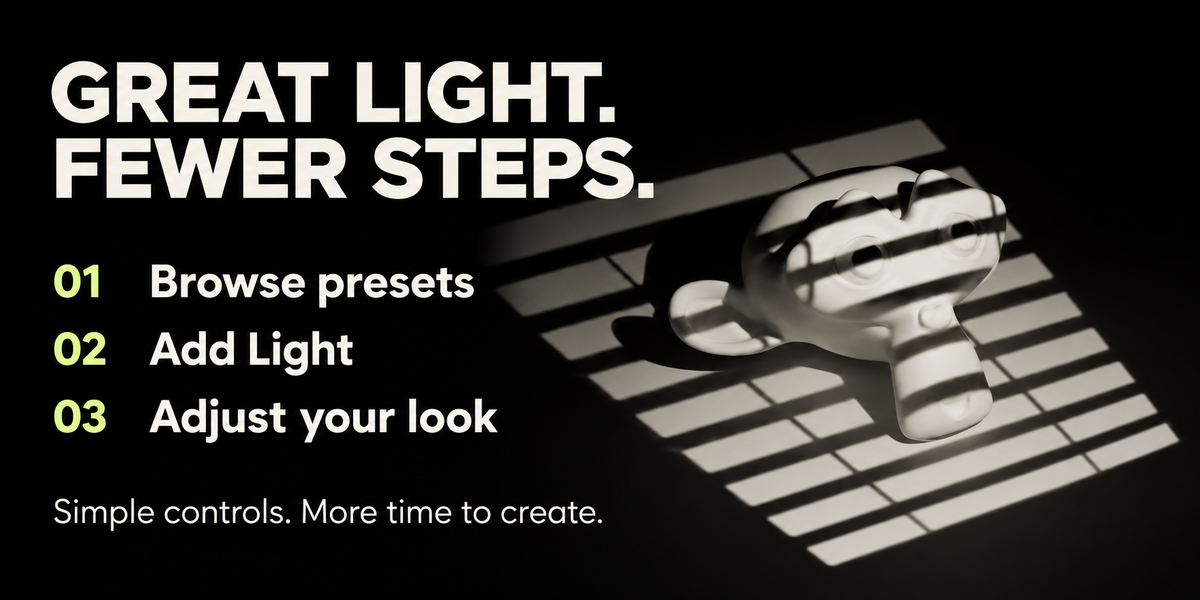
- Browse a category and select a preset thumbnail.
- Click Add Light.
- Move and rotate the created light so its projection reaches your subject.
- Switch to Rendered viewport shading to preview the result.
Use a wall, floor or other surface to receive the projected pattern. Start with a neutral material so the pattern is easy to evaluate.
Adjust the Selected Light
Select a light created by the add-on to access its controls.
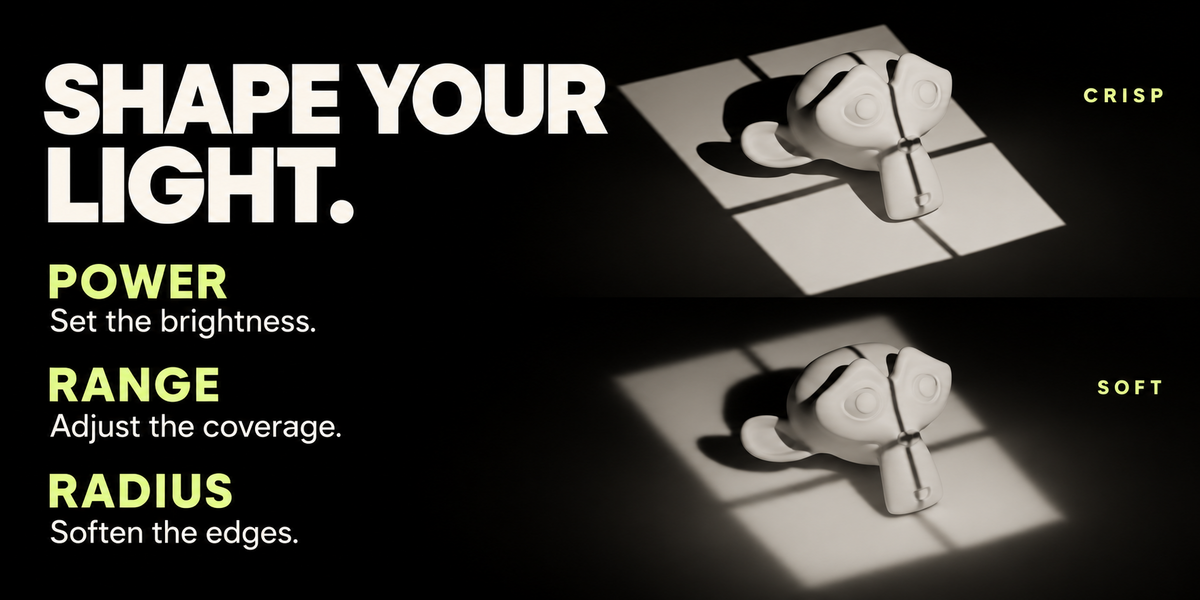
| Control | What it does |
|---|---|
| Power | Adjusts the light’s brightness. |
| Range | Expands or tightens the projected coverage. |
| Radius | Adjusts the light-source size to control shadow softness. |
A smaller radius produces sharper shadows. A larger radius softens their edges and can reduce the visibility of fine details.
The final appearance also depends on the distance between the light, subject and receiving surface.
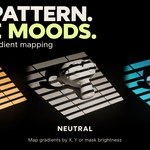
Color and Gradient Mapping
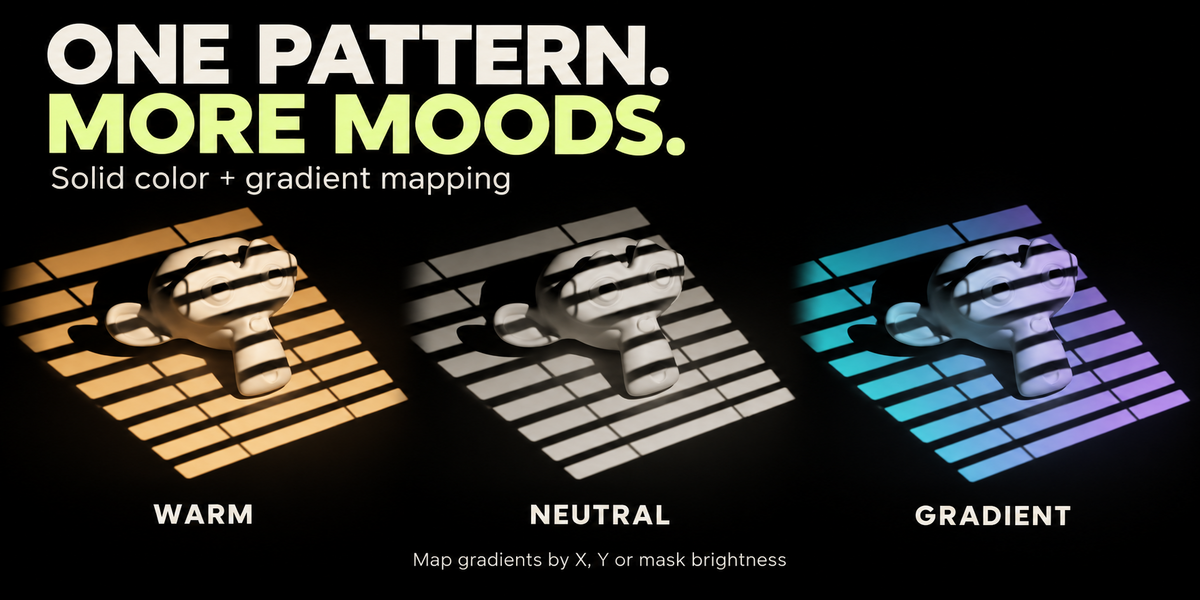
Expand the color controls to change the mood of the selected light.
- Solid tint: Apply a single light color.
- Horizontal gradient: Distribute colors across the mask’s horizontal direction.
- Vertical gradient: Distribute colors across its vertical direction.
- Mask-based gradient: Map colors according to the mask’s brightness.
Adjust the gradient’s color stops to create your preferred transition. Surface materials, exposure and color management will influence the rendered colors.
Studio Lighting Setups
The eight studio presets provide starting points for product shots, portraits and stylized scenes:
Soft Three Point · Product Strips · Portrait Warm · Dramatic Side · Neon Cyan Magenta · Overcast Studio · Rim Silhouette · Top Spotlight
After adding a setup, position its lights around your subject and adjust their power to suit your scene’s scale and exposure.
Tips for Better Results
- Reduce strong ambient illumination if it washes out the pattern.
- Use a smaller radius when fine foliage or window details need to remain visible.
- Adjust the light’s position and rotation before increasing its power.
- Use angled window presets for diagonal compositions. Actual shadow direction still depends on the light’s position.
- Treat each preset as a starting point and adapt it to your scene.
Troubleshooting
The pattern is not visible.
Check that Cycles and Rendered shading are active, the light points toward a receiving surface, and its power is sufficient. Strong world lighting or other lights may reduce contrast.
The pattern looks too blurry.
Reduce Radius and check the distances between the light, subject and receiving surface.
The result is too bright or washed out.
Reduce Power and check scene exposure, world strength and other lights.
The light controls are missing.
Select the light object created by the add-on. Selecting the illuminated mesh does not select its light.
Support
When reporting an issue, include your Blender version, add-on version, operating system, render engine and a screenshot. Include the exact error message if one appears.
 Included
Includes 12 months of
- Support from VertexModeler Inc.
- Product updates
Extend this product’s Support Period +12 months: 50% of product price
Have questions before purchasing?
Login to message
| Blender Extension Compatible | Yes |
| Published | 4 days ago |
| Blender Version | 4.0 - 5.2 |
| Extension Type | Add-on |
| Render Engine Used | Cycles, Eevee, Freestyle, Vray |
| License | GPL |
Discover more products like this
window light Cycles shadows light masks foliage Studio Lighting Lighting presets product rendering Lighting addon