 ORM3DCreations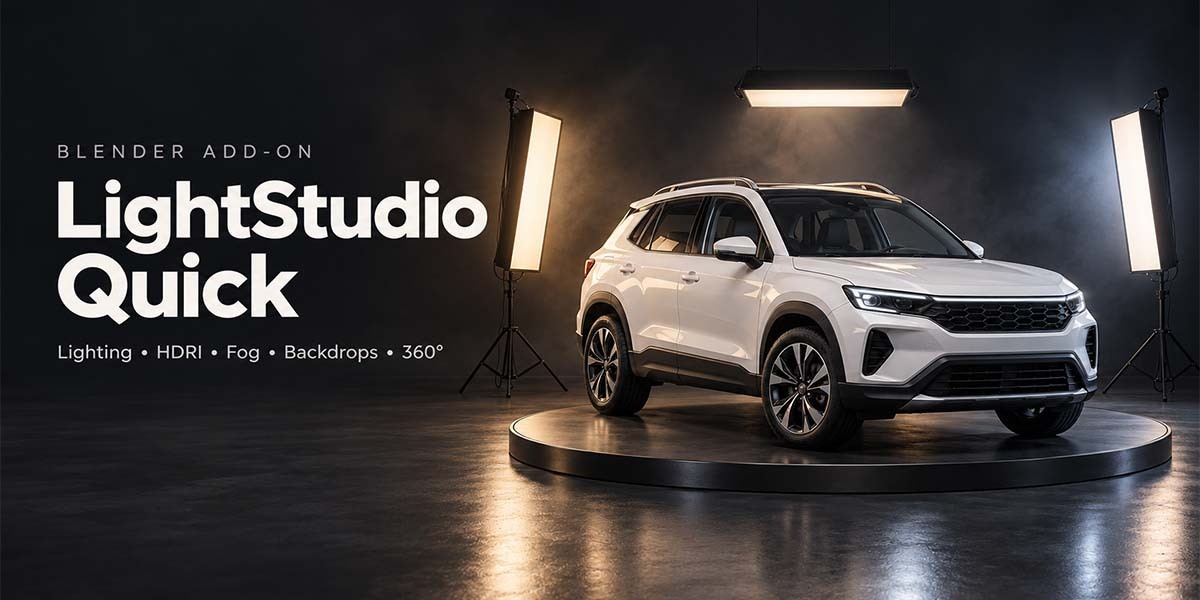
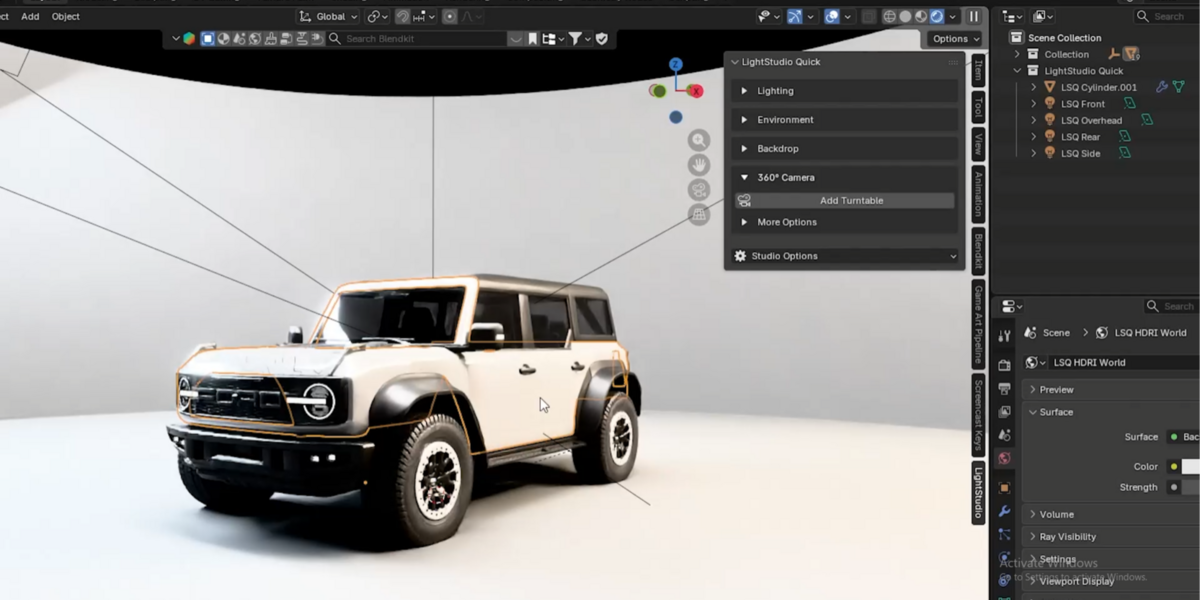
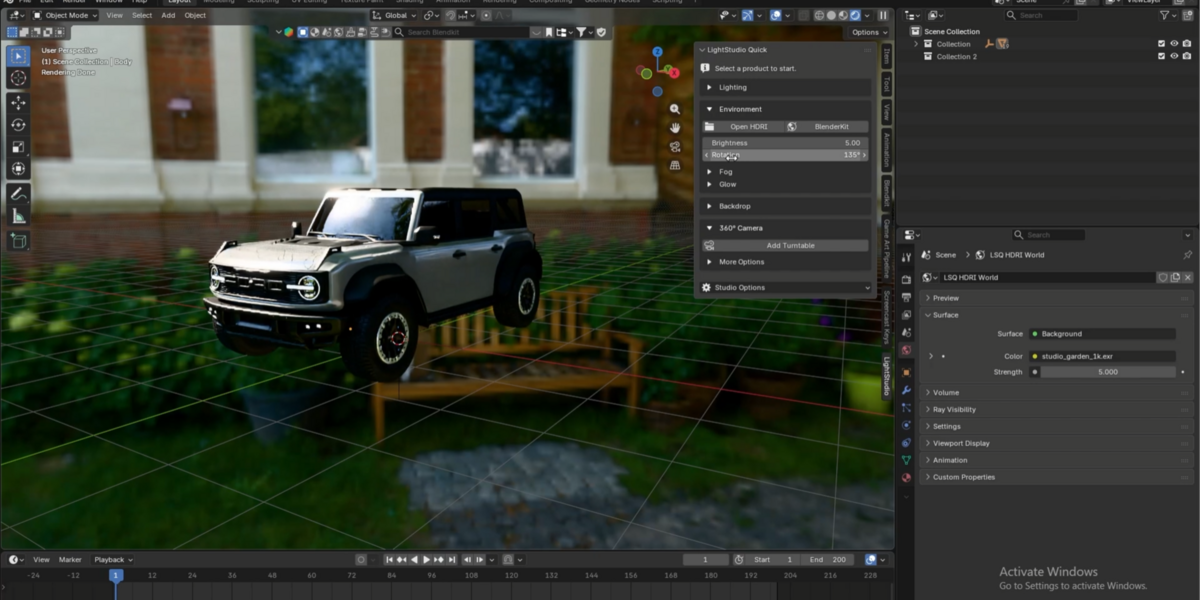
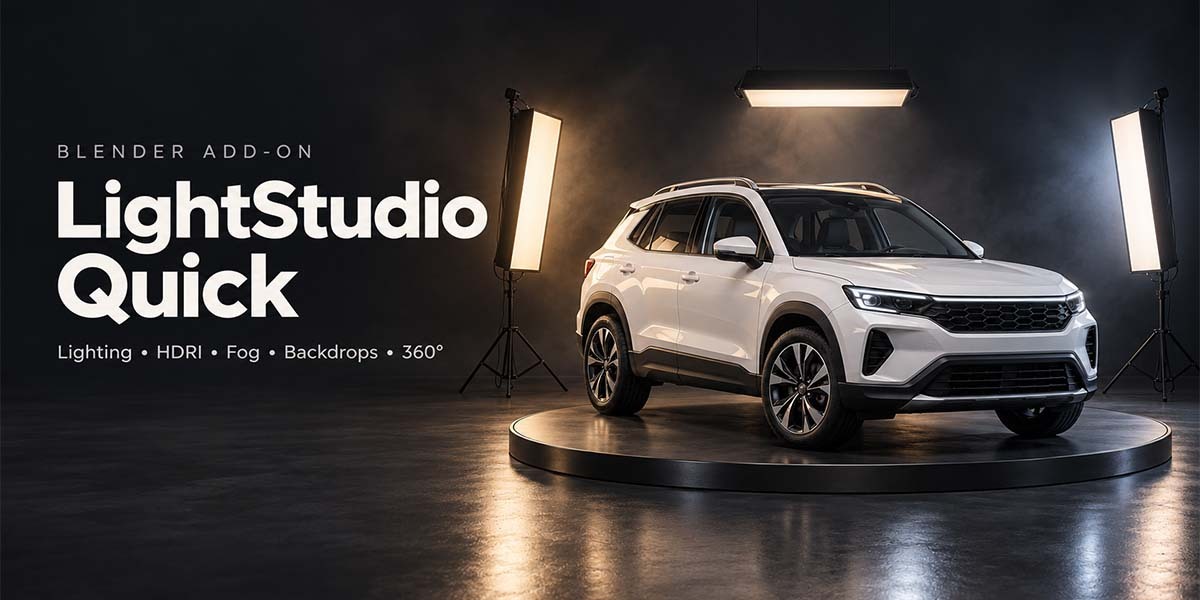
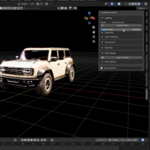
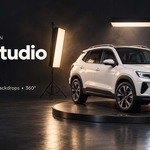
Create product renders, portfolio images, and turntable animations with fewer setup steps. LightStudio Quick brings your lighting, environment, backdrop, and camera controls into one clean Blender N-panel.
Add Lights
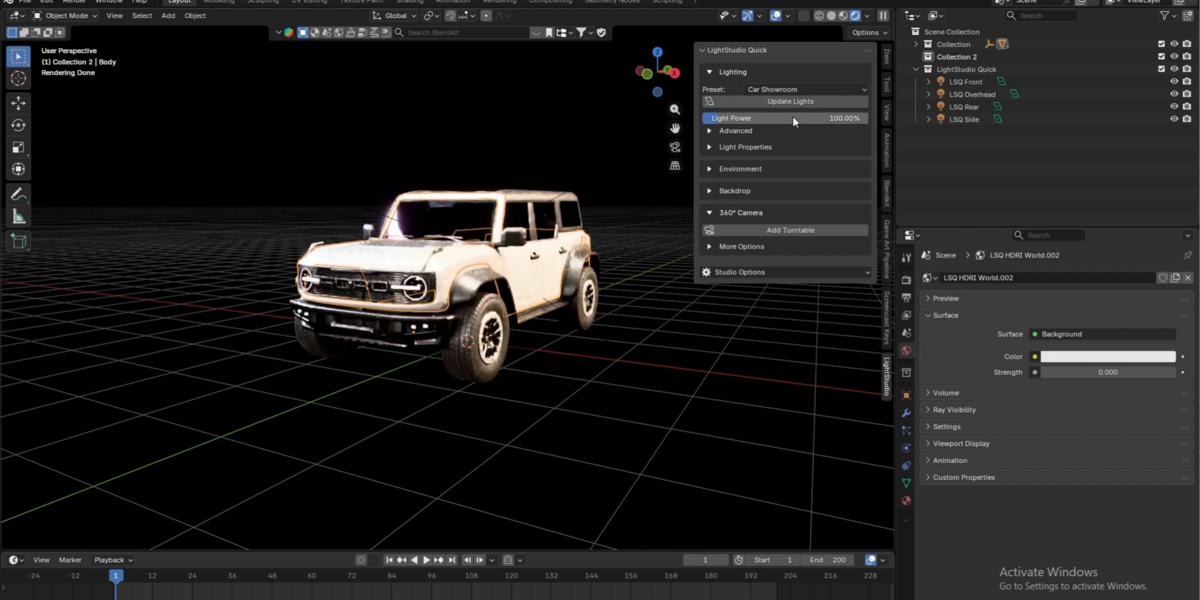
Choose from seven lighting presets for studio products, vehicles, electronics, and outdoor subjects. Generate lights around your selected model in one click.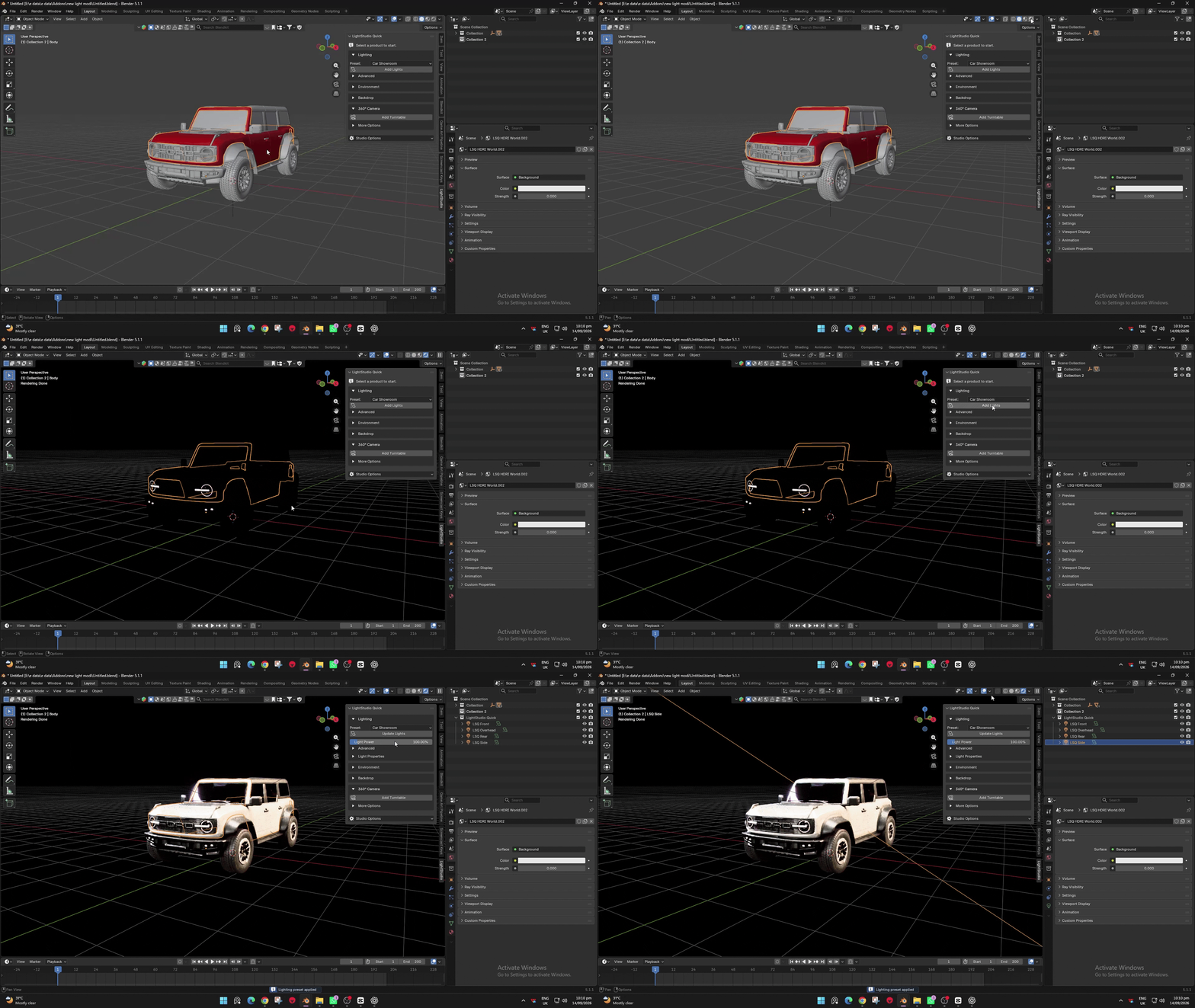
Light Controls
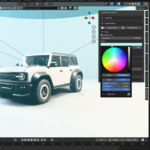
Adjust overall light power live, or change each light’s power and color individually using clearly named controls.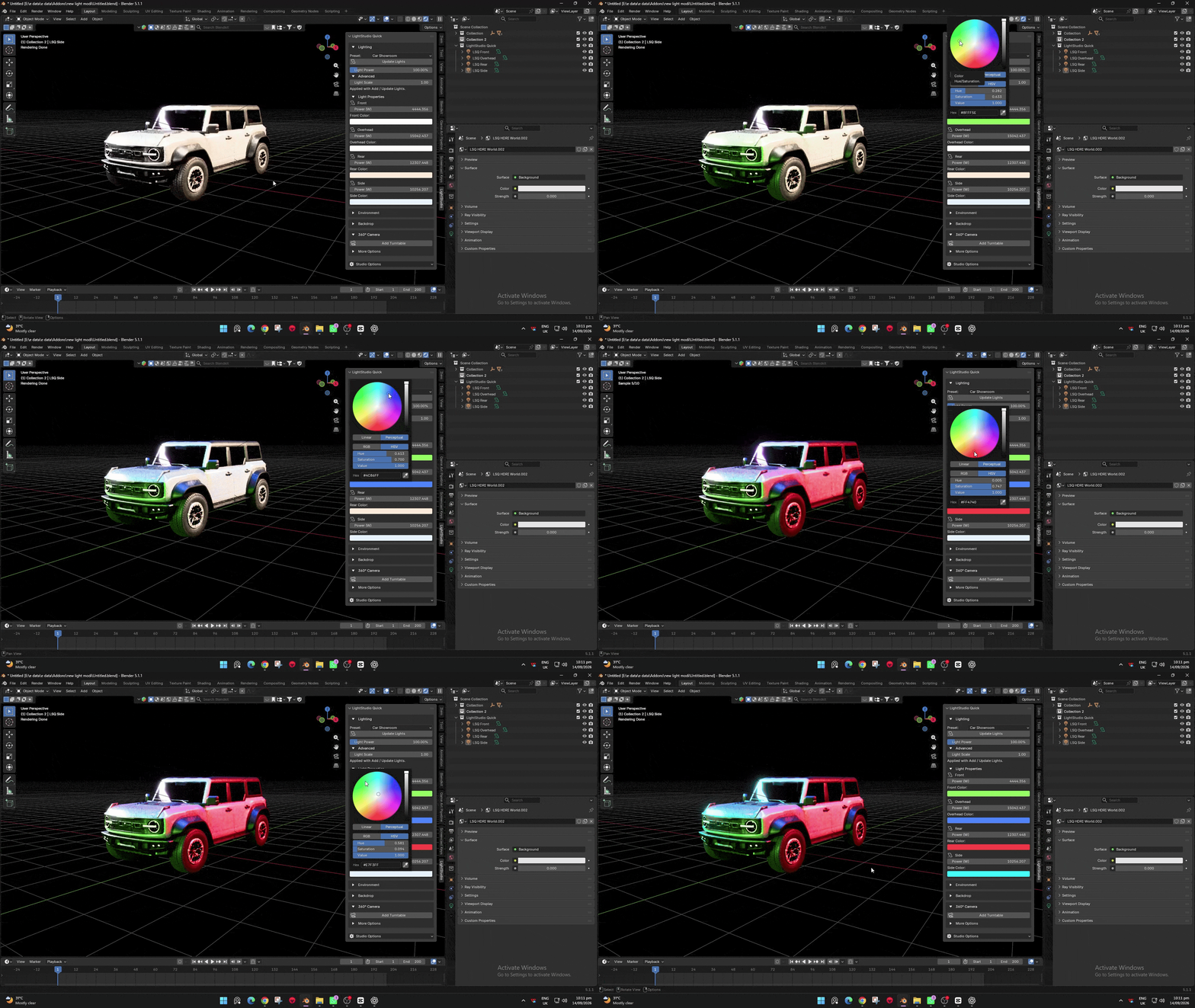
HDRI Environment
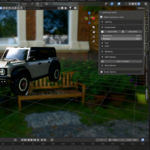
Load an HDRI and adjust its strength and rotation directly from the panel. An optional shortcut opens BlenderKit’s HDRI browser.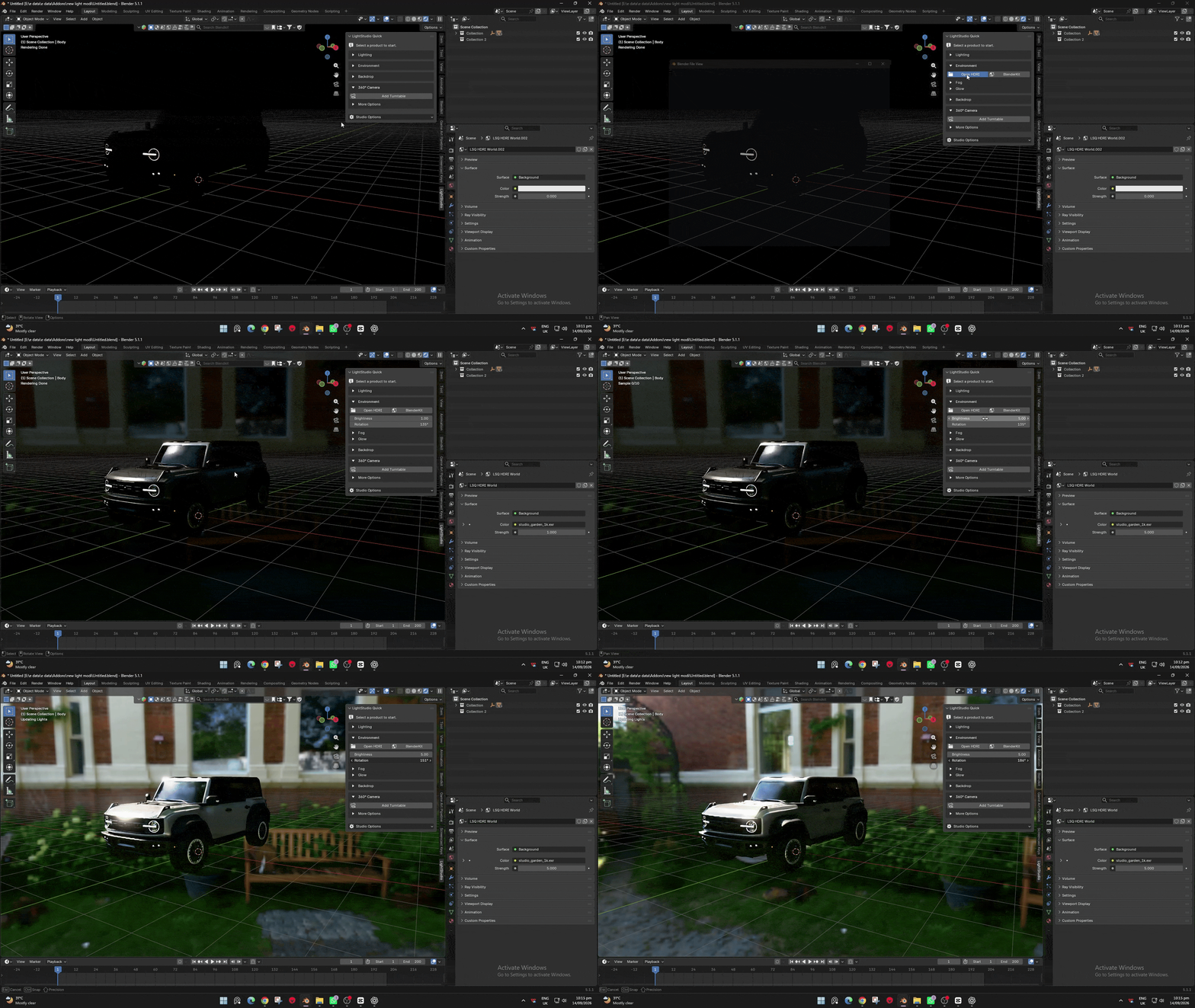
Fog & Glow
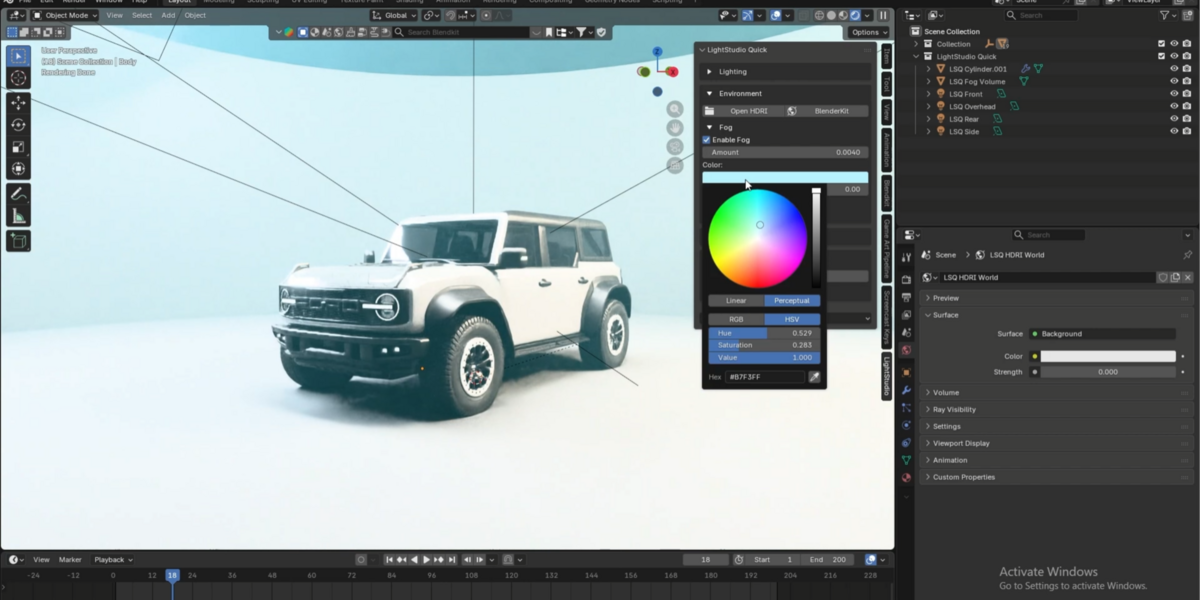
Add volumetric fog with adjustable density, color, and noise variation. Resize and reposition the volume without losing your changes. Optional glow enhances bright highlights in final renders.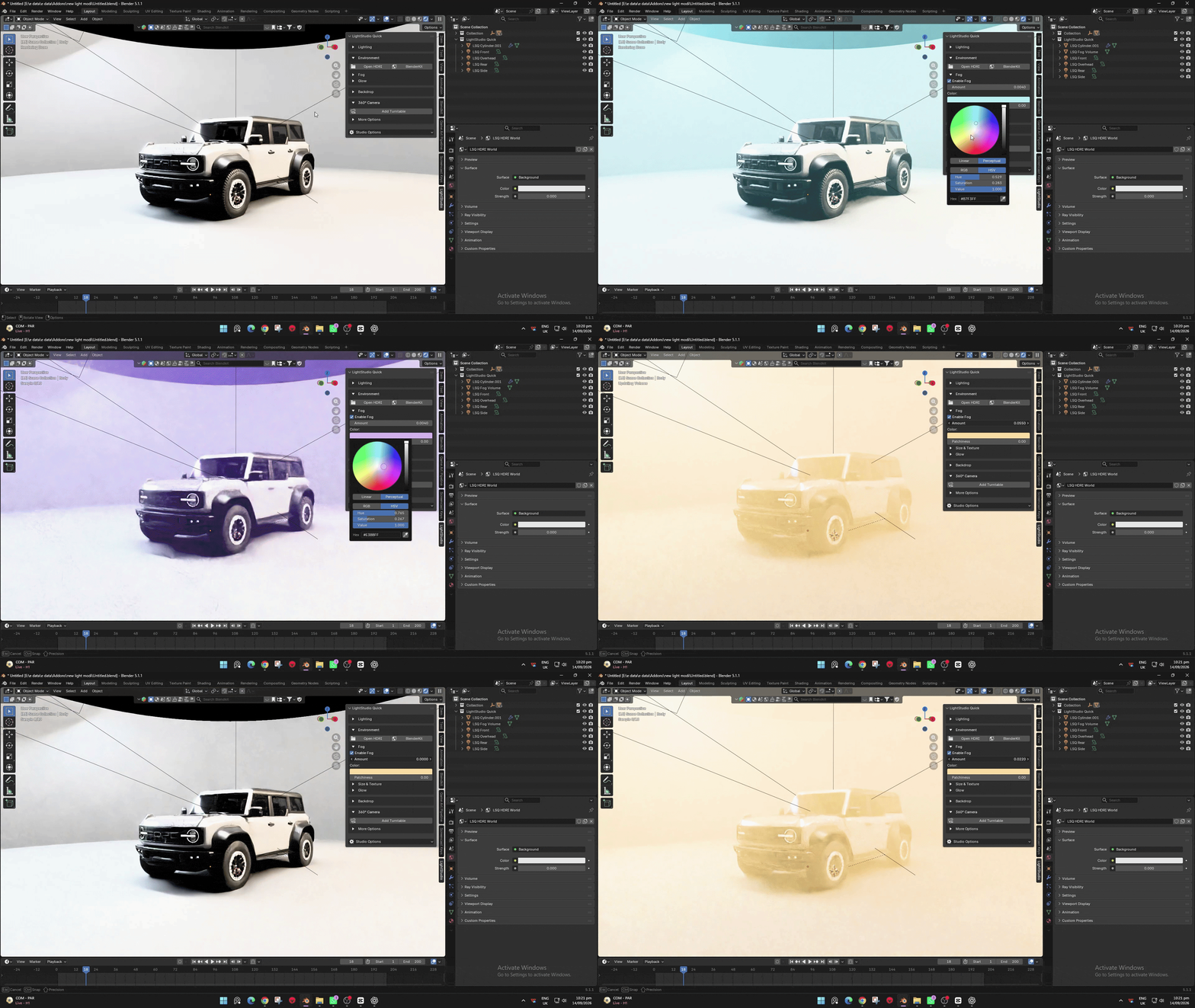
Backdrops
Create curved walls, L-shaped backdrops, flat floors, or open-top cylinders. Adjust dimensions and choose material presets with live color, roughness, and metallic controls.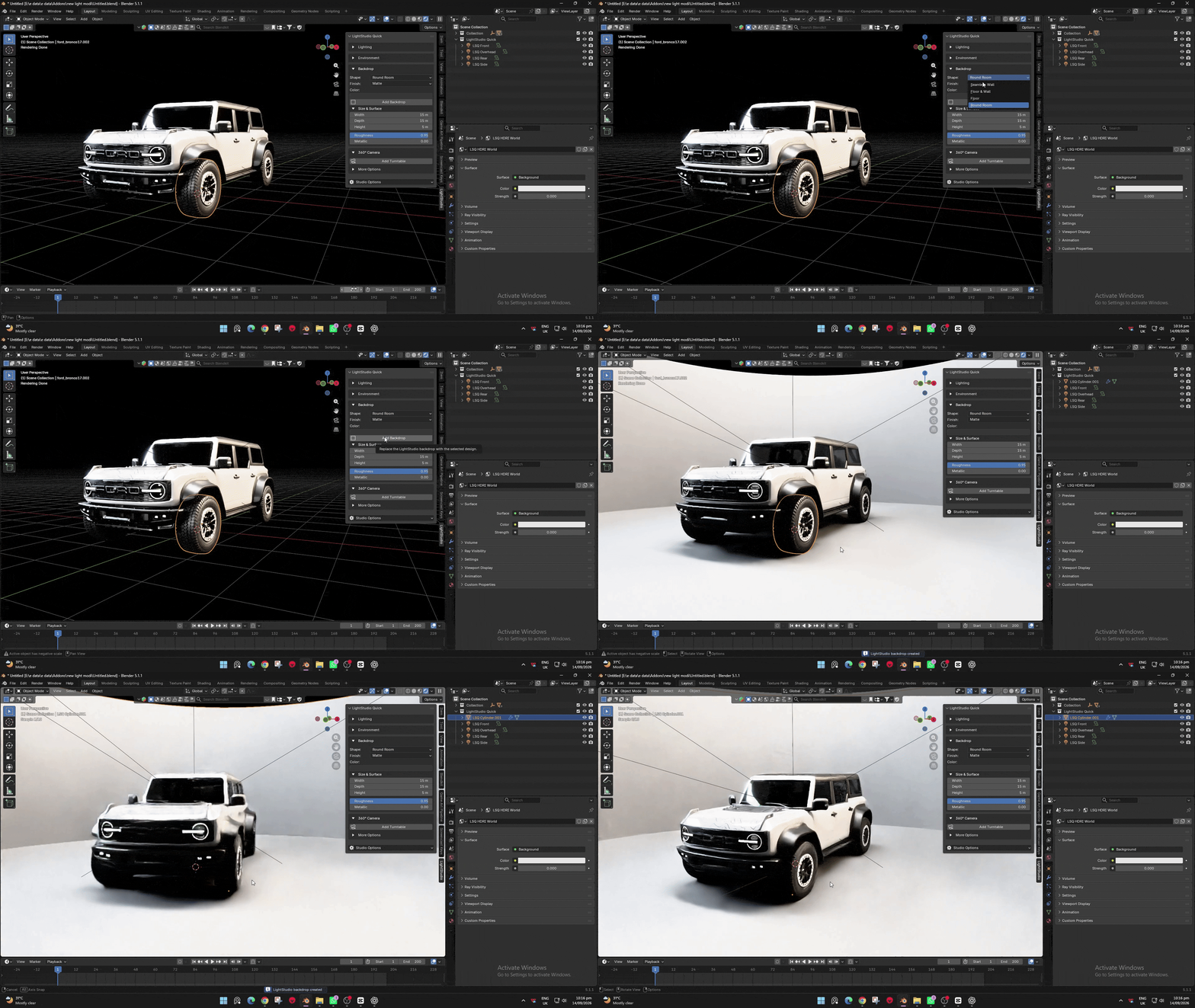
360° Turntable
Create an animated camera orbit with automatic framing. Adjust focal length, distance, height, and angle live while viewing through the camera.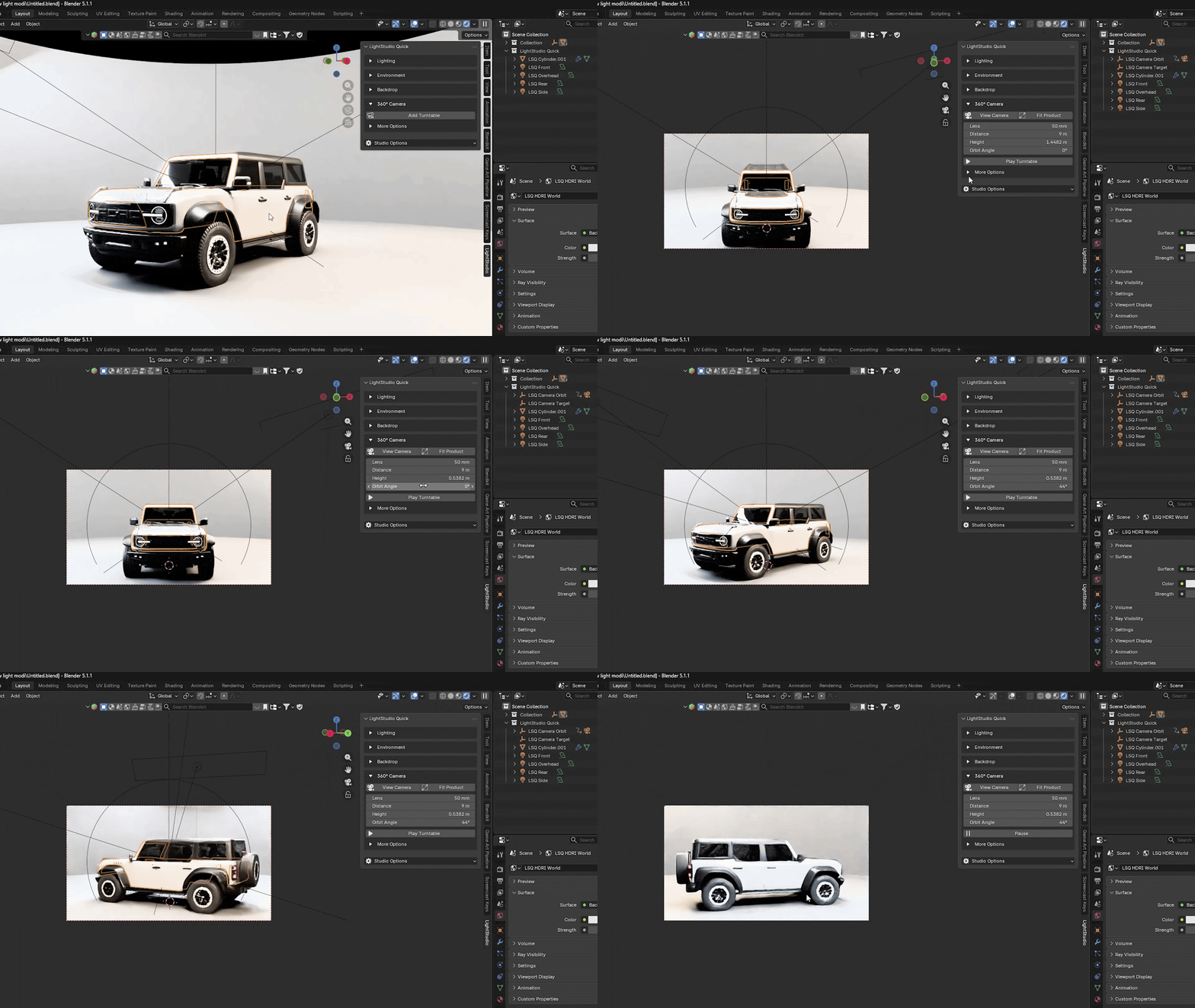
Requires Blender 4.2 or newer.