Lightstudio Quick Pro
 ORM3DCreations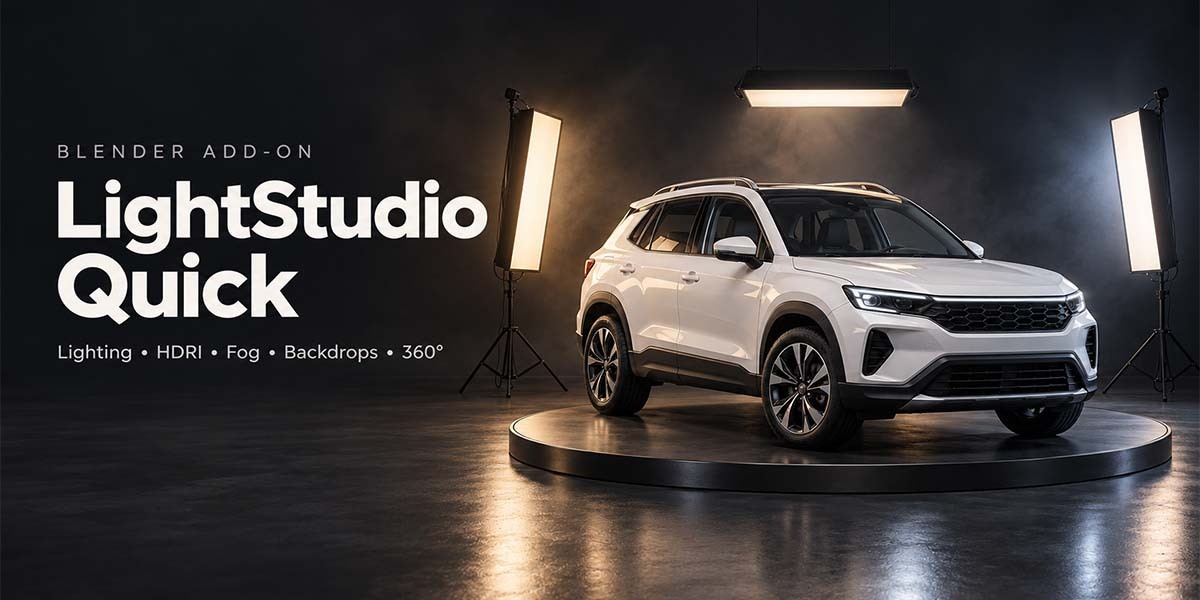
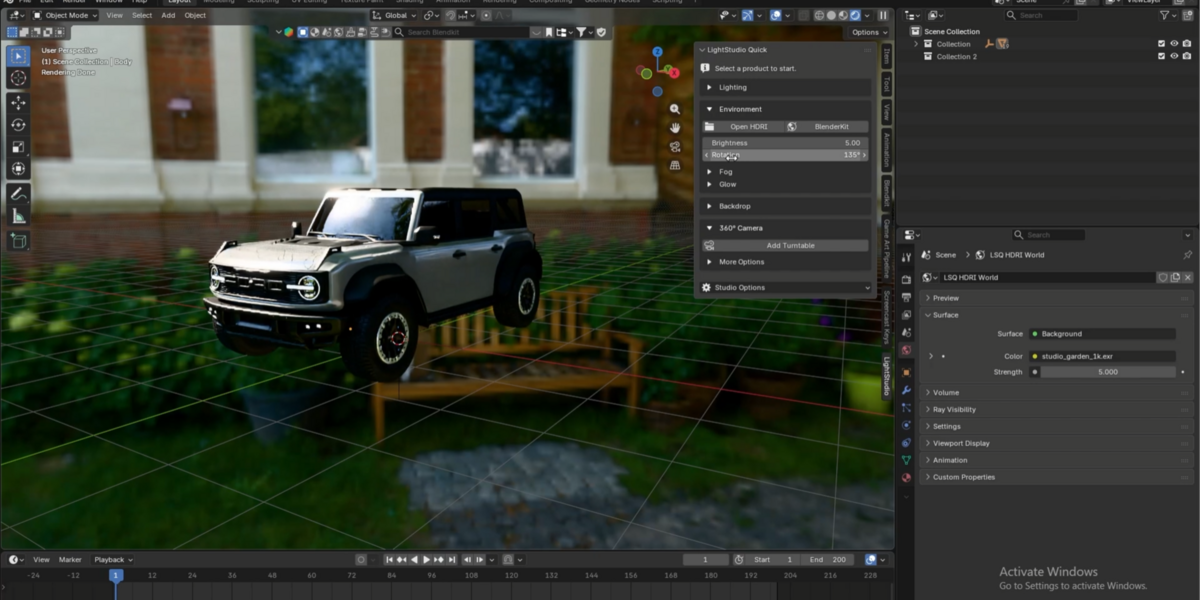

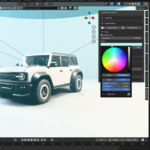
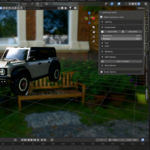

Build Your Render Setup in Fewer Clicks
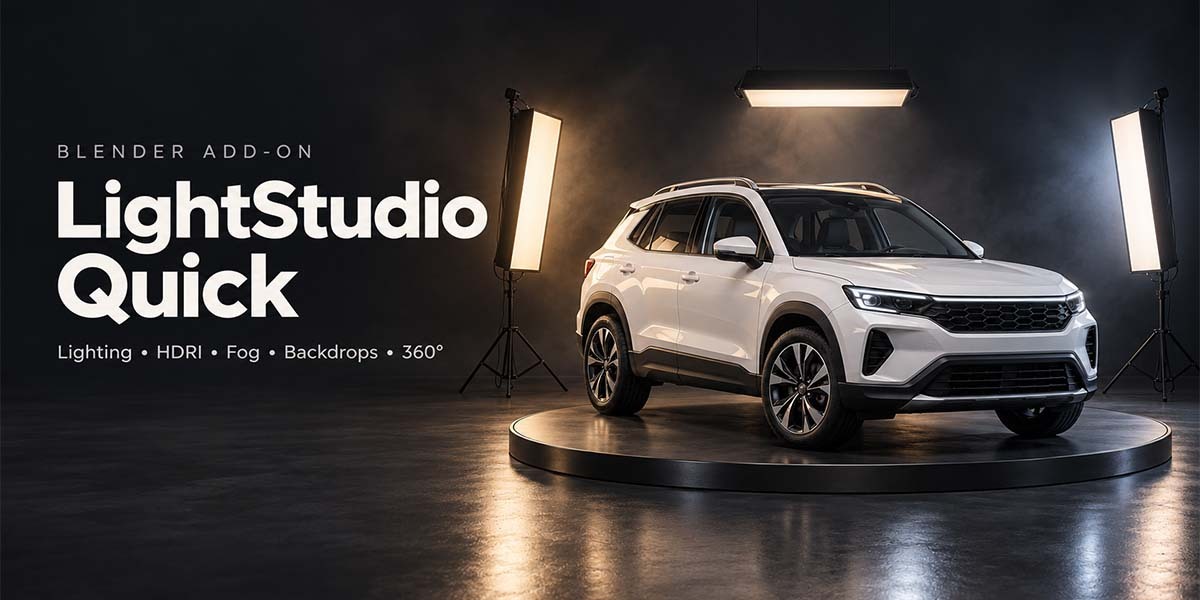
LightStudio Quick brings lighting presets, HDRI controls, volumetric fog, backdrops, and animated turntable cameras into one organized Blender sidebar.
Designed for product renders, portfolio images, marketplace thumbnails, and asset previews—with familiar controls and advanced settings tucked away until you need them.
1. Add Lights
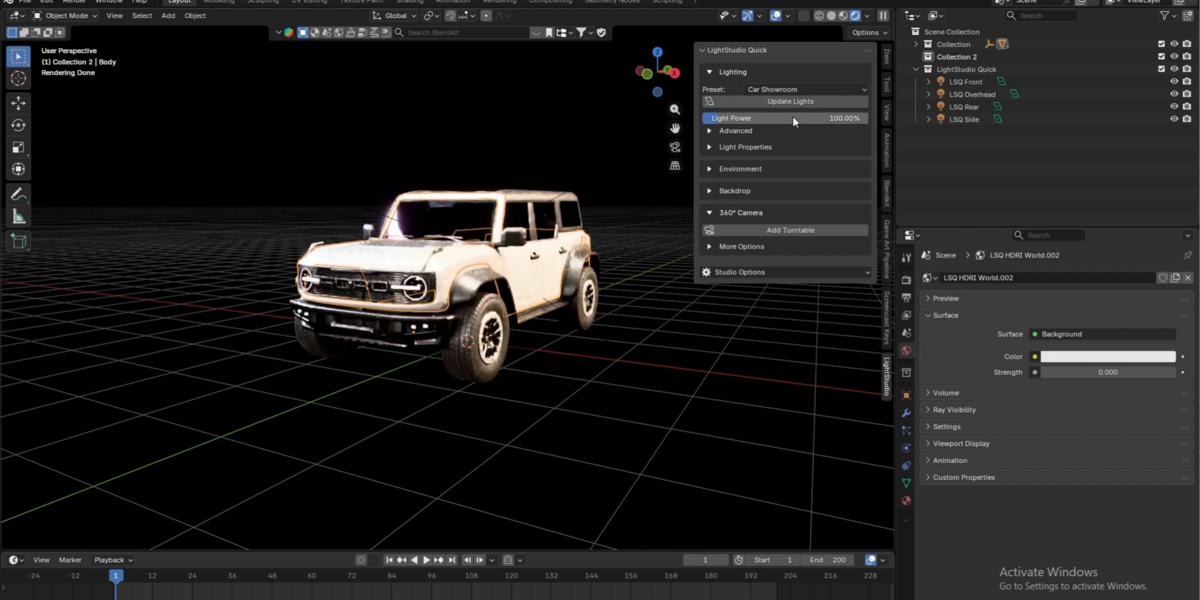
Choose from seven lighting presets, including soft studio lighting, colored rim lights, dark product lighting, and setups suited to vehicles, trees, buildings, and electronics.
Lights are positioned around your selected model, giving you a practical starting point for your render.
2. Control Your Lights
Adjust the overall Light Power live, then fine-tune each light’s power and color individually.
Clearly named light controls make it easy to identify what you’re changing—all from the N-panel.
3. Set Up Your HDRI
Load an HDR or EXR environment and adjust its strength and rotation directly from the sidebar.
Already using BlenderKit? Open its HDRI browser through the add-on’s optional shortcut.
HDRI files are not included. BlenderKit requires a separate installation, and asset access is managed by BlenderKit.
4. Add Fog and Atmosphere
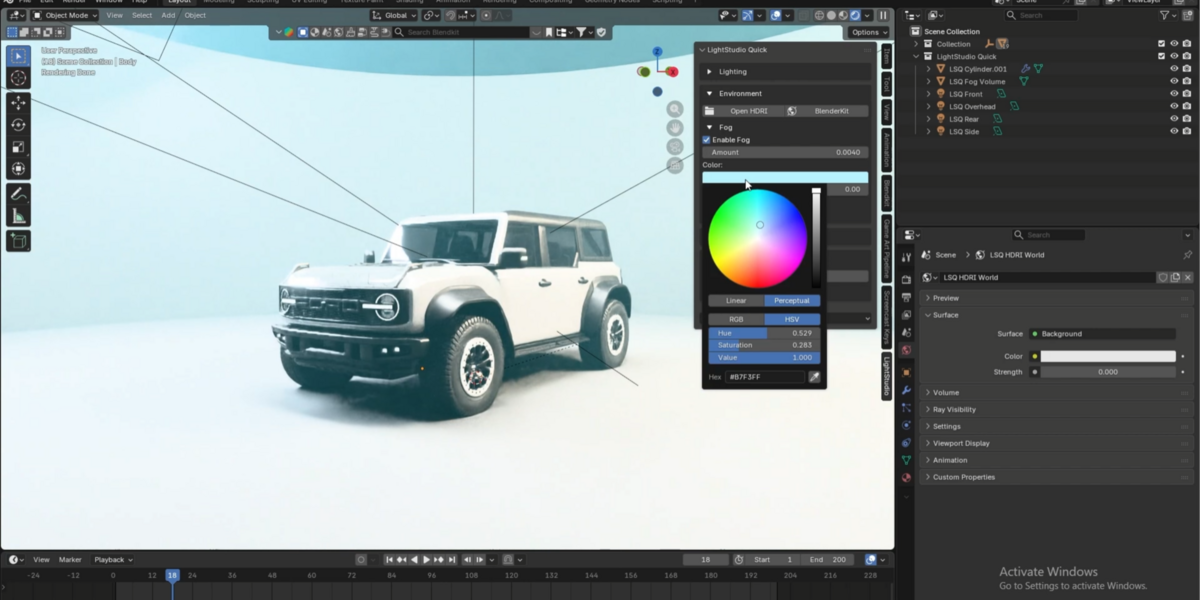
Enable volumetric fog and control its density, color, and procedural noise variation.
Adjust the fog volume’s size and position to suit your scene. Appearance changes preserve your placement and dimensions, so you can keep refining the atmosphere without rebuilding the volume.
Optional compositor glow adds soft halos around bright highlights in final renders.
5. Create Your Backdrop
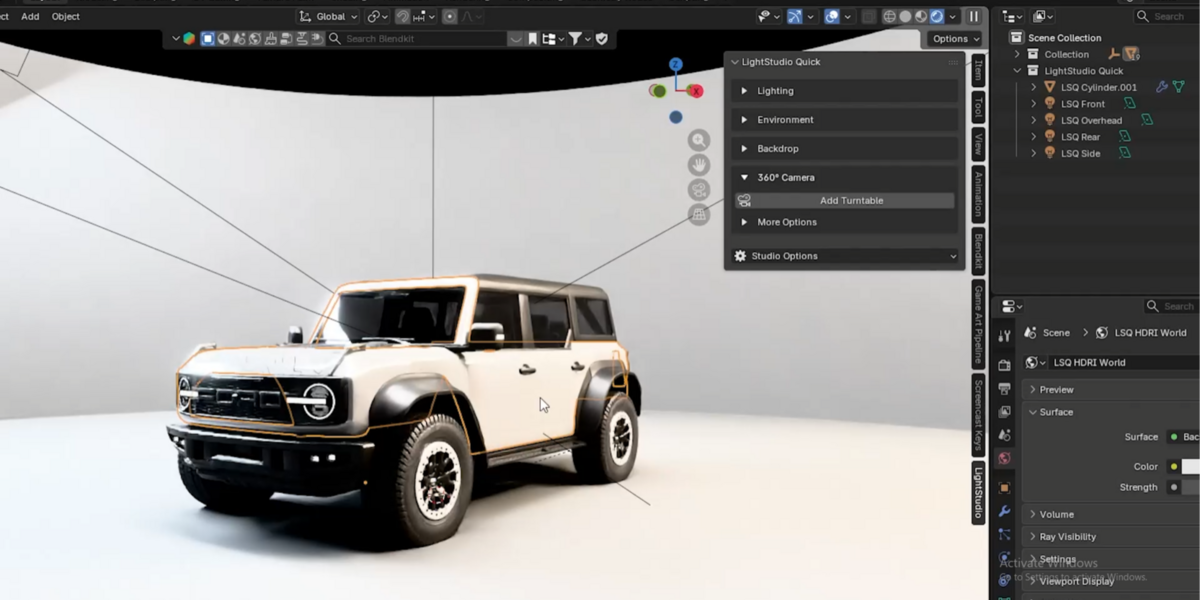
Choose a curved studio wall, an L-shaped backdrop, a flat floor, or an open-top cylindrical room.
Adjust width, depth, and wall height, then choose a surface finish: Matte, Satin, Glossy, Polished Metal, or Rough Metal.
Color, roughness, and metallic controls let you customize the backdrop directly from the panel.
6. Create a 360° Turntable
Add an animated camera orbit around your selected product with automatic framing.
View through the camera and adjust focal length, distance, height, and orbit angle live. Use Fit Product to reframe your model, preview the animation, and adjust the frame range when needed.
Your turntable camera is ready for Blender’s rendering workflow.
A Clean, Familiar Workflow
Four organized sections keep your workspace focused:
Lighting
Environment
Backdrop
360° Camera
Start with the essential controls and expand detailed settings only when you need them.
Compatibility
Minimum Blender version: 4.2.
Automated workflow tests completed in Blender 5.0 and 5.1.1.
Have questions about this product?
Login to message
| Blender Extension Compatible | Yes |
| Published | 12 days ago |
| Blender Version | 4.2 - 5.2 |
| Extension Type | Add-on |
| Render Engine Used | Blender-Internal, Blender-Game-Engine, Cycles, Eevee, Octane, Vray |
| License | GPL |
Discover more products like this
render setup Studio product rendering camera animation volumetric fog presets blender addon 360 Render Lighting