Lineforge - Panel Lines Cut Into The Model You Already Have
 Tristan Muzzu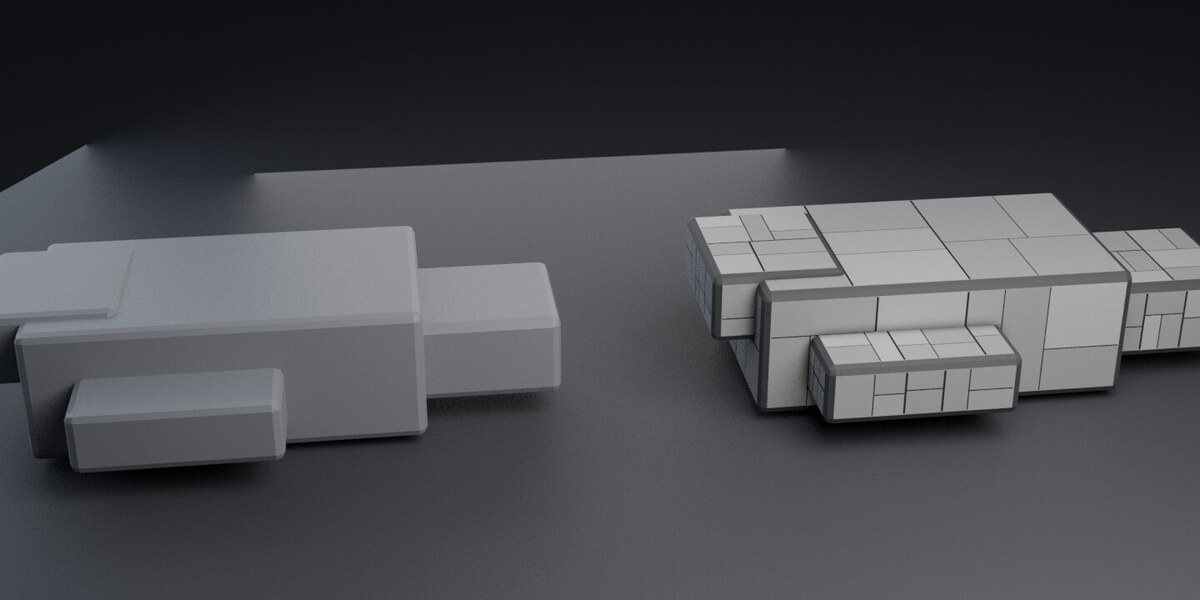
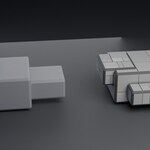
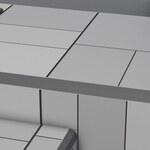
LineForge
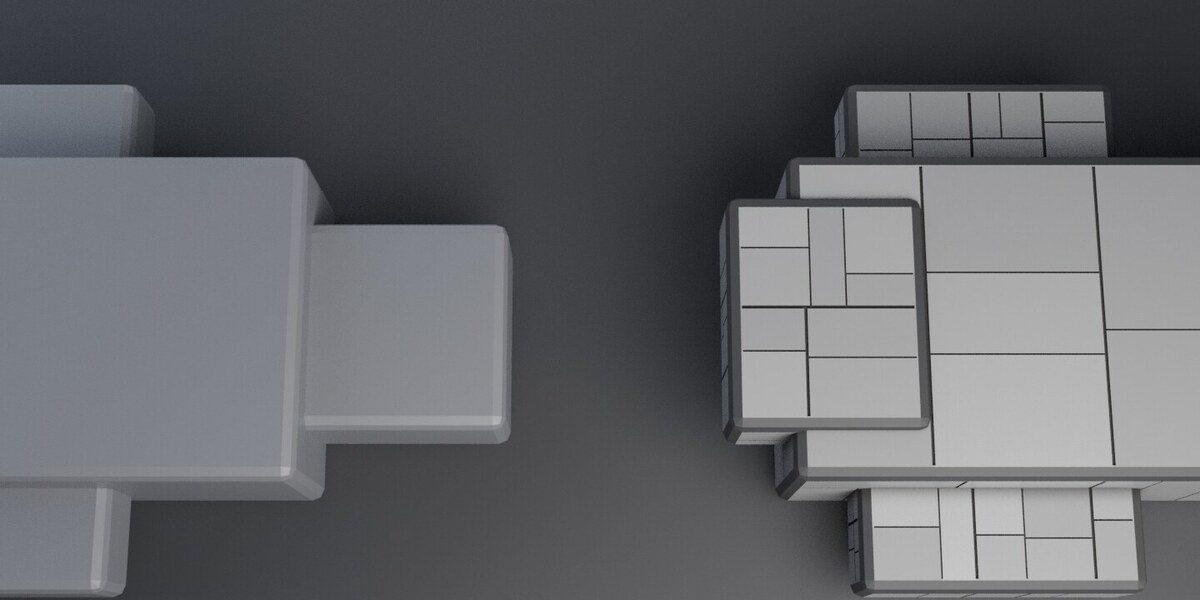
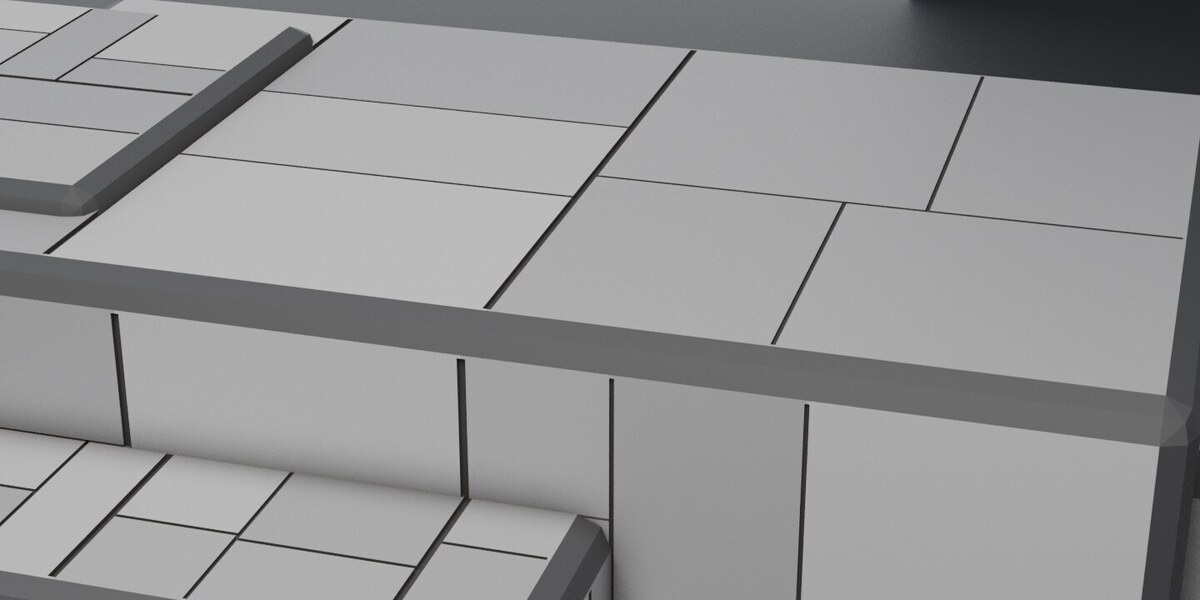
Panel seams cut into the model you already have. Select a mesh, press one button, and every flat area on it comes back divided into panels by recessed grooves.
Supports Blender 3.6 through 5.2.
What it does
- Groups neighbouring faces that point roughly the same way into flat regions, so a subdivided wall is treated as one flat area.
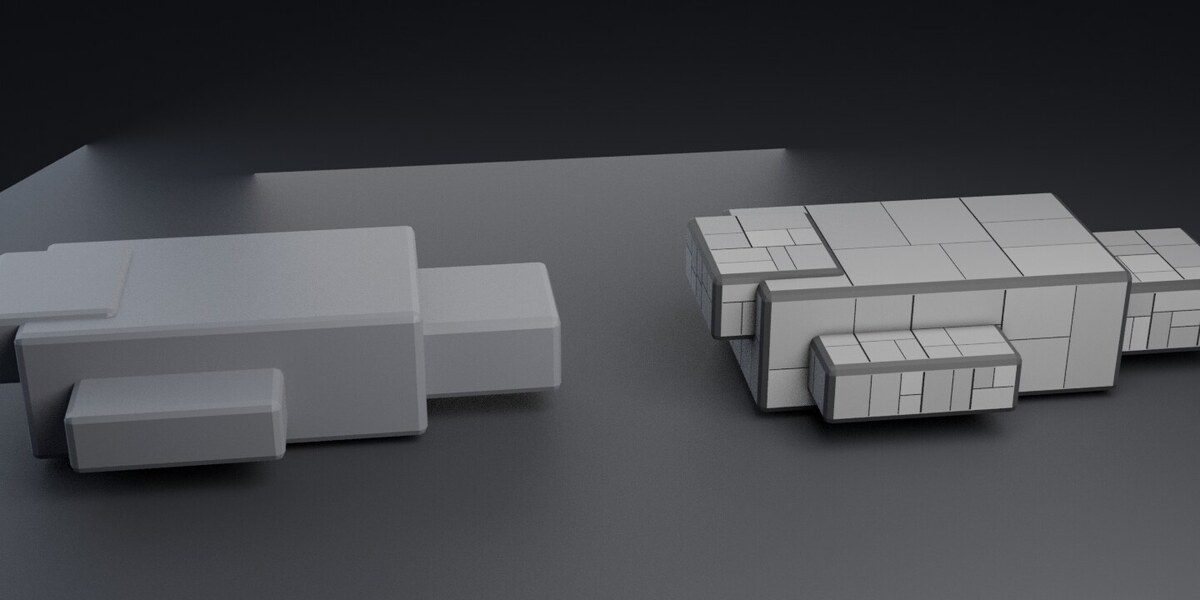
- Splits each region into panels with a seeded guillotine layout, largest piece first, so panel sizes vary instead of forming a grid. With Follow the Model on, a cut prefers a line the model already has, so a seam lands on the lip of a recess or the edge of a boolean cut rather than beside it, and with Line Up Across Corners on it also prefers the place a neighbouring area's seam meets the shared edge.
- Cuts each seam as a real groove: two planes
Seam Widthapart, sunk bySeam Depth, with both walls built by the same operation. The first Heavy Seams in each area are wider and deeper than the rest, so the panelling has a few structural lines and many light ones. - Writes a face attribute called
panel, one value per panel and0.0on every seam face, so a shader can tint or roughen panels separately without anybody selecting anything by hand. - On an object with no materials, adds LF_Panels, which reads that attribute: a tone and roughness per panel, darker seams, cavity dirt in the grooves. Adds a small Bevel Lips modifier so the groove edges catch light. Both options can be turned off.
Install
Blender 4.2 and later: drag lineforge-0.5.0.zip into the window. Blender 3.6 to 4.1: Edit > Preferences > Add-ons > Install, pick the zip, tick it.
The panel is at View3D > Sidebar (N) > LineForge.
Settings
- Seam Width and Seam Depth are lengths, not fractions. Scale them with the model. On a 3 m hull, 6 mm and 4 mm read well.
- Heavy Seams, Heavy Width and Heavy Depth decide how many of the first cuts per area are the heavy ones and by how much. 0 heavy seams gives the 0.4.0 look.
- Panels is a target count per region and every position on it performs one more cut.
- Min Panel stops a region being cut into slivers.
- Flat Within decides what counts as one flat region. Raise it on a curved surface, lower it if two faces are being treated as one.
- Follow the Model moves a cut onto a line the model already has. Off gives the plain seeded layout back.
- Line Up Across Corners makes neighbouring areas agree at a shared edge.
- Selected Faces Only restricts the whole thing to a selection.
Limitations
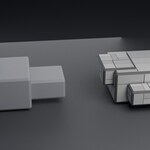
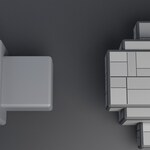
- A groove still stops at the border of its own flat region. It does not run around a corner as one continuous cut. What it does do since 0.3.0 is line up: neighbouring areas are laid out knowing where each other's seams meet the shared edge, so on the hull in the comparison image 35 of 72 seams arrive at the same place as a neighbour's.
- A plate that only sits on a surface contributes nothing to follow. With no boolean it shares no edge with the surface under it, so Follow the Model cannot see it. Recesses and boolean cuts it can.
- Most seams are still layout, not structure. On the hull in the comparison image 7 of 72 landed on a feature; the other 65 came from the guillotine.
- A flat region is found by plane, normal and bounding box, not by connectivity. A second surface of the same mesh that lies in the same plane, faces the same way and overlaps the first will be panelled with it.
- Curved surfaces are left alone unless Flat Within is raised far enough to treat them as flat, which usually looks wrong.
Measured
On a 3 m hull blockout with a prow, a sunken bay and two deck plates, at panels=8, gap=11 mm, depth=7 mm: 211 flat regions found, 11 cut, 72 seams of which 7 landed on a line the model already had and 35 line up with a neighbour's, 83 panels, 216 faces in and 1,133 out, 3,418 triangles, 0 non-manifold edges and 0 loose vertices. The deepest groove floor measures 7.000 mm below its own region plane, read off the faces that moved rather than copied from the setting that asked for it.
Licence
GPL-3.0-only. See LICENSE.
Have questions about this product?
Login to message
| Blender Extension Compatible | Yes |
| Published | 4 days ago |
| Blender Version | 3.6 - 5.2 |
| Extension Type | Add-on |
| Render Engine Used | Cycles, Eevee |
| License | GPL |

Discover more products like this
greebles sci fi hard surface seams modeling panel lines panels procedural